

- Name CrystalSound
- Category Productivity
- Developer NamiTech JSC
- Available on PC
- OS Windows 10 version 0.0 or higher
- Mouse Integrated Mouse
- Memory 8 GB
- languages English, Japanese
CrystalSound for Windows: Your Gateway to Crystal-Clear Audio Experience
If you're someone who values pristine sound quality and seamless audio management, CrystalSound offers a refined solution designed to elevate your Windows experience. With its sleek interface and intelligent features, this application aims to simplify how you monitor, improve, and control your audio environment—transforming your device into a true sound sanctuary.
Meet the Makers: NamiTech JSC—Innovators in Audio Solutions
Developed by NamiTech JSC and published under Nami Technology Joint Stock Company, CrystalSound is the latest addition to their portfolio of user-centric productivity tools. The team combines expertise in software engineering and audio technology, focusing on creating solutions that blend technical sophistication with ease of use.
Key Features That Make CrystalSound Stand Out
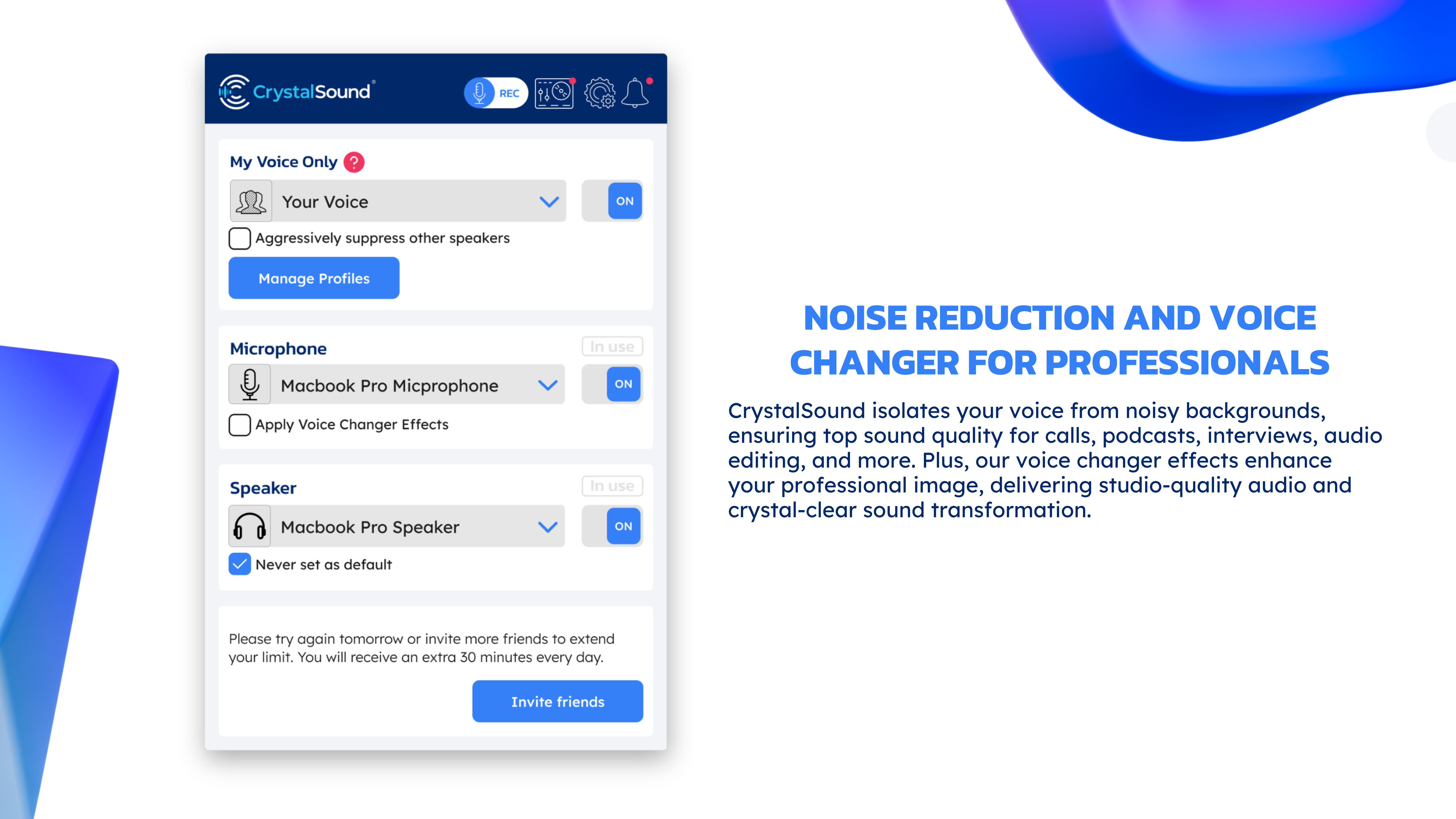
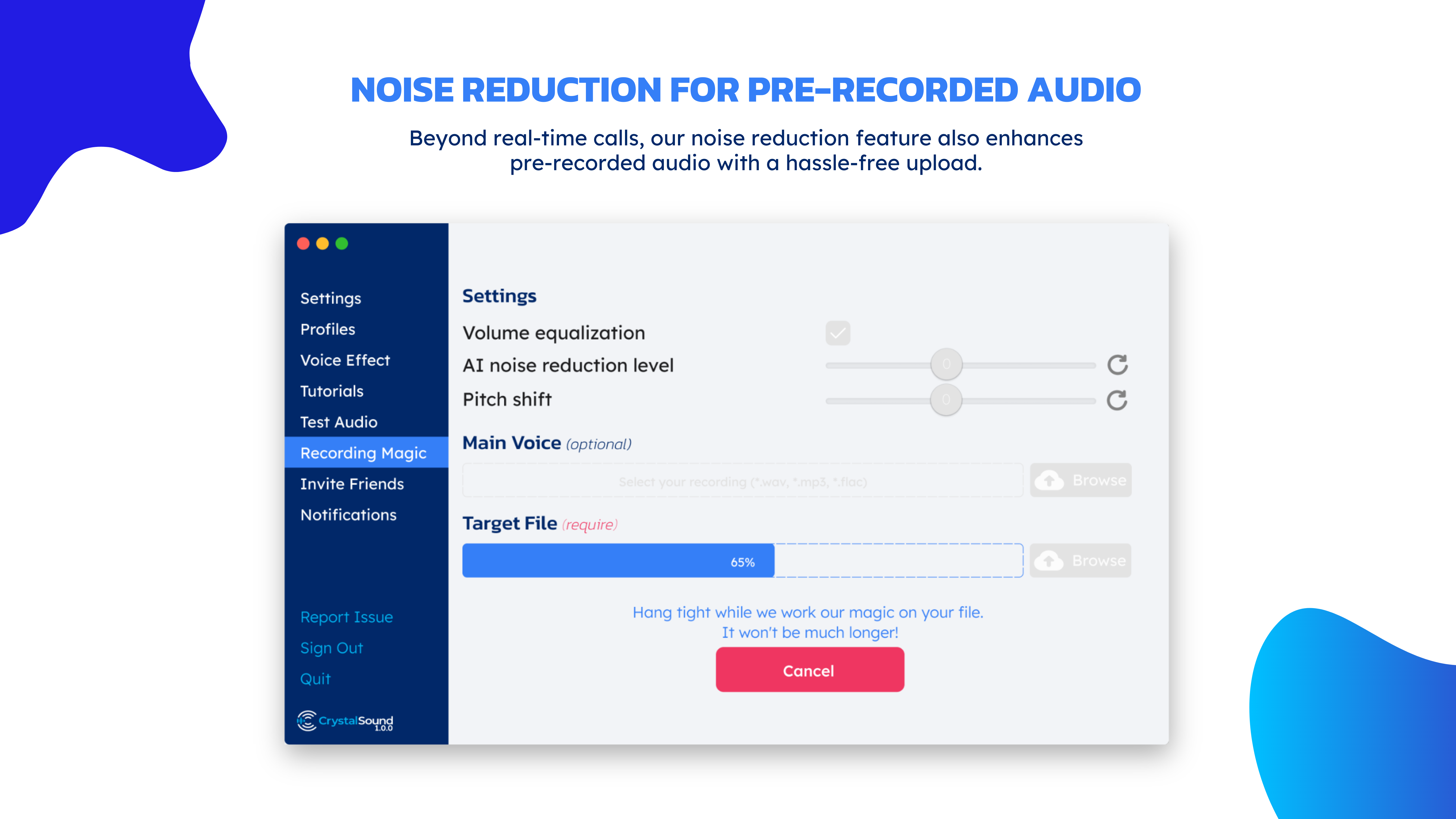
- Real-Time Audio Enhancement: Utilizes advanced algorithms to automatically optimize sound quality, minimizing background noise and balancing audio levels with minimal user intervention.
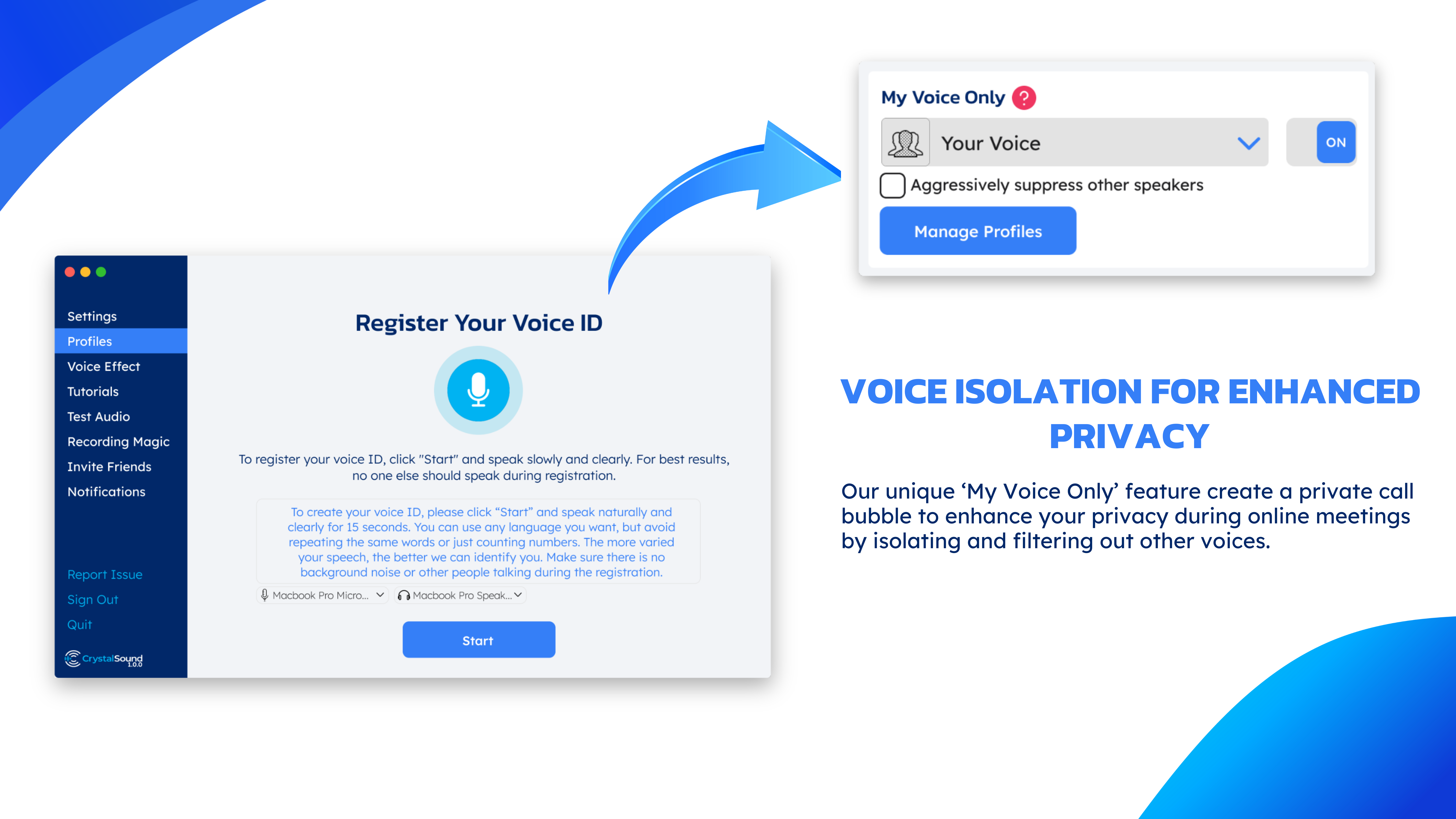
- Intuitive Sound Profile Management: Easily switch between customizable profiles tailored for gaming, professional calls, or entertainment, ensuring appropriate settings for every scenario.
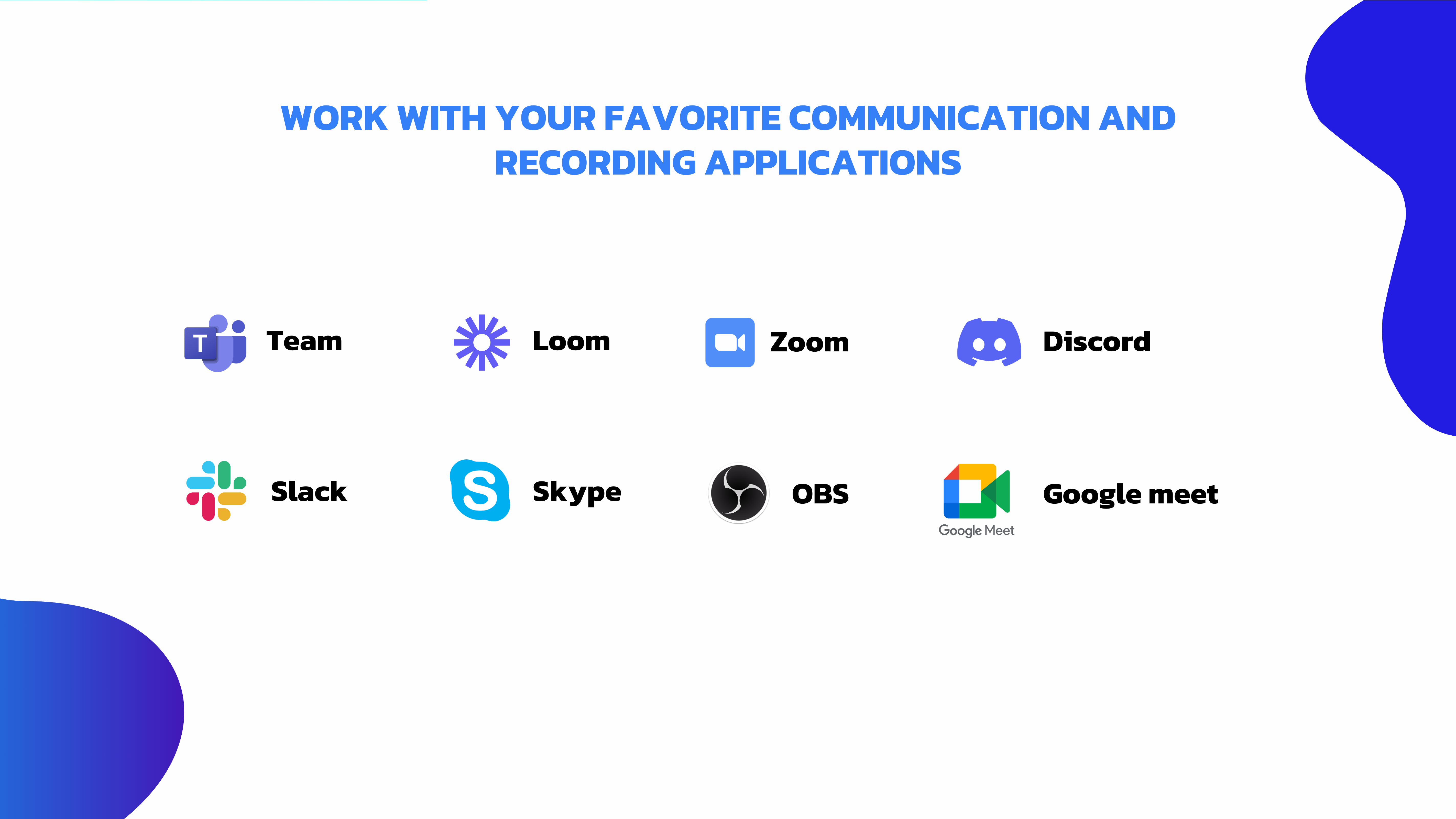
- Seamless Workflow Integration: Integrates smoothly with Windows sound settings and other productivity apps, streamlining your audio management without disrupting your workflow.
- Focus on Cognitive Load Reduction: Designed to simplify complex audio adjustments, allowing users to enjoy superior sound without being overwhelmed by excessive features.
Vivid Insights into the User Experience
Imagine sitting in a crowded cafe, yet feeling as if you're in your personal soundproof studio—that's the magic CrystalSound can work for your ears. Its interface is like a sleek control panel, straightforward but powerful, inviting even technophobes to explore and tweak settings without feeling lost. The design employs a muted color palette with clear icons, ensuring that the core functionalities stand out and are accessible at a glance.
Usage is a breeze; the app operates with remarkable responsiveness, making real-time adjustments feel instantaneous—no lag, no frustration. The learning curve is gentle, thanks to guided tutorials and the logical layout, meaning you can dive right in and start optimizing your audio within minutes. This user-centric approach turns what could be a complex configuration into an enjoyable, almost tactile experience.
How Does CrystalSound Differ from Its Competitors?
While many audio management tools clutter the market with myriad features that often complicate the user interface, CrystalSound takes a different route. Its strongest suit is the emphasis on workflow integration efficiency—think of it as an experienced conductor guiding your audio ensemble, ensuring each element harmonizes without overloading your cognitive bandwidth.
Furthermore, rather than packing every conceivable feature into a single app, CrystalSound focuses on reducing cognitive load by automating routine sound adjustments and providing smart profile switching. This makes it particularly attractive for professionals, gamers, and content creators who need reliable, high-quality audio without constantly tinkering or wading through layers of options.
Final Recommendations: Is CrystalSound Worth Your Attention?
Absolutely, provided you're seeking a practical, unobtrusive tool to improve your audio experience. Its unique real-time enhancement combined with smooth workflow integration makes it an excellent choice for users who prioritize sound quality but dislike overly complex applications. I recommend it for anyone tired of competing apps that promise everything but deliver noise—CrystalSound offers a clear and focused approach to audio management.
If you're aiming to streamline your sound environment without sacrificing control or clarity, give it a try. It might just become your new audio assistant, quietly working behind the scenes to elevate every call, song, or game you enjoy.
Pros
- High-Quality Audio Processing
- User-Friendly Interface
- Customizable Sound Profiles
- Low Latency Performance
- Compatibility with Multiple Devices
Cons
- Limited Advanced Settings for Audiophiles
- Occasional App Crashes and Bugs
- Limited Customer Support Resources
- Requires Frequent Updates for Optimal Performance
- Potential Compatibility Issues with Certain Sound Devices











