
- Name Corel Painter
- Category Multimedia design
- Developer Corel Corporation
- Available on PC
- OS Windows 10 version 0.0 or higher
- Mouse Integrated Mouse
- Memory 8 GB
- languages English, French, German, Japanese, Chinese (Traditional Chinese)
Introducing Corel Painter for Windows: A Digital Artistry Powerhouse
Corel Painter for Windows stands out as a leading digital painting application, designed to bring artists' visions to life with realistic brushes and intuitive tools. Known for its ability to simulate traditional art techniques with remarkable authenticity, it remains a favorite among professional illustrators, concept artists, and hobbyists alike.
Developer and Core Features That Shine
Who's Behind the Magic?
Developed and published by Corel Corporation, a reputable name in creative software development, Corel Painter benefits from decades of expertise in digital art tools and a dedicated community of artists and designers worldwide.
Key Highlights
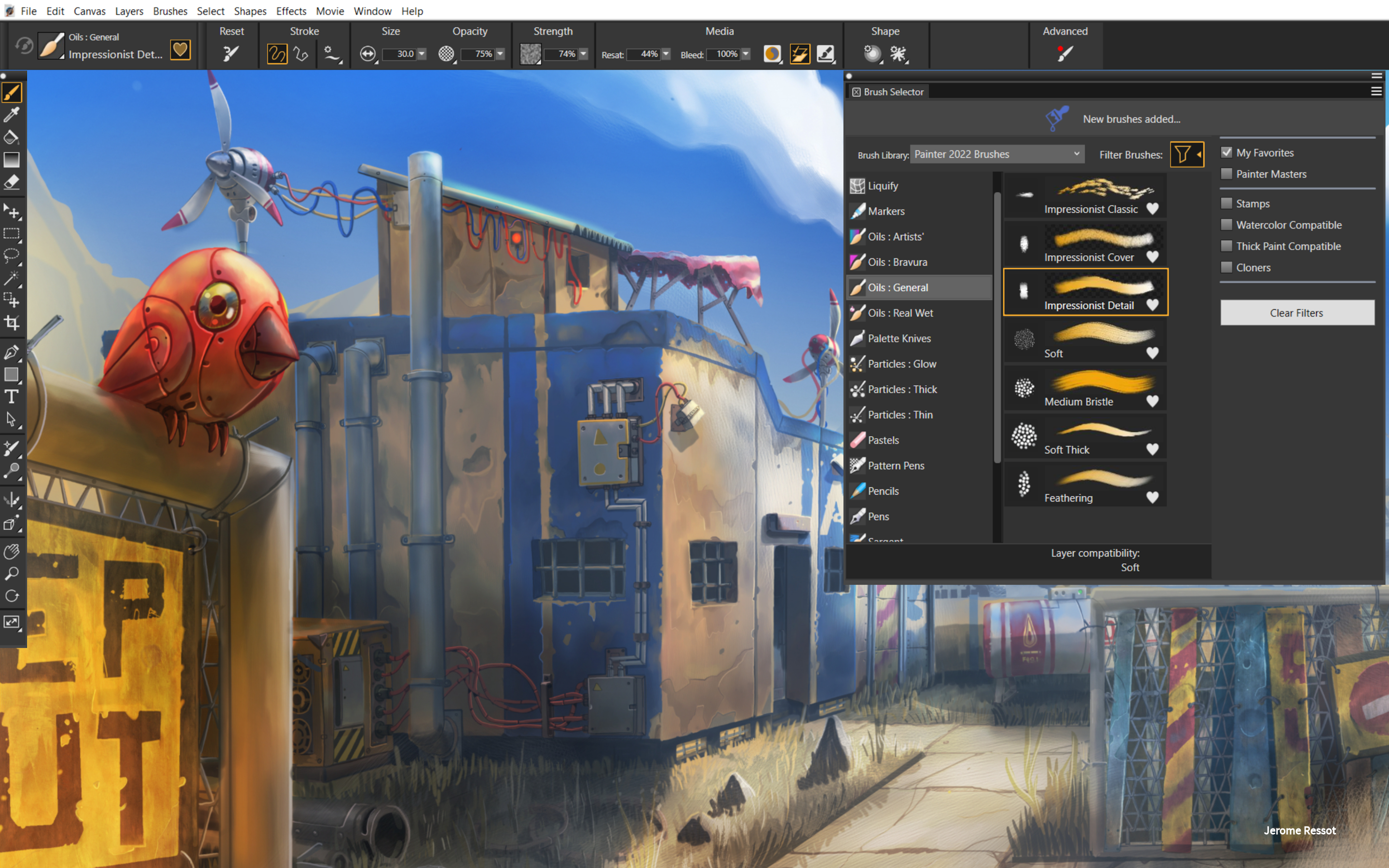
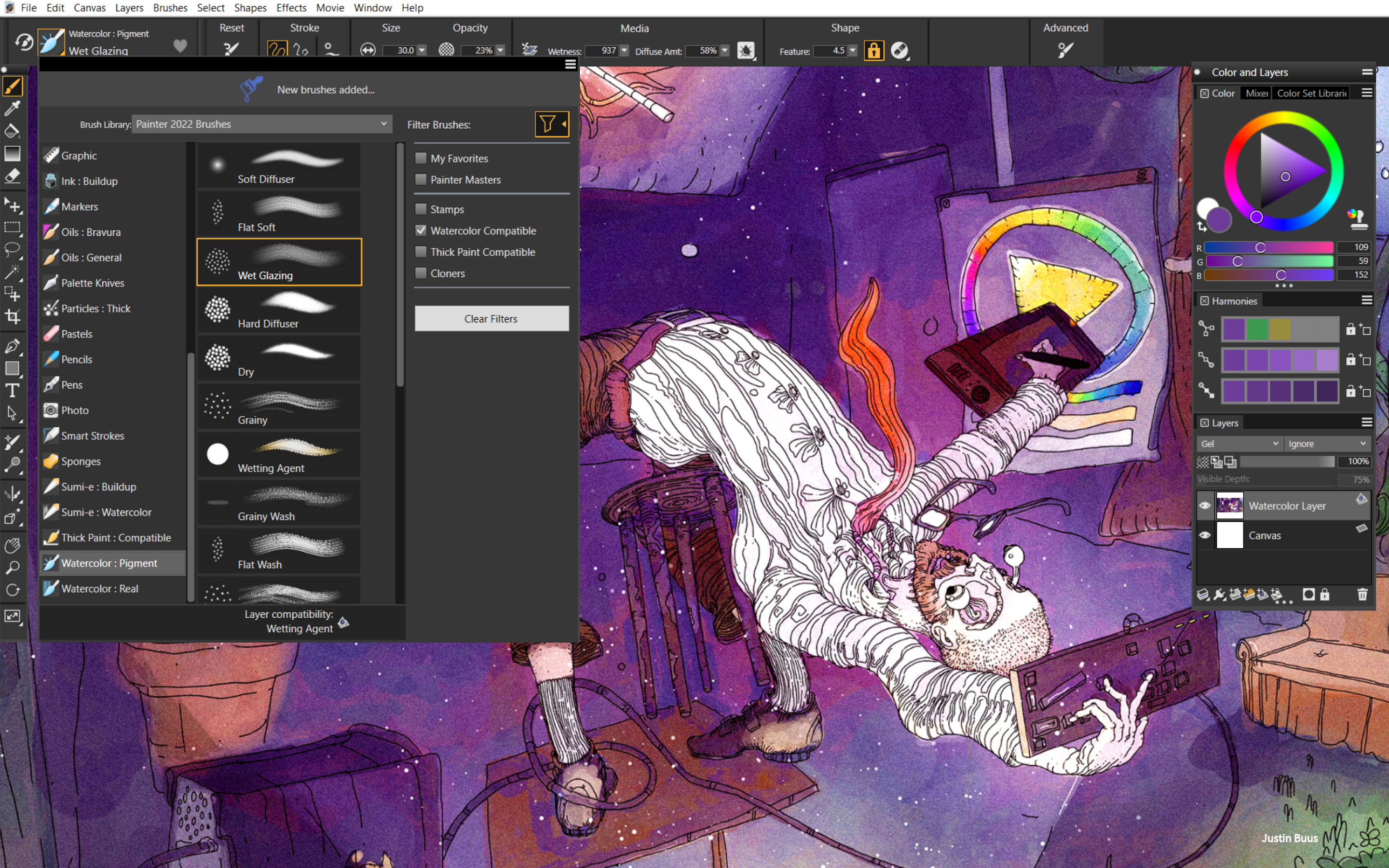
- Realistic Brush Engine: Offers over 900 brushes designed to mimic traditional media like oils, watercolors, pastels, and more—giving artworks a natural, organic feel.
- Advanced Texture and Paper Simulations: Users can experiment with various textured papers and canvases, adding depth and authenticity to their digital paintings.
- Dynamic Painting Experience: Features powerful a.i. brushes and customizable settings that adapt to user preferences, enabling fluid, expressive strokes.
- Seamless Integration and Compatibility: Supports both Windows OS and pressure-sensitive tablet hardware, ensuring a smooth creative workflow.
Immersive User Experience & Unique Selling Points
Engaging and Intuitive Interface
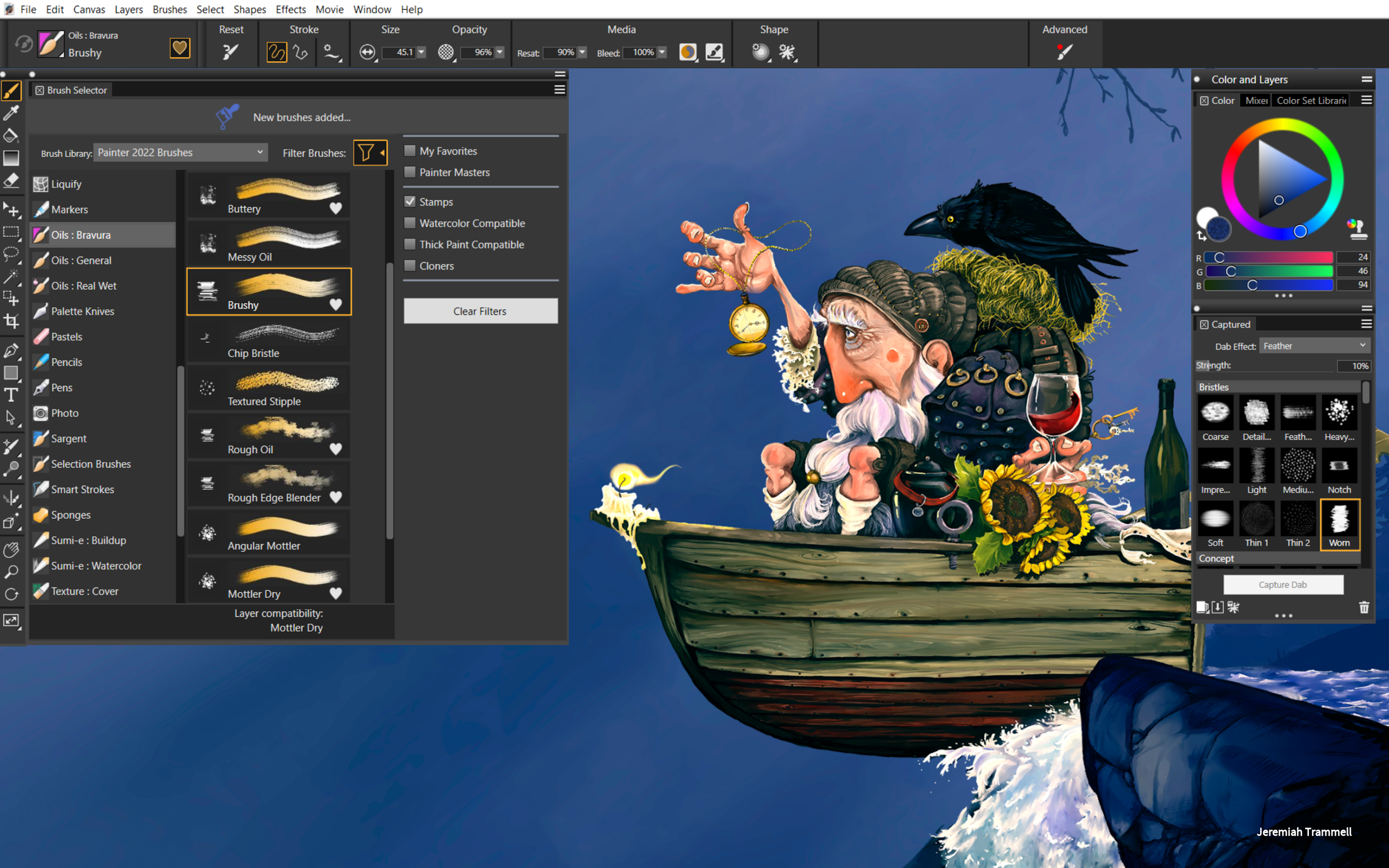
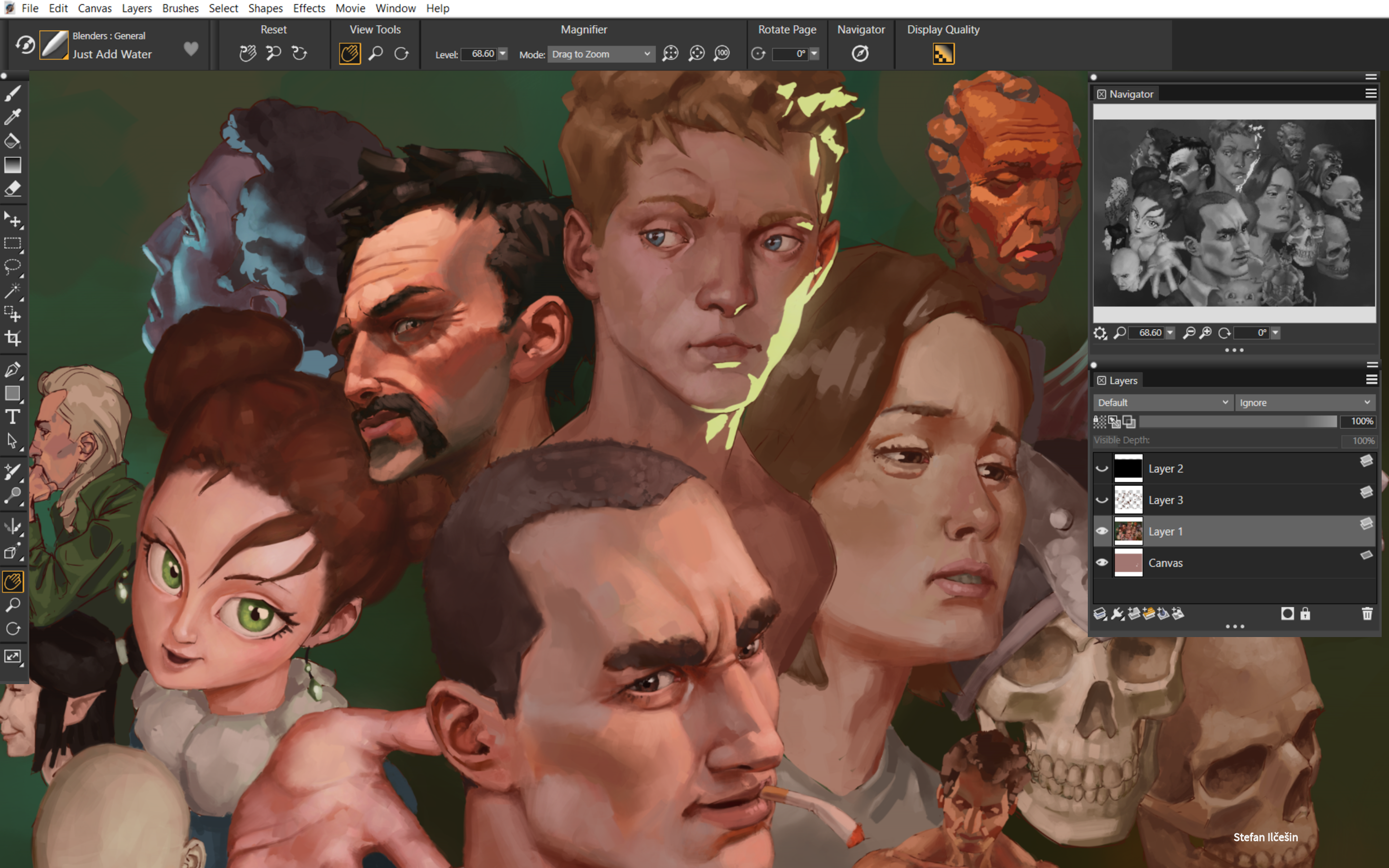
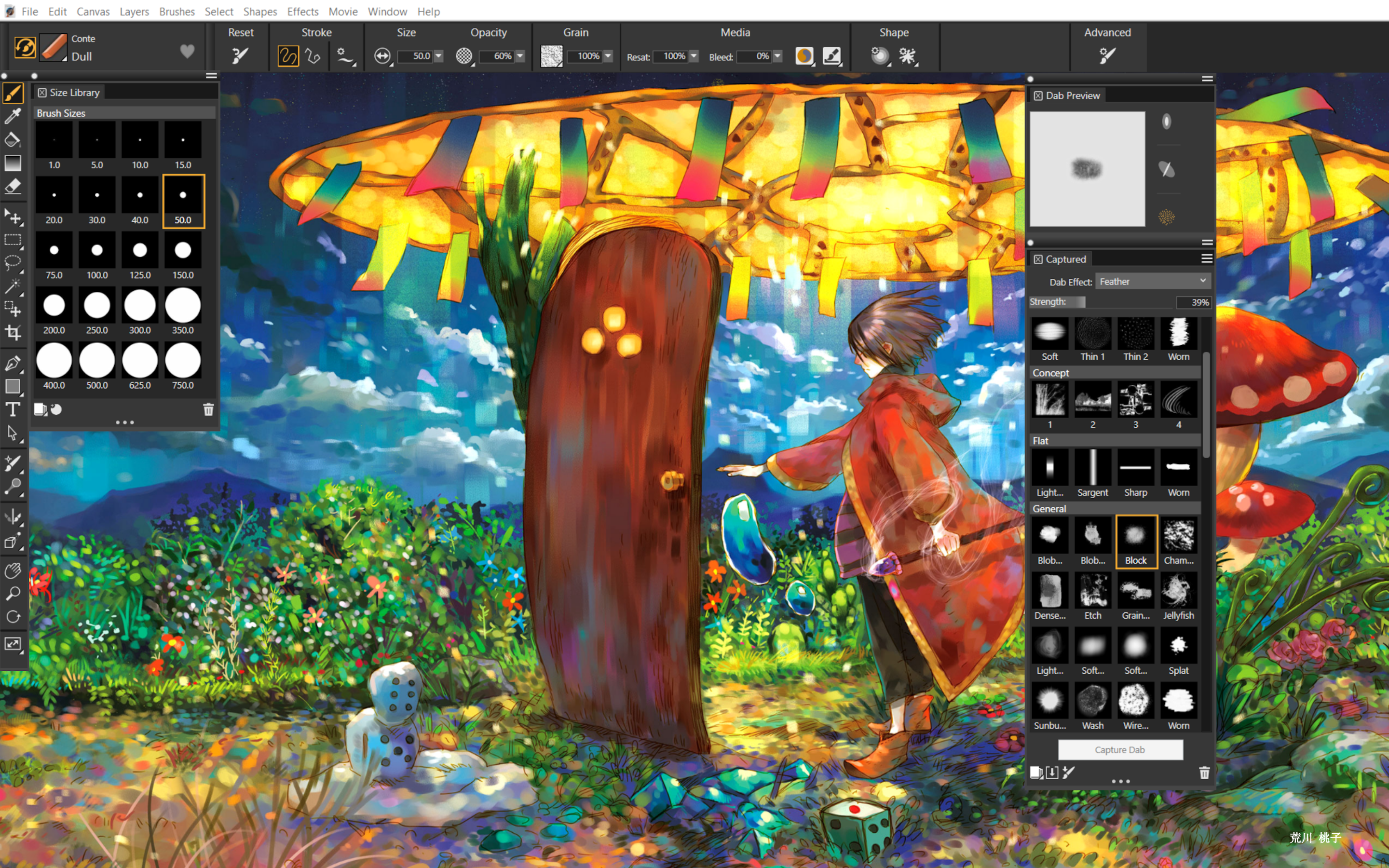
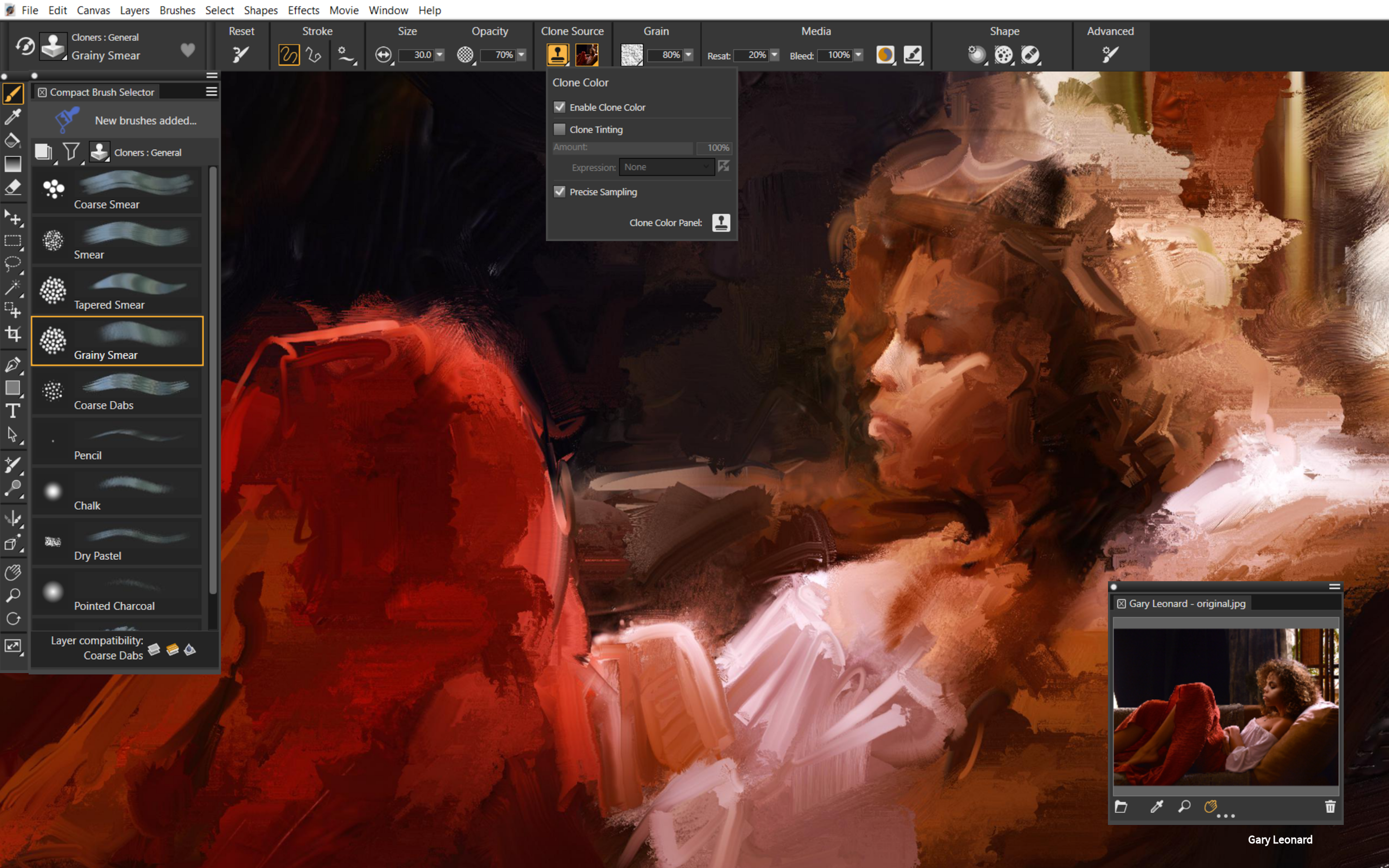
Stepping into Corel Painter feels like entering a well-stocked artist's studio—organized, inviting, and ready for creativity. The interface balances sophistication with simplicity—tools are logically grouped, so beginners can quickly access essential features, while seasoned artists can customize their workspace. The interface employs a dark theme that reduces eye strain over long sessions, akin to working under studio lighting, providing a comfortable environment for hours on end.
Core Functionalities: Digital Brushes and Media
The spotlight of Corel Painter is undeniably its brush engine. The most special feature is its ability to emulate traditional media with astonishing accuracy. Imagine your digital canvas transforming into a textured watercolor paper or a rough canvas for oil paints—this degree of realism is achieved thanks to its proprietary brushing algorithms. Artists can select from multiple brush types, tweak their settings, and even create custom brushes. This flexibility allows for highly expressive work, whether for fine art or concept design.
Performance and Ease of Use
Operating smoothly on modern Windows systems, Corel Painter's responsiveness is noteworthy. Layer handling, undo/redo, and brush strokes are instantaneous, creating a natural flow that encourages artistic exploration. For newcomers, the initial learning curve might seem steep—akin to learning to wield a new set of real brushes—but comprehensive tutorials and preset workspaces make the onboarding process less daunting. Experienced users will appreciate the customizable interface and tools tailored for detailed work, similar to setting up a personal artist's toolkit.
What Sets Corel Painter Apart from Other Digital Art Tools?
While many multimedia design applications focus on vector graphics or rapid sketching, Corel Painter's flagship edge is its depth of realism, especially in its brush realism and texture simulation. Unlike lightweight illustration apps, it offers a tactile experience—akin to painting on actual canvas with real brushes—making it highly attractive for traditional artists transitioning to digital media. Its extensive library of brushes and paper textures, combined with the sophisticated brush dynamics, provides a uniquely immersive environment that other apps struggle to replicate without extensive customization.
Final Verdict and Recommendations
Corel Painter for Windows is highly recommended for serious digital artists and traditional painters seeking a tool that offers authentic painting experiences in a digital environment. Its realistic brush engine, combined with flexible customization options, makes it a standout choice for detailed, expressive work. However, beginners may need some time to unlock its full potential, so patience with tutorials and practice is advised. If your goal is to simulate the feel of traditional media digitally, this app is certainly worth exploring.
In summary, Corel Painter's richness in texture and brush realism positions it as one of the most artistically authentic digital painting solutions available today—an excellent investment for those passionate about art in all forms.
Pros
- Extensive Brush Library
- Intuitive User Interface
- High-Quality Output
- Advanced Layer Management
- Regular Updates and Support
Cons
- Initial Learning Curve
- Subscription-Based Model
- Limited Vector Graphics Support
- Performance on Older Devices
- Some Advanced Features Require Higher Hardware Specs











