

- Name Concepts
- Category Productivity
- Available on PC, Mobile, Xbox console, Surface Hub, HoloLens
- OS Windows 10 version 19041.0 or higher
- DirectX Version 11
- Memory 4 GB
- languages Chinese (Simplified), Chinese (Traditional), English, English (United States), Finnish, French, German, Italian, Japanese, Korean, Korean , Portuguese, Portuguese (Brazil), Russian, Spanish, Spanish (Spain)
Introducing Concepts for Windows: Your Visual Thinking Companion
Concepts for Windows is a flexible visual project management app designed to help creative professionals, students, and teams brainstorm, plan, and organize ideas with an intuitive and natural drawing experience. It stands out as a powerful yet approachable tool for transforming abstract thoughts into clear visual flowcharts, diagrams, and sketches.
Developed by TopHatch, Inc.: Innovating Visual Workflows
Created by TopHatch, Inc., a company dedicated to building productivity tools that harness the power of visual thinking, Concepts for Windows emphasizes seamless integration of sketching, planning, and note-taking within a single, easy-to-use environment. Their focus is on reducing cognitive load and fostering creative flow through minimalistic yet versatile features.
Key Highlights of Concepts for Windows
- Natural, pen-like drawing experience optimized for touch and stylus input
- Dynamic object connections and customizable templates for flexible workflows
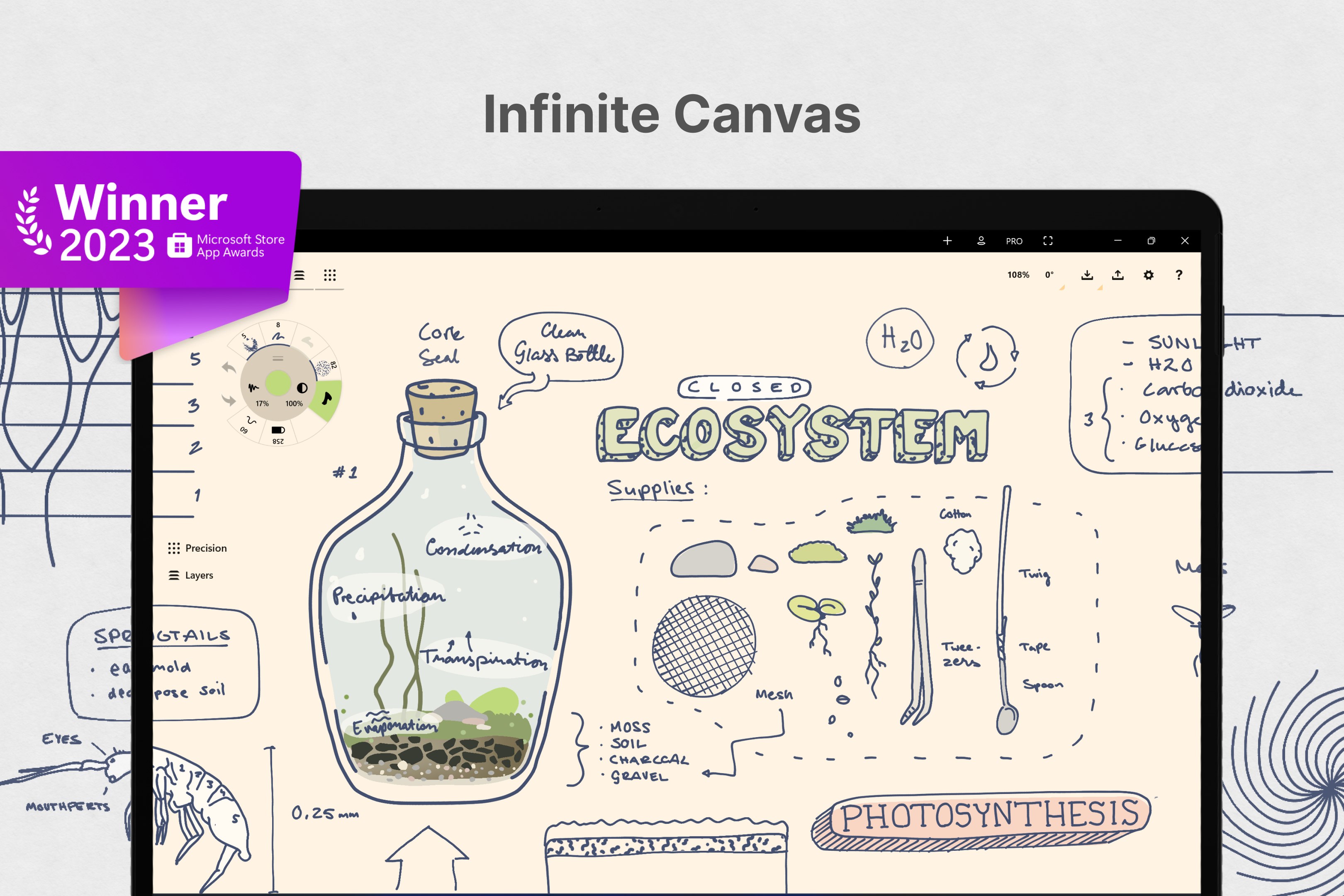
- Zoomable canvas with infinite space to brainstorm without restrictions
- Cloud sync and easy export options supporting collaborative projects
A Visual Brainstorming Powerhouse
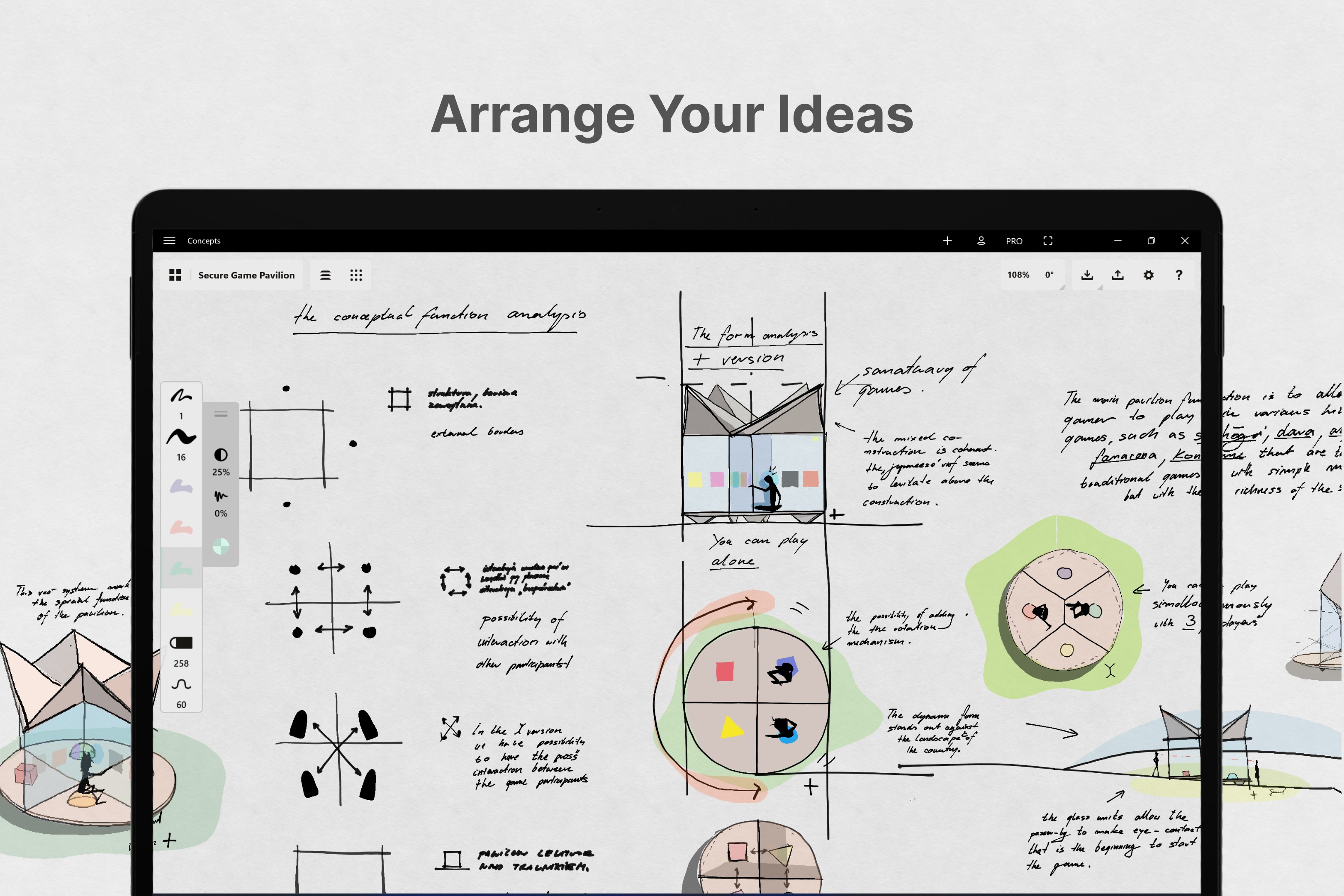
Imagine sitting at a cluttered desk, scratch paper in hand, trying to connect ideas and visualize relationships. Concepts for Windows transforms that scene into a digital canvas that responds like your favorite sketchpad—smooth, responsive, and inspiring. Whether you're doodling mind maps or drafting complex workflows, this app makes it feel as natural as sketching on paper—only cleaner, neater, and infinitely more adaptable.
Core Functionality 1: Organic Drawing and Connecting Tools
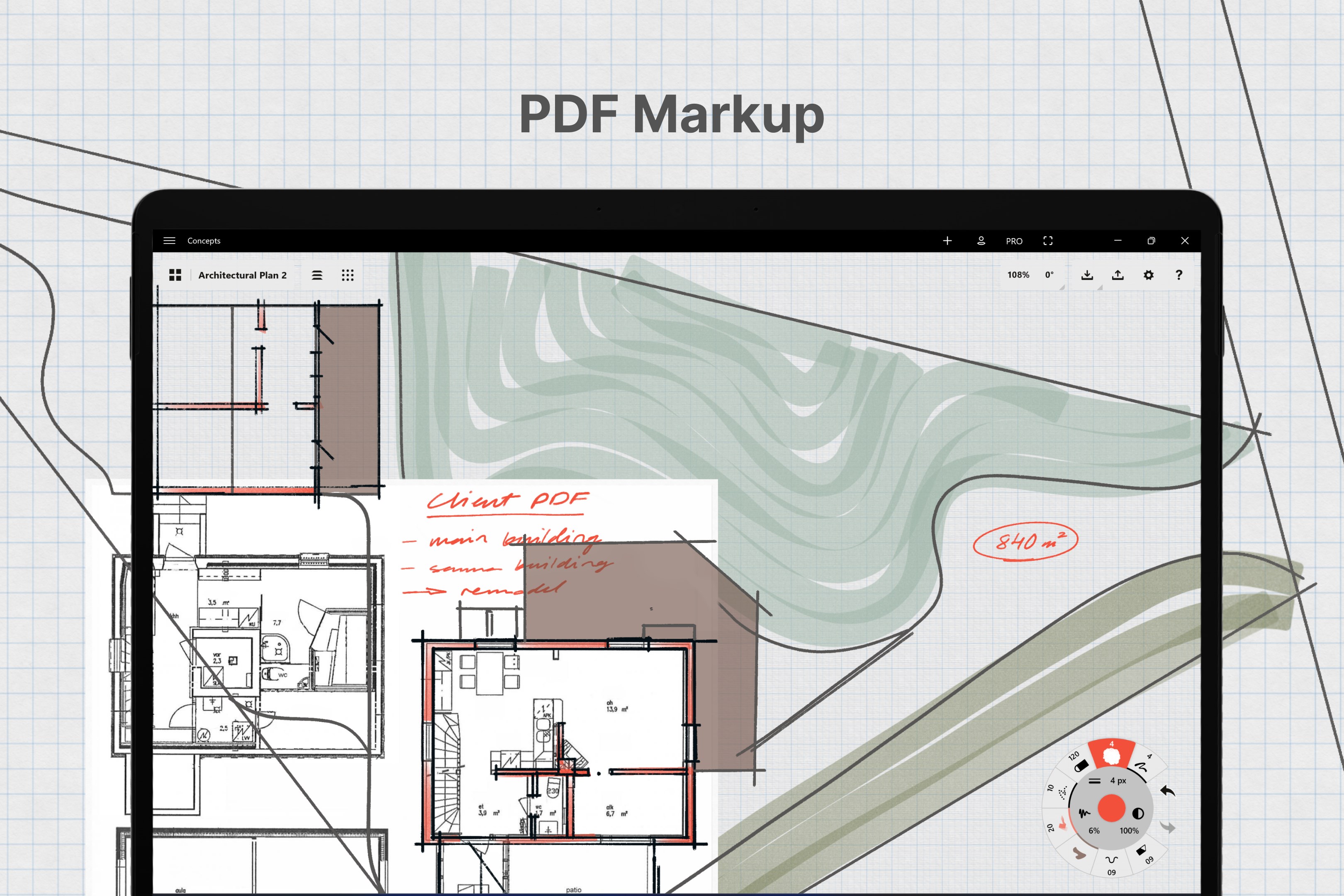
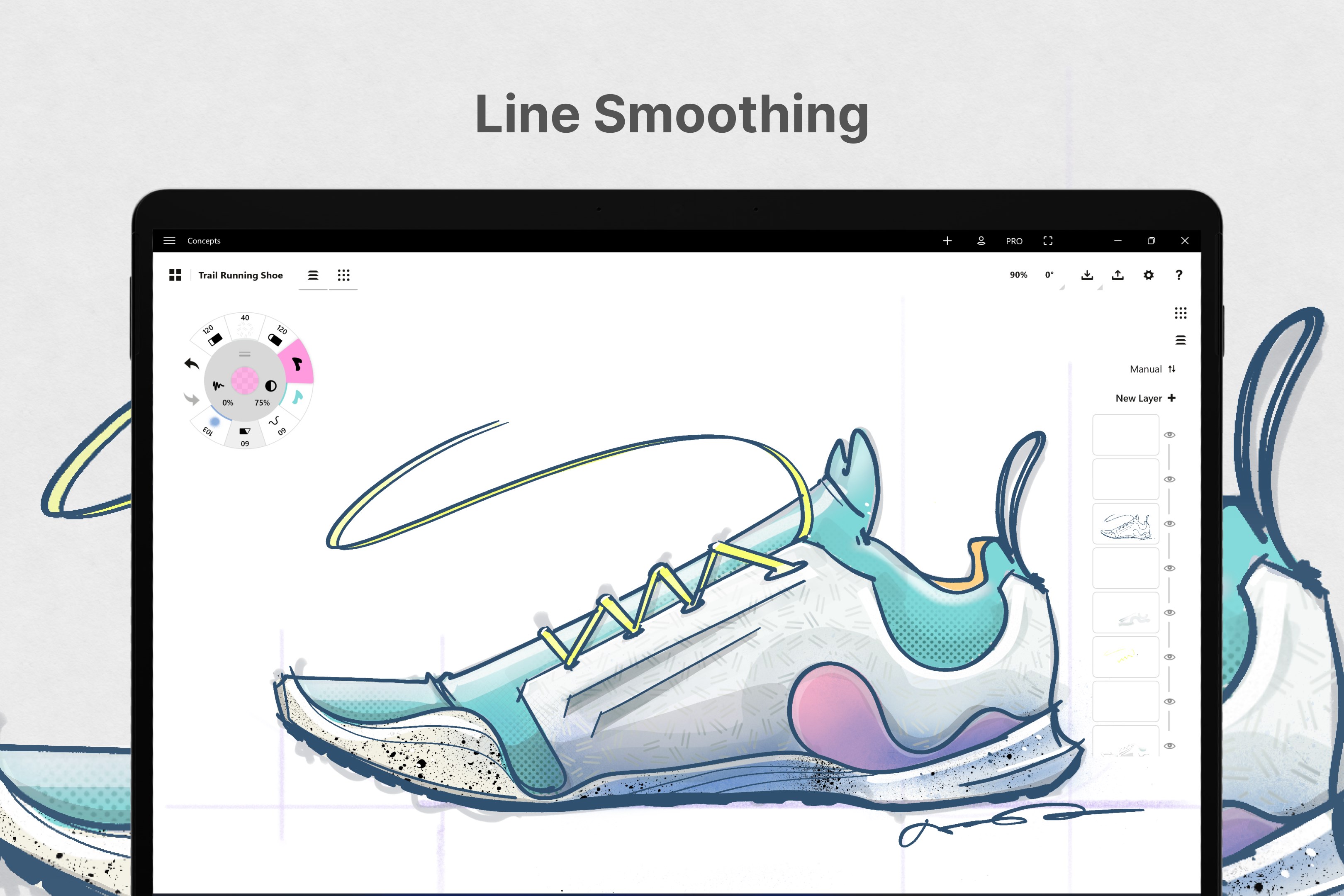
The app's standout feature is its natural drawing experience. Equipped with brush-like tools optimized for styluses and touch, it allows users to sketch ideas freely, from rough outlines to polished diagrams. The intelligent connection feature automatically links related nodes, streamlining the process of building interconnected concepts. This approach reduces the friction commonly associated with diagramming, making idea development feel almost effortless—akin to sketching in your notebook, but with digital agility.
Core Functionality 2: Flexible Canvas and Template Ecosystem
The expansive, zoomable canvas supports limitless brainstorming, enabling users to work on complex projects across expansive spaces without feeling constrained. Additionally, the app offers a variety of templates—mind maps, flowcharts, timelines—that serve as scaffolds for different workflows. These templates can be customized, saved, and reused, fostering consistency and efficiency in ongoing projects. This flexibility helps users stay organized and focused, much like having a versatile whiteboard that adapts to your every creative need.
Elegant User Experience: Simplicity Meets Power
Concepts for Windows scores high on usability. Its interface employs a clean, minimalistic design, allowing focus on ideas rather than interface clutter. The smooth zooming and panning are akin to scrolling through a sprawling mind map with a gentle flick—the app responds fluidly, reinforcing a feeling of harmony between user intent and outcome. The learning curve is gentle; newbies can start sketching within minutes, while power users can leverage advanced features for intricate projects. Overall, it offers a delightful balance of accessibility and depth, akin to a well-crafted sketchbook that invites both quick notes and detailed drawings.
What Sets It Apart from Similar Tools?
Unlike conventional productivity apps that often prioritize linear task management, Concepts for Windows emphasizes cognitive workflow integration. Its core strength lies in reducing cognitive load—by facilitating smooth visual exploration and minimizing feature clutter—making it easier to focus on ideas rather than navigating menus. Its unique connection tools and template customization create an environment where idea development feels organic, not mechanical. This focus on fostering natural thought flow gives it a significant edge over more rigid diagramming tools or cluttered note-taking apps, truly acting as a digital notepad that adapts to your thinking style.
Final Thoughts: A Recommended Companion for Visual Thinkers
Concepts for Windows is highly recommended for users seeking an intuitive, powerful way to visualize their ideas without being overwhelmed by complex features. Its most exceptional qualities—the natural drawing experience and flexible workflow support—make it ideal for creative professionals, educators, students, and anyone who values clear visual communication. While it might not replace dedicated project management or detailed design software, it excels as a rapid ideation and planning tool, seamlessly integrating into broader workflows.
If you're looking for a way to unlock your thoughts with minimal friction and maximum creativity, Concepts for Windows is definitely worth exploring. It's like having a digital sketchbook that understands your thought process—ready whenever inspiration strikes.
Pros
- Intuitive User Interface
- Precise Vector Drawing Tools
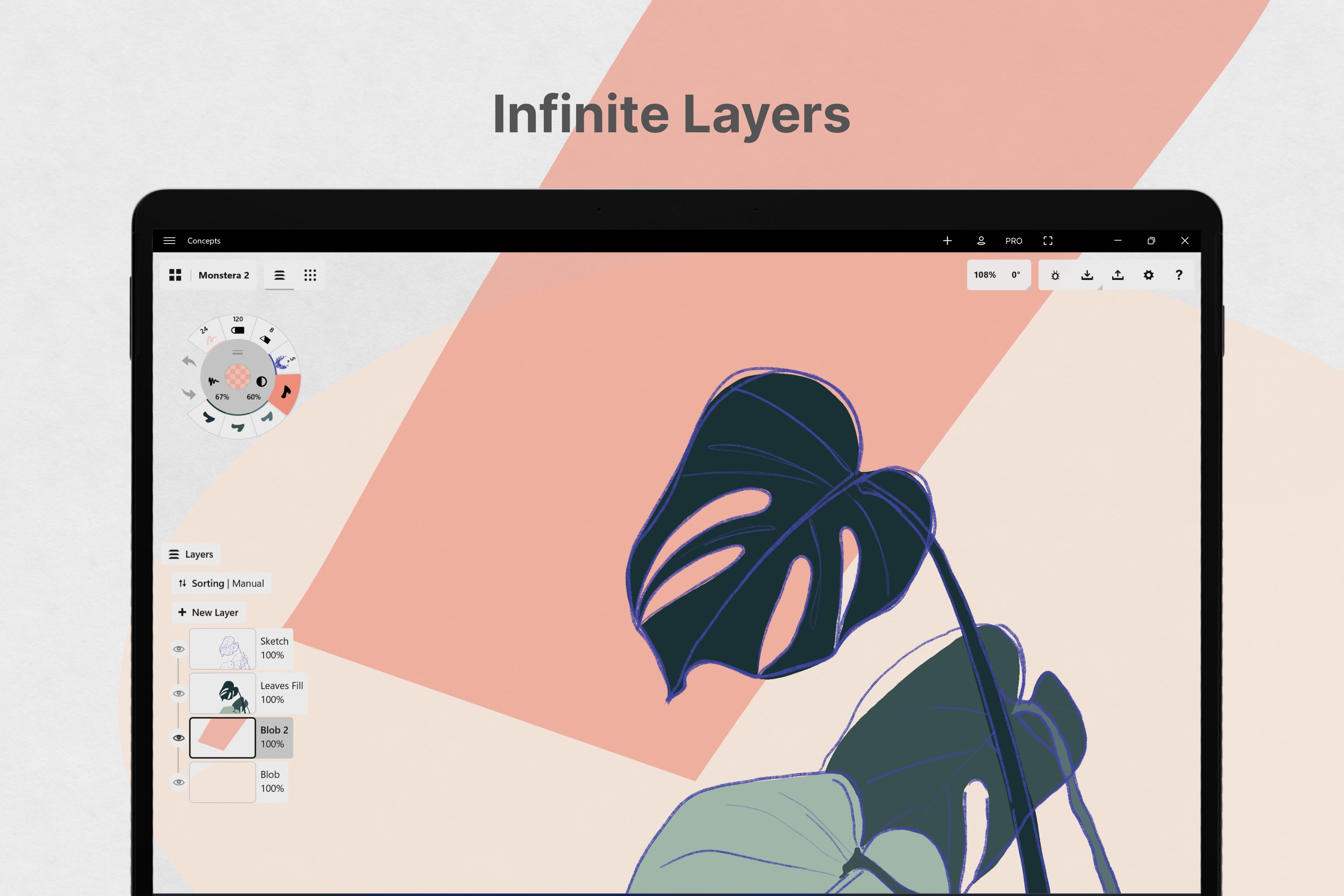
- Flexible Layer Management
- Cloud Synchronization
- Regular Updates and Improvements
Cons
- Limited Export Options
- Performance on Low-end Devices
- Steep Learning Curve for Advanced Features
- Occasional Syncing Delays
- Limited Text Customization Options











