

- Name ChatGPT
- Category Productivity
- Developer OpenAI
- Available on PC
- OS Windows 10 version 18362.0 or higher
- languages English (United States)
Streamlining Productivity with ChatGPT for Windows
Imagine having an intelligent assistant right on your desktop that seamlessly intertwines with your workflow—ChatGPT for Windows by OpenAI offers just that. Designed to elevate your task management, creative pursuits, and information retrieval, this application aims to bring the power of GPT into your daily routine in a user-friendly package.
Meet the Developer and Core Features
Who's Behind It?
OpenAI, a pioneer in artificial intelligence research and deployment, develops ChatGPT for Windows. With a reputation for cutting-edge innovation, OpenAI ensures that their tools are both powerful and reliable, making this application a credible addition to any productivity arsenal.
Prime Highlights
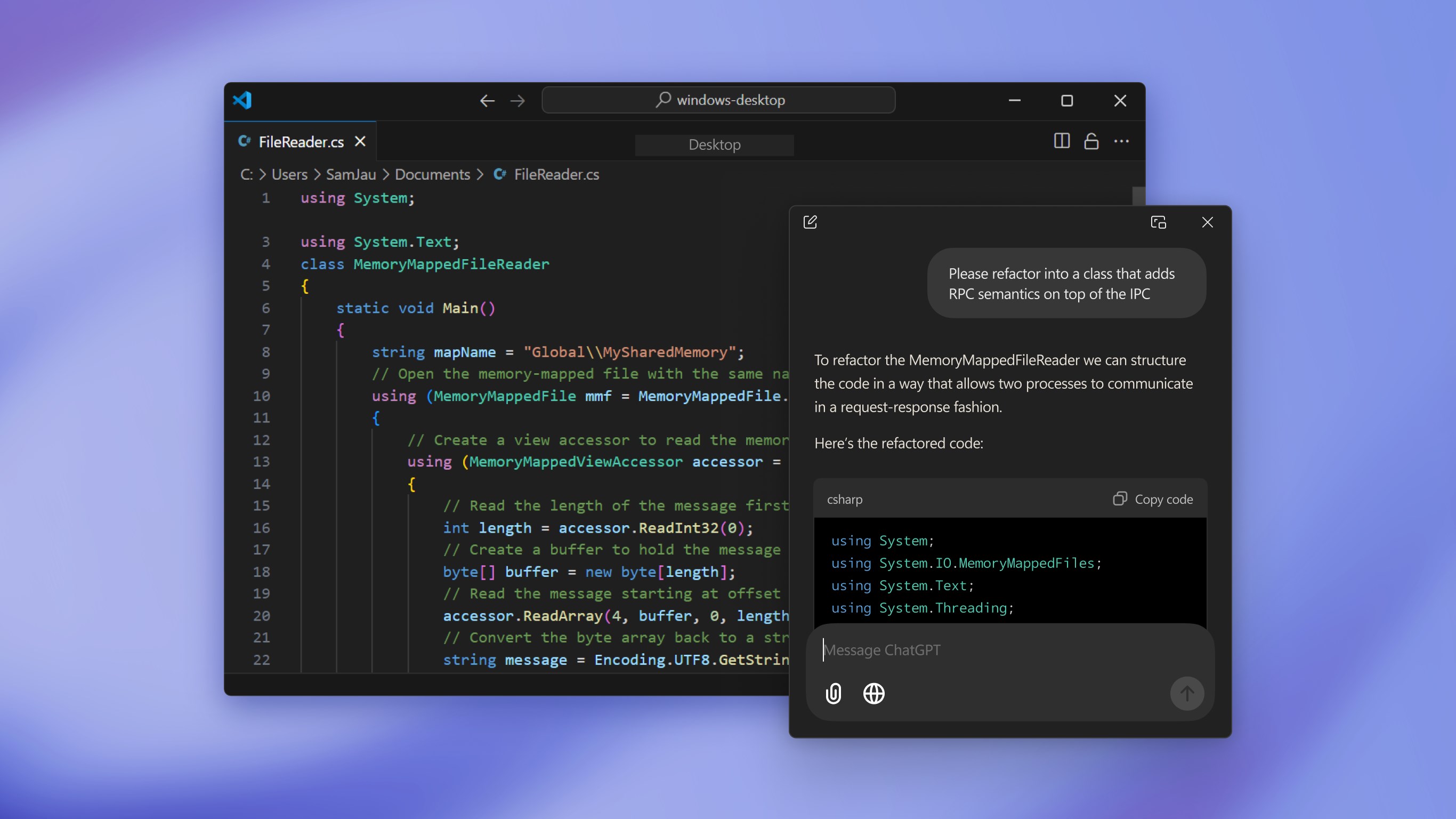
- Integrated Desktop Accessibility: Access GPT-4 capabilities directly from your desktop, reducing context switching and streamlining workflows.
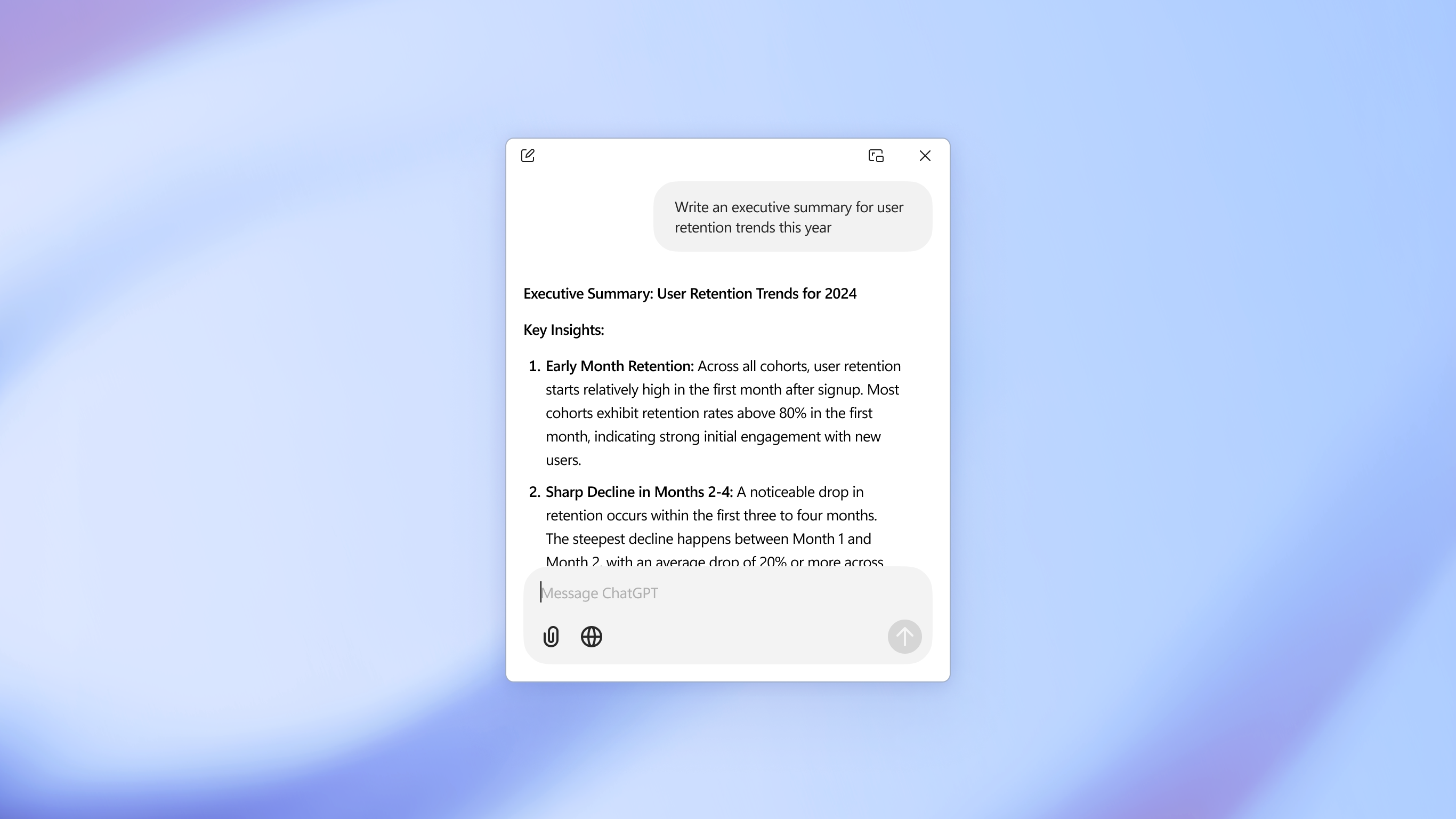
- Context-Preserving Conversations: Engage in multi-turn chats that retain context, enabling deeper and more relevant interactions.
- Customizable Workflow Triggers: Incorporate shortcuts or commands to invoke specific GPT functions, enhancing efficiency.
- Cross-Platform Consistency: Synchronize your experiences across devices, ensuring continuity whether at work or leisure.
Target Audience
This app primarily caters to professionals, students, content creators, and researchers seeking quick, reliable AI assistance integrated into their Windows environment. It suits users looking for a smart helper that doesn't disrupt their existing workflows but enhances them.
Into the Heart of the Experience: An Engaging Dive
Picture this: you're at your desktop, juggling between drafting an email, brainstorming ideas, or researching data. Suddenly, an intelligent assistant becomes your co-pilot, waiting just a click away. That's the promise of ChatGPT for Windows—a practical, approachable tool with the power to transform mundane tasks into efficient surges of productivity.
Seamless User Interface and Design Elegance
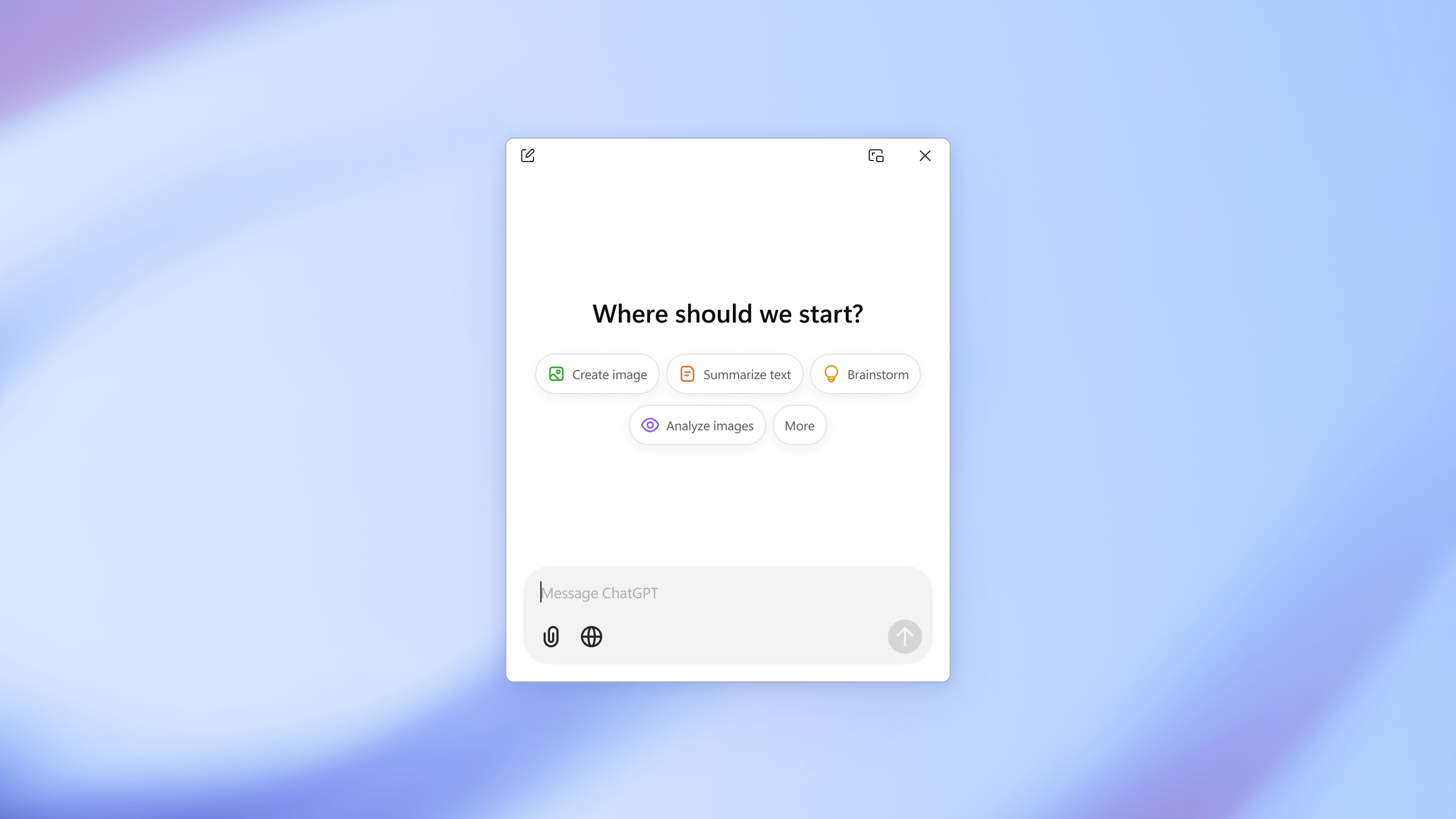
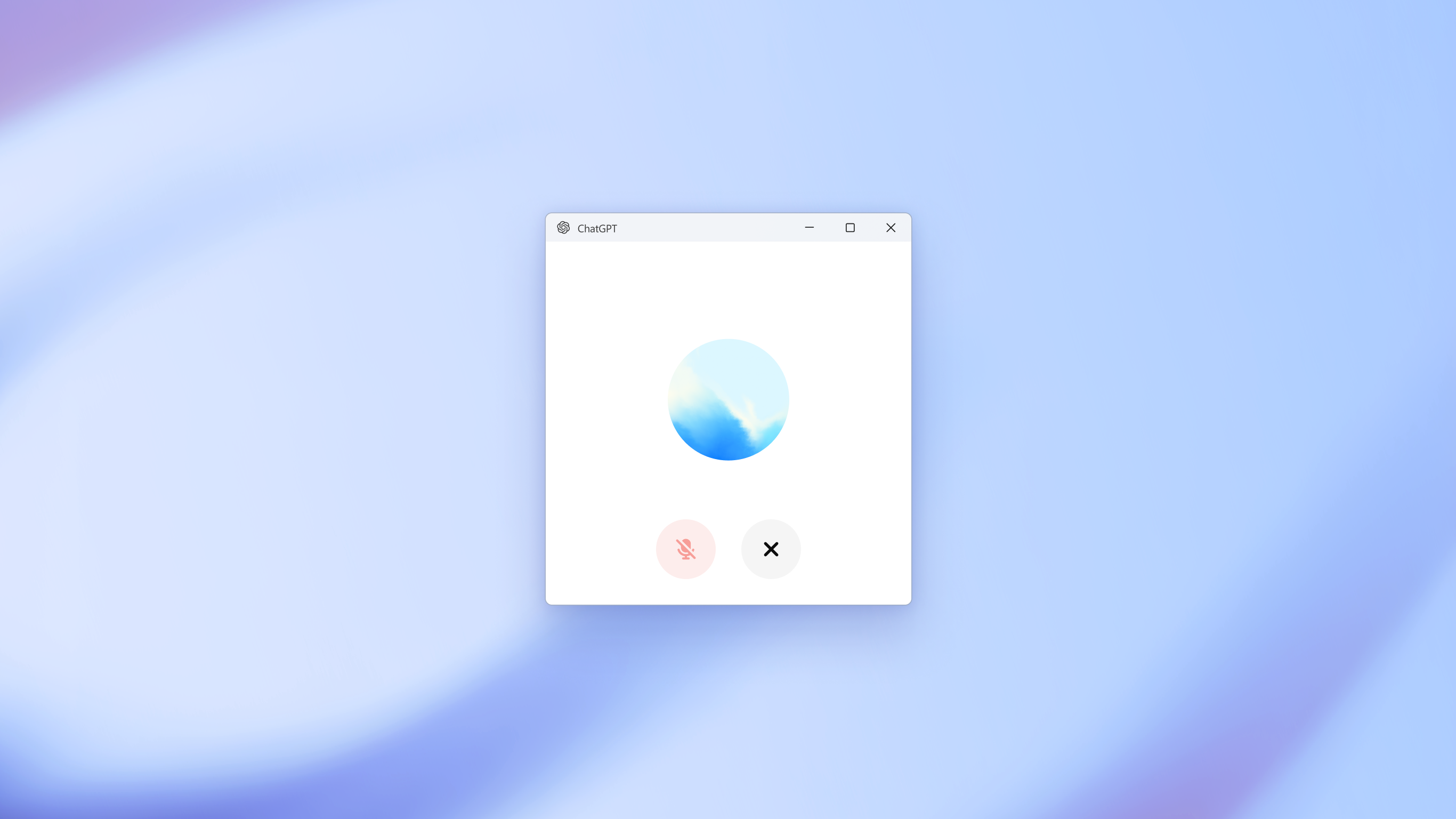
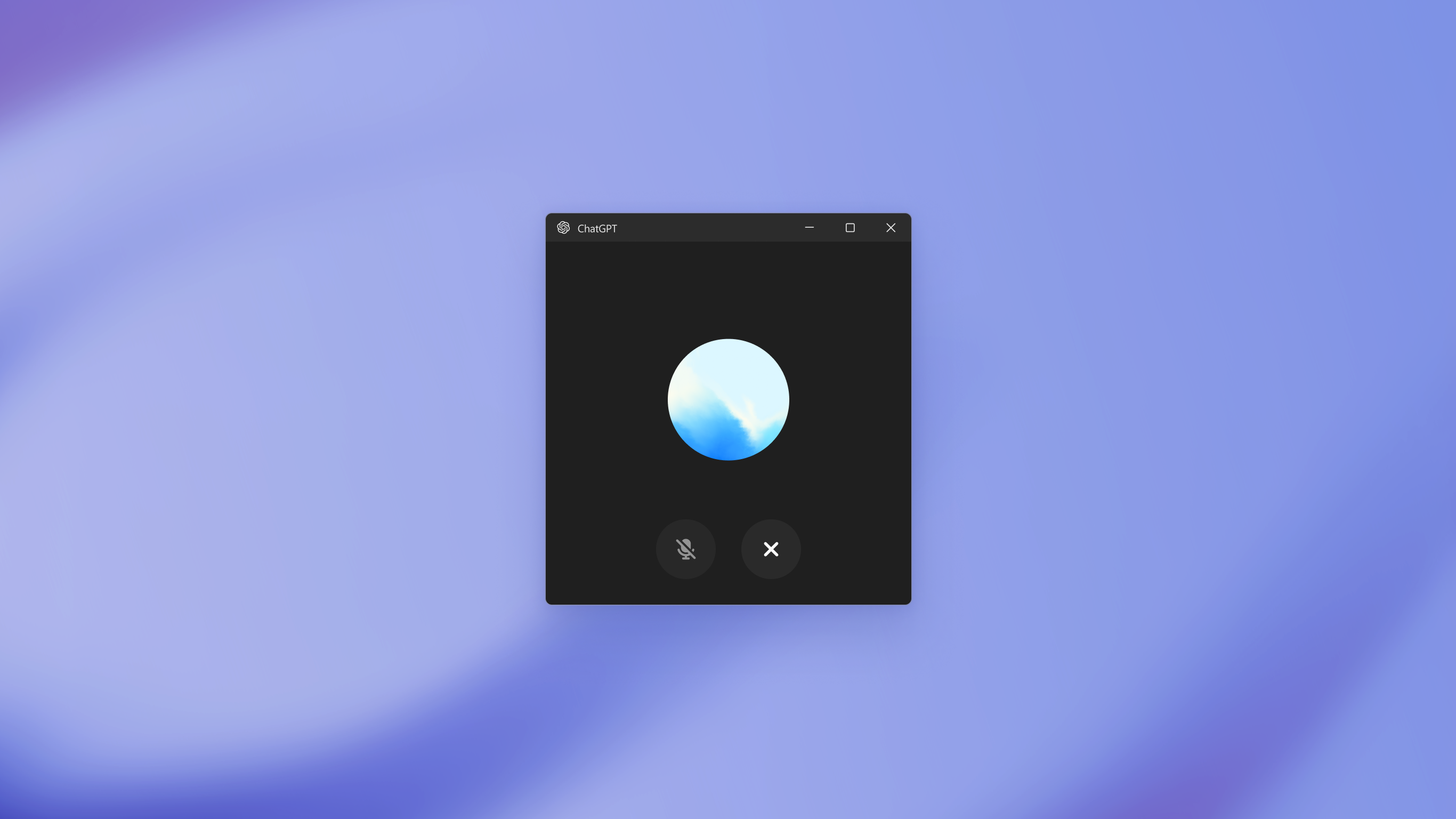
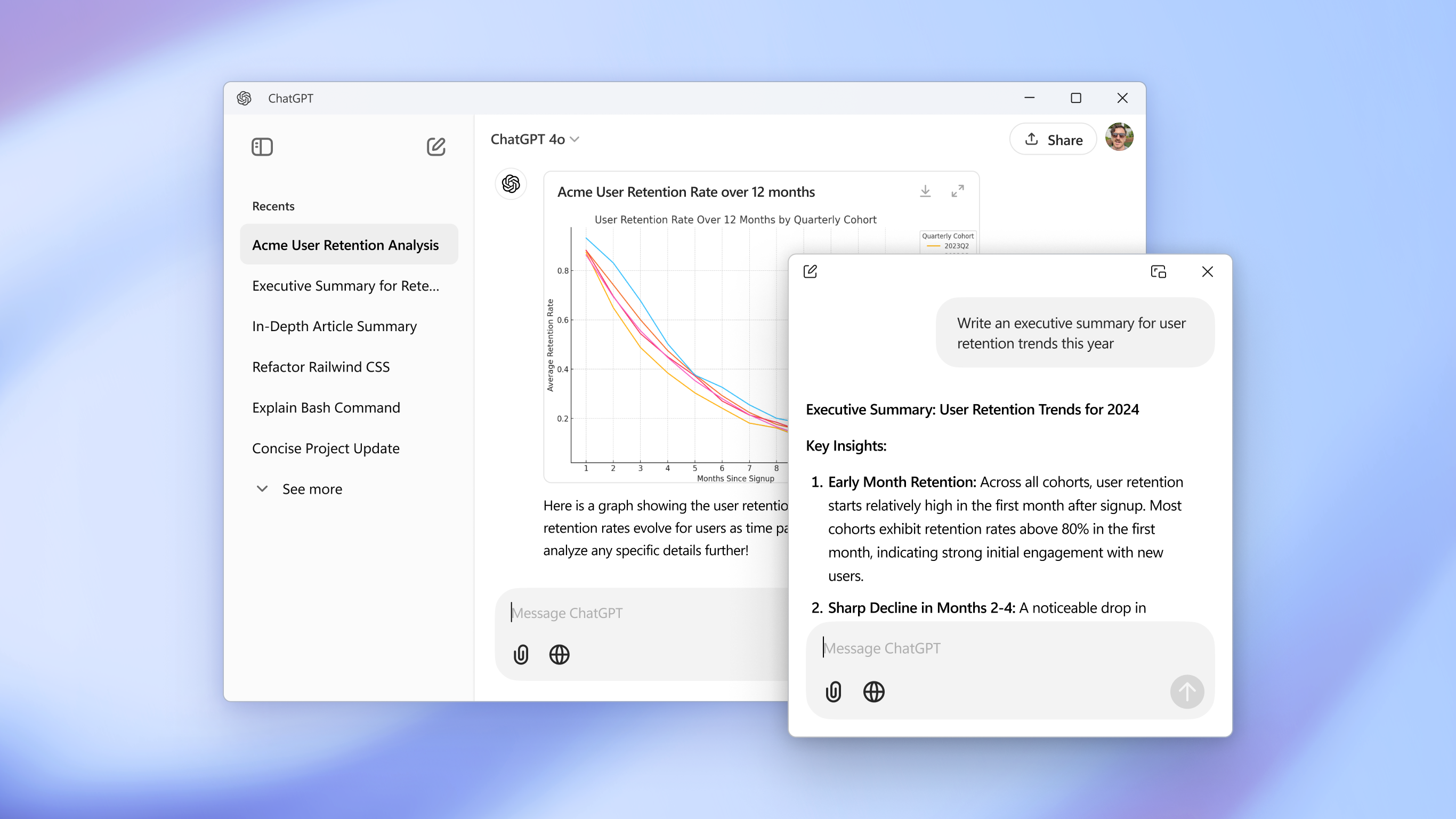
The application's interface is minimalist yet thoughtfully designed—much like a well-organized workspace that encourages focus. The chat window is clean, with intuitive controls that prevent clutter and allow quick input. The layout respects desktop real estate, ensuring that your main tasks aren't overshadowed by the AI window. The overall aesthetic fosters a sense of calm, vital for maintaining productivity during intense work sessions.
Operational Fluency and Learning Curve
Getting started is straightforward—simply install from the Microsoft Store, sign in with your OpenAI account, and you're ready to converse. The application responds swiftly, with minimal latency that makes interactions feel natural. Its design minimizes cognitive load; there's no steep learning curve or complex setup—just a smooth onboarding experience. Over time, users find that it becomes an extension of their thinking, effortlessly integrating into daily routines.
Distinctive Workflow Integration: Cutting Through Complexity
Compared to other productivity apps that bundle multiple features with convoluted settings, ChatGPT for Windows excels by prioritizing workflow efficiency. Its core strength lies in providing high-quality, context-aware AI assistance without adding unnecessary complexity. The ability to invoke specific functions via shortcuts or commands ensures that users stay in their flow, rather than breaking concentration to navigate menus. This reduction in cognitive load—and avoidance of feature bloat—sets it apart from more cluttered AI tools, making it a valuable ally for those aiming to get things done with minimal fuss.
Final Verdict: A Friendly Recommendation
Overall, ChatGPT for Windows emerges as a thoughtful, efficient, and user-centric application. It's best suited for users who value streamlined workflows over feature overload, and who seek an AI assistant that subtly enhances their productivity without becoming a distraction. For those looking to nudge their work routine into smarter territory, this app is a worthy addition—offering a practical balance between power and simplicity.
Pros
- Intuitive user interface
- Fast response times
- Regular updates with new features
- Multi-platform accessibility
- Free to download and use basic features
Cons
- Limited offline capabilities
- Occasional latency during peak times
- Some advanced features are behind a paywall
- Interest-based customization options are minimal
- Temporary bugs affecting chat history retrieval











