

- Name Chatbot 5.3 AI - Powered by Open API
- Category Productivity
- Developer GAI.GROUP
- Available on PC
- OS Windows 10 version 17763.0 or higher
- languages English (United States)
Introducing Chatbot 5.3 AI - Powered by Open API for Windows
Imagine having a highly skilled conversational partner integrated seamlessly into your Windows workflow—efficient, intelligent, and ready to assist at a moment's notice. That's precisely what Chatbot 5.3 AI aims to deliver, serving as your personal AI assistant designed to boost productivity through natural language interactions.
About the Developer: GAI.GROUP
The application is developed and published by GAI.GROUP, a team dedicated to creating intelligent tools that enhance digital work and communication. Their focus on integrating open API capabilities allows users to harness powerful AI functionalities within familiar Windows environments.
Key Features That Make a Difference
- Open API Integration: Leverages OpenAI's API to provide flexible, adaptable conversational capabilities tailored to user needs.
- Context-Aware Assistance: Maintains conversation context effectively, enabling coherent multi-turn interactions that feel natural and personalized.
- Workflow Compatibility: Easily integrates into existing productivity tools and workflows, minimizing disruptions and amplifying efficiency.
- Lightweight and Responsive Design: Designed for smooth performance, ensuring quick responses without draining system resources.
Vibrant and Intuitive User Experience
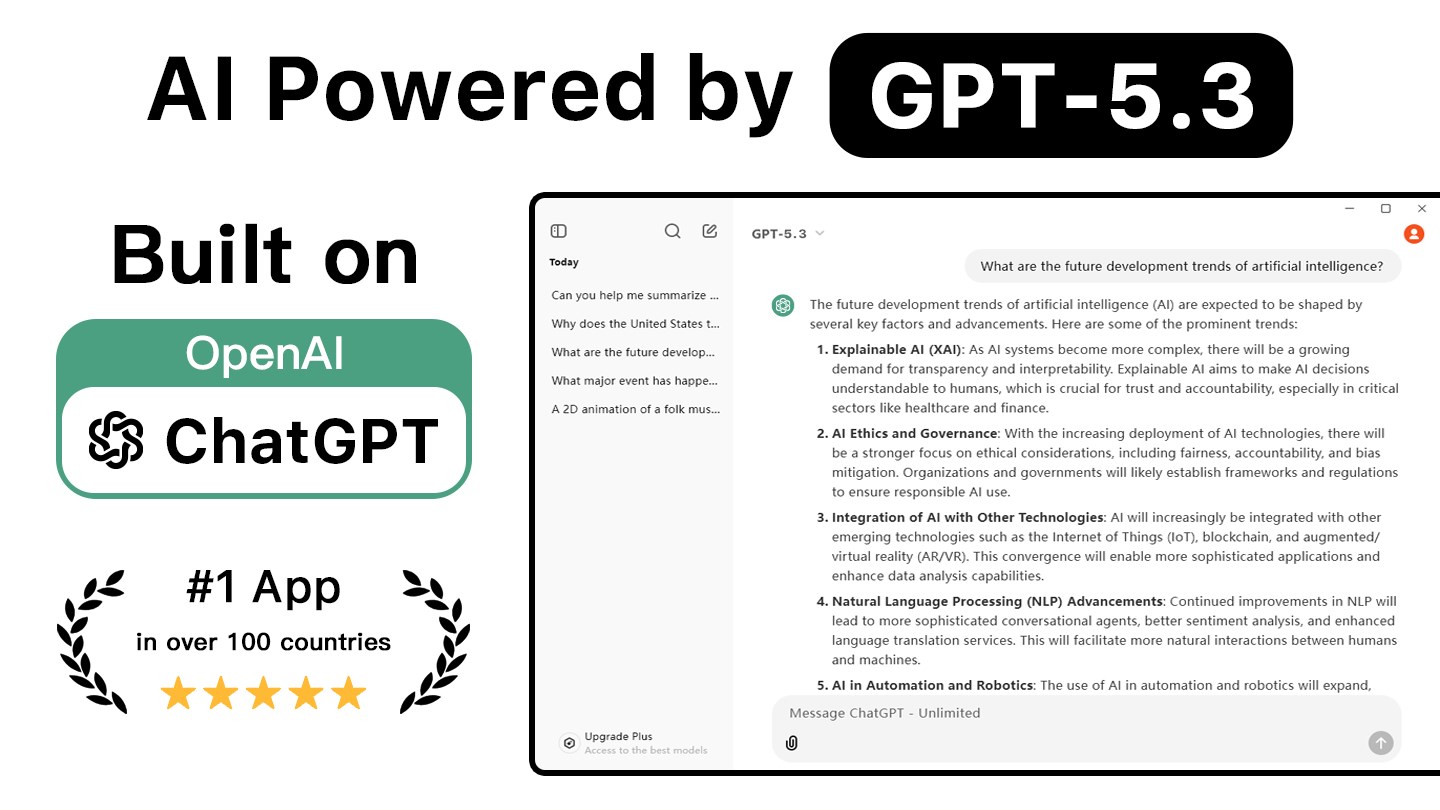
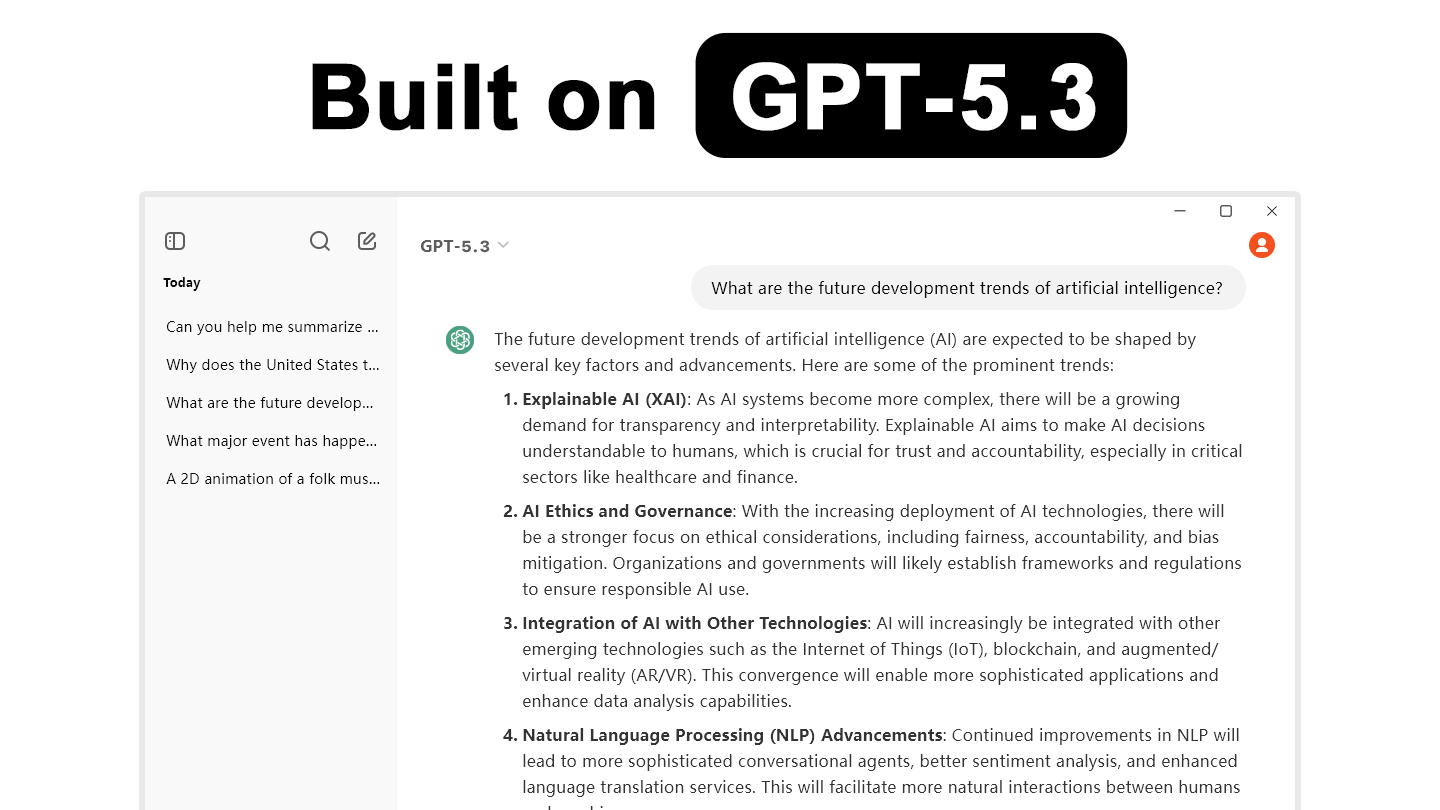
Stepping into Chatbot 5.3 AI's interface feels akin to opening a friendly, knowledgeable companion in your digital workspace. The design strikes a balance between sleek minimalism and functional clarity—bright, calming color schemes, easily navigable menus, and prompt response displays that make conversation feel fluid. The user journey is straightforward, with minimal learning curve—new users will find themselves chatting away effortlessly within minutes.
Core Functionality: Intelligent Conversation & Workflow Integration
The core attraction lies in its conversational capabilities. Unlike traditional chatbots that often deliver canned responses, Chatbot 5.3 AI harnesses the power of OpenAI's API to generate nuanced, contextually relevant replies. You can ask complex questions, brainstorm ideas, or even draft emails, all within your natural dialogue. This makes it more than just a chatbot; it's a co-pilot that adapts to your style and needs.
Further, the application seamlessly integrates into your existing workflow. Whether you're working with document editors, email clients, or note-taking apps, Chatbot 5.3 AI can be summoned to provide summaries, generate content, or assist with research without breaking your momentum. This integration reduces cognitive load—no more switching between multiple applications or searching for information manually. Instead, everything is accessible through a simple interface, bringing the 'workflow harmony' concept to life.
Performance & Ease of Use: Navigating the Experience
The app responds swiftly to inputs, even complex queries, confirming its responsiveness and efficiency. The learning curve is gentle; users familiar with basic digital tools will find themselves becoming proficient quickly. The interface's clarity minimizes confusion, allowing focus on the task rather than technical navigation. Moreover, the app's lightweight architecture ensures it runs smoothly on standard Windows configurations, making it suitable for everyday productivity tasks.
Unique Selling Points & Differentiators
Compared to other productivity apps, Chatbot 5.3 AI's standout feature is its emphasis on workflow integration combined with cognitive load reduction. While many AI chat tools come packed with features, they often overwhelm users with complexity. This app simplifies the experience by focusing on core functionalities that genuinely enhance your work—like contextual understanding and seamless workflow embedding. Its open API foundation further means that it can be customized or extended to fit specific professional needs, giving it an edge over more rigid solutions.
Recommendation and Usage Advice
I would recommend Chatbot 5.3 AI to professionals who seek a reliable, intelligent assistant that can effortlessly blend into their daily tasks. It's particularly useful for writers, researchers, and anyone engaged in knowledge work, who value natural interactions and reduced cognitive overhead. For those already using APIs or automation workflows, it opens up even broader customization opportunities.
Given its strengths, I'd view this app as a valuable productivity booster—best suited for users prioritizing workflow efficiency and conversational assistance over a barrage of feature bells and whistles. If you want a smart, easy-to-use AI helper that enhances your work without adding complexity, Chatbot 5.3 AI is a solid choice.
Pros
- Excellent AI integration
- User-friendly interface
- Fast response times
- Customizable interactions
- Wide range of topics covered
Cons
- Occasional irrelevant responses
- Limited offline functionality
- Privacy concerns for some users
- Language support could be expanded
- Occasional delays during high traffic











