

- Name ChapterForge
- Category Productivity
- Developer Indie4tune Software
- Available on PC
- OS Windows 10 version 14316.0 or higher
- Memory 4 GB
- languages English (United States)
Introduction: A Fresh Take on Note-Taking and Workflow Management
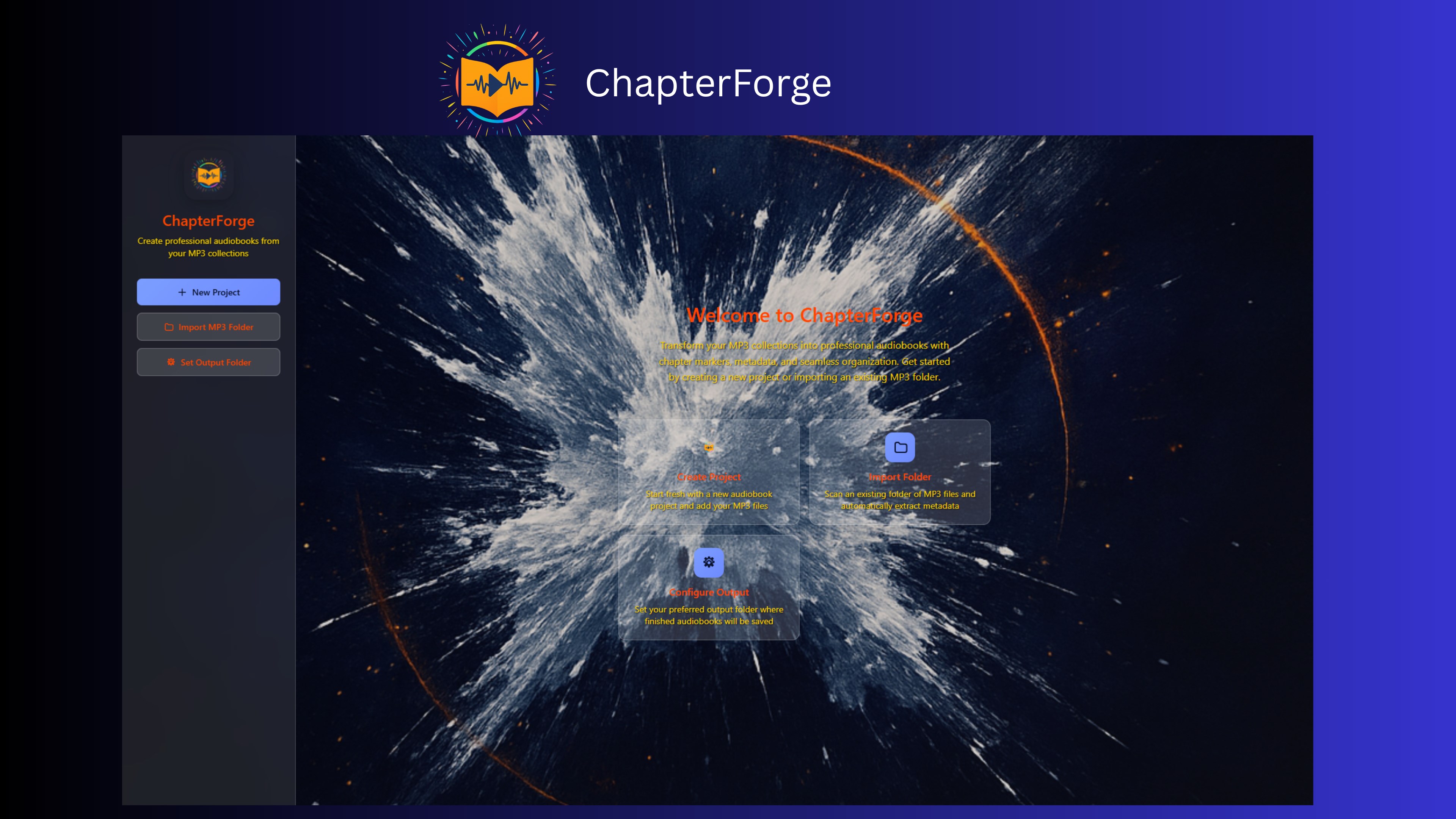
Imagine having a Swiss Army knife for your creative and productive endeavors—compact, multifaceted, designed to streamline your thoughts and tasks effortlessly. That's what ChapterForge for Windows aims to be: an intuitive, versatile app that combines note-taking with workflow integration. Developed by Indie4tune Software, this tool promises to transform how you organize, plan, and execute your ideas, all within a user-friendly interface. Whether you're a student, a writer, or a busy professional, ChapterForge offers a compelling blend of features tailored to enhance cognitive focus and efficiency.
Core Functionality: Breakthrough Features for Smarter Productivity
Unified Note and Task Management
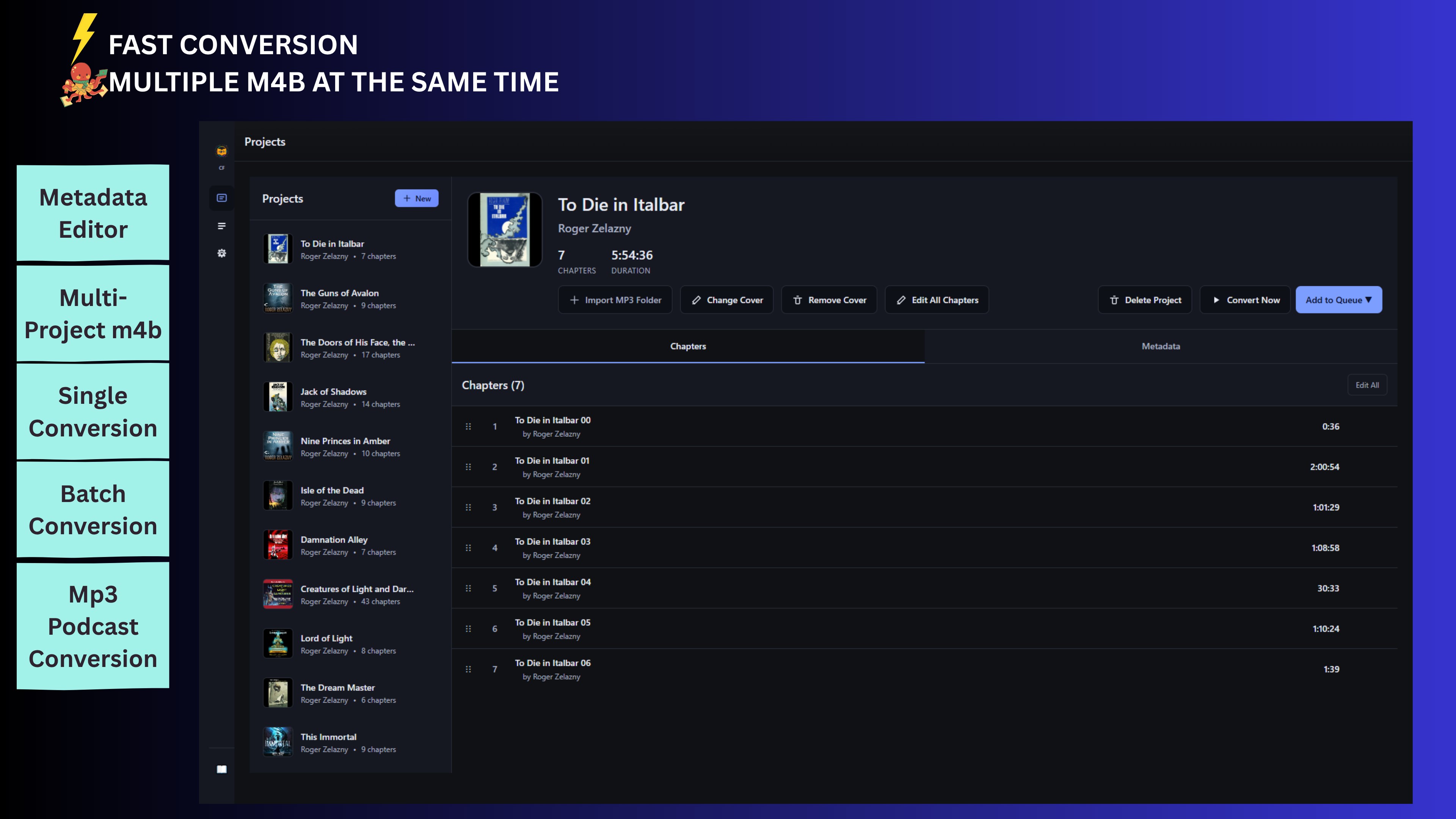
At its heart, ChapterForge seamlessly merges note-taking with task organization, allowing users to create interconnected notes, outlines, and to-do lists within a single workspace. Think of it as a digital notebook that morphs into a project planner—your ideas and actions cohabiting and interacting fluidly. This synergy reduces the cognitive load of toggling between multiple apps, enabling you to glance at a note and see the associated tasks or deadlines instantly.
Smart Workflow Integration
The standout feature of ChapterForge is its ability to embed and link various workflow elements—such as research snippets, reference materials, and calendar events—directly into your notes. This deep integration means your research, ideas, and scheduling become a cohesive ecosystem, much like a well-organized desk with everything at your fingertips. The app supports bi-directional linking, which makes shifting between related notes a breeze, fostering a hyper-connected mind map that keeps your projects moving forward with minimal effort.
Focus Mode and Cognitive Load Reduction
One of ChapterForge's most compelling aspects is its focus mode, designed to minimize distractions and help you concentrate on one task at a time. Picture stepping into a cozy study room—dimmed lights, quiet ambiance, and only your notes illuminated. Additionally, its intelligent organization features automatically suggest related notes or tasks, reducing the mental effort needed to recall information or organize your thoughts. This approach effectively eases the typical overwhelm of feature-heavy productivity apps, streamlining your workflow without sacrificing depth or flexibility.
User Experience: Interface, Performance, and Learning Curve
ChapterForge sports a clean and modern interface that resembles a well-organized digital workspace—responsive, minimalistic, and intuitive. Navigating between sections feels smooth, akin to browsing through a well-lit library where everything is within reach and logically arranged. The app responds swiftly to inputs, ensuring that your creative flow isn't interrupted by lag or errant menus. For new users, the onboarding process is straightforward; the design's clarity gently guides you into discovering its powerful features without a steep learning curve. The interface's simplicity combines with contextual cues and tooltips, making it accessible even for those new to digital productivity tools.
What Sets ChapterForge Apart? Workflow Efficiency & Cognitive Ease
Unlike many multitasking apps packed with an overwhelming array of features, ChapterForge emphasizes reducing cognitive load by prioritizing essential functions and fostering seamless integration. Its unique selling point lies in its innovative linking system—enabling you to build a web of related notes, references, and tasks that mirror your natural thought process. This interconnected approach transforms the app from a mere repository of information into a dynamic workspace where ideas evolve organically. It effectively cuts down the mental effort of recalling connections, scanning between different apps, or managing fragmented notes, thereby boosting productivity without adding unnecessary complexity.
Final Verdict and Recommendations
Overall, I'd recommend ChapterForge for anyone looking to optimize their workflow through smarter, more organized note-taking and task management. Its intuitive interface, combined with powerful linking and focus features, makes it an ideal companion for projects that require deep thinking, research, or planning. While it may not replace specialized project management tools for large teams, it excels as a personal productivity booster that respects your cognitive bandwidth. For users seeking a harmonious blend of simplicity and sophistication—without the distraction of bloated features—ChapterForge stands out as a promising tool worth trying.
Pros
- Intuitive chapter organization
- Rich customization options
- Seamless integration with Microsoft ecosystem
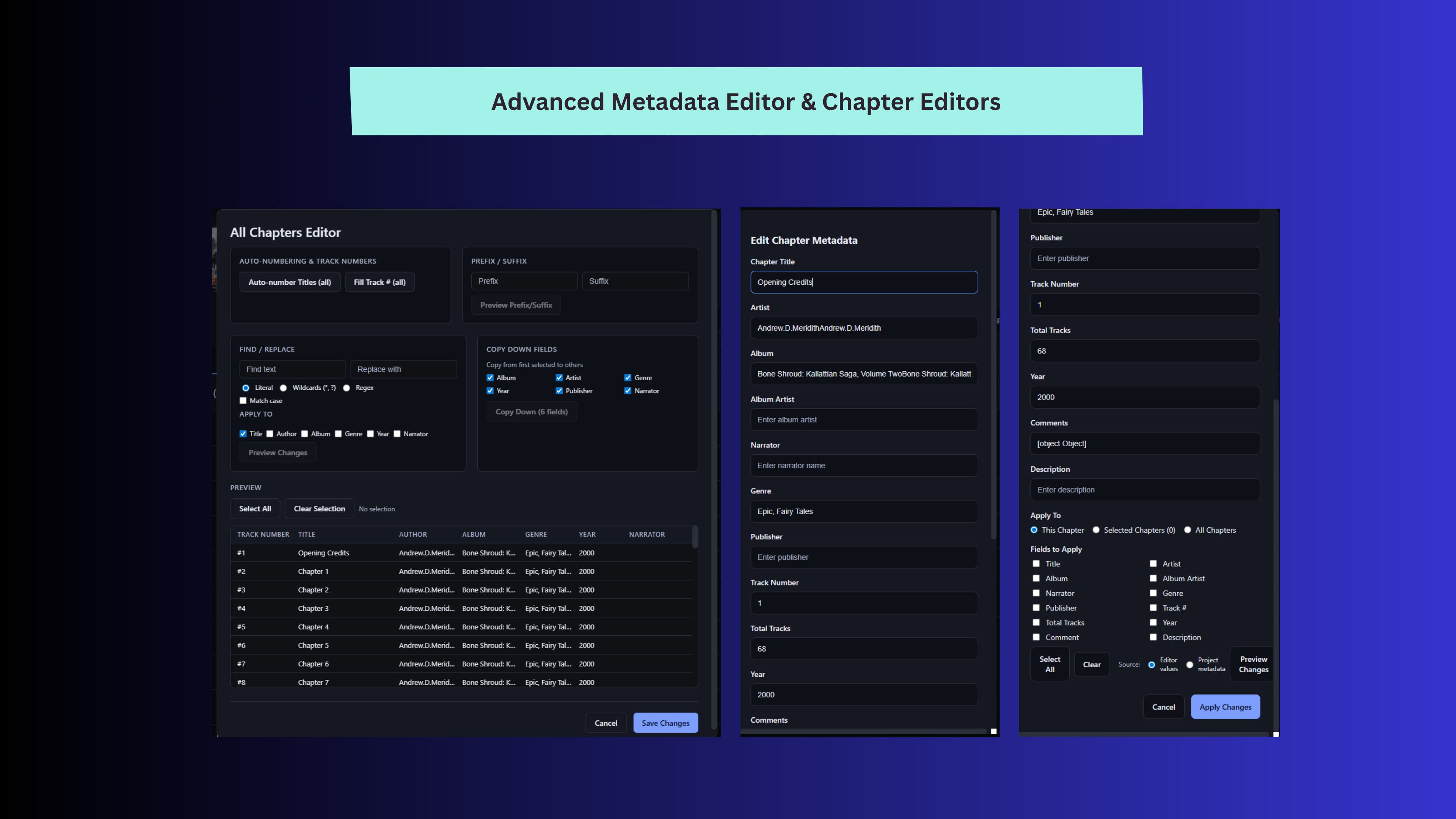
- Robust autocomplete and editing features
- Regular updates and feature improvements
Cons
- Occasional stability issues on lower-end devices
- Limited export formats compared to competitors
- Learning curve for advanced features
- Occasional slow synchronization with cloud storage
- Some features are only available via in-app purchase











