
- Name Cast Screen to TV
- Category Productivity
- Developer TV Media
- Available on PC, Mobile, Surface Hub, HoloLens
- OS Windows 10 version 17763.0 or higher
- languages English (United States)
Introducing Cast Screen to TV for Windows: Your Gateway to Seamless Display Mirroring
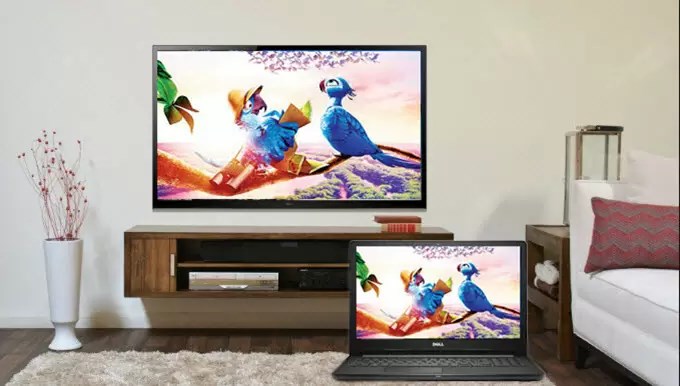
Cast Screen to TV for Windows is a straightforward application designed to simplify the process of wirelessly mirroring your PC screen onto your TV, transforming your living room into a versatile presentation or entertainment hub.
About the Developer and Core Features
Developed and published by TV Media, this app is tailored to users seeking hassle-free screen casting experiences. Its main highlights include:
- Easy Wireless Mirroring: Connect your Windows device to any compatible smart TV or casting-enabled display without cumbersome cables.
- Support for Multiple Devices: The app supports various TV brands and casting protocols, enhancing compatibility.
- Minimal Setup and Quick Connection: User-friendly interface with minimal configuration needed, enabling instant mirroring.
- Lightweight and Efficient: Designed to operate smoothly without taxing system resources, ensuring minimal lag.
The application is primarily aimed at casual users, educators, presentation professionals, and entertainment enthusiasts who want a reliable, straightforward way to project their screens onto larger displays.
Engaging and Practical: A Closer Look at the App's Experience
Picture this: it's a cozy evening, and you're eager to share your latest vacation photos or stream a movie on your big screen. Cast Screen to TV for Windows transforms this moment into a seamless experience—no tangled cables or confusing setups needed. The app acts like a friendly bridge between your computer and your TV, making screen sharing as effortless as flipping a switch.
Intuitive Interface and User Experience
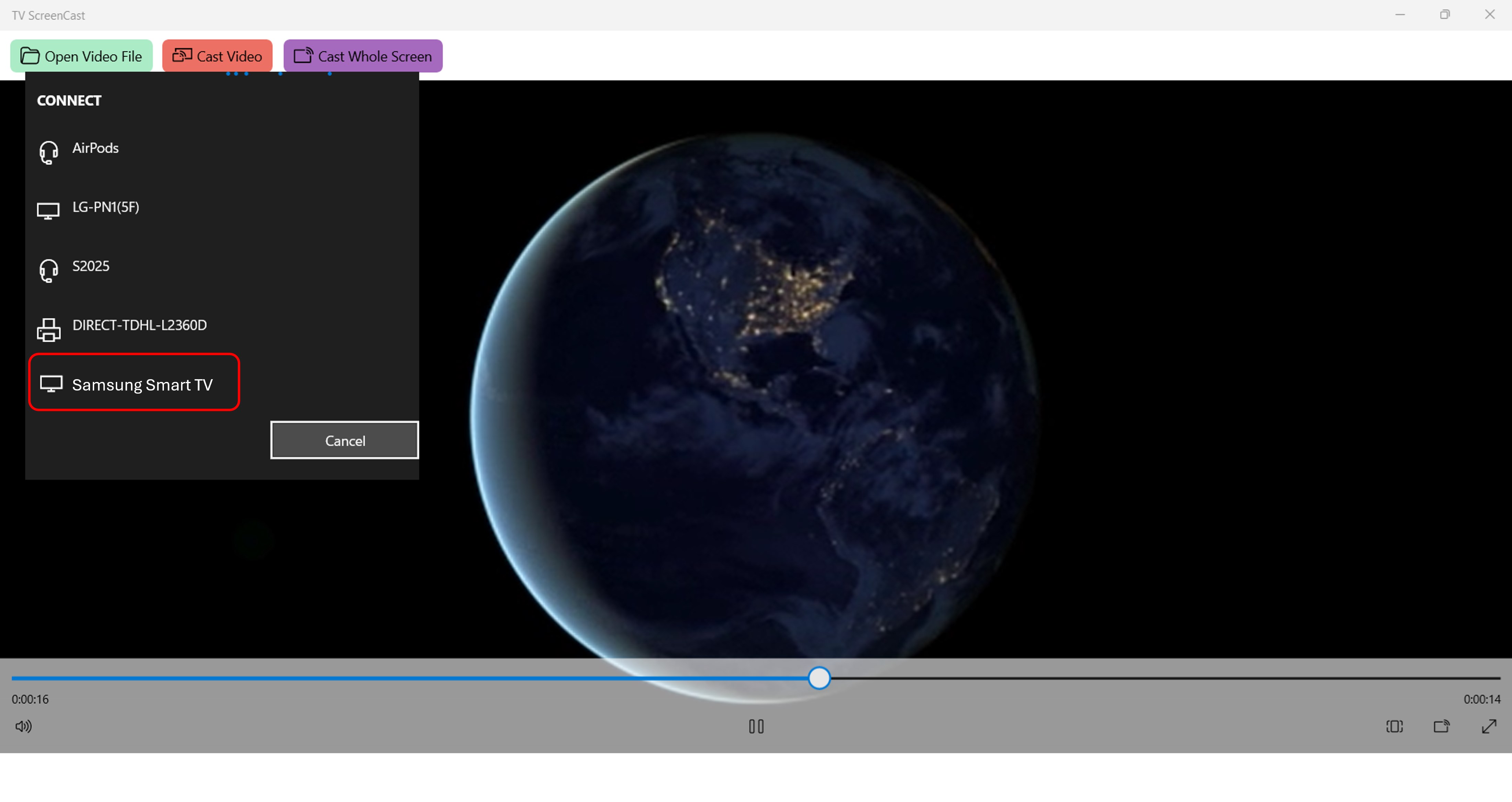
The app boasts a clean, minimalistic interface that resembles a well-organized control panel—easy on the eyes and even easier to navigate. Upon launching, the app immediately scans for available devices, presenting a clear list of compatible TVs or display units. The connection process is as simple as clicking a device name—there's no complex configuration, which reduces cognitive load significantly. Transitioning from launch to full mirror is swift, often completed within a few seconds, keeping users engaged and frustration-free.
Operability is smooth, with animations and transitions that feel natural, akin to flipping through chapters of a well-illustrated book. The app's responsiveness minimizes lag, making real-time interactions like gameplay or video playback possible without frustrating delays. Despite its simplicity, the app's design accommodates users of varying tech-literacy, effectively lowering the learning curve and promoting quick mastery.
Core Functionalities That Make a Difference
Wireless Casting Made Easy: Unlike traditional methods that involve cumbersome wiring or complex configurations, this app offers a plug-and-play experience. Its support for Miracast and other casting protocols ensures broad compatibility, much like having an all-access pass to multiple entertainment venues with one ticket.
Optimized Performance for Reduced Cognitive Load: The app's streamlined workflow focuses on the essential task—mirroring—without overwhelming users with excessive settings. This clarity reduces mental effort, allowing users to focus on content rather than technical hurdles. It feels akin to having a well-trained assistant who anticipates your needs and handles complexity while you enjoy the moment.
Device Support and Compatibility: The app's versatility means it works smoothly across various device brands and Windows versions, saving users from compatibility headaches. This flexibility ensures that whether you're casting from a laptop, tablet, or desktop, connectivity remains reliable and hassle-free.
Verdict: Is It Worth Your Screen Time?
Cast Screen to TV for Windows stands out as a practical, user-focused solution in a landscape crowded with feature-heavy, sometimes over-engineered options. Its strongest attributes are its simplicity and efficiency—ideal traits when your goal is to reduce cognitive burden and streamline your workflow. While it doesn't boast extravagant features, its core strength lies in delivering reliable, quick, and easy screen casting.
For users seeking a straightforward tool that integrates seamlessly into daily routines—be it for presentations, entertainment, or educational purposes—this app warrants a strong recommendation. It's particularly suitable for those who value minimal setup and immediate results over complex customization options. If effortless connectivity and a clutter-free interface resonate with you, Cast Screen to TV for Windows is a solid choice to consider.
Pros
- Easy and quick setup
- User-friendly interface
- Supports multiple device types
- Stable connection during testing
- Includes additional features like screen recording
Cons
- Limited device compatibility
- Occasional lag or buffering issues
- Basic customization options
- Ads and notifications during use
- Minor bugs reported in certain setups











