

- Name Calendar Flyout
- Category Productivity
- Available on PC
- OS Windows 11 version 22000.0 or higher
- languages Chinese (Simplified), Chinese (Traditional Chinese), English (United States), German, Italian, Polish , Portuguese (Brazil), Spanish (Spain), Turkish
A Fresh Take on Calendar Accessibility: An Overview of Calendar Flyout for Windows
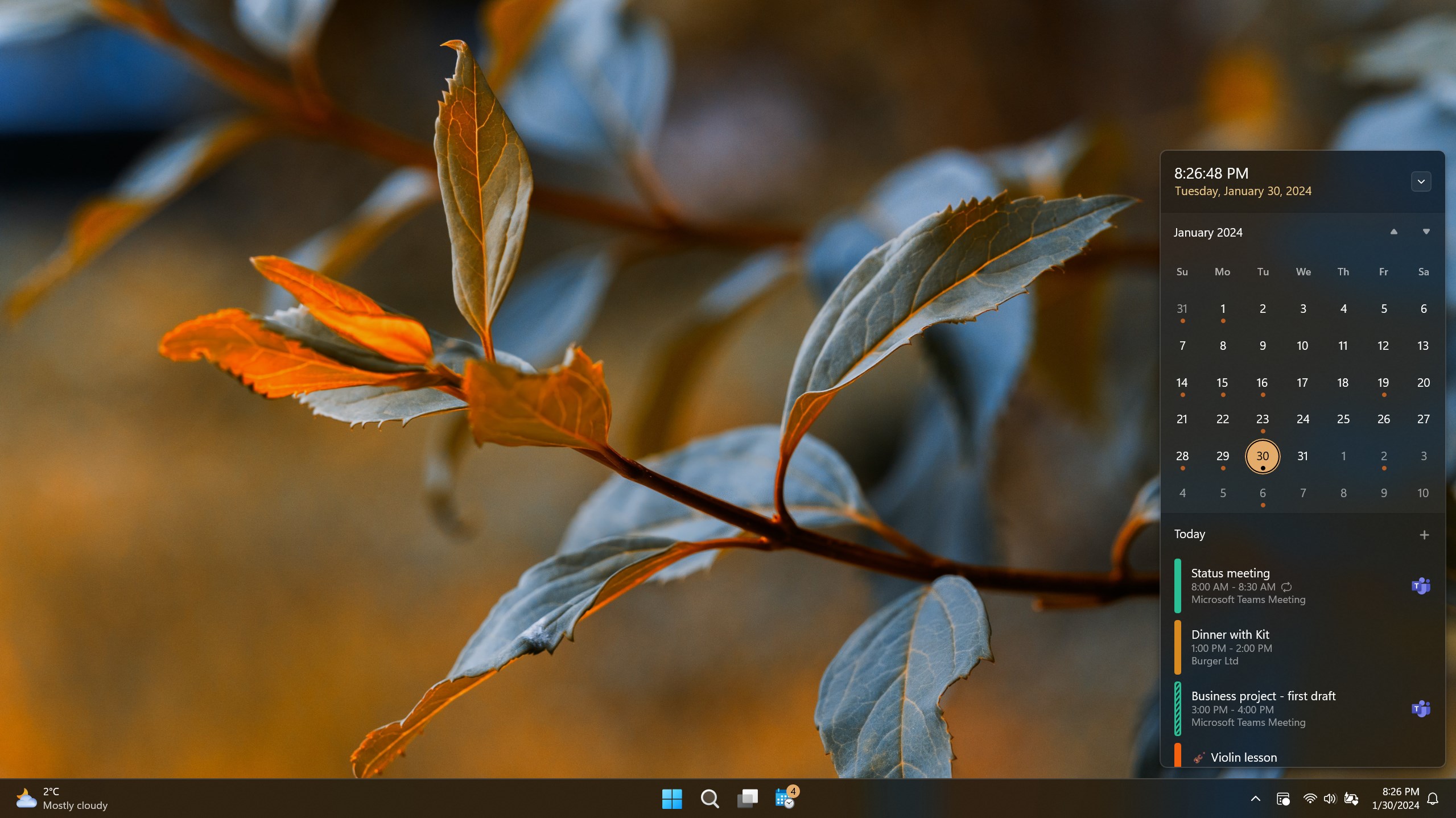
In the realm of productivity tools, where every second counts and ease of access can make or break your workflow, Calendar Flyout for Windows by Michał Łeptuch emerges as an intriguing solution. Designed to streamline your calendar interactions without the clutter of full app windows, this lightweight utility offers a subtle yet powerful way to stay on top of your schedule right from the desktop. Whether you're someone juggling multiple meetings or just craving a quick glance at your day, this app promises to bring calendar information directly to your fingertips.
Core Features That Stand Out
Primarily, Calendar Flyout shines through its innovative approach to presenting calendar data — it integrates seamlessly with Windows, providing instant access via the system tray or a simple hotkey. Its key strengths include:
- Minimalist Calendar Popup: Offers quick, glanceable access to your upcoming events without disrupting your workflow.
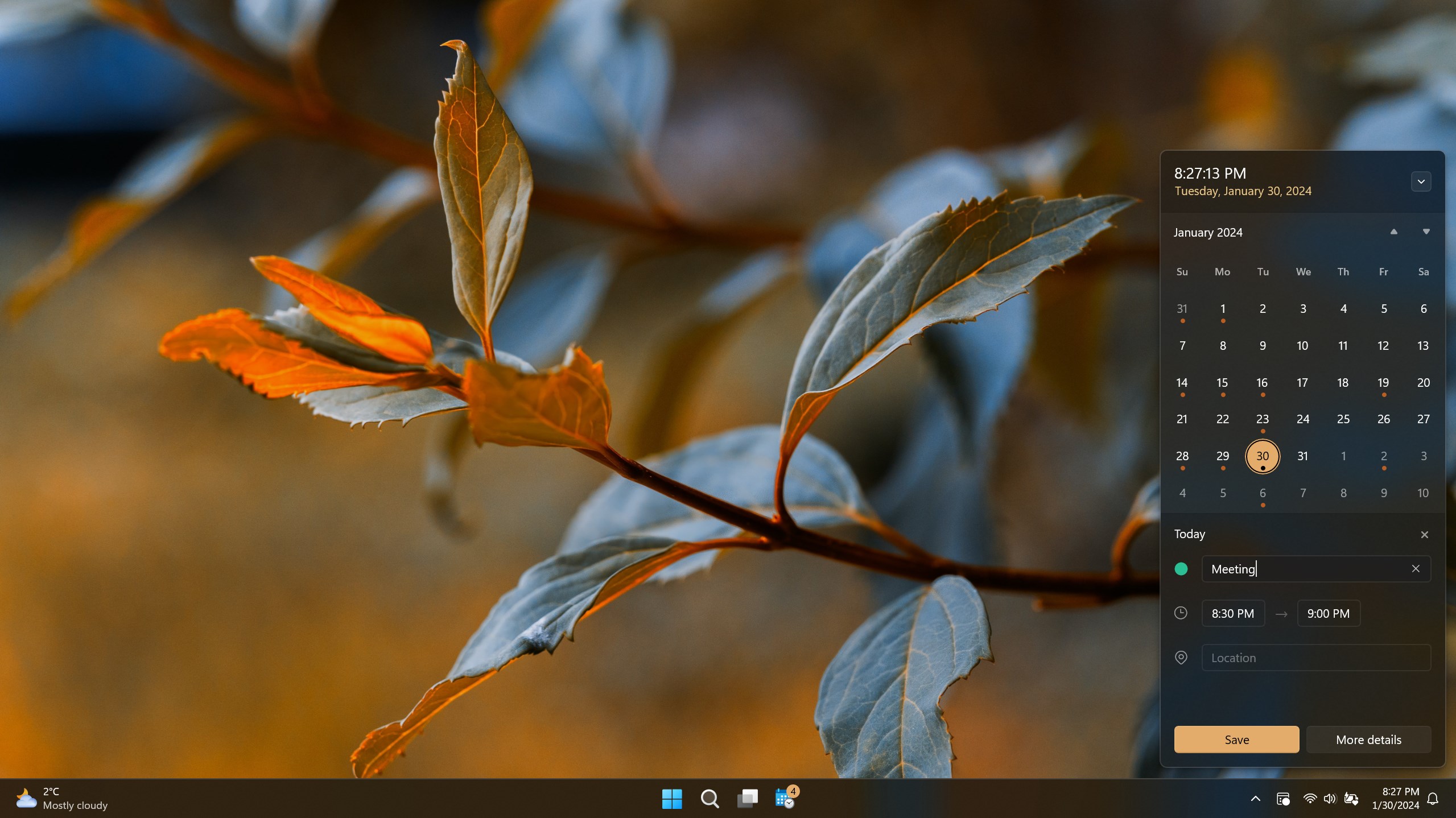
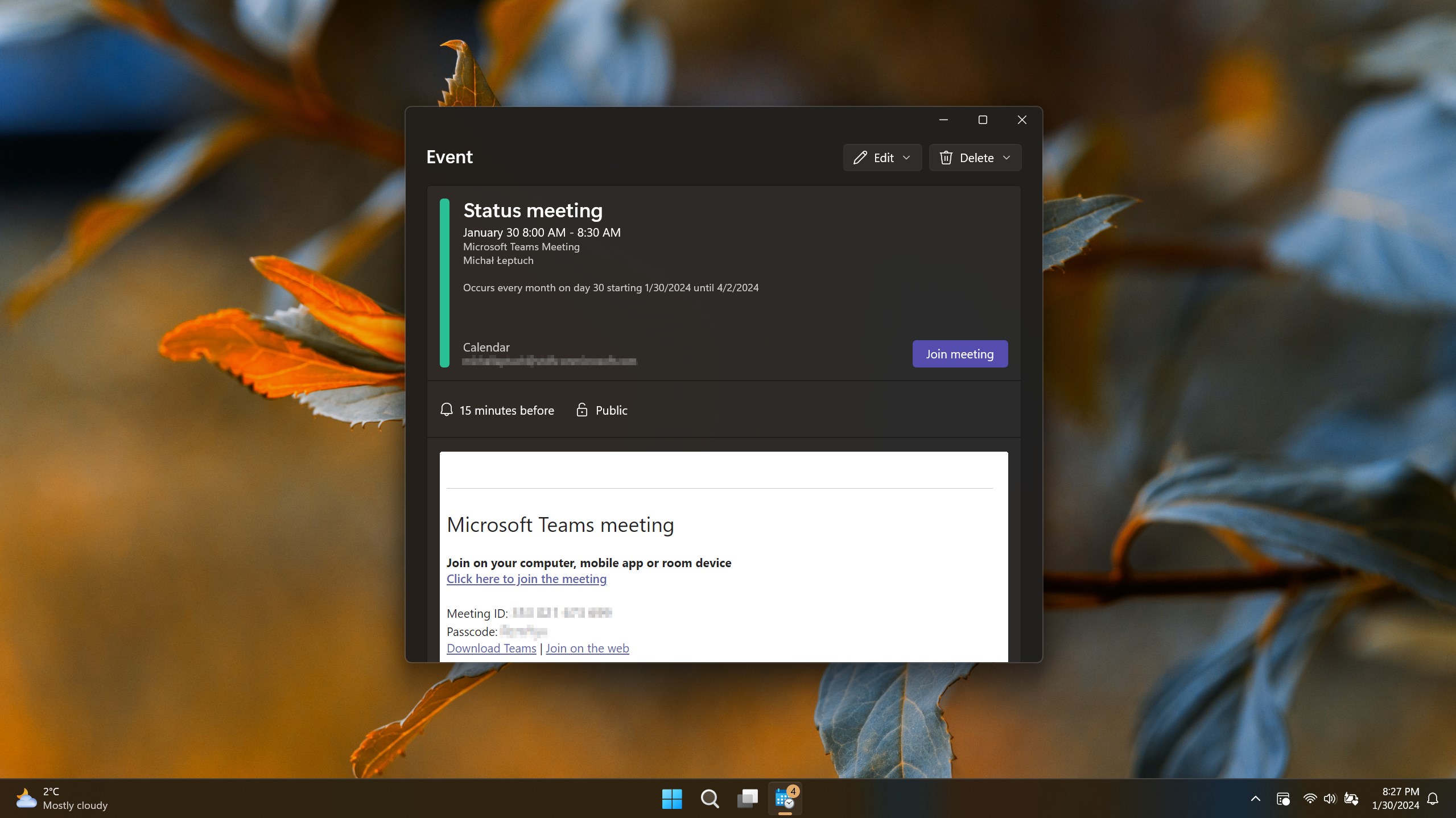
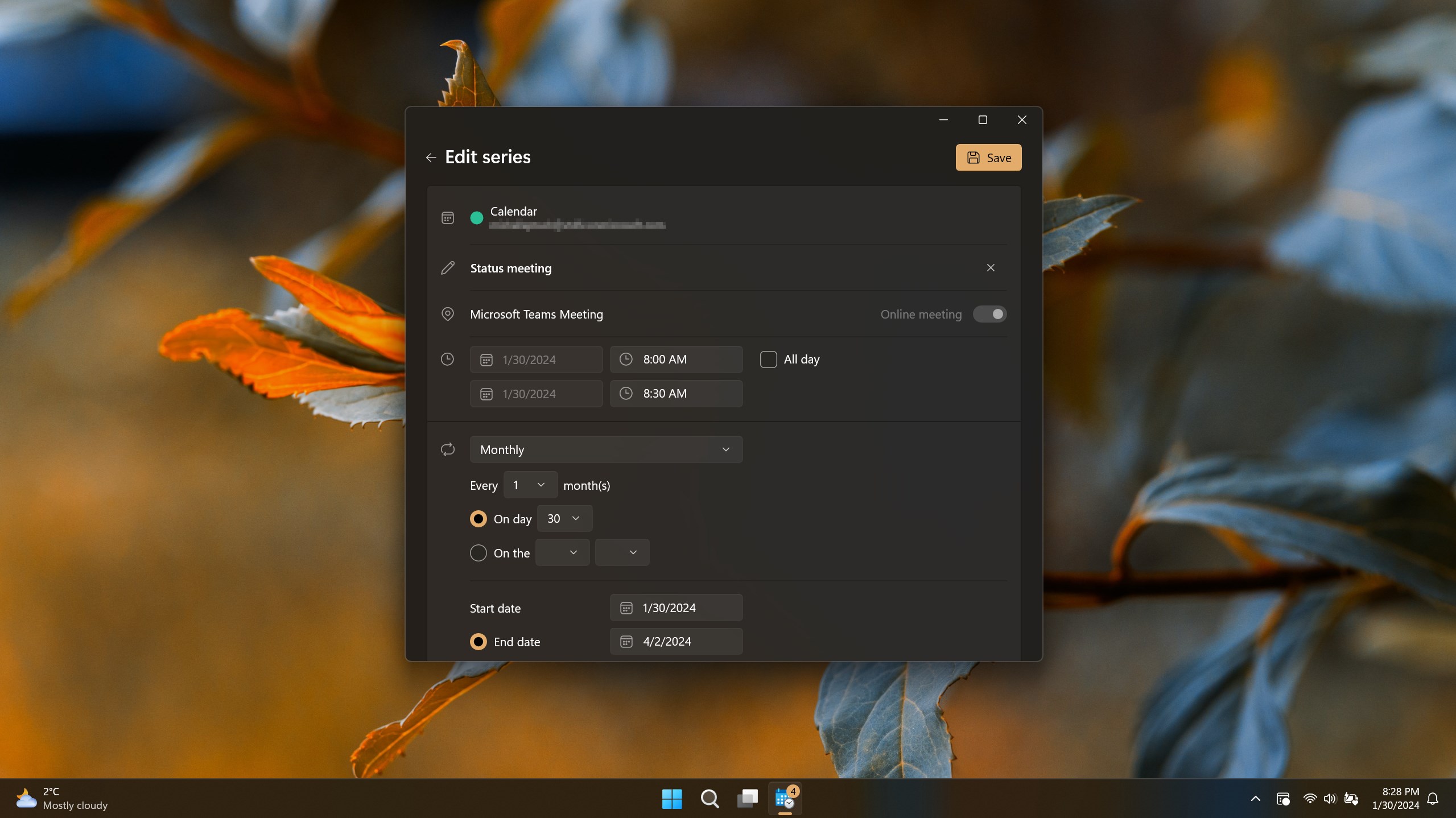
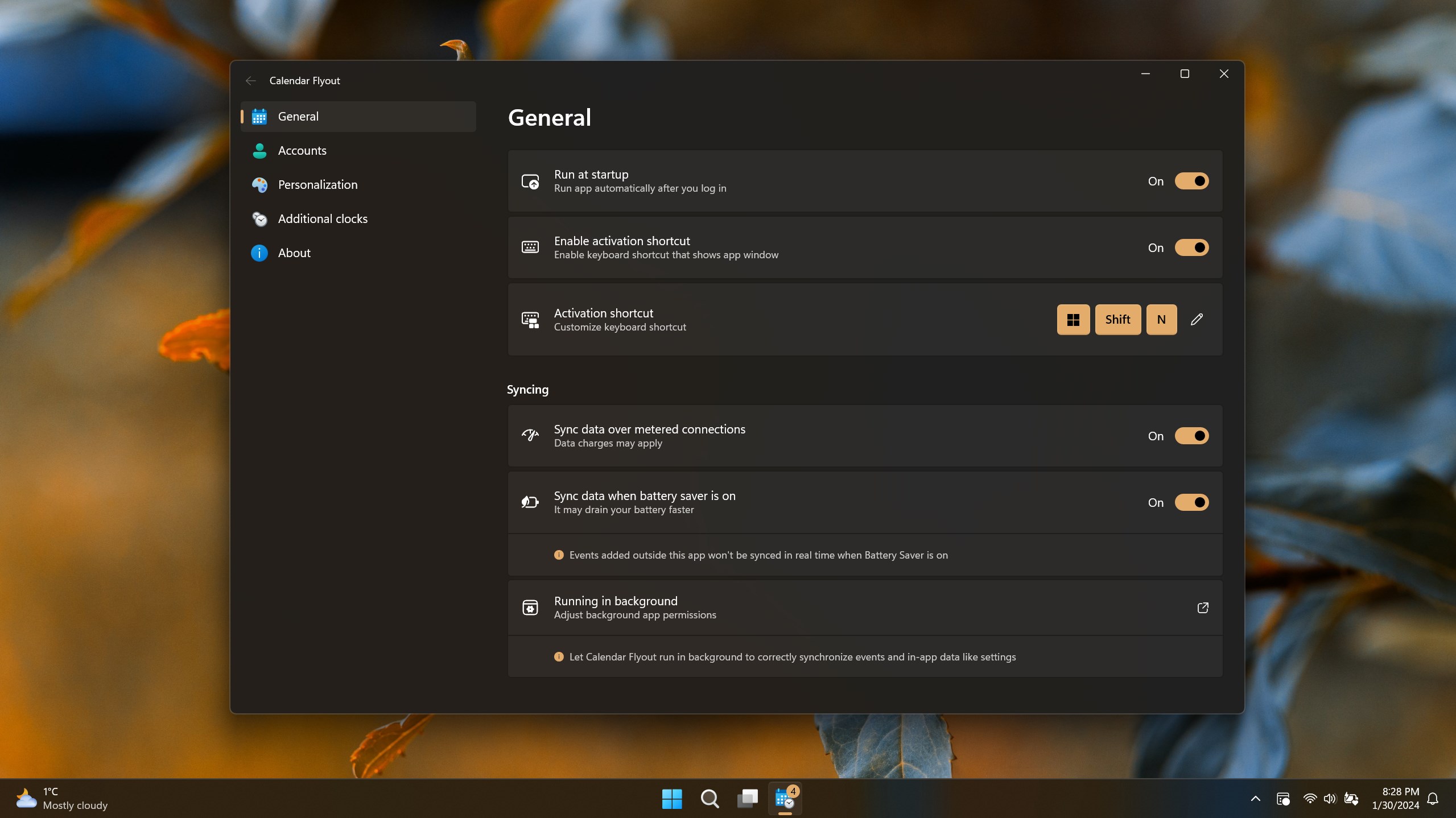
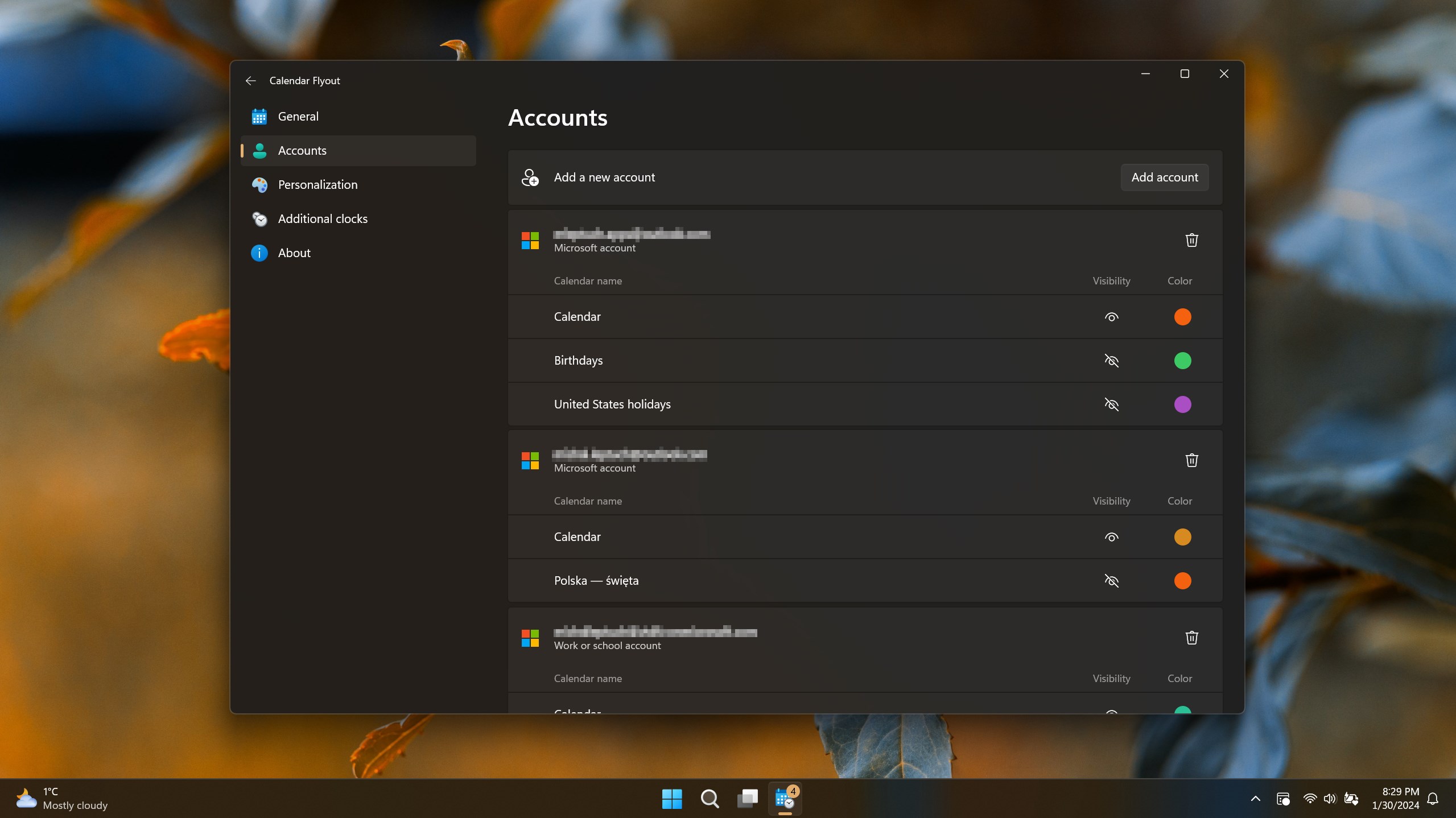
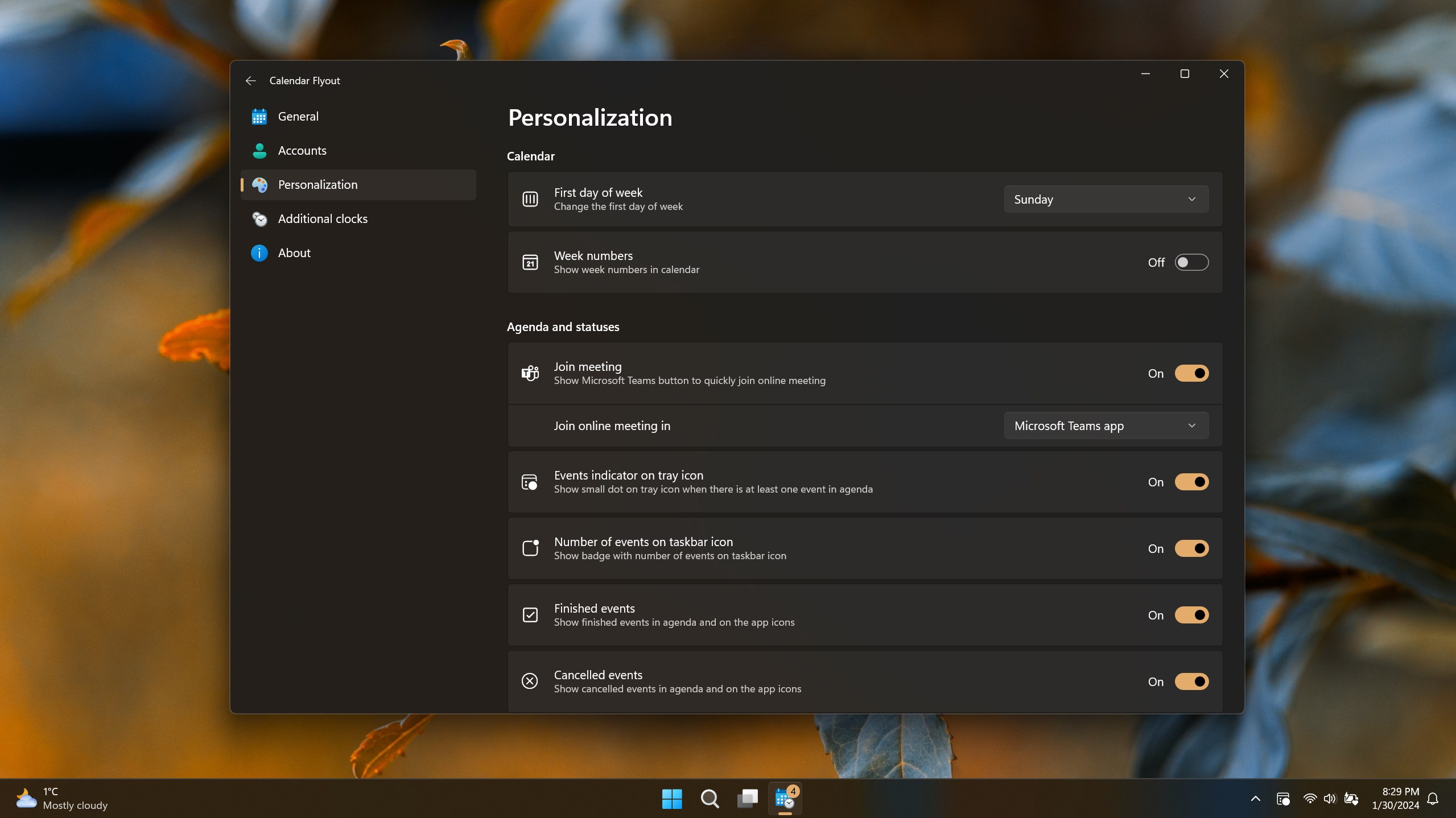
- Customizable Display Options: Allows users to tailor what information appears, from full event details to simple date indicators.
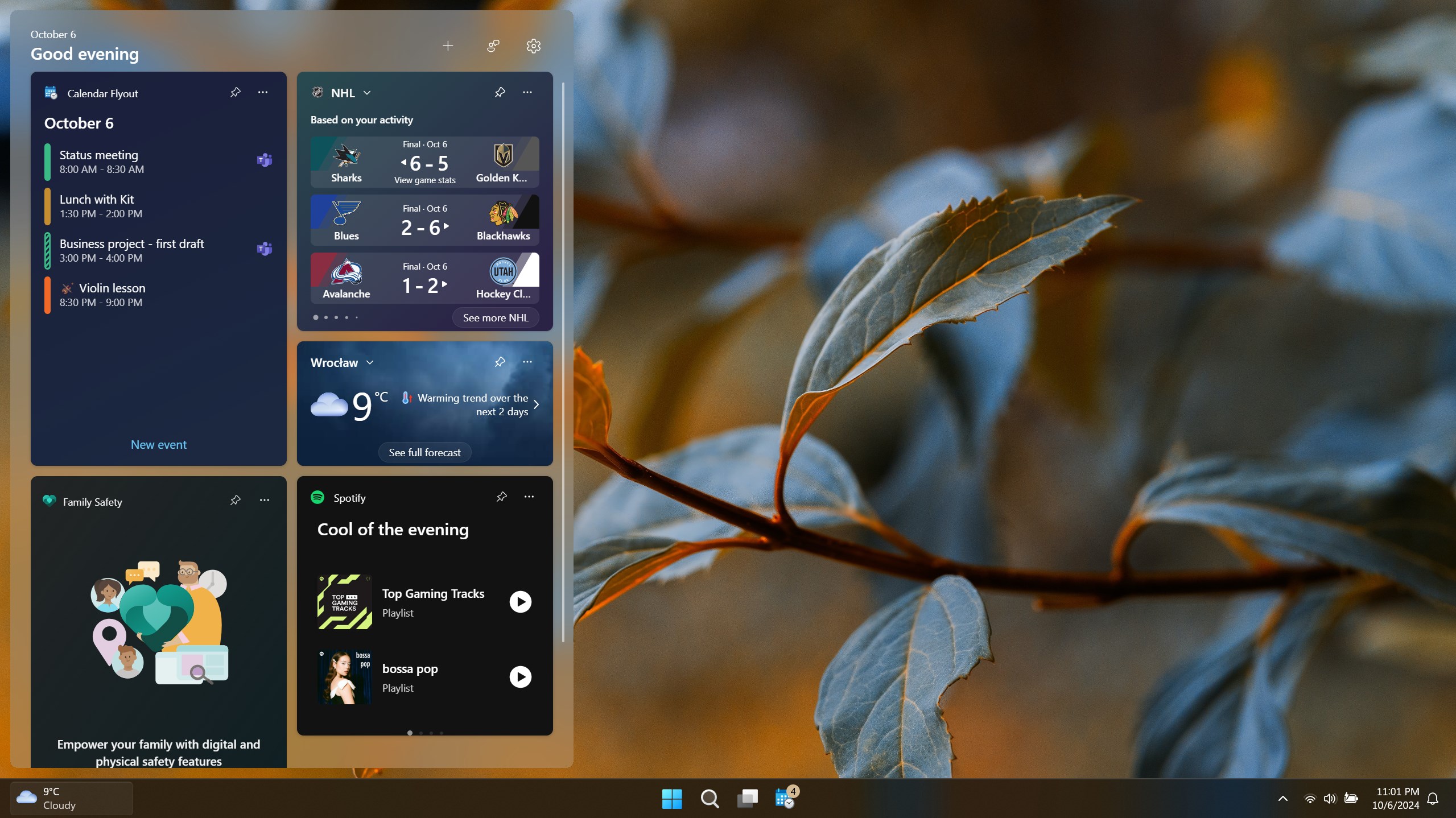
- Workflow Integration: Designed to sit unobtrusively, enabling efficient scheduling checks without switching contexts or opening multiple applications.
- Low Cognitive Load: Simplifies calendar viewing, reducing the mental effort needed to keep track of your schedule amidst numerous tasks.
The app targets busy professionals, students, or anyone who values an efficient, low-friction way to stay connected with their schedule during the workday or study sessions.
Engaging and Functional User Experience
If you've ever been frustrated by clunky calendar apps that require several clicks just to peek at your schedule, you'll appreciate how Calendar Flyout offers a breath of fresh air. Imagine working on a document when you suddenly need to verify tomorrow's meeting; instead of opening an entire app window or switching tabs, a quick hover or hotkey summons a neatly organized calendar flyout. This interaction feels like having a tiny, organized assistant always within arm's reach.
Intuitive Design and Seamless Operation
The interface strikes a fine balance between simplicity and utility. It features a clean, unobtrusive popup that blends with Windows' native design language. Navigating within the flyout feels smooth; the app is optimized for quick responsiveness, with no noticeable lag when accessing upcoming appointments or switching views. The learning curve is gentle — most users can start benefiting from it immediately after a brief initial exploration, akin to learning a new shortcut in a familiar tool.
Unique Selling Points: Efficiency and Cognitive Ease
Compared to traditional calendar apps loaded with numerous features and options, Calendar Flyout uniquely emphasizes workflow integration efficiency. Its design philosophy reduces cognitive load by avoiding overwhelming the user with excessive information or options. Instead, it provides just enough contextual data for effective planning, minimizing distractions. This makes it particularly advantageous for users who prefer quick checks and minimal interruption, setting it apart from bulkier productivity suites that might burden the user with learning curves or feature overloads.
Final Thoughts and Usage Recommendations
Overall, Calendar Flyout presents a straightforward yet effective enhancement to Windows' native scheduling capabilities. It's most suited for individuals who desire rapid, unobtrusive access to their calendar without losing focus on their main tasks. If your workflow benefits from seamless calendar checks and you're looking for a tool that integrates without fuss or distraction, this app deserves a try.
While it doesn't replace comprehensive calendaring solutions for detailed planning, its specialized role makes it an excellent companion in the daily hustle. I'd recommend giving it a shot, especially if you're someone who appreciates keeping your schedule visible without disrupting your workflow. Just imagine it as your digital post-it note that whispers schedule reminders into your ear — simple, quiet, but always there when you need it.
Pros
- Intuitive calendar flyout interface
- Seamless Windows integration
- Customizable calendar views
- Lightweight and fast
- Offline access to calendar data
Cons
- Limited event editing capabilities
- Lack of advanced notification settings
- Some synchronization delays
- Limited appearance customization
- Occasional UI freeze under heavy usage











