

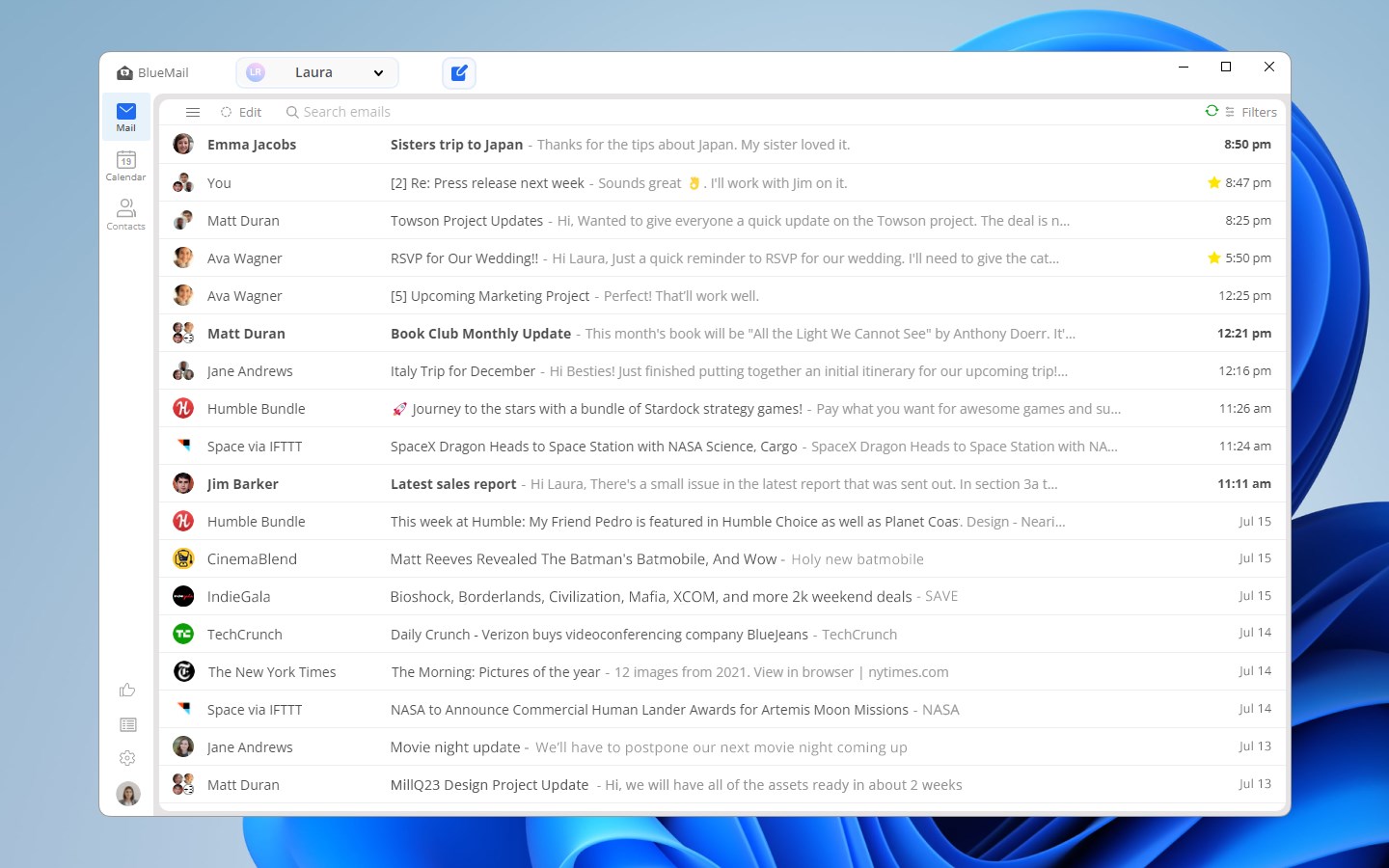
- Name Blue Mail - Email & Calendar
- Category Productivity
- Developer Blix Inc.
- Available on PC
- OS Windows 10 version 14316.0 or higher
- languages Arabic, English (United States), French, German, Italian, Japanese, Polish, Portuguese (Brazil), Russian, Spanish, Turkish
Introducing Blue Mail – A Sleek, Unified Email & Calendar Solution for Windows
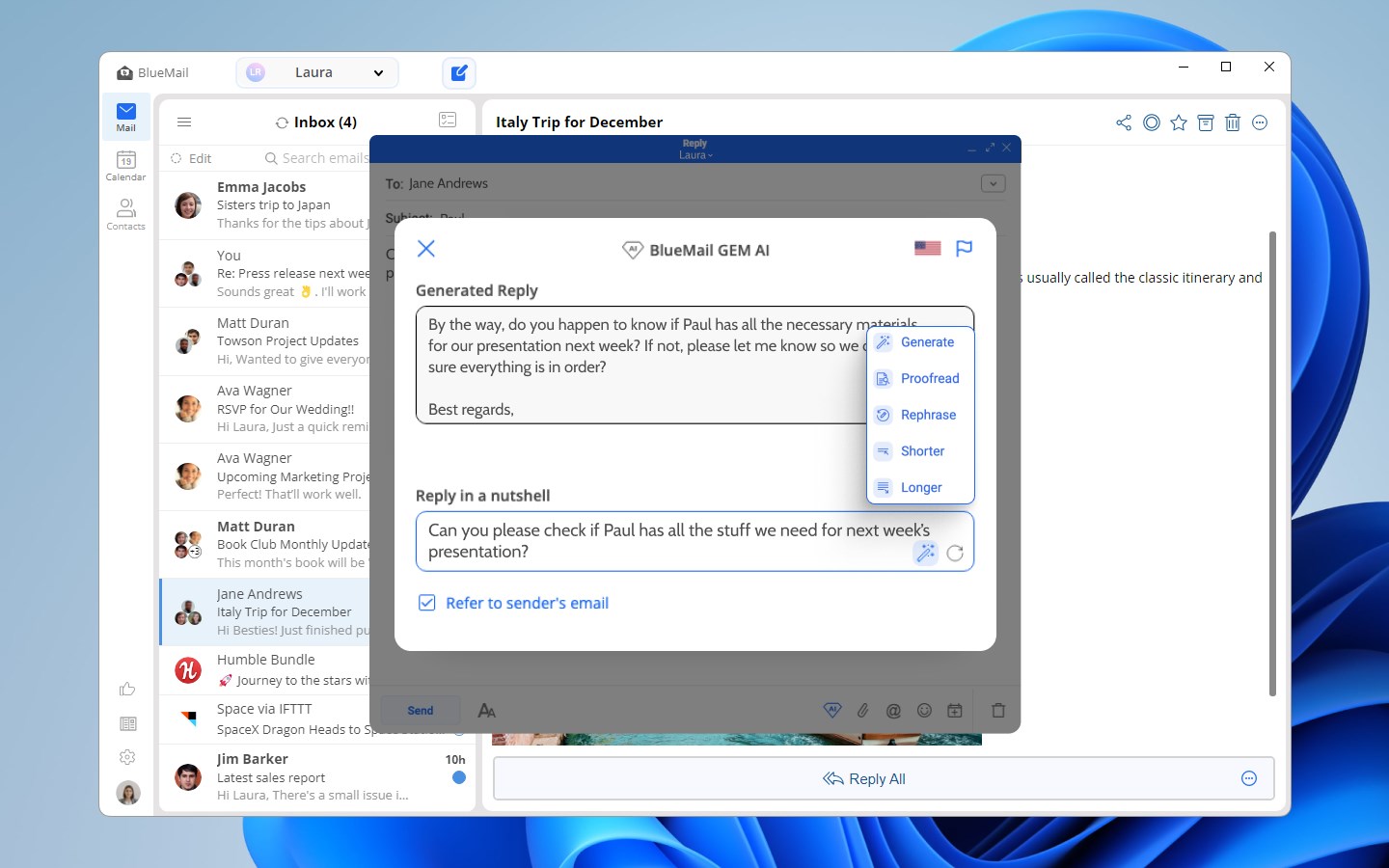
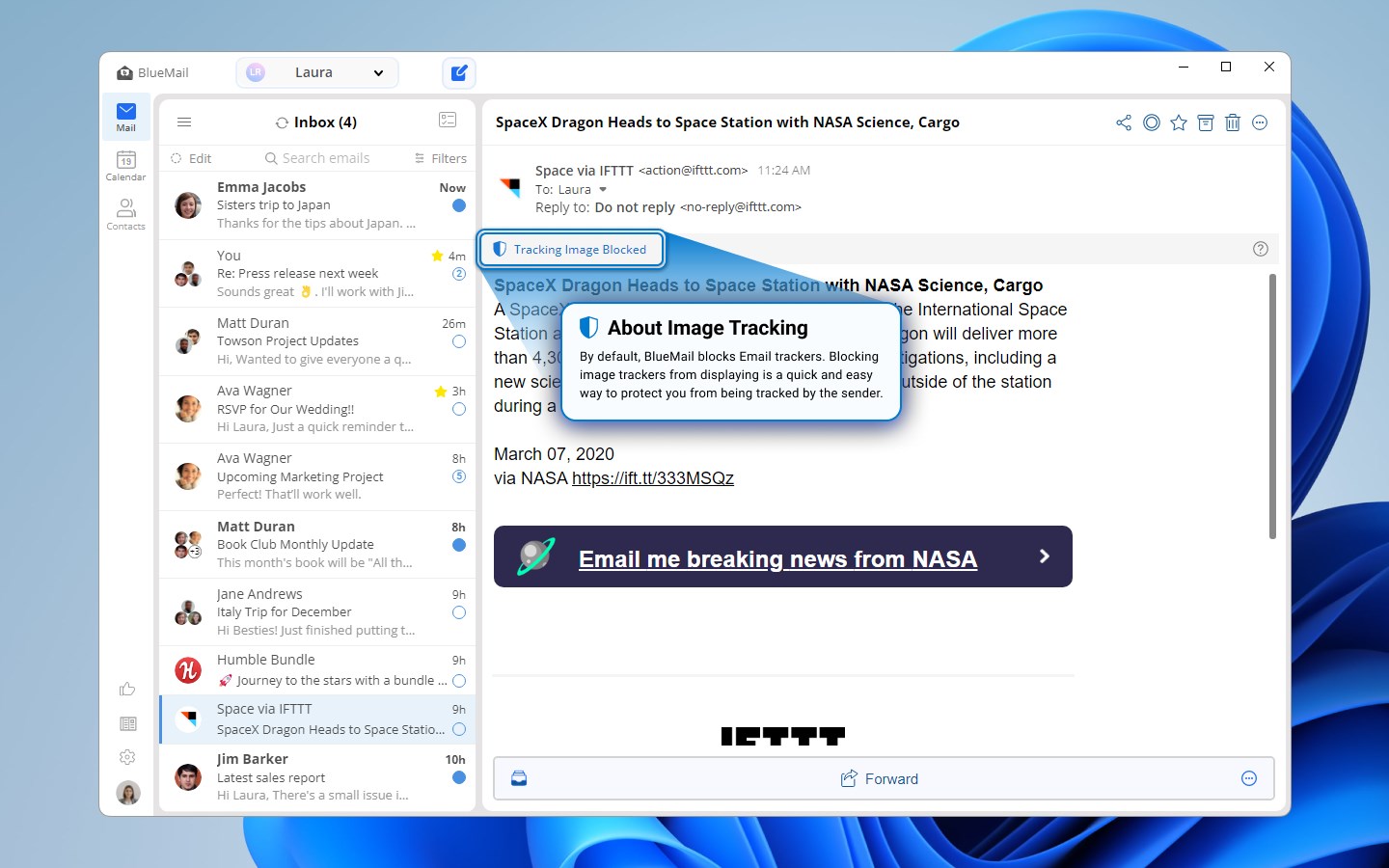
Blue Mail by Blix Inc. positions itself as a versatile all-in-one email and calendar app designed to streamline your digital communication and scheduling. With its robust features and intuitive interface, it aims to serve busy professionals, students, and anyone needing efficient inbox management paired with seamless calendar integration.
About the Developer and Core Highlights
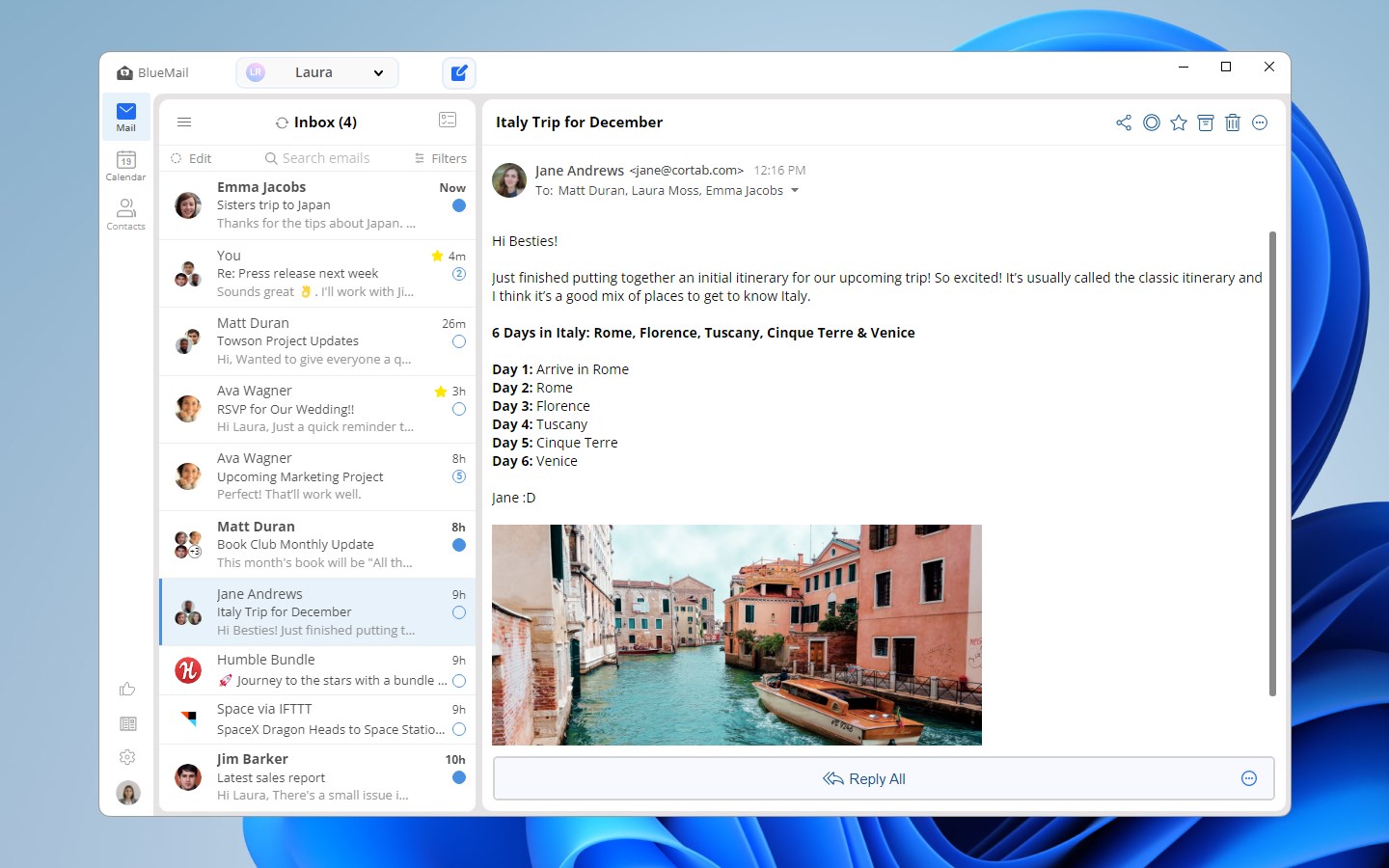
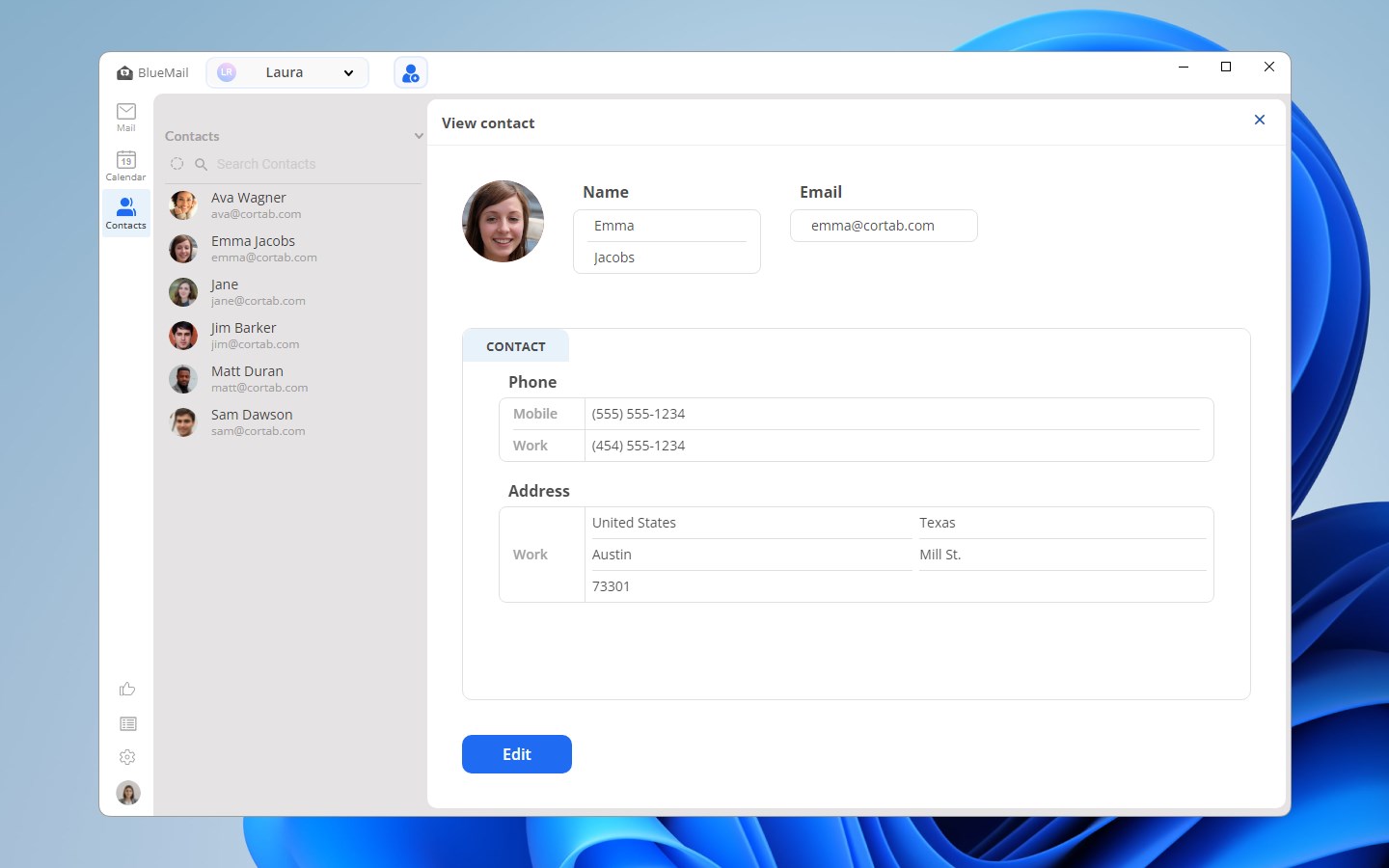
Developed and published by Blix Inc., a company known for its focus on productivity tools, Blue Mail is crafted to enhance your daily workflow. Its standout features include support for multiple email accounts, a unified unified inbox view, customizable notifications, and deep calendar integration—allowing users to manage emails and appointments from a single platform. The app's design emphasizes simplicity without sacrificing power, making it suitable for users who seek efficiency without complexity.
Engaging and Practical: Blue Mail in Action
Ever felt overwhelmed juggling multiple email accounts and calendar apps? Blue Mail delivers just the right tonic — an elegant interface that turns chaos into clarity. Whether you're a professional managing client communications or a student balancing classes and personal schedules, this app acts as your personal digital assistant, simplifying your everyday tasks with a touch of finesse.
Smooth Multi-Account Management & Unified Inbox
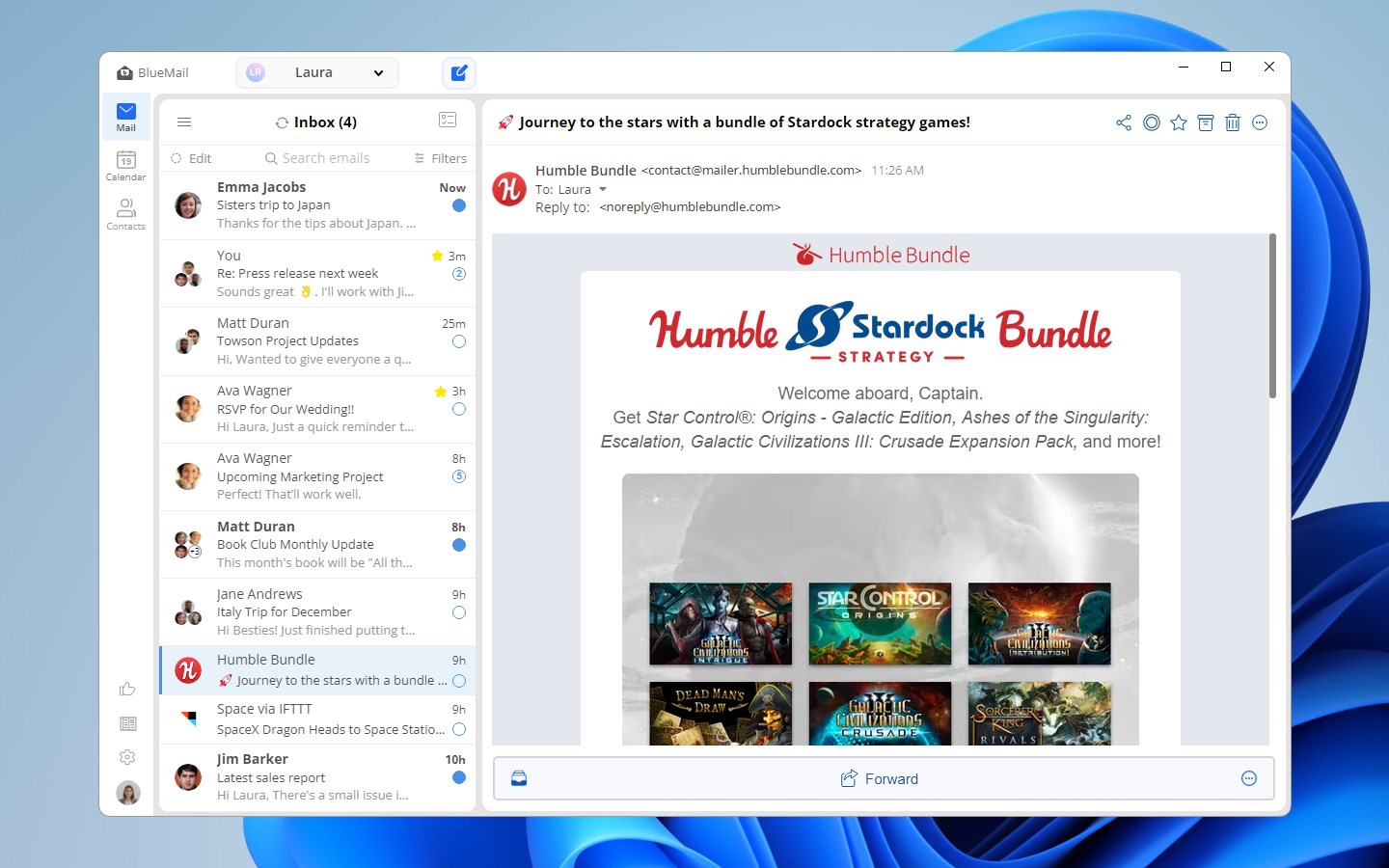
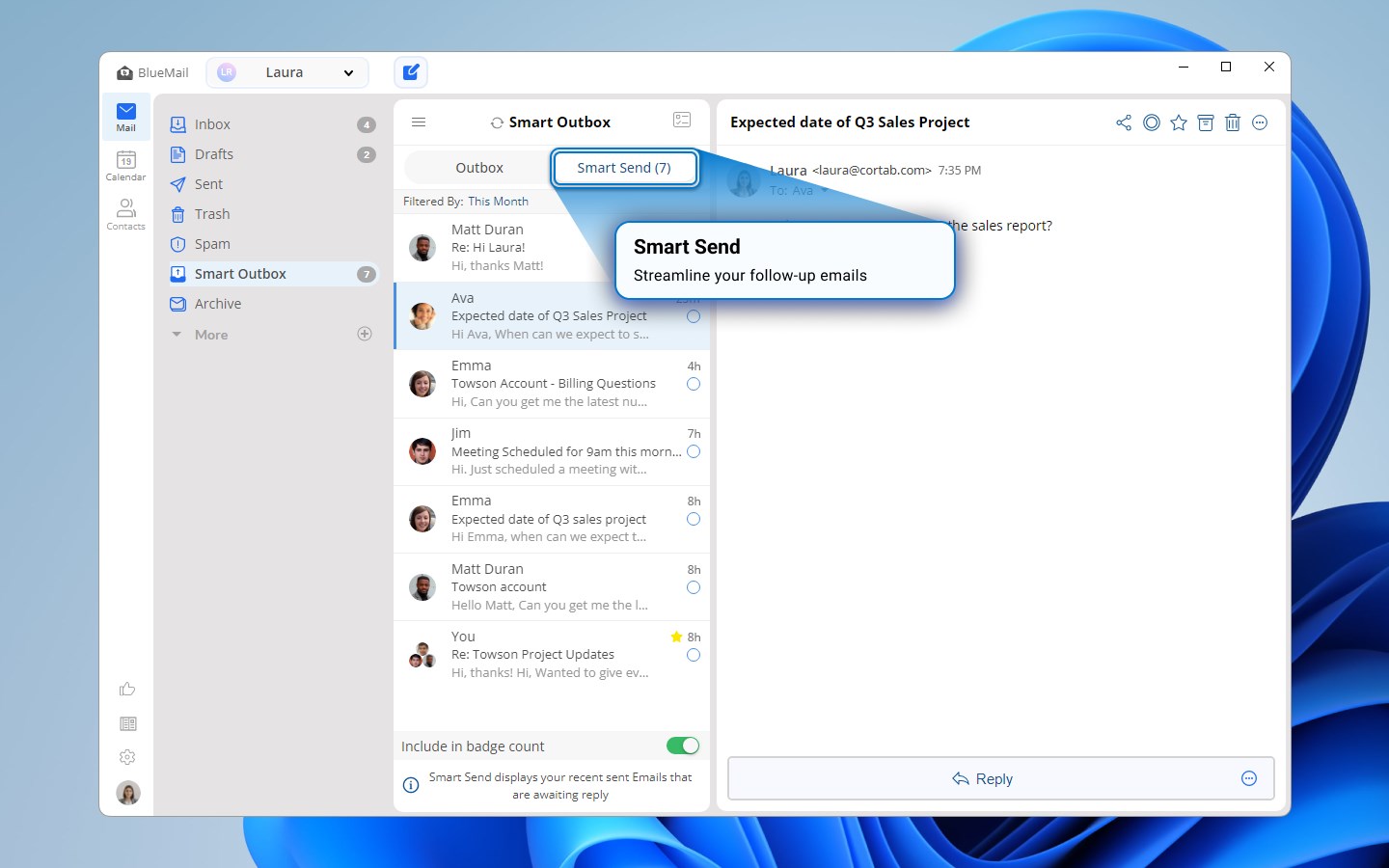
One of Blue Mail's most compelling features is its ability to connect multiple email accounts — whether Gmail, Outlook, Yahoo, or even IMAP servers — into a single, consolidated inbox. Imagine walking into a busy office, where all messages from different departments are centralized on your desk; that's what Blue Mail offers digitally. The unified inbox streamlines your workflow, reducing the chaos of jumping between apps and allowing you to prioritize messages efficiently. The app also intelligently groups conversations, reducing clutter and making email threads easier to follow.
Intuitive Calendar & Scheduling Integration
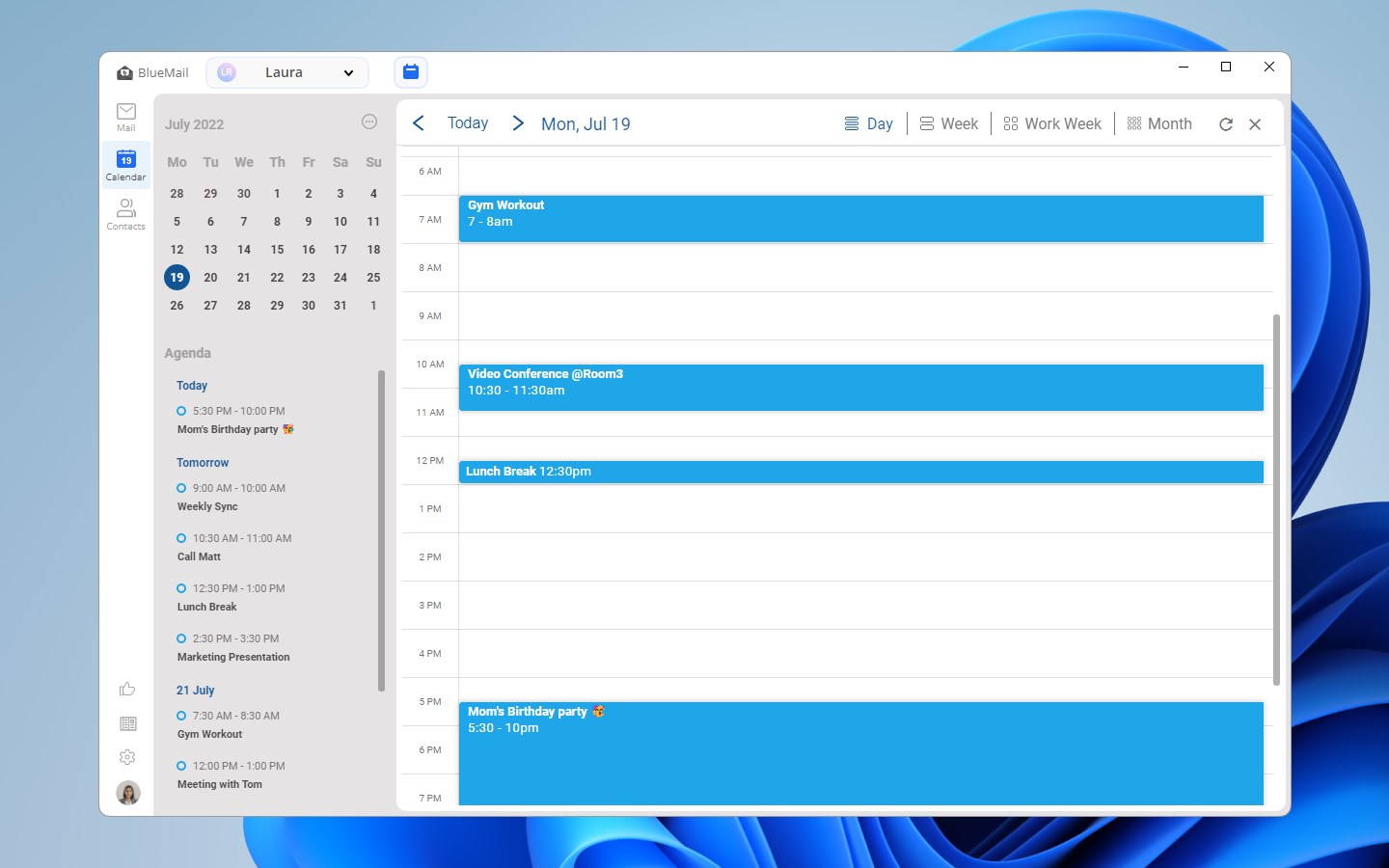
Blue Mail's calendar feature is more than just a supplementary tool; it's an integrated hub that syncs effortlessly with your email accounts to keep your schedule up to date. Creating, rescheduling, or cancelling appointments is straightforward, with visual cues and clear reminders. Its smart notifications help reduce the cognitive load—no more crossing your fingers hoping you won't forget that important meeting. This feature shines brightest when you're coordinating with others via email; simply convert an email into a calendar invite, saving you time and mental effort.
Design, Usability, and Experience
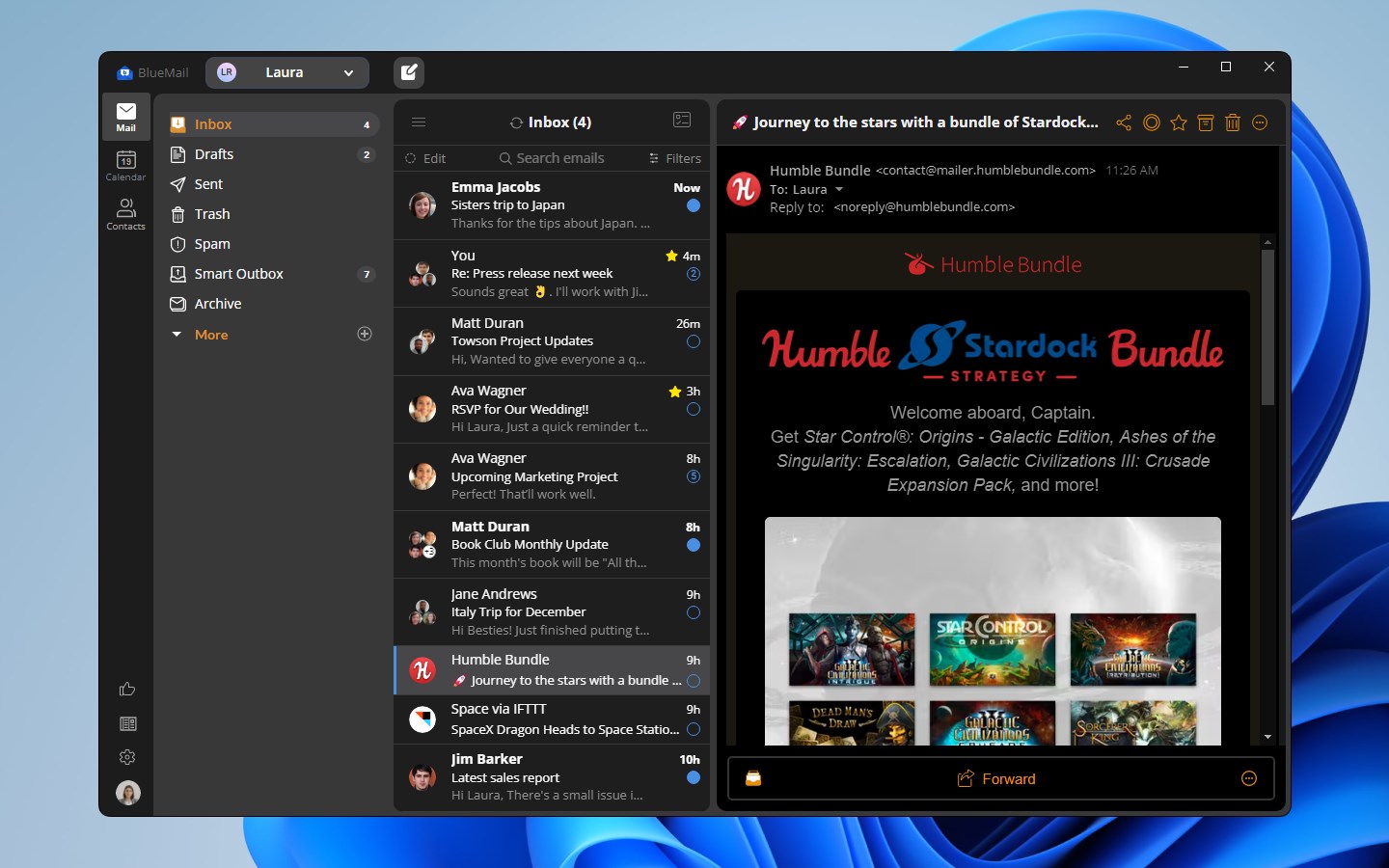
The interface of Blue Mail resembles a friendly control tower—clean, organized, and easy to navigate. Its dark and light themes can be switched with a tap, catering to different lighting environments and personal preferences. Operation feels fluid, with snappy response times and smooth transitions that make managing multiple inboxes and calendars feel natural, akin to flipping through a well-organized notebook. The learning curve is gentle; even first-time users will find themselves managing their email universe with confidence after a quick setup.
What Sets Blue Mail Apart from Other Productivity Apps?
Compared to other email clients and calendar apps, Blue Mail's key strength lies in integrating workflow efficiency with minimal cognitive load. Unlike complex platforms that bombard users with endless features, Blue Mail focuses on what matters most—fast, reliable access to communication and scheduling—without unnecessary distractions. Its unique ability to unify multi-platform emails and calendars into a single, coherent interface significantly reduces the mental effort needed to stay organized. Moreover, its setup is straightforward, and its minimalist design reduces visual clutter, allowing users to focus on their tasks rather than battling with the app itself.
Final Recommendations and Usage Suggestions
Considering its streamlined design, powerful integration capabilities, and user-friendly interface, Blue Mail is highly recommended for anyone seeking a central hub for email and calendar management on Windows. It's especially well-suited for professionals who juggle multiple accounts daily or students managing various schedules. For those seeking to minimize app switching and cognitive load while maximizing productivity, Blue Mail offers a compelling, dependable solution.
In summary, if you're looking for an app that combines the essential functions of email and calendar management into an elegant and efficient package, give Blue Mail a try—you might find it transforms your digital communication routine into a well-oiled machine.
Pros
- User-friendly interface
- Strong Microsoft ecosystem integration
- Reliable push notifications
- Multiple account support
- Customization options
Cons
- Limited email filtering options
- Occasional sync delays
- No built-in spam filtering adjustments
- Limited offline functionality
- Occasional UI lag on older devices











