

- Name Blip Transfer
- Category Productivity
- Developer Blip Studio Inc.
- Available on PC
- OS Windows 10 version 17763.0 or higher
- Keyboard Integrated Keyboard
- Mouse Integrated Mouse
- languages English
Streamlining Your Workflow: An In-Depth Look at Blip Transfer for Windows
If you're tired of the chaotic dance of dragging files between devices or fumbling through clunky transfer methods, Blip Transfer for Windows promises a smoother, more integrated experience. This app aims to be your personal gateway for quick, effortless file sharing and device management — all wrapped up in a sleek interface that feels more intuitive than a well-rehearsed ballet.
Who's Behind It? The Minds of Blip Studio Inc.
Developed and published by Blip Studio Inc., a team committed to creating user-friendly productivity tools that simplify digital workflows. Their focus with Blip Transfer is to reduce the friction often encountered during data transfer, making it an essential companion for power users and casual users alike.
Key Features that Make a Difference
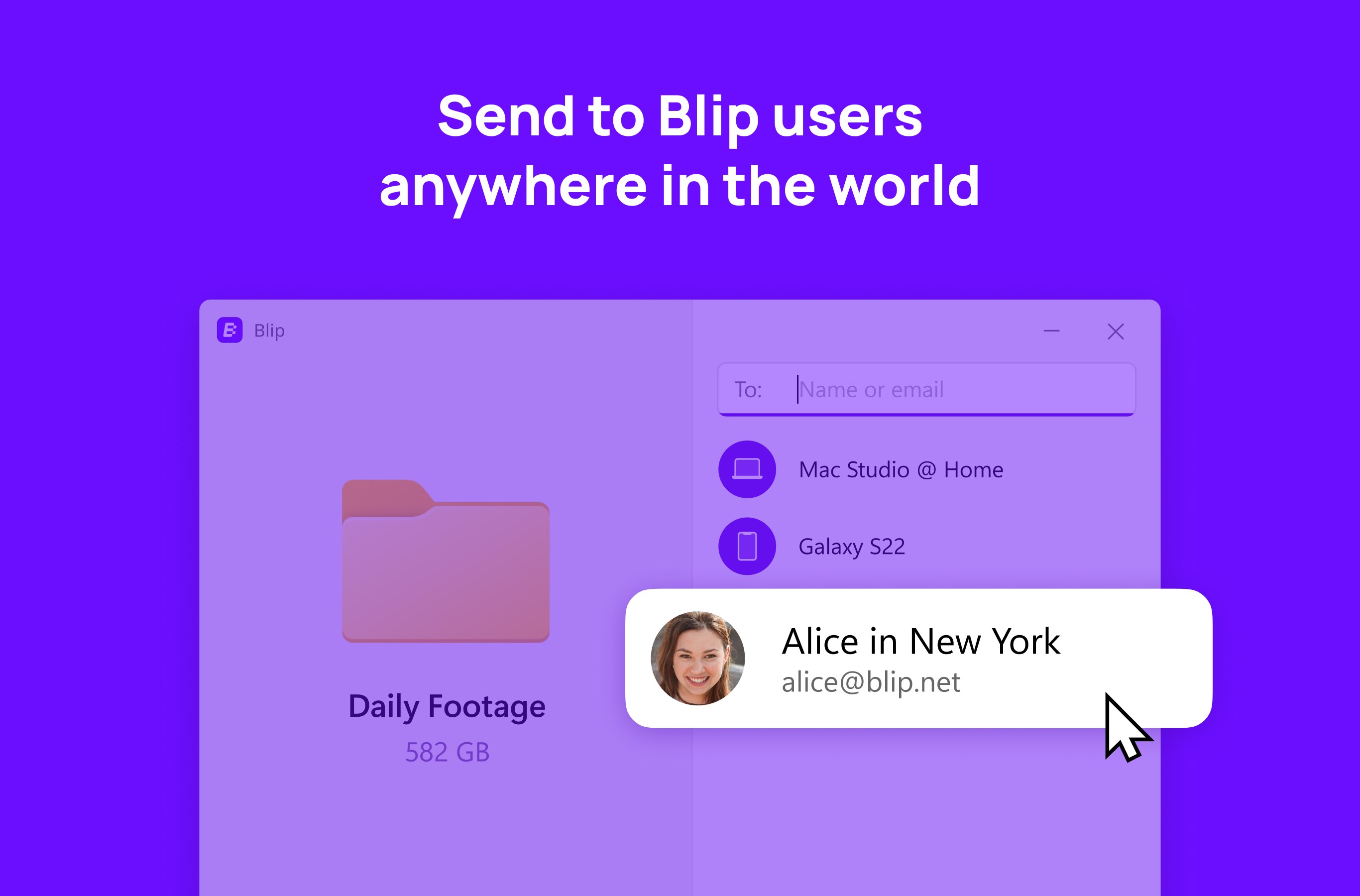
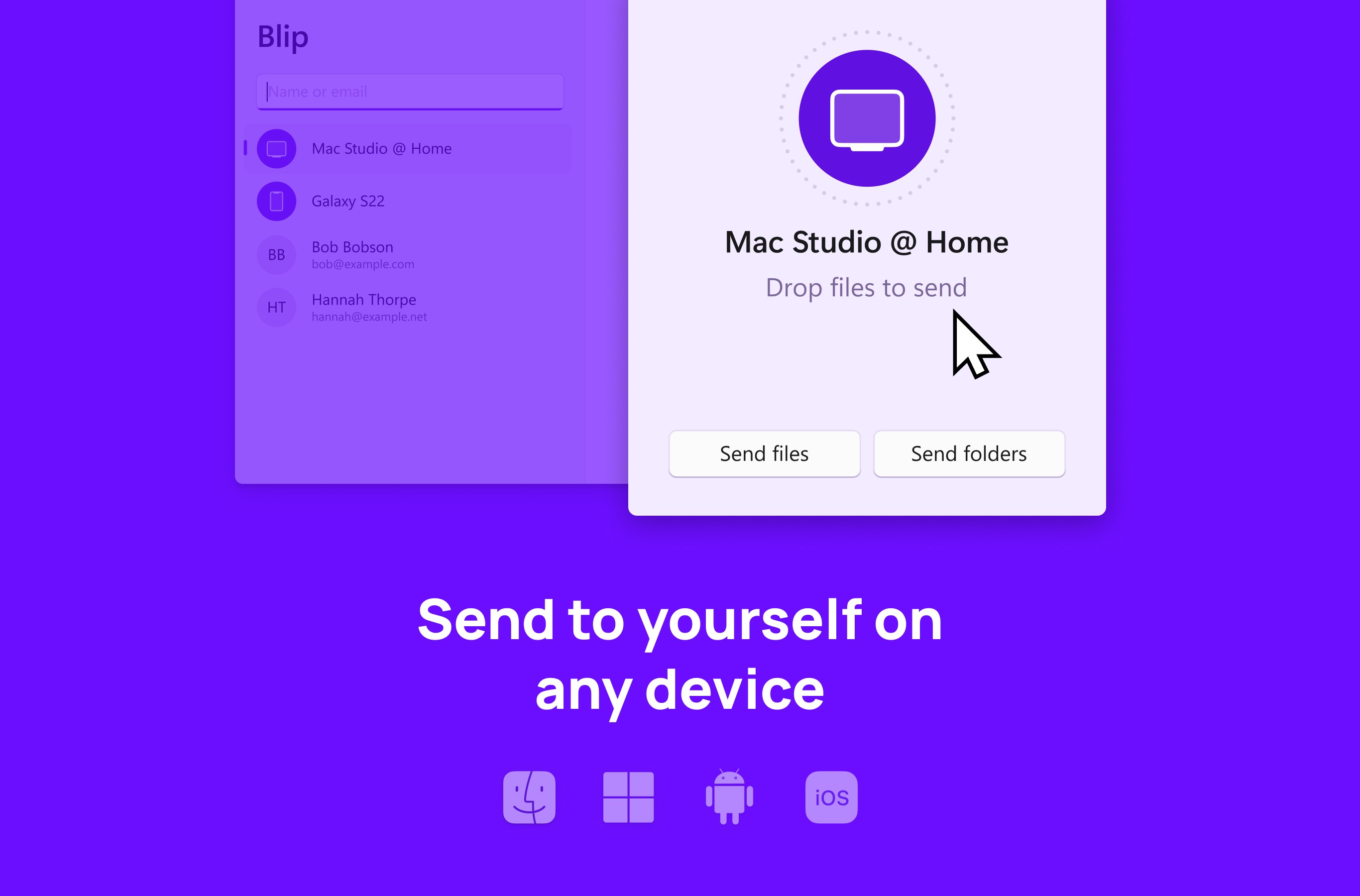
- Seamless Device Pairing and Transfer: Instantly connect your Windows PC with other devices — whether smartphones, tablets, or even other computers — for quick sharing without cumbersome setups or network configurations.
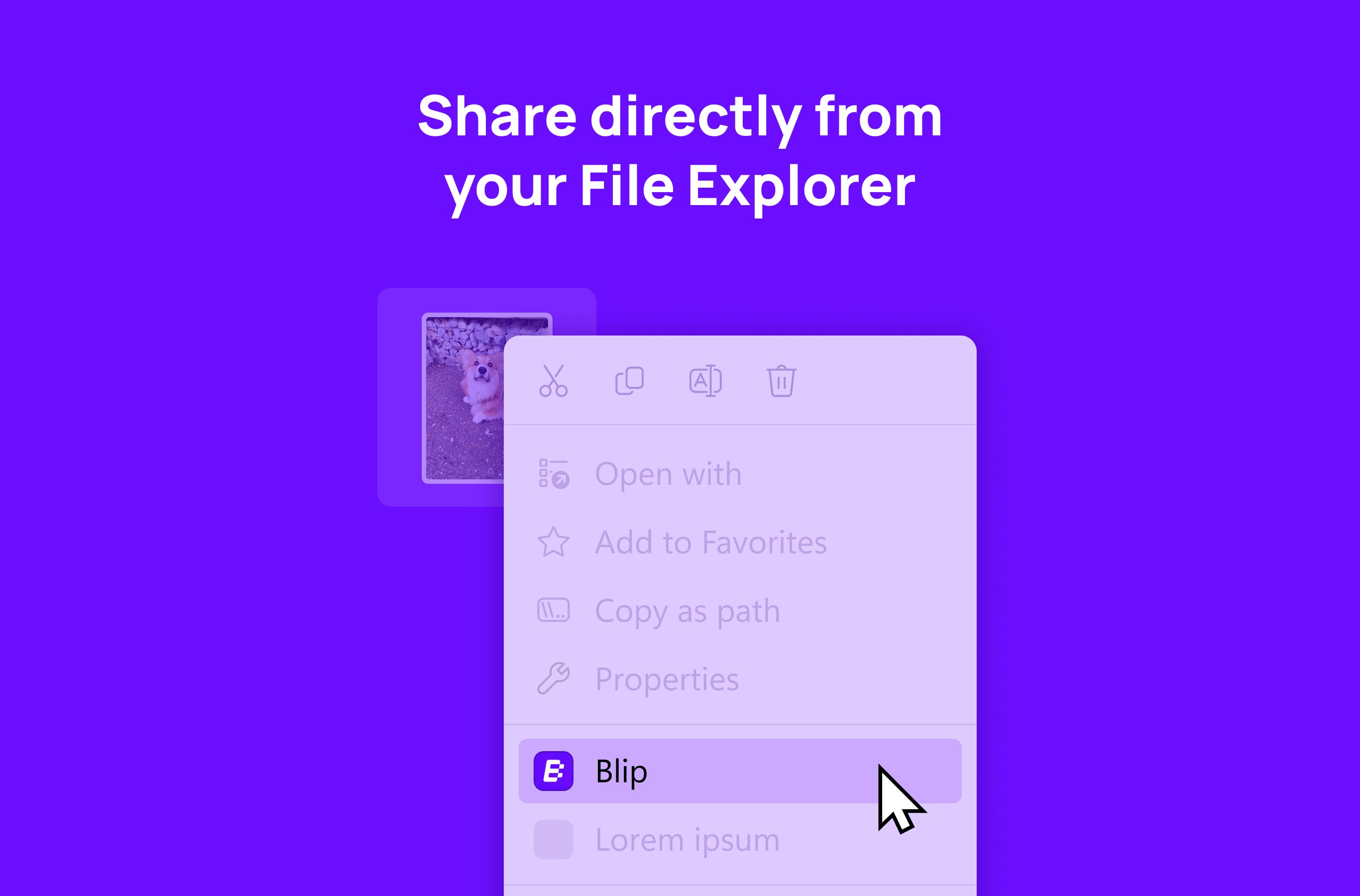
- One-Click Transfers & Multi-File Support: Transfer multiple files or folders with a single tap. The app supports various file types, making it flexible for different user needs.
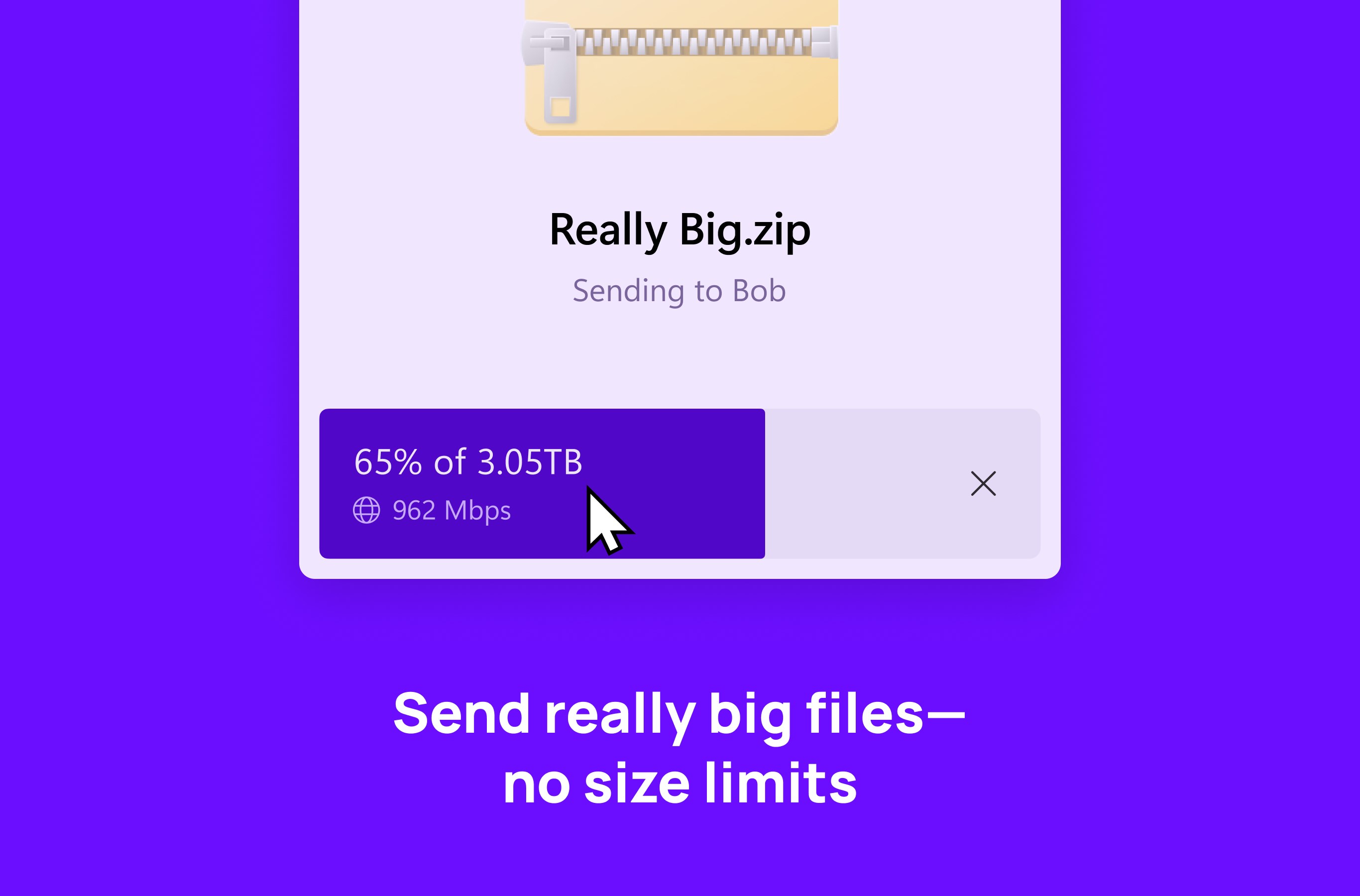
- Intelligent Transfer Management: The app monitors transfer progress, offering notifications and logs, so you stay informed without constantly checking the screen. This minimizes interruptions and cognitive load during busy workflows.
- Enhanced Security Features: Transferring sensitive files? Blip Transfer employs encryption protocols, giving users peace of mind that their data stays private.
Fluid User Experience: Design, Performance, and Learning Curve
Using Blip Transfer feels akin to having a helpful digital assistant by your side. The interface adopts a clean, minimalistic style, with intuitive icons and straightforward menus that guide you seamlessly through the transfer process. Setting up device pairing is a breeze, often requiring just a couple of clicks or prompts, making initial learning almost unnecessary for most users.
The app's responsiveness is commendable — transfers begin promptly with minimal lag, and the progress indicators provide clear visual cues. Compared to more bloated competitors, Blip Transfer reduces user effort and mental clutter, presenting only essential options. This focus on simplicity ensures users don't have to decode complex menus or sift through numerous settings to get started, which is especially beneficial for less tech-savvy individuals.
Compared to Similar Productivity Tools: What Sets Blip Transfer Apart?
Many file transfer applications on the market focus on raw speed or advanced customization, often at the expense of user cognitive load. Blip Transfer's distinct advantage lies in its well-balanced approach, emphasizing workflow efficiency and reducing unnecessary complexity. Its core strength is the streamlined process of device pairing and transfer management — the app acts more like a reliable courier than a complicated toolbox, delivering files swiftly while keeping the interface uncluttered.
This makes it particularly suited for environments where users need to frequently move data between devices without interruption, such as in creative fields or collaborative settings. Unlike apps that bombard users with options, Blip Transfer concentrates on core functionalities, making each transfer straightforward and quick, thereby fostering a smoother overall experience.
Final Verdict and Usage Recommendations
Blip Transfer for Windows earns a strong recommendation if your workflow depends on swift, secure, and uncomplicated file sharing across devices. Its user-centric design reduces cognitive burden, and its core features simplify what can often be a fiddly process. It's especially recommended for professionals who need to minimize disruptions or for casual users who desire a dependable tool to complement their daily digital activities.
While it may not yet offer extensive customization or advanced options found in some enterprise solutions, its focus on ease of use and workflow efficiency makes it a standout. For users seeking a reliable, no-fuss transfer app that feels like an extension of their workflow rather than an obstacle, Blip Transfer is certainly worth trying.
Pros
- User-Friendly Interface
- Fast Transfer Speeds
- Supports Multiple Devices
- Cloud Integration
- Secure Data Transfer
Cons
- Limited Free Version
- Occasional Connectivity Issues
- Large Files May Take Longer
- Limited Customization Options
- No Android Version Yet











