

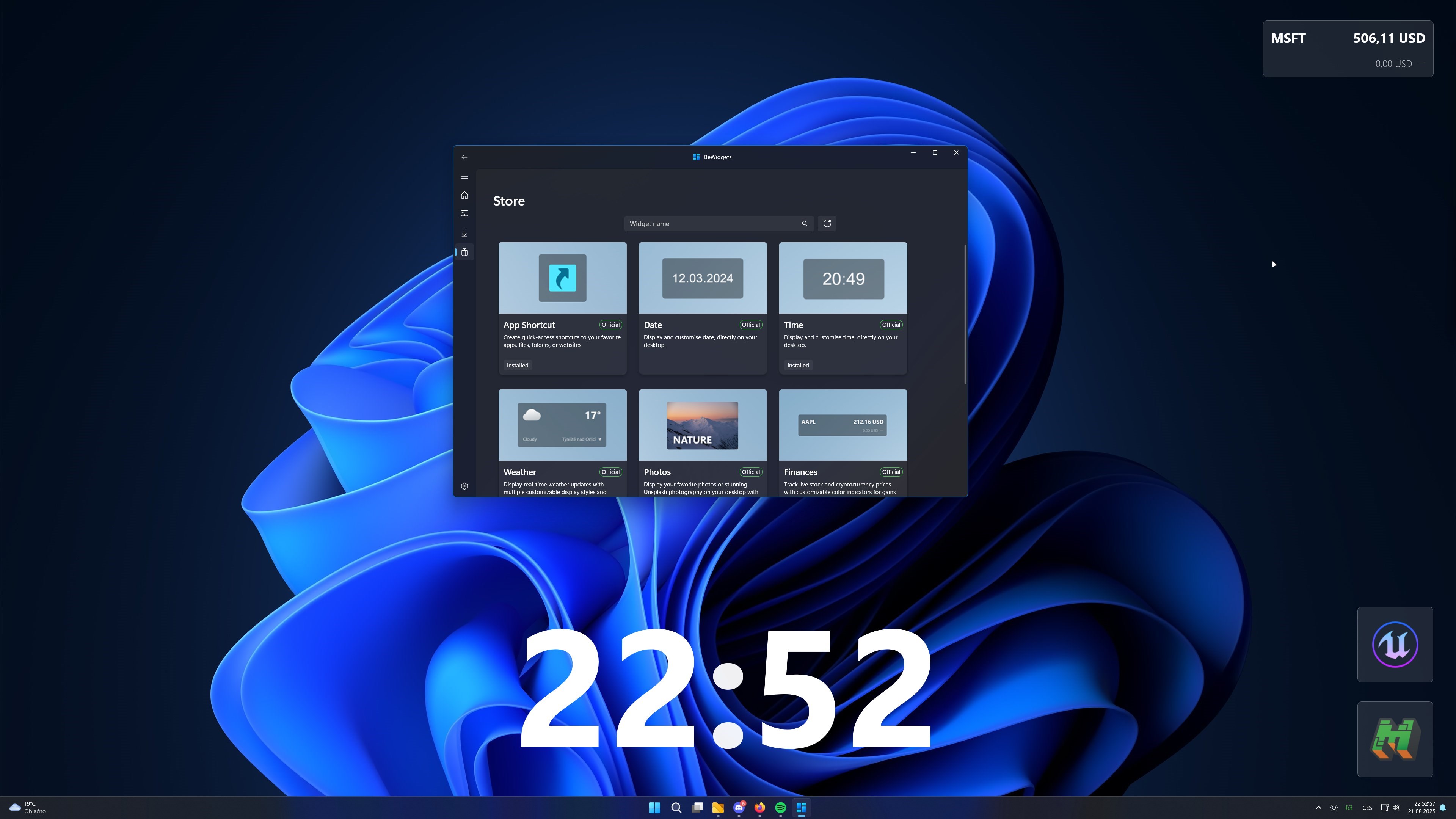
- Name BeWidgets
- Category Productivity
- Developer BeXCool
- Available on PC
- OS Windows 10 version 17763.0 or higher
- Keyboard Integrated Keyboard
- Mouse Integrated Mouse
- DirectX Version 11
- Memory 2 GB
- languages Czech, English (United Kingdom), English (United States), German, Hindi, Japanese, Spanish (Spain)
Introducing BeWidgets for Windows: A Fresh Take on Desktop Customization and Productivity
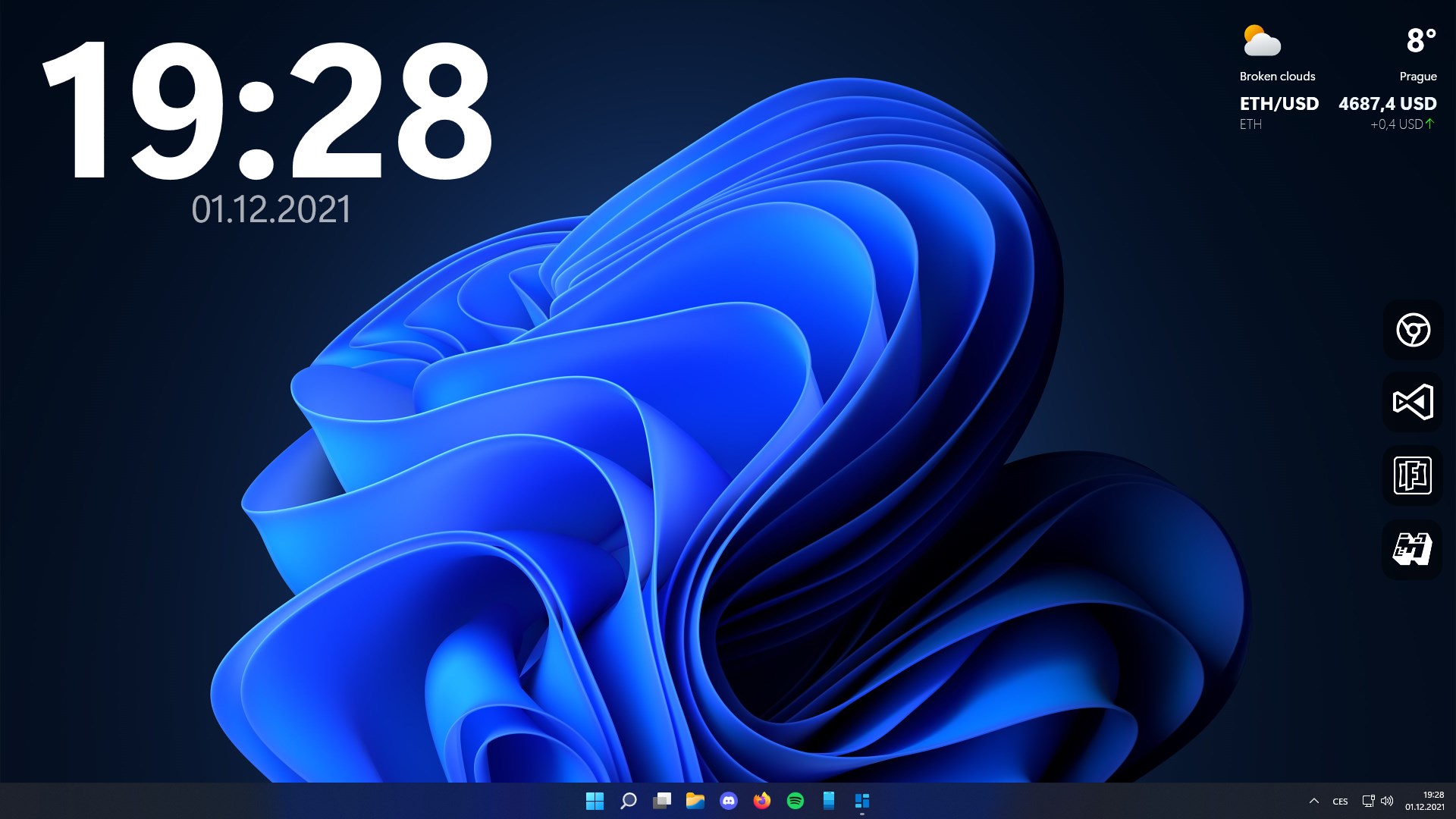
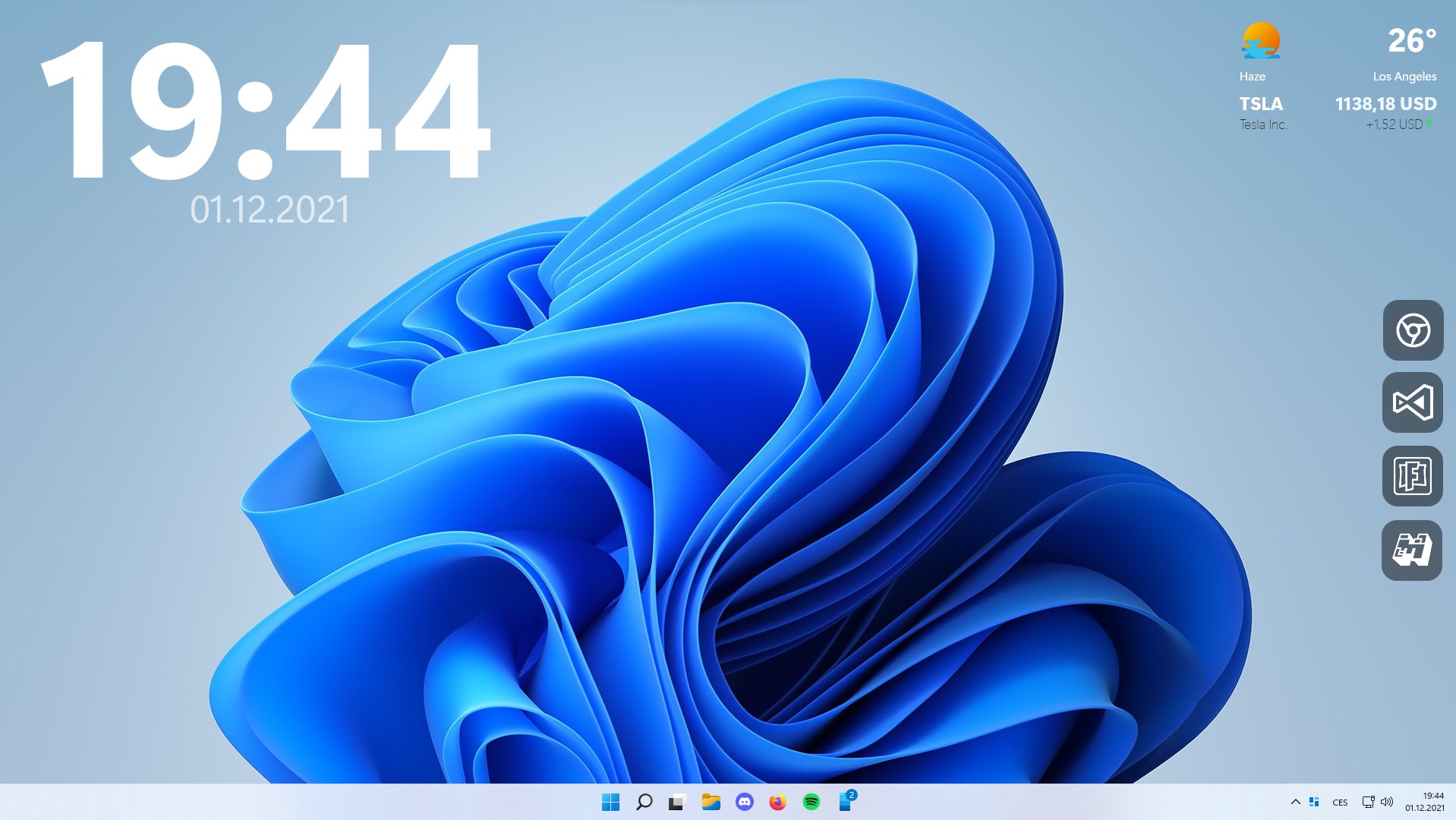
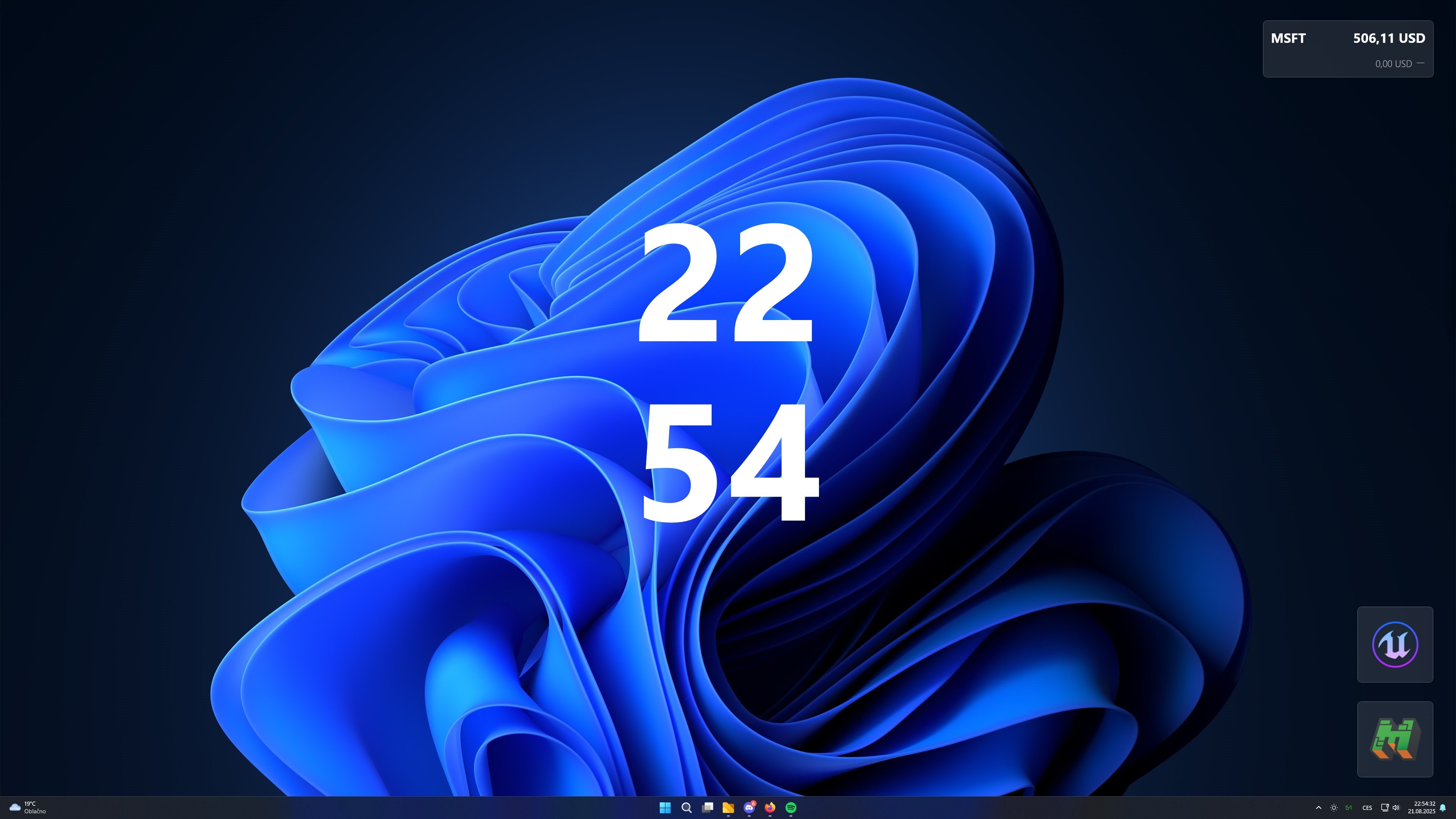
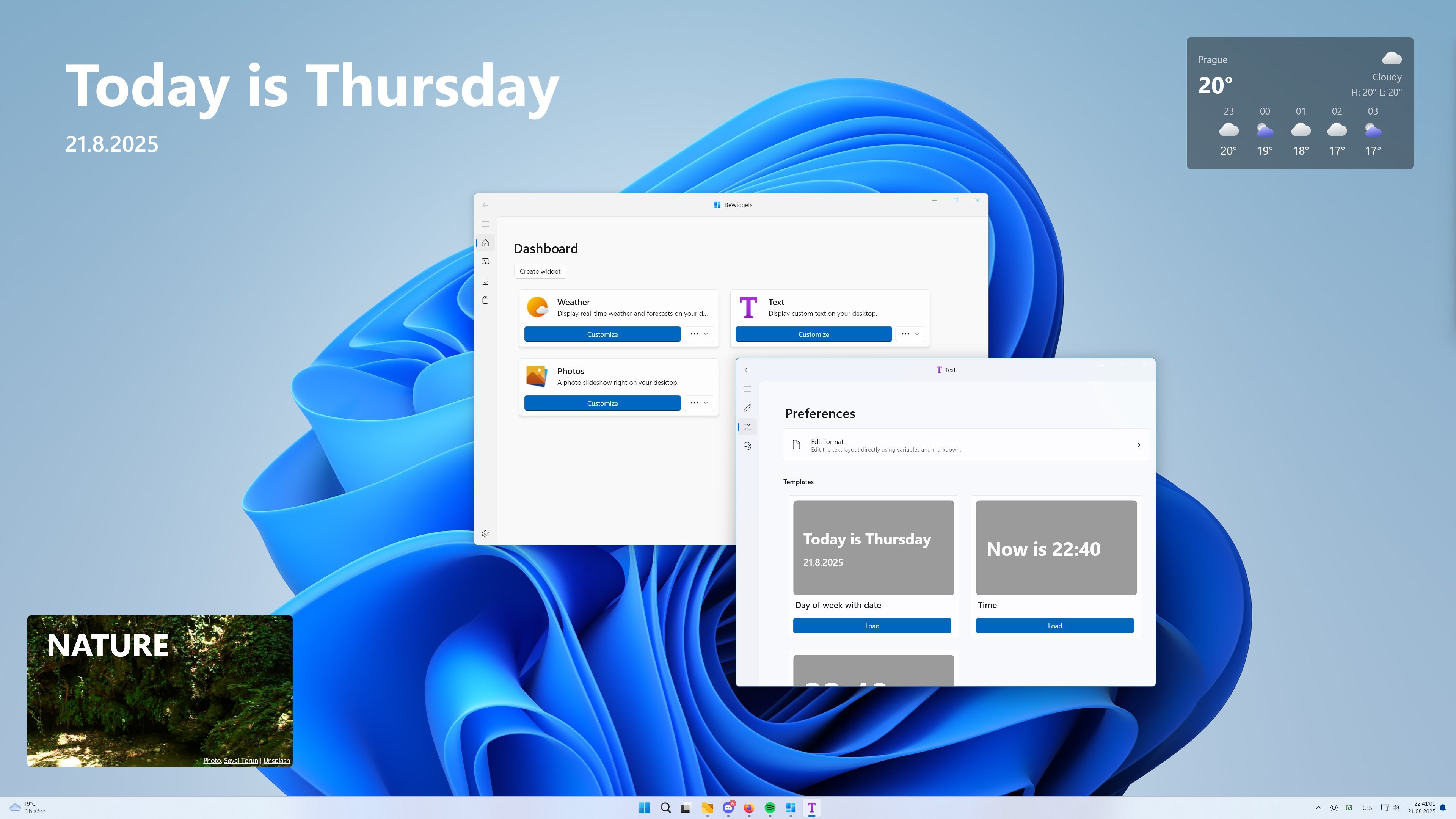
BeWidgets for Windows emerges as a sleek, intuitive desktop widget app designed to streamline your workflow and bring your essential information front and center. Developed by BeXCool, this application aims to blend aesthetic appeal with practical functionality, offering users a customizable space to keep track of tasks, notes, weather, and more—all within a unified interface.
Who's Behind the Widget? The Developer's Vision
BeXCool, a dedicated software development team with a focus on enhancing desktop productivity, crafted BeWidgets to offer a lightweight yet powerful tool for Windows users. Their goal was to create an app that doesn't just clutter the desktop but integrates seamlessly into users' workflows, reducing the need to switch between multiple apps or browser tabs.
Core Features That Stand Out
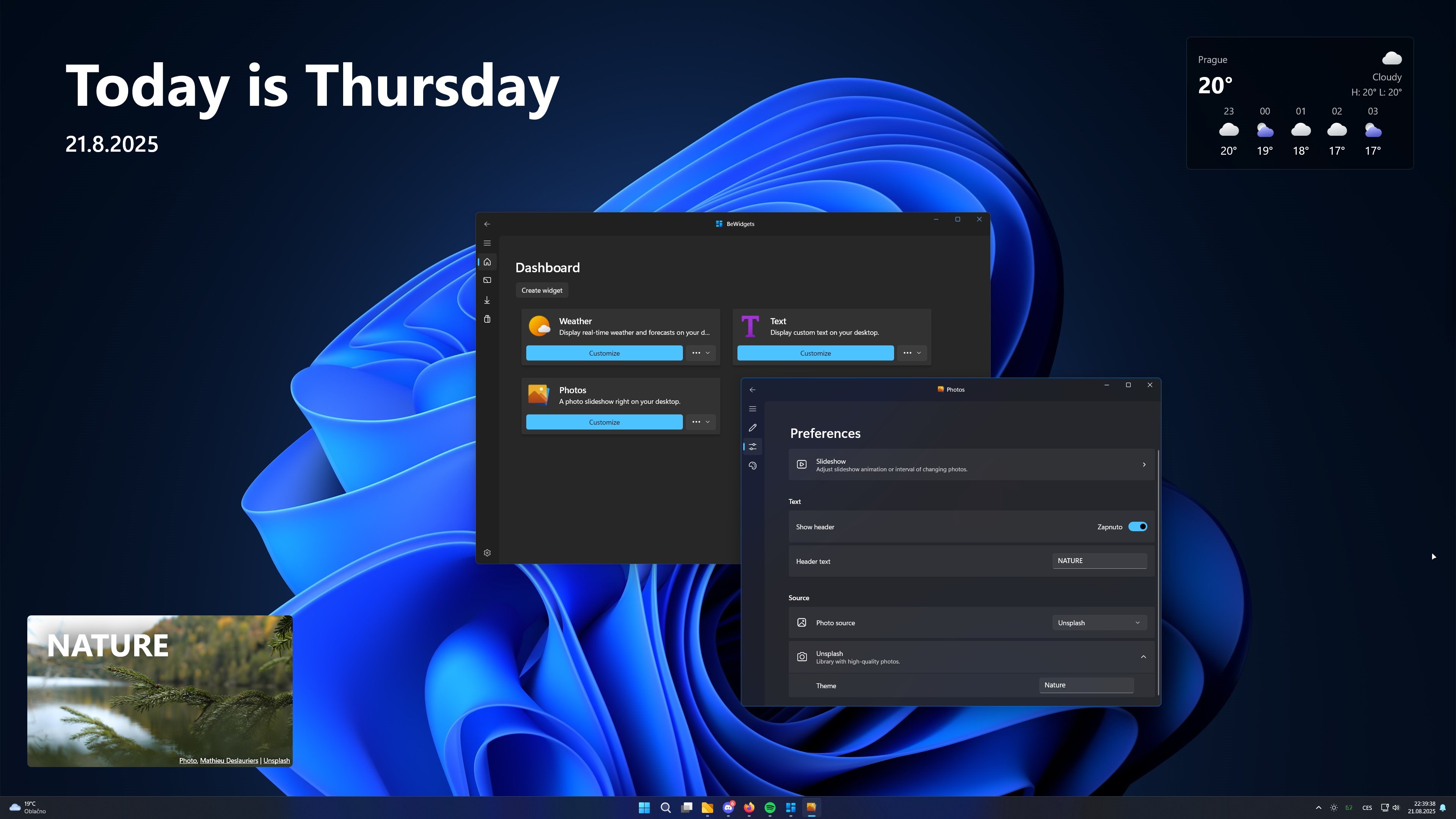
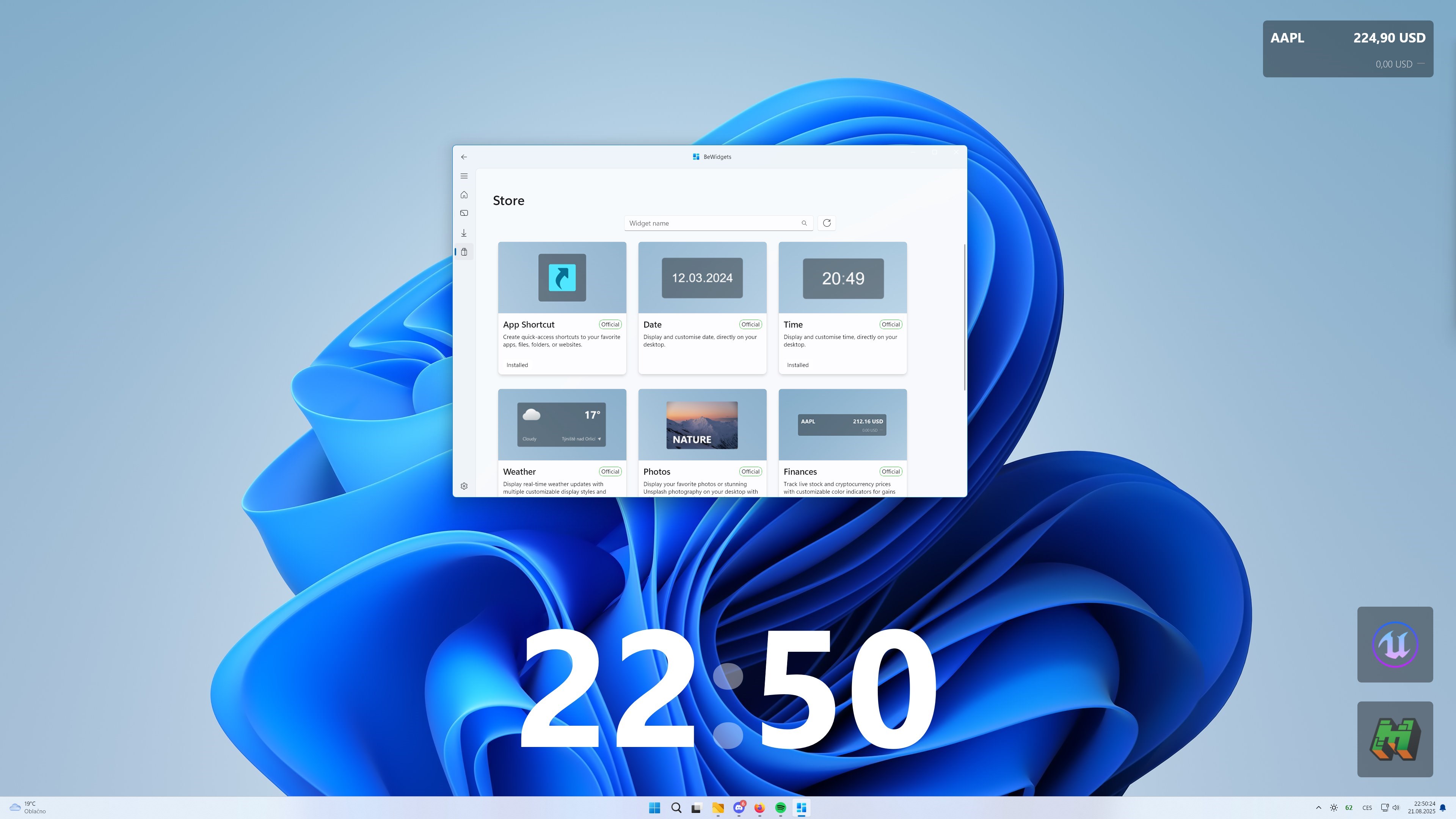
- Highly Customizable Widgets: Personalize your desktop with a variety of widget types such as notes, weather, calendar, and task managers, all adjustable in size, theme, and position.
- Seamless Workflow Integration: BeWidgets supports quick data entry and retrieval, allowing users to jot down ideas or check weather without disrupting ongoing tasks.
- Minimalist Design with a Focus on Efficiency: The interface emphasizes clarity and ease of use, enabling users to access information swiftly without being overwhelmed by clutter.
- Cross-Device Synchronization (if available): Some versions or plans may support syncing across devices, ensuring your essential info is always within reach.
Getting to Know BeWidgets: A Fun and Functional Companion
Imagine your desktop as a bustling workspace where bits and pieces of information come together harmoniously—like a well-orchestrated concert. BeWidgets steps in as your reliable conductor, ensuring that your vital notes—be it reminders, weather updates, or quick memos—are always in tune and within easy grasp. The app feels as approachable as chatting with a knowledgeable friend who's always ready to help keep your day running smoothly.
Widget Variety and Customization: Your Digital Swiss Army Knife
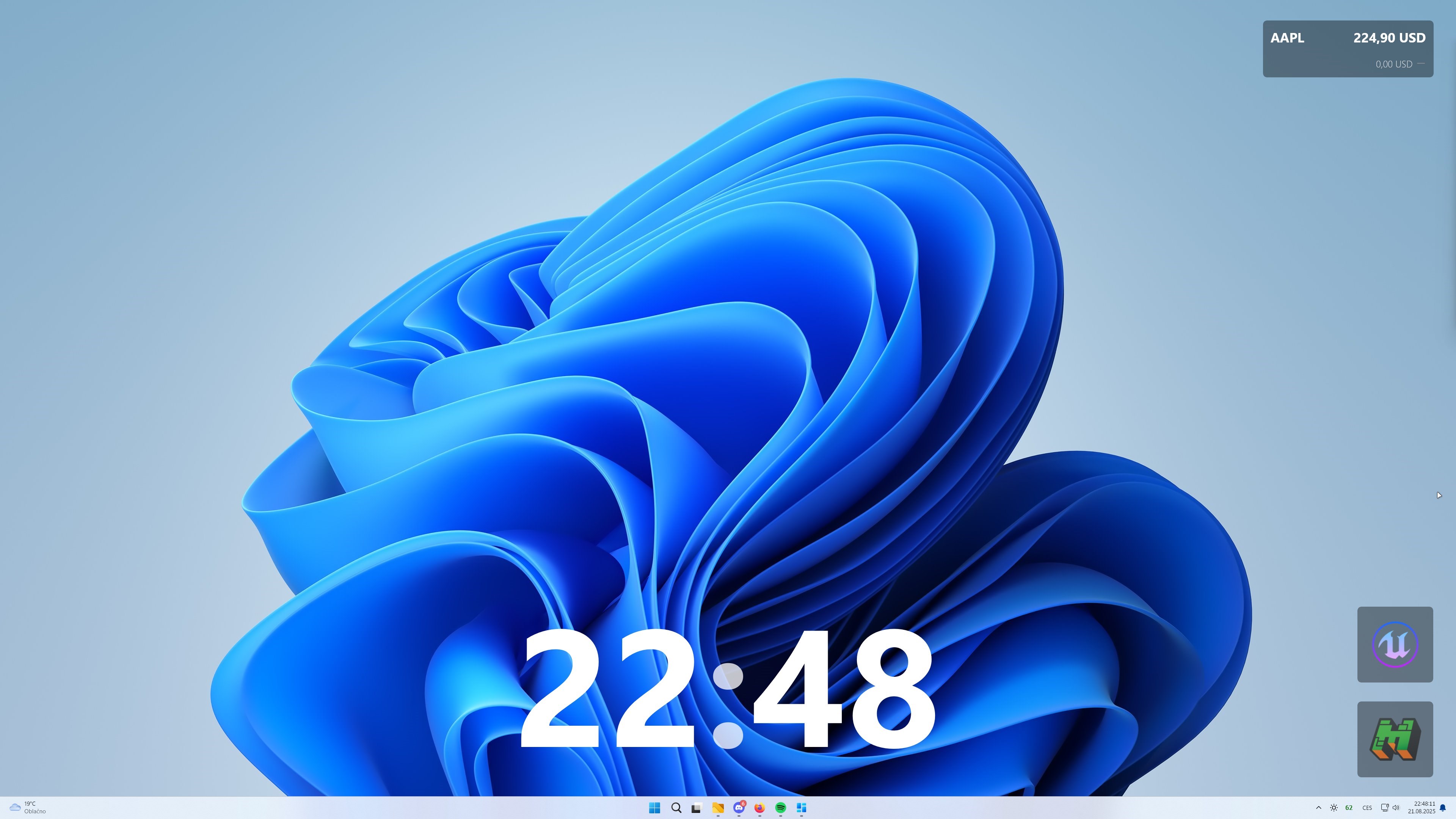
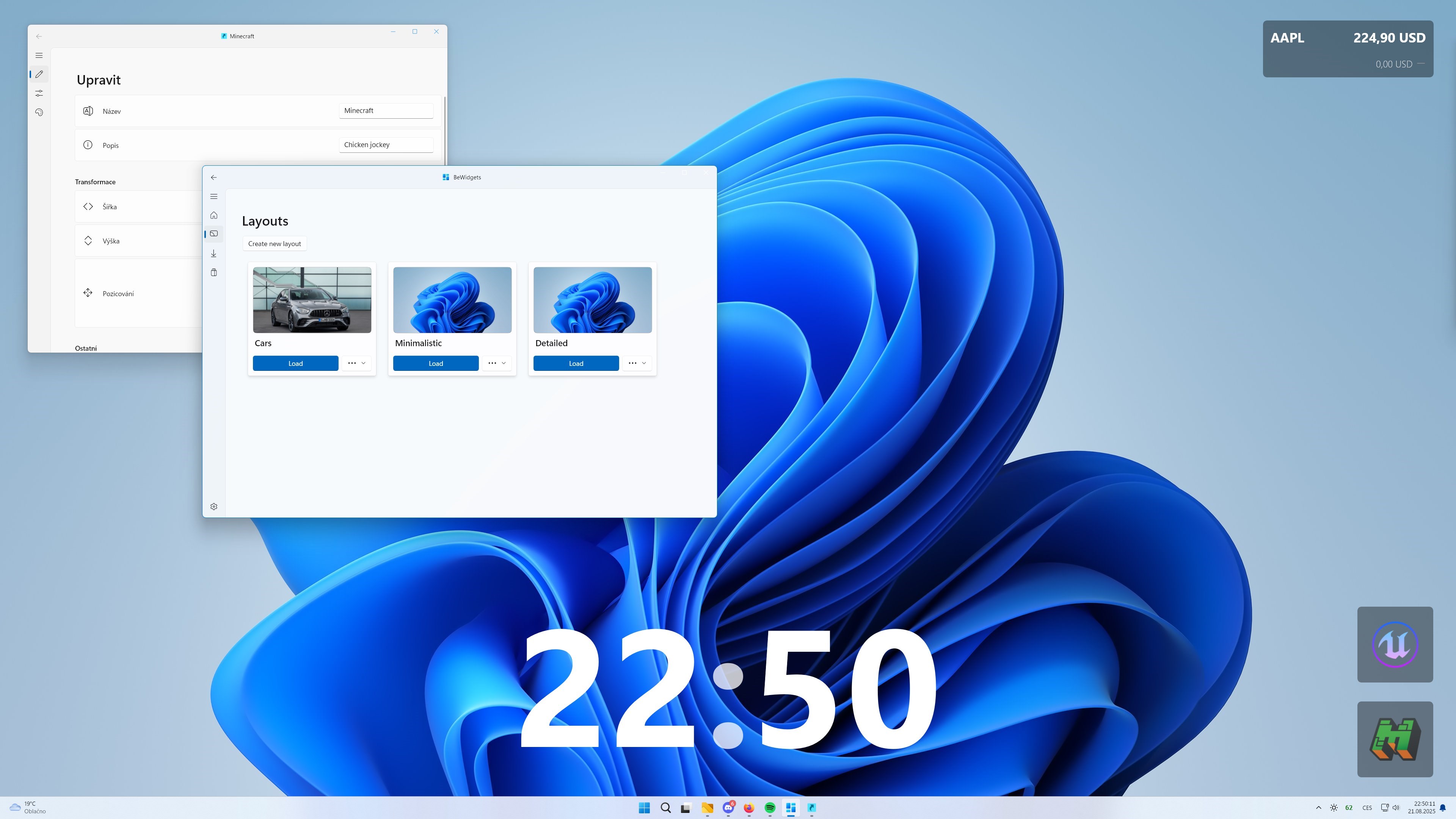
At the heart of BeWidgets lies a suite of customizable widgets that can be tailored to fit your unique workflow. Whether you prefer a minimalist note pad, a detailed calendar, or instant weather updates, the app offers modular options to assemble your perfect desktop hub. The intuitive drag-and-drop interface makes adjusting widget placement effortless, and color themes or transparency settings allow for seamless aesthetic integration with your desktop background. This flexibility ensures that your workspace doesn't just stay functional but also visually pleasing.
Streamlined User Experience: Fast, Fluid, and Friendly
From the moment you launch BeWidgets, the interface engenders a sense of ease—simple menus, responsive interactions, and negligible lag make navigation feel almost instinctive. Creating or editing a widget feels as smooth as flipping through a well-loved notebook. The learning curve is gentle; most users will find themselves customizing their widgets within minutes, letting them focus more on their tasks and less on figuring out the tool. This focus on user experience elevates BeWidgets above more bloated alternatives, making it a true time-saver in daily routines.
How It Stands Out Amidst Productivity Tools
Compared to traditional desktop gadgets or multi-featured productivity suites, BeWidgets offers a clear advantage in workflow integration efficiency. Its minimal feature set is intentionally designed to reduce cognitive load—fewer, more relevant options mean less mental clutter. Unlike some apps that bombard users with complex menus or unnecessary options, BeWidgets emphasizes "just enough" functionality to keep you productive without feeling overwhelmed. This approach enables quicker access to essentials, fostering a streamlined workflow that feels natural and unobtrusive.
Final Verdict: A Practical Partner for Daily Tasks
For anyone looking to add a layer of organization and convenience to their Windows desktop without sacrificing simplicity, BeWidgets is a commendable choice. Its standout feature—the ability to create a personalized, efficient mini-ecosystem—makes it particularly appealing for users who prioritize workflow cohesion and ease of use. While it may not replace comprehensive task managers or advanced dashboards, its lightweight nature and clever design make it a valuable addition to your productivity toolkit. I recommend giving it a try, especially if you appreciate a clutter-free and highly customizable workspace that adapts to your daily needs.
Pros
- User-Friendly Interface
- Customizable Widgets
- Smooth Performance
- Regular Updates
- Integrates Well with Windows
Cons
- Limited Widget Selection
- Occasional Performance Glitches
- Requires Frequent Permissions
- Limited Free Features
- Customization Options Could Expand











