

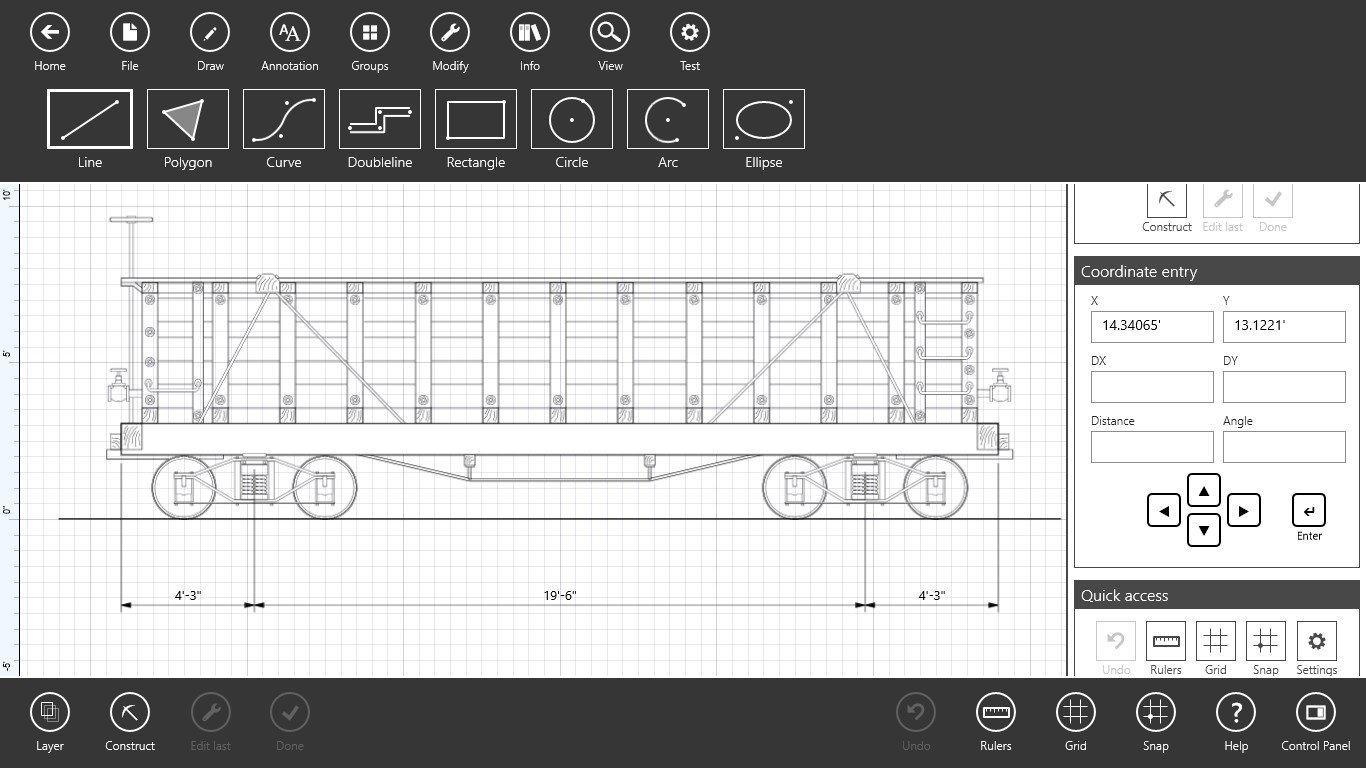
- Name Back to the Drawing Board - 2D CAD
- Category Productivity
- Available on PC, Mobile, Surface Hub, HoloLens
- OS Windows 10 version 18362.0 or higher
- languages English (United States)
Back to the Drawing Board: A Fresh Take on 2D CAD for Windows
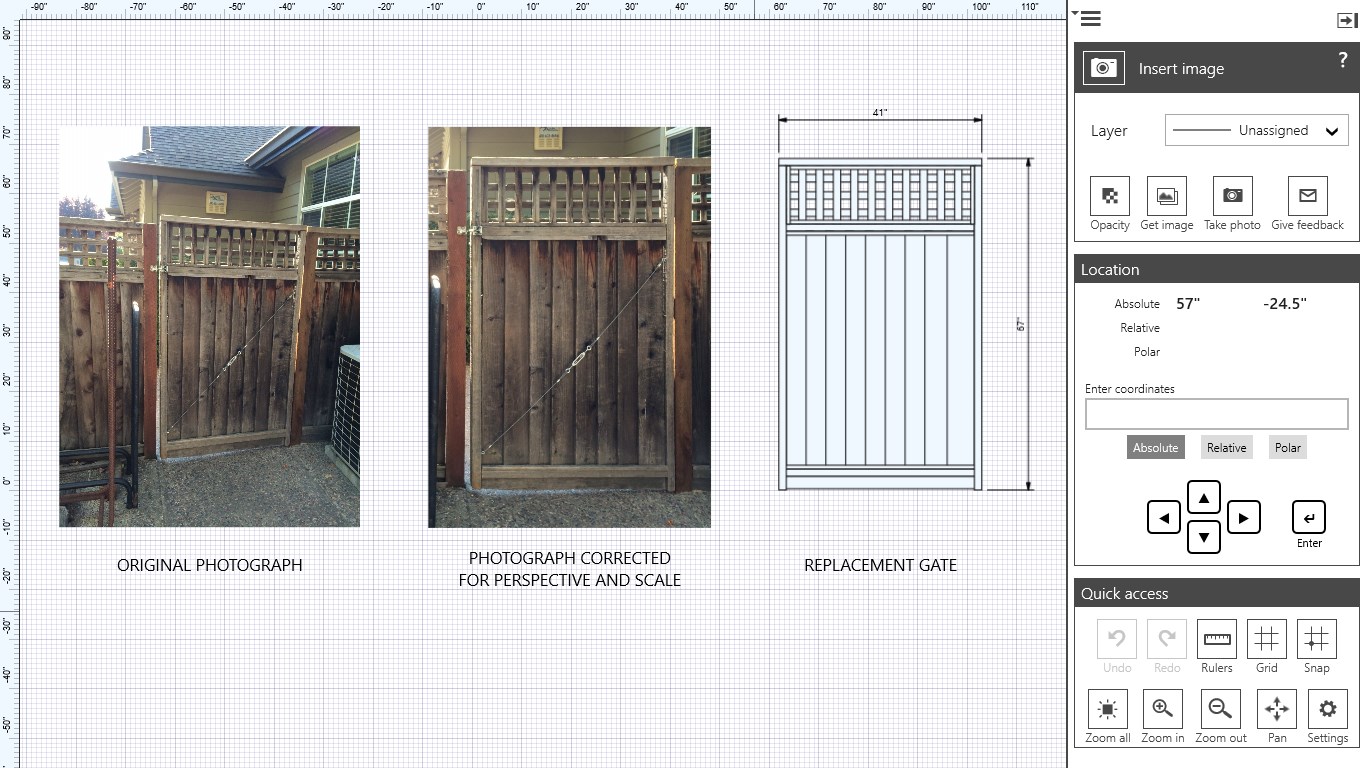
In the bustling world of technical drafting tools, Back to the Drawing Board by High Camp Software emerges as a straightforward yet capable 2D CAD application tailored for Windows users seeking efficiency without unnecessary complexity. It's designed to make the CAD experience more accessible, especially for students, hobbyists, and professionals looking for a quick drawing solution.
Who's Behind the Curtain?
Developed by High Camp Software, a nimble team dedicated to creating practical, user-friendly productivity tools, Back to the Drawing Board reflects their focus on simplicity and effective workflow support. The company's approach emphasizes delivering core drafting functionalities with minimal fuss, catering to users who prefer a no-nonsense interface that cuts straight to the task.
Core Features that Stand Out
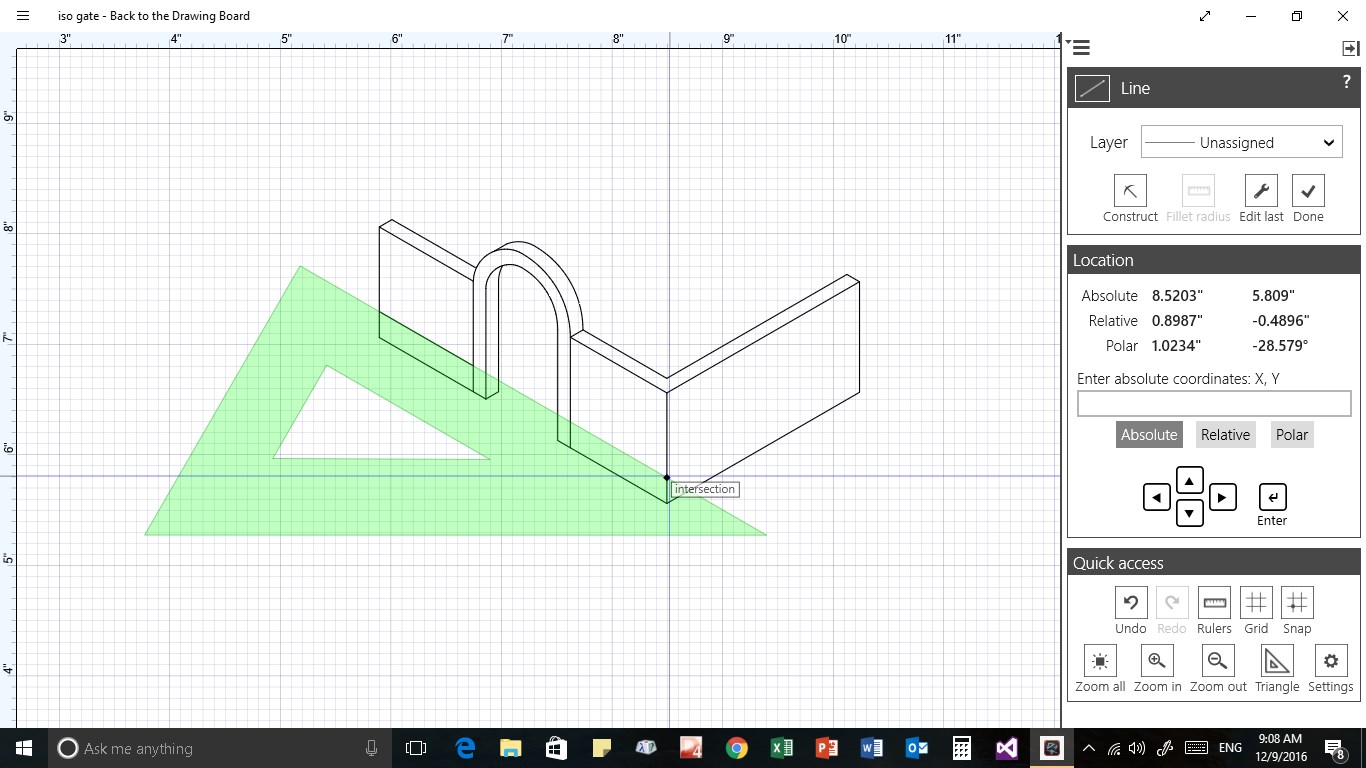
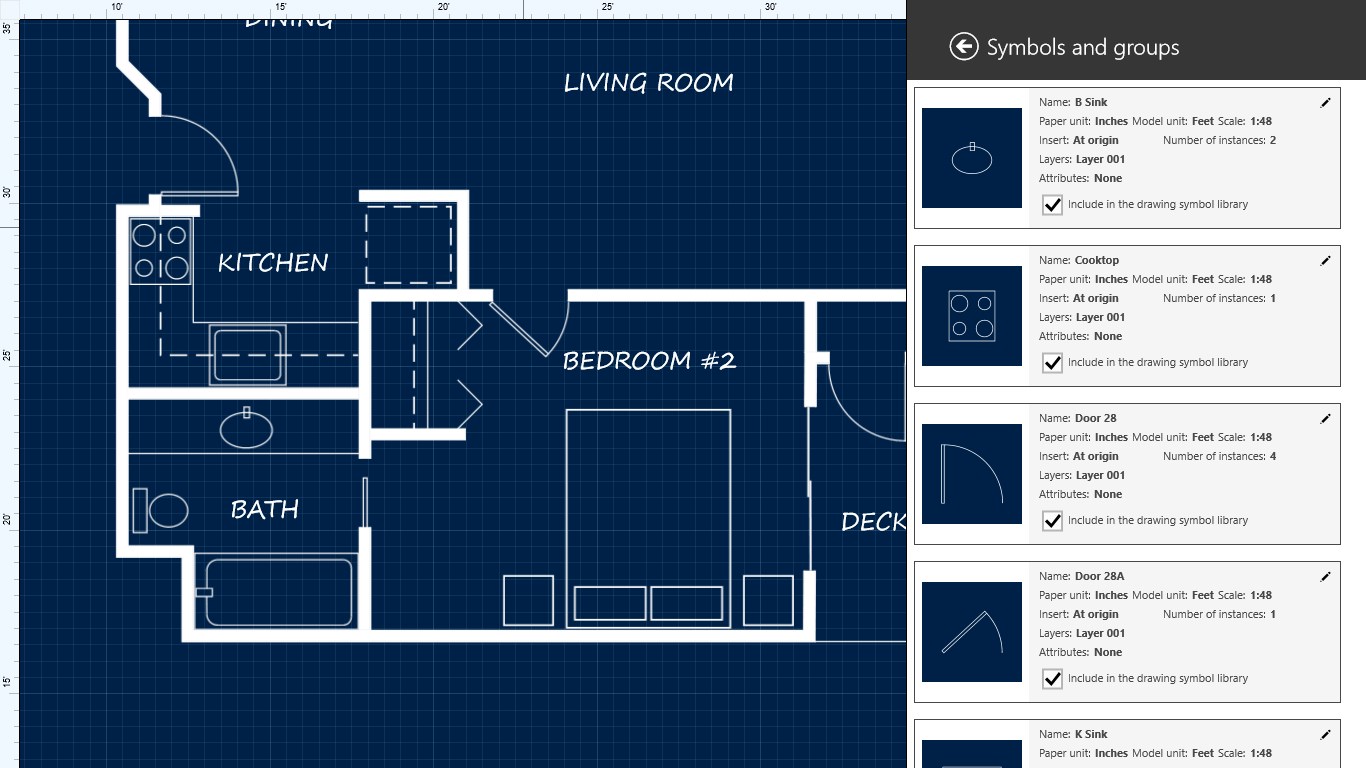
- Intuitive 2D Drawing Tools: Offers essential drafting commands like lines, circles, arcs, and polygons, streamlined for quick access and minimal learning curve.
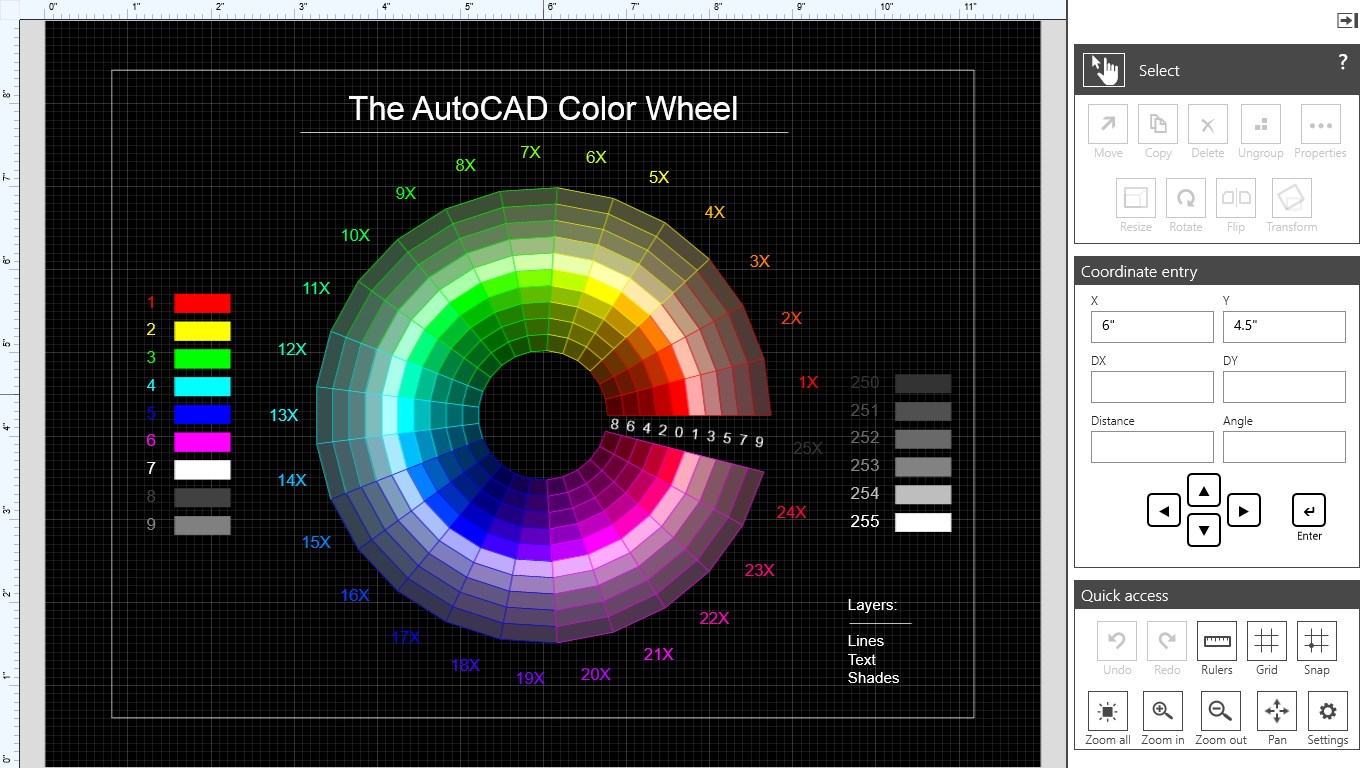
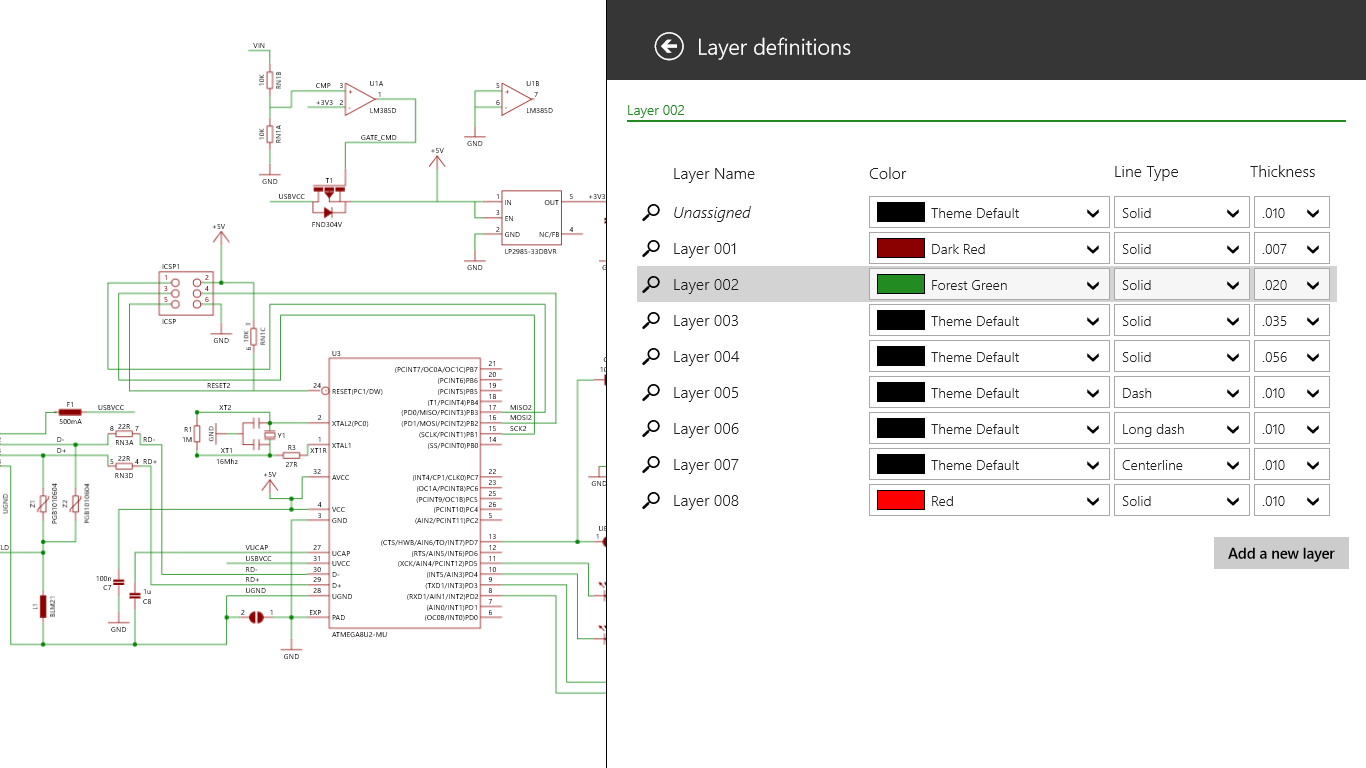
- Layer Management System: Enables users to organize their drawings efficiently with layers, akin to sorting papers in a filing cabinet—simple yet powerful.
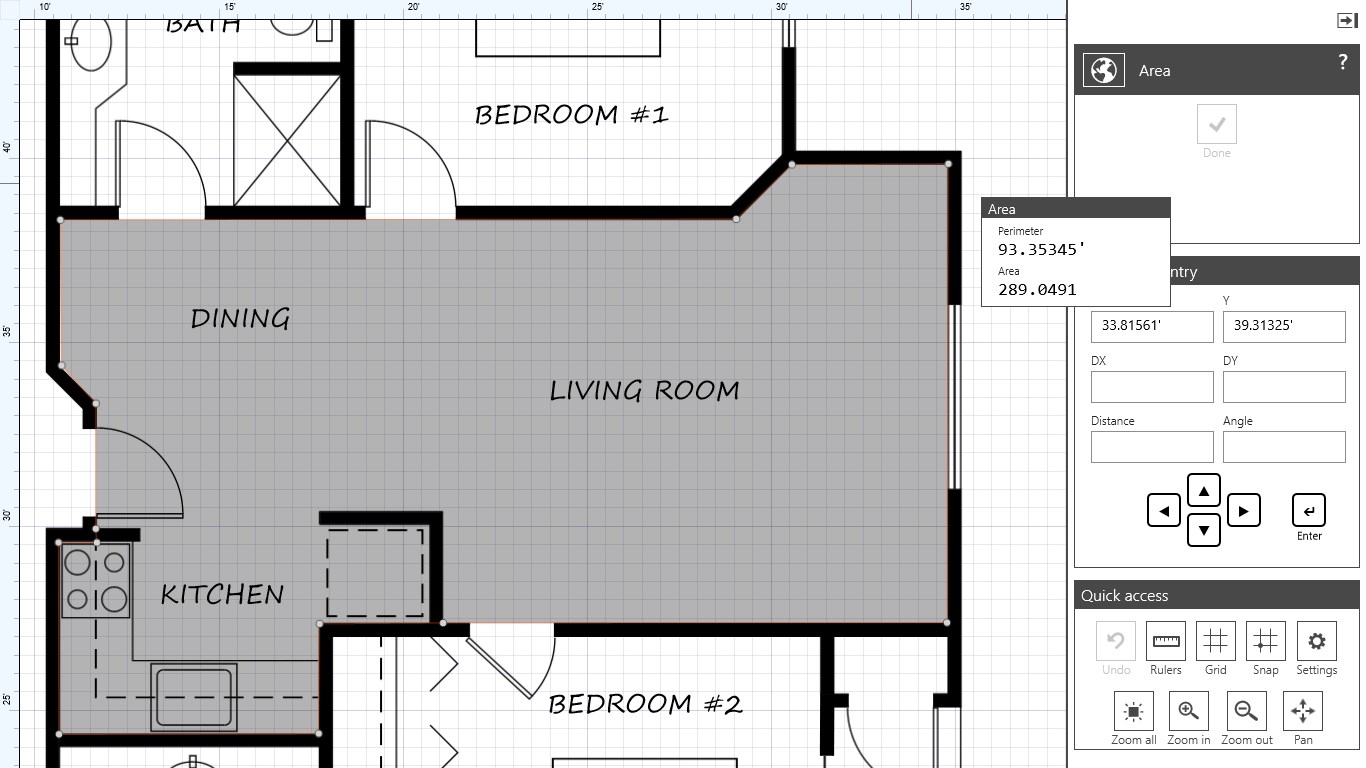
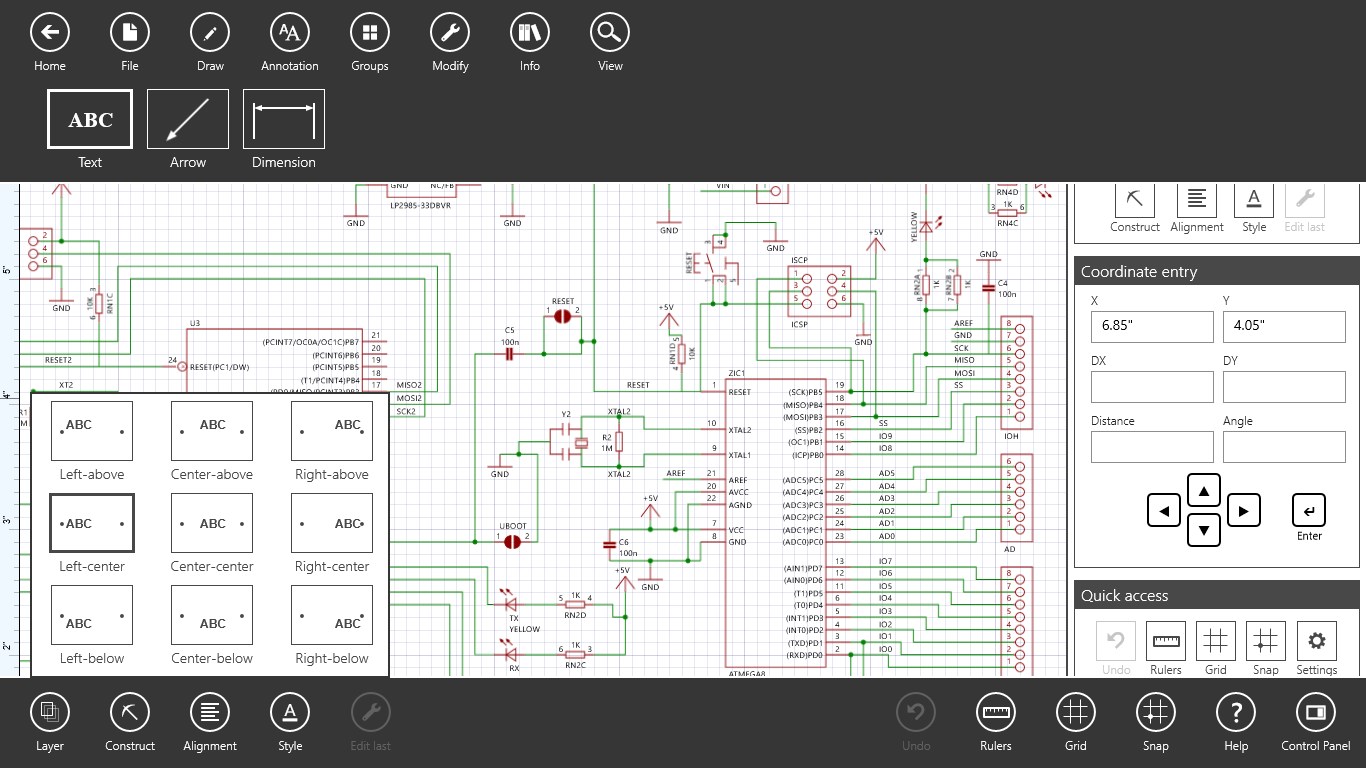
- Snap and Grid Options: Precise control over object placements with customizable snap points and grid settings, facilitating accurate designs without complex setups.
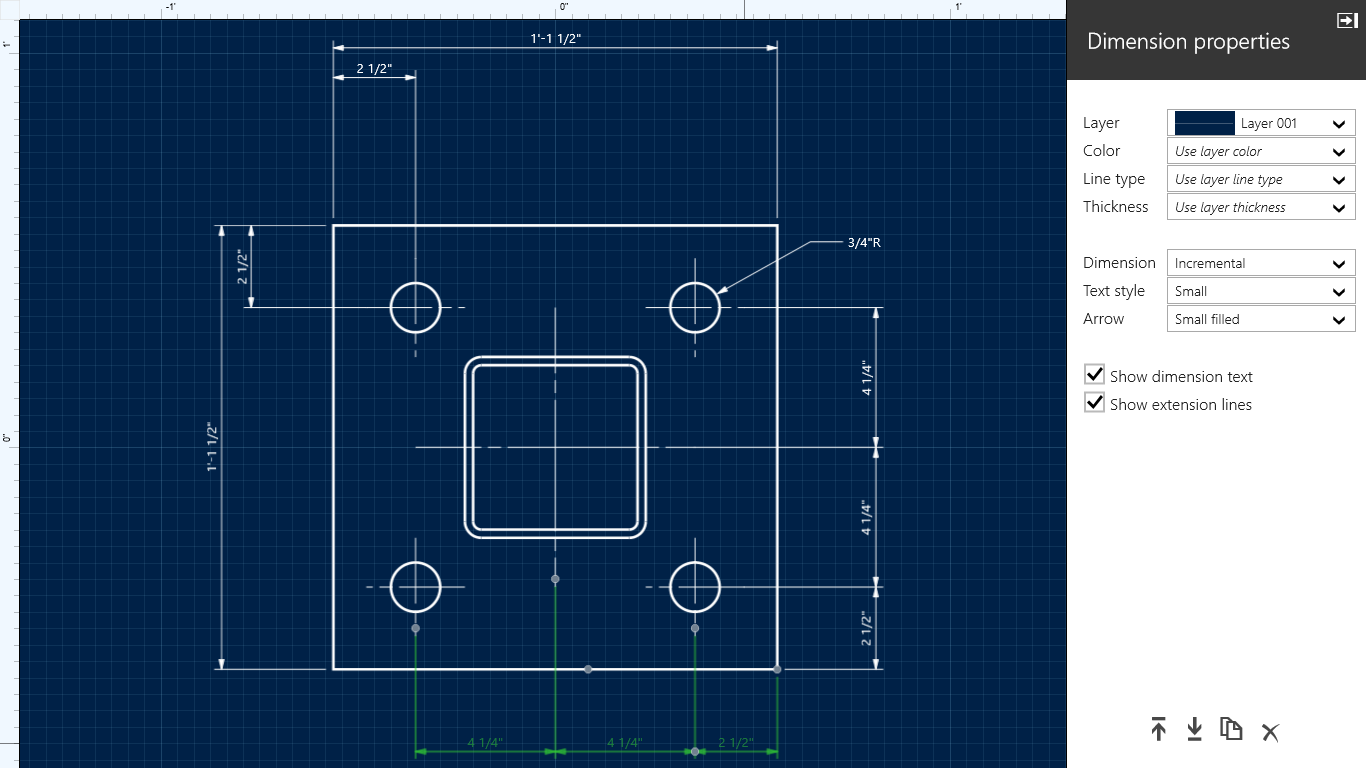
- Basic Dimensioning Tools: Supports essential measurement annotations to ensure drawings are clear and ready for review or further detailing.
Overall, the app emphasizes core drafting capabilities with a focus on usability, making it perfect for quick sketches, basic plans, or educational purposes.
Immersive User Experience with Thoughtful Design
Launching Back to the Drawing Board feels like stepping into a well-organized workshop—everything you need is laid out cleanly, inviting you to start sketching immediately. The user interface features a minimalist ribbon toolbar that categorizes tools logically, reducing clutter and making navigation intuitive. The interface's visual clarity is reminiscent of first stepping into a well-lit studio, with all essential instruments within arm's reach.
The operation flow is surprisingly smooth; basic operations like drawing lines or moving objects respond instantly, with negligible lag. This fluidity ensures that users can maintain their creative rhythm without interruption. For newcomers, the learning curve is gentle—most commands are self-explanatory, complemented by tooltips that guide through the initial steps. Experienced CAD users will appreciate the straightforwardness, enabling them to accomplish tasks swiftly without wading through layered menus or excessive settings.
What Makes It Different? Simplicity Meets Functionality
Compared to more complex CAD systems that often resemble cockpit dashboards overloaded with options, Back to the Drawing Board excels by striking a balance—offering essential features while keeping cognitive load minimal. One of its standout aspects is how it integrates workflow efficiency: by focusing on fundamental drawing functions and minimizing unnecessary options, it reduces the mental effort required to perform routine tasks, acting like an efficient sketchpad rather than an overwhelming toolkit.
This approach allows users to bypass the typical "feature fatigue" seen in larger CAD packages. For example, its layer management, while basic, is highly accessible, making it ideal for quick edits or layered annotations without navigating through complicated menus. Moreover, the snapping and grid features are thoughtfully designed to integrate seamlessly into the drawing process, boosting precision without adding extra steps or confusion. This focus on reducing cognitive load, while maintaining core functionality, sets it apart from more bloated alternatives.
Final Verdict: A Worthy Companion for Quick Drafting Needs
For anyone seeking a straightforward, reliable 2D CAD tool on Windows—be it for hobby projects, education, or light professional tasks—Back to the Drawing Board is highly recommended. Its biggest strength lies in its simplicity and efficiency, making it a no-brainer for users who want to focus on the design rather than struggle with the software itself.
While it may not replace heavyweight CAD programs for complex engineering or detailed architectural work, it serves as an excellent accelerant for initial sketches, annotations, or iterative concepts. If you prefer a clean, focused environment that respects your workflow and reduces unnecessary cognitive friction, this app deserves a spot in your toolbox.
Pros
- User-Friendly Interface
- Precise Drawing Tools
- Compatibility with Windows Devices
- Layer Management Functionality
- Integration with Microsoft Store Ecosystem
Cons
- Limited 3D Capabilities
- Basic Export Options
- Performance Issues on Large Files
- Limited Advanced Editing Tools
- No Cloud Storage Integration











