
- Name Audacity
- Category Multimedia design
- Developer Muse Group & The Audacity Open Source Community
- Available on PC
- OS Windows 10 version 0.0 or higher
- languages Afrikaans, Arabic, Bangla, Belarusian, Catalan, Croatian, Czech, Danish, Dutch, English, French, German, Greek, Indonesian, Irish, Italian, Norwegian, Polish, Portuguese (Brazil), Portuguese (Portugal), Romanian, Slovenian, Valencian, Welsh, Basque, Persian/Farsi, Finnish, Hebrew, Hindi, Hungarian, Japanese, Georgian, Khmer, Korean, Lithuanian, Macedonian, Marathi, Russian, Slovak, Serbian, Swedish, Tamil, Tajik, Turkish, Ukrainian, Vietnamese, Chinese (Simplified), Chinese (Traditional Chinese)
Audacity for Windows: A Robust Open-Source Audio Editor
Audacity for Windows is a versatile and open-source audio editing tool designed to cater to both amateurs and professionals seeking comprehensive sound editing capabilities in a user-friendly package.
Who's Behind the Sound? The Developers and Their Mission
Developed by Muse Group in collaboration with The Audacity Open Source Community, this project embodies a collective effort to democratize audio editing. The developer team's dedication ensures continuous updates and improvements, emphasizing transparency and user-driven development.
Key Features that Make Audacity Stand Out
- Multi-track editing: Seamlessly combine multiple audio files, layer tracks, and perform complex edits with precision.
- Extensive audio effects and processing tools: Includes equalization, noise reduction, pitch and speed adjustments, enabling detailed sound shaping.
- Accessibility and compatibility: Fully compatible with Windows, supporting various file formats, and catering to users with different skill levels.
- Open-source flexibility: Free to use, with a vibrant community providing plugins, customizations, and support.
Step Into the World of Sound: An Enthusiast's Perspective
Imagine stepping into a studio where every knob, fader, and switch is at your fingertips—Audacity transforms your Windows device into such a creative workspace. Whether you're an aspiring podcaster, a music producer, or just someone who loves tinkering with sounds, Audacity opens the door to mastering audio editing without the intimidating price tag.
Core Functionality 1: Multi-Track Editing Made Easy
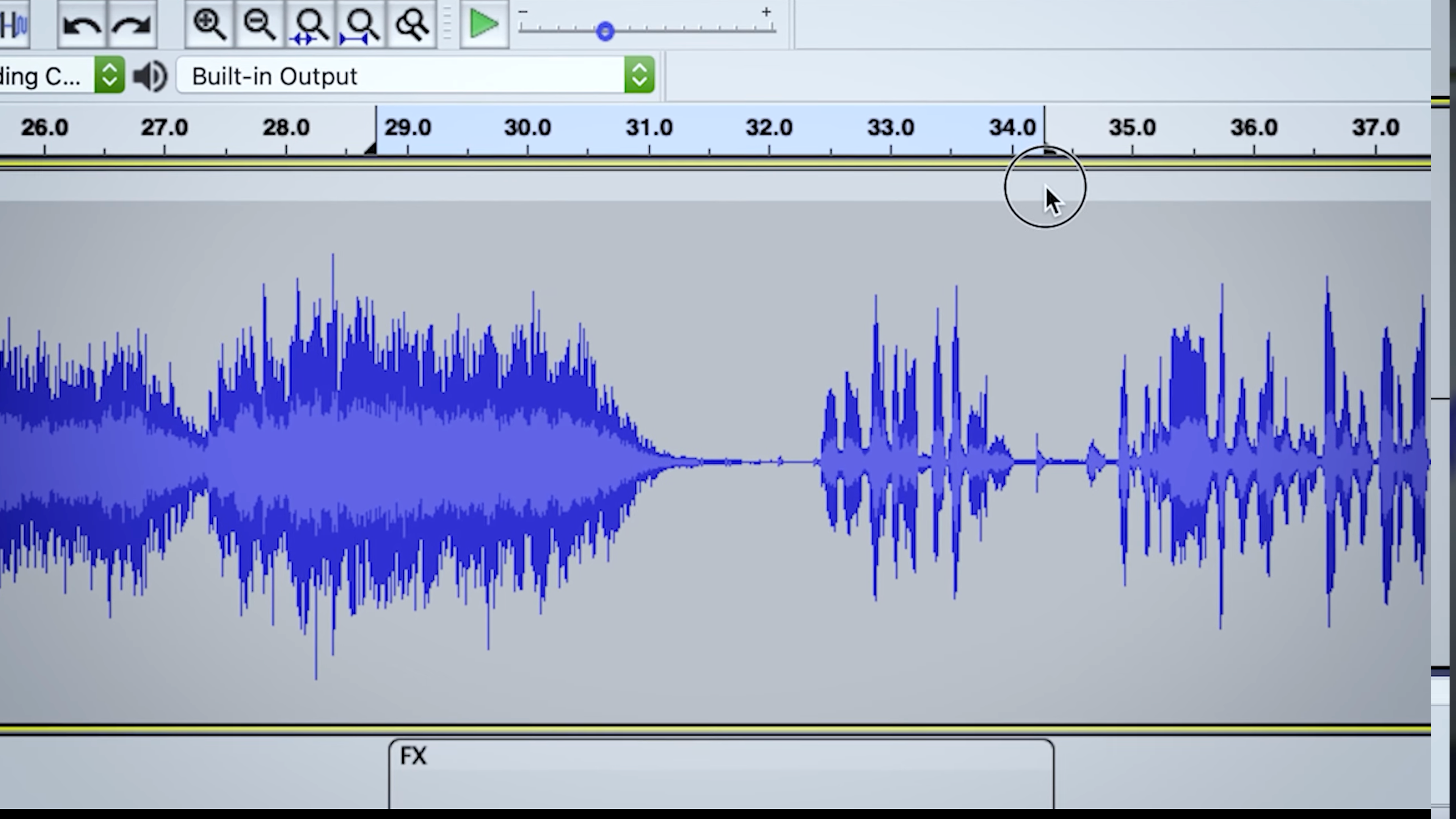
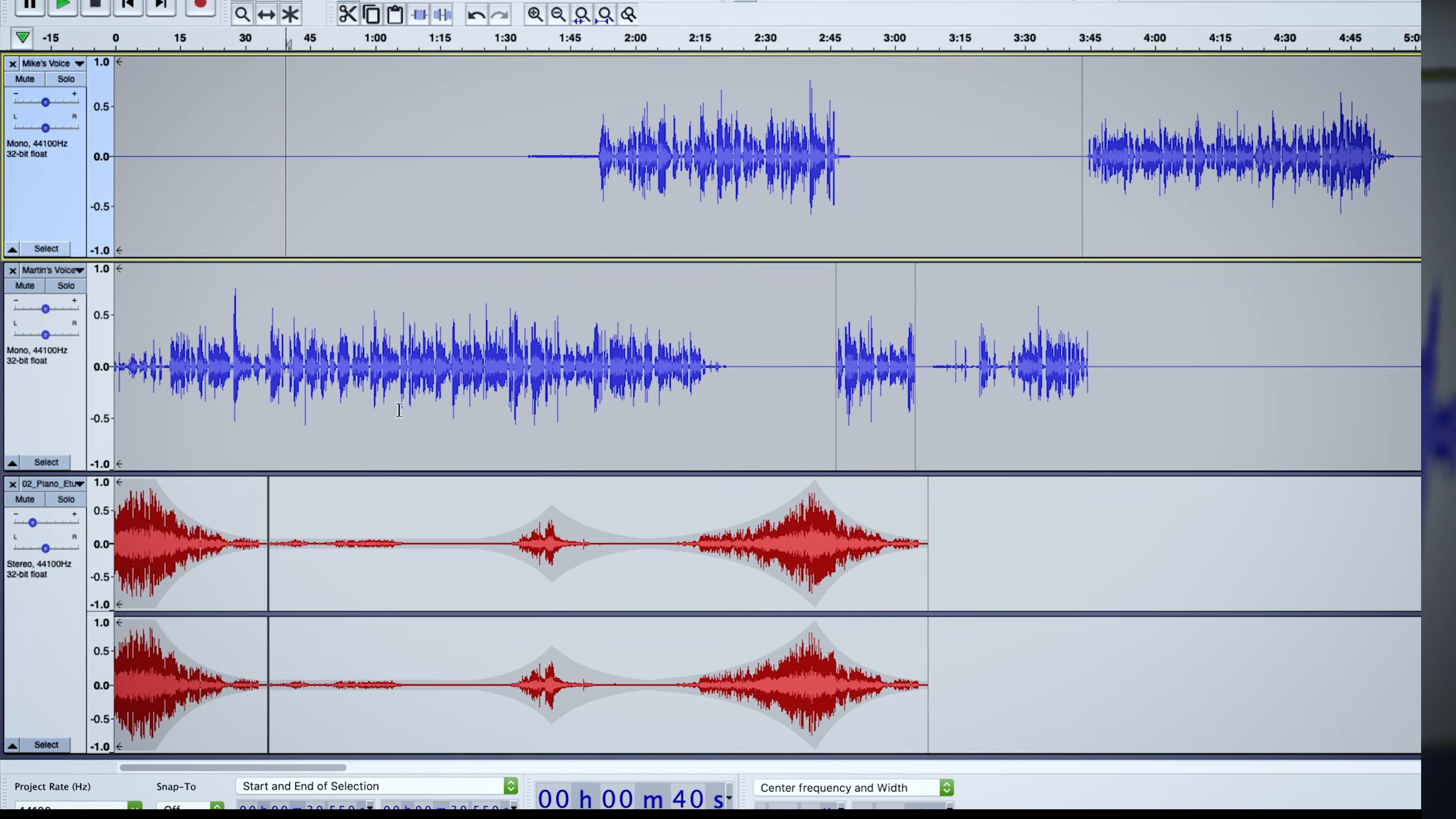
One of Audacity's most compelling features is its multi-track editing environment. Think of it as a digital collage—each track representing a piece of your audio puzzle. The interface offers an organized timeline where you can layer vocals, instruments, effects, and background sounds. Dragging and dropping, trimming, fading—they all feel as intuitive as arranging photos in an album. This is particularly appealing for podcast creators or musicians who need to produce complex arrangements without sacrificing ease of use.
Core Functionality 2: Advanced Audio Effects and Processing
Audacity doesn't just let you cut and paste; it empowers you to sculpt your soundscape. Its suite of effects—ranging from noise reduction (akin to removing background chatter from a recording) to pitch correction and equalization—gives you tools comparable to those found in high-end digital audio workstations. The ability to preview effects in real time means you can experiment confidently, knowing exactly how your tweaks influence the final product.
Intuitive Interface & User Experience
The interface adheres to a clean, straightforward design that reduces clutter and minimizes learning curves. For new users, this makes navigation less daunting, while seasoned editors will appreciate the logical grouping of functions and keyboard shortcuts. The application performs smoothly on most Windows configurations, with glitch-free playback and editing—much like a well-tuned instrument. While some advanced features might require a brief tutorial, overall, the learning curve is gentle, allowing users to produce polished results relatively quickly.
What Sets Audacity Apart from Its Peers?
In a sea of multimedia editors that often prioritize flashy visuals at the expense of stability, Audacity maintains a focus on core audio editing excellence. Its open-source nature means it's perpetually evolving through community contributions, providing a dynamic experience compared to more static applications. The most distinctive aspect is perhaps its balanced blend of power and simplicity—offering professional-grade tools without overwhelming unless you delve into the advanced menus. Furthermore, its compatibility with numerous plugins and file formats ensures it remains adaptable for various workflows.
Final Verdict: Should You Hit 'Download'?
All things considered, Audacity for Windows earns a solid recommendation. It's particularly suitable for users seeking a free, reliable, and capable audio editor that can handle a broad spectrum of tasks—from quick edits to complex audio projects. Less experienced users may need some initial guidance but will find the platform approachable enough to learn quickly. Veteran editors will appreciate its depth and expandability.
In essence, if you're looking for an accessible yet powerful tool that won't limit your creative potential, Audacity stands out as an excellent starting point—and often, a lasting workspace. Just imagine it as your personal audio workshop—ready for the next masterpiece whenever inspiration strikes.
Pros
- Open-source and free to use
- Supports a wide range of audio formats
- Powerful editing tools
- Regular updates and improvements
- Extensive plugin support
Cons
- User interface can be unintuitive for beginners
- Limited support for multi-core processing
- Occasional stability issues with large files
- Lack of advanced MIDI support
- Limited user documentation for advanced features











