
- Name aText Premium
- Category Productivity
- Developer Tran Ky Nam
- Available on PC, Mobile, Surface Hub, HoloLens
- OS Windows 10 version 16299.0 or higher
- Keyboard Integrated Keyboard
- Memory 2 GB
- Mouse Not specified
- languages English (United States)
Introducing aText Premium for Windows: Your Smart Text Automation Companion
In the fast-paced digital age, managing repetitive text snippets efficiently can significantly boost productivity. aText Premium for Windows emerges as a lightweight yet powerful solution that streamlines your text insertion tasks, helping you save time and mental energy with minimal fuss.
Developer and Core Features
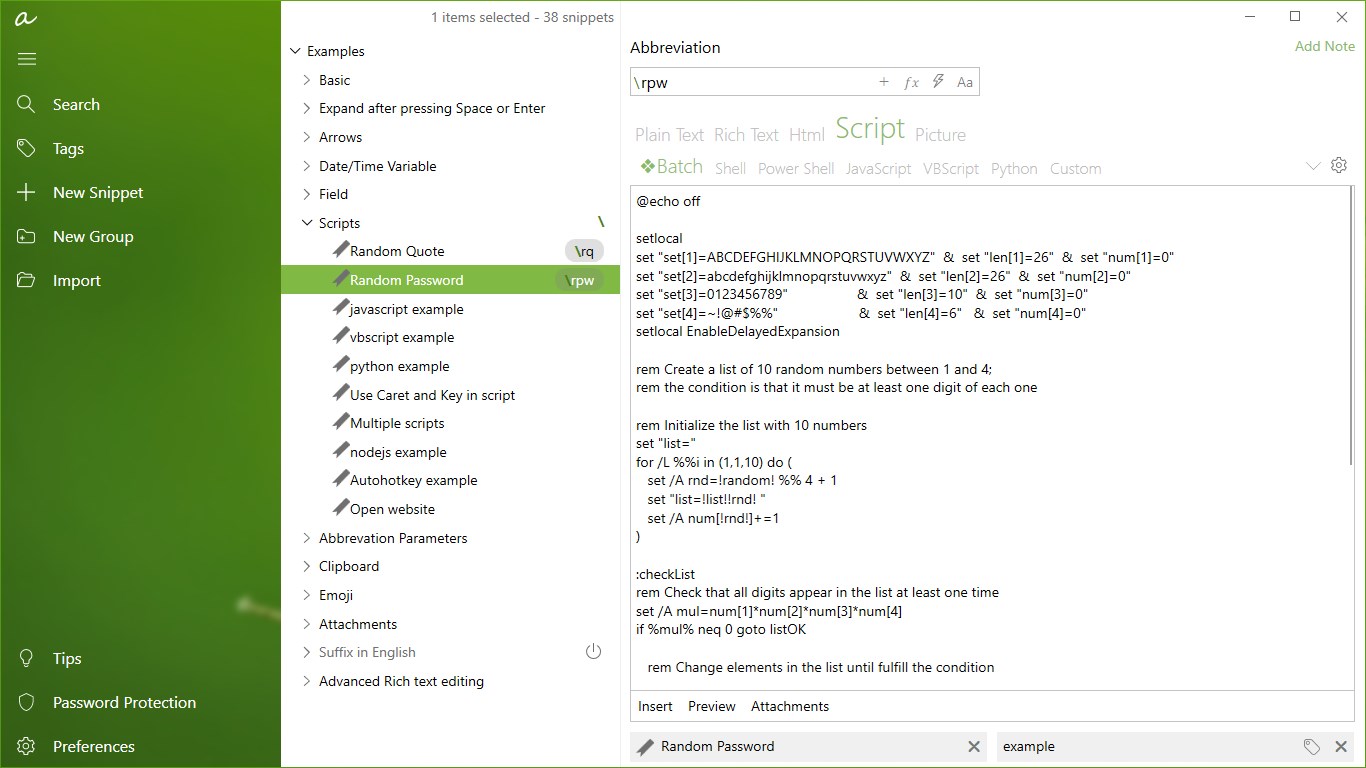
Developed and published by Tran Ky Nam, aText Premium is designed for Windows users seeking an intuitive tool for text expansion and snippet management. Its main features include customizable snippet libraries, quick hotkey-based insertion, and intelligent organization tools. These features collectively aim to reduce cognitive load and simplify workflow automation, allowing users to focus more on creative and analytical tasks than on mundane typing.
Engaging, User-Friendly Interface and Seamless Experience
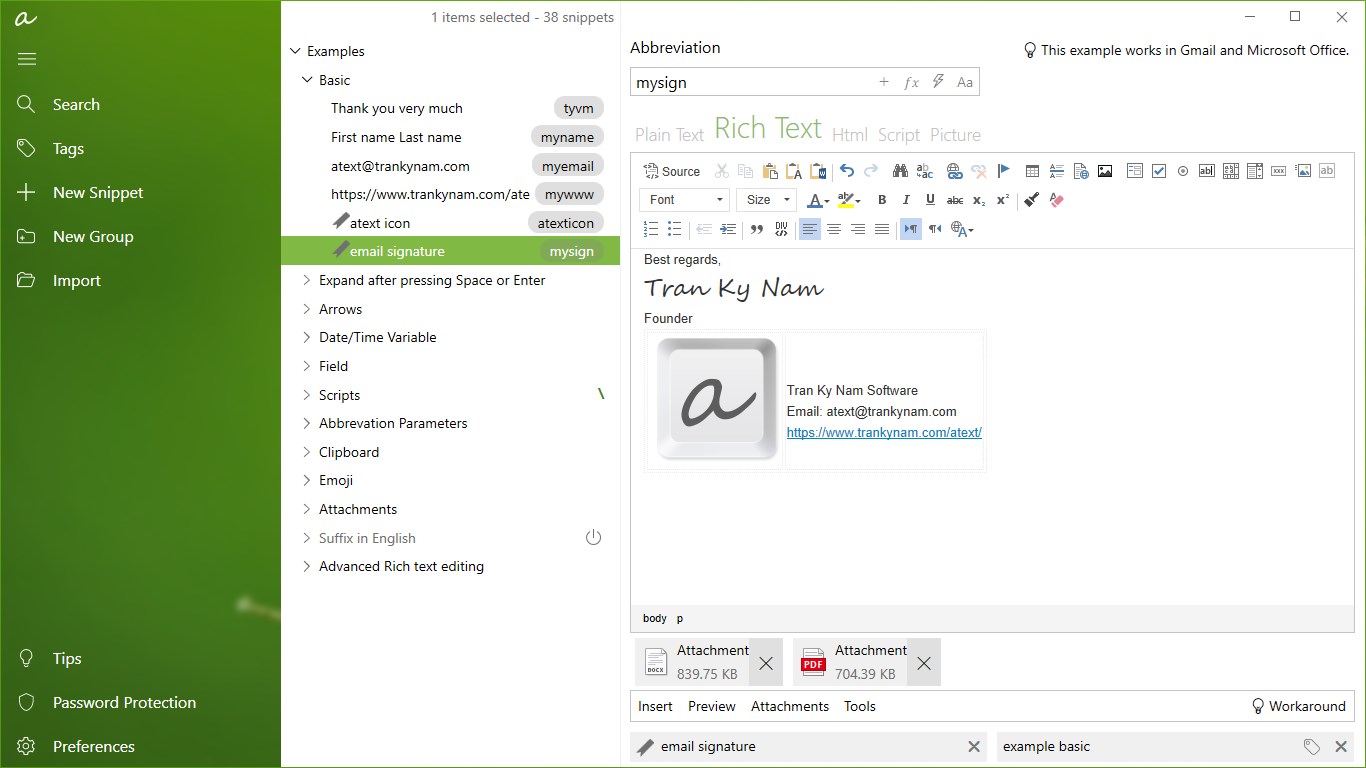
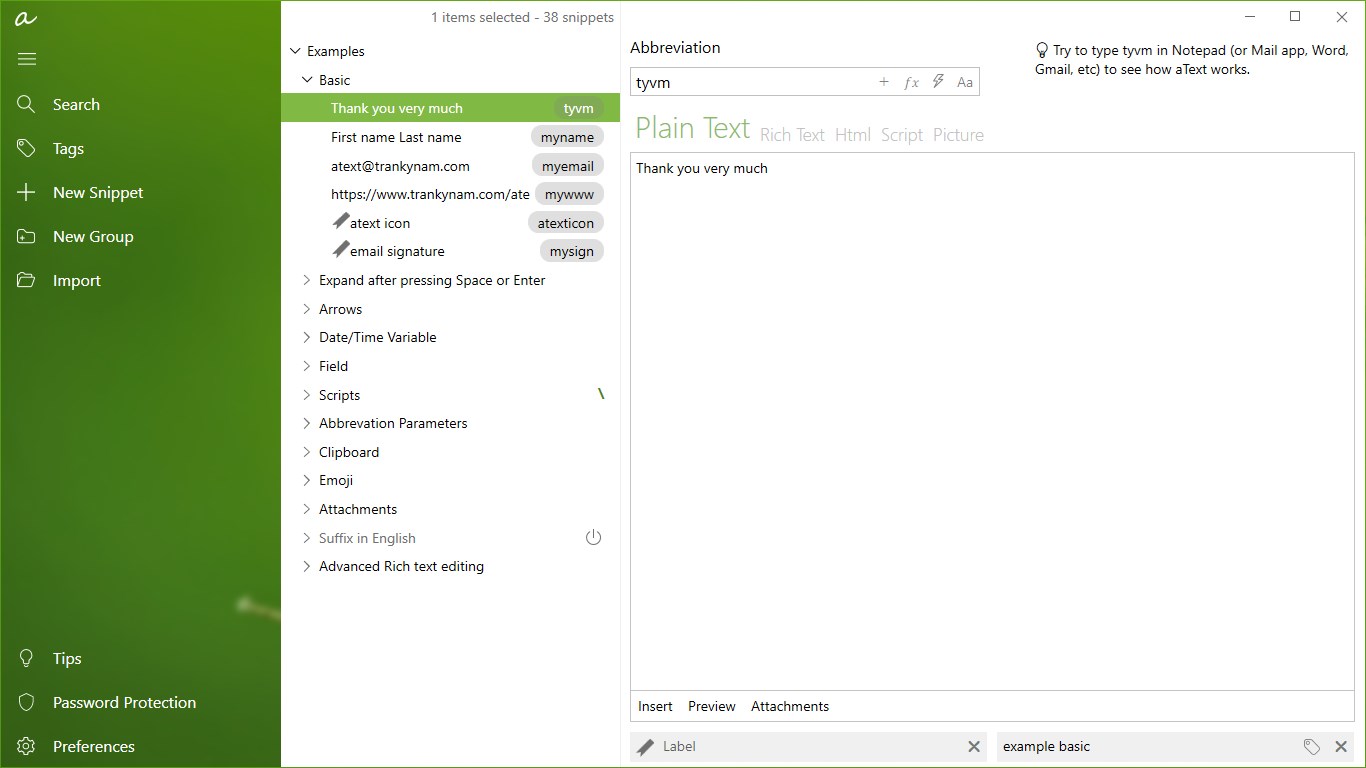
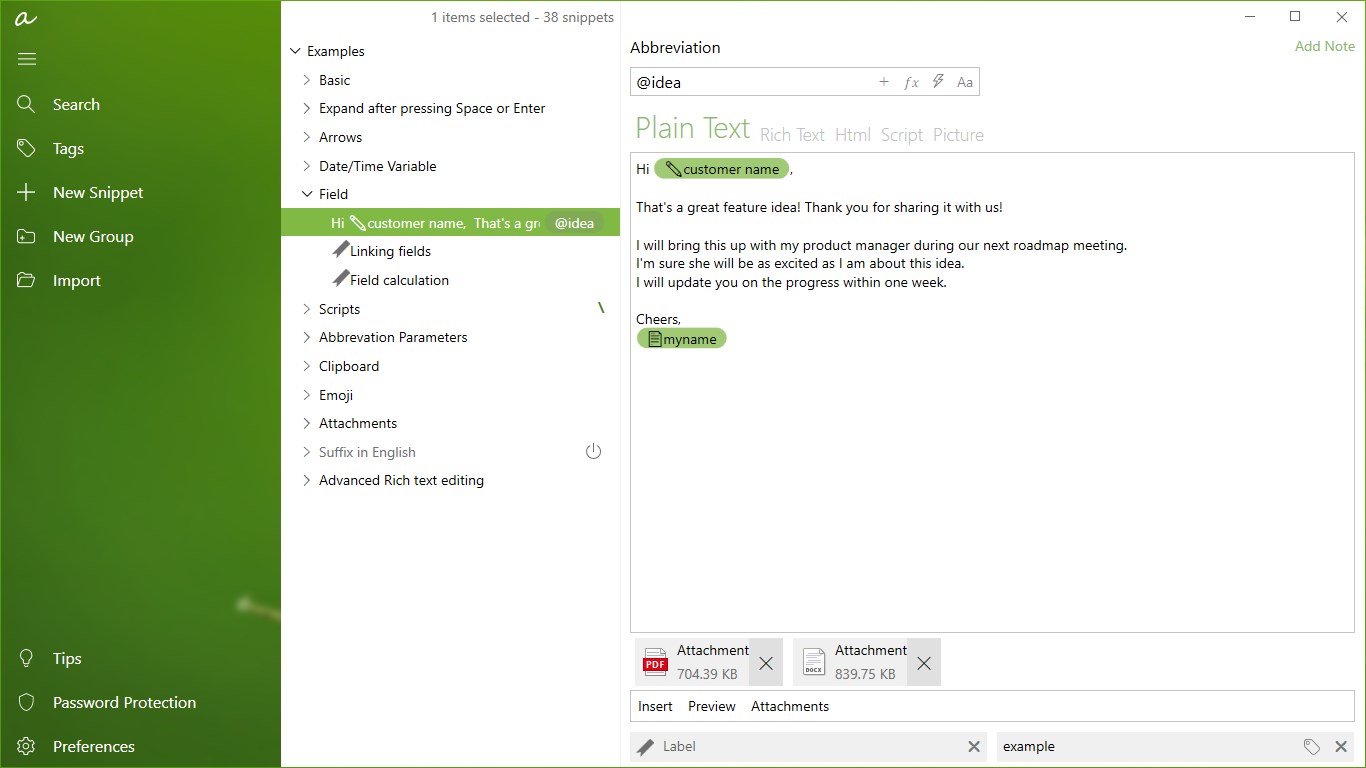
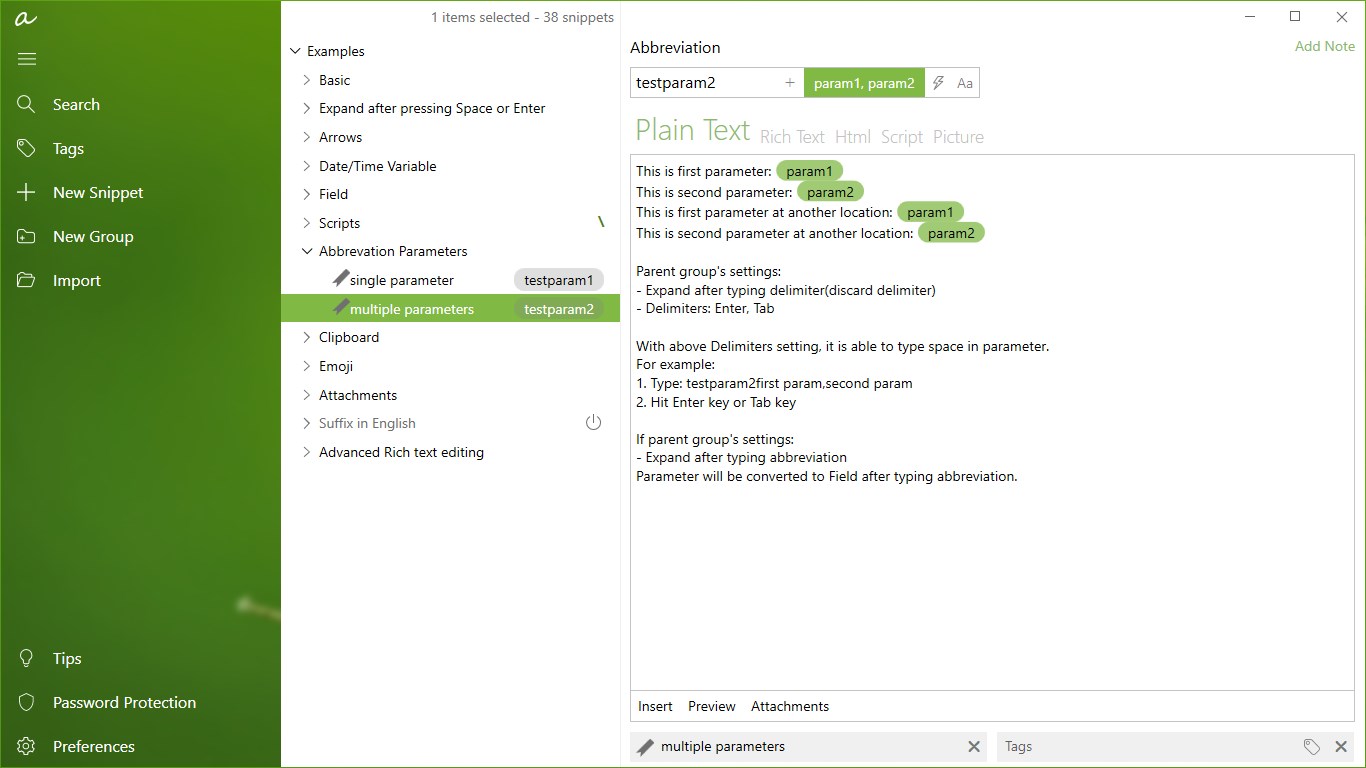
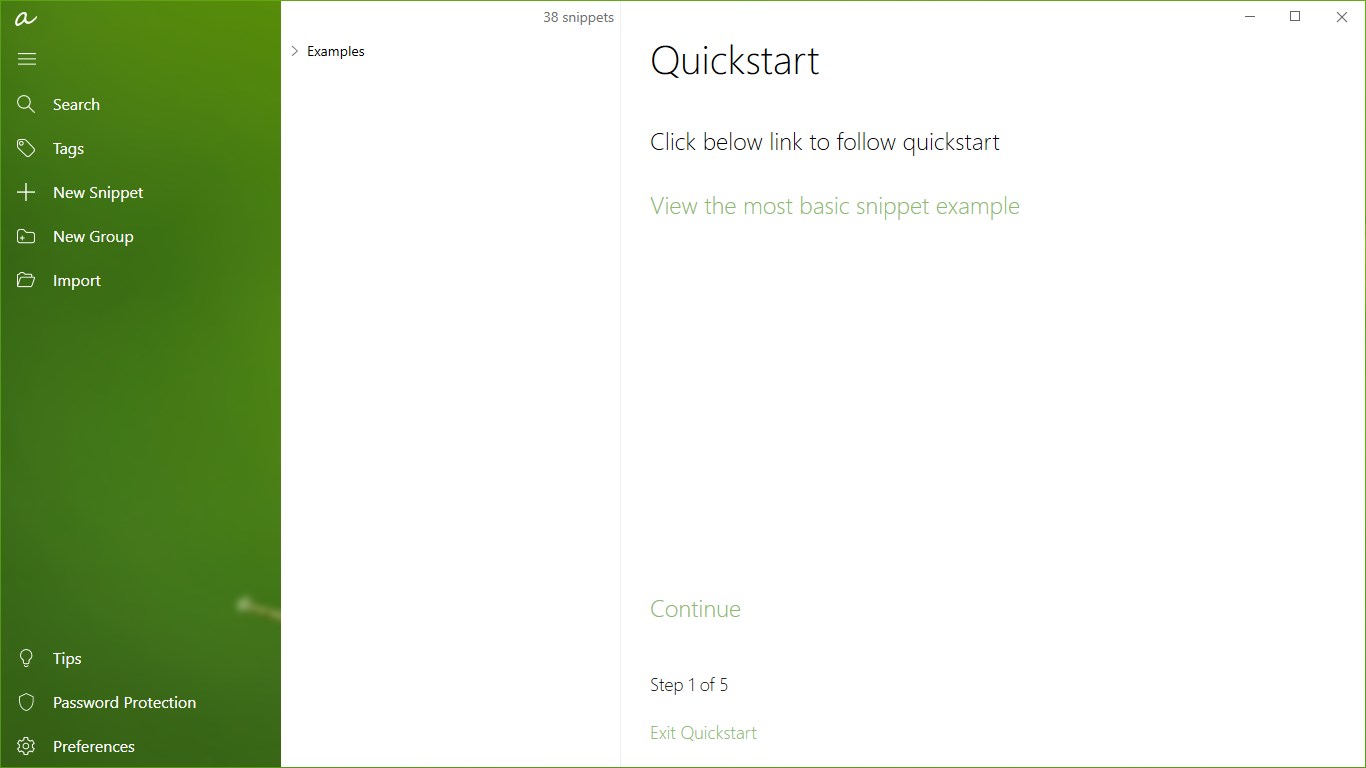
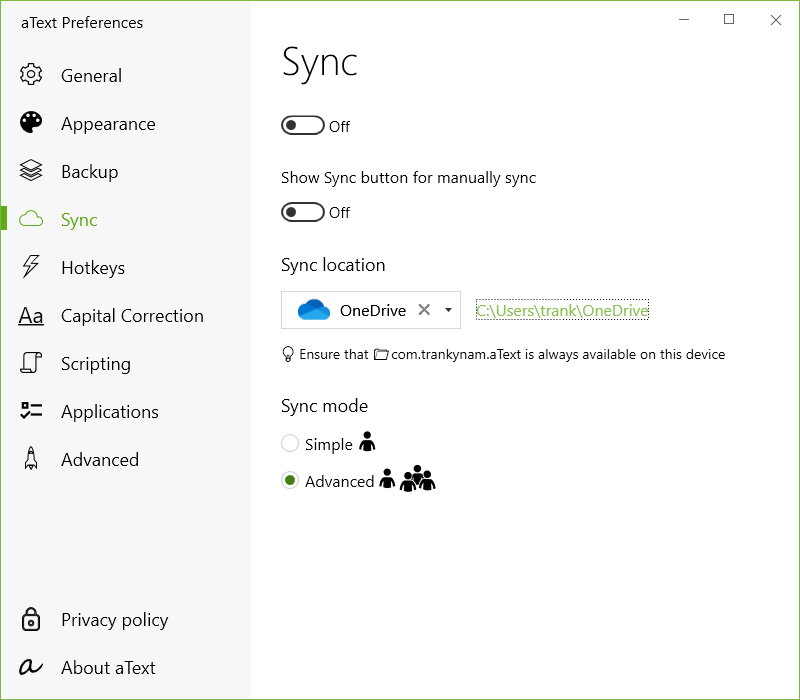
Straight out of the box, aText Premium features a clean and minimalistic interface that resembles a well-organized digital filing cabinet—familiar and inviting, yet highly functional. The app's sidebar neatly categorizes snippets, making navigation a breeze, while the main window is clear and uncluttered. The UI design facilitates quick learning, akin to opening a well-organized toolbox where everything is within arm's reach.
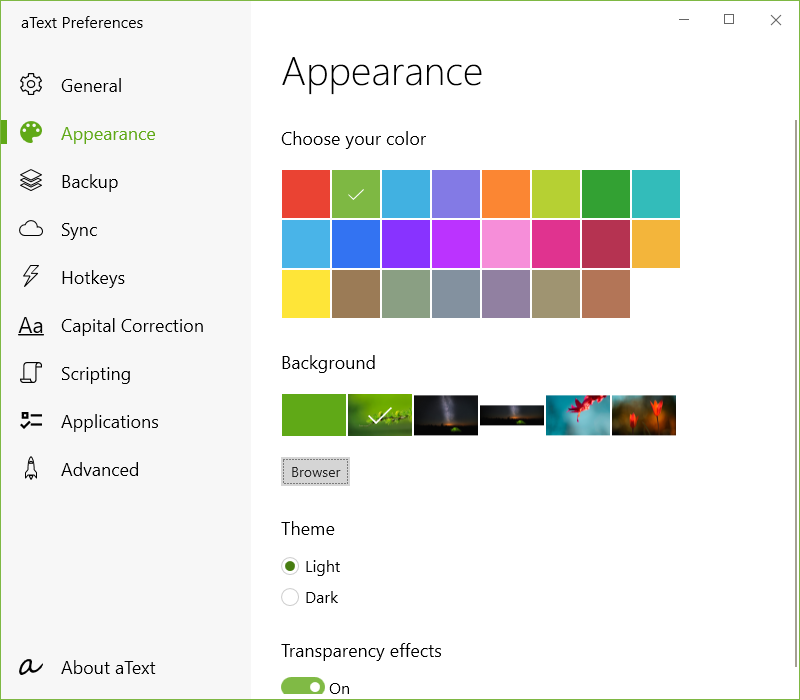
Operationally, aText Premium is smooth and responsive. Hotkeys are customizable, allowing users to insert snippets with a quick keystroke, almost like summoning a trusted assistant to help craft your message. The app's responsiveness ensures that text expansions occur instantly, maintaining workflow fluidity. Even for new users, the learning curve is gentle—initial setup requires only a few minutes, and an intuitive interface helps users customize and organize snippets effortlessly.
Unique Advantages: Workflow Integration & Cognitive Load Reduction
Compared to the multitude of productivity apps in the market, aText Premium distinctly stands out in two crucial ways. First, its focus on workflow integration means it can be seamlessly combined with various applications—from Microsoft Office to email clients—without the need for complicated configurations. This effortless compatibility ensures that users can streamline repetitive tasks regardless of the platform they are using.
Second, the app's design thoughtfully minimizes cognitive load. Unlike more feature-heavy alternatives that can overwhelm with options, aText Premium emphasizes simplicity—offering exactly what you need without the clutter. Its core strength lies in reducing mental effort: you define snippets once, and the app handles the rest. This means less brainwork remembering templates or navigating complex menus, and more mental space dedicated to your core tasks.
Final Thoughts and Recommendations
For anyone who frequently manages repetitive text, or simply desires a lightweight, reliable tool to boost their productivity, aText Premium is worth considering. Its straightforward approach, combined with intelligent workflow integration, makes it a compelling choice. Whether you're a busy professional, a student, or someone who values efficiency, this app offers a quiet but powerful means to declutter your mind and accelerate your work process.
We recommend this app if you prioritize ease of use and seamless integration over feature bloat. Its proven capacity to reduce cognitive load and facilitate quick text insertion makes it a valuable addition to your productivity toolkit. For best results, spend a few moments customizing snippets tailored to your daily needs, and you'll find your efficiency skyrocketing.
Pros
- Intuitive User Interface
- Fast Performance
- Rich Text Formatting Options
- Offline Access
- Regular Updates
Cons
- Limited Export Formats
- Occasional Sync Delays
- Basic Free Version
- Limited Customization
- Occasional Crashes on Older Devices











