


- Name Ashampoo Office 9
- Category Productivity
- Developer SoftMaker Software GmbH
- Available on PC
- OS Windows 10 version 0.0 or higher
- languages Bulgarian, Chinese, Danish, English, German, Estonian, Finnish, French, Greek, Italian, Japanese, Kazakh, Korean, Latvian, Lithuanian, Dutch, Polish, Portuguese, Portuguese (Brazil), Russian, Swedish, Slovenian, Spanish, Turkish, Ukrainian, Hungarian
Efficient Document Management Meets Seamless Workflow
Ashampoo Office 9 for Windows positions itself as a competent office suite that combines traditional document editing with modern productivity enhancements, offering users a straightforward yet robust toolkit tailored for everyday needs.
Developed by SoftMaker Software GmbH, and published by Ashampoo
The application is crafted by SoftMaker Software GmbH, a reputable developer known for its reliable office solutions, with the distribution and support managed by Ashampoo, a company well-recognized for its user-friendly software offerings.
Key Features Highlighted
- Integrated office suite combining word processing, spreadsheets, and presentations in one package
- Optimized workflow with minimal learning curve and intuitive interface
- Compatibility with Microsoft Office formats ensuring seamless collaboration
- Lightweight design that maintains swift operation even on modest systems
A Fresh, Friendly Face in Office Productivity
Imagine starting your workday greeted by a workspace that feels familiar yet subtly smarter—Ashampoo Office 9 welcomes you into a sleek, organized environment. It's like walking into a well-organized home office: everything in its place, easy to find, and designed to make your tasks feel less like chores and more like an engaging daily routine.
Core Functionality: Simplifying Your Document World
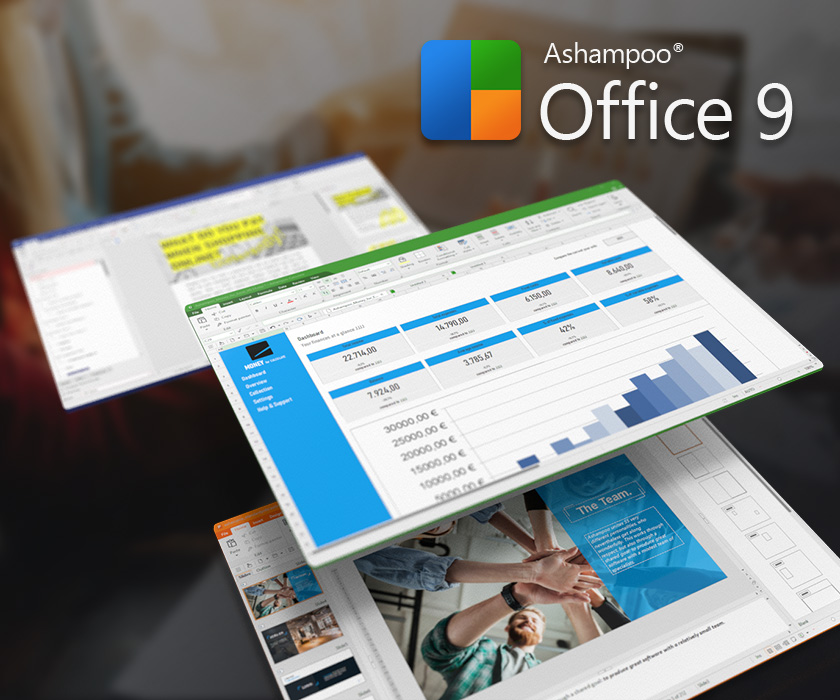
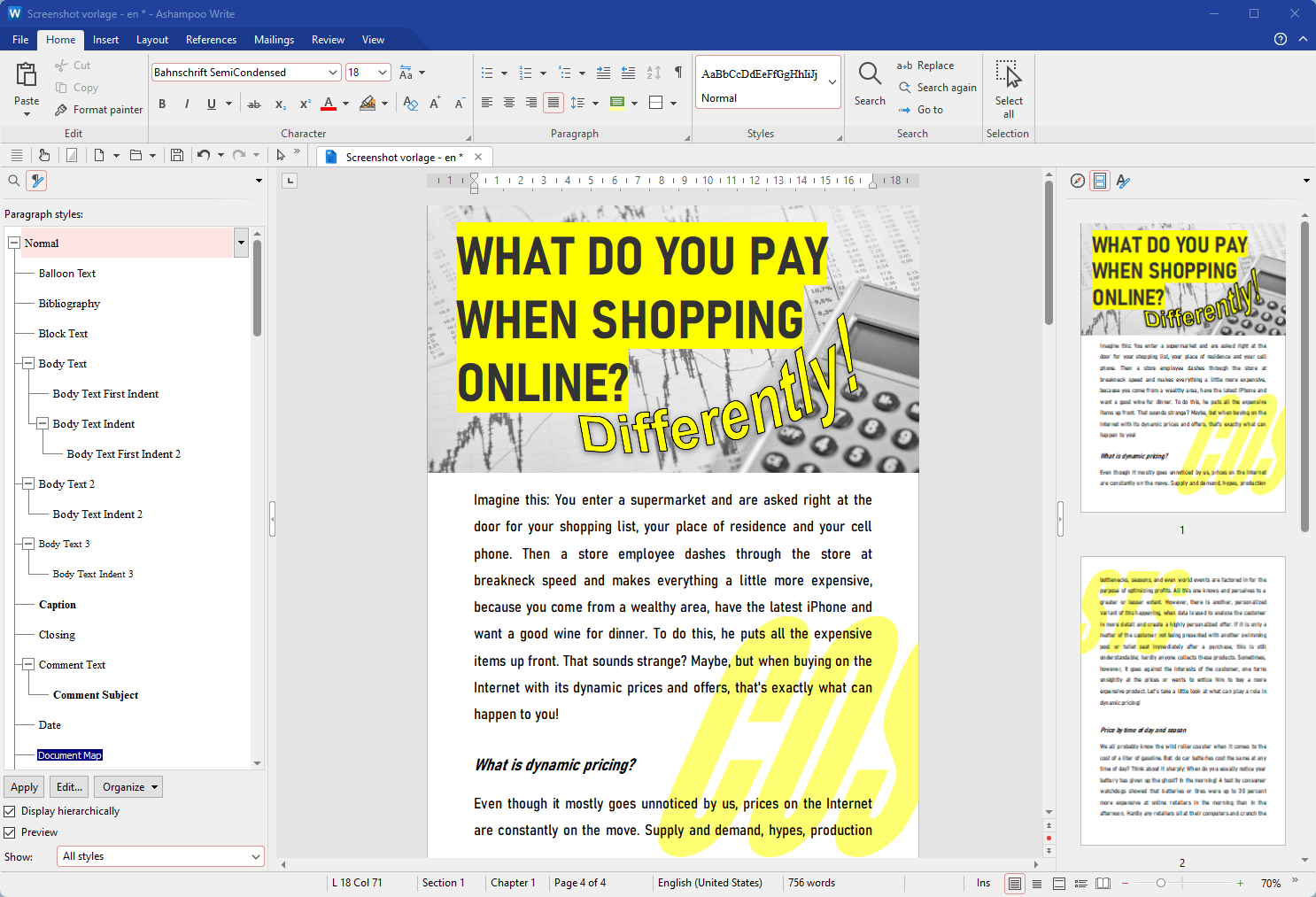
The backbone of Ashampoo Office 9 lies in its core modules—Writer, Plan, and Present—that mirror the familiar counterparts but with enhancements aimed at streamlining your process. Writer, for example, excels in merging rich formatting with straightforward editing tools, enabling users to craft professional documents swiftly. Its document compatibility further makes it a reliable companion, whether you're handling simple memos or lengthy reports.
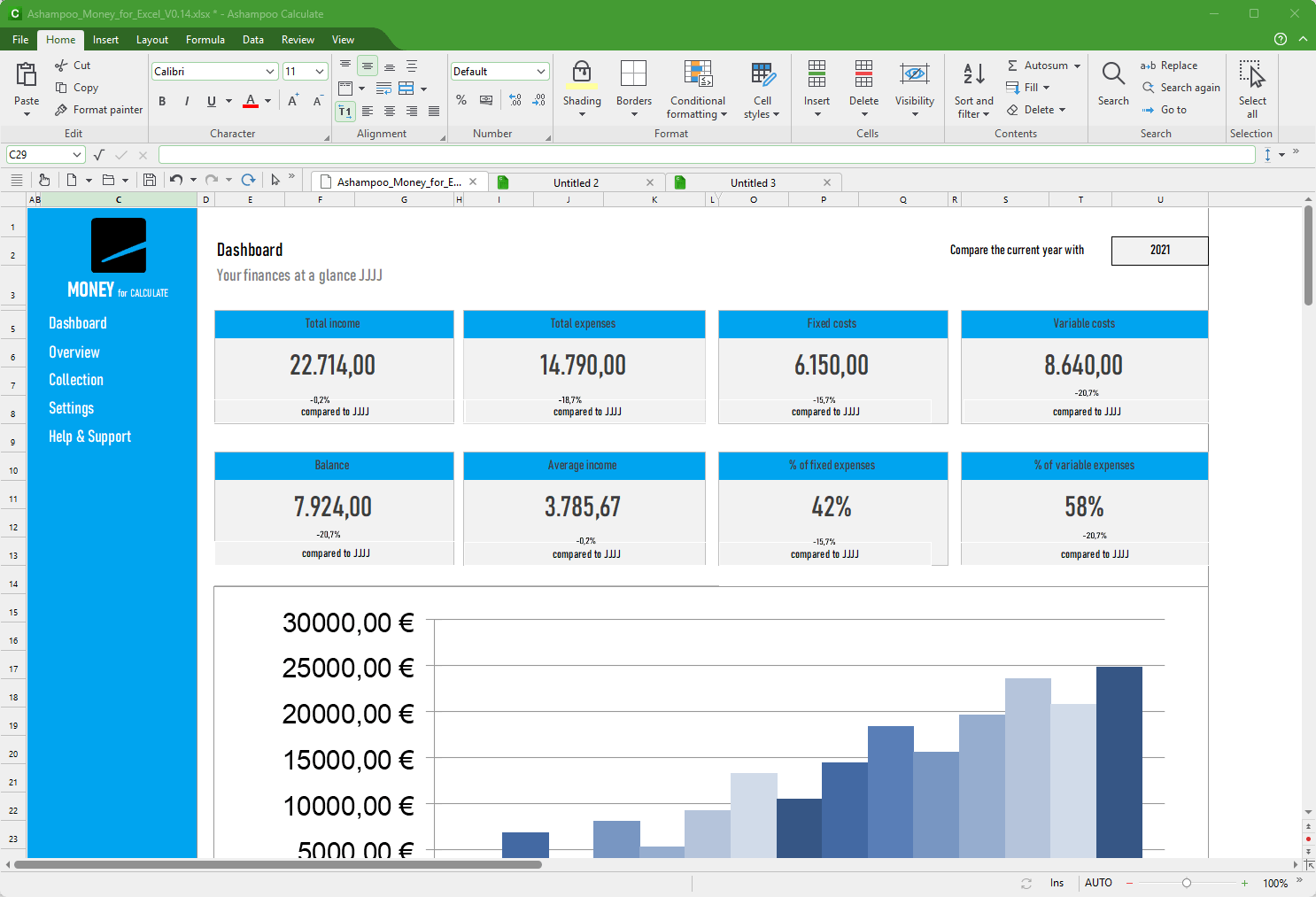
Moving to spreadsheets, the Plan module provides an accessible platform for data analysis and budgeting without the intimidating complexity often associated with similar programs. Its formulas, charts, and data management tools are thoughtfully designed to keep cognitive load low, helping you achieve your goals with less mental fatigue.
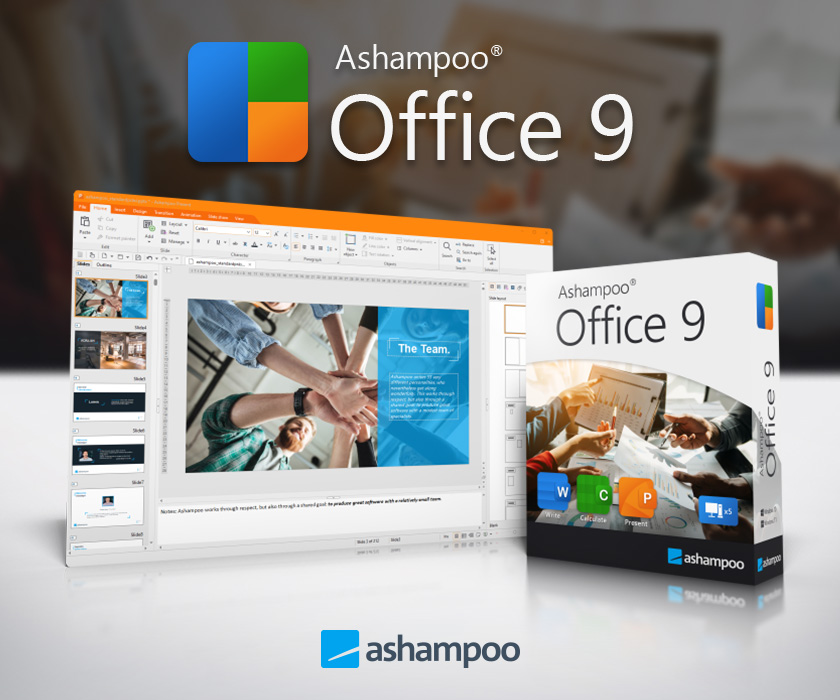
For presentations, the Present module allows you to create visually appealing slides effortlessly, with a variety of templates and easy media integration—making your pitches or lectures look polished without hours of fiddling.
User Experience: Design, Flow, and Learning
One of Ashampoo Office 9's standout qualities is its clean and intuitive interface—think of it as a well-lit workshop where every tool is within arm's reach. The layout avoids clutter, reducing cognitive load and enabling users to focus on content rather than navigation. Tasks flow smoothly, thanks to responsive controls and logical menu structures, allowing both newbies and seasoned users to get started immediately.
The learning curve is gentle: most functions are discoverable through familiar icons and logical grouping, making onboarding quick and frustration-free. The performance remains brisk across different hardware, ensuring productivity is not hindered by lag or crashes.
What Sets It Apart from the Crowd?
While many office suites boast extensive feature lists, Ashampoo Office 9's unique value lies in its emphasis on workflow integration and efficiency. Unlike bloated counterparts that demand a steep learning curve, this suite minimizes unnecessary complexity, thereby reducing cognitive load. Its compatibility with Microsoft Office formats means you can seamlessly transition between tools without worrying about formatting mishaps or losing work.
Particularly notable is its focus on delivering core functionalities that 'just work'—a smart balance between feature breadth and ease of use. This focus allows users to spend less time fiddling with settings and more time accomplishing tasks, making it especially suitable for busy professionals and students who value both simplicity and reliability.
Final Recommendation: A Solid Companion for Everyday Office Tasks
Overall, Ashampoo Office 9 offers a thoughtful and user-centered alternative to bulkier office solutions. Its highlight features—particularly the effortless document compatibility and streamlined interface—make it a compelling choice for users seeking efficiency without sacrificing functionality. If you're in search of a lightweight, dependable office suite that integrates smoothly into your workflow, this software is definitely worth exploring.
Ideal for small businesses, educators, or anyone wanting reliable document tools that don't overwhelm, Ashampoo Office 9 strikes a nice chord between simplicity and capability. For those who prioritize reducing cognitive load and enhancing productivity, it's a trustworthy partner in your daily digital tasks.
Pros
- User-friendly interface
- Compatibility with Microsoft Office files
- Rich set of features
- Lightweight and fast performance
- Affordable pricing
Cons
- Limited cloud integration
- Fewer collaboration features
- Occasional compatibility quirks
- Limited mobile version
- Fewer advanced analytics tools











