
- Name Ashampoo Home Design 9
- Category Productivity
- Developer Ashampoo Technology GmbH & Co. KG
- Available on PC
- OS Windows 10 version 0.0 or higher
- languages German, English, Dutch, French, Italian, Polish, Russian, Spanish, Turkish, Hungarian
Transform Your Interior Dream into Reality with Ashampoo Home Design 9
Imagine stepping into your newly renovated living room, every detail perfectly aligned with your vision—thanks to Ashampoo Home Design 9, this is no longer just a dream but an achievable plan. This Windows-based application promises an intuitive, efficient, and visually immersive approach to home designing, making it accessible for DIY enthusiasts and seasoned designers alike.
About the Developer and Core Features
Developed by Ashampoo Technology GmbH & Co. KG, a reputable name in software innovation, Ashampoo Home Design 9 brings years of expertise in creating user-friendly, reliable tools. Its main highlights include:
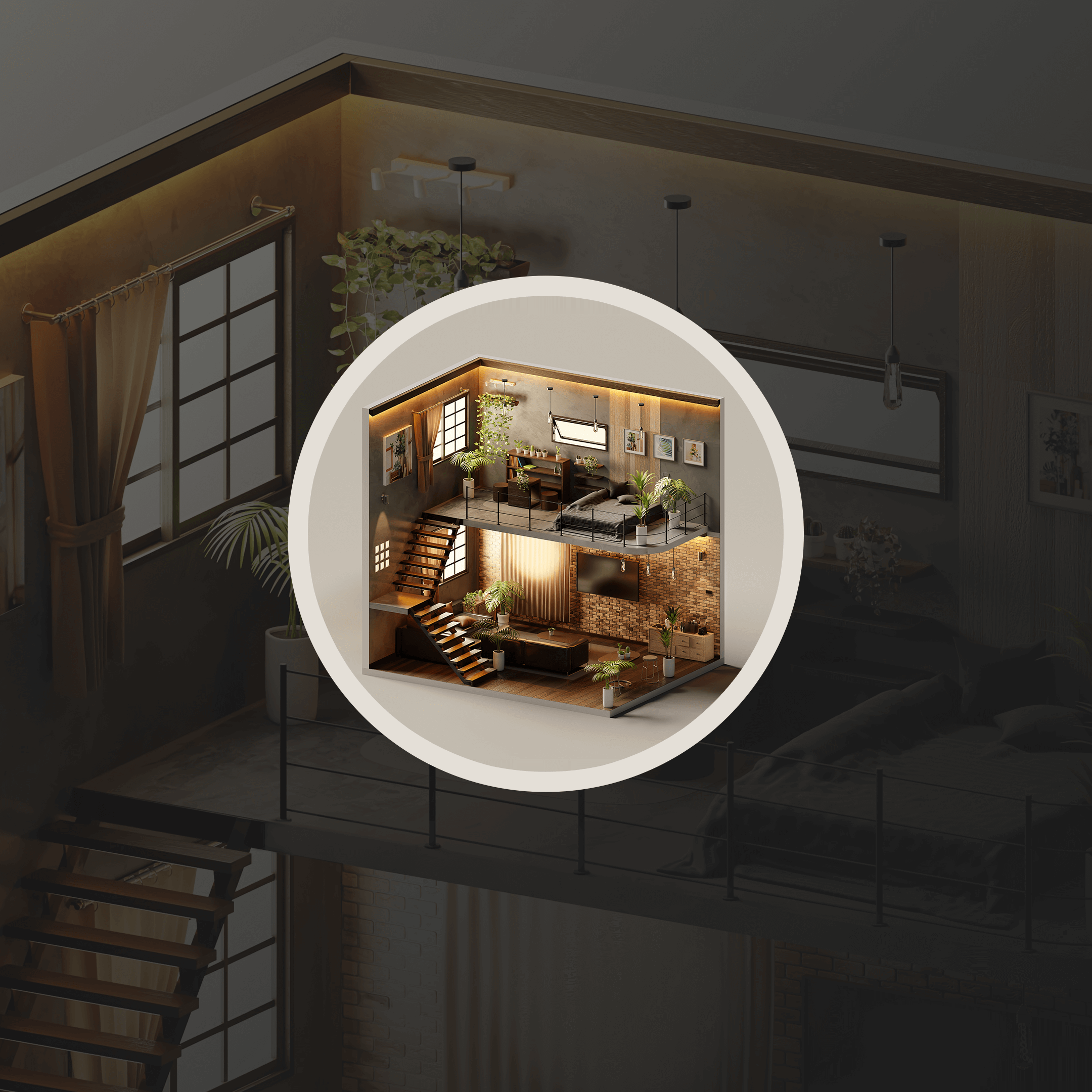
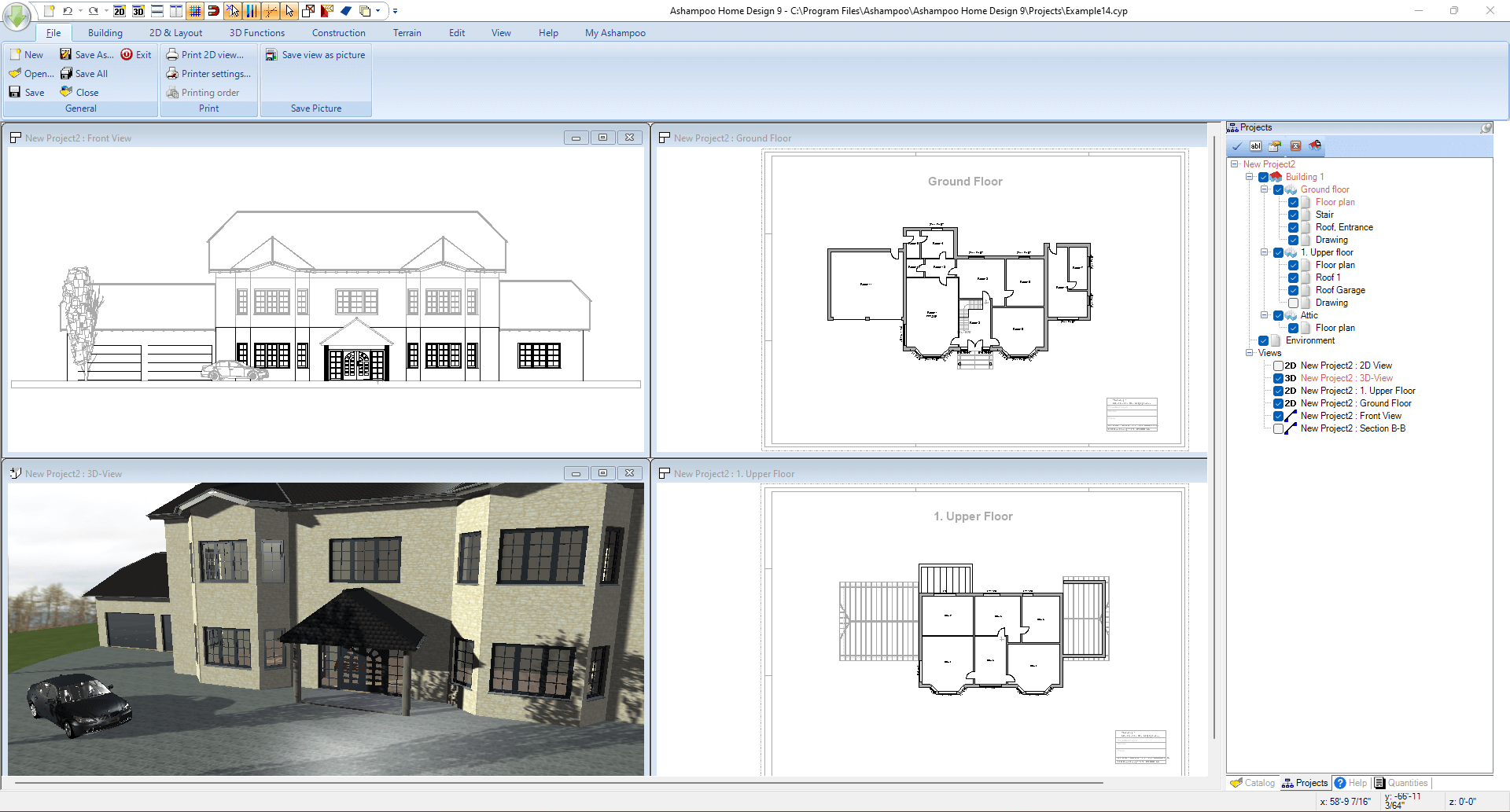
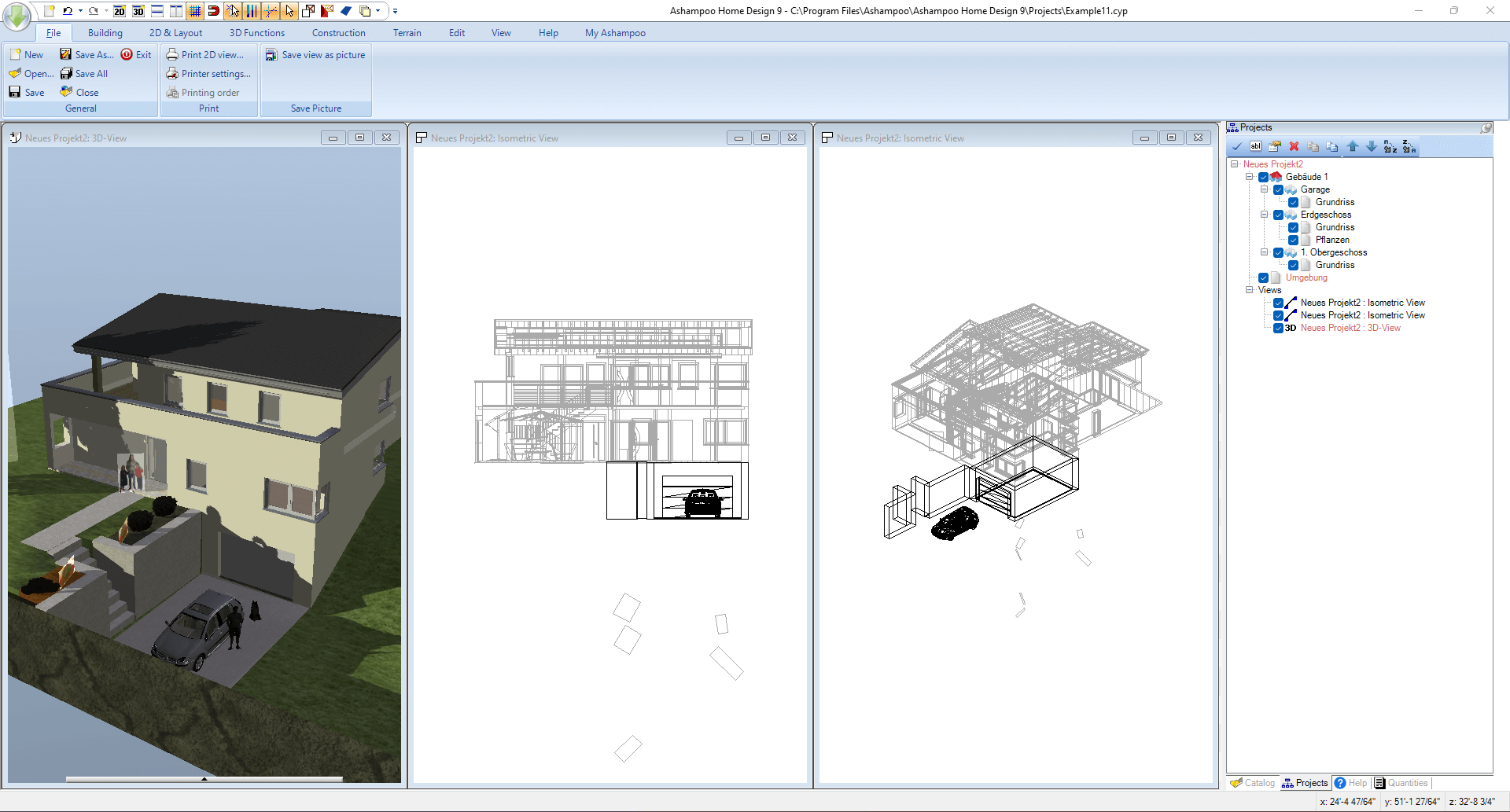
- 3D Visualization with Realistic Rendering: Experience your redesign ideas in vivid, lifelike 3D, allowing a more concrete grasp of spatial layout and aesthetic choices.
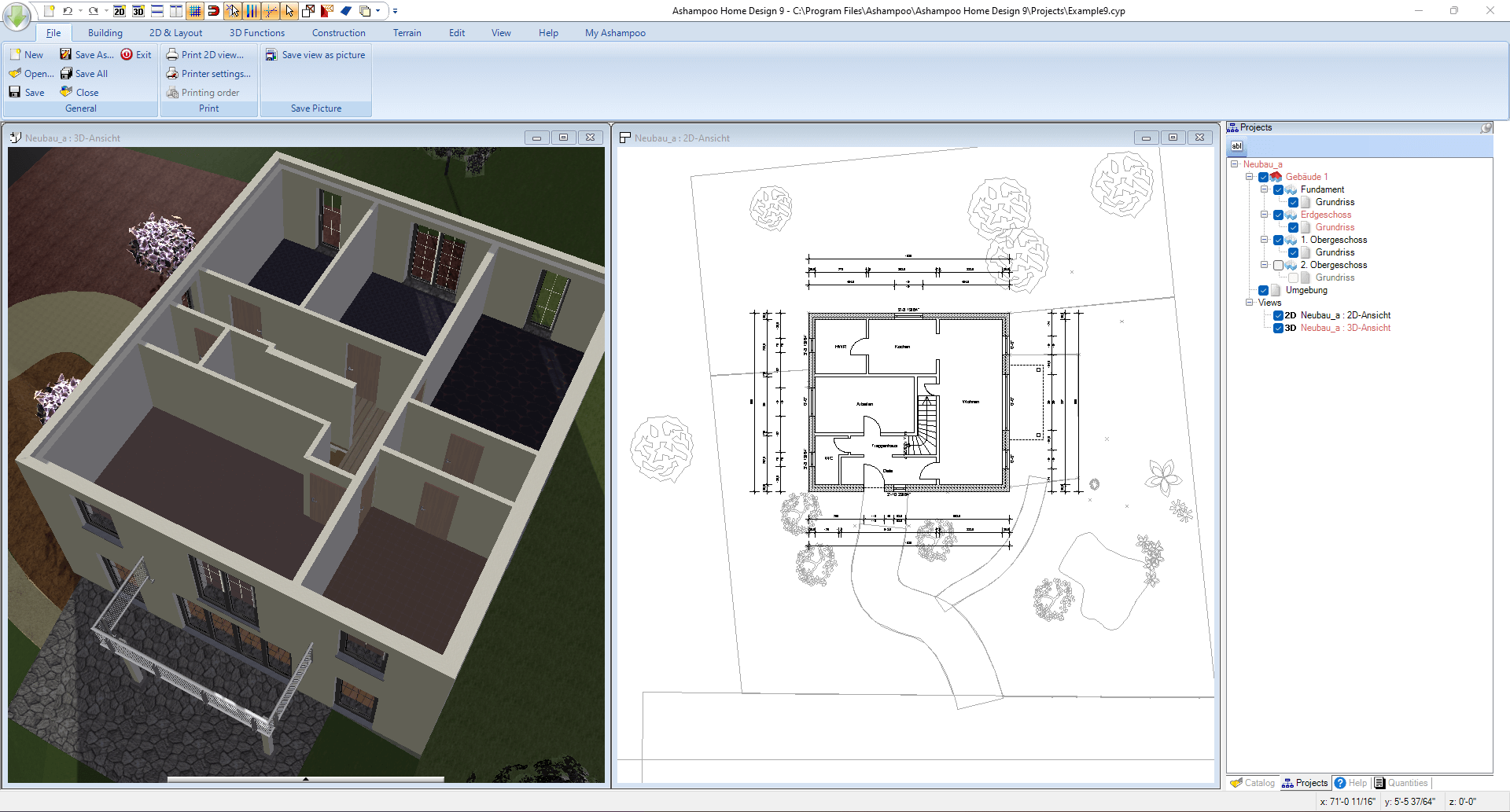
- Comprehensive Floor Planning Tools: Effortlessly construct, modify, and experiment with floor layouts, enabling precise customization suited to your needs.
- Furniture and Decor Library: Choose from a rich catalog of furniture, fixtures, and decor items to personalize your space seamlessly.
- Intelligent Measurement and Cost Estimation: Keep your project on budget with built-in tools that calculate dimensions and expenses in real-time.
Targeted at homeowners, interior design hobbyists, and professional renovators, this app caters to anyone eager to visualize their home improvement projects with clarity and confidence.
Drawing You Into the World of Home Design
Stepping into Ashampoo Home Design 9 feels akin to entering a well-organized studio where everything is within arm's reach, yet nothing feels overwhelming. Its interface strikes a balance between simplicity and functionality, making it a joy to navigate. You don't need to be a tech wizard—just curiosity and a vision, and it guides you through transforming ideas into detailed blueprints. Think of it as having a friendly design assistant who patiently helps you fine-tune every corner of your dream home, from the spacious living room to the cozy nook.
Unpacking the Core Functionalities
3D Visualization: Seeing Is Believing
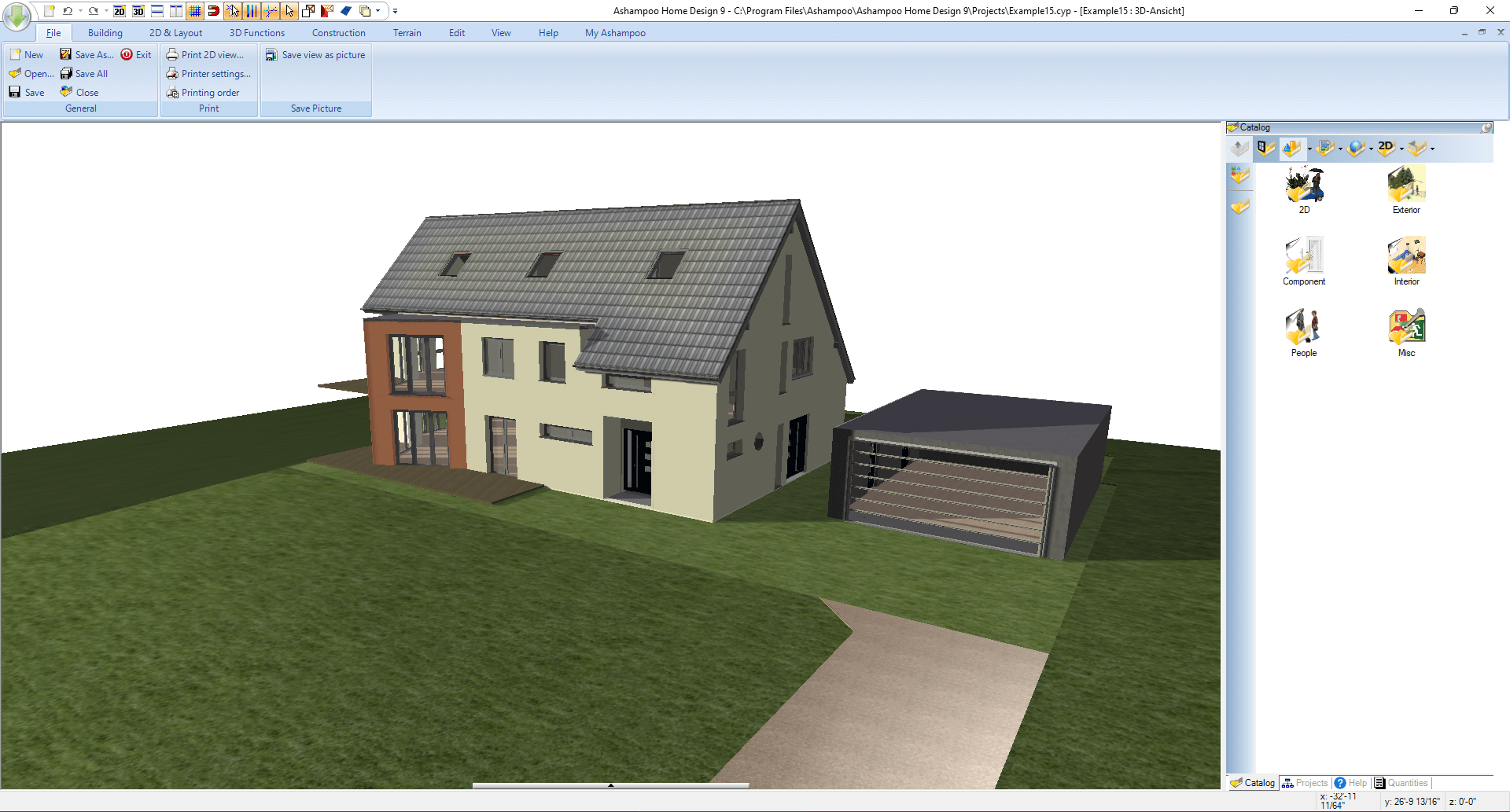
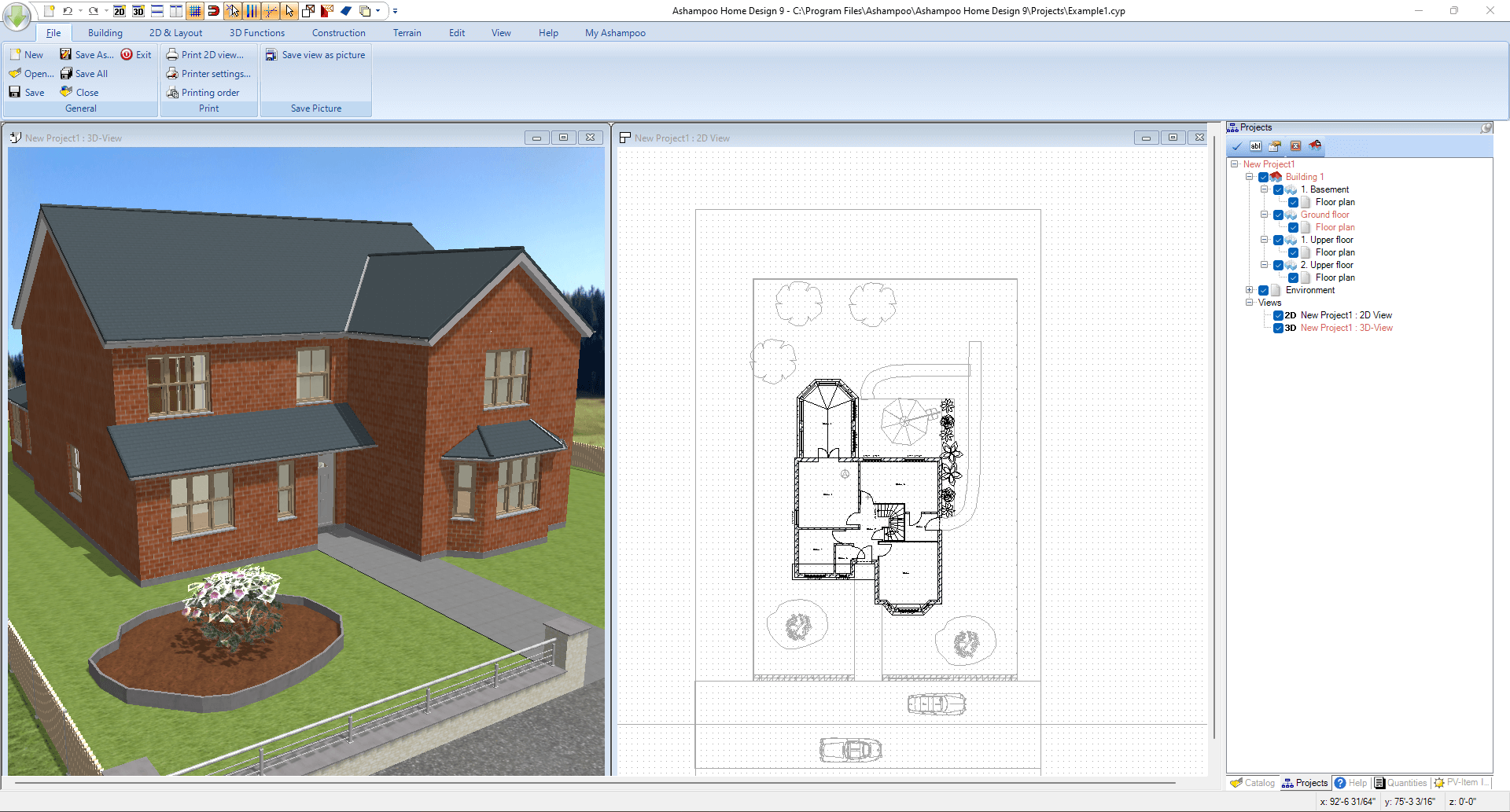
The application's standout feature is its ability to convert 2D floor plans into stunning 3D renderings. It's like having a mini virtual reality tour at your fingertips. You can walk through your virtual rooms, examine the spatial relationships, and tweak details easily. The realistic textures and lighting effects help you anticipate how your modifications will look in real life, reducing the guesswork often involved in interior design.
Flexible Floor Planning
Constructing and adjusting your layout is a breeze with the intuitive drag-and-drop tools. Want to see how that new wall impacts your room size? Simply select and move. With precise measurement tools embedded, measuring distances and calculating areas become straightforward, adding accuracy to your plans. This dynamic flexibility encourages experimentation without fear of making mistakes, fostering creativity and confidence.
Personalization and Cost Management
Decorate your space with a built-in furniture library, selecting styles ranging from modern minimalism to cozy traditional. The seamless integration of decor options allows you to preview how different furnishings influence the overall ambiance. Additionally, the cost estimation feature serves as a practical guide, helping you stay on budget while making design choices—like having a friendly financial advisor in your pocket.
Designing an Exceptional User Experience
The user interface of Ashampoo Home Design 9 resembles a tidy workshop, where tools are logically arranged, and workflows flow naturally. Its responsiveness ensures that actions like moving objects or rendering scenes happen smoothly, even on modest hardware. The learning curve is gentle; most new users will find themselves up and running within a few minutes, thanks to clear prompts and accessible tutorials. This balance of sophistication and usability makes the process enjoyable rather than daunting, akin to assembling a puzzle where each piece reveals a clearer picture of your ideal home.
What Sets It Apart in the Crowd?
Compared to other home design programs, Ashampoo Home Design 9's most compelling advantage lies in its harmony between detailed visualization and straightforward workflow integration. While many tools force users to navigate complex layers or toggle between multiple programs, Ashampoo streamlines the experience—integrating 3D rendering, measurement, and customization in a single, cohesive interface. Its focus on reducing cognitive load—by presenting features that are powerful yet accessible—means users can focus on creative decisions rather than struggling with technical complexity. In essence, it's like having a digital sketchpad that evolves into a detailed model, all without the frustration of juggling steep learning curves.
Final Verdict and Recommendations
If you're looking for a practical, well-rounded home design app that emphasizes ease of use without sacrificing core functionalities, Ashampoo Home Design 9 is a commendable choice. Its unique blend of realistic visualization, flexible planning tools, and user-centric design makes it suitable for both hobbyists dreaming of redesigns and professionals seeking quick prototypes. While it may not replace high-end CAD software for complex architectural projects, it excels in offering a delightful and efficient interior planning experience.
Highly recommended for personal projects and home renovation enthusiasts, especially those prioritizing workflow simplicity and visual clarity. For users who crave a straightforward yet capable tool to bring interior visions to life, Ashampoo Home Design 9 is a reliable companion—making the daunting task of home design feel approachable and even fun.
Pros
- Intuitive user interface
- Extensive library of furniture and materials
- Real-time rendering capabilities
- Precise measurement tools
- Support for 3D walkthroughs
Cons
- Slower performance with large projects
- Limited export options in free version
- Steep learning curve for advanced features
- Occasional bugs in rendering
- Limited collaboration features











