

- Name APK Installer Pro for PC
- Category Productivity
- Developer Roadkill
- Available on PC, Mobile, Surface Hub, HoloLens
- OS Windows 10 version 17763.0 or higher
- languages English (United States)
Introduction: Simplifying APK Management on Windows
Imagine having a seamless bridge between your Android devices and your Windows PC, making app installation as effortless as a few clicks. APK Installer Pro for PC (Windows) by Roadkill promises to be that bridge, transforming complex APK handling into a streamlined experience. Whether you're a developer testing apps, a tech enthusiast managing multiple devices, or simply someone who prefers sideloading apps without fuss, this tool aims to simplify your workflow with minimal cognitive load.
Core Features That Stand Out
1. Intuitive APK Management and Installation
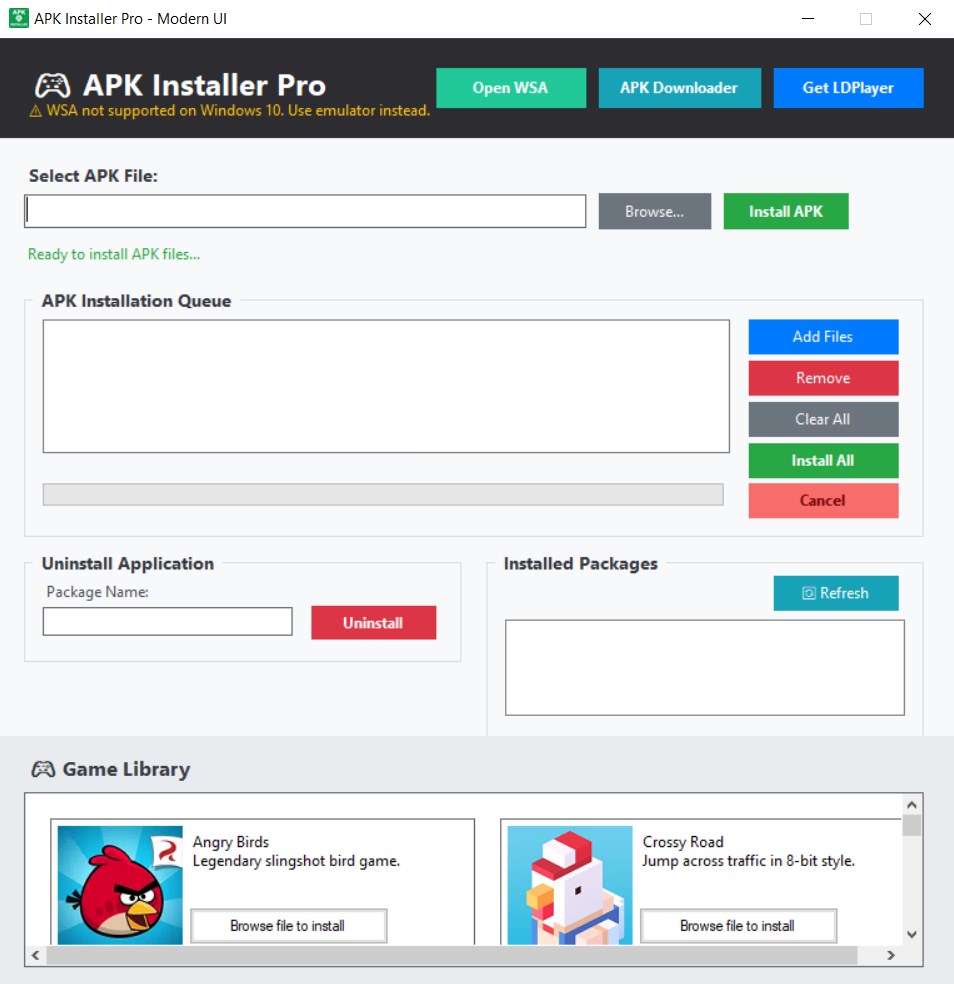
This app provides an organized interface where you can easily browse, select, and install APK files directly from your PC. Think of it as having your own personal APK librarian—dragging files in or browsing directories with ease. It supports batch installations, which is a boon for users managing multiple devices or testing environments. The process is straightforward: select APKs, click install, and let the app handle the rest. This reduces the manual chaos often associated with transferring and installing APK files individually.
2. Seamless Device Connectivity
One of the app's strongest suits is its reliable device linkage. Whether via Wi-Fi or USB connection, APK Installer Pro establishes a stable channel to your Android device, automatically detecting connected gadgets without requiring complicated setup procedures. Walk into your home office and, with a few taps, your device is ready for app deployment. This real-time device management reduces the friction commonly encountered in multi-device environments, making app installation feel as natural as passing a note in class—quick and efficient.
3. Focused Workflow Integration & Reduced Cognitive Load
Unlike many bulky APK managers packed with features that can overwhelm users, this app emphasizes simplicity and efficiency. Its clean interface minimizes clutter, keeping your focus on the task—installing apps—without getting lost in endless options. The workflow integration is smooth: you select your APKs, connect your device, and execute the install—all within a few intuitive steps. This design reflects a conscious effort to cut down on unnecessary features that contribute to cognitive overload, resulting in a user experience that feels natural rather than laborious.
Design, Usability, and User Experience
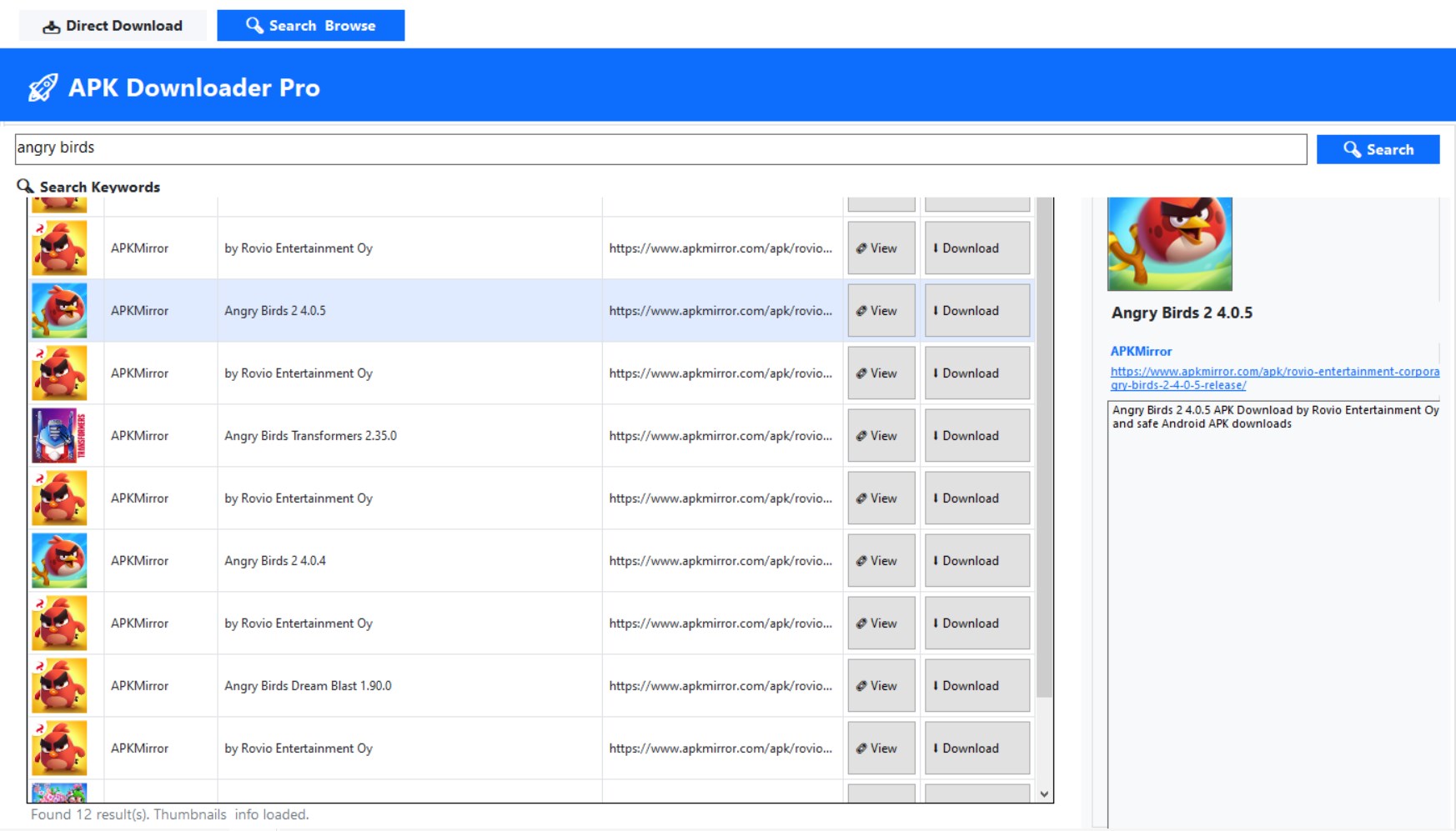
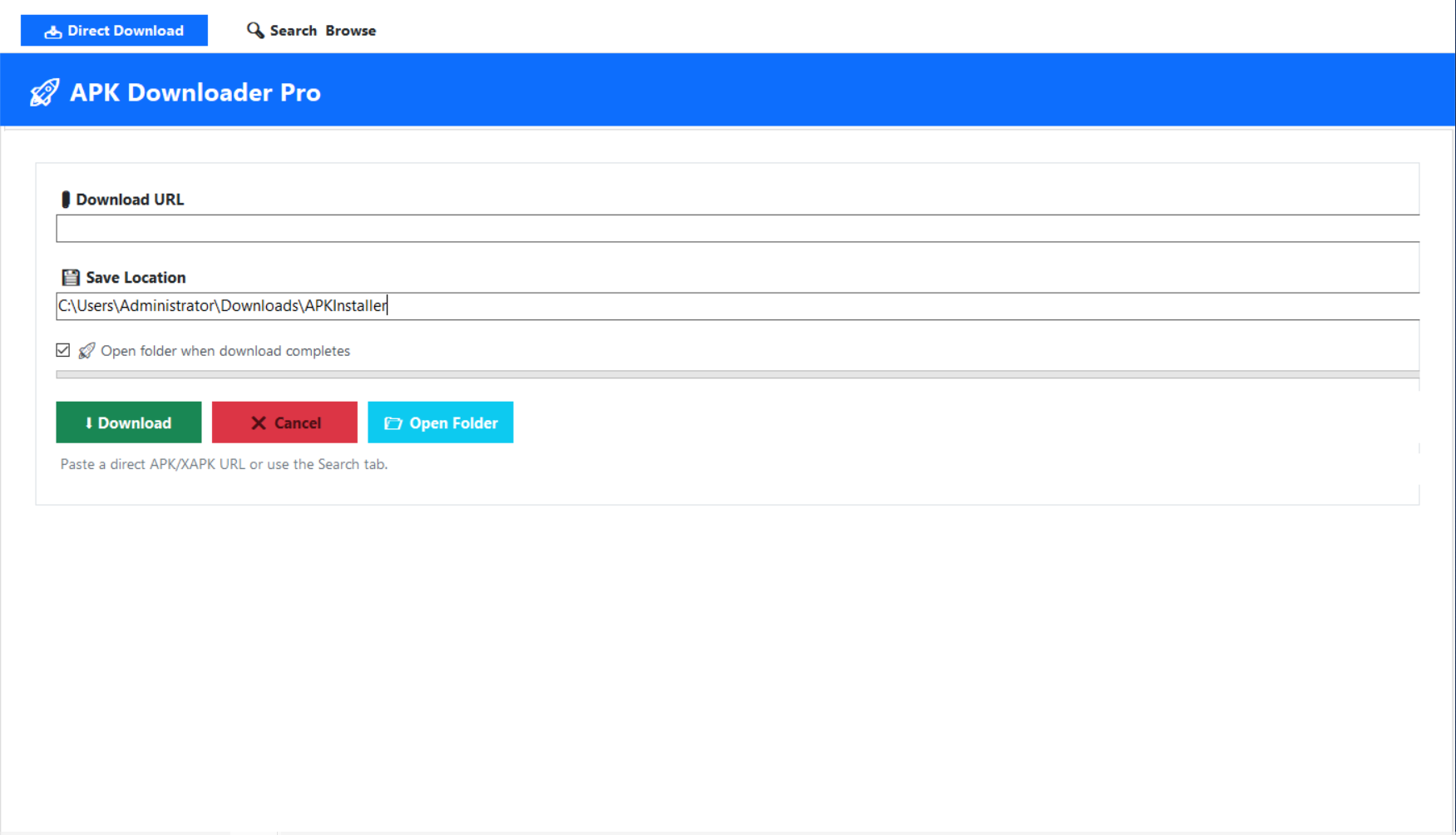
The user interface of APK Installer Pro has a modern, minimalistic aesthetic inspired by familiar file explorers—think of a tidy workspace that invites you to work without distraction. Navigating through APK files is straightforward, with clear icons and simple menus. The app operates fluidly, with minimal lag, even when handling multiple APKs or connecting to several devices simultaneously. The learning curve is gentle; users familiar with Windows file management will find this app intuitive from the outset. Tooltips and guided prompts further ease onboarding, making it accessible even for newcomers.
What Sets It Apart from Competitors?
While many APK managers focus on broad features or device management, APK Installer Pro's key advantage lies in its laser focus on workflow efficiency and ease of use. Its simplified interface reduces the cognitive effort needed to manage app installations—you're not navigating through an overload of options but are instead guided to quickly accomplish your goal. Additionally, its reliable device detection and batch processing capabilities make it especially valuable for professionals managing multiple devices or performing large-scale app testing. Compared to more complicated tools that might require extensive setup or learning, this app offers a streamlined, less stressful experience that prioritizes productivity and clarity.
Recommendation and Usage Suggestions
All things considered, APK Installer Pro for PC is a welcome addition to the toolkit of any Android fan or developer who values efficiency and simplicity. I would recommend it mainly for users who need quick, reliable APK deployment without the fuss of complex software. It's perfectly suited for those managing multiple devices or performing routine sideloads—saving time and mental energy. However, if your workflow involves intricate app management features or detailed device customization, you might find this app too streamlined. Overall, for straightforward APK installations with minimal hassle, this app earns an enthusiastic thumbs-up and is worth trying out.
Pros
- User-Friendly Interface
- Wide Compatibility
- Fast Installation Speed
- Batch Installation Support
- Integrated File Management
Cons
- Limited Customization Options
- Occasional Compatibility Flaws
- Ads and Promotions
- Requires Internet Connection for Certain Features
- Limited Support for Non-Standard APKs











