


- Name Apache OpenOffice
- Category Productivity
- Developer Apache OpenOffice
- Available on PC
- OS Windows 10 version 0.0 or higher
- Keyboard Integrated Keyboard
- Mouse Integrated Mouse
- languages English (United States), German, French, Polish, Portuguese (Portugal), Portuguese (Brazil), Spanish, English (United Kingdom), Italian, Danish, Japanese, Finnish, Korean, Lithuanian, Norwegian (Bokmål), Dutch, Russian, Chinese (Simplified), Chinese (Traditional), Swedish, Bulgarian, Turkish, Catalan, Czech, Hungarian, Hindi, Hebrew, Vietnamese, Greek, Thai, Tamil, Scottish Gaelic, Basque, Serbian, Khmer, Slovenian, Slovak, Galician
A Comprehensive Look at Apache OpenOffice for Windows: An Open-Source Productivity Suite
In an era dominated by subscription-based office tools, Apache OpenOffice offers a refreshing open-source alternative aimed at users seeking robust document management without the recurring costs. This versatile suite provides a familiar yet distinct experience for individual and small business users alike.
Basic Information: Meet Your Free Office Companion
Apache OpenOffice for Windows is a comprehensive office suite designed to facilitate document creation, editing, and collaboration without the hefty price tag. Developed by the Apache Software Foundation, this project embodies the spirit of open-source innovation.
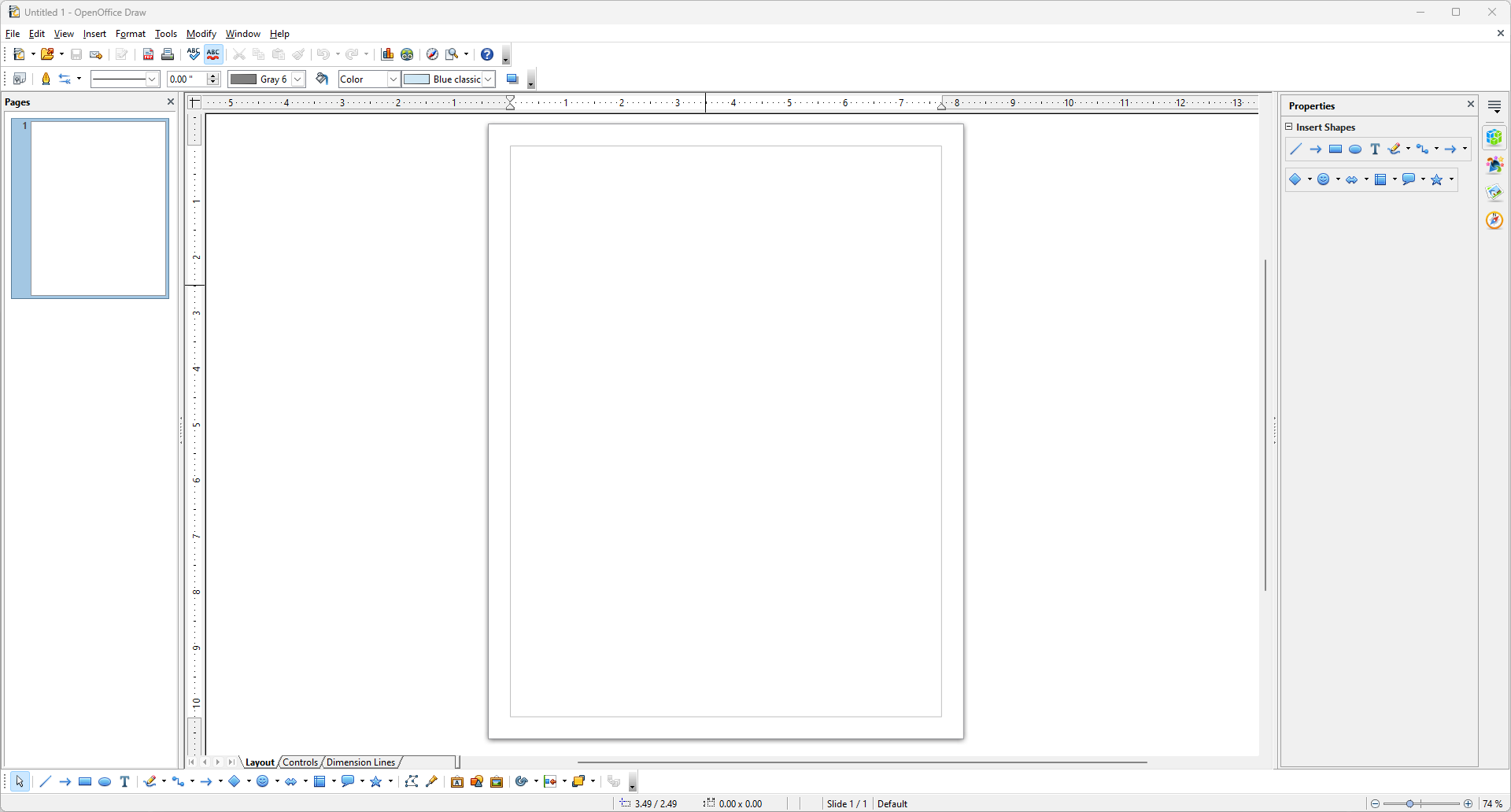
- Core Features: Word processing, spreadsheets, presentations, databases, and drawing tools—all in a single package.
- Highlights: Compatibility with Microsoft Office formats, customizable interface, and multi-platform support.
- Target Audience: Students, educators, small business owners, and open-source advocates seeking a free, reliable office solution.
Introductory Impressions: A Friendly Dive into OpenOffice
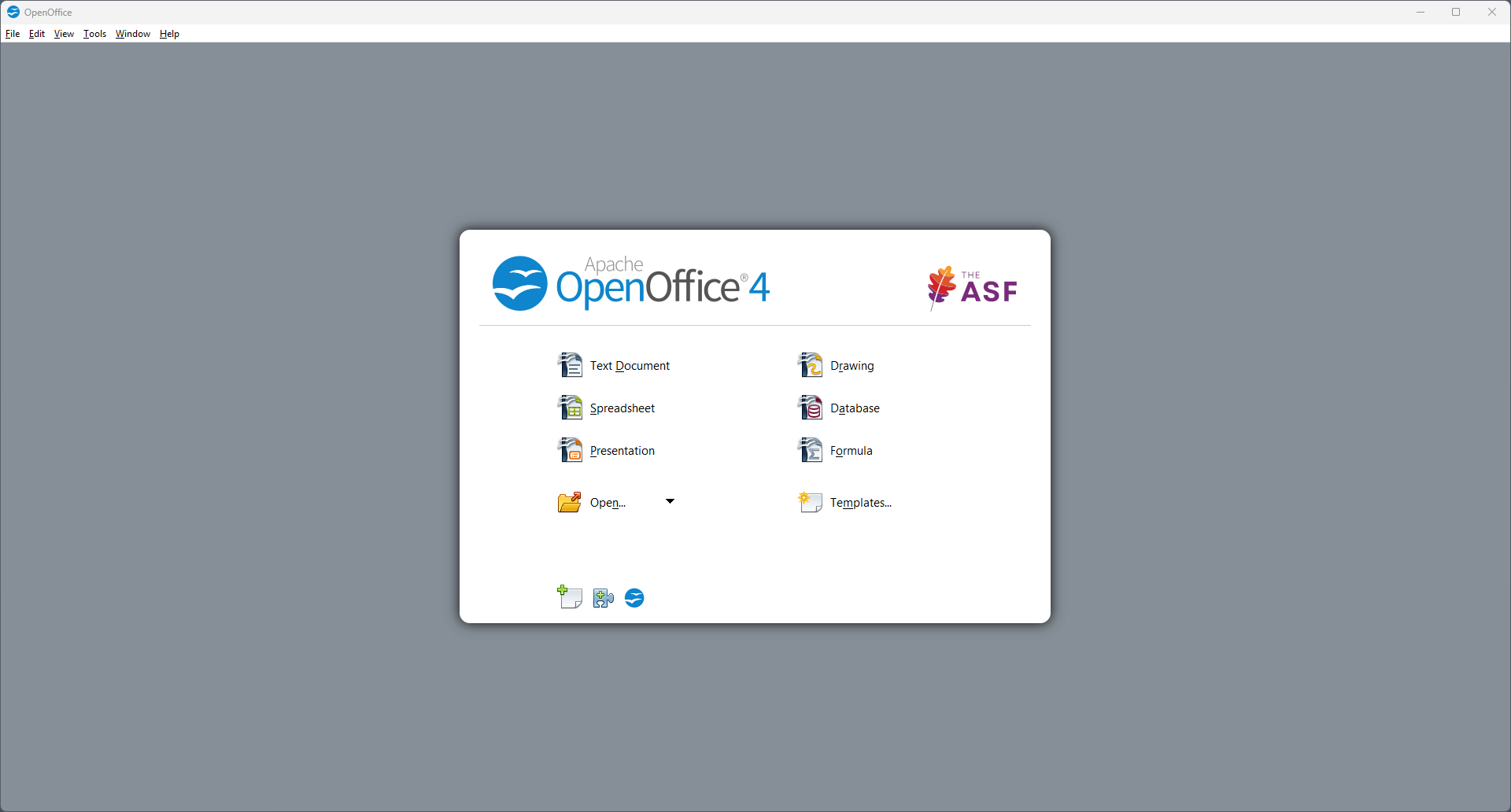
Imagine stepping into a well-organized workspace where everything you need is within arm's reach—Apache OpenOffice for Windows offers just that. Its straightforward interface and familiar layout make it feel like visiting an old friend who's just upgraded to modern standards. Whether you're drafting a report, crunching numbers, or designing a presentation, OpenOffice makes these daily tasks feel less like chores and more like creative outlets.
Core Functionality Unveiled: Powering Your Productivity
Document Creation and Editing: A Word Processing Powerhouse
OpenOffice Writer stands out with its robust yet approachable word processing capabilities. Its style and template options allow users to craft professional-looking documents easily. The real strength lies in its compatibility—importing and exporting Microsoft Word files is seamless, reducing the friction often encountered when switching between platforms. The slew of editing tools, spell check, and comment features make collaborative document editing straightforward, even for distant team members.
Spreadsheets and Data Analysis: Calc's Precision
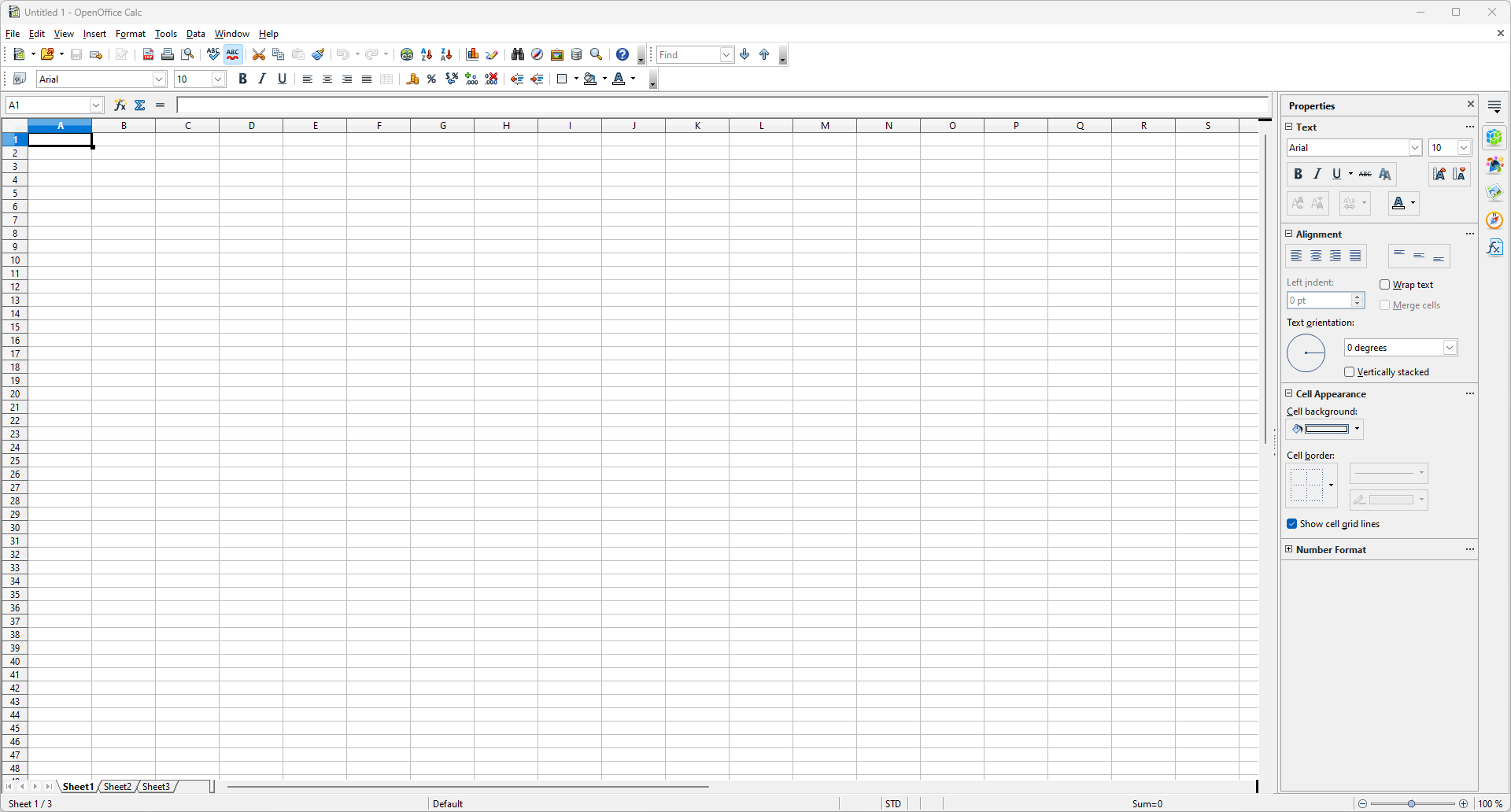
The Excel alternative, Calc, brings to the table a familiar grid layout, with advanced data analysis features like pivot tables, formulas, and charts. Its compatibility with Excel files ensures that data workflows stay intact regardless of the platform. The intuitive formula editing and diagram tools streamline complex data visualization, turning raw numbers into compelling insights.
Presentations and Visuals: Impress with Impress
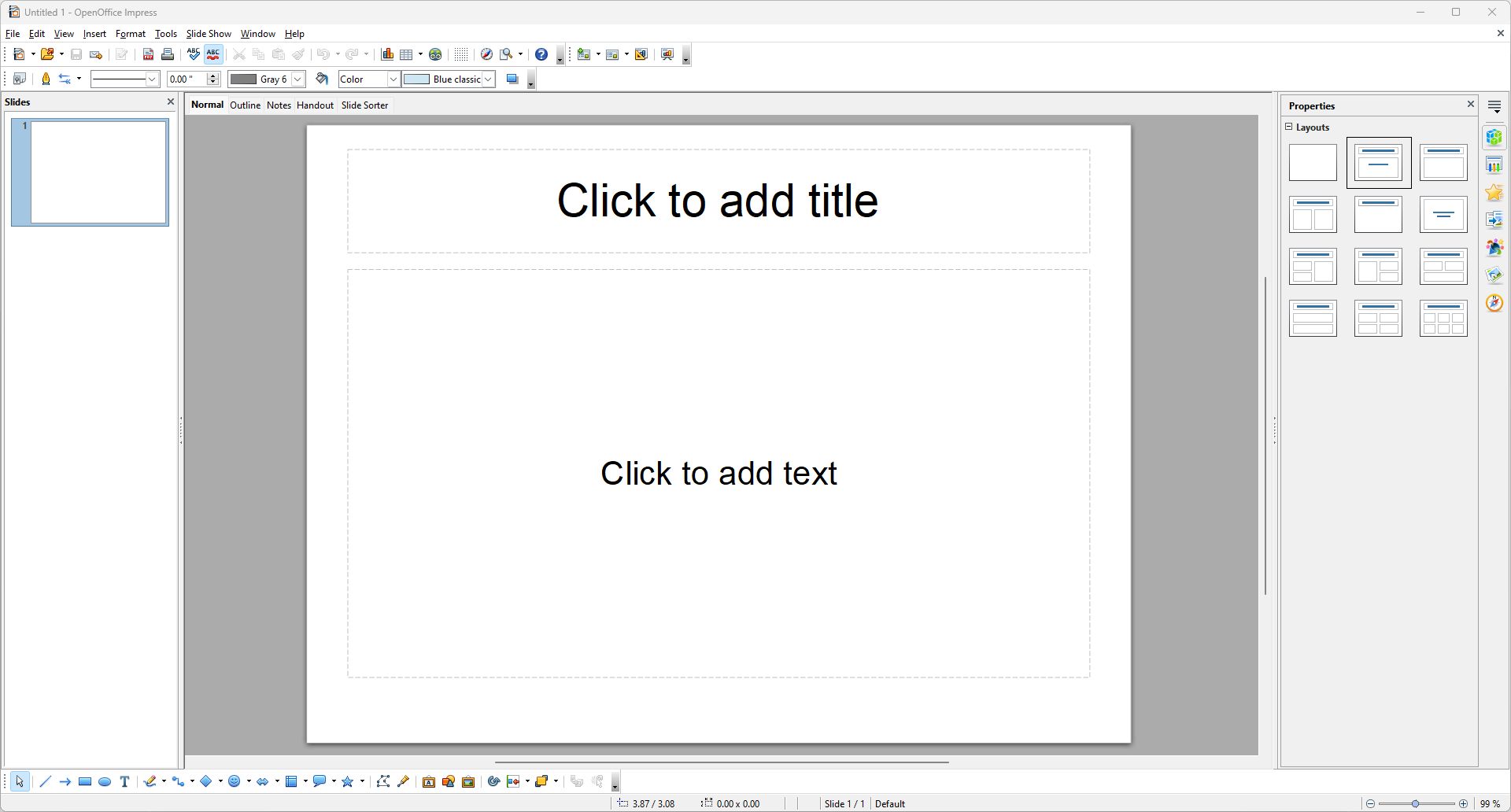
Creating engaging slides is effortless with Impress. Its wide range of templates, animations, and multimedia support empowers users to deliver compelling presentations. While not as feature-dense as some proprietary options, Impress strikes a balance between ease of use and expressive capability—perfect for quick departmental updates or classroom lessons.
User Experience: Simplicity Meets Efficiency
In terms of interface design, Apache OpenOffice adopts a straightforward, toolbar-based layout reminiscent of traditional office suites. This choice minimizes the learning curve—experienced users can jump right in, while novices find ample guidance through tutorials and familiar menus. The application is generally responsive, with operations like file opening, editing, and exporting executed smoothly—though, like many open-source projects, there can occasionally be minor lag with large files.
Compared to modern cloud-based tools, OpenOffice's desktop-centric design offers a distraction-free environment, reducing cognitive load by focusing solely on document creation without notifications or embedded advertisements. Its modular approach allows users to customize toolbars, further streamlining workflows according to personal preferences.
Unique Strengths: Workflow Integration and Cognitive Load Reduction
One of OpenOffice's most appealing aspects is how well it integrates into a traditional desktop workflow. Unlike cloud solutions that require constant internet access or multiple account management, OpenOffice provides a cohesive, offline experience. Its ability to open, edit, and save files locally means minimal interruption—think of it as having a portable office that's always ready for action.
Furthermore, OpenOffice's focus on feature simplicity over complexity reduces cognitive load. Users are not overwhelmed by unnecessary options; instead, they find a clean, organized workspace that supports productivity. This contrasts sharply with some proprietary suites that attempt to do everything but risk clutter and confusion. OpenOffice's judicious feature set enables users to accomplish essential tasks efficiently, feeling less like navigating a maze and more like following a well-marked trail.
Final Verdict: A Reliable, Cost-Free Choice for Office Needs
Based on its combination of essential features, user-friendly interface, and open-source philosophy, Apache OpenOffice for Windows earns a solid recommendation—especially for users who prioritize independence from proprietary ecosystems or need a dependable set of tools without subscription worries. Its standout features—document compatibility and workflow-focused design—make it an excellent choice for everyday office tasks. While it may not match the latest cloud-based bells and whistles, it compensates with stability, privacy, and a clear focus on core productivity.
In conclusion, if you're seeking a versatile, lightweight, and cost-free office suite that keeps your workflow straightforward and stress-free, Apache OpenOffice deserves a spot your desktop. It's like a trusty toolbox—no fuss, no frills, just what you need to get the job done.
Pros
- Open-source and free to use
- Supports multiple file formats
- Lightweight and fast performance
- Includes comprehensive office tools
- Good compatibility with other applications
Cons
- User interface can feel outdated
- Occasional stability issues
- Limited third-party extensions compared to Office 365
- Advanced features, such as collaborative editing, are less polished
- Localization and translation might be inconsistent











