


- Name Animation Sketchpad
- Category Multimedia design
- Developer Appy Monkeys Software Pvt. Ltd.
- Available on PC
- OS Windows 10 version 17763.0 or higher
- Keyboard Integrated Keyboard
- Mouse Integrated Mouse
- Memory 4 GB
- languages English (United States)
Introducing Animation Sketchpad for Windows: A Creative Companion for Digital Artists
Animation Sketchpad for Windows is a versatile drawing and animation tool designed to foster creativity in both beginners and experienced artists. With its intuitive interface and rich feature set, it aims to be your go-to app for sketching, coloring, and simple animations right on your PC.
About the Developer and Main Features
Developed and published by Appy Monkeys Software Pvt. Ltd., Animation Sketchpad is crafted by a dedicated team passionate about empowering digital creators. The app stands out with features such as layered drawing tools, frame-by-frame animation capabilities, and an extensive collection of brushes and colors. Its user-friendly design makes it accessible for users of varying skill levels, from students exploring digital art to hobbyists seeking to bring their sketches to life.
Vibrant Beginnings: Setting the Stage for Creativity
Imagine sitting at your desk, your favorite drawing tablet in hand, ready to bring your ideas to life. Animation Sketchpad transforms your Windows device into a lively art studio where sketches bloom into animations with just a few taps. Its lively and accessible environment makes the creative process feel like playing with digital clay—fluid, flexible, and immensely satisfying. Whether you're doodling during a break or working on a detailed project, this app invites you to indulge your artistic cravings without complexity.
Layered Drawing and Precision Tools: Building Your Masterpiece
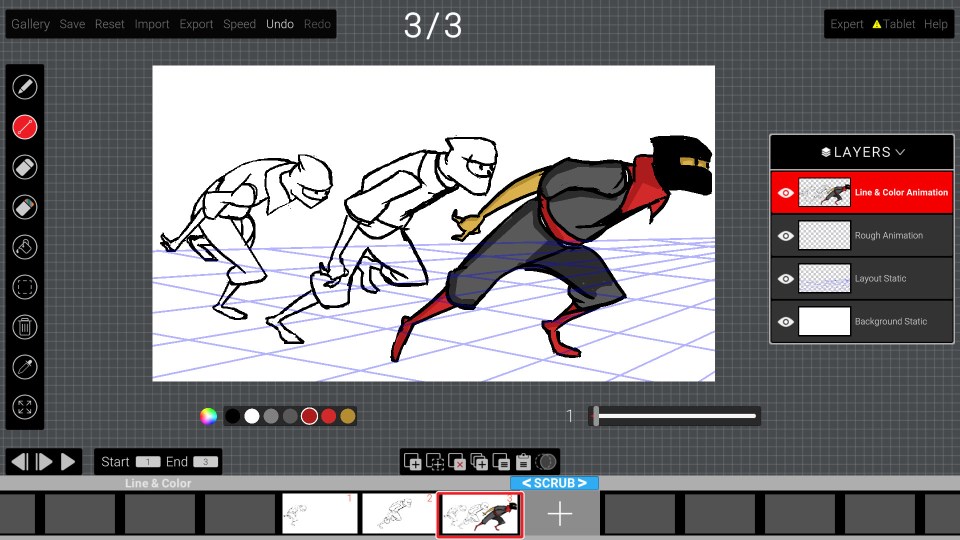
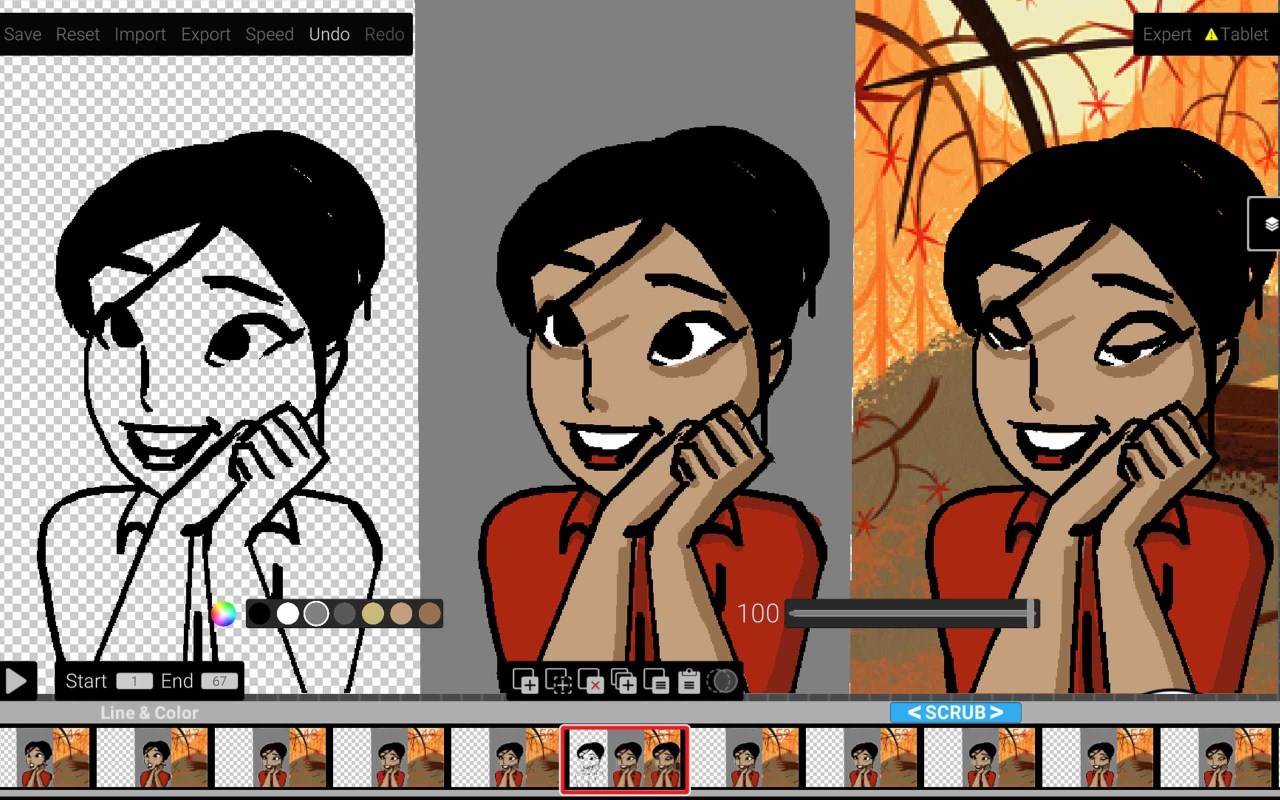
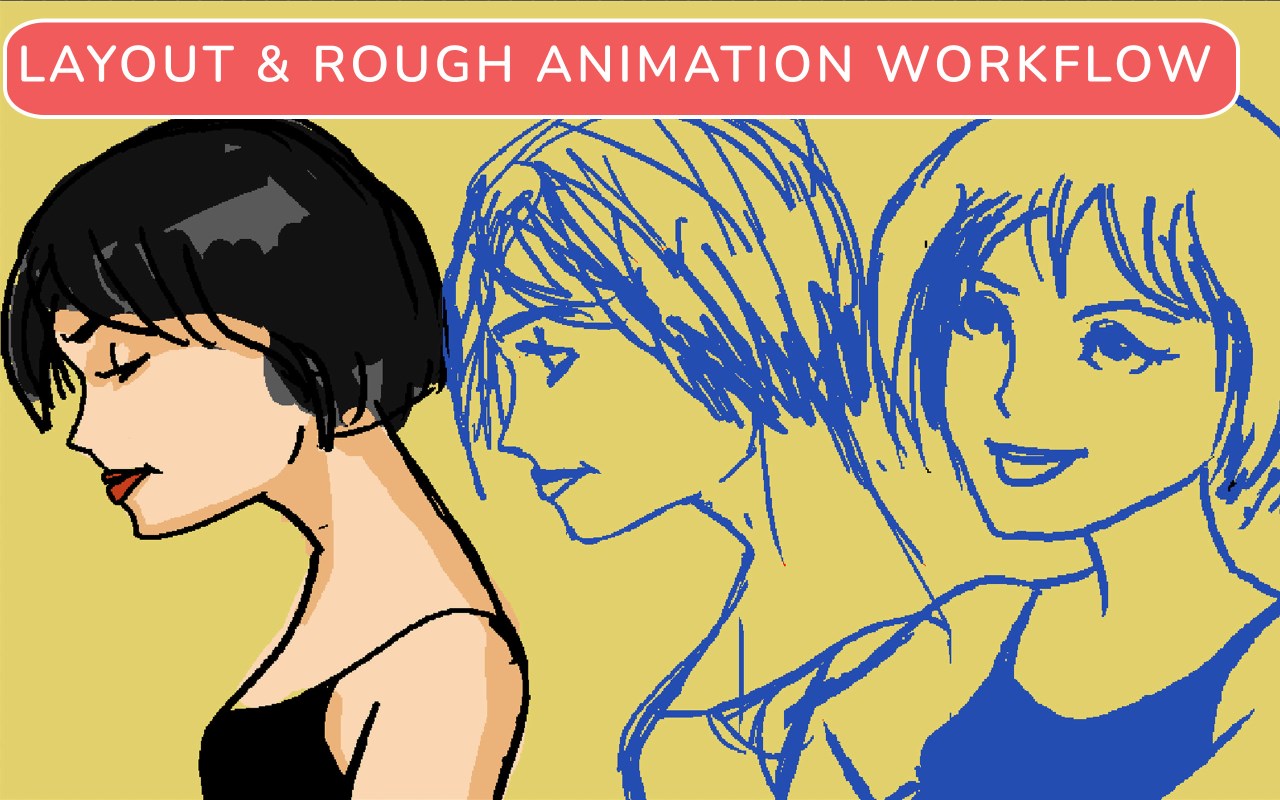
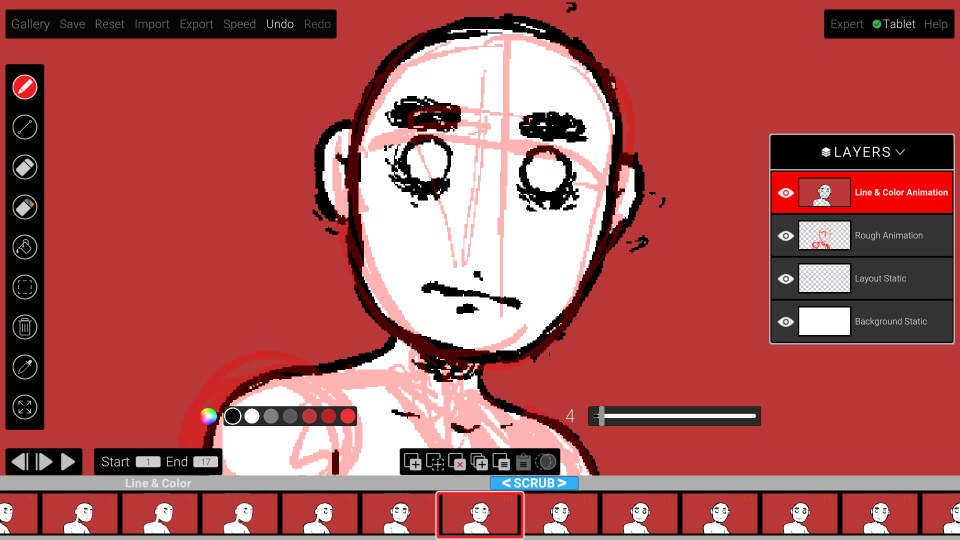
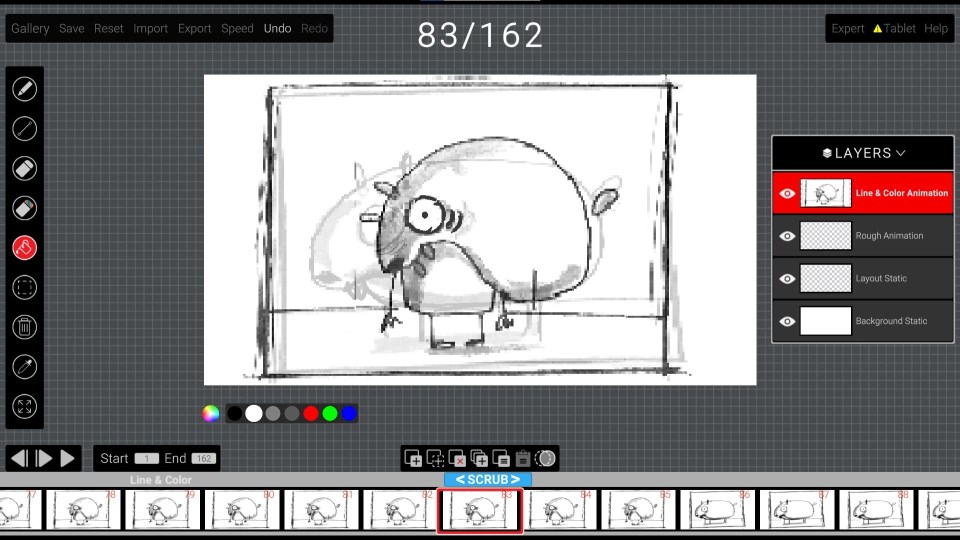
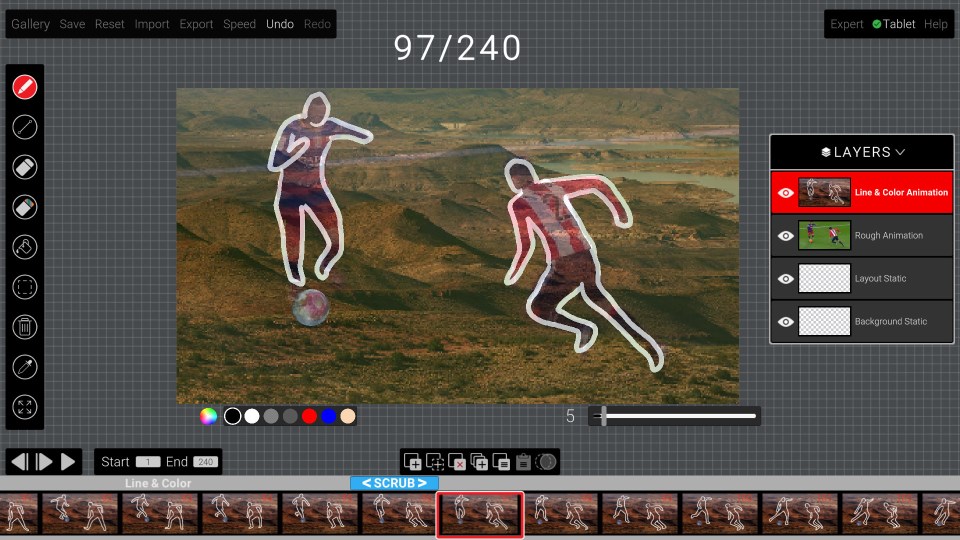
One of the most compelling aspects of Animation Sketchpad is its support for multiple layers, akin to stacking transparent sheets to refine your work step by step. This feature allows for complex compositions and easy modifications, a significant plus over simpler drawing apps. Coupled with a variety of precision brushes, pens, and fill tools, users can experiment with textures, shading, and detailing, making each piece uniquely theirs. The interface for these tools is straightforward—fingers and styluses alike can navigate with ease—making the process both enjoyable and productive.
Frame-by-Frame Animation Made Simple
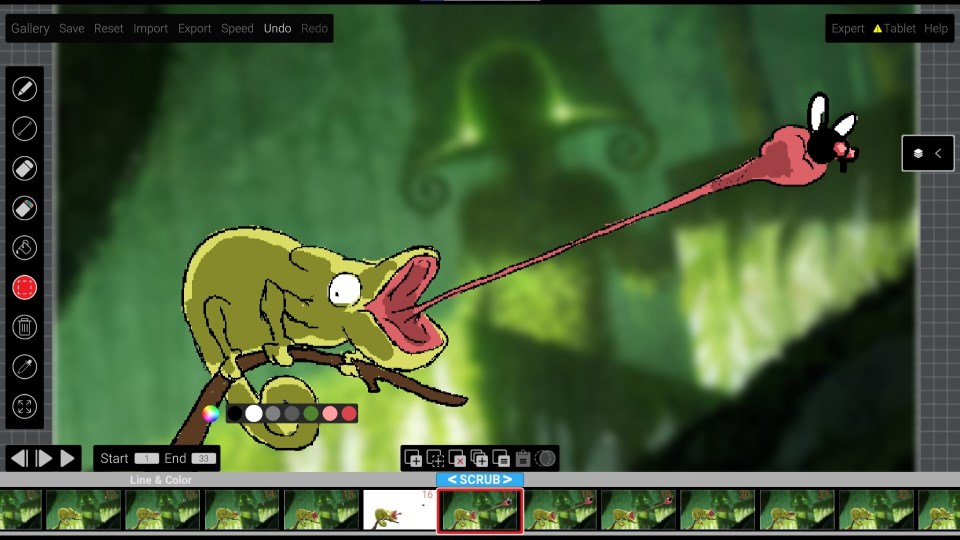
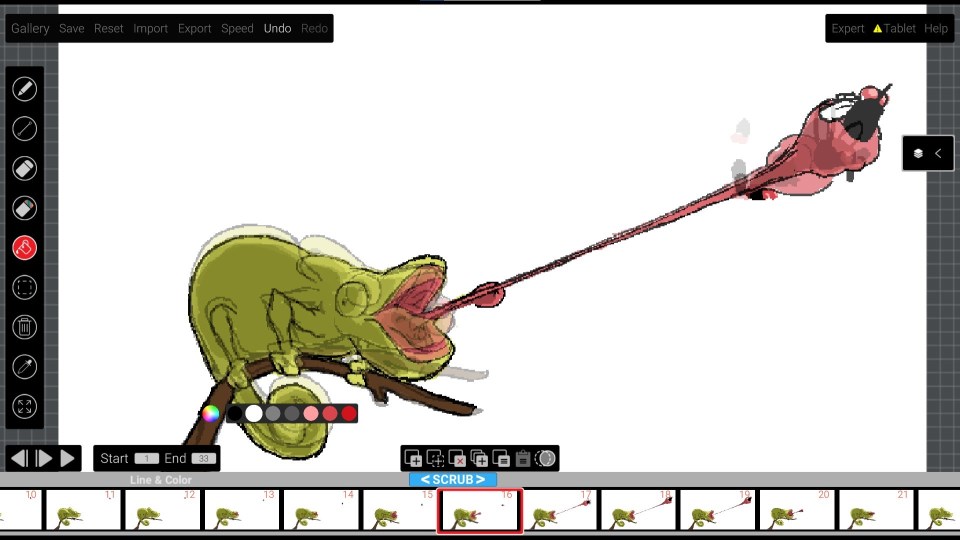
The app's animation features are particularly noteworthy. Its frame-by-frame editor simplifies the process of creating smooth, lively animations. You can sketch each frame on separate layers, gradually bringing your drawings to life through a timeline interface that is easy to understand yet powerful. The app intelligently handles the sequencing and timing, allowing users to focus on their creative flow without getting bogged down by technicalities. This core feature makes Animation Sketchpad a standout for those wanting to dip their toes into animation or produce short, engaging animated clips.
User Experience: Intuitive, Fluid, and Learning-Friendly
From the moment you open Animation Sketchpad, it greets you with a clean, well-organized workspace that is intuitively laid out. The learning curve is gentle, thanks to helpful tooltips and a minimalistic design that doesn't overwhelm new users. The app runs smoothly on a variety of Windows devices, demonstrating well-optimized performance that minimizes lag and maximizes fluidity. Navigating between drawing, coloring, and animation tools feels seamless—as if gliding through a well-paved artistic pathway. Whether you're a seasoned designer or a curious beginner, the app's design encourages exploration and improvement.
Unique Selling Points and Differentiators
What sets Animation Sketchpad apart from other multimedia design apps is its combined focus on both drawing and animation within a single lightweight package. Unlike some complex software that requires steep learning curves, this app offers a balanced set of features calibrated for ease and flexibility. Its most distinctive advantage is its integrated frame-by-frame animation capability, making it a one-stop solution for sketching and animating without switching platforms. Additionally, its approachable interface and the ability to layer elements make it particularly appealing for educational settings, hobbyists, and aspiring animators.
Final Thoughts: Is It Worth a Try?
Overall, Animation Sketchpad for Windows is a solid, user-friendly application suitable for anyone interested in digital drawing and animation. It provides enough tools and features to create engaging projects without overwhelming the user. Its standout capability to combine layered drawing with straightforward animation makes it a particularly attractive choice for those looking to experiment with animating their sketches.
We recommend giving it a try, especially if you're seeking an accessible yet powerful tool to explore digital art and animation. Whether you want to quickly doodle ideas or craft short animated stories, this app offers a balanced environment to nurture your creativity. As a friendly recommendation—think of it as your portable art workshop that's just a click away!
Pros
- Intuitive Drawing Interface
- Wide Range of Animation Tools
- Real-Time Preview Feature
- Export and Sharing Options
- Lightweight and Fast Performance
Cons
- Limited Export Formats
- Basic Animation Effects
- Minimal Tutorial Content
- Occasional App Crashes
- Limited Export Resolution Options











