




- Name AirReceiver
- Category Productivity
- Developer devsoftmedia@gmail.com
- Available on Xbox console, PC, Mobile, Surface Hub, HoloLens
- OS Windows 10 version 15063.0 or higher
- languages Chinese (Simplified), English (United States)
An Overview of AirReceiver for Windows
AirReceiver for Windows is a versatile app designed to transform your PC into an AirPlay, DLNA, and Miracast receiver, making it effortless to stream media from Apple devices and beyond. Developed by DevSoftMedia, this application aims to bridge various wireless media protocols into a seamless experience, turning your Windows machine into an all-in-one media hub. Its core strengths lie in multi-protocol support, smooth streaming performance, and user-friendly interface. Targeting tech enthusiasts, professionals, and casual users alike, AirReceiver seeks to enhance home entertainment setups, conference presentations, and personal media management.
Vivid Performance and Seamless Media Streaming
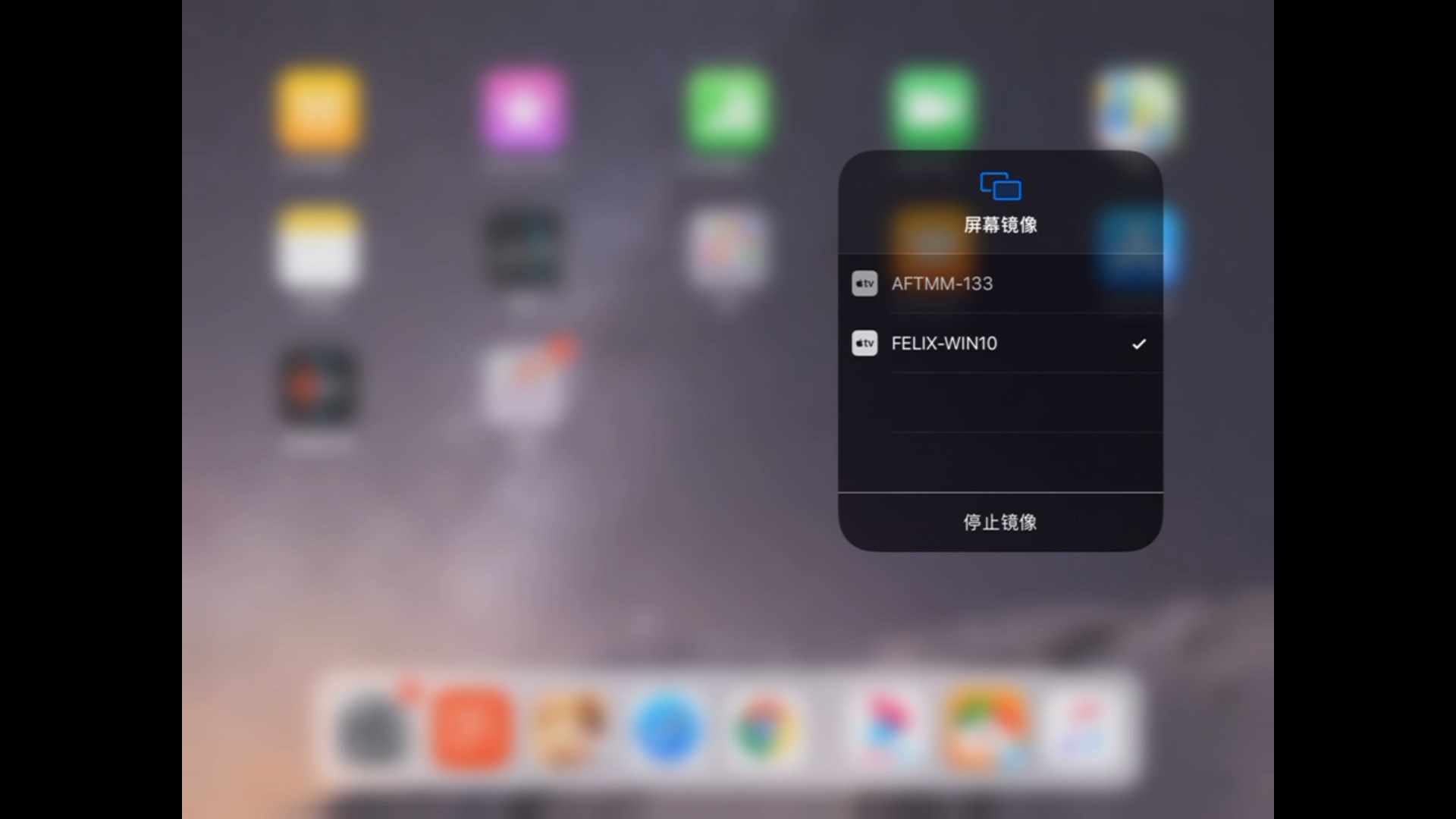
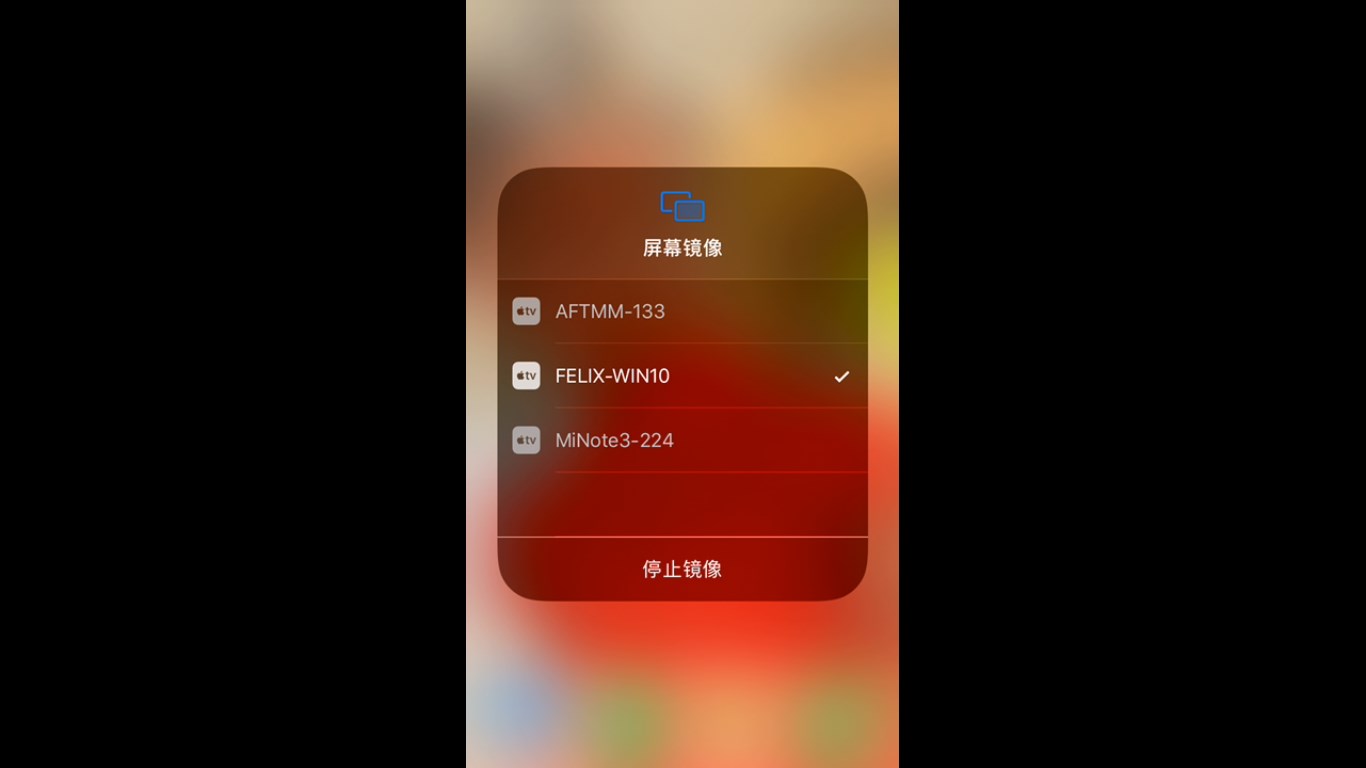
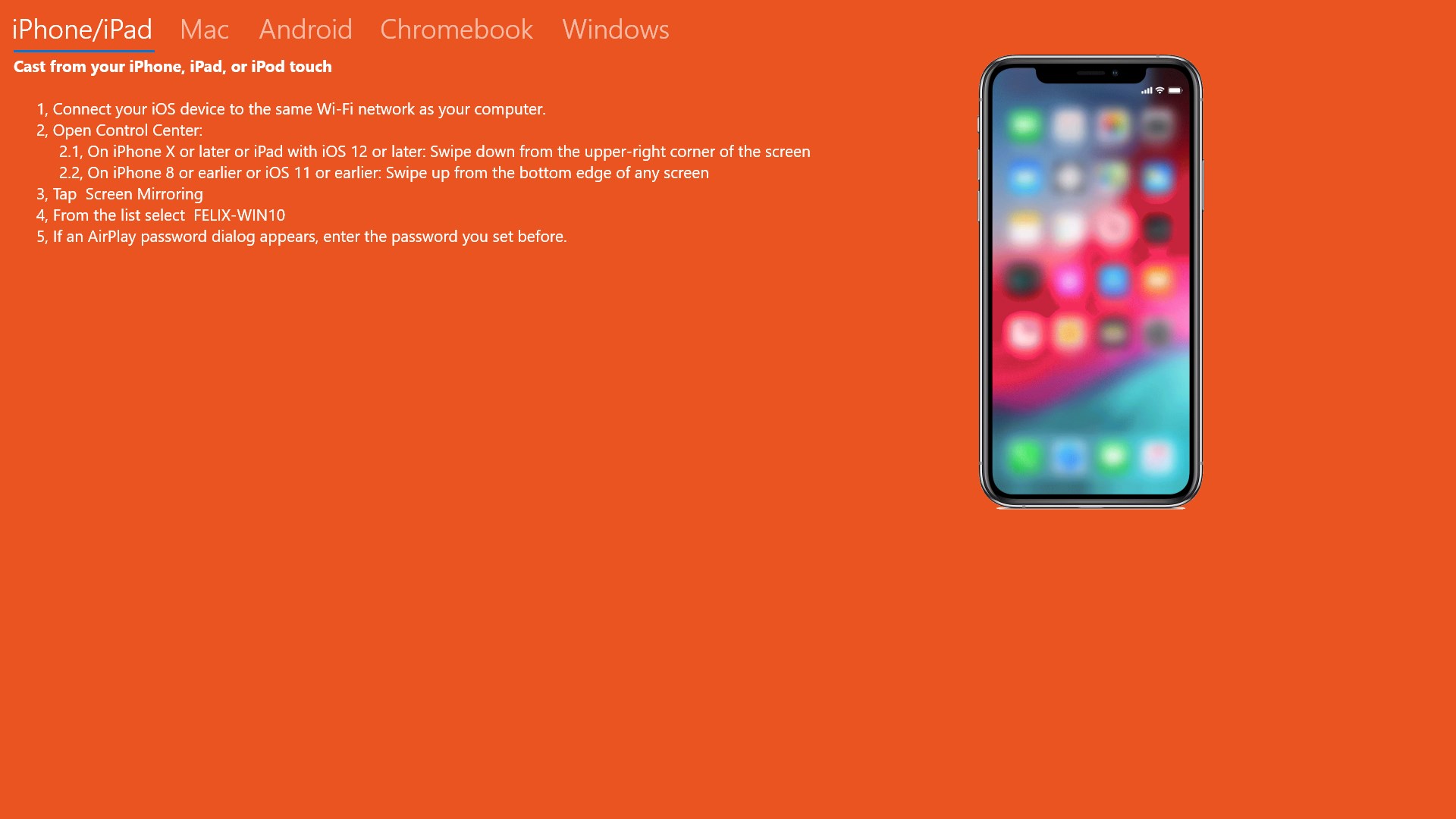
Imagine sitting on your couch, effortlessly streaming a high-definition video from your iPhone directly to your Windows PC as if they're sharing a living room — that's the kind of experience AirReceiver aspires to deliver. Setting up is straightforward, with automatic device detection that makes even new users feel confident from the start. Once connected, the app maintains a stable, lag-free connection, even over Wi-Fi networks bustling with other traffic. The app's ability to handle multiple streams simultaneously, whether it's videos, music, or photos, puts it a step ahead of many competitors, which often struggle with bandwidth drops or disconnections.
Multi-Protocol Support & Media Management
What makes AirReceiver stand out in the crowded landscape of media receivers is its support for multiple protocols. It doesn't just cater to Apple's AirPlay, but also supports DLNA and Miracast, making it versatile enough to interact with a variety of devices — from Android phones to Smart TVs. This multi-protocol compatibility is like having a universal remote for your media ecosystem. The interface for managing connected devices is clean and intuitive, letting you prioritize or organize streams efficiently. Users can toggle between protocols without fuss, ensuring they always have the right tool for every device they own.
User Interface and Ease of Use
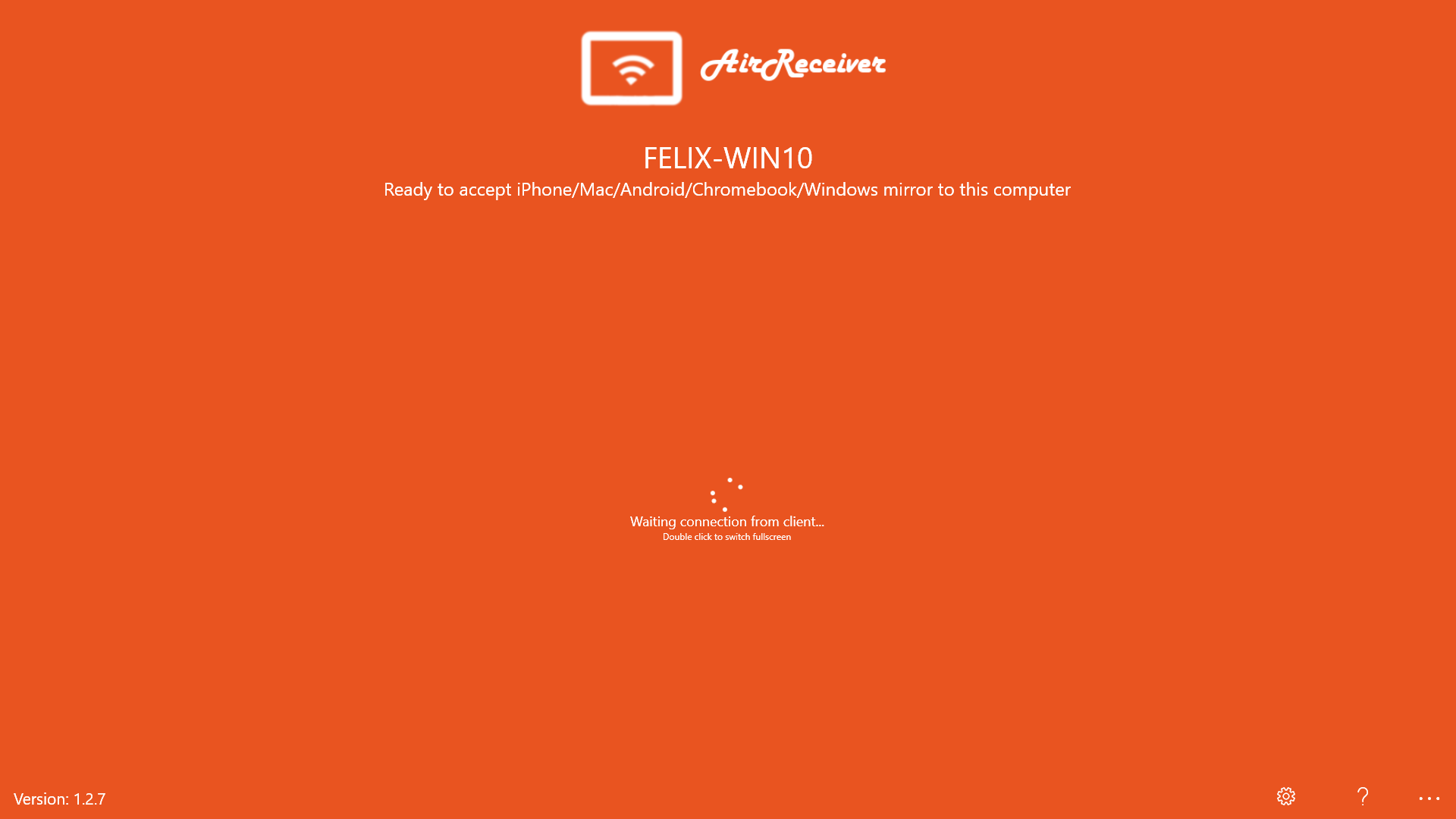
The app's design resembles a sleek, minimalist dashboard — clear, uncluttered, and approachable. Navigating settings or switching between streaming modes feels natural, akin to flipping through pages in a well-lit book. The learning curve? Nearly non-existent. Even newcomers will find it easy to connect their device, start streaming, and troubleshoot minor issues. The responsiveness of the application reflects well on its smooth operation, making media casting feel as natural as passing a ball in a friendly game.
Unique Advantages and Differentiation
Unlike many media receiver apps that vie with feature bloat, AirReceiver's standout strength is its focus on workflow integration efficiency. Its architecture is designed to minimize cognitive load — think of it as a well-organized toolbox that offers exactly what you need without the clutter. Supporting multiple protocols means fewer apps and adapters, reducing the mental effort to manage different media pipelines. Additionally, it streamlines the user experience by offering quick device detection and cross-platform compatibility, making it easier to incorporate into daily routines or presentation workflows.
Recommendation and Usage Recommendations
Based on its solid performance, ease of use, and multi-protocol capabilities, I recommend AirReceiver for users seeking a reliable media streaming solution on Windows. It's particularly well-suited for home entertainment setups, conference rooms, or anyone who wants a smooth, interference-resistant connection without complicated configurations. If you're someone who values simplicity, stability, and versatility in media casting, this app is worth trying out. However, if your setup relies heavily on niche or less common streaming protocols, it's wise to test compatibility first.
In conclusion, AirReceiver for Windows embodies a thoughtful approach to media casting: simple, effective, and designed to integrate seamlessly into your existing digital environment. It's like having your favorite media friend that's always ready to connect and share — with little fuss but with plenty of reliability.
Pros
- Seamless AirPlay support
- Simple user interface
- High-quality audio and video transmission
- Multiple device compatibility
- Affordable pricing with free trial
Cons
- Limited device management features
- Occasional connection drops during streaming
- Basic customization options for streaming quality
- Lack of detailed user documentation
- No native Android support











