

- Name 7 ZIP-RAR Ultimate
- Category Productivity
- Developer OMTRIM
- Available on PC
- OS Windows 10 version 17134.0 or higher
- languages English (United States), German
Efficient Compression and Decompression with a Streamlined Workflow
7 ZIP-RAR Ultimate for Windows by OMTRIM positions itself as a robust, user-friendly tool designed to simplify file compression and extraction processes. It offers a seamless experience for managing archives without the clutter often found in more complex solutions.
User-Centric Design with Intuitive Interface
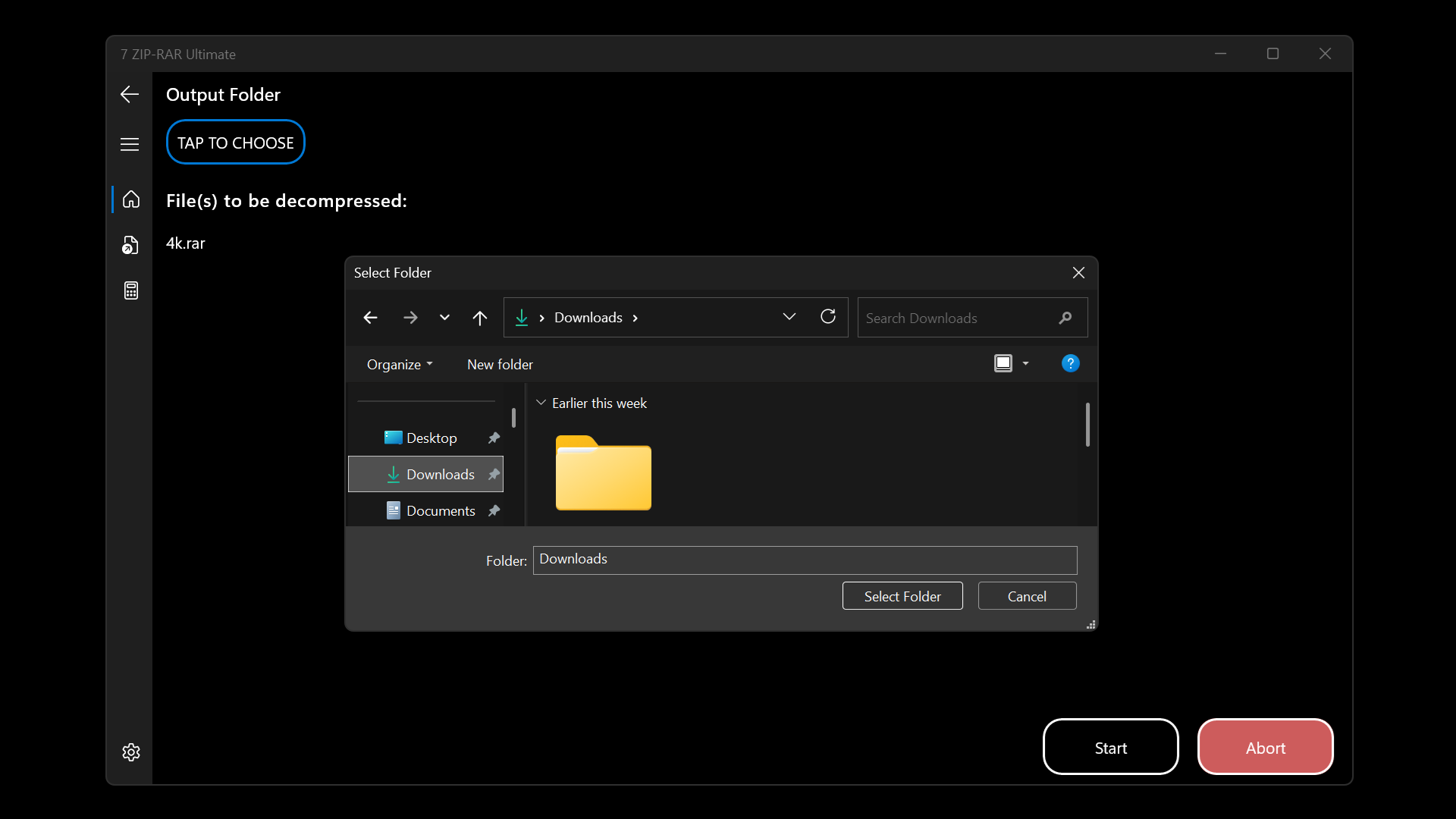
From the moment you launch the application, its clean and organized interface feels like a well-arranged toolbox—each feature accessible with a simple click. The layout minimizes confusion, ensuring that even novice users can quickly grasp its functions. Smooth animations and logical placement of options contribute to a feeling of fluid operation, making routine tasks feel almost effortless.
Most Notable Features: Simplified Workflow & Reduced Cognitive Load
Smart Archive Management
At its core, the app excels in integrating multiple file formats such as ZIP and RAR into a single, cohesive platform. Its standout feature is the intelligent handling of archives — automatically detecting the content and prompting optimal extraction or compression settings. This reduces the mental effort users need to decide parameters, streamlining the workflow and eliminating unnecessary steps.
Batch Processing for Power Users
Another highlight is its robust batch processing ability. Whether you're dealing with dozens of files or complex directory structures, this function allows users to set parameters once and apply them across multiple archives at once. This accelerates repetitive tasks and makes managing large archives less of a chore, ideal for users who handle extensive datasets frequently.
Experience and Performance: Balance of Ease and Power
Operating 7 ZIP-RAR Ultimate feels like chatting with a knowledgeable friend—messages are responded to swiftly, and tasks are executed with precision. The software's responsiveness ensures that operations like creating or extracting archives are swift, with minimal lag. Its learning curve is gentle; newcomers can quickly get accustomed through accessible prompts and straightforward menus, while power users appreciate the granular options available at their fingertips.
Unique Advantages: Workflow Efficiency & Cognitive Load Management
What truly sets this app apart from other archive utilities is its focus on reducing cognitive load by integrating features that streamline the entire process. Unlike bulkier tools that drown users in options, 7 ZIP-RAR Ultimate emphasizes minimalism and intelligent automation. Its ability to learn from user preferences and suggest optimal settings enhances workflow efficiency, akin to having a personal assistant that anticipates your needs. This focus on an efficient, straightforward user experience ensures users spend less time figuring out how and more time getting things done.
Final Recommendation: A Practical Choice for Daily Use
For users seeking a reliable, easy-to-use compression tool that minimizes complexity without sacrificing functionality, 7 ZIP-RAR Ultimate is a commendable option. It's especially suitable for those who want to optimize their workflow—whether handling sporadic file exchanges or managing large archives regularly. While it may not boast every bells and whistle of enterprise-grade solutions, its balance of power and simplicity makes it a recommended pick for most Windows users.
Pros
- Comprehensive archive support
- User-friendly interface
- High compression efficiency
- Fast processing speed
- Built-in encryption options
Cons
- Limited free features
- occasional stability issues
- Learning curve for advanced features
- Limited customization options
- Occasional slow performance on older systems











