

- Name 3CX
- Category Productivity
- Available on PC
- OS Windows 10 version 17763.0 or higher
- Memory 300 MB
- languages Chinese (Simplified), Czech, Dutch, English, English (United Kingdom), French, German, Italian, Polish, Portuguese (Brazil), Russian, Turkish
An Overview of 3CX for Windows: A Unified Communication Tool for Modern Workflows
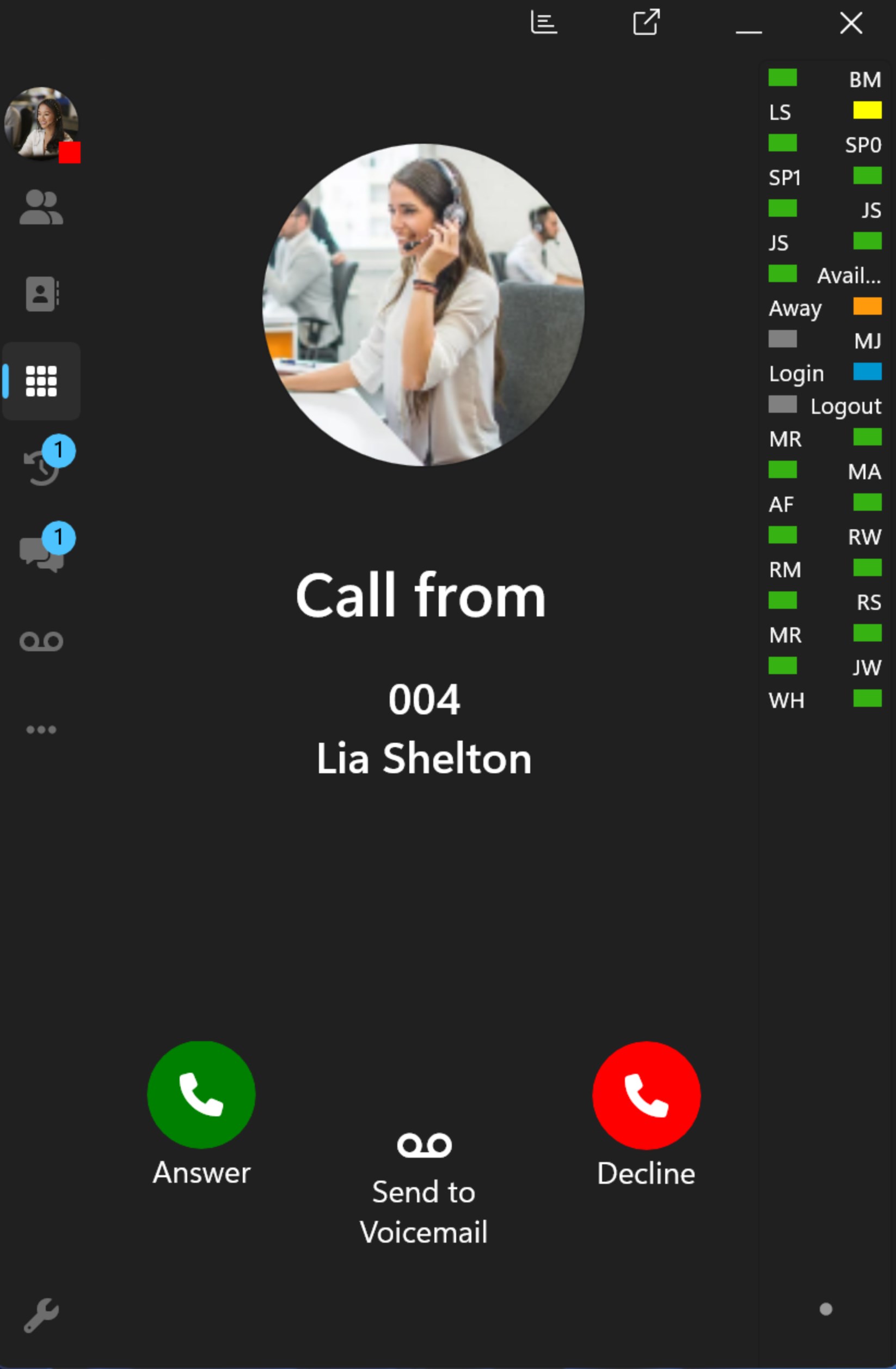
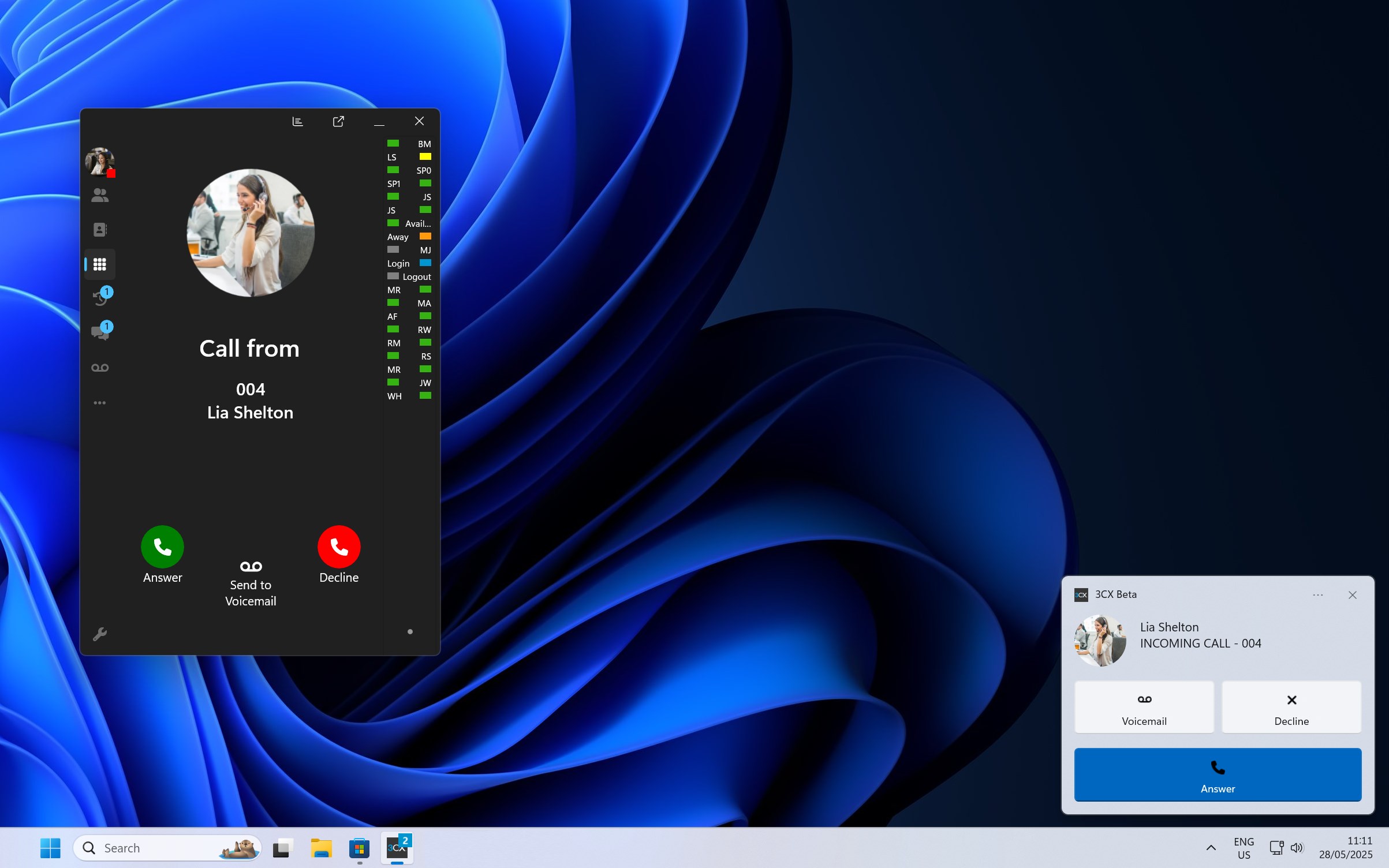
3CX for Windows stands out as a comprehensive VoIP and unified communication solution designed to streamline business communications in a familiar Windows environment. Developed by 3CX Software DMCC, this application promises to enhance productivity through reliable voice and video calls, chat, and collaboration features—all integrated into a single platform. Whether you're working from a bustling office or remotely from home, 3CX for Windows aims to be your all-in-one communication hub.
Core Features That Make 3CX for Windows Shine
Seamless VoIP Calling and PBX Integration
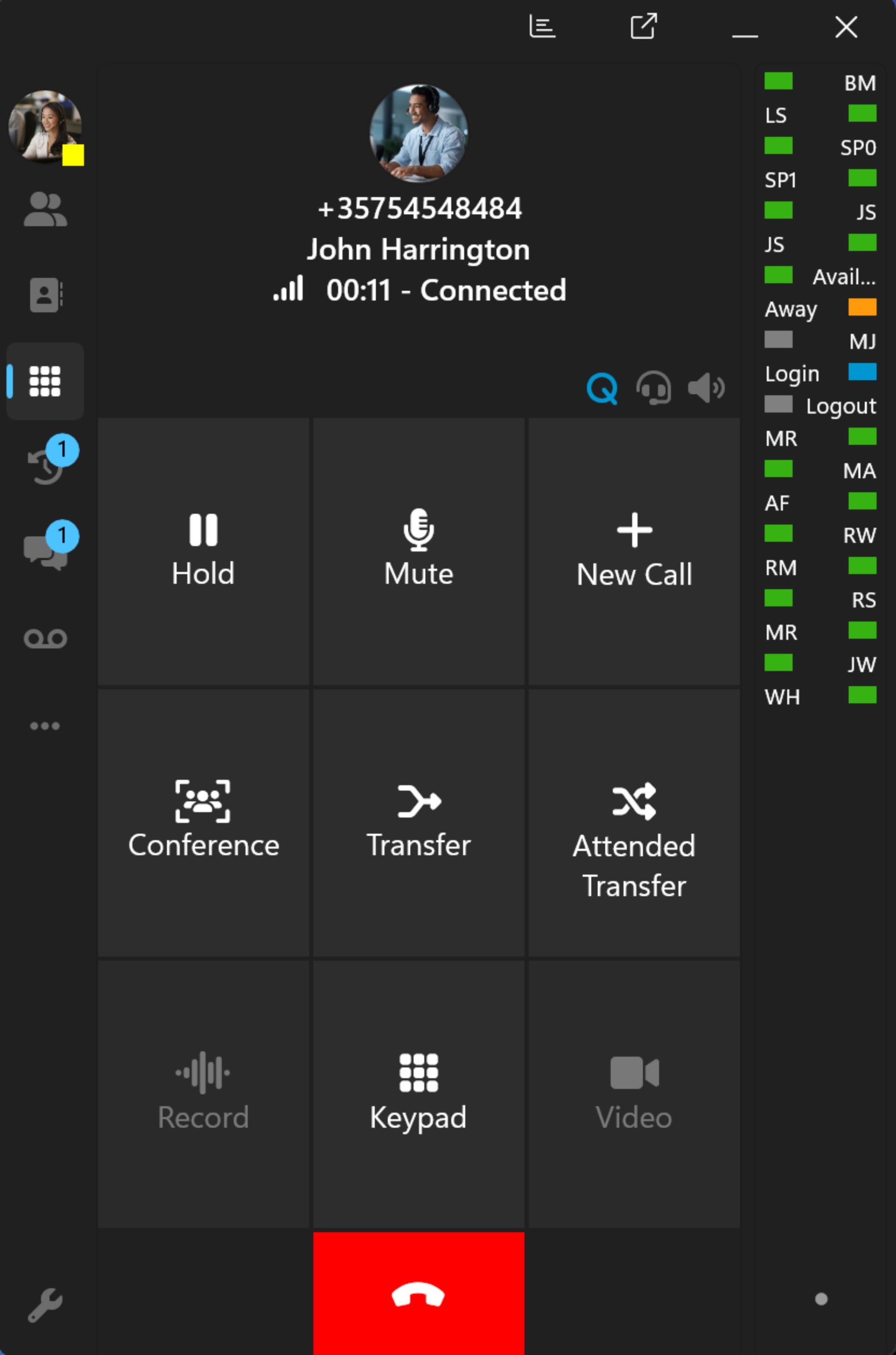
At its heart, 3CX for Windows offers robust VoIP calling that seamlessly integrates with popular PBX systems. It transforms your desktop into a high-quality communication device, reducing reliance on traditional phone lines and offering crystal-clear HD audio. This core feature ensures every call is smooth, with options for call forwarding, transfer, and recording, making it ideal for customer support, sales teams, or internal communications.
Unified Messaging and Video Conferencing
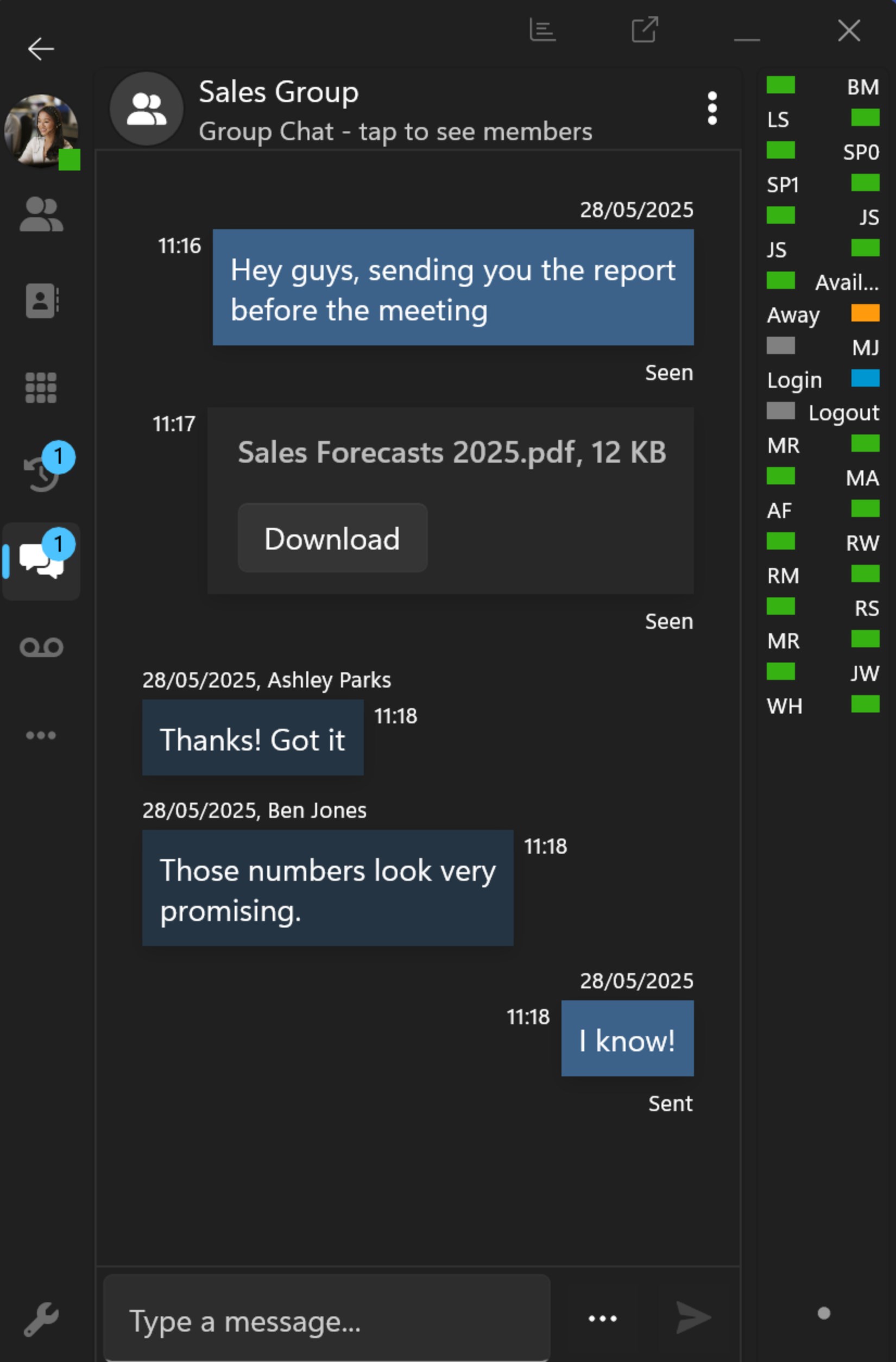
Beyond just voice, the app supports instant messaging and embedded video conferencing functions. Think of it as your virtual conference room—just a click away—allowing remote teams to hold quick stand-ups or detailed meetings without switching platforms. The intuitive interface ensures that switching between chat, video, and voice feels like flipping through tabs of the same document—simple, quick, and efficient.
Workflow Integration and Productivity Enhancers
One of the most compelling features is how 3CX for Windows integrates with existing workflows—be it CRM, email, or calendar apps. The software can pop up caller information directly from your CRM, saving time during calls and reducing cognitive load. It also supports click-to-call from your desktop, making outreach effortless. These integrations reduce the mental burden of juggling multiple apps, allowing users to focus more on conversations than on app navigation.
Design, Usability, and User Experience
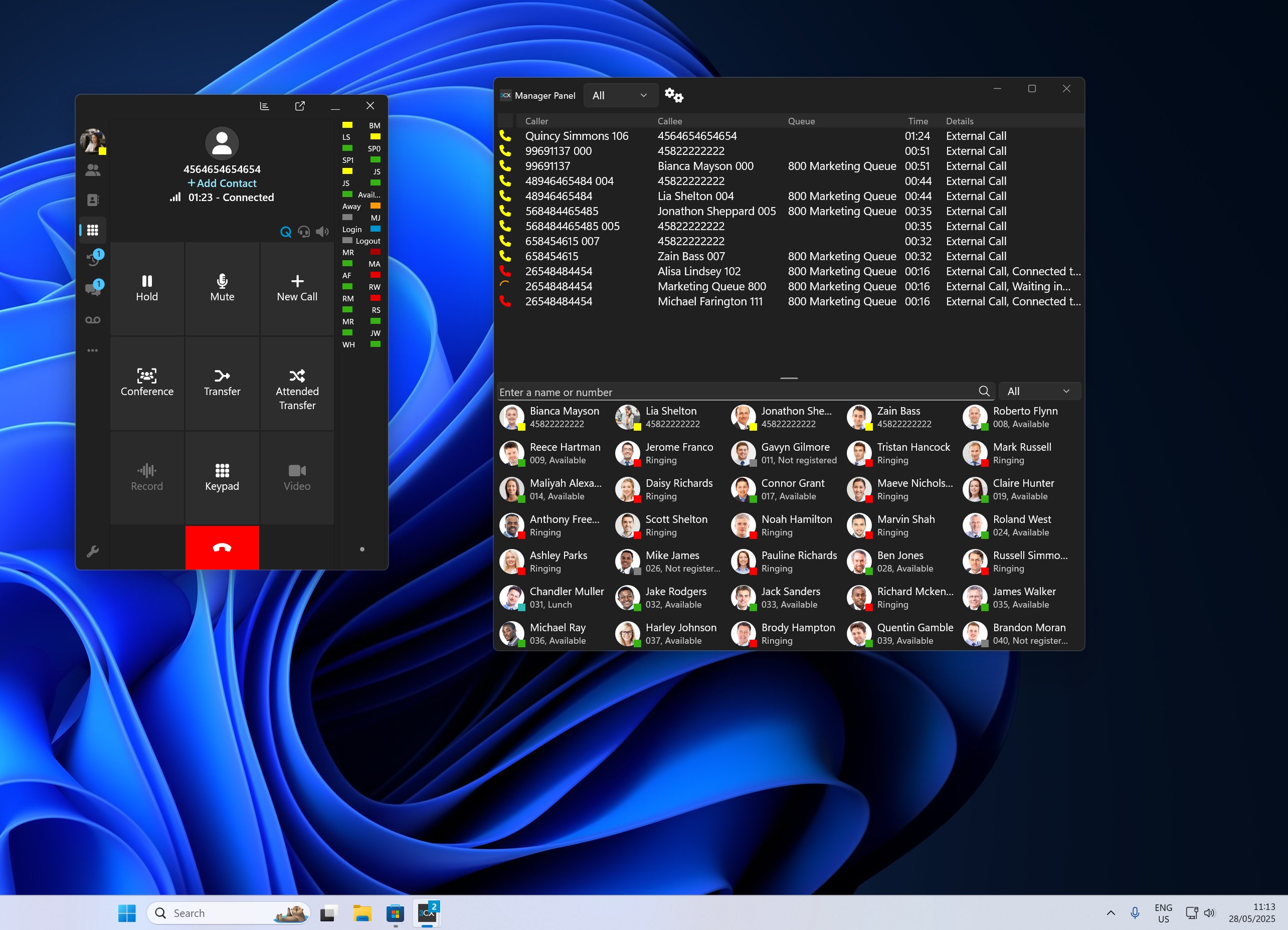
The interface of 3CX for Windows is clean and modern—think of it as a well-organized control panel that's both inviting and functional. The learning curve is gentle; most users can get up and running within a few minutes thanks to guided setup wizards and intuitive controls. The app operates smoothly without lag, even when handling multiple calls or video sessions, thanks to optimized performance tailored for Windows environments. For non-technical users, the straightforward layout minimizes frustrations and encourages regular use.
What Sets 3CX Apart from Other Productivity Apps
While many unified communication tools pack in myriad features, 3CX for Windows distinguishes itself through its focus on workflow efficiency and reducing cognitive load. Unlike some solutions that boast numerous bells and whistles but feel overwhelming, 3CX emphasizes streamlined integration—imagine having your entire communication flow as smooth as a well-oiled machine. Its ability to seamlessly embed into existing workflows—such as CRM pop-ups during calls or instant call initiation from email—means less time wasted navigating multiple apps and more time on meaningful conversations. This approach means users experience less mental fatigue, as less mental energy is spent deciphering complex menus or managing disjointed systems.
Final Recommendation and Usage Suggestions
In summary, 3CX for Windows is a compelling choice for small to medium-sized businesses seeking a reliable, easy-to-use communication platform that doesn't sacrifice depth for simplicity. Its standout features—the high-quality VoIP with deep integration capabilities—make it particularly useful for teams that rely heavily on quick, frequent communication and integrated workflows. I recommend it to organizations aiming to optimize their internal and external communication channels with minimal friction. For organizations already using PBX or seeking a cost-effective, all-in-one communication solution that respects users' mental bandwidth, 3CX for Windows could be a valuable addition.
Pros
- User-friendly interface
- High-quality VoIP calls
- Seamless integration with Microsoft ecosystem
- Robust security features
- Multiple device support
Cons
- Occasional connectivity issues
- Limited customization options
- Battery consumption on mobile devices
- Learning curve for administrative features
- Limited offline functionality











