



- Name Zoom Player
- Category Photo & video
- Developer Inmatrix LTD
- Available on PC
- OS Windows 10 version 0.0 or higher
- Keyboard Integrated Keyboard
- Mouse Integrated Mouse
- Memory 750 MB
- languages Arabic, Hebrew, Korean, Basque, Hungarian, Polish, French, Indonesian, Portuguese, German, Italian
Comprehensive Review of Zoom Player for Windows: Your Ultimate Media Companion
In a universe flooded with media players, Zoom Player stands out as a seasoned, feature-rich option for Windows users seeking smooth, customizable video playback. Developed by Inmatrix LTD, this application offers a robust environment designed to cater both to casual viewers and media enthusiasts alike.
About the App: Core Information
Zoom Player for Windows is a versatile media player tailored for efficient and high-quality video playback, all wrapped in a straightforward interface.\p>
Developed and published by Inmatrix Ltd., Zoom Player benefits from a dedicated team focused on optimizing user experience and performance.
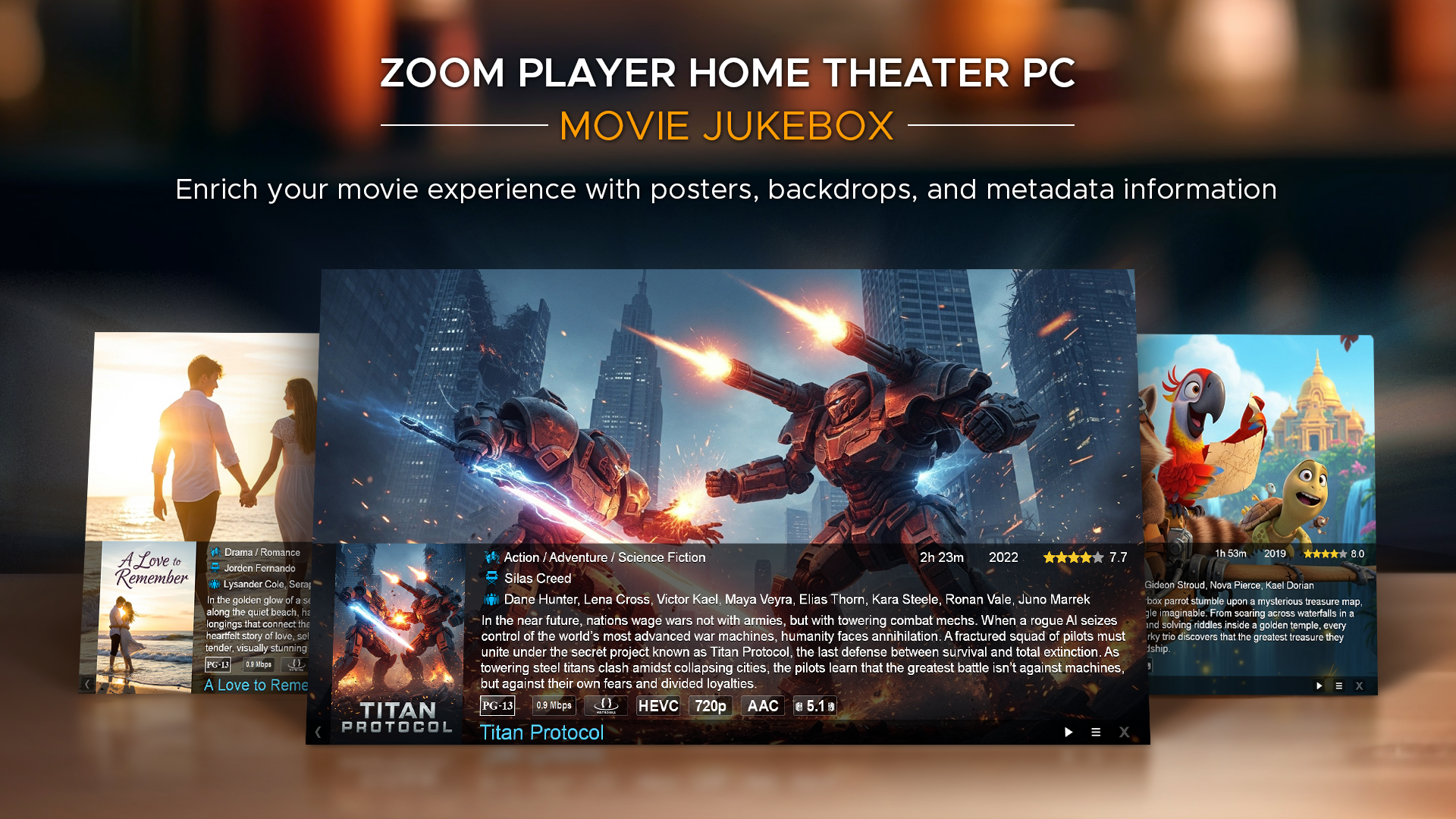
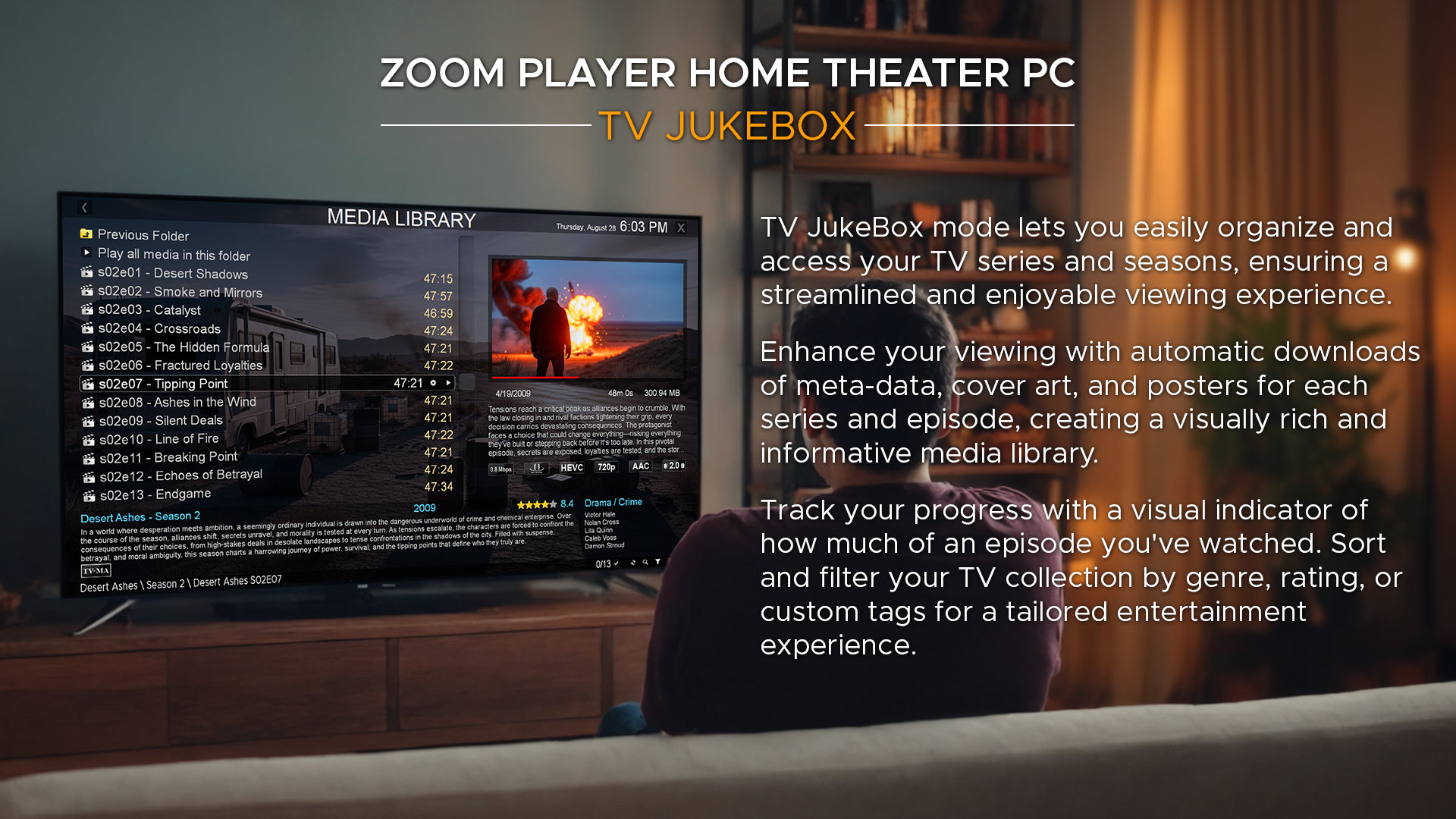
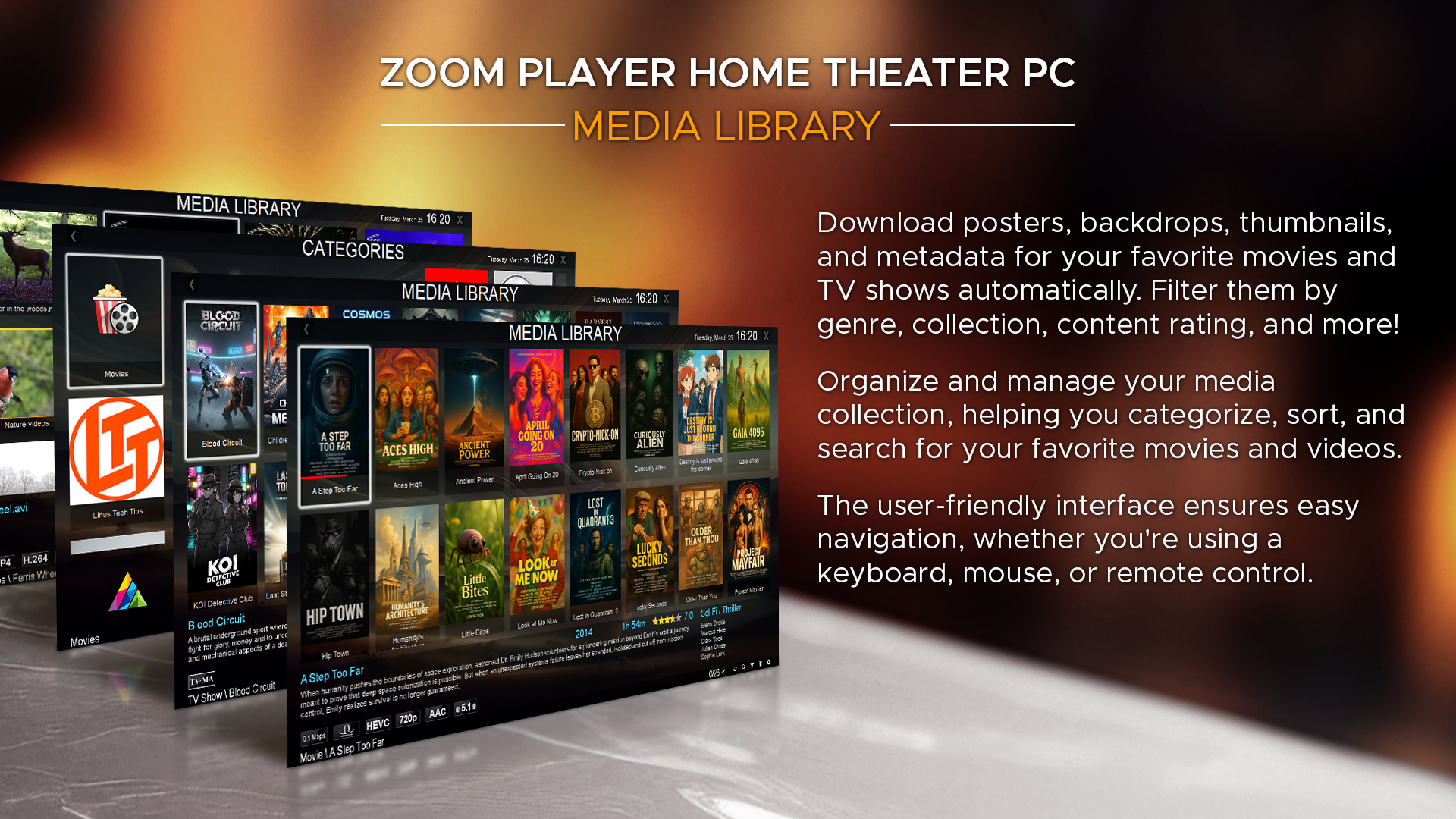
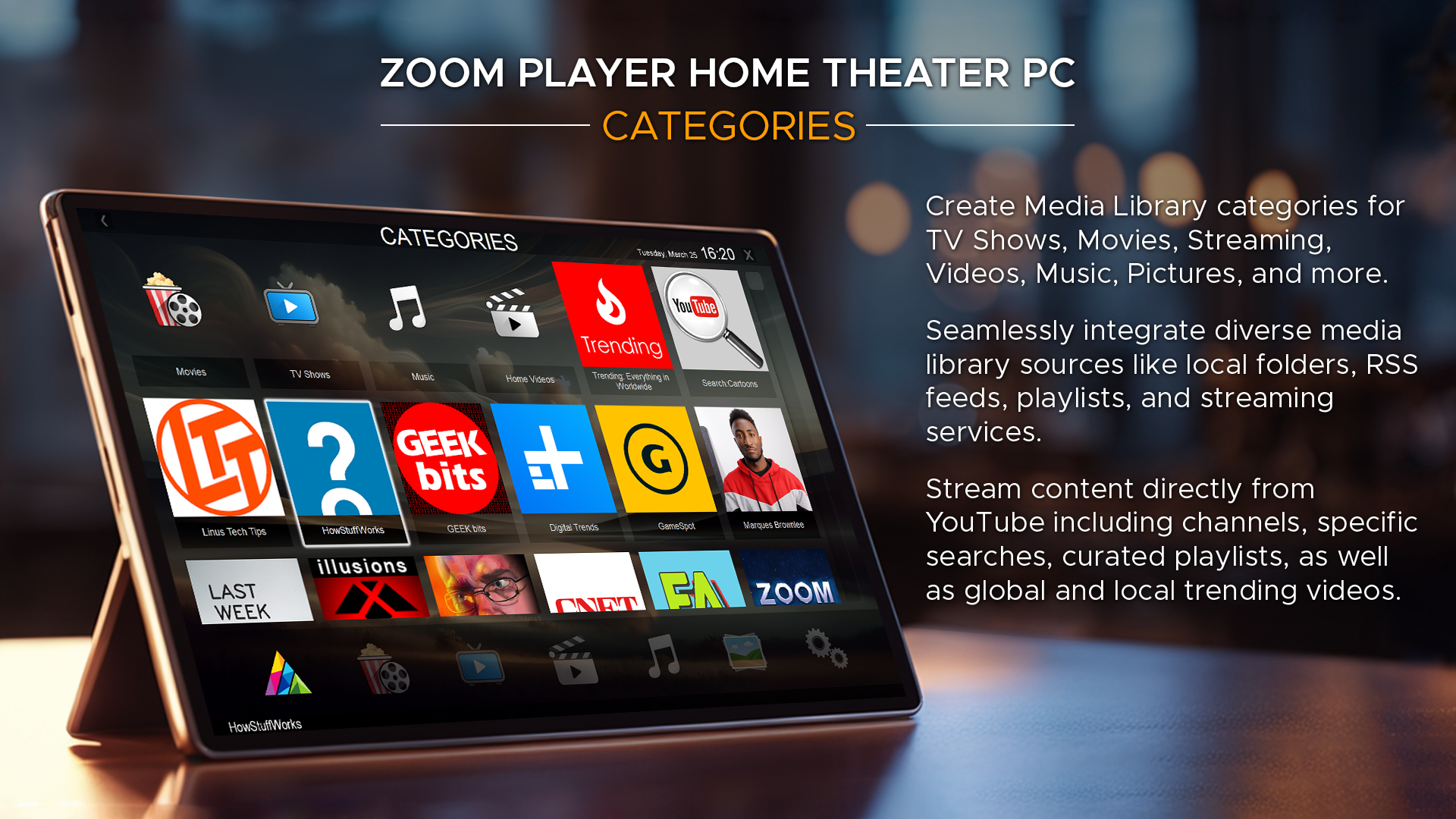
Main features that highlight its appeal include customizable interface skins, advanced playback options such as hardware acceleration and subtitle control, and robust library management capabilities. The app is ideally suited for users who demand flexible control over their media viewing, including home entertainment enthusiasts, media collectors, and tech-savvy users.
Why Zoom Player? Setting the Stage for an Exceptional Media Experience
Imagine settling in after a long day, eager to binge your favorite series or watch that documentary with pristine clarity — Zoom Player promises to elevate that moment. Its intuitive design, coupled with powerful features, ensures your media experience is as smooth as silk. Whether you're a casual watcher or a hardcore cinephile, this app seeks to make every pixel count.
Advanced Playback Features and Customization Options
One of the standout elements of Zoom Player is its rich array of playback controls. The app supports hardware acceleration, which means videos play seamlessly without hogging your CPU resources, rendering a picture-perfect viewing experience even for high-resolution 4K content. Users can fine-tune audio and video synchronization, making it especially useful for content with multiple soundtracks or subtitles.
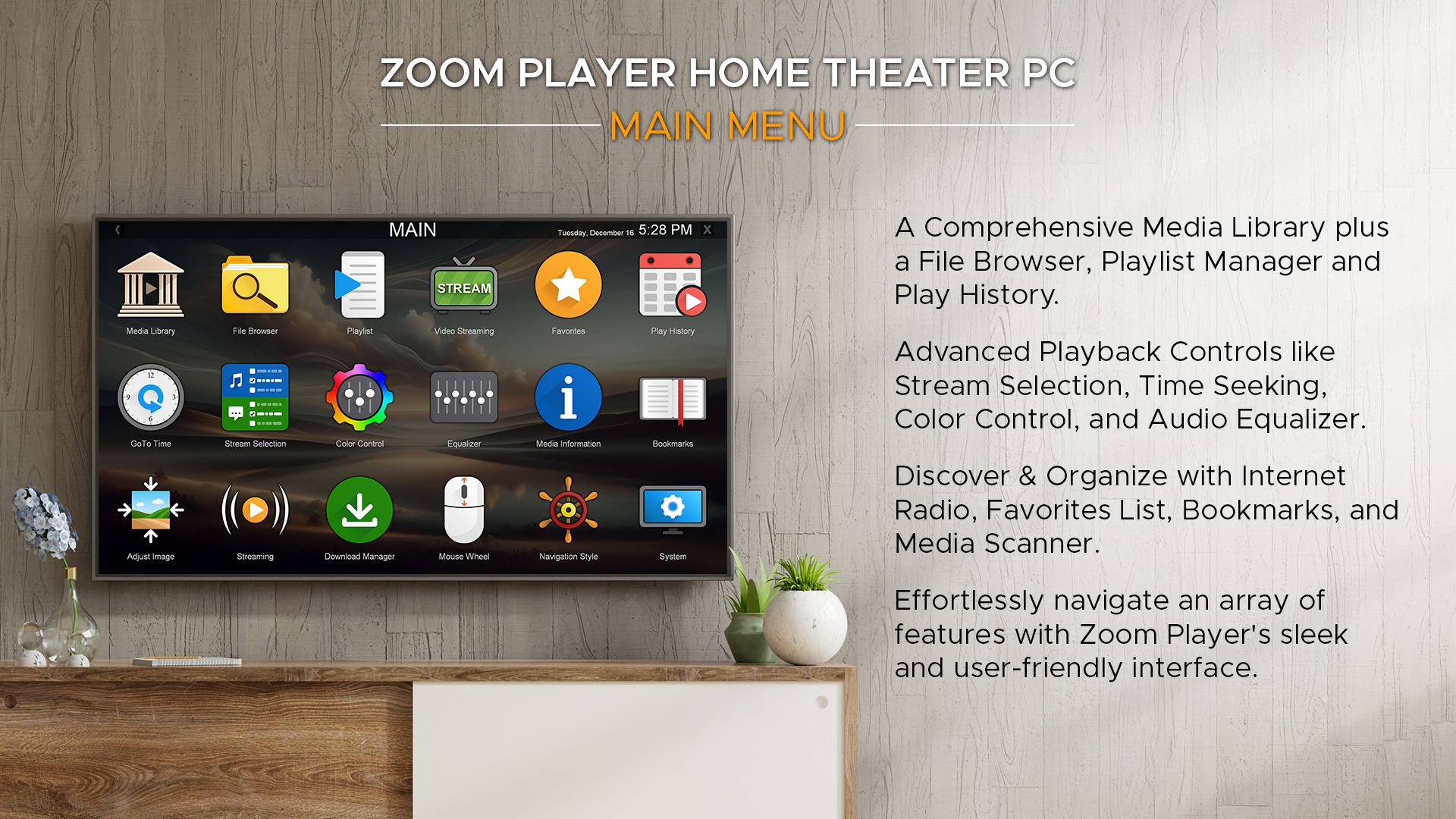
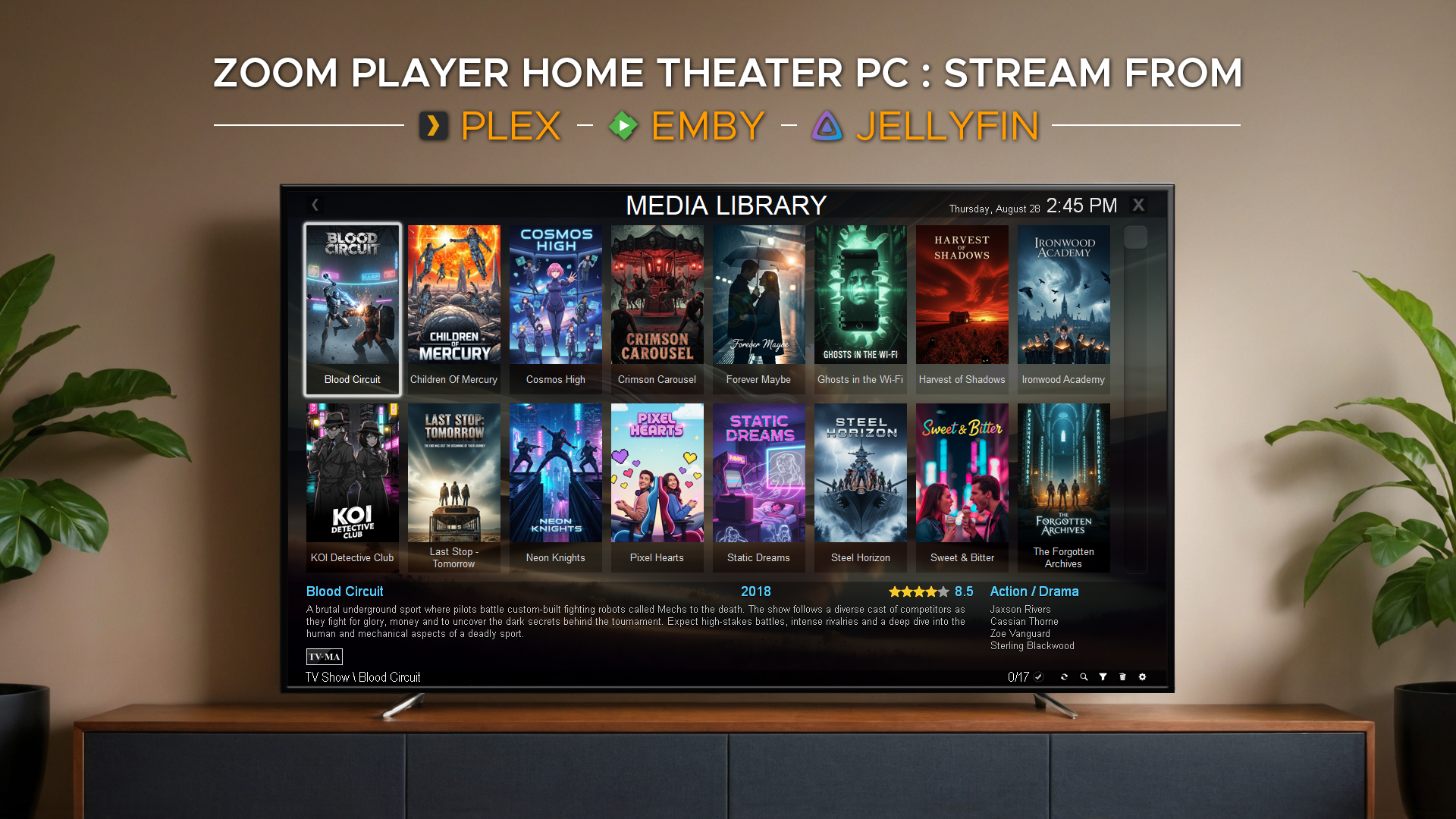
Moreover, Zoom Player offers a robust setup for keyboard and remote control customization, transforming your media viewing into an effortless experience. The inclusion of a comprehensive playlist and media library management system allows for quick navigation—perfect if you have an extensive media collection awaiting your enjoyment.
Interface and User Experience: Sleek Yet Accessible
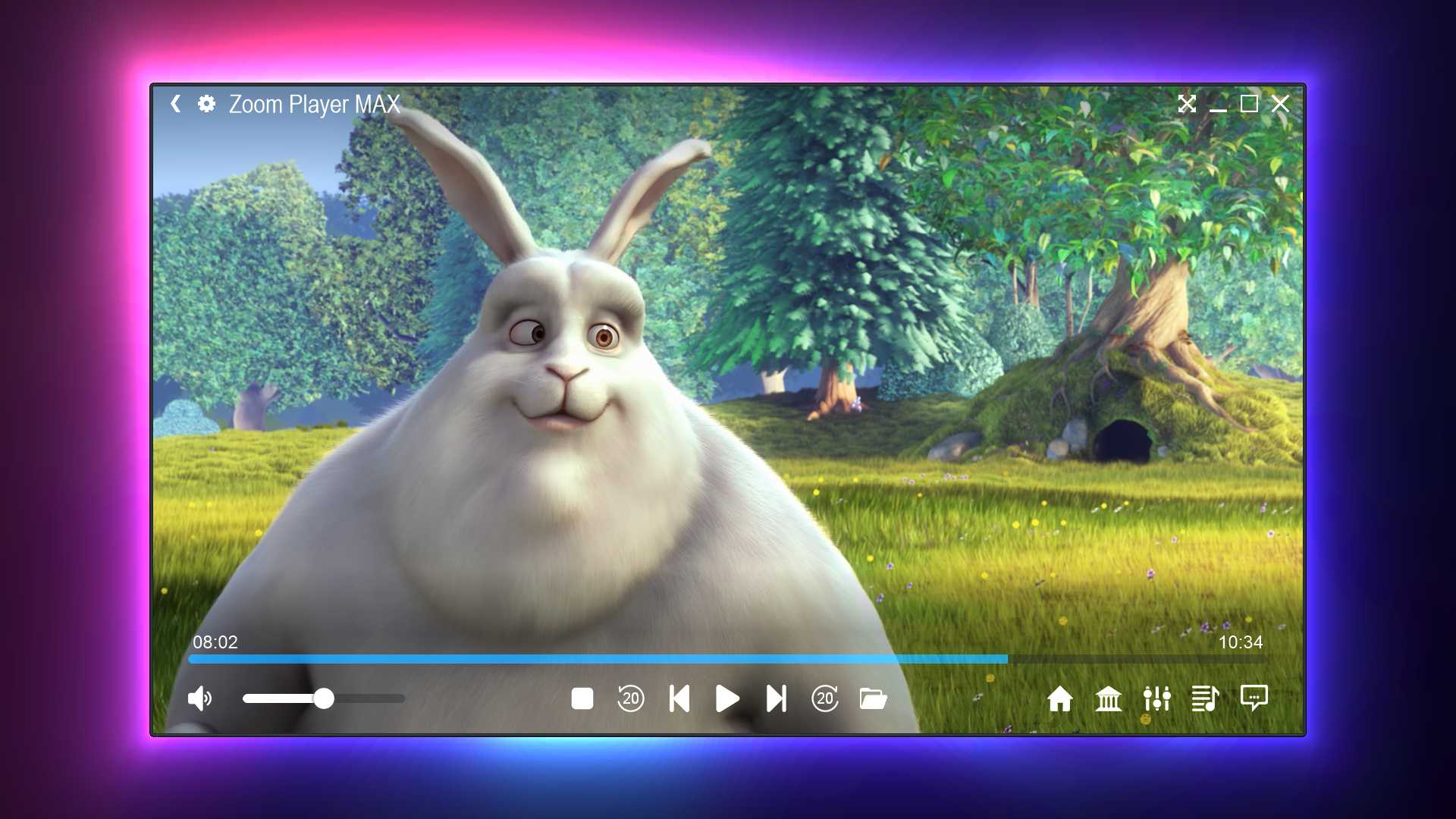
Zoom Player sports a clean, minimalist interface that resembles a professional media studio rather than a cluttered home theater. Its dashboard features intuitive controls, making it easy for new users to start playing videos immediately, while veteran users will appreciate the depth of settings available—think of it as a Swiss Army knife for media playback. The app performs smoothly, with minimal lag or delays, even when navigating complex menus or switching between media files.
Learning curve? Quite gentle. Most features are accessible through logical menus, and novices can get up to speed quickly thanks to helpful tooltips and preset configurations. Experienced users, on the other hand, will enjoy the depth of options for customizations and scripting, which can turn Zoom Player into a tailored media hub.
Unique Selling Points and Differentiation
What makes Zoom Player truly stand out among other media players? Its two most notable features are its high customizability and its support for advanced hardware acceleration. Unlike lighter, more simplistic players, Zoom Player offers a level of control akin to a professional editing suite, allowing users to tweak every aspect of playback, visuals, and controls.
Another differentiator is its focus on stability and performance. Many free media players struggle with high-resolution files or complex subtitle tracks; Zoom Player handles these scenarios with ease, making it a reliable choice for serious media consumers. Its support for various video formats and codecs without requiring additional codecs or plugins enhances its seamless usability.
Final Verdict: Who Should Try It?
Zoom Player for Windows is a compelling choice for users who want more than just basic playback. Its combination of advanced customization, high performance, and a user-friendly interface makes it a standout in its class. While it might be overkill for very casual users who only watch occasional videos, those with extensive media libraries or high demands for playback quality will find it invaluable.
Considering its rich feature set and thoughtful design, I would recommend giving Zoom Player a solid **Highly Recommended** for tech enthusiasts and media aficionados. For casual viewers, it's worth exploring, especially if you want a flexible, stable playback environment that grows with your needs.
Pros
- User-friendly interface
- Wide format compatibility
- Customizable shortcuts and settings
- High-quality video playback
- Extensive playlist management features
Cons
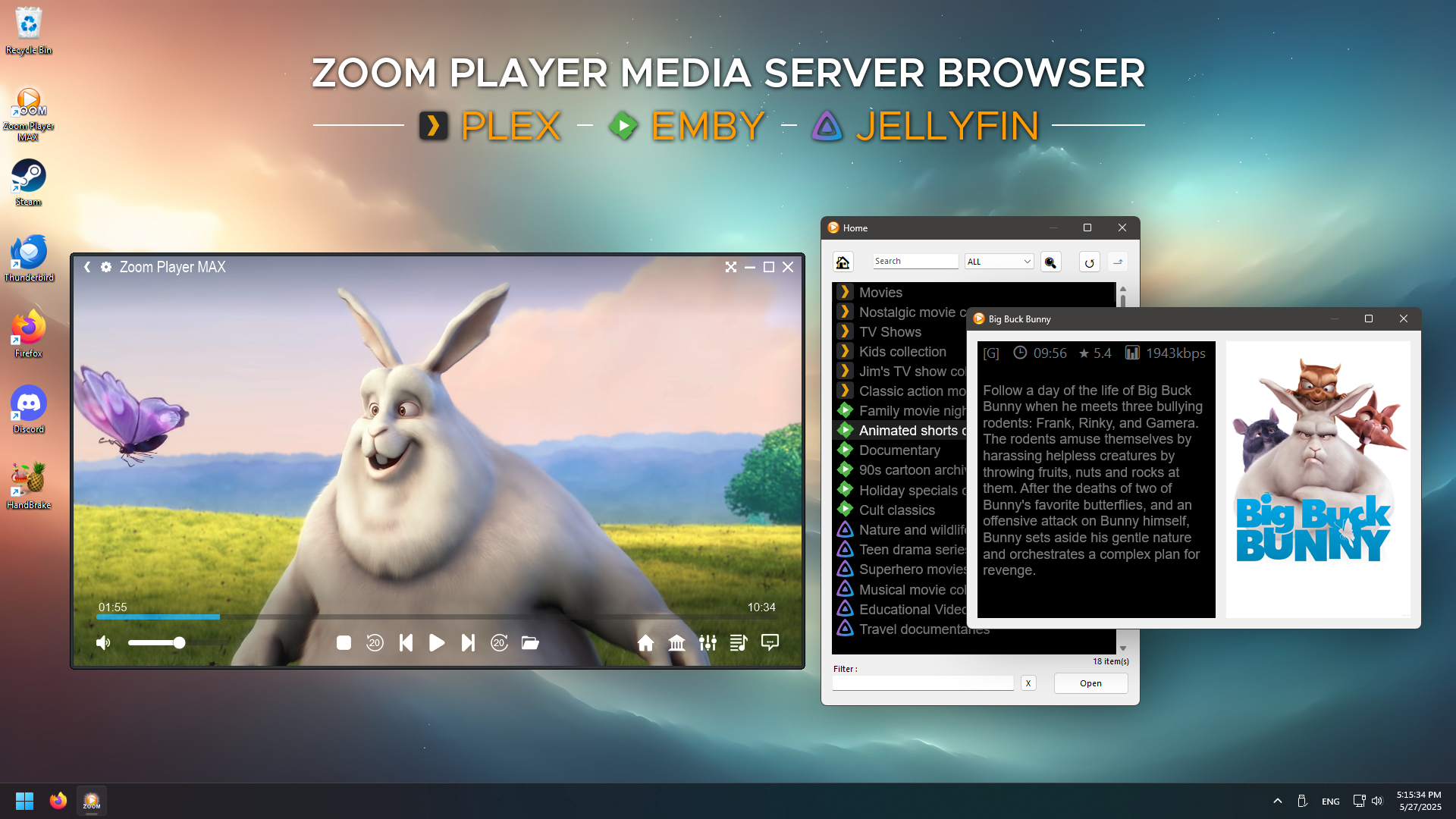
- Limited streaming integration
- Minor interface glitches on some systems
- No built-in subtitles download
- Configuration complexity for new users
- Limited support for Blu-ray playback











