

- Name Fotogenic : Photo Editor
- Category Photo & video
- Available on Mobile, PC
- OS Windows 10 version 10240.0 or higher
- languages Chinese (Simplified), Chinese (Traditional), Danish, Dutch, English, English (United States), Finnish, French, German, Greek, Indonesian, Italian, Japanese, Korean, Malay, Norwegian (Bokmål), Portuguese, Russian, Spanish, Swedish, Turkish, Vietnamese
Introducing Fotogenic: Photo Editor for Windows — Your New Creative Companion
Fotogenic: Photo Editor for Windows is a versatile and user-friendly photo editing application designed to bring professional-level edits and creative effects straight to your desktop. Whether you're a budding photographer or someone who loves to enhance personal snapshots, this app promises a seamless editing experience with a suite of powerful tools packed into an intuitive interface.
A Brief Overview: Who, What, and Why
Developed by Hde 7 Software
Hde 7 Software is a dedicated team focused on crafting accessible and innovative photo editing solutions that cater to a broad user base. Their commitment to usability and feature-rich design is evident in Fotogenic's polished performance.
Main Features Spotlight
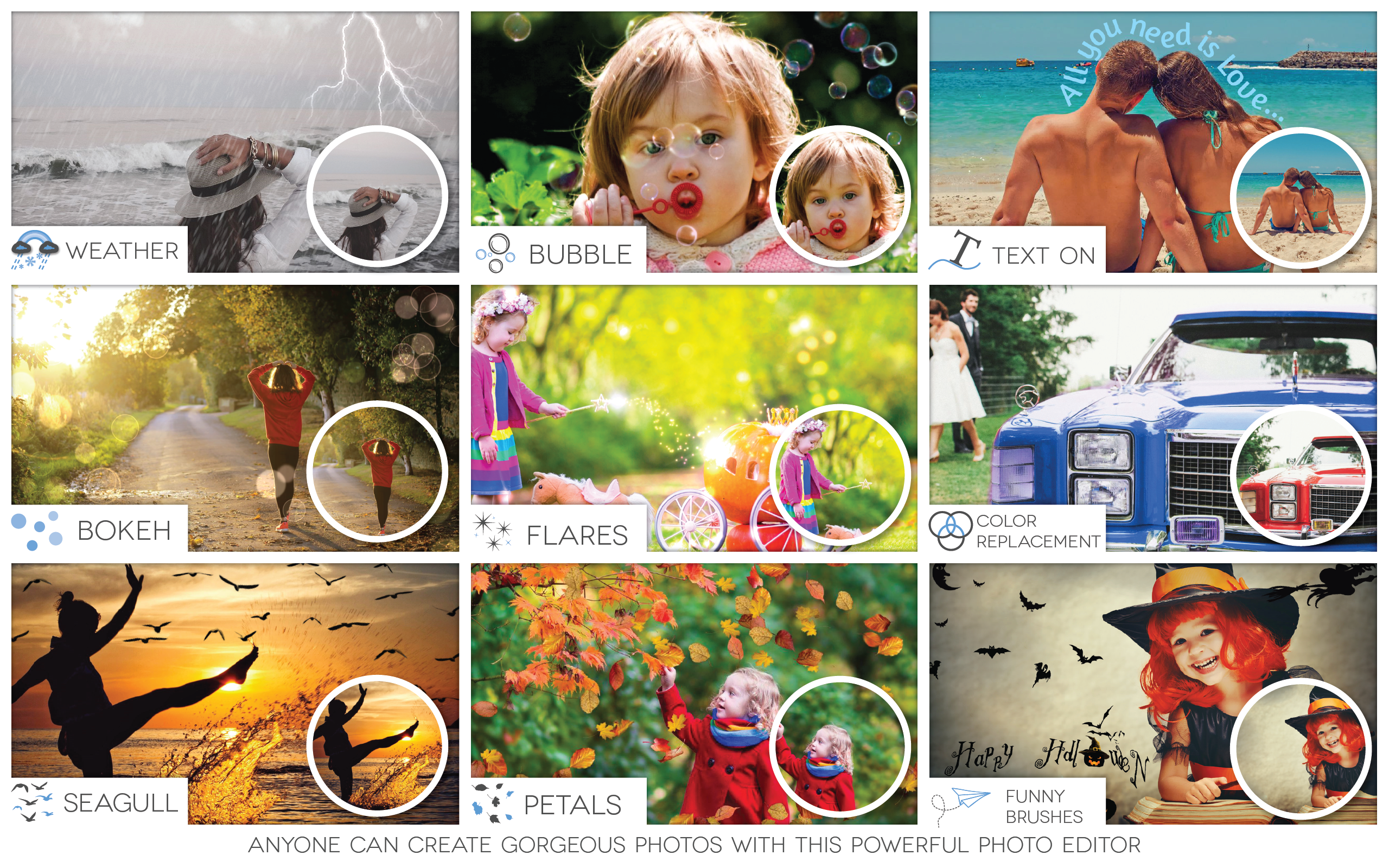
- Advanced Filters & Effects: Over 50+ customizable filters to instantly elevate any photo.
- Layer Management: Support for multi-layer editing, allowing for complex compositions and adjustments.
- One-Click Enhancements: Smart auto-correction tools for quick improvements, perfect for busy users.
- Seamless Export & Sharing: Export in high resolution and share directly to social platforms.
Target Audience
This app is ideal for casual photographers, social media enthusiasts, graphic designers, and anyone seeking quick yet professional editing tools on Windows without the steep learning curve of more complicated software.
Beauty Meets Function: An Engaging Look at Fotogenic
Imagine holding a magic wand that can effortlessly transform your everyday snapshots into shiny, professional-looking images—Fotogenic might just be that wand. Its well-balanced mix of simplicity and power makes it stand out in the crowded marketplace of photo editors. Whether you're touching up a portrait or creating a collage, Fotogenic's straightforward design beckons you to dive in without fear of dead ends or confusing menus.
The Core Strengths: Diving Into Key Features
Intuitive Interface and Elegant Design
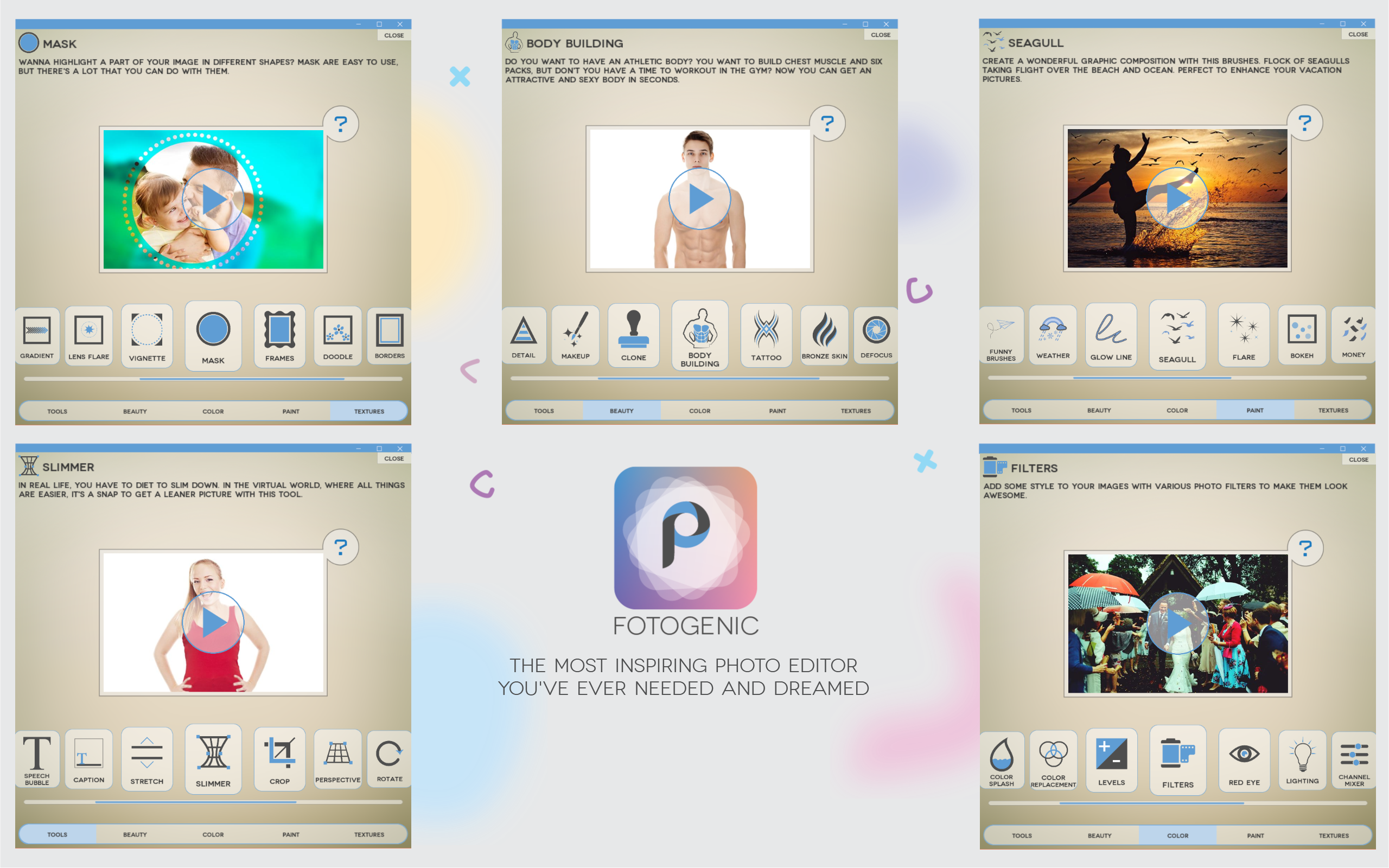
From the moment you launch Fotogenic, you're greeted with a clean, visually appealing workspace. The interface is thoughtfully laid out like a well-organized artist's studio—everything within arm's reach. Icons are clear, and arranging your workflow feels natural, even if you're new to photo editing. The design emphasizes simplicity, enabling users to find tools quickly and focus on creativity rather than navigating complex menus.
Powerful Filtering and Layer Capabilities
The standout feature of Fotogenic is its sophisticated filter system combined with multi-layer editing. Like layers of transparent acetate, users can stack effects, adjust opacity, and blend modes to craft nuanced visual stories. This level of flexibility allows for professional-grade edits—say, creatively highlighting a subject with a soft glow or intricate background manipulations—yet remains accessible for beginners through preset options.
Smooth Editing Experience with One-Click Enhancements
One of Fotogenic's most appealing traits is its smart auto-correction tool. It works behind the scenes like a seasoned editor giving your photo a gentle nudge towards perfection. Whether it's correcting brightness, contrast, or color balance, this feature saves precious time. The app operates fluidly, with real-time previews that respond instantaneously to adjustments, making the whole experience feel more like a collaborative dance than a chore.
What Sets Fotogenic Apart?
Compared to other photo editing apps, Fotogenic's most notable advantages are its ease of use combined with powerful editing features—particularly the multi-layer support. Many apps restrict layers or require steep learning curves to achieve similar results. Fotogenic bridges this gap with a user-friendly interface that makes complex edits approachable, akin to having a professional toolkit that fits comfortably into your pocket. Its ability to perform detailed edits while maintaining simplicity is a key differentiator that appeals to both novices and semi-professionals alike.
Final Take: Is Fotogenic the Right Choice?
If you're seeking a reliable, straightforward photo editing application for Windows that doesn't compromise on capabilities, Fotogenic warrants serious consideration. Its blend of intuitive design, powerful filter and layer options, and intelligent auto-enhancement makes it a well-rounded tool for everyday editing needs. While it might not replace high-end, specialized software for advanced professionals, its accessibility and feature set make it a top pick for casual users eager to elevate their images.
Overall, I'd recommend giving Fotogenic a try—especially if you enjoy experimenting with creative effects and need a dependable editor without the steep learning curve. It's like having a friendly, talented assistant right at your fingertips, ready to help you craft beautiful images effortlessly.
Pros
- Intuitive User Interface
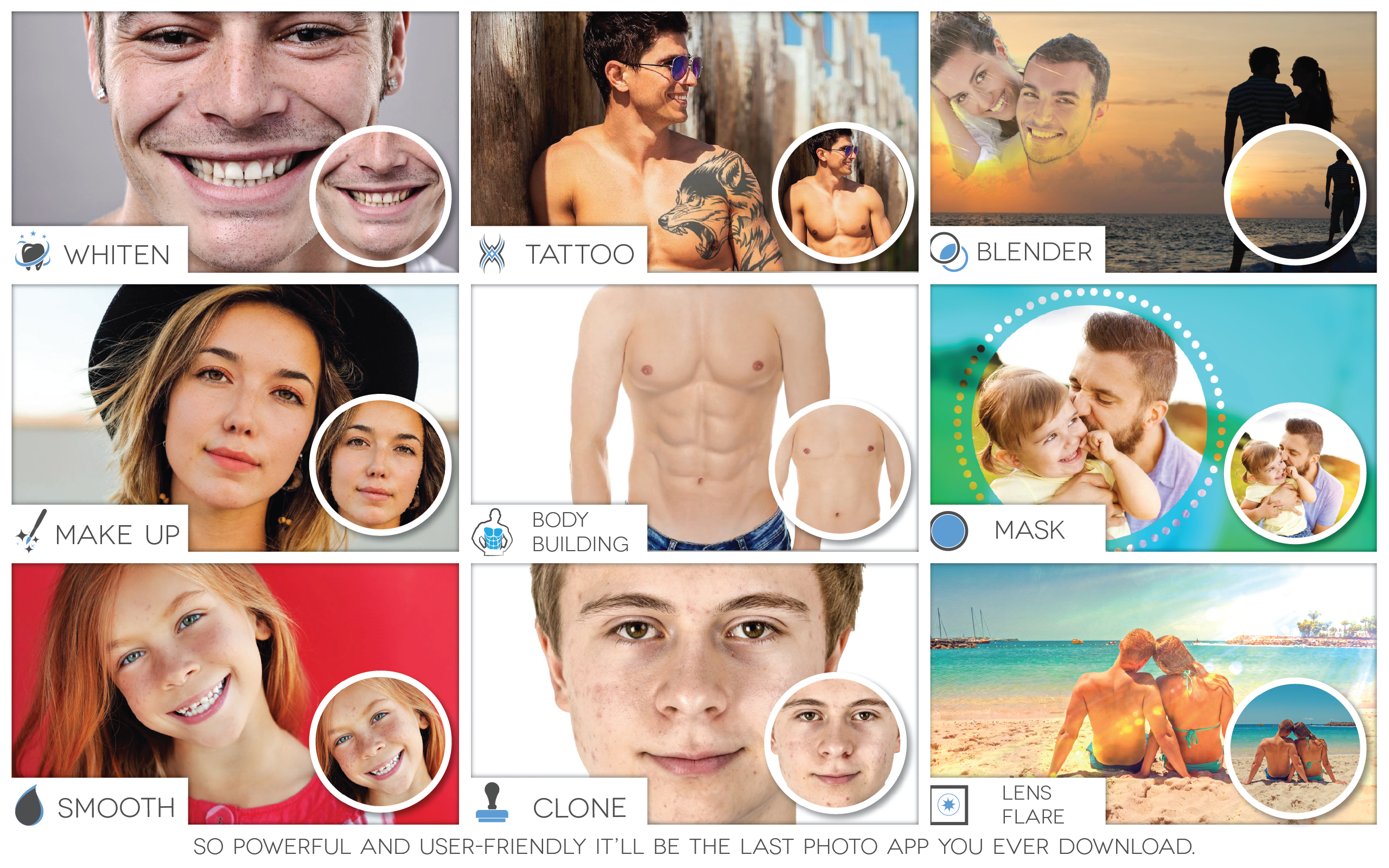
- Wide Range of Editing Tools
- High-Quality Output
- Fast Processing Speed
- Regular Updates and New Features
Cons
- Limited Advanced Features
- Watermark on Free Version
- Occasional App Crashes
- Limited Export Options
- In-App Advertisements in Free Version










