

- Name CyberLink Media Player 18 Standard
- Category Photo & video
- Developer CyberLink Corp.
- Available on PC
- OS Windows 10 version 14393.0 or higher
- Keyboard Integrated Keyboard
- Mouse Integrated Mouse
- DirectX Version 9
- Memory 2 GB
- languages Chinese (Simplified), Chinese (Traditional Chinese), English (United States), French, German, Italian, Japanese, Korean, Portuguese (Brazil), Russian, Spanish
CyberLink Media Player 18 Standard for Windows: A Modern Take on Media Playback
CyberLink Media Player 18 Standard offers a streamlined, feature-rich media viewing experience tailored for Windows users seeking reliability and simplicity. Developed by CyberLink Corp., a well-established name in multimedia software, this player emphasizes crisp video rendering, broad format support, and an intuitive interface that caters to both casual viewers and multimedia enthusiasts.
Key Highlights and Developer Insights
Founded by CyberLink Corp., a company with decades of experience in multimedia solutions, this software stands out in its category by focusing on delivering high-quality playback with minimal fuss. Its main features include enhanced 4K video support, fast and smooth navigation, and robust compatibility with a wide array of media formats. Designed primarily for Windows users who prefer an uncomplicated yet capable media player, the app appeals to students, professionals, and families alike.
Engaging and Approachable: An Intro to CyberLink Media Player 18
Picture this: you're settling in after a long day, eager to dive into your favorite movie or sift through a scrapbook of family videos. CyberLink Media Player 18 Standard feels like that familiar, trusted companion — straightforward yet dependable. Its interface is clean, like a well-organized desk, allowing you to access your media with just a few clicks. The app's fast startup and smooth playback make it feel like dusting off an old photo album but with the clarity of a modern digital experience.
Powerful Core Features That Make a Difference
Exceptional Video Support and Quality
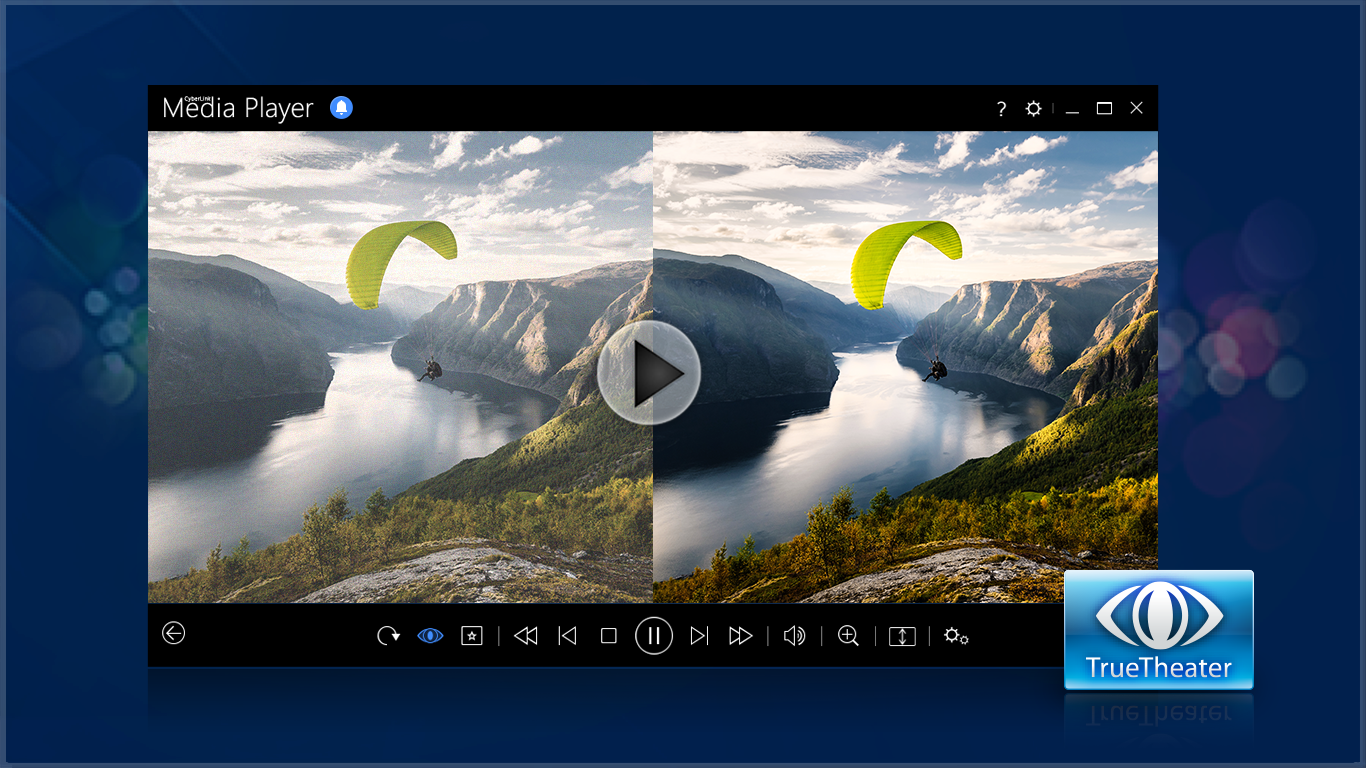
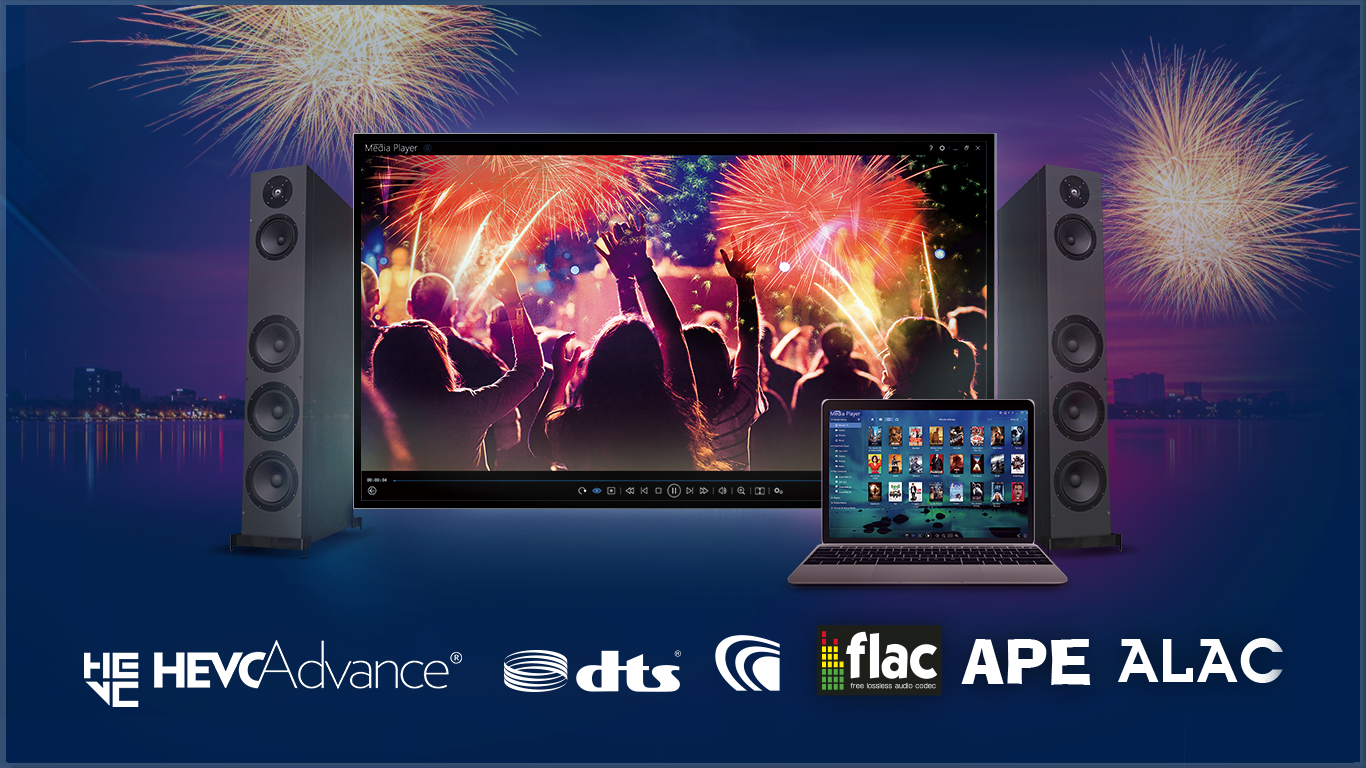
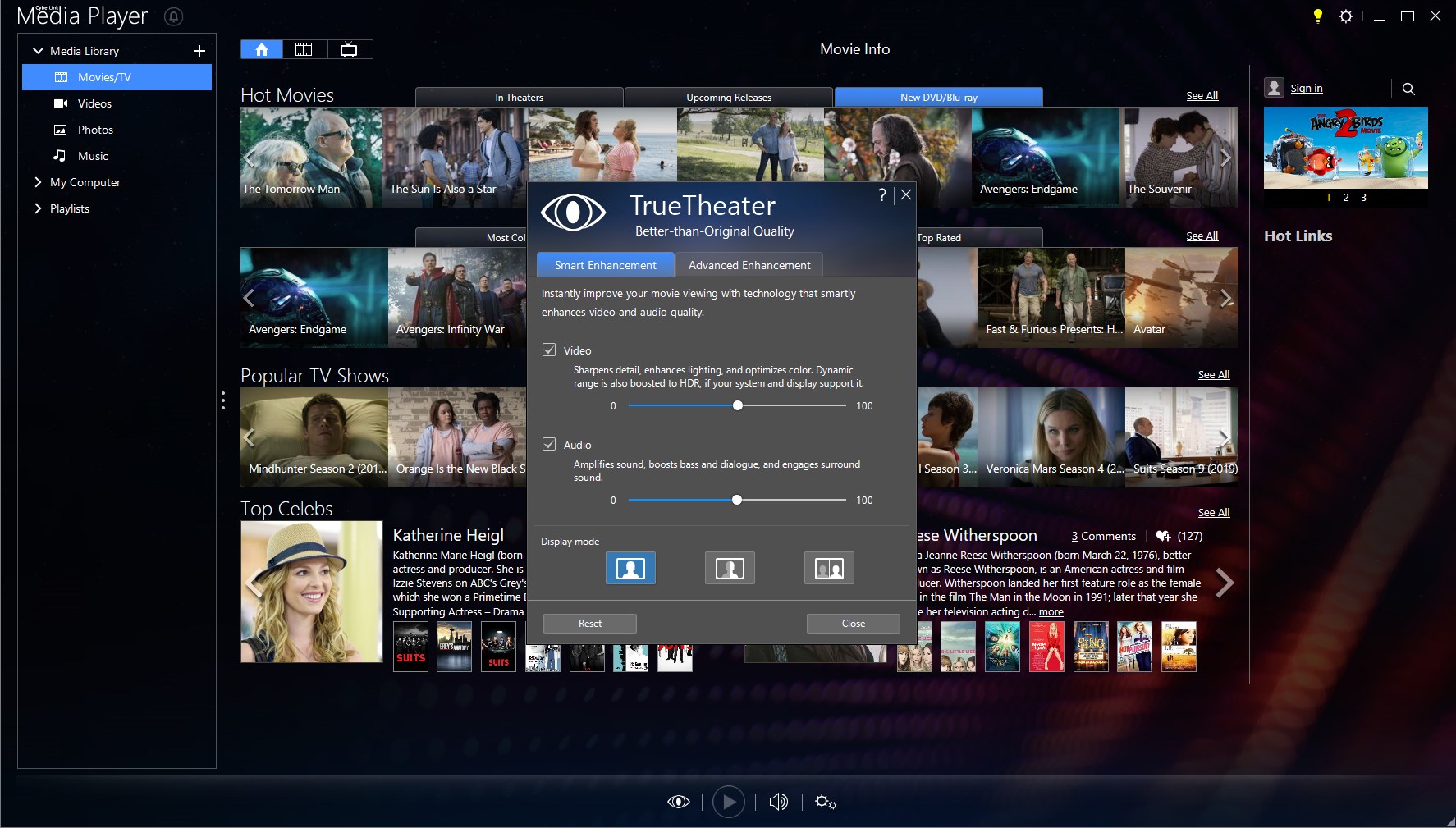
The standout feature of Media Player 18 is its capability to handle 4K Ultra HD videos effortlessly. Thanks to optimized hardware acceleration, videos run smoothly without stuttering, making it ideal for high-resolution content. The app supports a multitude of formats including MP4, MKV, AVI, and MOV, ensuring that users seldom need to search for third-party codecs or solutions. This universal compatibility makes it a one-stop-shop for all your media viewing needs, with clarity and stability at its core.
Intuitive User Interface and Seamless Navigation
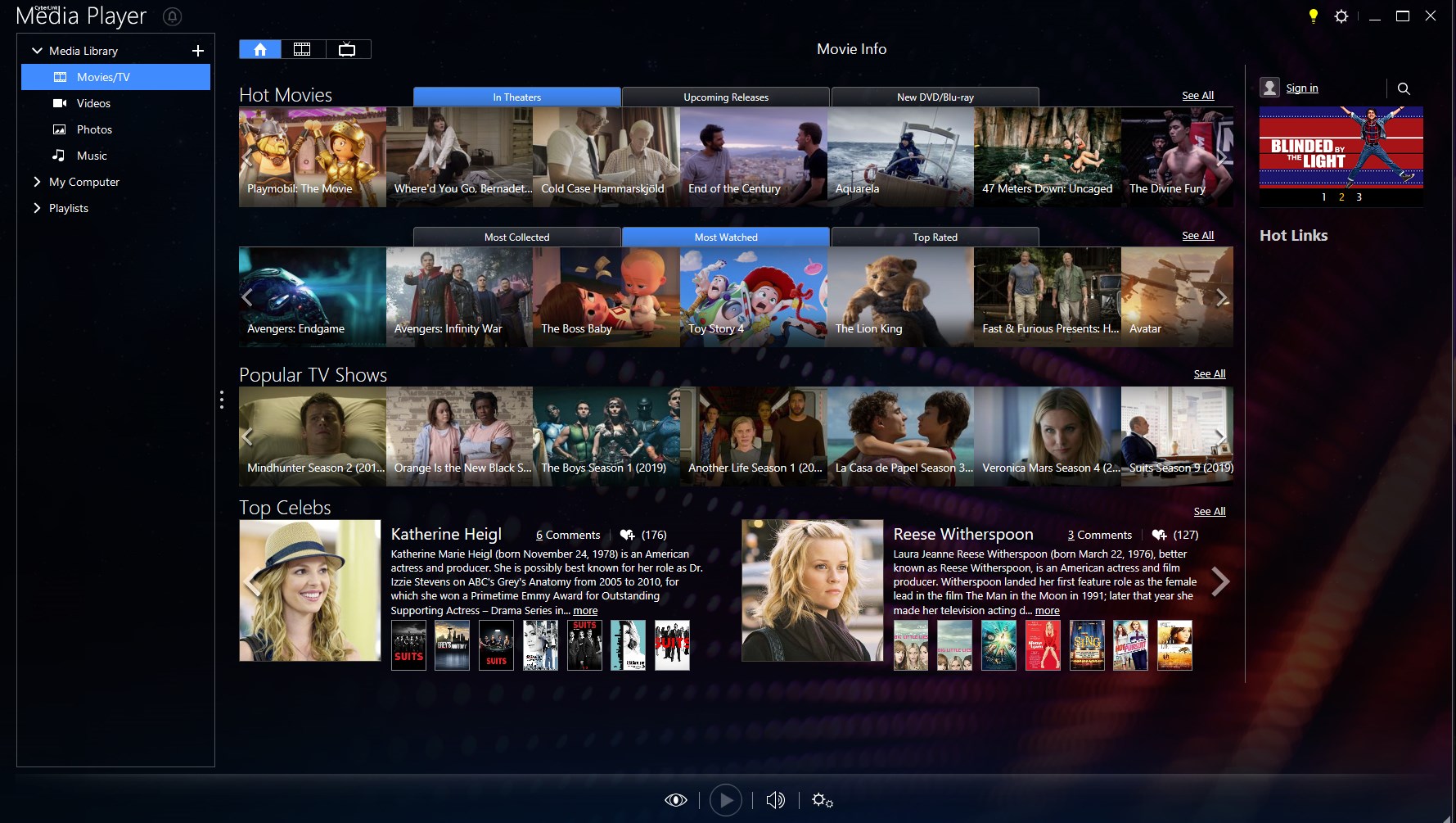
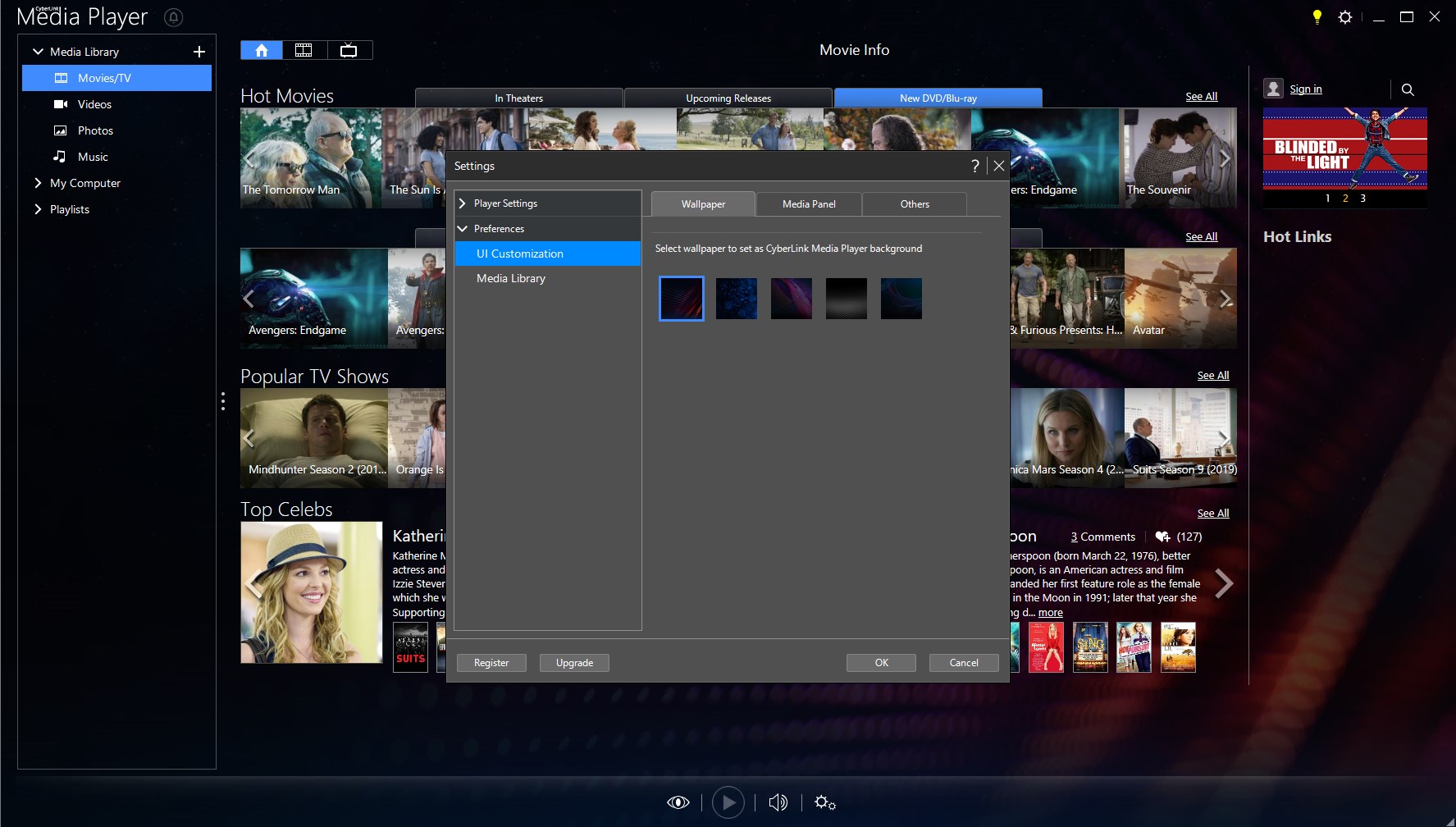
Once launched, the interface greets you with a sleek, modern look – minimalist yet functional. Navigating through your media library is as easy as flipping through the pages of a book, thanks to thoughtfully designed menus and playback controls. Transitioning between videos is quick, and the app's responsiveness minimizes waiting times, making it feel like flipping a switch rather than waiting for a complex operation to load. It's a delightful blend of simplicity and efficiency.
Unique Features That Set It Apart
One of the most compelling aspects of CyberLink Media Player 18 is its ability to integrate seamlessly with existing Windows features for a more cohesive user experience. For instance, its support for native Windows gestures and keyboard shortcuts allows for faster control without breaking immersion. Additionally, the player's smart playlist and bookmarking capabilities empower users to curate and revisit favorite scenes or segments, elevating it from a mere playback tool to a personalized media hub. These particular features are especially useful for those who manage large media collections or want to enhance their viewing routines.
User Experience and Recommendations
The overall user experience is remarkably smooth, with a learning curve so gentle that even first-time users can navigate confidently after a few minutes. The design choices prioritize clarity, reducing clutter and emphasizing essential controls. While some advanced users may yearn for more customization options, the app's focus on core functionality ensures a stress-free experience suitable for most everyday needs.
Compared to other media players like VLC or KMPlayer, CyberLink Media Player 18 offers a more polished, Windows-integrated experience. Its particularly outstanding 4K support and user-centric features make it a strong contender for anyone seeking a dependable, no-fuss media player that doesn't sacrifice quality for simplicity.
In summary, I'd recommend this media player for users who want reliable high-definition playback, straightforward operation, and meaningful extras such as tailored playlists. It's especially suitable for users who prefer an app that works seamlessly within the Windows ecosystem without unnecessary complexity.
Pros
- User-Friendly Interface
- Supports Multiple Formats
- High-Quality Playback
- Built-in Screen Capture
- Optimized Performance
Cons
- Limited Customization Options
- Occasional Compatibility Issues
- Basic Built-in Features
- Ads and Promotional Content
- Slightly Heavy on System Resources










