

- Name Ultimate Photo Editor
- Category Photo & video
- Developer Photo Cool Apps
- Available on PC, Mobile, Surface Hub, HoloLens
- OS Windows 10 version 16299.0 or higher
- languages Arabic, Catalan, Croatian, Czech, Danish, Dutch, English (United States), Finnish, French, German, Greek, Hungarian, Indonesian, Japanese, Korean, Korean , Latvian, Malay, Persian/Farsi, Polish, Portuguese, Portuguese (Brazil), Romanian, Russian, Slovak, Slovenian, Spanish, Spanish (Spain), Swedish, Thai, Turkish, Ukrainian, Vietnamese
Ultimate Photo Editor for Windows: A Comprehensive Review
Looking for a versatile and user-friendly photo editing tool that can elevate your images without the steep learning curve? Ultimate Photo Editor for Windows by Photo Cool Apps promises to be just that—a handy companion for both casual photographers and aspiring creatives. Let's delve into what makes this app stand out and whether it deserves a spot in your digital toolbox.
Basic Information: What You Need to Know
This application is positioned as an all-in-one photo editing solution designed to simplify complex editing tasks for everyday users. Developed and published by Photo Cool Apps, a team dedicated to creating accessible digital tools, Ultimate Photo Editor aims to provide powerful features wrapped in an intuitive interface.
- Main Features Highlights: Batch processing capabilities, advanced filters and effects, easy-to-use layer and masking tools, and seamless integration with Windows OS.
- Target Audience: Photography enthusiasts, social media content creators, hobbyists, and anyone seeking quick yet professional-looking edits without complicated software.
Engaging Introduction: A Fresh Take on Photo Editing
If you've ever felt overwhelmed by sprawling menus and complicated tools while editing your photos, Ultimate Photo Editor might just be your new best friend. Imagine having all the essential editing toys in your toolkit consolidated into a sleek, accessible app—like a well-organized workbench for your digital photos. Whether you want to enhance a portrait, add artistic effects, or correct colors, this app invites you to dive in and experiment with ease, transforming your ordinary snaps into eye-catching images with just a few clicks.
Core Features That Make a Difference
1. Focus on Creative Enhancements with Unique Filters and Effects
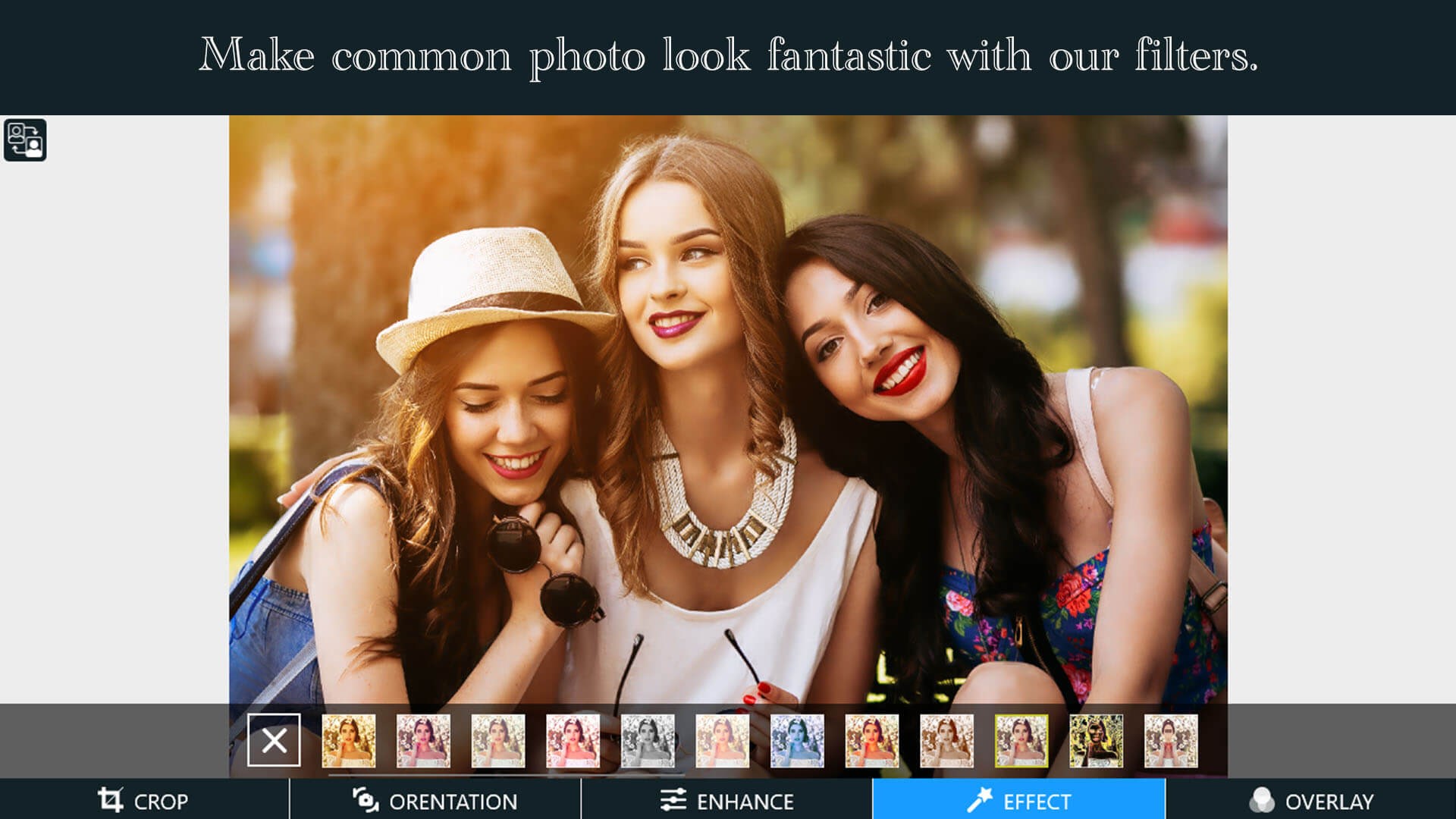
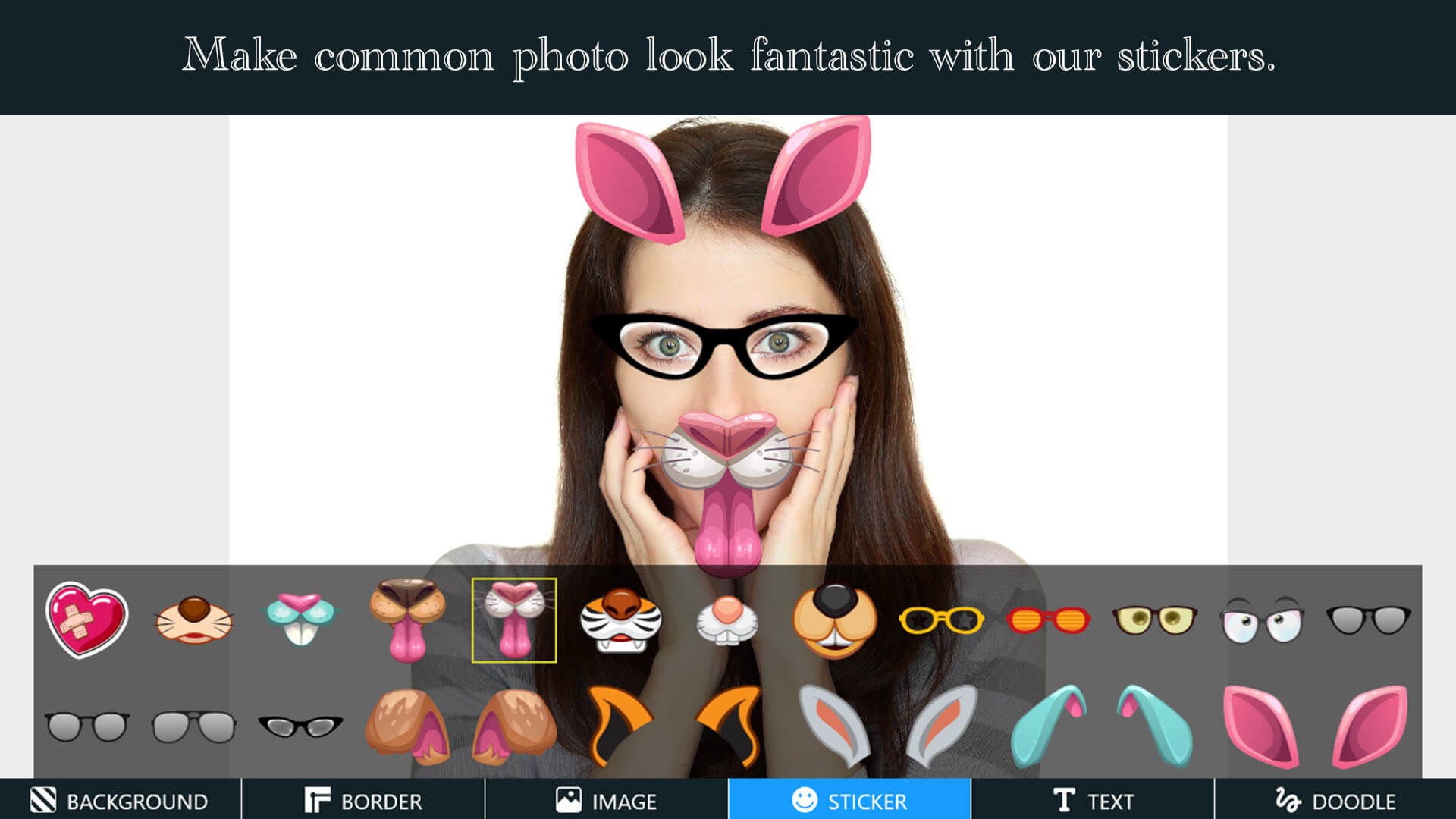
One of the most compelling aspects of Ultimate Photo Editor is its rich collection of filters and effects designed to elevate your images creatively. From subtle color corrections to dramatic artistic overlays, the app offers a variety of options that can be customized to suit your style. What sets it apart is the ability to layer multiple effects using an intuitive interface, allowing you to craft complex visual compositions effortlessly—like painting with light and color, but entirely digitally. Whether you're aiming for a vintage look or a modern high-contrast finish, the app provides the tools to bring your vision to life.
2. Advanced Layer and Masking Features for Precise Control
Unlike many entry-level editors, Ultimate Photo Editor introduces robust layer management and masking tools, akin to professional photo software but simplified for everyday use. You can easily isolate objects, apply adjustments selectively, and blend multiple images seamlessly. This capability is particularly helpful for creating composite images or focusing attention on specific subjects within a photo—imagine being able to cut out an element from one photo and seamlessly integrate it into another. The straightforward workflow ensures you won't get lost in complexity, making your editing process more like storytelling than troubleshooting.
3. Effortless Batch Processing and Workflow Optimization
If you often find yourself editing large sets of photos, the batch processing feature shines. It allows for applying the same set of adjustments across multiple images simultaneously, saving you time—think of it as having a conveyor belt that handles routine edits while you focus on the creative touch. Coupled with a fast rendering engine and responsive controls, the app's workflow is smooth and efficient, making it suitable even for users with limited time or patience for steep learning curves.
User Experience and Differentiation: Friendly, Fluid, and Functional
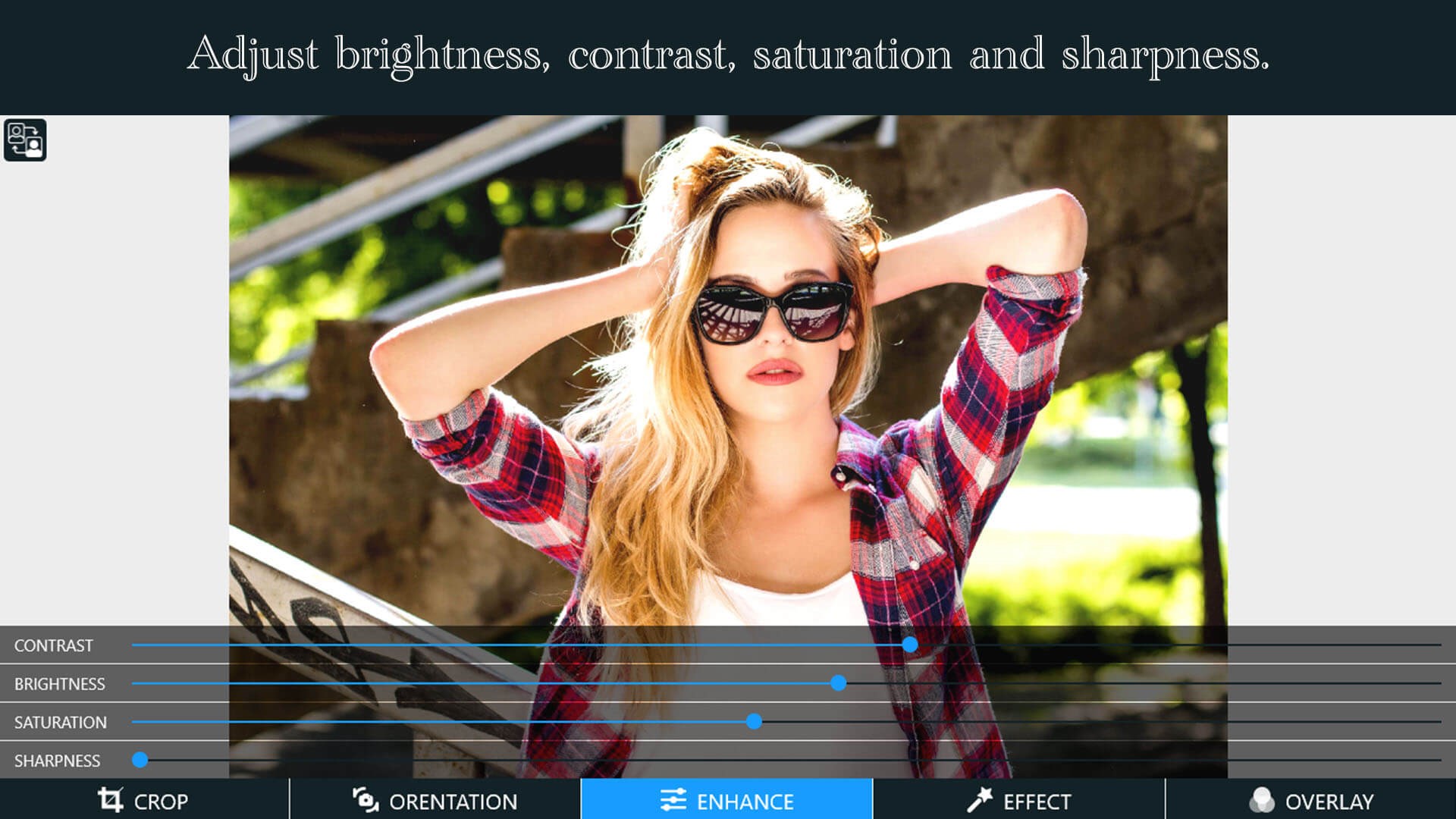
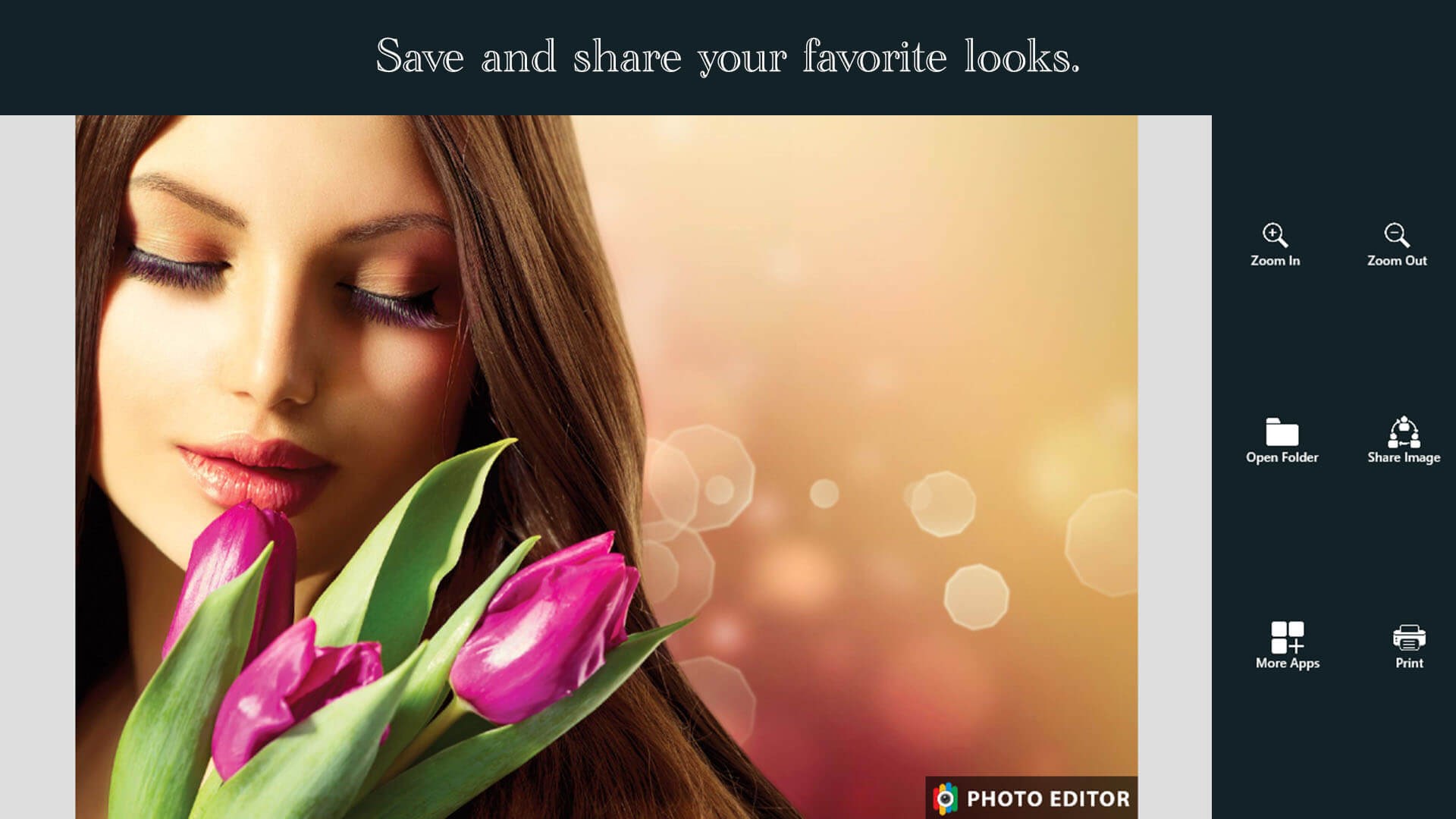
The user interface of Ultimate Photo Editor is clean and approachable, resembling a well-lit workspace that invites exploration. Icons are intuitive, and the design minimizes clutter, so both beginners and experienced editors can find their way around effortlessly. The app responds swiftly to inputs, with no noticeable lag—imagine flipping through pages of a photo album with the ease of turning virtual pages. Learning curve? Minimal—dragging sliders, selecting filters, and adjusting layers feels natural, like tinkering with a familiar craft.
What truly sets this app apart from other photo editors like Adobe Photoshop Elements or Lightroom is its specific focus on simplicity combined with professional-like tools. Unlike overly complicated software that might intimidate new users, Ultimate Photo Editor strikes a balance—powerful enough for detailed edits yet accessible enough for quick tweaks. Its combination of layered effects and batch processing offers a unique edge, making routine editing faster and more creative.
Final Verdict: Is It Worth Trying?
Overall, I recommend Ultimate Photo Editor for Windows as a solid choice for those seeking an easy-to-use yet feature-rich photo editing app. Whether you're prepping images for social media, creating visual stories, or just enhancing family photos, this app offers a reliable blend of functionality and user-friendly design. For casual users craving professional-looking results with minimal fuss, it's an option worth exploring.
While it may not replace high-end software for complex professional projects, its standout features—especially the layered effects and batch processing—make it particularly appealing for quick, creative edits. My suggestion? Give it a shot if you want a straightforward, empowering photo editor that respects your time and your images alike.
Pros
- Intuitive Interface
- Comprehensive Editing Tools
- High-Quality Output
- Fast Processing Speed
- Regular Updates
Cons
- Limited Free Features
- Occasional Crashes on Older Devices
- Watermark on Free Version
- Limited Support for RAW Files
- Learning Curve for Advanced Features










