

- Name Screenbits - Screen Recorder
- Category Photo & video
- Available on PC
- OS Windows 10 version 14393.0 or higher
- DirectX Version 11
- languages Chinese (Simplified), English (United States), French, German, Italian, Portuguese (Brazil), Russian, Spanish
A comprehensive tool for effortless screen recording: Screenbits - Screen Recorder for Windows
Screenbits is a versatile screen recording application designed to help users capture high-quality videos effortlessly on Windows, making it an ideal choice for creators, educators, and professionals alike.
About the App: Essential Information
Positioned as a user-friendly screen recording solution, Screenbits aims to streamline video capturing with minimal hassle. Developed by Mehrzad Chehraz, a developer dedicated to creating accessible multimedia tools, it combines intuitive design with robust functionality. Its main features include customizable recording regions, real-time annotation capabilities, and high-resolution output options. Targeted at a broad audience—from content creators and teachers to business professionals—Screenbits seeks to simplify the often complex process of capturing and sharing screen content.
Engaging the Viewer: A Closer Look at Screenbits
If you've ever tried capturing a tutorial or a gaming session, you know that the process can sometimes feel like wrestling a bear—complicated controls, laggy performance, or clunky interfaces. Screenbits transforms this experience into something akin to a smooth dance, offering a straightforward, satisfying workflow that feels as natural as turning on a tap. Its clean, attractive interface invites users in, promising that capturing your screen is no longer a chore but a simple, even enjoyable, task.
Core Functionality 1: Customizable Recording Regions & Settings
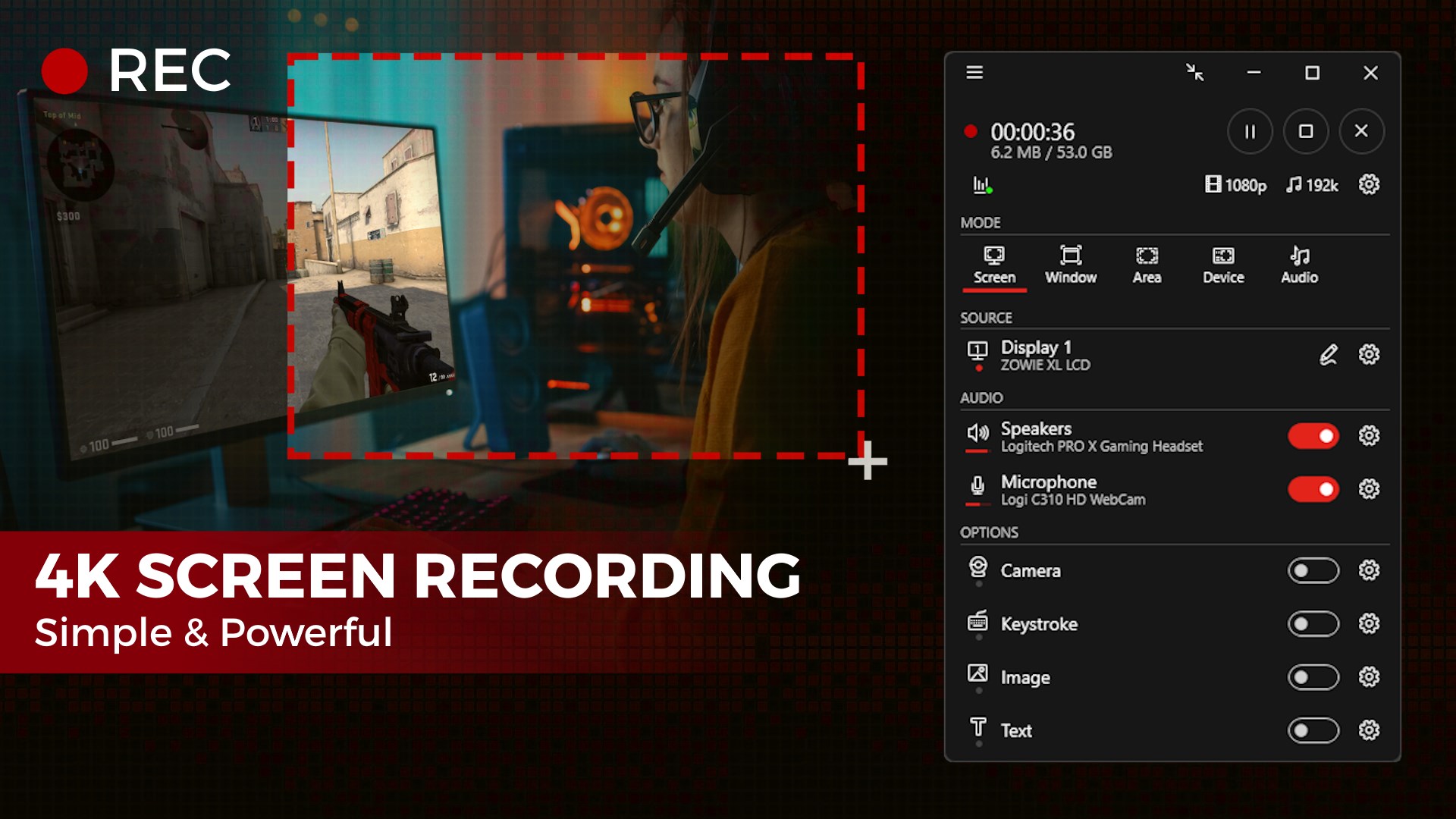
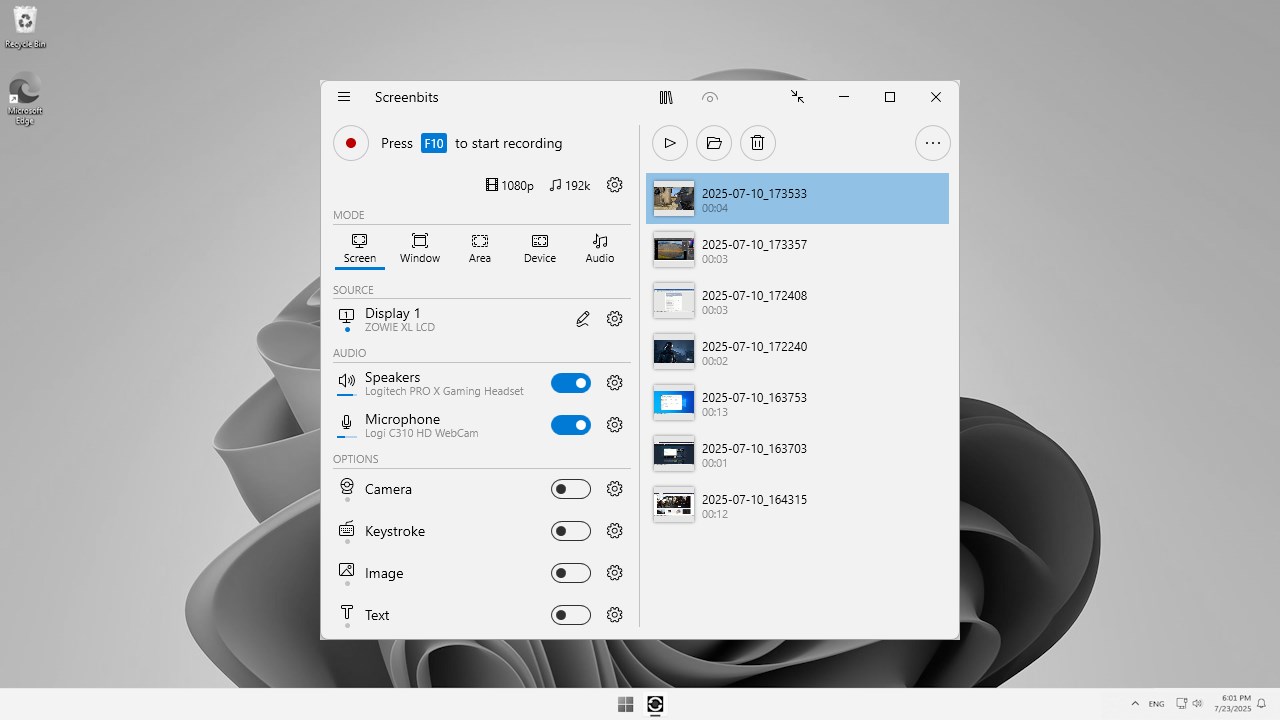
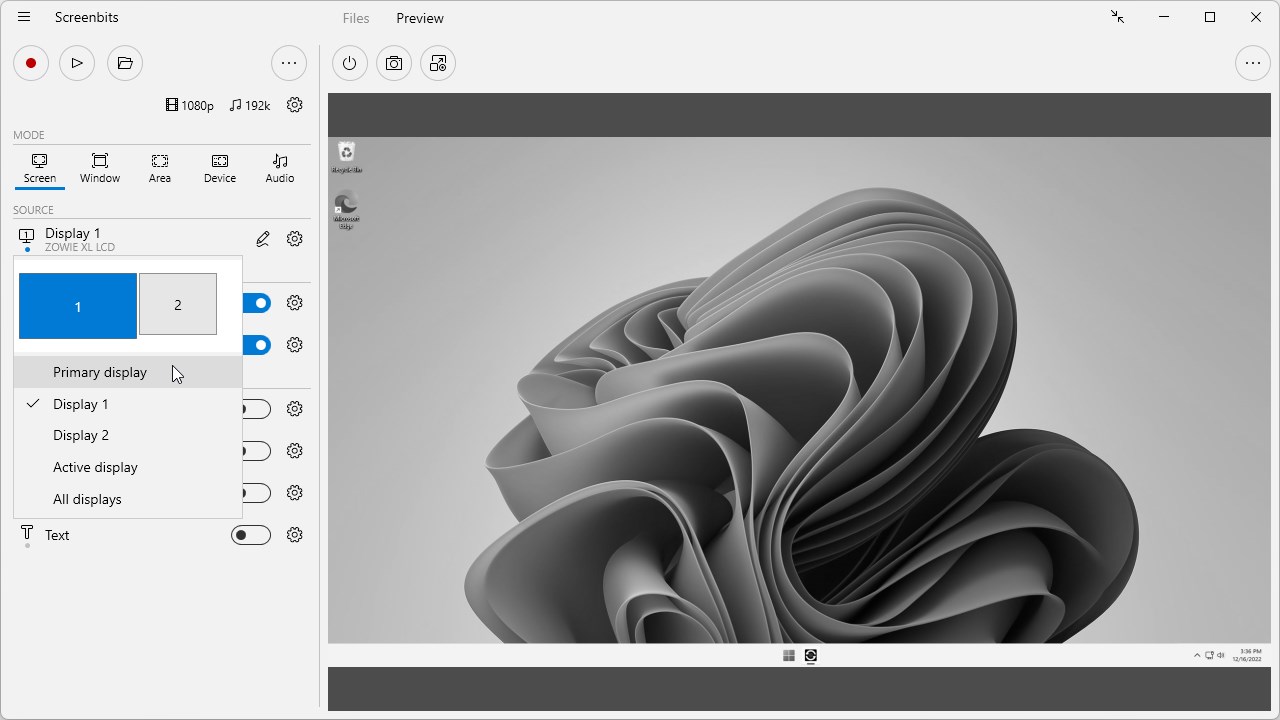
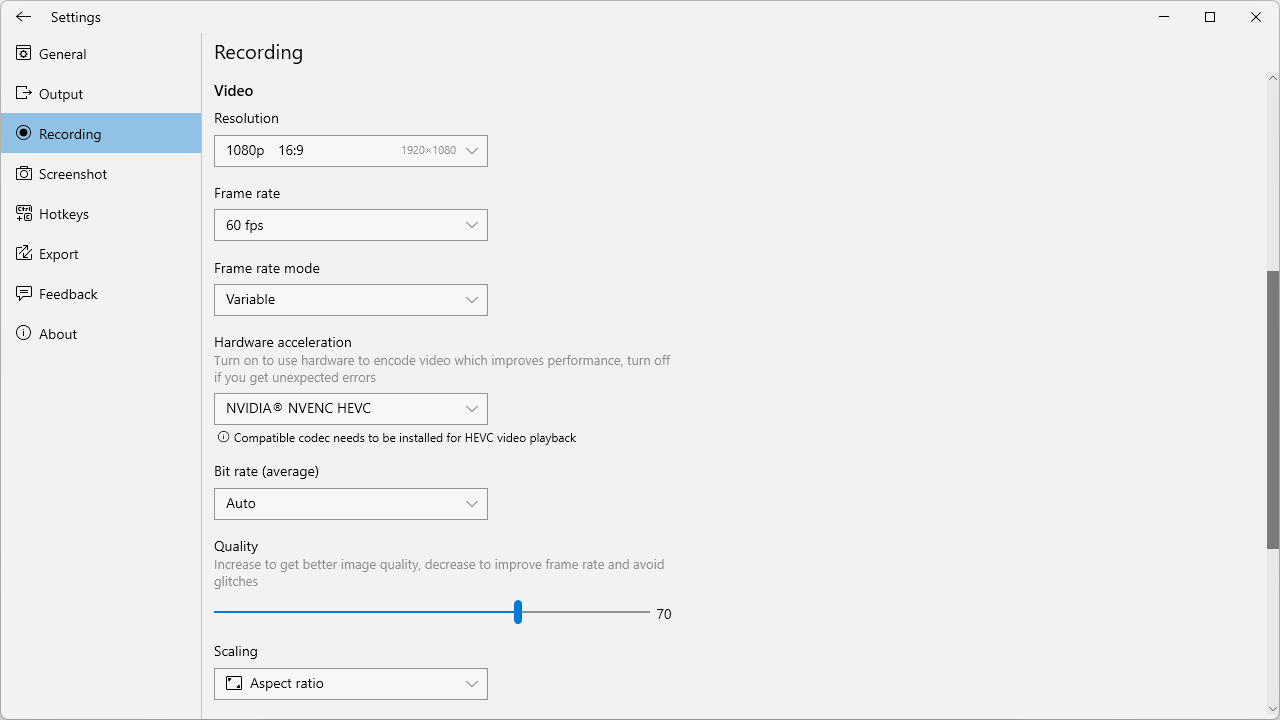
One of Screenbits' standout features is its ability to precisely define what part of the screen you want to record. Whether you're capturing a specific window, a selected region, or the entire desktop, the app responds seamlessly. This flexibility is incredibly useful for tutorials, presentations, or gameplay recordings where focus is key. The settings menu allows for adjustments such as frame rate, video quality, and audio sources, giving users granular control over their recordings. It's like having an artist's toolkit at your fingertips, allowing you to craft recordings perfectly tailored to your purpose.
Core Functionality 2: Real-Time Annotations & Editing
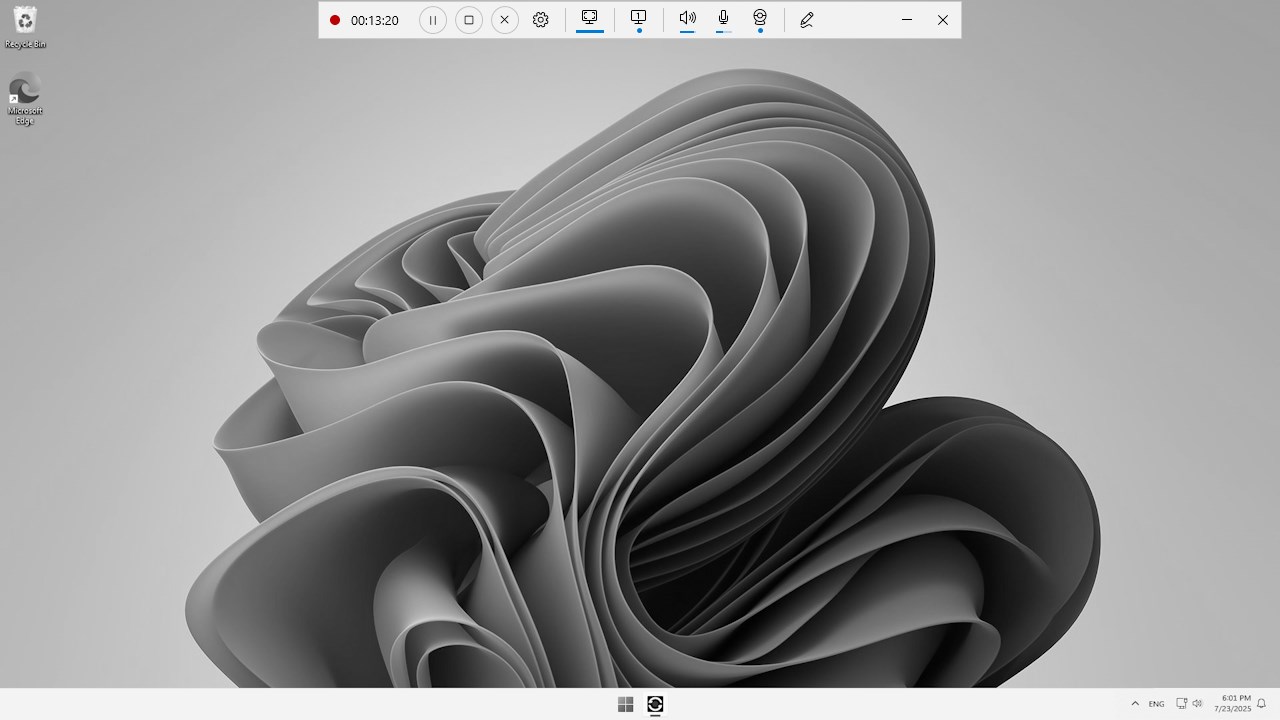
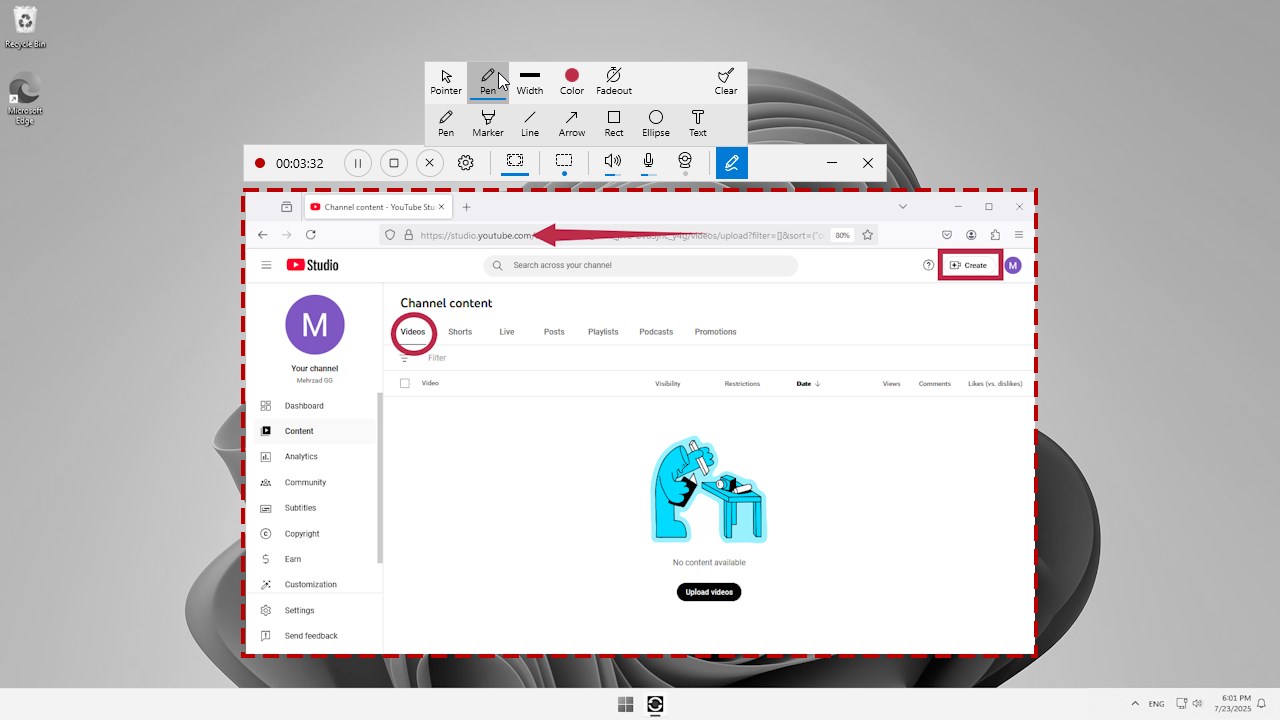
What sets Screenbits apart from many standard screen recorders is its built-in annotation feature. During a recording session, users can draw, highlight, or add text overlays in real-time—imagine adding a laser pointer or scribbling notes while capturing a tech demonstration. This function is especially handy for educators or trainers who need to emphasize certain aspects dynamically. Post-recording, the app offers basic editing tools, allowing trimming or adjustments to refine your video before sharing.
Seamless Interface & Superior User Experience
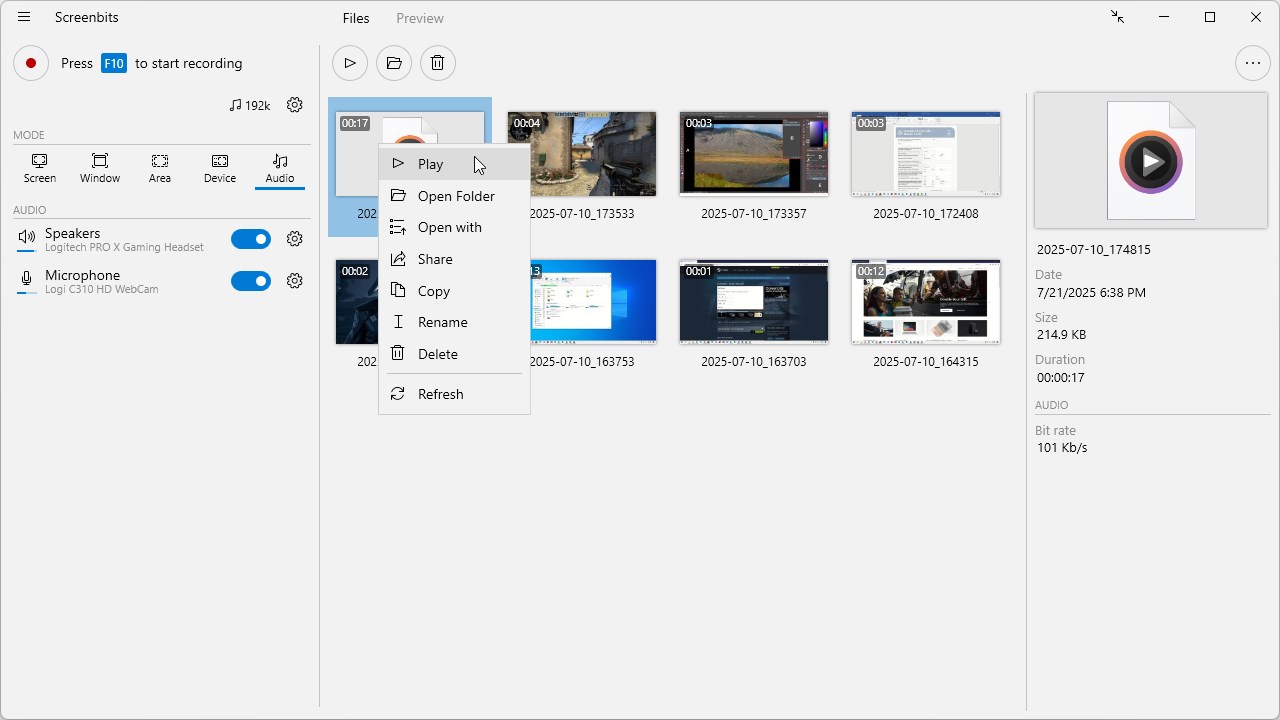
Designed with a minimalistic approach, the interface resembles a sleek control panel—easy to understand for beginners yet flexible enough for advanced users. The operation flow is smooth, with no noticeable lag or crashes reported, ensuring a reliable recording experience. The learning curve is gentle; even first-time users can grasp core functionalities within minutes, thanks to clear icons and straightforward menus. This kind of user-centric design transforms what could be a complex task into an intuitive process—like having a professional assistant guiding your every click.
What Makes Screenbits Stand Out?
Compared to other screen recorders and multimedia applications, Screenbits' most distinctive feature is its real-time annotation capability combined with customizable recording regions. While many competitors focus solely on video capture, this app integrates basic interactive tools that enhance the recording process itself, making tutorial creation, live annotations, and interactive demonstrations much easier. Moreover, its clean interface and responsive performance ensure that users can focus on their content rather than troubleshooting technical issues. These aspects give it a clear edge when compared to more cluttered or less feature-rich alternatives.
Final Recommendation and Usage Suggestions
Overall, I would recommend Screenbits to users seeking a reliable, straightforward screen recording app with unique real-time annotation capabilities. It's particularly suitable for educators, gamers, and content creators who value simplicity without sacrificing essential features. For those needing advanced video editing or specialized effects, it might fall slightly short, but as a focused screen capture tool, it hits the mark effectively.
Start with basic recording settings, explore the annotation tools during live recordings, and you'll find this app a helpful companion for creating engaging, professional-looking videos with ease. Whether for fleeting tutorials or detailed presentations, Screenbits offers a balanced mix of power and simplicity that makes screen recording less of a chore and more of an enjoyable craft.
Pros
- High-Quality Screen Recording
- User-Friendly Interface
- Multiple Recording Modes
- Built-in Editing Tools
- Fast Export and Sharing Options
Cons
- Occasional Performance Lag
- Limited Advanced Editing Features
- Watermark in Free Version
- Default Settings Need Customization
- Limited Support for Some File Formats










