

- Name Simple Transfer - Photos & Videos
- Category Photo & video
- Developer Rambax, LLC
- Available on PC
- OS Windows 10 version 14316.0 or higher
- languages English (United States)
Simple Transfer: Effortless Photos & Videos Transfer on Windows
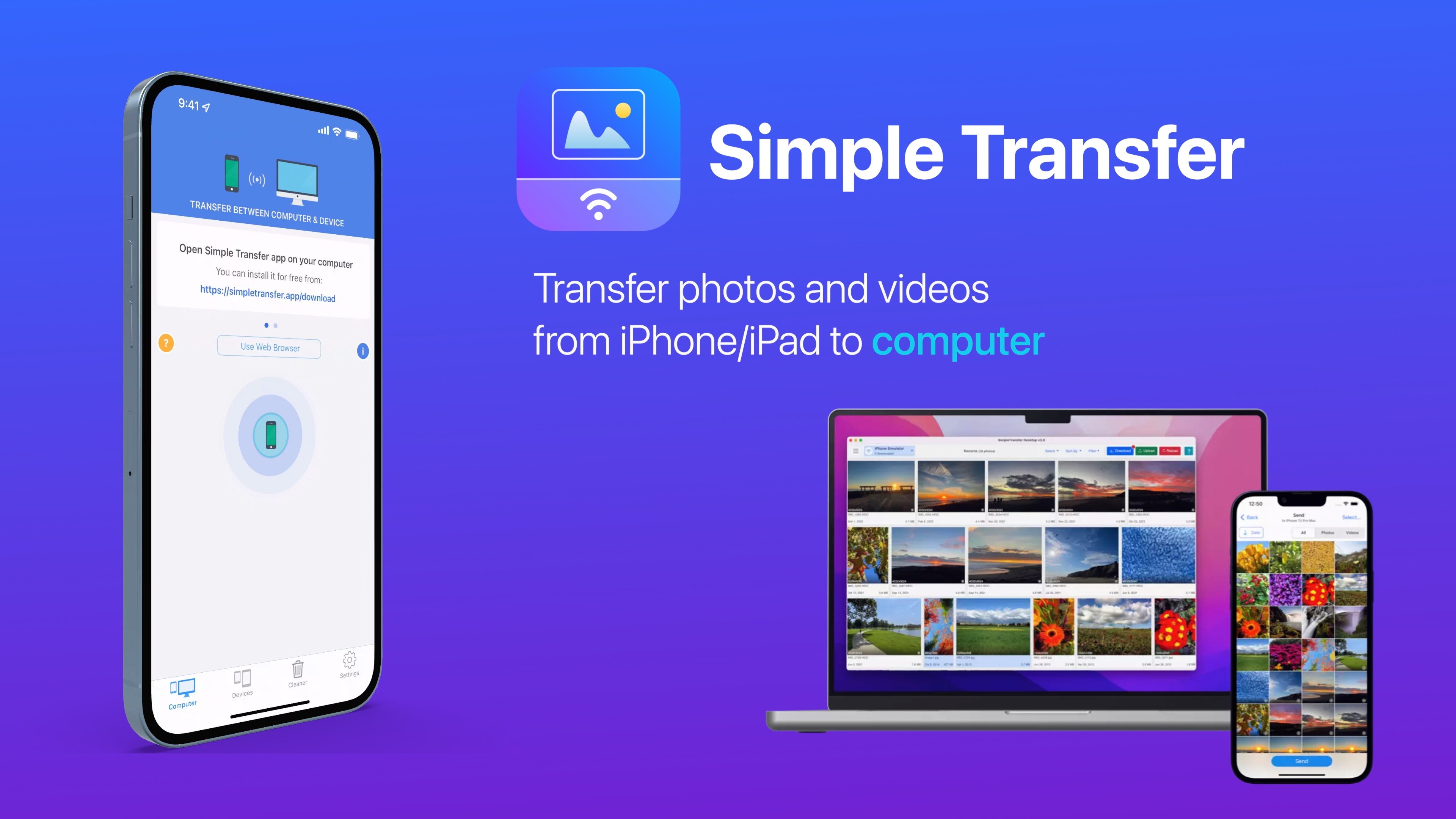
If you're tired of complicated photo and video transfer methods that feel more like a chore than a breeze, Simple Transfer offers a streamlined solution crafted for convenience and speed. Designed to make moving your media files between devices seamless, this app promises to keep your digital life clutter-free and efficient.
A Quick Glance at the Essentials
Developed by Rambax, LLC, Simple Transfer is a Windows application that simplifies the process of transferring photos and videos. Whether you're swapping content between your PC and mobile device or managing backups, this app is tailored for users seeking a straightforward solution without bells and whistles. Its main highlights include rapid transfer speeds, an intuitive interface, and multi-device support, making it ideal for casual users, content creators, and anyone needing quick media migration.
Fun and Functional: Making Media Transfer a Breeze
Imagine standing at a bustling train station with a heavy bag of photos and videos, wishing for a magic portal to whisk them away effortlessly. That's exactly what Simple Transfer feels like — a convenient portal for swiftly moving your media files without the headache of complex configurations. It's designed with a user-friendly mindset, turning what could be a technological chore into a smooth experience.
Core Functionality One: Rapid and Reliable Transfer
The standout feature of Simple Transfer is its ability to handle large media files swiftly. Using a straightforward connection process, the app detects your device and initiates transfer with minimal fuss. Whether you're sending hundreds of photos or lengthy videos, the transfer speeds are optimized to reduce waiting times. The reliability ensures your files arrive intact, preserving quality without corruptions or interruptions. This feature especially benefits photographers or videographers who need to offload media quickly after shooting, without losing precious time.
Core Functionality Two: Simple, Clean User Interface
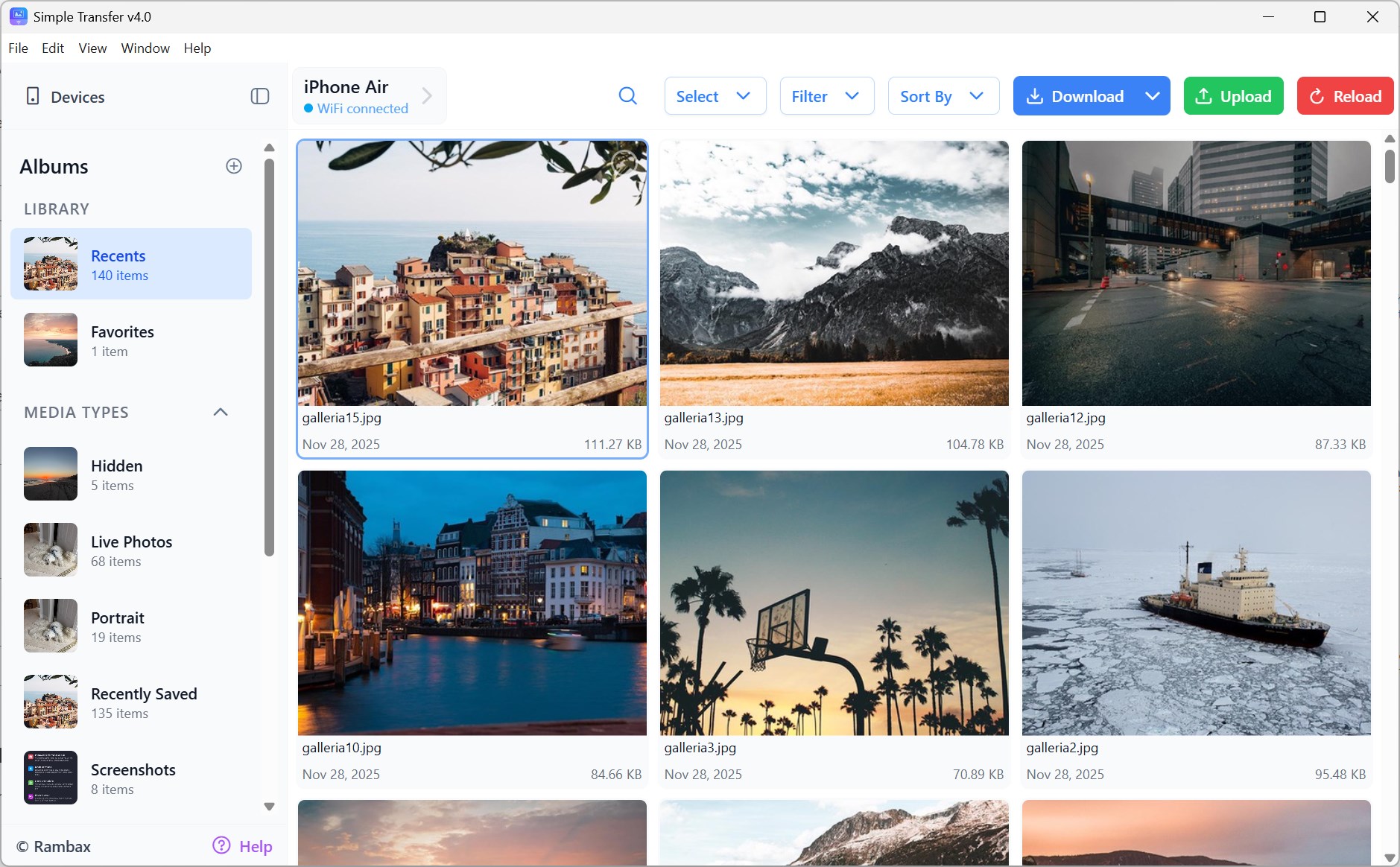
The app's interface is a breath of fresh air—clean, minimalistic, and intuitive. Navigating through options feels like flipping through a well-organized photo album rather than a maze of settings. Users can easily select files or entire folders with drag-and-drop simplicity, and the clear progress indicators keep you informed throughout. Even if you're not tech-savvy, the learning curve is gentle, making media transfer accessible to everyone from beginners to experienced users.
Unveiling the Unique Advantages
Unlike many traditional photo and video transfer solutions, Simple Transfer emphasizes speed and ease of use without sacrificing reliability. Its intelligent detection and connection process eliminate the fuss of manual configurations, and the app supports multiple file formats seamlessly. Additionally, the app's lightweight footprint ensures it runs smoothly without burdening your system resources. The app's simplicity does not mean sacrificing versatility; instead, it offers a focused experience that prioritizes your core goal: efficient media transfer.
Final Thoughts: A Friendly Guide for Your Media Transfers
Considering its straightforward operation, speed, and user-centric design, Simple Transfer is highly recommended for users who need a dependable and easy-to-use media transfer tool. It is particularly well-suited for photographers, videographers, or everyday users wanting quick transfers without complications. While it may not have all the bells and whistles of more complex media managers, its targeted approach makes it a standout choice for those seeking simplicity and efficiency.
In summary, if you're looking for a Windows app that transforms what could be a tedious process into a quick and painless task, Simple Transfer warrants a spot in your digital toolkit. Its most compelling features—speed and ease of use—are sure to make your media management more pleasant and less stressful.
Pros
- User-Friendly Interface
- Fast Transfer Speeds
- Multiple Device Compatibility
- Secure Data Transfer
- Selective Transfer Options
Cons
- Limited Format Support
- Occasional Transfer Failures
- In-App Advertisement Presence
- Limited Cloud Backup Options
- Battery Consumption










