

- Name AirMirroring - Screen Mirroring & Cast
- Category Photo & video
- Developer Chengdu BoostVision Technology Co., Ltd
- Available on PC
- OS Windows 10 version 17763.0 or higher
- languages Chinese (Simplified), Chinese (Traditional Chinese), English, French, German, Japanese, Portuguese, Spanish
Introducing AirMirroring: A Reliable Screen Mirroring Solution for Windows
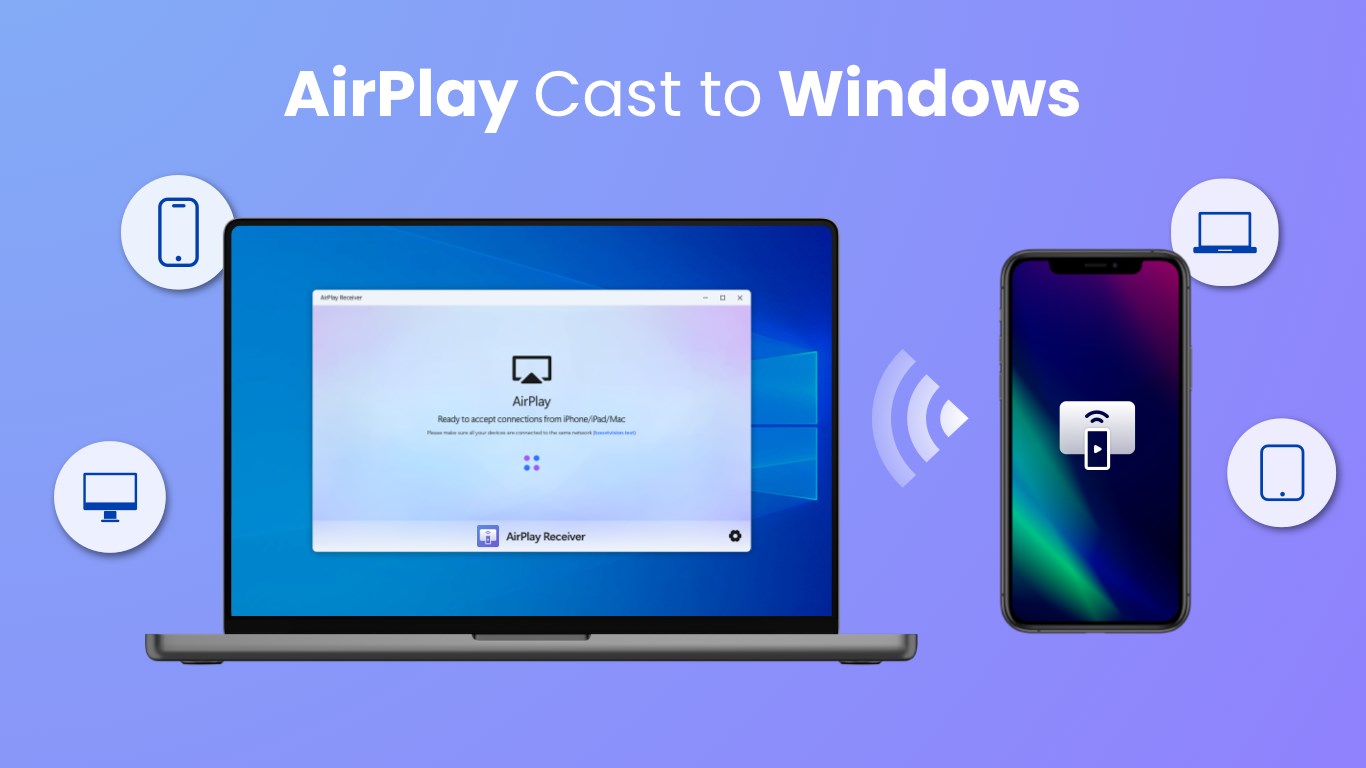
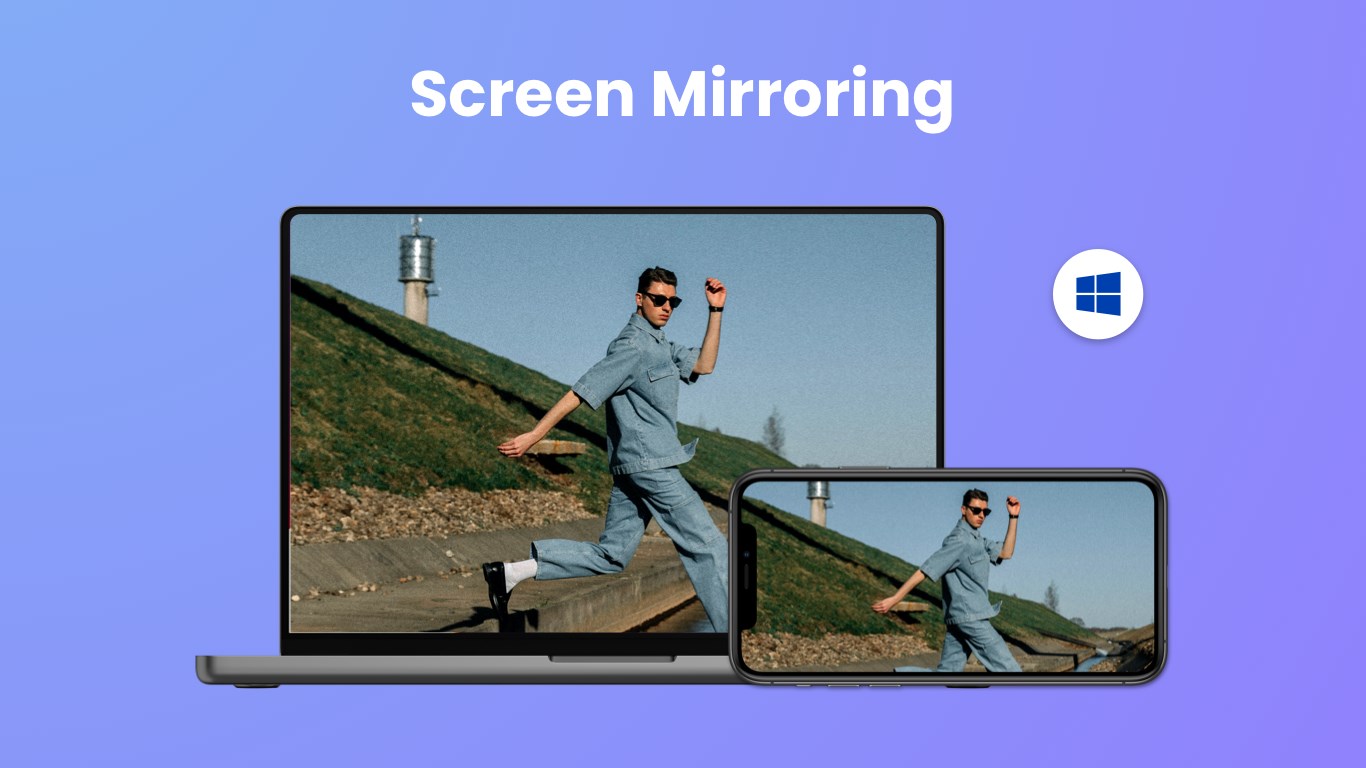
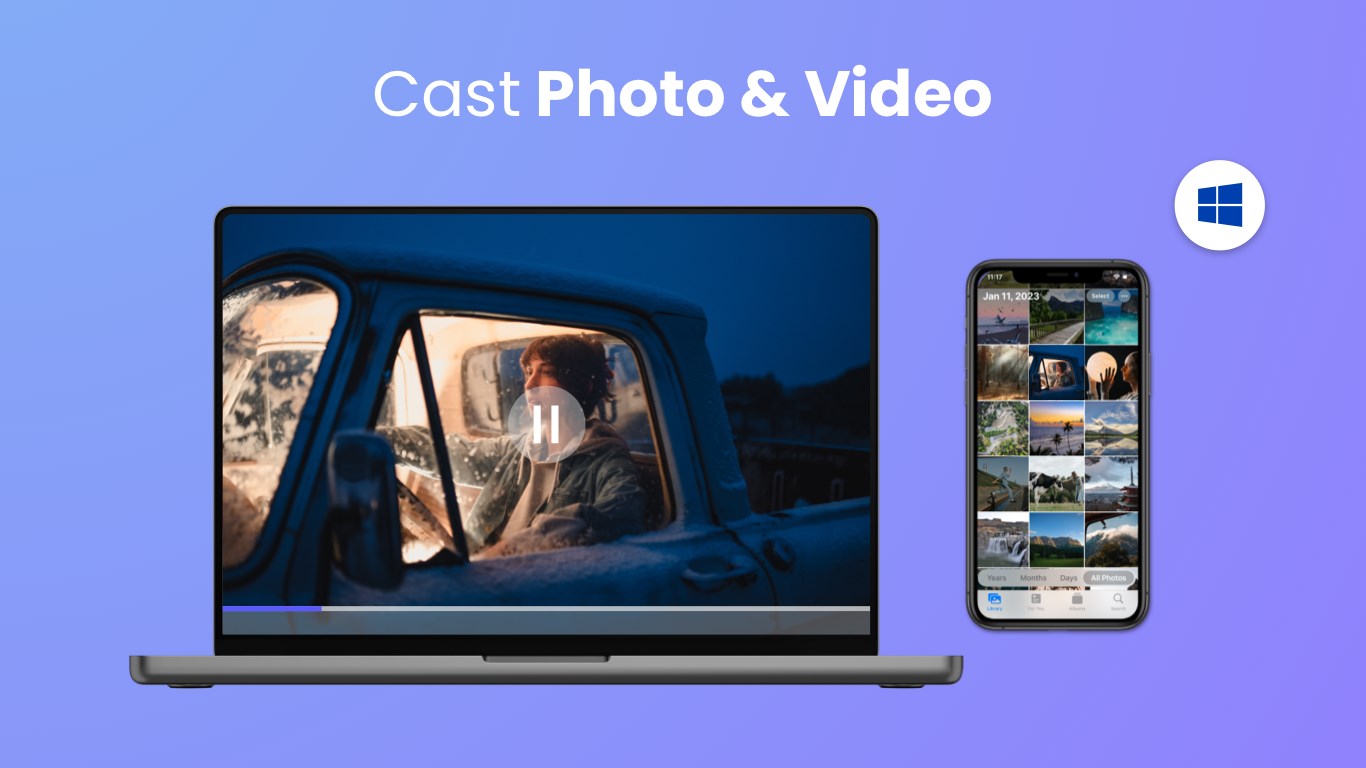
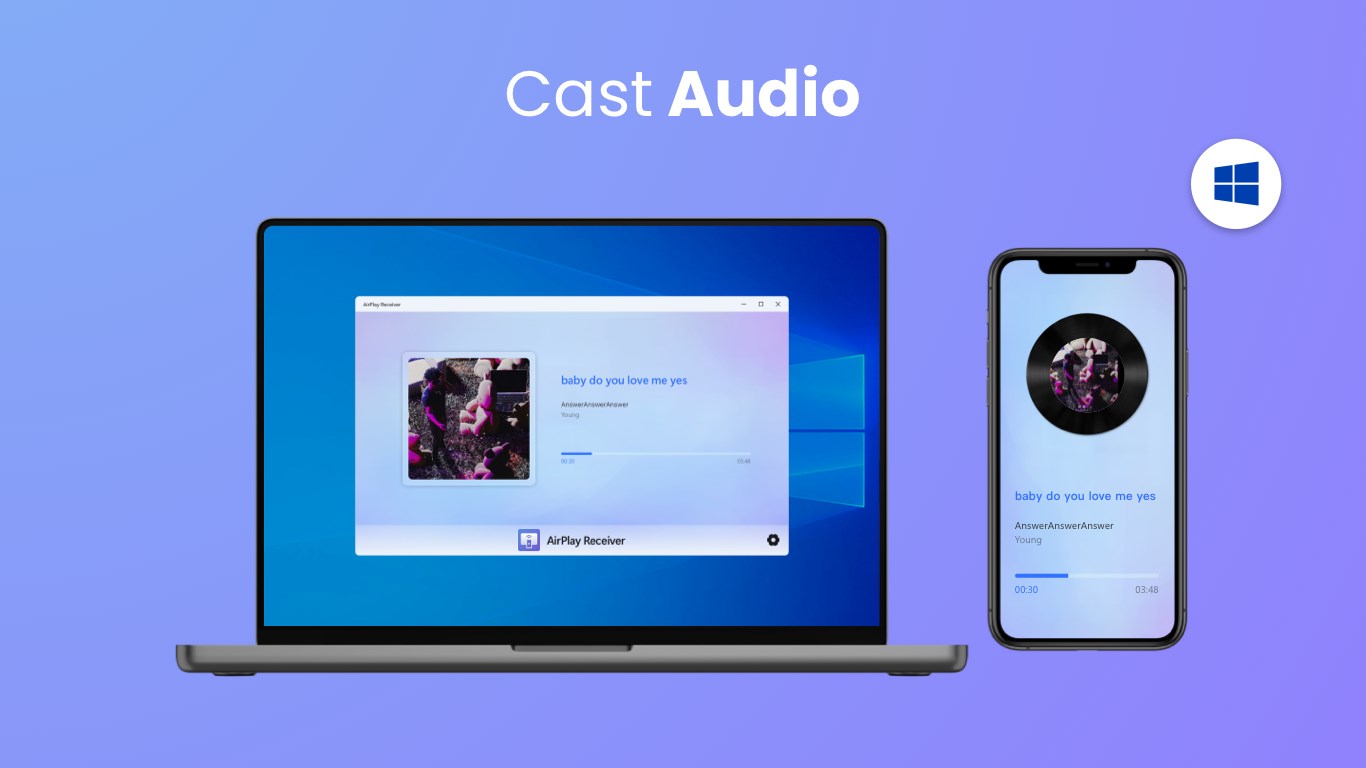
AirMirroring - Screen Mirroring & Cast for Windows is a user-friendly application designed to seamlessly project your device screens onto Windows PCs with ease. Whether you're giving a presentation, streaming media, or sharing content with friends, it aims to simplify the mirroring process with just a few clicks.
Developed by Chengdu BoostVision Technology Co., Ltd
Created by Chengdu BoostVision Technology Co., Ltd, this app benefits from a team with a solid background in multimedia and connectivity solutions, ensuring a stable and efficient user experience.
Key Features That Stand Out
- Versatile Device Compatibility: Supports casting from a wide range of smartphones, tablets, and other devices, including Android and iOS, making it suitable for diverse user needs.
- High-Quality Streaming: Ensures smooth, high-resolution screen transmission without significant lag, suitable for presentations, gaming, and media playback.
- Easy-to-Use Interface: Offers an intuitive layout that minimizes setup time and complexity, even for first-time users.
- Wireless Connectivity: Eliminates the need for cables or additional hardware, providing a clutter-free and flexible mirroring experience.
Vivid App Experience: Clear, Smooth, and Intuitive
Stepping into the app's interface feels like entering a well-organized control room—simple yet powerful. The main dashboard displays readily accessible options to connect your devices, with clear instructions guiding you through the pairing process. The overall design uses clean lines and minimal clutter, making navigation a breeze for even novice users. During testing, the app exhibited impressive fluidity; transitions and streaming were smooth without noticeable buffering or lag, demonstrating excellent optimization for practical everyday use.
Core Functionality Deep Dive: Mirroring Performance and User Interface
All of this is anchored in how effortlessly you can mirror your screen—whether you're casting a phone's display to your PC for a quick snapshot or sharing a presentation across devices for a meeting. The setup process involves just a few taps or clicks—connect, select your target device, and you're in action. The responsiveness during streaming was notably sharp, supporting full HD resolution with minimal latency, which is critical when engaged in interactive tasks or watching videos. The interface's simplicity masks its sophisticated under-the-hood performance, making it accessible yet powerful.
Unique Advantages Over Similar Apps
Compared to other screen mirroring tools, AirMirroring's standout feature lies in its robust compatibility and high-quality streaming. Unlike some counterparts that may limit device support or compromise on resolution and stability, this app offers broad device support and maintains high fidelity. Its focus on wireless technology also makes it more flexible—no need for cumbersome cables or additional hardware adapters. Additionally, the application's straightforward user experience reduces setup time and technical barriers—it's as easy as pairing Bluetooth devices.
Final Verdict and Recommendations
Overall, AirMirroring presents itself as a dependable and user-friendly solution for anyone needing reliable screen casting on Windows. Its most compelling feature—the combination of wide device compatibility and high-quality streaming—makes it a versatile choice for professionals, educators, and casual users alike. If you often find yourself sharing content or presentations wirelessly, this app can streamline your workflow significantly.
For those seeking a straightforward, high-performance mirroring tool without steep learning curves or hardware dependencies, I recommend giving AirMirroring a try. It's particularly suitable for users who value stability and clarity in their screen sharing experience, making it a handy addition to your device toolkit.
Pros
- Easy Connectivity
- High Compatibility
- Smooth Casting
- User-Friendly Interface
- Additional Features
Cons
- Limited Free Trial
- Connectivity Dependent on Wi-Fi
- Occasional Latency
- Limited Customization Options
- Compatibility Issues with Older Devices










