
- Name XML Hub
- Category Developer tools
- Developer Aadhil RF
- Available on PC, Mobile, Xbox console, Surface Hub, HoloLens
- OS Windows 10 version 17763.0 or higher
- languages English (United States)
An Innovative XML Tool for Windows Users
If you've ever wrestled with cumbersome XML files or long nights debugging data streams, XML Hub for Windows offers a breath of fresh air—streamlining your workflow with its intuitive interface and powerful features. Designed by Aadhil RF, this app positions itself as a reliable aid for developers, data analysts, and tech enthusiasts alike who need to handle XML data efficiently without sacrificing user-friendliness.
Who Is Behind XML Hub?
Developed and published by Aadhil RF, a small yet focused team dedicated to creating practical developer tools, XML Hub reflects their commitment to simplifying complex data management tasks for Windows users. With a straightforward approach, they aim to bridge the gap between technical functionality and accessible usability.
Top Features That Make XML Hub Stand Out
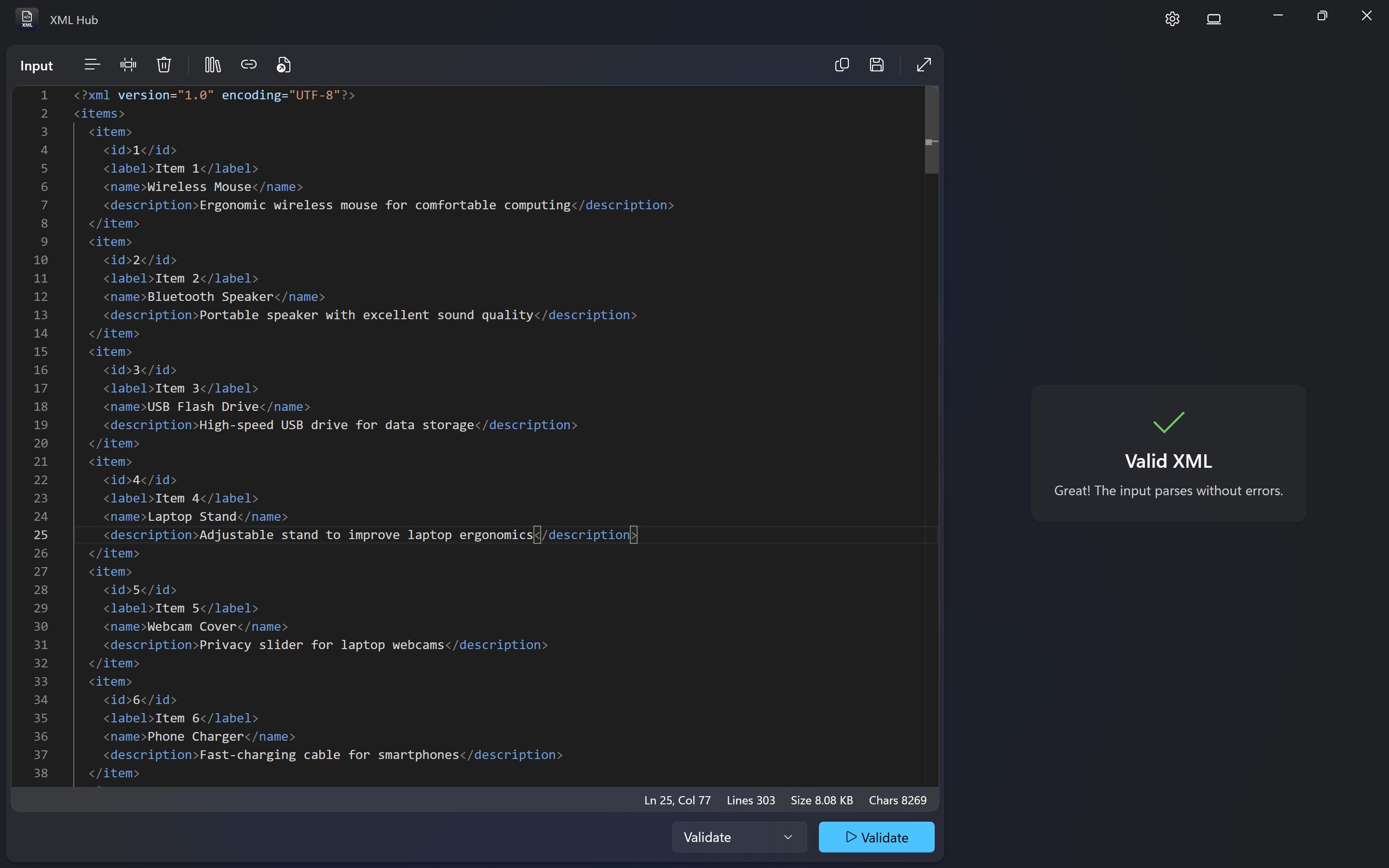
- Intelligent XML Parsing and Validation: Quickly load and validate your XML files, with real-time error detection that highlights issues clearly, saving you countless hours debugging corrupt data.
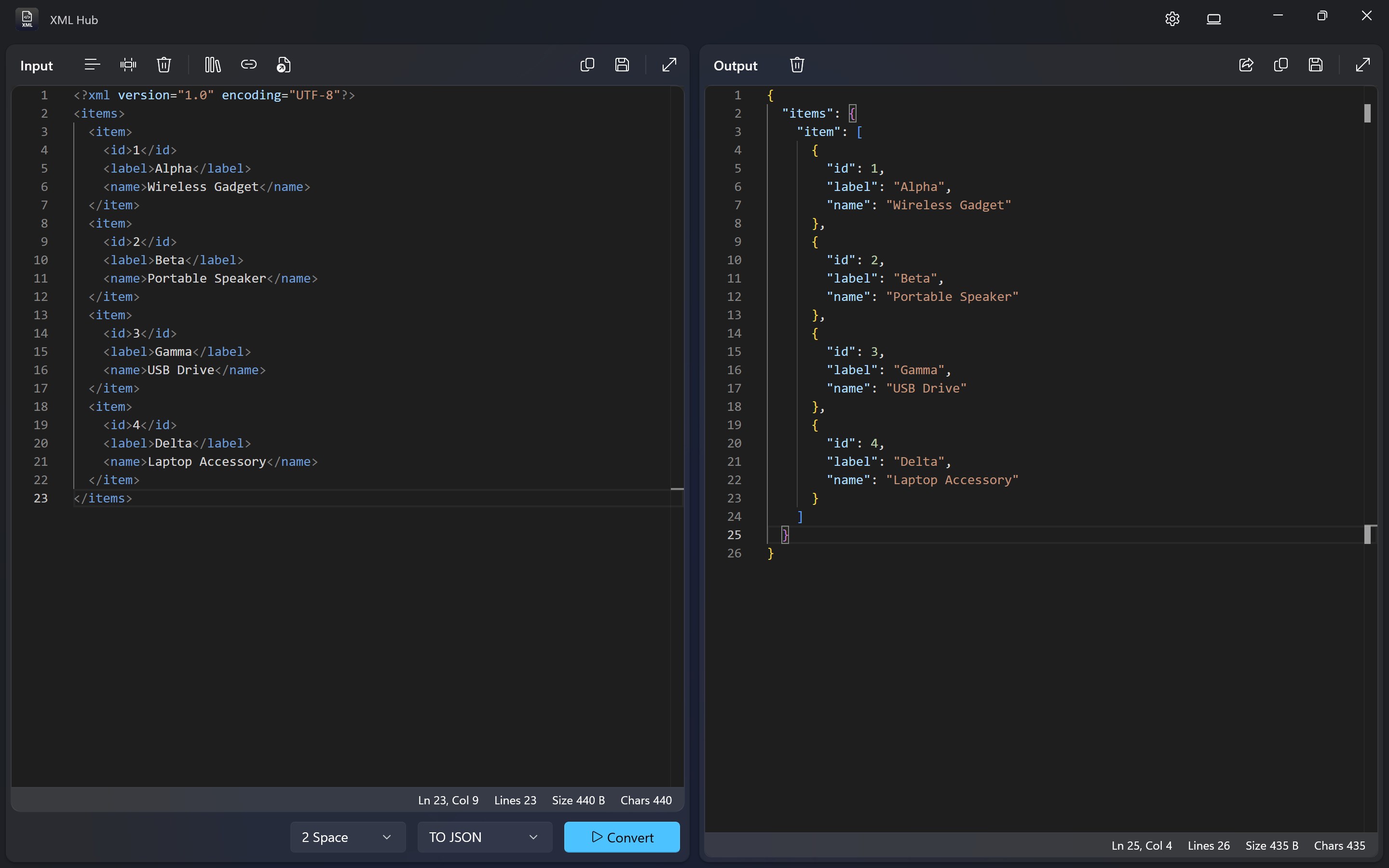
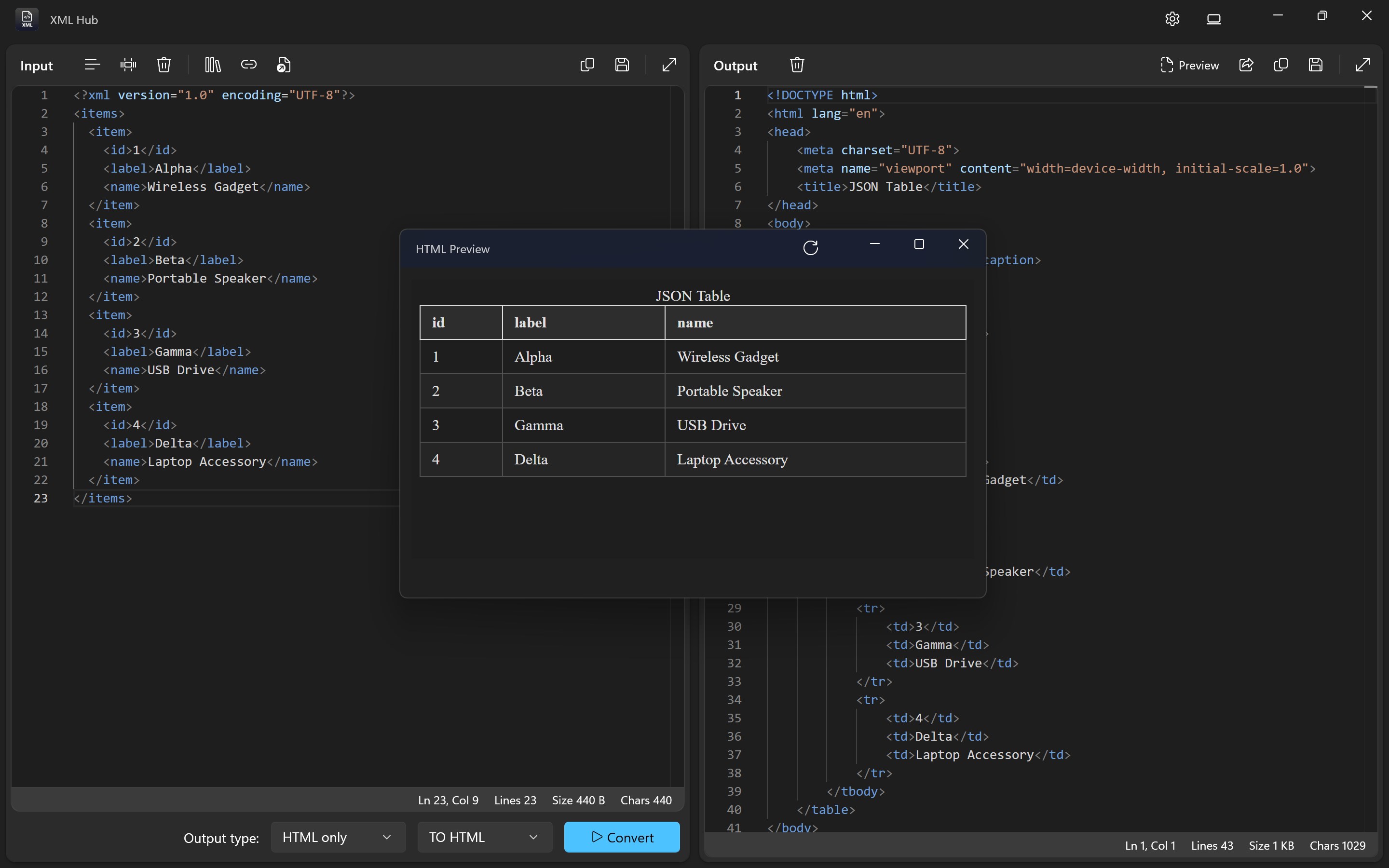
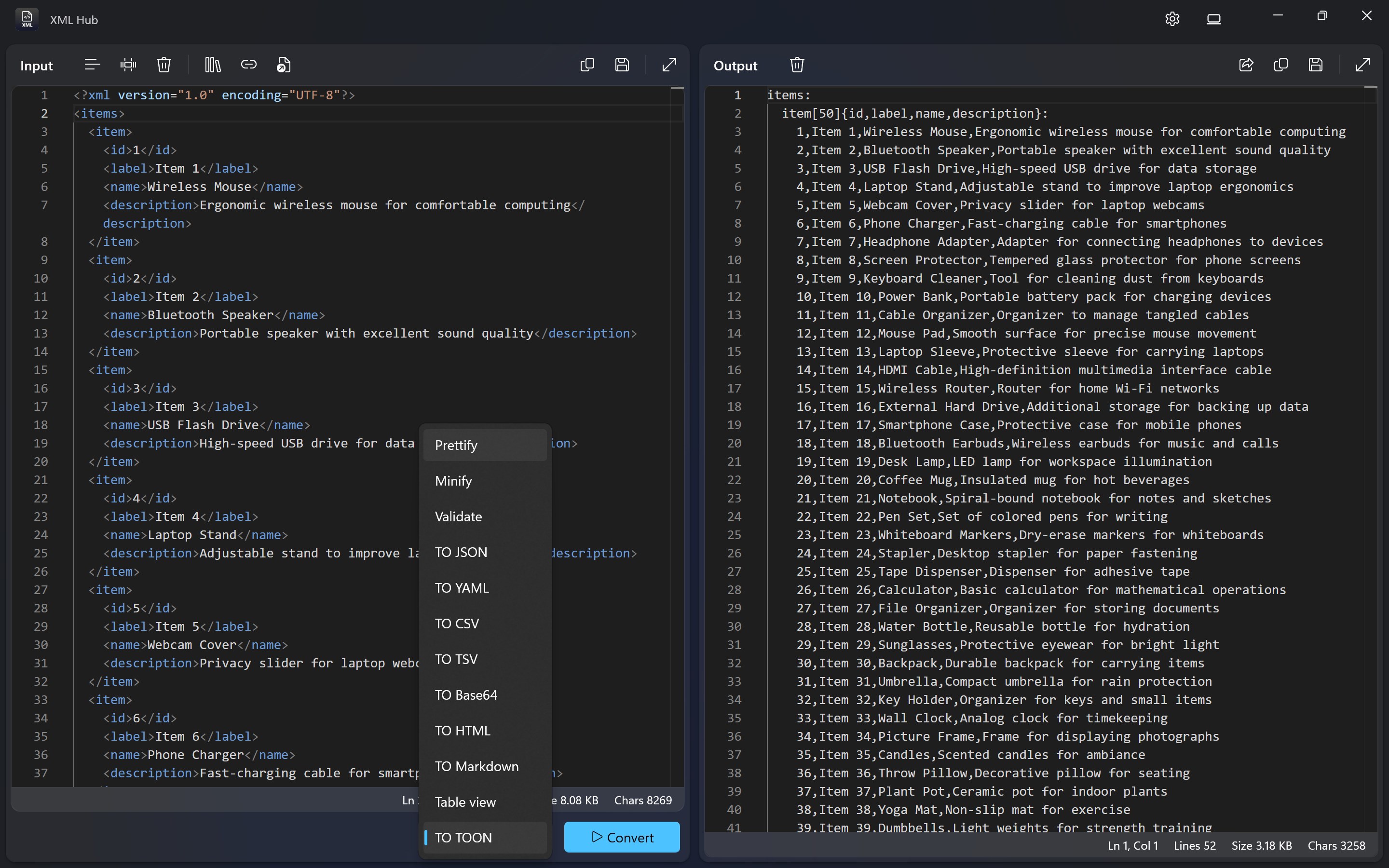
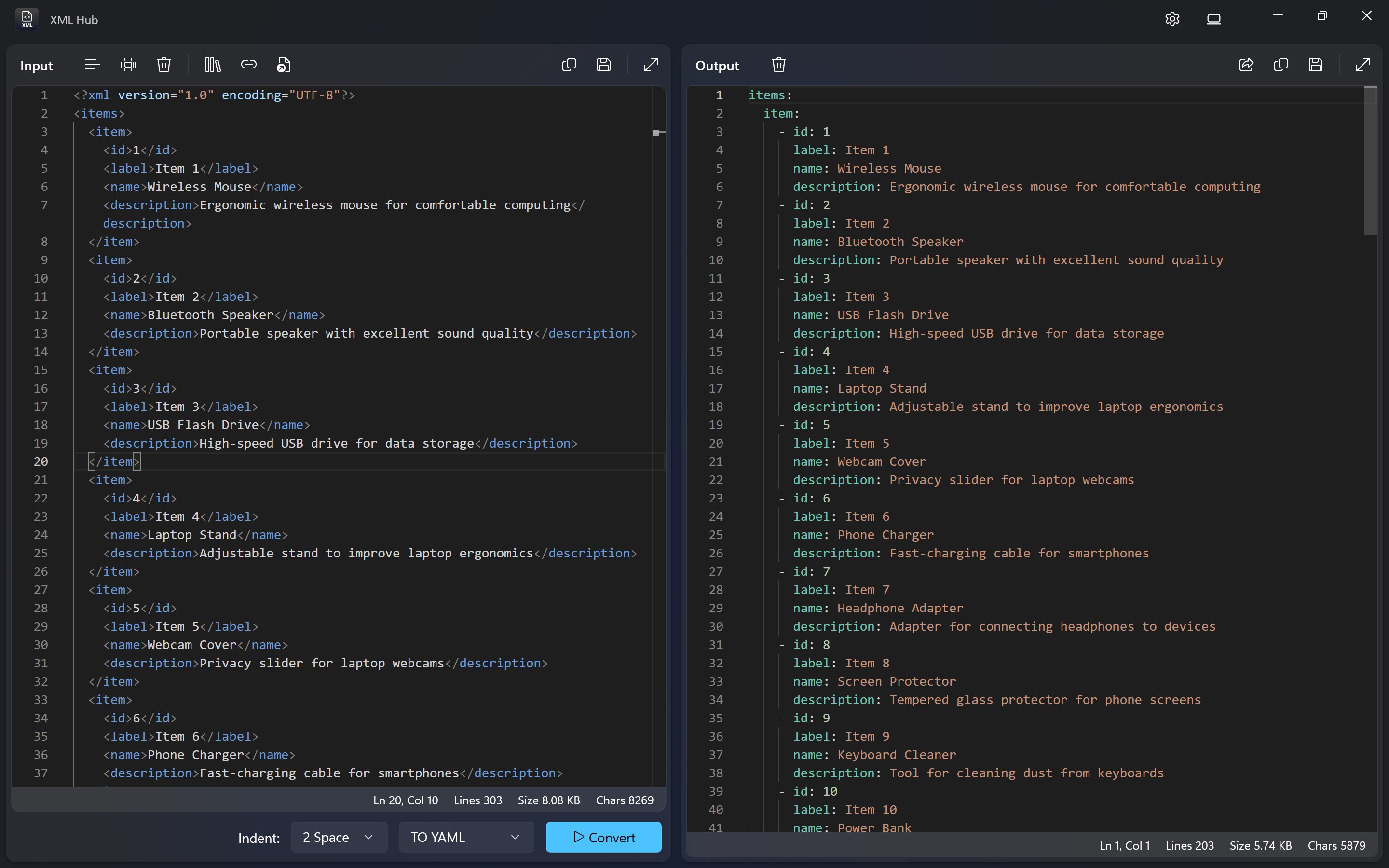
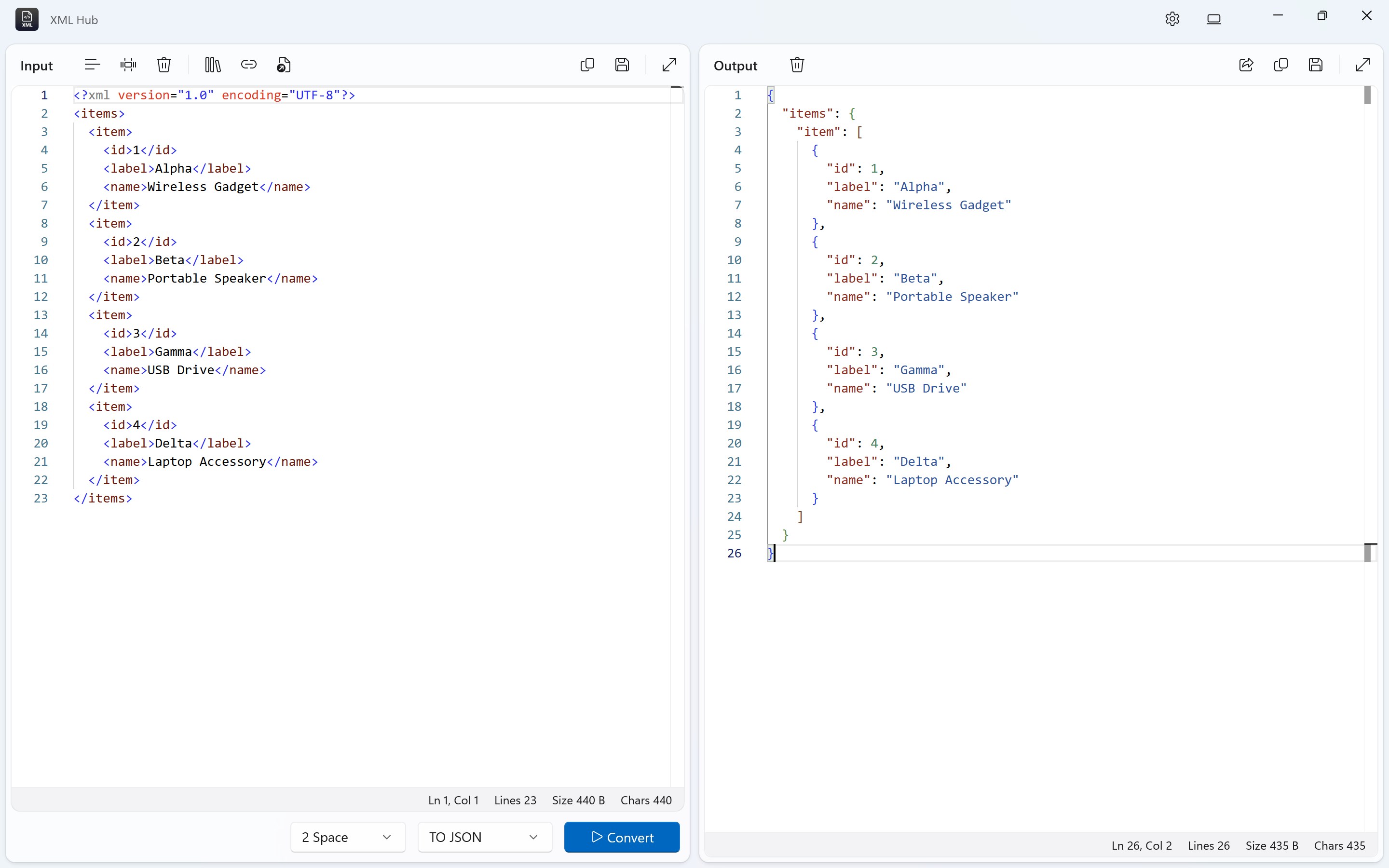
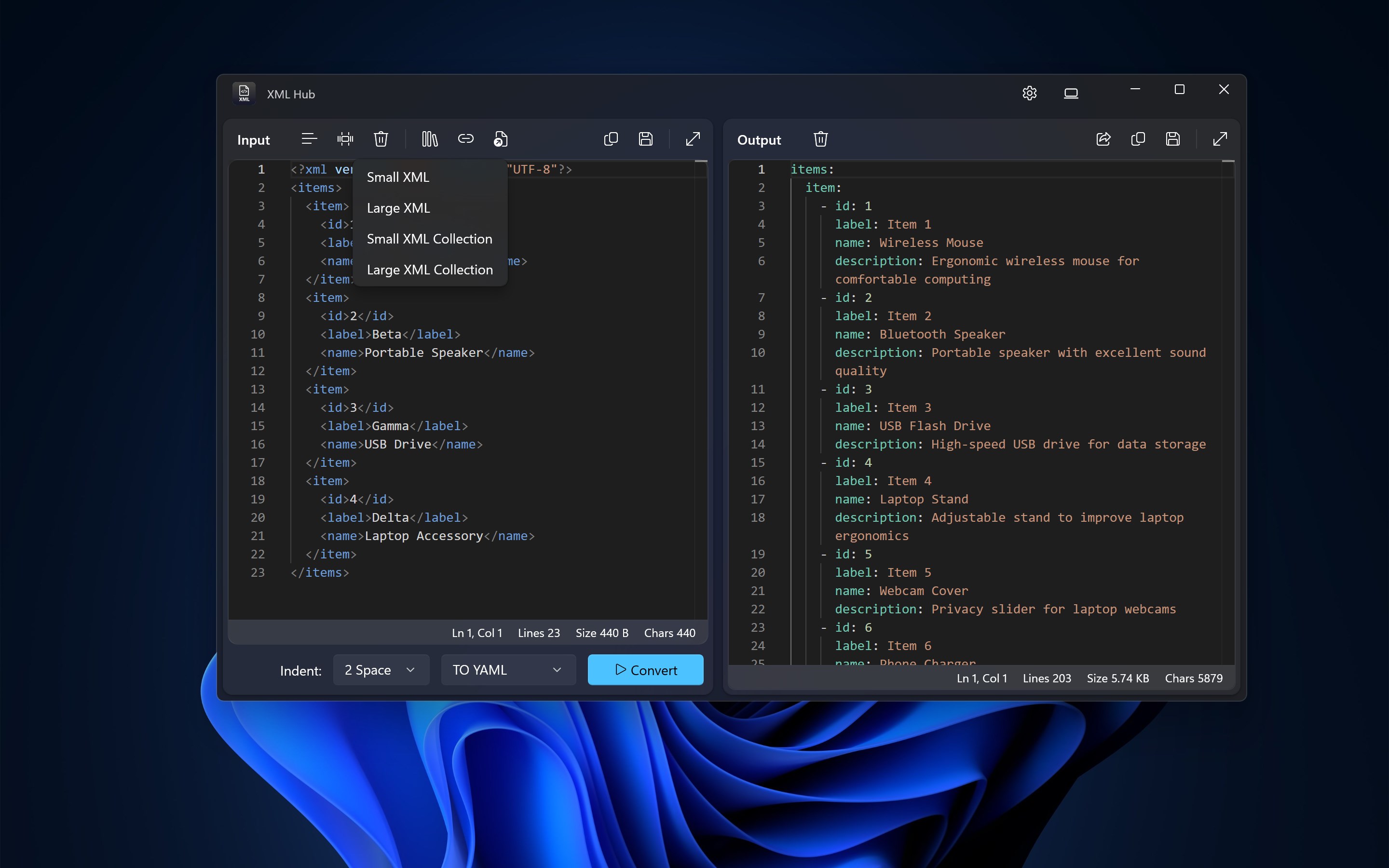
- Seamless Data Transformation: Convert XML data into multiple formats—JSON, CSV, and more—with just a few clicks, making data interoperability a breeze.
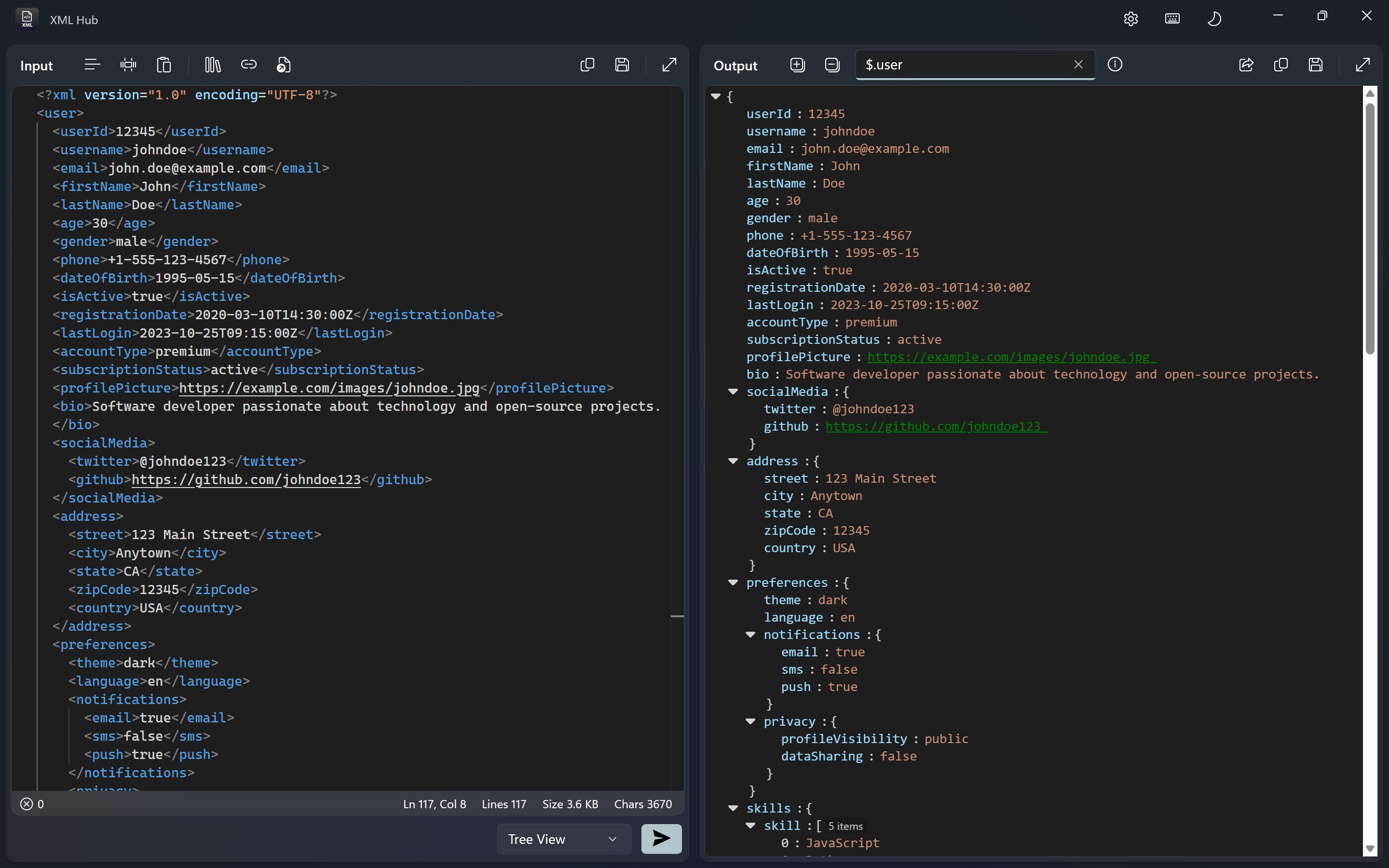
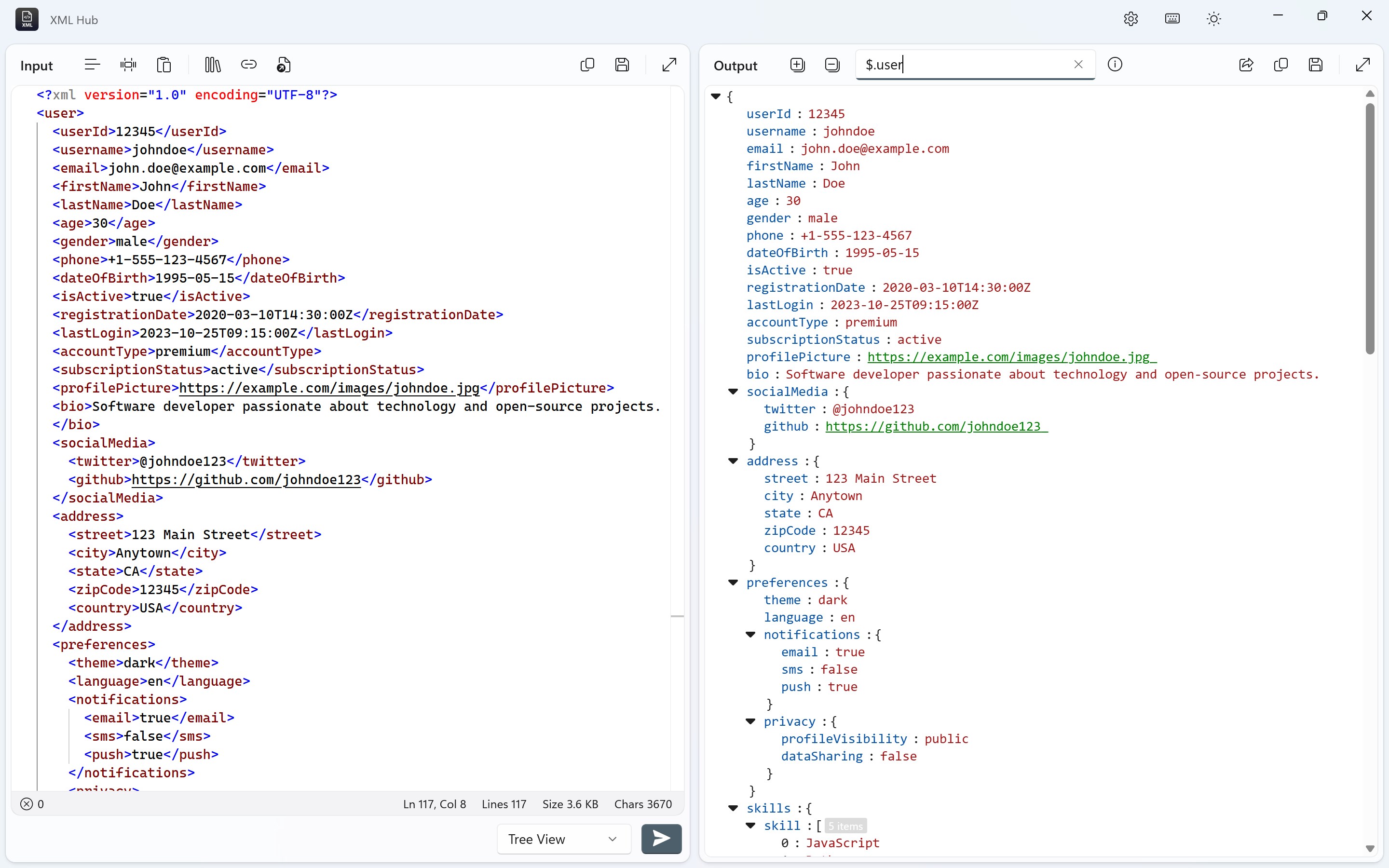
- Beautiful Data Visualization: Visualize your XML structure and data relationships through interactive diagrams, turning complex hierarchies into easily digestible graphics.
- User-Friendly Interface: An intuitive layout that guides users naturally through loading, editing, and exporting files—ideal even for beginners who might be daunted by raw XML code.
Immersive User Experience and Design
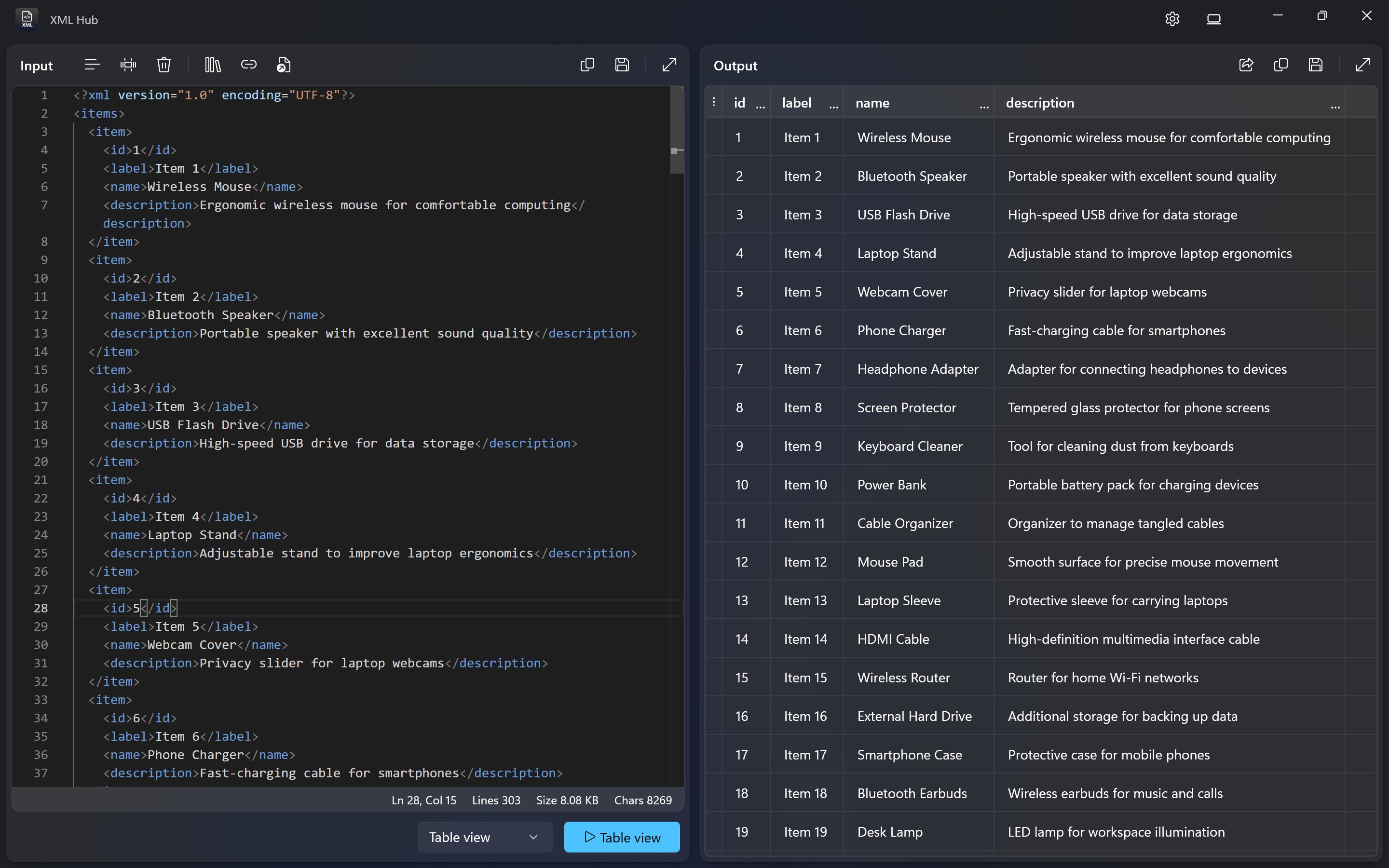
Opening XML Hub feels like stepping into a well-organized digital workshop. The interface strikes a nice balance between minimalist elegance and functional clarity. You're greeted with a clean workspace, where files are effortlessly loaded via drag-and-drop or browse buttons—no complex menus to wade through.
The app's responsiveness is immediate, with smooth transitions that keep your workflow flowing uninterrupted. Learning curve? Minimal. Most features are accessible with clear icons and tooltips, allowing new users to get up to speed within minutes. For seasoned developers, the customization options and quick-access tools provide enhanced productivity—making the experience both pleasant and efficient.
What Makes XML Hub Unique?
While there are several XML editors and viewers available, XML Hub's standout feature is its innovative combination of data validation, transformation, and visualization all in one package. Unlike traditional editors that focus solely on editing, this app empowers users to validate and transform data seamlessly—reducing tool-switching and potential errors. Its graphical visualization capability transforms what could be an opaque data structure into an easily understood diagram—much like turning a dense forest into an accessible map.
This holistic approach makes XML Hub particularly suitable for users who need to not only edit XML files but also analyze and present data in a manner that's comprehensible—be it for documentation, debugging, or reporting tasks.
Should You Give It a Try?
Based on its functionality and ease of use, XML Hub deserves a solid recommendation for developers, data engineers, and students working with XML data. Its free core features are sufficient for many standard tasks, and the intuitive design ensures a gentle learning curve. If your workflow involves frequent XML validation or conversion, this app can serve as a reliable companion—saving you time and frustration.
In summary, XML Hub for Windows isn't just another XML viewer; it's a thoughtfully crafted tool that elevates XML handling from a cumbersome chore to a manageable, even pleasant, task. Whether you're a hobbyist exploring data structures or a professional managing complex datasets, this app might just become your go-to XML assistant.
Pros
- User-friendly interface
- Fast processing speed
- Rich feature set
- Regular updates
- Free to use
Cons
- Limited customization options
- Occasional stability issues
- Basic error handling
- Limited export formats
- Lack of cloud synchronization











