

- Name GWSL
- Category Developer tools
- Developer Opticos Studios
- Available on PC
- OS Windows 10 version 18335.0 or higher
- Keyboard Not specified
- Mouse Not specified
- languages English (United States)
GWSL for Windows: Bridging the Linux-GUI Gap with Ease
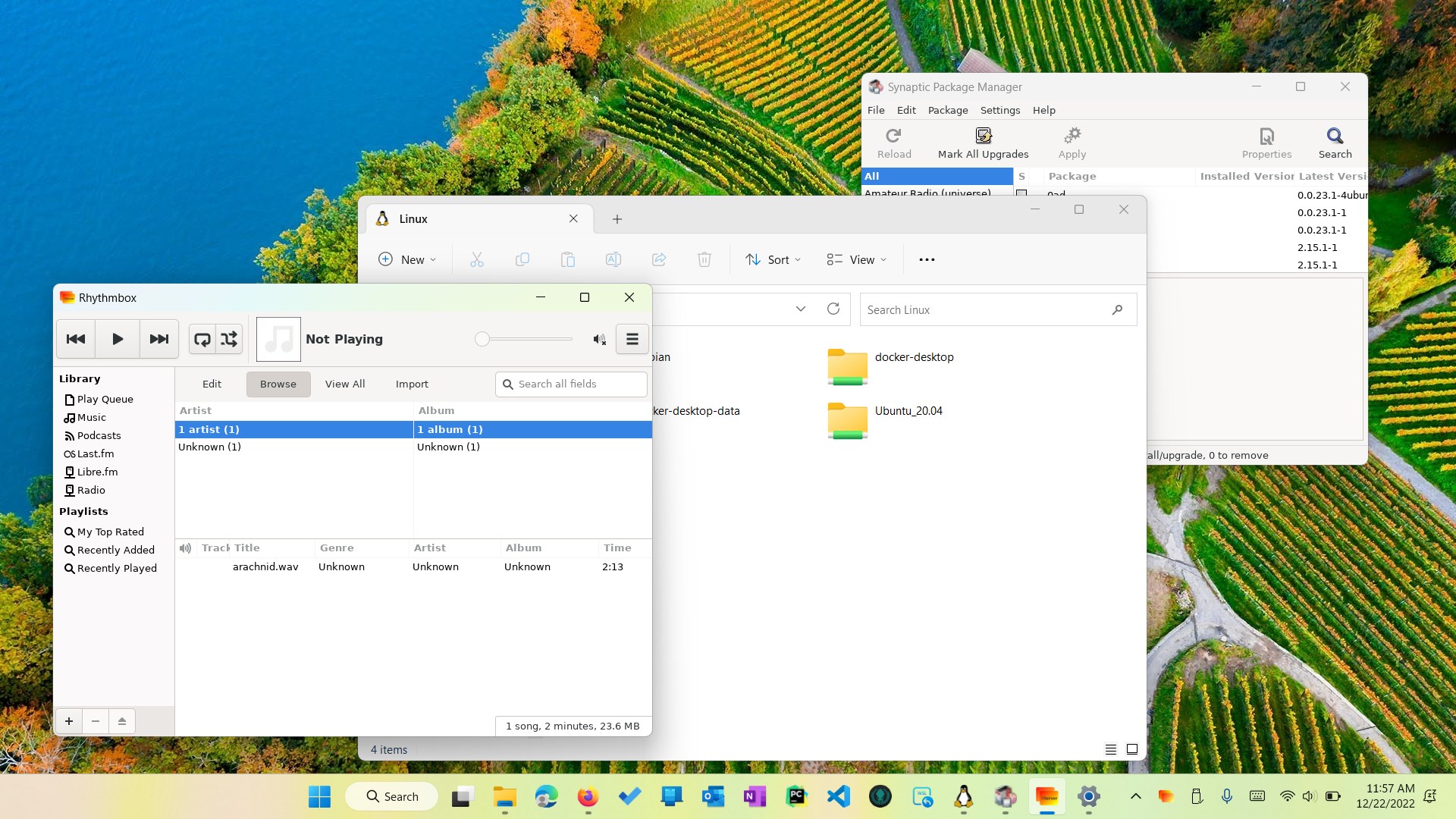
GWSL for Windows emerges as a practical tool that seamlessly integrates Linux graphical applications into your Windows environment, transforming your familiar OS into a versatile development workspace. Whether you're a developer, a sysadmin, or a curious tech enthusiast, this app promises to make working across platforms less of a hurdle and more of an adventure.
About the Developer and Core Offerings
Developed by Opticos Studios, GWSL (which stands for "GUI for Windows Subsystem for Linux") capitalizes on the growing popularity of the Windows Subsystem for Linux (WSL). Its main features include an easy-to-use GUI management system, built-in support for multiple Linux distributions, and straightforward configuration tools that save time and reduce the complexity typically associated with Linux GUI setups.
Designed with a broad target audience, from developers coding in Linux environments on Windows to IT professionals testing cross-platform applications, GWSL aims to streamline the Linux experience without leaving the Windows ecosystem behind.
Vivid Beginnings: Connecting Windows and Linux in a Snap
Imagine a painter seamlessly blending two colors to create a harmonious masterpiece—GWSL does just that for your operating systems. It's like having a bilingual assistant who effortlessly translates Linux GUIs into Windows-friendly visuals, removing the traditional barriers and making Linux applications feel native. This app dramatically simplifies what used to be a complicated setup process, bringing a layer of clarity and convenience to your workflow.
Core Features Spotlight
Intuitive GUI Management System
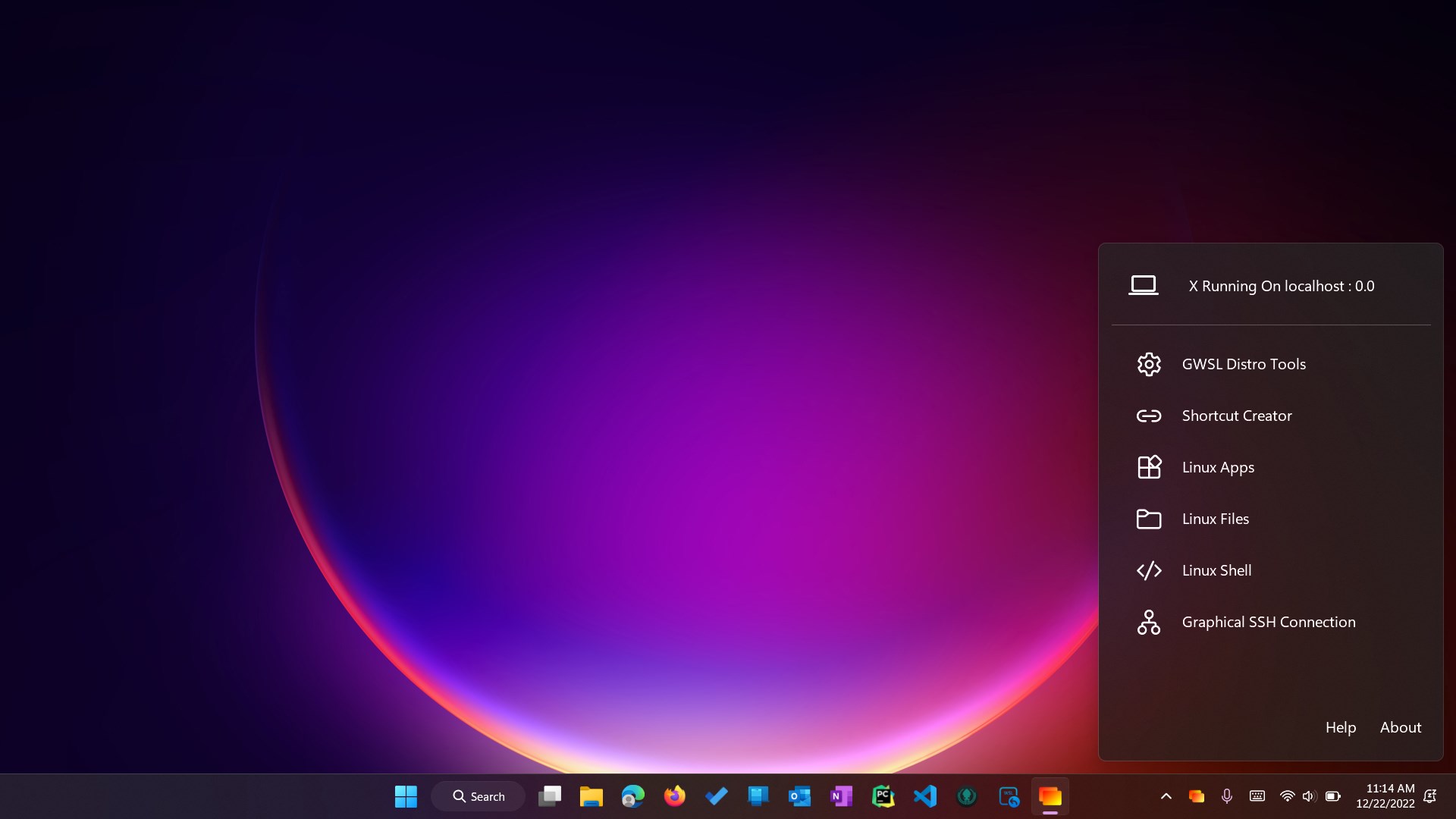
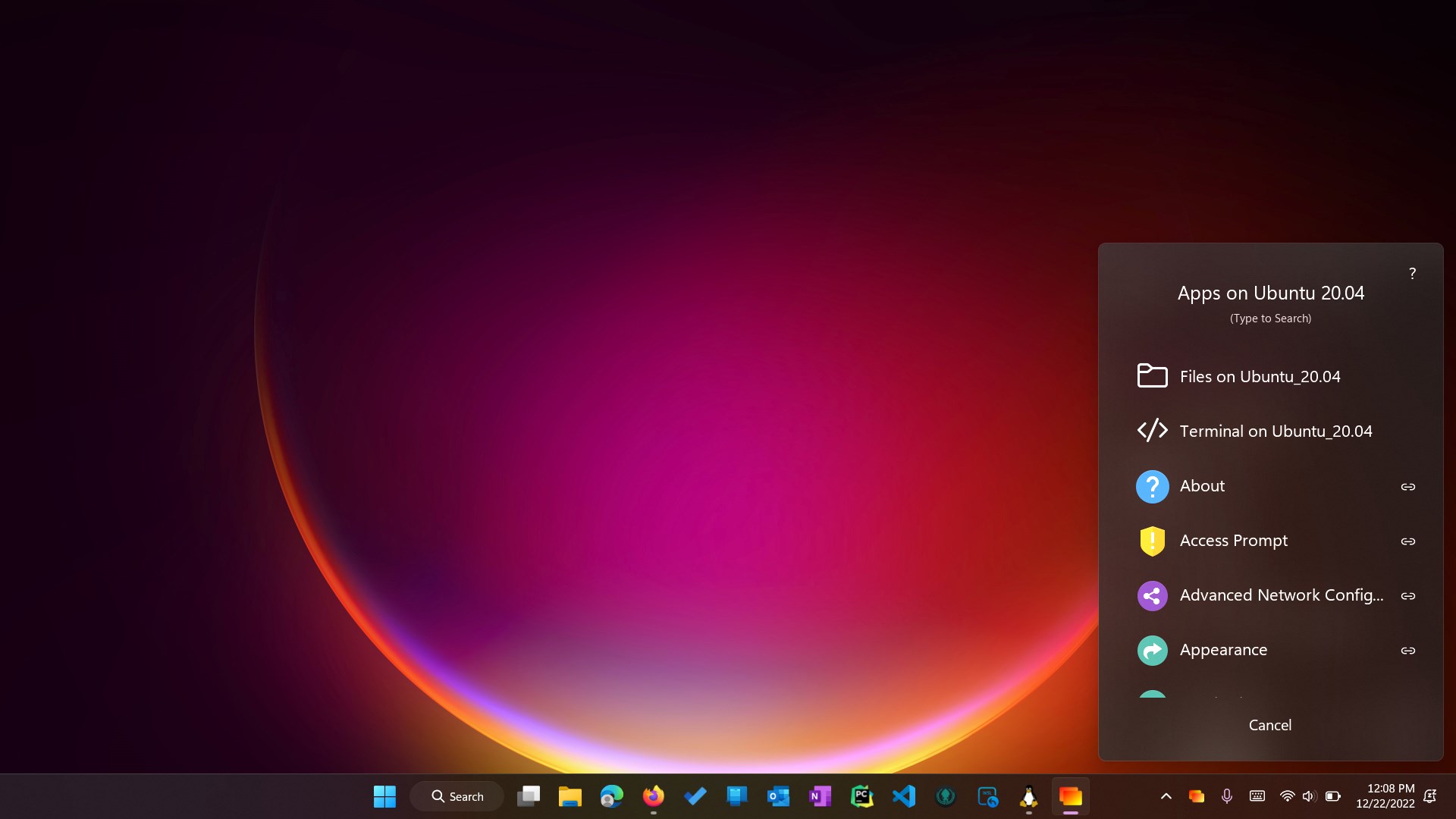
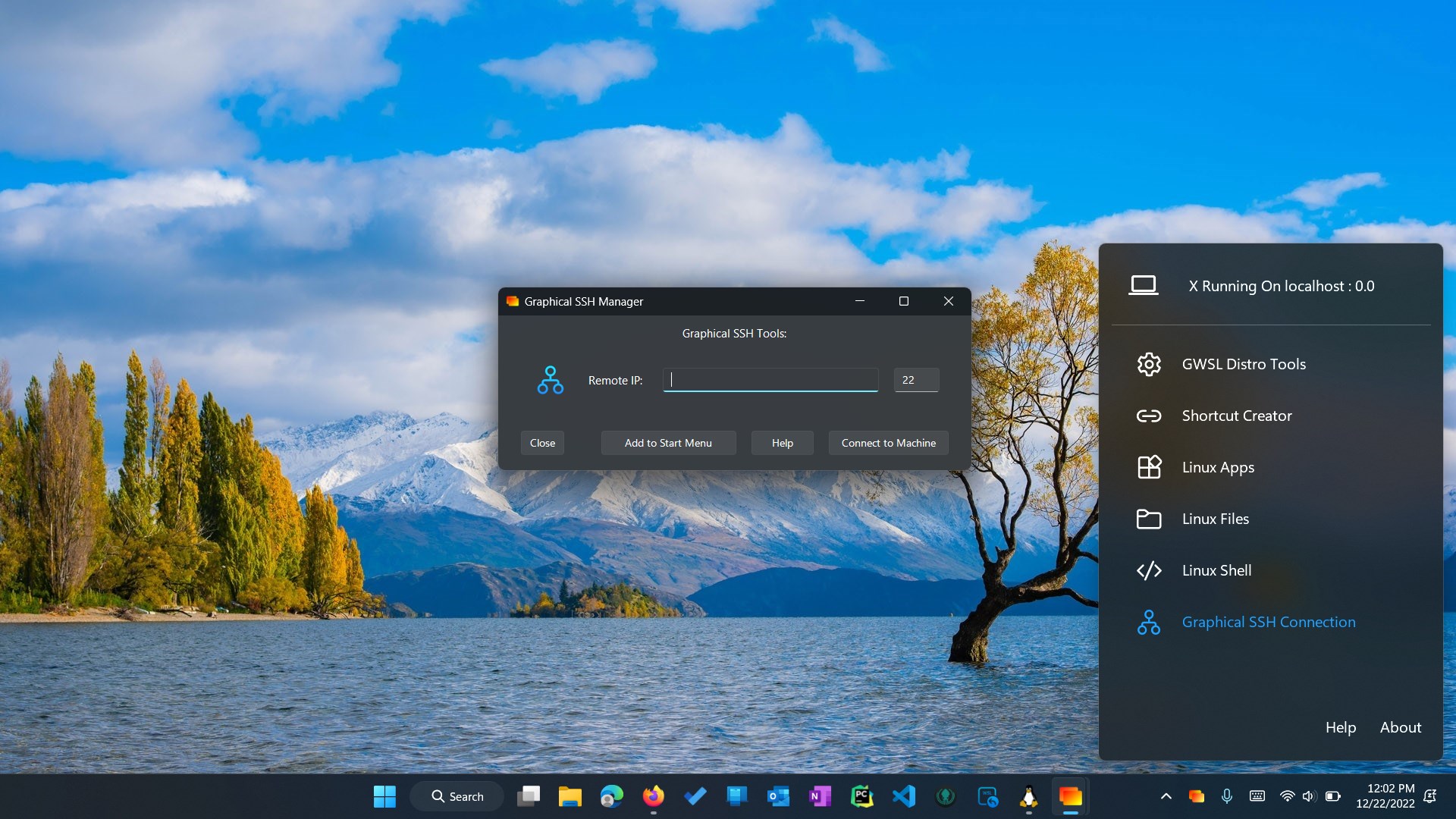
The heart of GWSL lies in its simple interface that allows users to launch, manage, and organize multiple Linux GUI applications effortlessly. Instead of hunting through command lines or manual configurations, users can point-and-click their preferred applications, which GWSL then handles behind the scenes. It's akin to having a smart organizer that keeps your Linux apps ordered and readily accessible.
Support for Multiple Distributions
GWSL isn't locked into a single Linux flavor—it's versatile enough to support Ubuntu, Debian, Kali, or other distributions you wish to run. Think of it as a multilingual translator that understands different dialects, enabling you to switch between Linux environments with minimal fuss. This flexibility broadens your toolkit, making it easy to test or run various Linux apps side by side.
Smooth Configuration and Setup
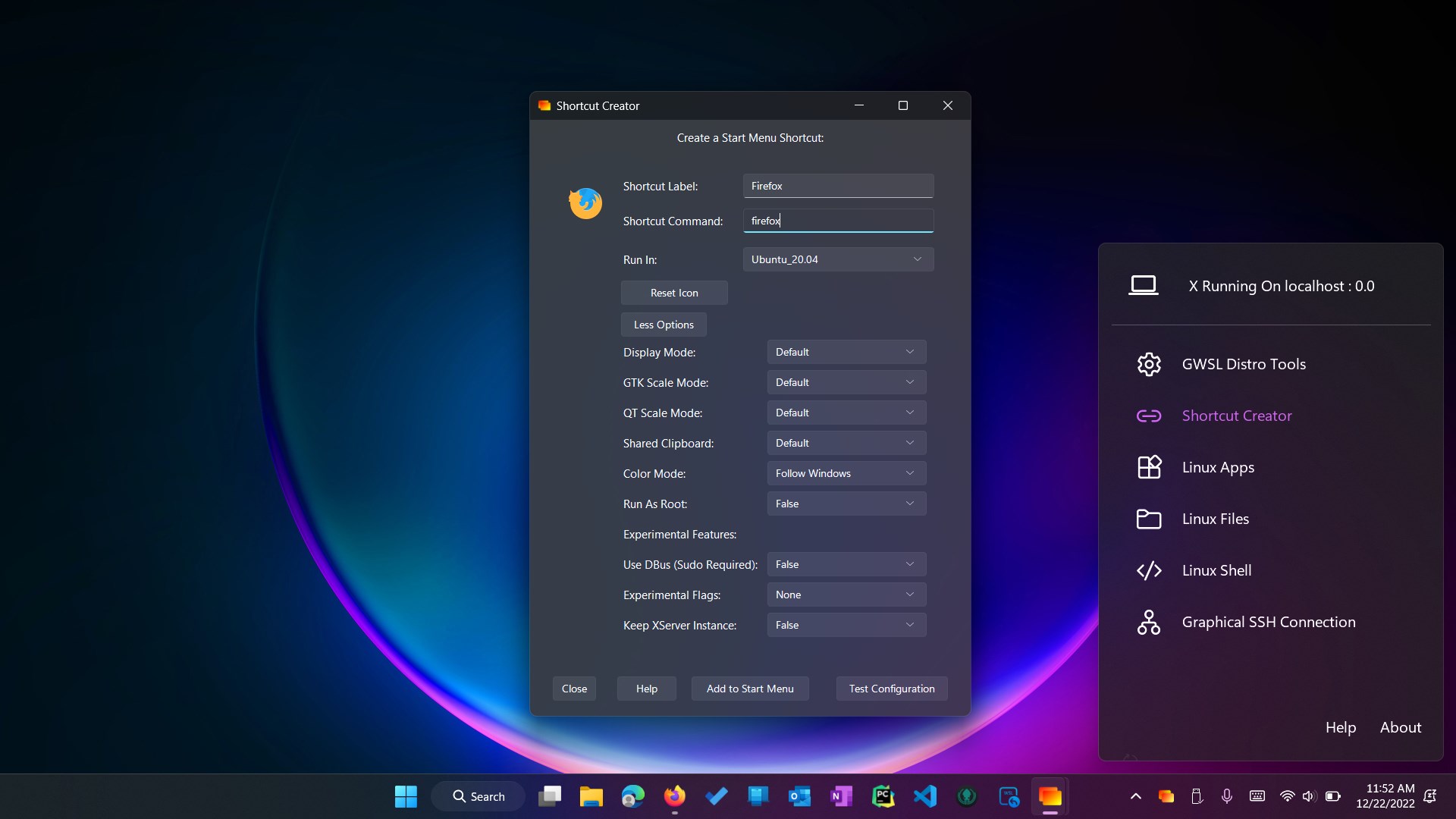
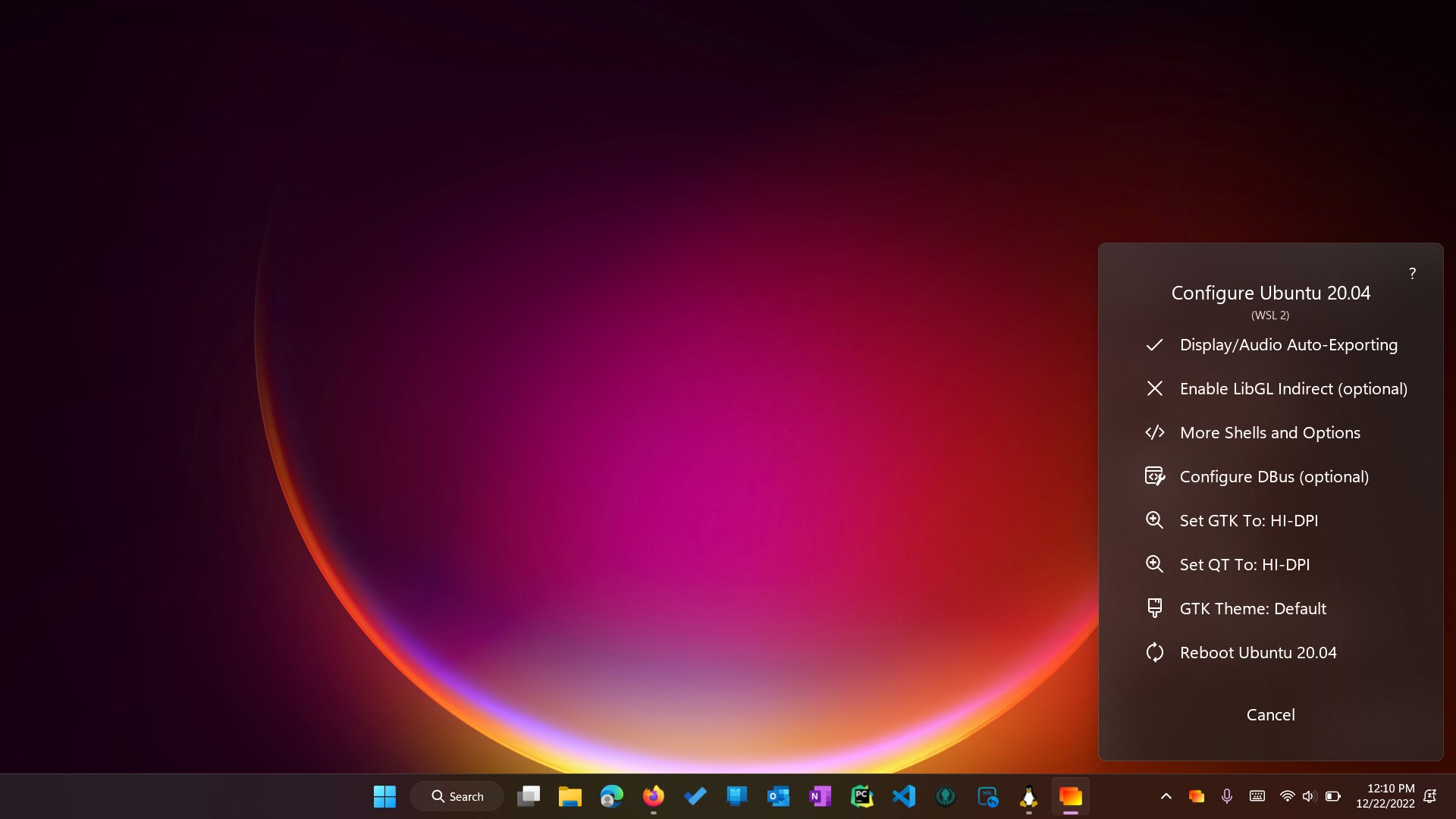
Setting up Linux GUIs traditionally involved hefty command-line work, often intimidating to newcomers. GWSL counters that with a friendly GUI wizard that guides users through configuration steps, automates installs, and optimizes performance. It feels less like navigating a maze and more like following a well-marked trail—fast, clear, and worry-free.
Design, Usability, and Unique Advantages
The interface of GWSL feels clean, modern, and approachable, with a dashboard layout that resembles a familiar app launcher. The aesthetics are minimalistic yet functional—a visual cue that simplicity is a core principle here. Navigating through different Linux GUI options feels snappy, with minimal lag, thanks to well-optimized background processes. For users new to Linux GUIs, the learning curve is gentle; the app provides helpful prompts and clear instructions, making it accessible even for those less tech-savvy.
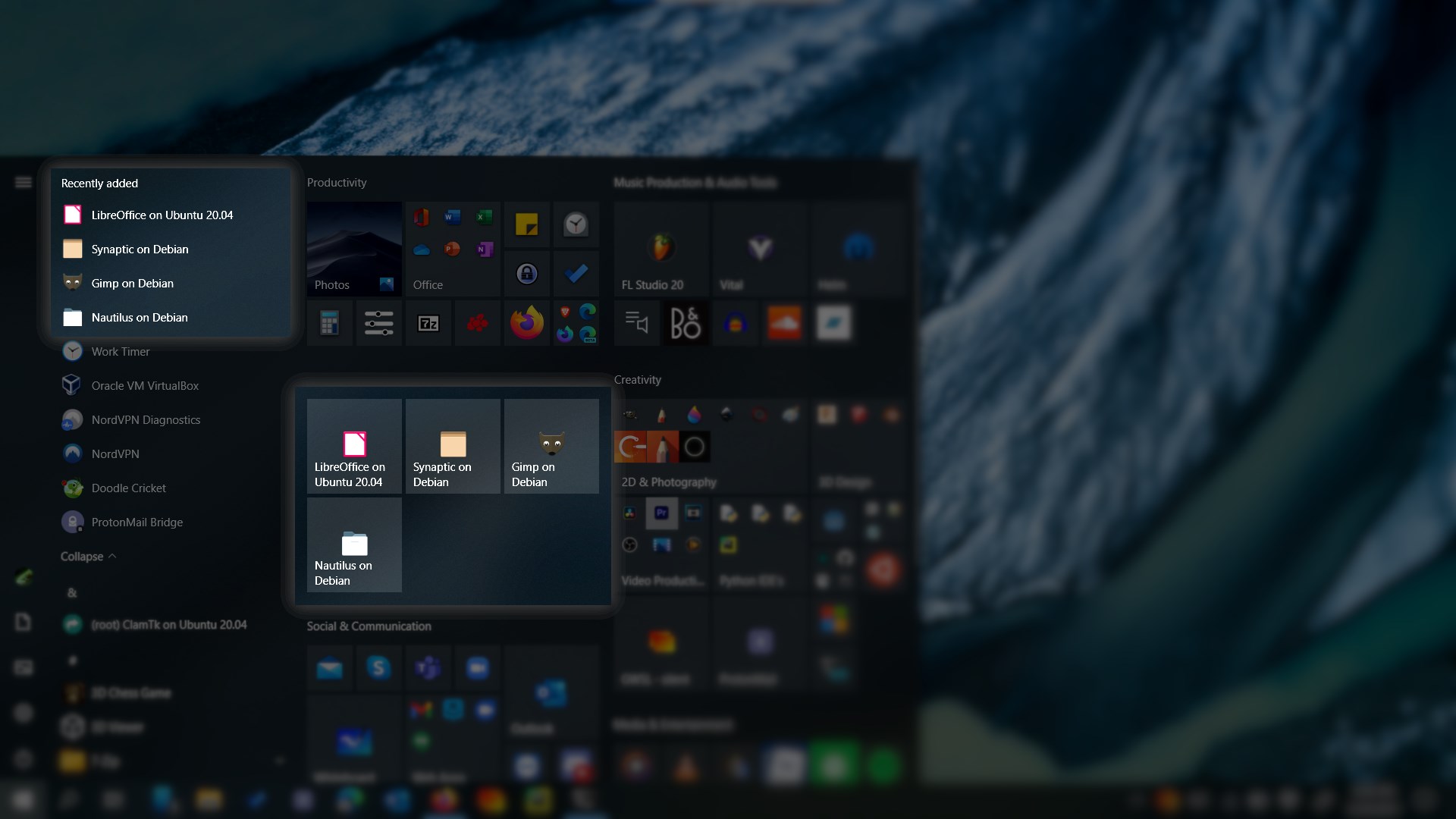
What makes GWSL particularly stand out are its robust management features and the way it tightly integrates Linux GUI apps into the Windows environment. Unlike some other development tools that merely emulate or virtualize, GWSL offers near-native performance with a transparent interface. Its capability to automatically detect and configure multiple distributions gives it an edge over more manual, piecemeal solutions.
Would I Recommend It? Who Should Use GWSL?
If you're a Windows user who frequently needs access to Linux GUI tools—be it for development, testing, or educational purposes—GWSL is a solid choice. It democratizes the Linux GUI experience, making it accessible without deep technical know-how. While power users might appreciate the automation and multi-distro support, beginners will find the straightforward setup and management a breath of fresh air.
Given its balanced design and focus on user experience, I'd rate GWSL as a recommended tool for most Windows users seeking smoother Linux GUI interaction. It excels as a complementary service rather than a replacement for more robust virtualization solutions, but for everyday use, it's a reliable, user-friendly gateway into the Linux world on Windows.
Pros
- Seamless integration with Windows
- Supports multiple Linux distributions
- Easy graphical interface setup
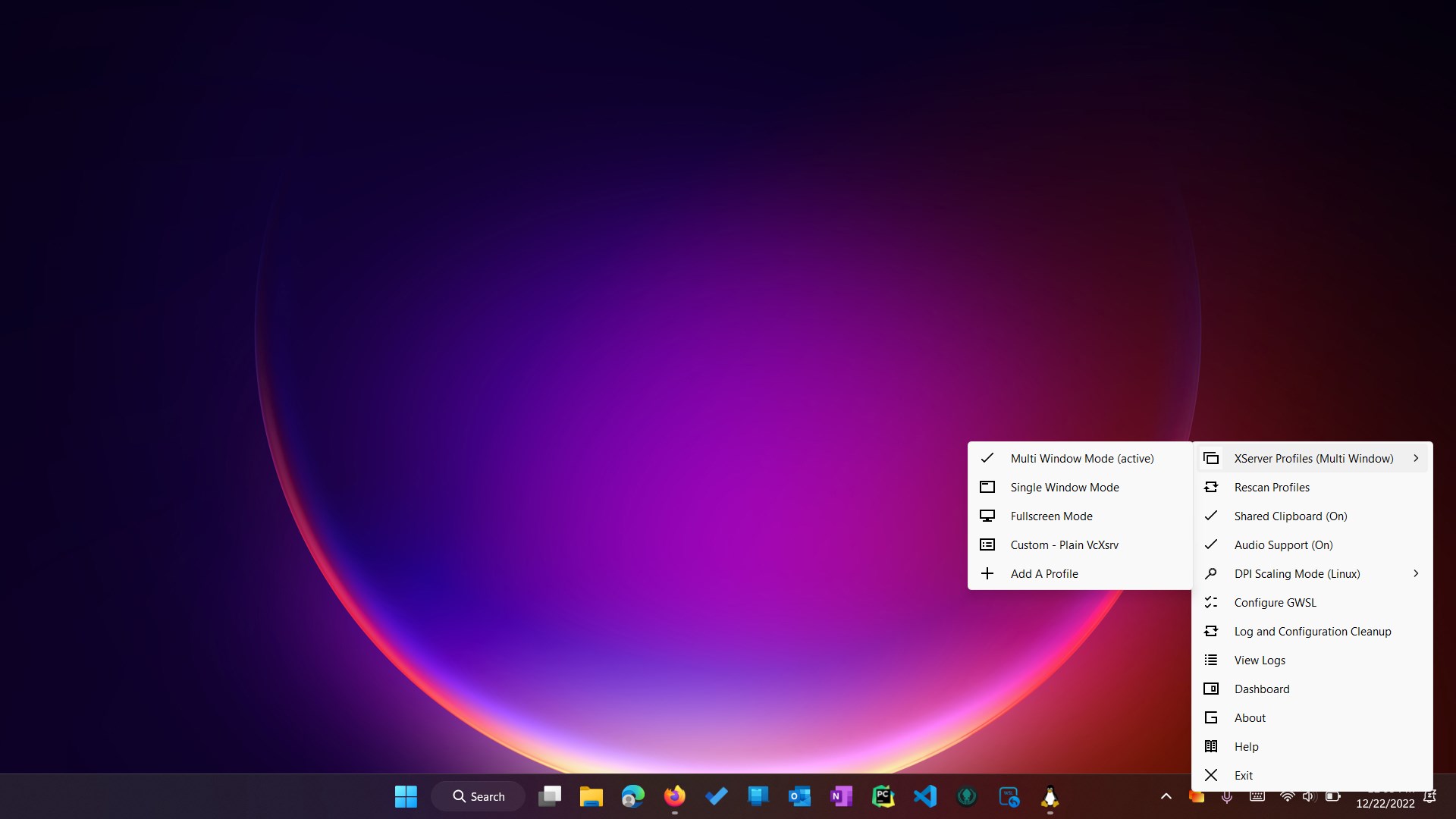
- Has built-in X Server support
- Regular updates and active community
Cons
- Occasional performance lag during intensive graphics tasks
- Limited documentation for advanced configurations
- Compatibility issues with certain Windows updates
- Some Linux applications may not run perfectly
- Initial setup can be confusing for beginners










