

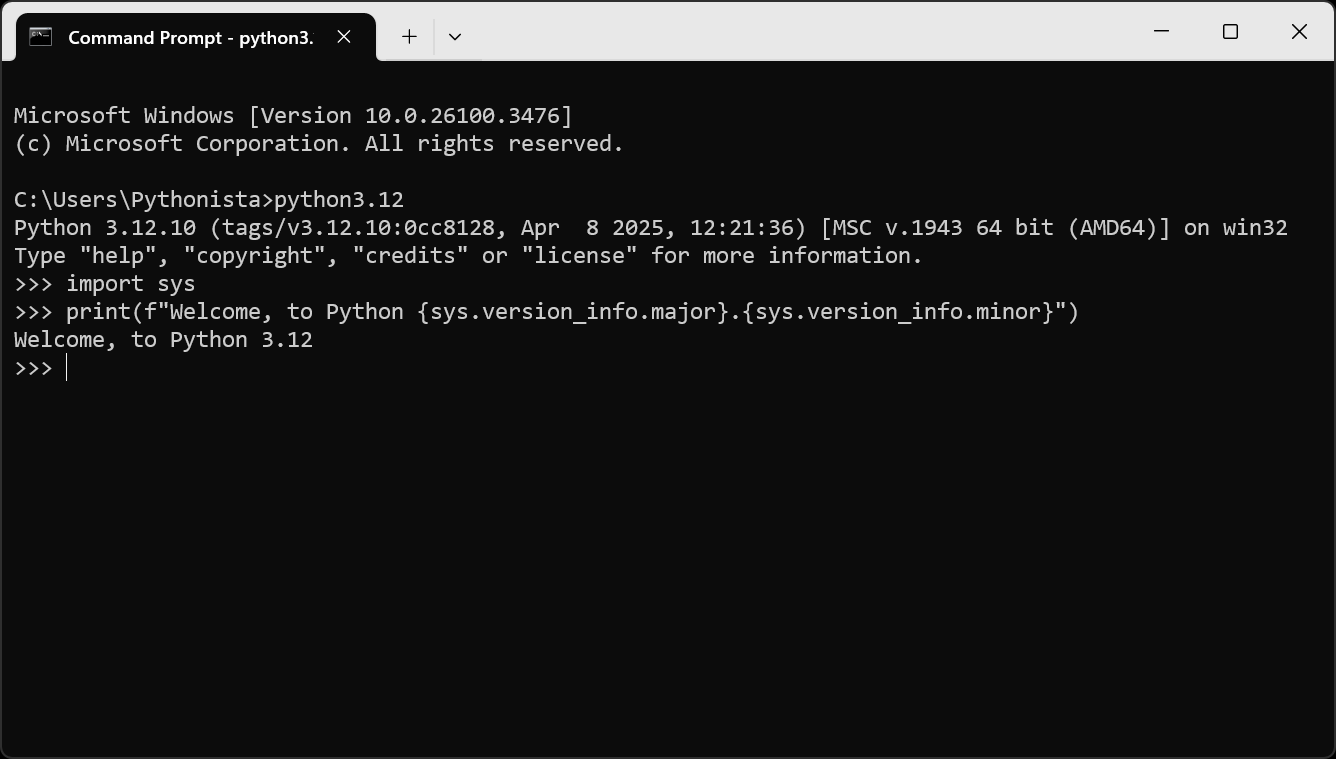
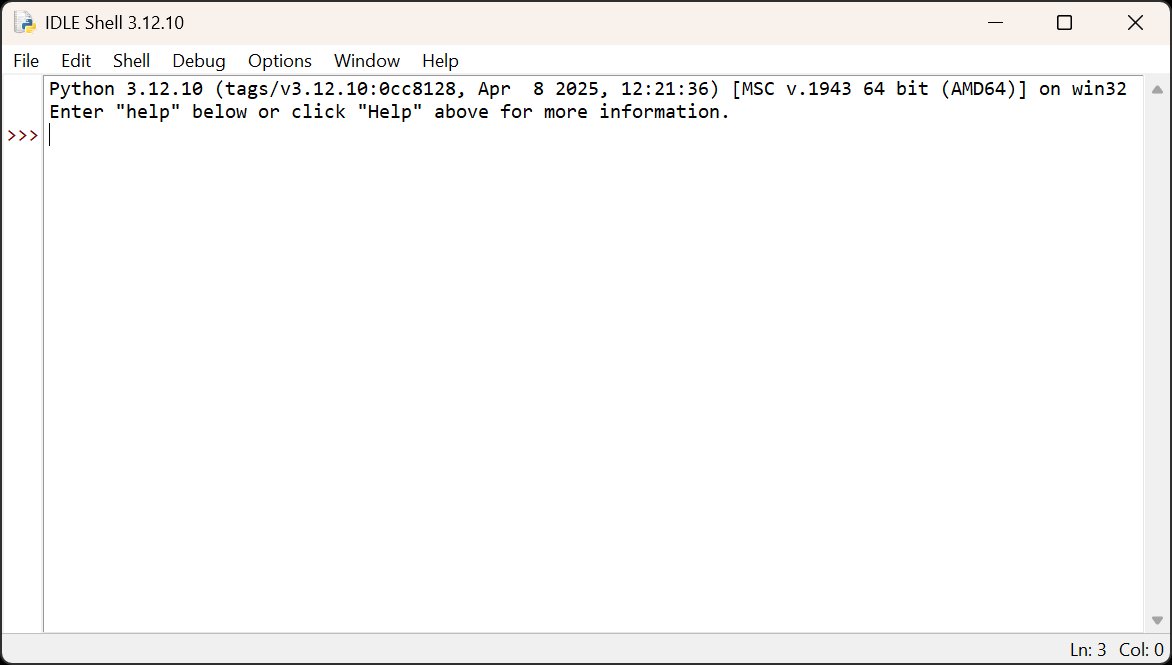
- Name Python 3.12
- Category Developer tools
- Available on PC
- OS Windows 10 version 17763.0 or higher
- languages English (United States)
Introducing Python 3.12 for Windows: A Robust Upgrade for Developers
Python 3.12 for Windows, developed by the Python Software Foundation, is the latest iteration of the beloved programming language, aiming to streamline development workflows and enhance user experience. Whether you're a seasoned developer or a coding enthusiast, this version promises to bring new efficiencies and features to your Python toolkit.
Key Highlights of Python 3.12 for Windows
This iteration emphasizes performance improvements, expanded language capabilities, and user-friendly installation and management. Its main features include enhanced performance optimizations, improved error reporting, and a more modular and flexible installer experience. Targeted at both professionals and learners, Python 3.12 ensures that coding remains accessible, efficient, and enjoyable on Windows platforms.
A Riveting Introduction to Python 3.12
Picture Python 3.12 as a trusty Swiss Army knife—compact, versatile, and ready to tackle a variety of coding adventures on your Windows machine. Whether you're scripting automation, diving into data science, or building web apps, this release aims to be your reliable partner, making your development journey smoother and more enjoyable.
Performance & Error Handling: Superior Speed and Clarity
One of the most exciting aspects of Python 3.12 is the significant performance upgrades under the hood. The core interpreter has been optimized to execute code faster, akin to a sports car with enhanced horsepower—your scripts run more swiftly, reducing wait times and boosting productivity. Additionally, error messages are now more descriptive, guiding you more effectively through debugging, which makes fixing bugs less of a chore and more of a guided tour.
These improvements are particularly beneficial for large-scale projects or intensive computation tasks, where every millisecond counts. If you're handling heavy data processing or complex algorithms, Python 3.12 ensures your code runs as efficiently as possible.
The Intuitive and Modular Installer Experience
Installing Python on Windows has historically been a bit like assembling furniture with confusing instructions. However, Python 3.12 addresses this with a revamped installer that is much more user-friendly. It offers modular components, allowing users to tailor their installation with what they need—be it just the interpreter, or additional packages. This flexibility makes Python more accessible for newcomers and reduces bloat for experienced users who know exactly what they want.
The installer also simplifies the process with clearer prompts and better detection of existing installations, preventing common pitfalls like version conflicts. For developers juggling multiple Python environments, this feature streamlines setup, akin to having a personal assistant precisely handling your software configurations.
Distinctive Features & Comparing with Similar Tools
While several Python distributions exist, Python 3.12 for Windows stands out with its deep integration of the latest language features and performance enhancements straight from the core development team. Unlike some third-party distributions that bundle numerous packages, this official release focuses on stability, clarity, and adherence to Python's evolving standards, making it a dependable choice for production use.
Additionally, the new error reporting system is a game changer, providing more actionable insights than other IDE-integrated debugging tools. Its seamless compatibility with popular IDEs and package managers further reinforces its position as the go-to official Python release for Windows users.
Final Thoughts and Recommendations
Given its considerable performance updates, improved user experience, and thoughtful installer redesign, Python 3.12 for Windows deserves a strong recommendation for both new and experienced users. Whether you're embarking on a new project or maintaining existing code, this version offers the stability and efficiency needed for modern development landscapes. For those who appreciate a straightforward, reliable Python environment with the latest enhancements, upgrading to Python 3.12 is a wise choice—like upgrading to a newer, faster bicycle with smoother gears for your coding rides.
In conclusion, Python 3.12 represents a carefully crafted evolution that balances power, usability, and stability, making it a valuable addition to any developer's toolbox on Windows. Just like a skilled craftsman appreciates well-designed tools, developers will find this release an upgrade worth making for smoother coding adventures ahead.
Pros
- Official Python 3.12 support from Microsoft Store
- Easy installation process with simple updates
- Seamless integration with Windows features
- Includes pre-configured environment for quick starting
- Regular updates aligned with Python 3.12 release
Cons
- Limited customization options during installation
- Frequently encounters delays in update deployment
- Might lack comprehensive documentation for advanced setup
- Initial installation size can be large
- Some third-party libraries may not be immediately compatible










