

- Name App Installer (Mobile) - WinUI 3
- Category Developer tools
- Developer wherewhere
- Available on PC, Surface Hub
- OS Windows 10 version 17763.0 or higher
- languages Afrikaans, Arabic, Catalan, Chinese (Simplified), Chinese (Traditional), Czech, Danish, Dutch, English (United States), Finnish, French, German, Greek, Hebrew, Hungarian, Indonesian, Italian, Japanese, Korean , Norwegian (Nynorsk), Persian, Polish , Portuguese (Brazil), Portuguese (Portugal), Romanian, Russian, Spanish (Spain), Swedish, Turkish, Ukrainian, Uyghur, Vietnamese
Introducing App Installer (Mobile) - WinUI 3 for Windows: A Sleek Tool for Seamless App Deployment
Designed to streamline the process of installing and managing applications on Windows, App Installer (Mobile) leverages the modern WinUI 3 framework to deliver an intuitive experience, especially for developers and power users seeking efficient workflows.
About the Developer and Core Features
The application is developed and published by wherewhere, a team dedicated to creating practical tools tailored for Windows users. Its main highlights include:
- Modern UI Experience: Built with WinUI 3, the app offers a clean, responsive, and visually appealing interface, enhancing user engagement and readability.
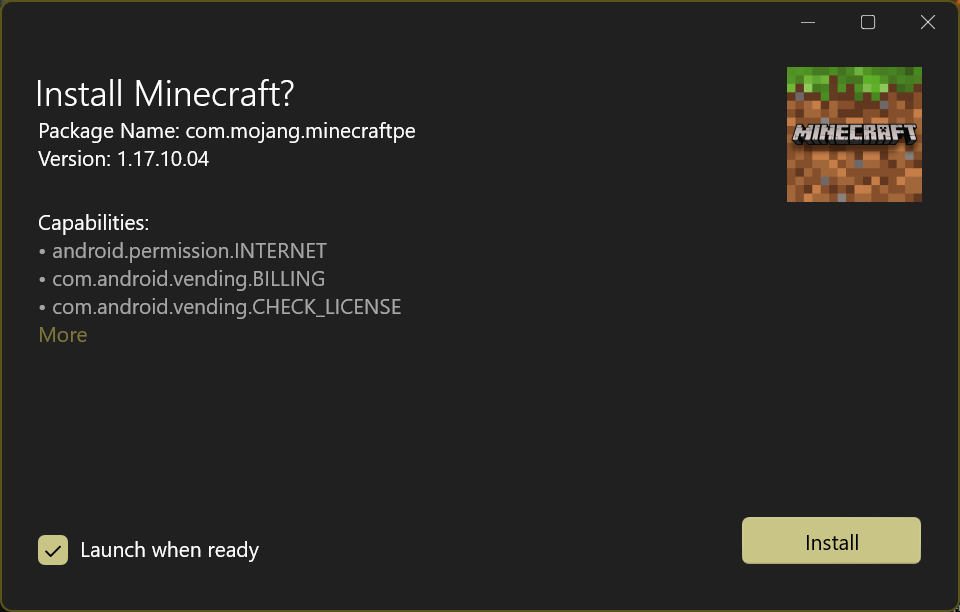
- Streamlined App Deployment: Enables quick installation of UWP and Win32 apps through simple package management, reducing hassle and time.
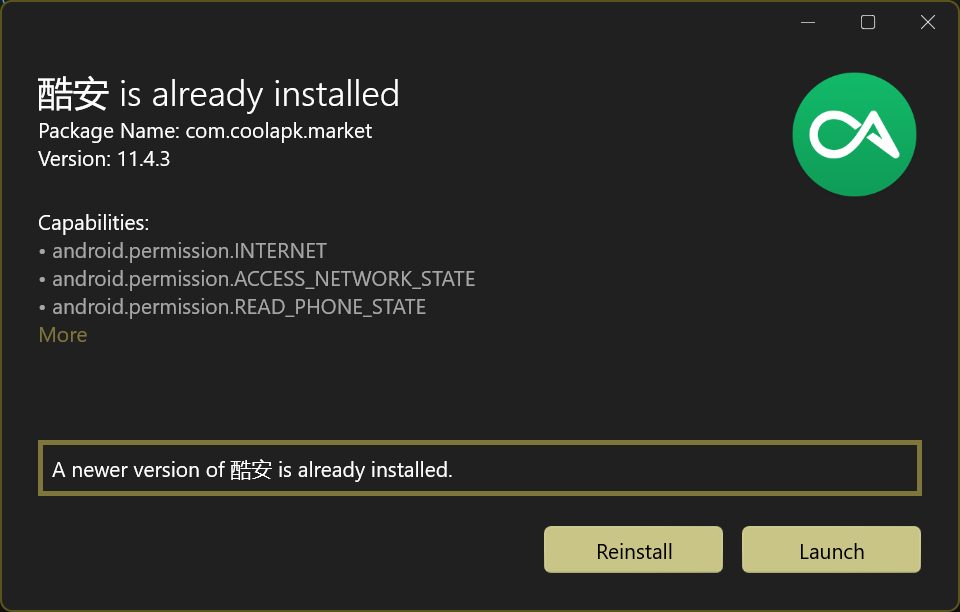
- Package Management and Updates: Facilitates checking for updates, managing multiple applications simultaneously, and handling dependencies efficiently.
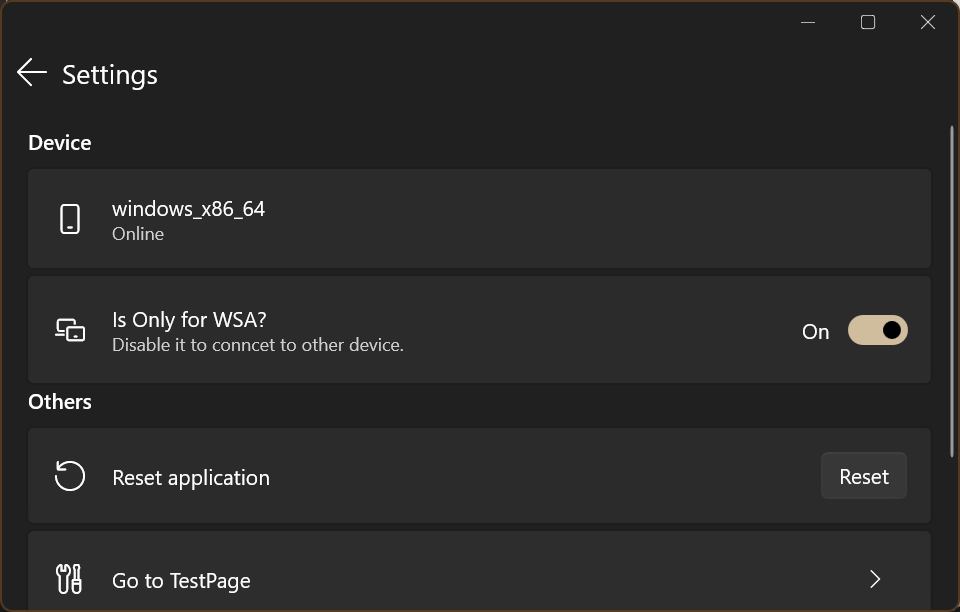
- Customizable Settings: Offers personalized configurations for advanced users who prefer tailored workflows.
The target audience includes Windows developers, IT professionals, and enthusiasts who frequently test or deploy applications, as well as those managing large app collections needing efficient installer tools.
A Fresh Take on App Installation: Smooth, Stylish, and Practical
If you've ever wrestled with clunky installers or struggled to keep multiple applications up-to-date, App Installer (Mobile) might just become your new best friend. Its interface feels like stepping into a well-organized digital toolbox—sleek, straightforward, and designed to make your life easier. Think of it as the Swiss Army knife for Windows app deployment, blending aesthetic appeal with raw functionality.
Dynamic and User-Friendly Interface
One of the most noticeable strengths of this app is its modern UI, powered by WinUI 3. The layout is clean, with intuitive navigation that resembles a thoughtfully arranged workspace—no clutter, just the essentials laid out neatly. Whether you're a seasoned developer or a casual user, you'll appreciate how the interface minimizes learning curves. The design is responsive, adjusting smoothly for different window sizes, and the visual cues guide you effortlessly through each task.
Core Functionality: Simplified App Deployment and Management
The primary feature set centers around helping users quickly install and manage applications. The process of deploying apps is simplified into a few clicks—no more hunting through complex installer packages or command-line tricks. You can manage multiple applications simultaneously, check for updates, and even handle dependencies without leaving the app. This is akin to having a personal assistant who keeps your software library tidy and up-to-date. The app also supports importing custom packages, making it flexible for various workflows.
Performance & User Experience: Fast, Fluid, and Approachable
Speed matters, especially when managing numerous applications. App Installer (Mobile) stands out for its responsive performance; transitions are smooth, and operations like searches and updates happen quickly. Users will find the learning curve gentle thanks to clear labels and straightforward operation flows—think of it as having a friendly guide who knows just when to give helpful hints. The app's built-in error handling and notifications ensure you're always in the know, boosting confidence in its reliability.
What Sets It Apart? Innovation and Unique Advantages
While many app installers exist, wherewhere's creation shines through its thoughtful integration with WinUI 3, delivering a modern aesthetic alongside robust functionality. Its standout feature is the ability to seamlessly manage both UWP and Win32 applications within a unified interface—bridging the gap often found in similar tools. Particularly notable is its focus on customizable workflows, allowing power users to tailor the experience to their specific needs, a feature rarely consolidated in comparable apps.
Recommendation and Final Thoughts
Given its clean design, efficient performance, and focus on simplifying app management, I'd recommend App Installer (Mobile) as a valuable tool for Windows users who frequently deploy or update applications. It's especially suitable for developers testing multiple builds or IT admins handling large-scale software rollouts. If you're seeking a modern, reliable, and user-centric installer assistant, this app is worth exploring.
While it might not replace more comprehensive deployment solutions for enterprise environments, its polished design and thoughtful features make it a standout among lightweight app management tools. For those who prioritize a smooth user experience combined with powerful functionality, this app could become an essential part of your digital toolkit.
Pros
- Smooth integration with Windows 10/11
- Lightweight and fast onboarding process
- Support for WinUI 3 framework ensures modern UI design
- Automatic updates improve security and functionality
- Supports installation of a wide variety of mobile apps from the Store
Cons
- Limited customization options during installation
- Occasional installation failures on older devices
- UI could be more intuitive for non-technical users
- Lack of detailed logs for troubleshooting installation issues
- Currently optimized mainly for Windows 10/11, limited support for other platforms










