

- Name Microsoft PowerToys
- Category Developer tools
- Available on PC
- OS Windows 10 version 0.0 or higher
- Keyboard Integrated Keyboard
- Mouse Integrated Mouse
- languages Chinese (Simplified), Chinese (Traditional Chinese), English, Czech, Dutch, French, Portuguese, Portuguese (Brazil), German, Hungarian, Italian, Japanese, Korean, Polish, Russian, Spanish, Turkish
Microsoft PowerToys for Windows: A Power User's Best Companion
If you've ever felt that Windows could be more customizable and efficient, then Microsoft PowerToys is the toolkit you've been waiting for. It acts like a Swiss Army knife for power users, transforming the way you interact with your PC by adding powerful, lightweight features designed to streamline your workflow and boost productivity. Developed by Microsoft Corporation, this free utility suite is perfect for enthusiasts who want to get the most out of their Windows experience.
What Makes PowerToys Stand Out?
PowerToys offers a collection of utilities that turn your Windows into a more agile and tailored environment. Its core strengths include a customizable PowerToys Run launcher, advanced window management tools, and shortcuts that cut down repetitive tasks. It's like upgrading your PC with hidden gadgets that make everyday computing smoother and faster. The application updates frequently based on user feedback, demonstrating an active commitment to enhancing Windows productivity for power users.
Intuitive and Stylish Interface
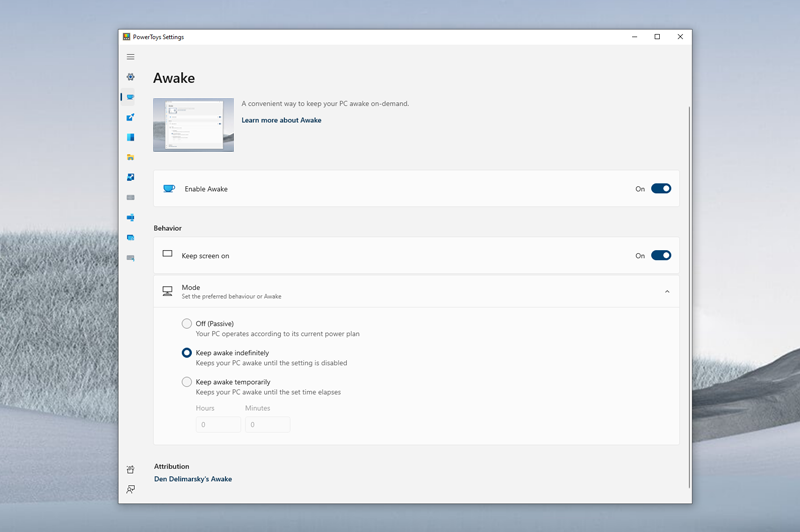
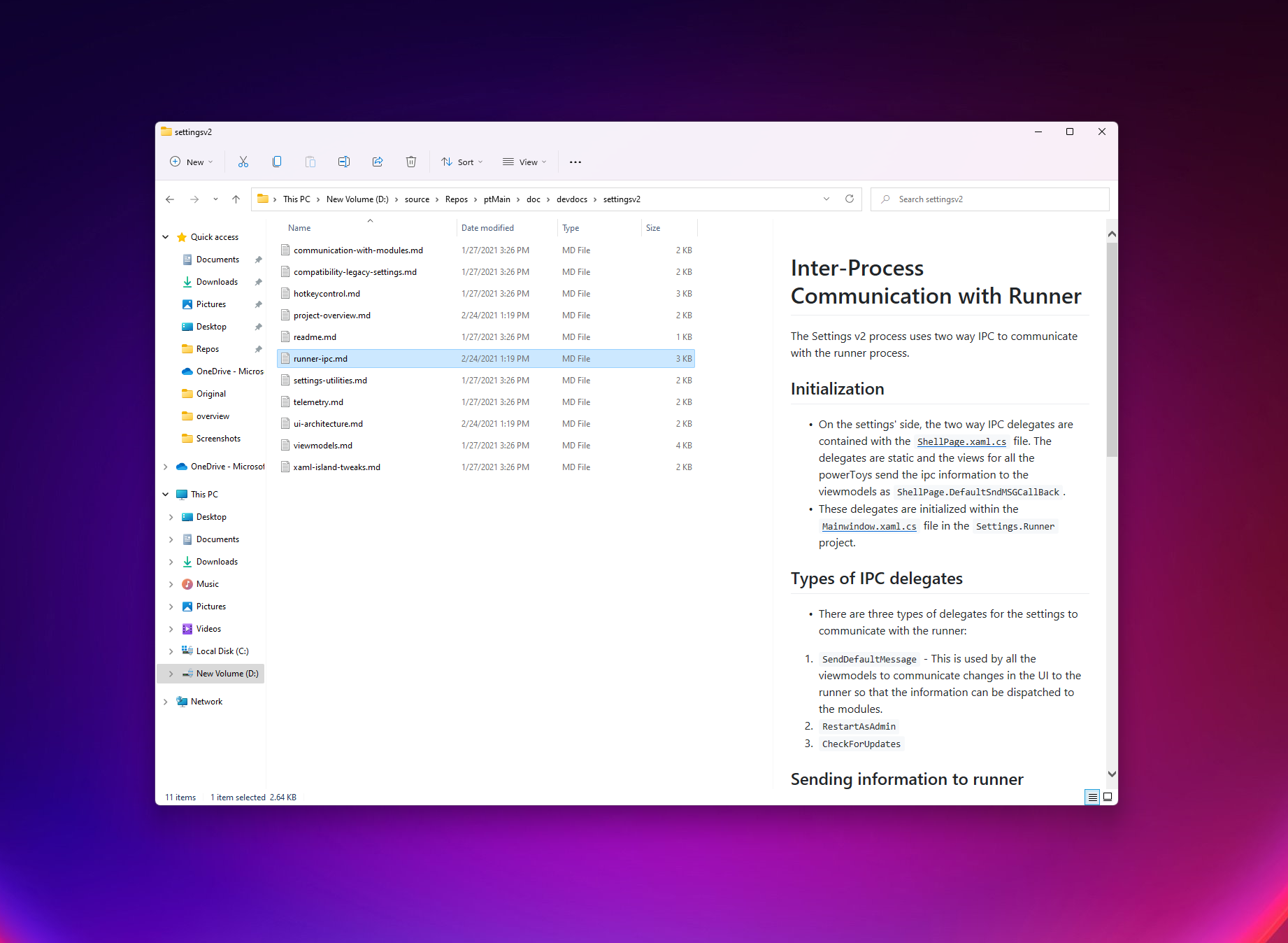
The interface of PowerToys is clean, minimalistic, and surprisingly inviting—a stark contrast to the often cluttered utility tools. Navigating through settings feels seamless, with icons and menus that make finding and enabling features intuitive. Its lightweight design ensures that it doesn't bog down system resources, and animations are smooth, offering a satisfying user experience. The learning curve is gentle, with most utilities being easy to discover and configure—think of it as having a friendly assistant guiding your adjustments behind the scenes.
A Closer Look at Core Features
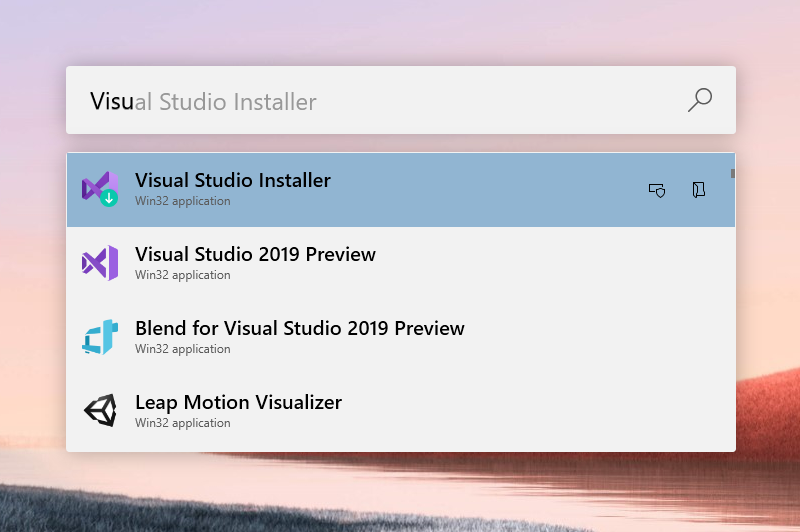
- PowerToys Run: Think of this as your magical quick-launch keyboard shortcut—press a combination, and a sleek search box pops up, letting you instantly find files, launch apps, or access web searches without cluttering your taskbar. Its Speed Dial-like elegance makes it a joy to use, surpassing the default Windows Search with its speed and customization options.
- FancyZones: Imagine dividing your screen into customizable zones, turning your desktop into an organized workspace. Whether you're coding, designing, or multitasking, FancyZones makes window management fluid and flexible. Resize windows and snap them into designated zones with effortless drag-and-drop, substantially improving productivity during complex tasks or multi-window setups.
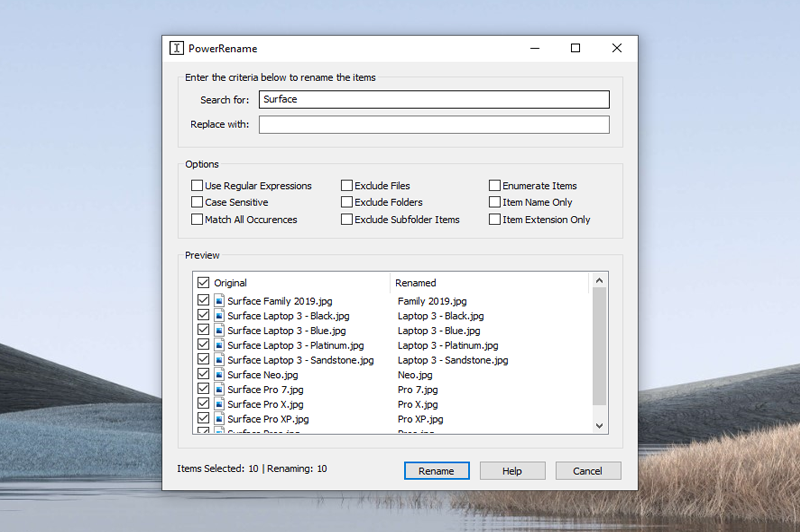
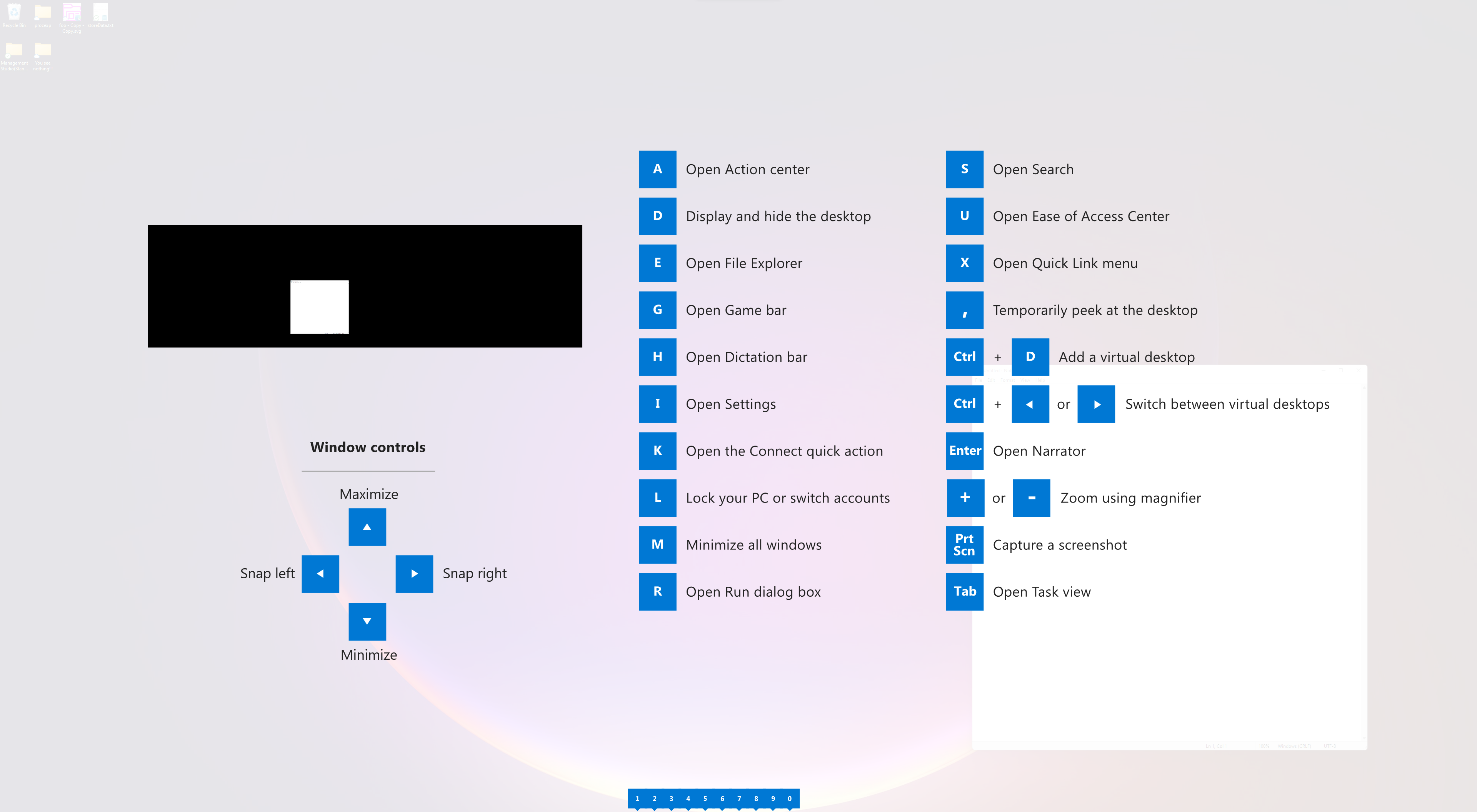
- Shortcut Guide and PowerRename: PowerToys empowers you with quick-access guides for keyboard shortcuts—a handy reminder when you're deep in work. PowerRename offers advanced bulk renaming of files with patterns and regular expressions, making file organization less tedious. These utilities exemplify how PowerToys acts as a smart assistant, reducing repetitive micro-tasks.
User Experience and Differentiation
The overall user experience is smooth and thoughtfully crafted. The interface is user-friendly, with a non-intrusive design that respects your workflow. Minimal pop-ups and a straightforward setup process mean you can start exploring features almost immediately, making it approachable even for users who are not software experts. Performance-wise, PowerToys remains lightweight; it runs quietly in the background without sacrificing system responsiveness.
Compared to other developer tools or customization suites, PowerToys stands out with its tight integration into Windows, frequent updates, and focus on utility rather than bloat. Unlike generic third-party tools, PowerToys benefits from Microsoft's ecosystem, ensuring compatibility and stability. The most unique aspect is its blend of powerful features that cater both to casual users wanting a smoother experience and to advanced users seeking deep customization and automation.
Should You Give It a Try?
Absolutely, especially if you spend hours on your Windows PC and want to optimize your workflow. PowerToys doesn't aim to overhaul your entire interface—it enhances what you already have, making everyday tasks easier and more enjoyable. For those who love customizing their environment, discovering hidden efficiencies, or just want a more tailored Windows experience, this toolkit is a must-have.
If you're wary of cluttered utilities or complex setups, rest assured: PowerToys is designed with simplicity in mind. It's like having a practical assistant that takes care of the repetitive chores, so you can focus on what truly matters. Given its free nature and active development, it's a valuable addition for any Windows user keen on being a bit more productive without sacrificing stability or elegance.
Pros
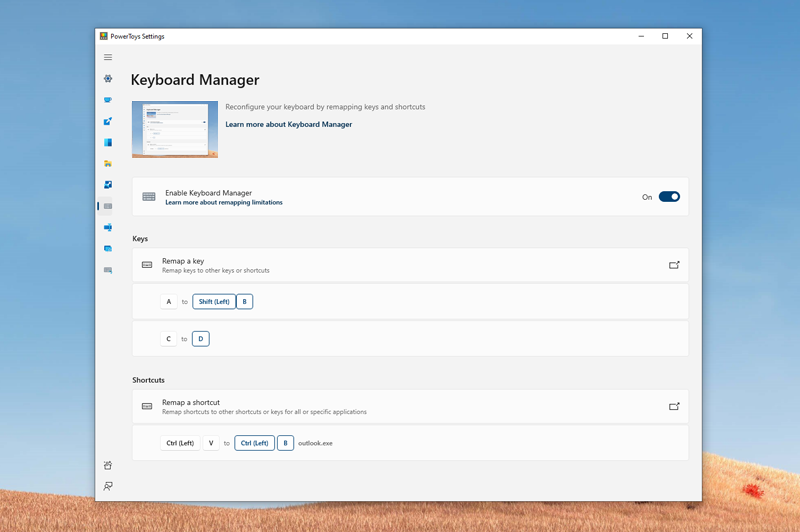
- Highly customizable shortcuts
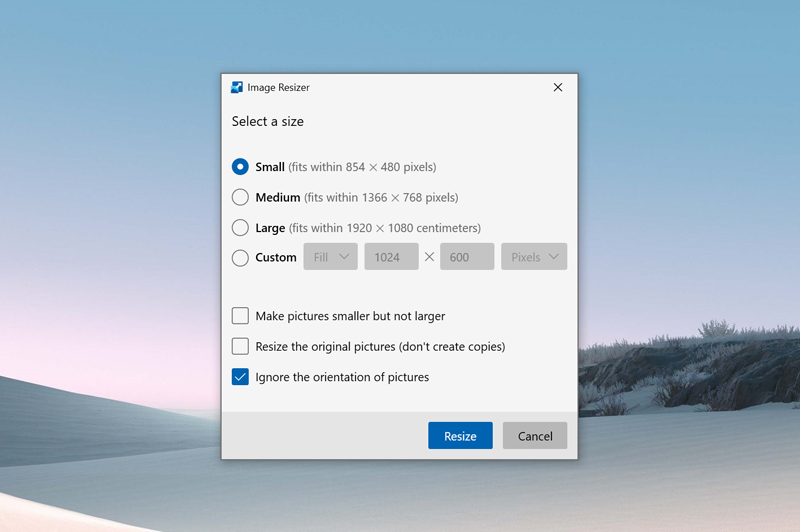
- Powerful Image Resizer
- FancyZones window manager
- Excellent utility tools
- Open-source development
Cons
- Initial setup can be complex
- Occasional stability issues
- Limited documentation for advanced features
- Requires Windows 10 or later
- Some features may conflict with third-party apps










