- Name Writing Wizard - Handwriting for Kids
- Category Education
- Available on PC
- OS Windows 10 version 17763.0 or higher
- languages English (United States)
Basic Information of Writing Wizard - Handwriting for Kids
Writing Wizard - Handwriting for Kids is a dedicated educational app designed to make learning handwriting an engaging adventure for young children. Developed by L'Escapadou, a team renowned for creating interactive educational tools, this app offers a dynamic environment to help kids master letter formation with confidence. Its standout features include customizable handwriting exercises, interactive tracing activities, and progress tracking, all tailored to children's learning pace. The app primarily targets early learners, typically ages 3 to 8, who are beginning to develop their handwriting skills or need additional practice reinforcing their letter and number formation.
Engaging and Friendly Interface
From the moment you launch Writing Wizard, it feels like stepping into a colorful classroom filled with friendly characters and vibrant visuals. The interface strikes a balance between simplicity and fun, with large, clickable buttons and clear instructions that avoid overwhelming young users. Navigating through different activities is smooth and intuitive, resembling a well-organized playroom where every toy (or in this case, exercise) has its place. This thoughtful design significantly lowers the learning curve, making it easy even for the youngest children to pick up and start practicing without frustration.
Exceptional Personalization and Custom Content
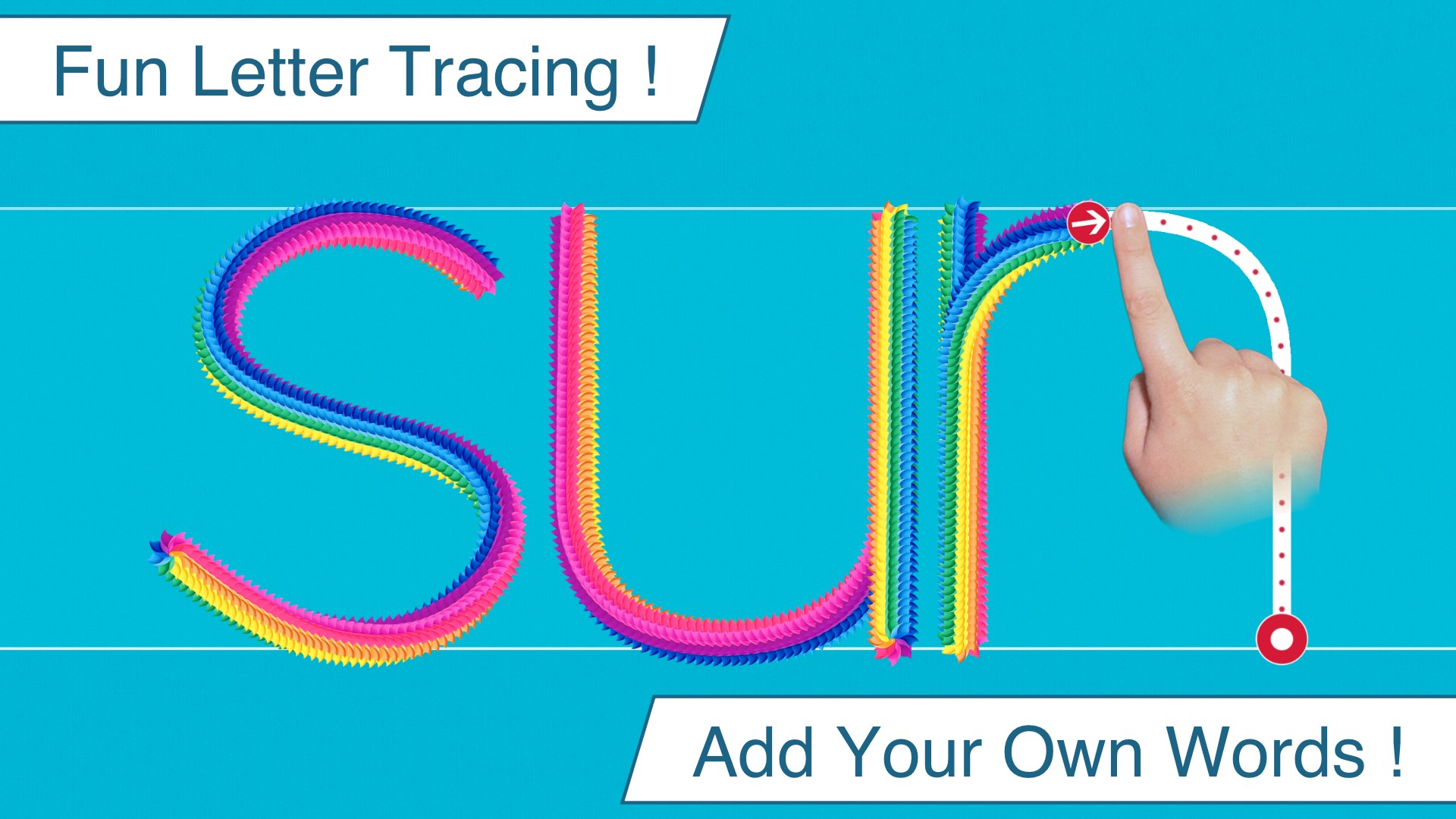
What truly sets Writing Wizard apart from many other handwriting apps is its emphasis on personalized learning paths and custom content. Unlike generic apps that provide standardized exercises, this tool allows parents or educators to upload customized words, names, or phrases that are relevant to the child's daily life. Imagine a child who loves animals—suddenly, they're tracing pictures of their favorite creatures and writing their names! This tailored approach boosts engagement and makes each session more meaningful. The app also adapts to the child's progress, suggesting more challenging tasks as their skills improve, which fosters a sense of achievement and continuous growth.
Core Features That Make Learning Fun and Effective
Interactive Tracing and Writing Practice
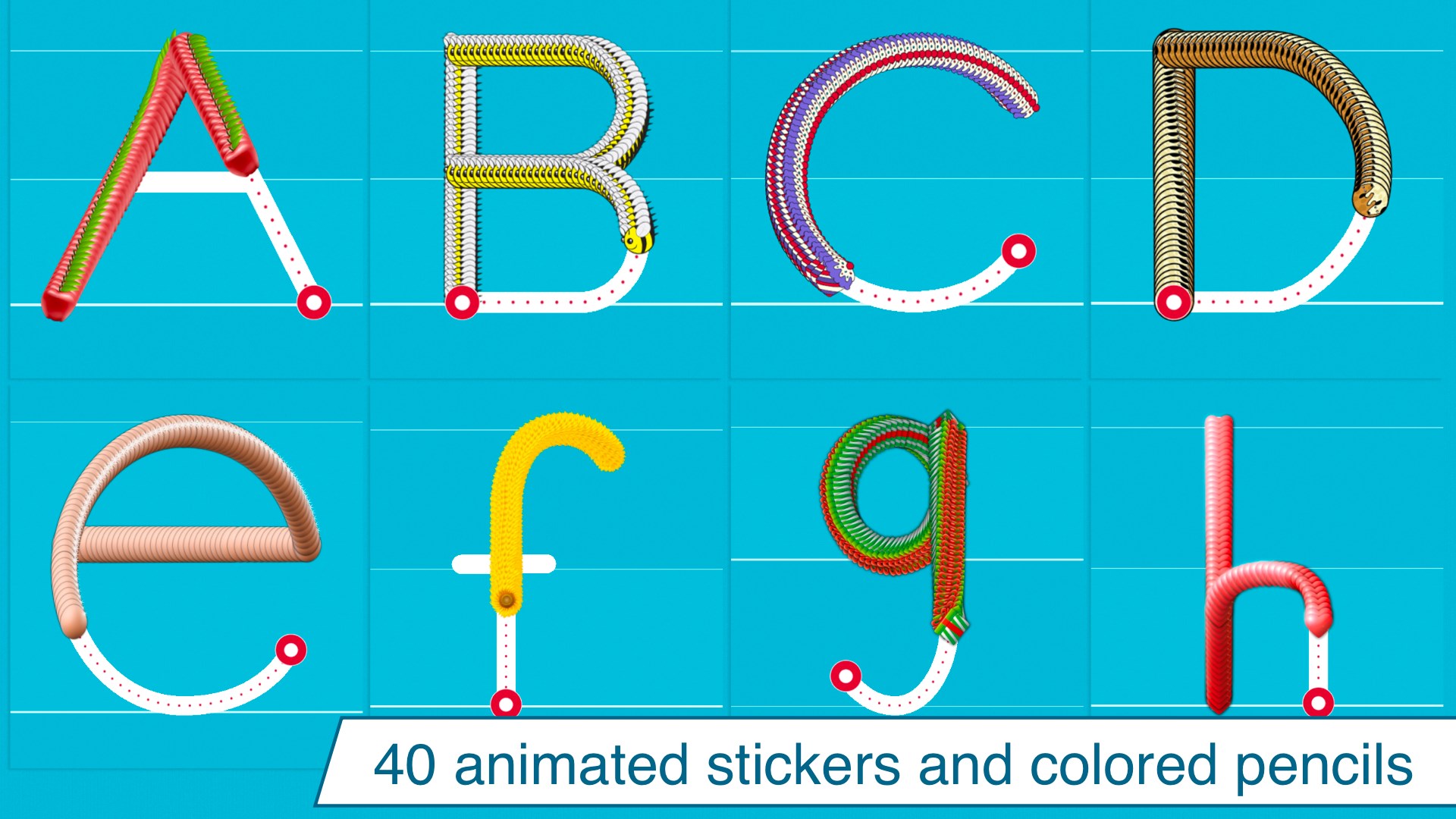
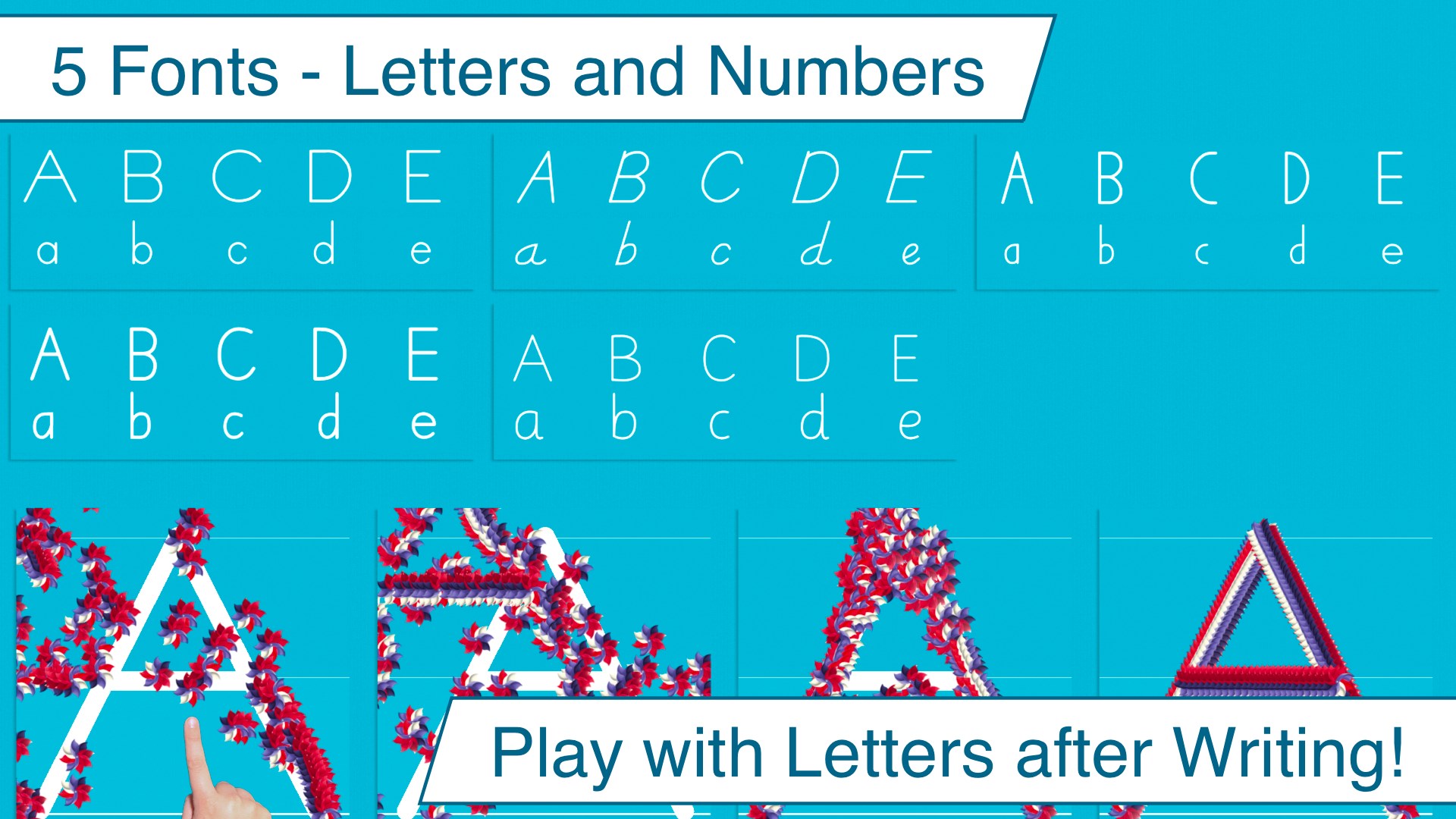
The app offers dynamic tracing activities where children guide their stylus (or finger) along the animated paths of letters and numbers. The visual cues, including guiding arrows and animated characters, turn often mundane repetition into a joyful game. This interactive approach helps children develop muscle memory and proper stroke order—key factors in mastering handwriting. The ability to select different fonts and styles ensures that children are exposed to various handwriting forms, preparing them for writing in different contexts.
Progress Tracking and Reward System
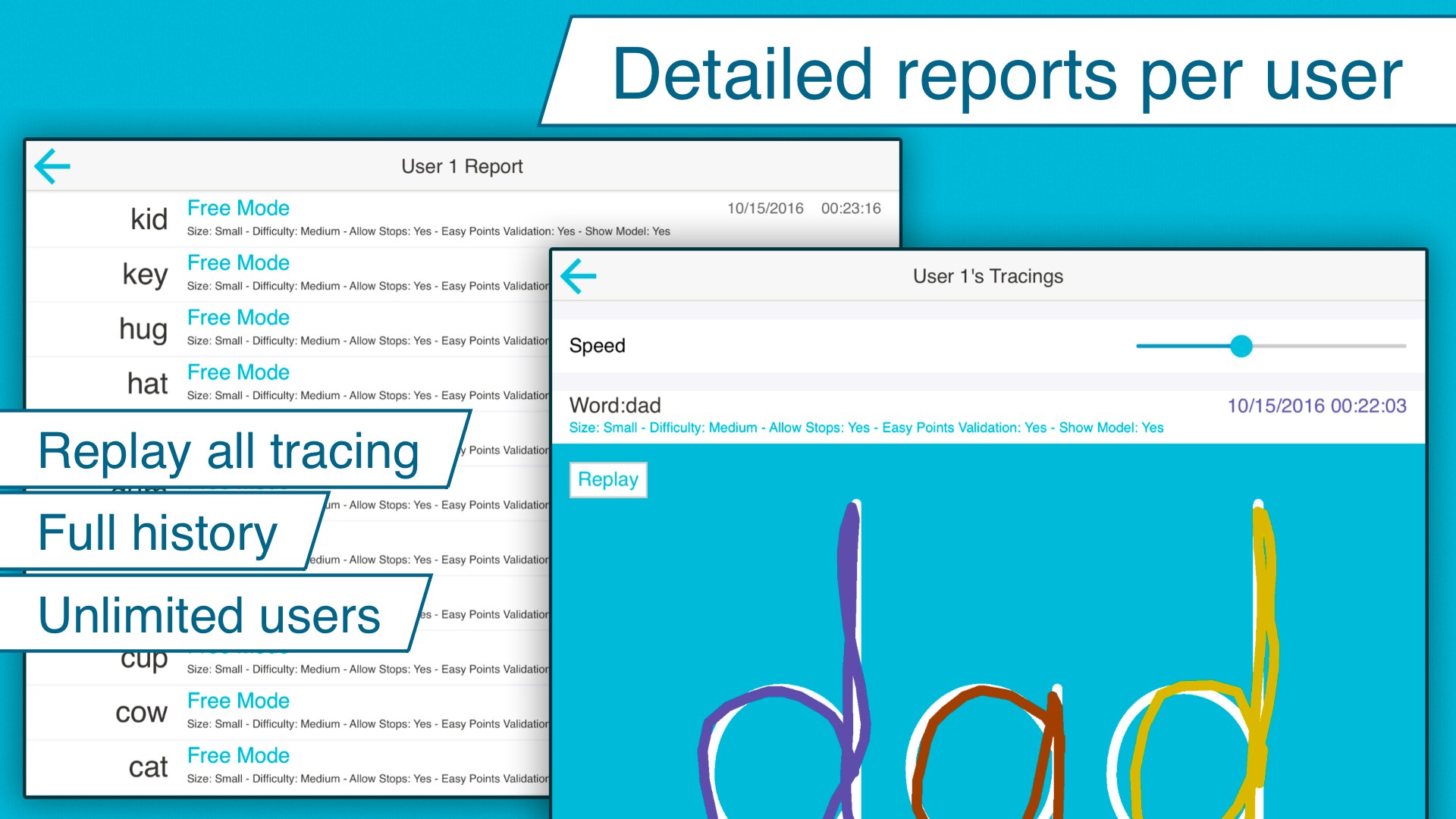
Motivating young learners can be tricky, but Writing Wizard incorporates a subtle reward system and progress tracking that genuinely encourages continued practice. Each completed activity is a small victory, and parents or teachers can review detailed reports to see improvement over time. This feedback loop not only helps in identifying areas needing more attention but also instills a sense of pride and accomplishment in children as they see their development documented visually, like filling a beautifully crafted scrapbook of their efforts.
Overall User Experience and Differentiation
The app delivers a seamless experience with fluid animations and responsive touch interactions, making the learning process feel natural—much like a gentle dance between the stylus and the screen. Its clean layout reduces cognitive load, allowing children to focus solely on the task at hand. Compared to other educational handwriting apps, Writing Wizard's ability to personalize content, combined with its engaging animations and progress tracking, gives it a distinct edge. It balances the rigors of skill acquisition with playful elements, ensuring that learning remains a fun adventure rather than a chore.
Recommendation and Usage Suggestions
Overall, I highly recommend Writing Wizard for parents and educators seeking a flexible, engaging handwriting tool. Its customized content feature is especially beneficial for reinforcing words children encounter daily, further enhancing learning relevance. Ideal for early learners, it can serve as a core part of a handwriting curriculum or supplemental practice for homeschooling. To maximize its benefits, I suggest pairing it with real-world writing activities or using it as a reward for completed homework. While it's designed for younger children, older kids needing additional handwriting practice may also find it valuable, especially due to its adaptable content options. In summary, Writing Wizard offers a well-crafted, effective platform that makes learning handwriting a colorful story unfolding one letter at a time.
Pros
- Interactive handwriting practice
- Child-friendly interface
- Visual feedback and tracing
- Progress tracking
- Customizable learning content
Cons
- Limited range of writing exercises
- Lack of offline access to all features
- Minimal customization options for beginner users
- Occasional handwriting recognition inaccuracies
- Limited language and script options