
- Name Duolingo - Language Lessons
- Category Education
- Available on PC
- OS Windows 10 version 19041.0 or higher
- languages English (United States), Spanish (Spain)
Introducing Duolingo - Language Lessons for Windows: A Fresh Way to Learn Languages
Duolingo's Windows app offers a sleek, accessible platform for language learners eager to dive into new languages with engaging lessons and personalized pathways. Designed by Duolingo Inc., the app emphasizes interactive learning and gamification to keep users motivated on their linguistic journeys.
Core Features That Stand Out
Personalized Learning Paths Tailored to You
One of the app's most compelling features is its adaptive learning system. Unlike traditional rote memorization, Duolingo crafts a personalized roadmap based on your progress and weaknesses. Whether you're a beginner or brushing up on skills, the app dynamically adjusts the difficulty, focusing on areas that need improvement, much like a dedicated coach guiding you step by step.
Interactive, Gamified Exercises that Make Learning Fun
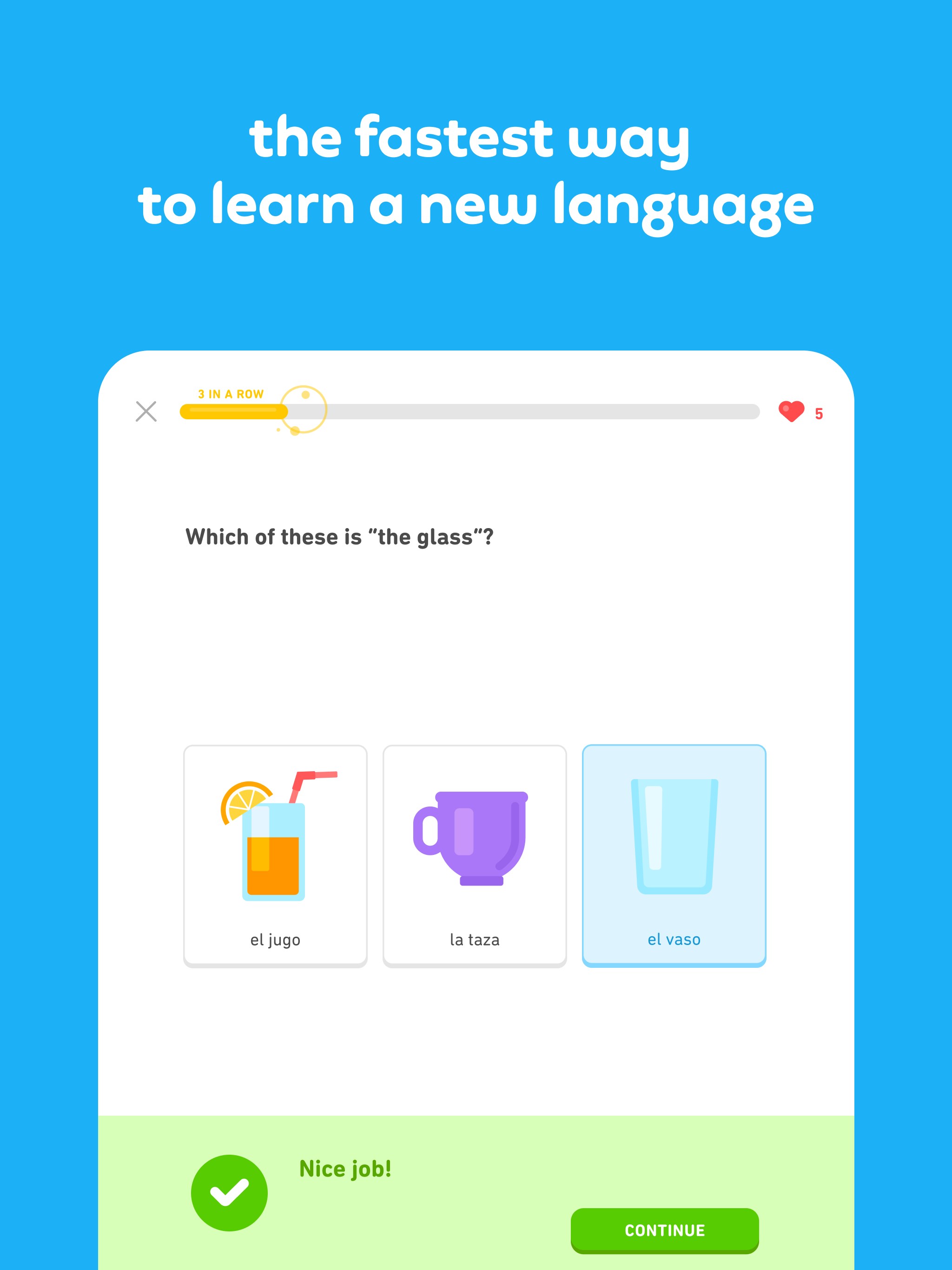
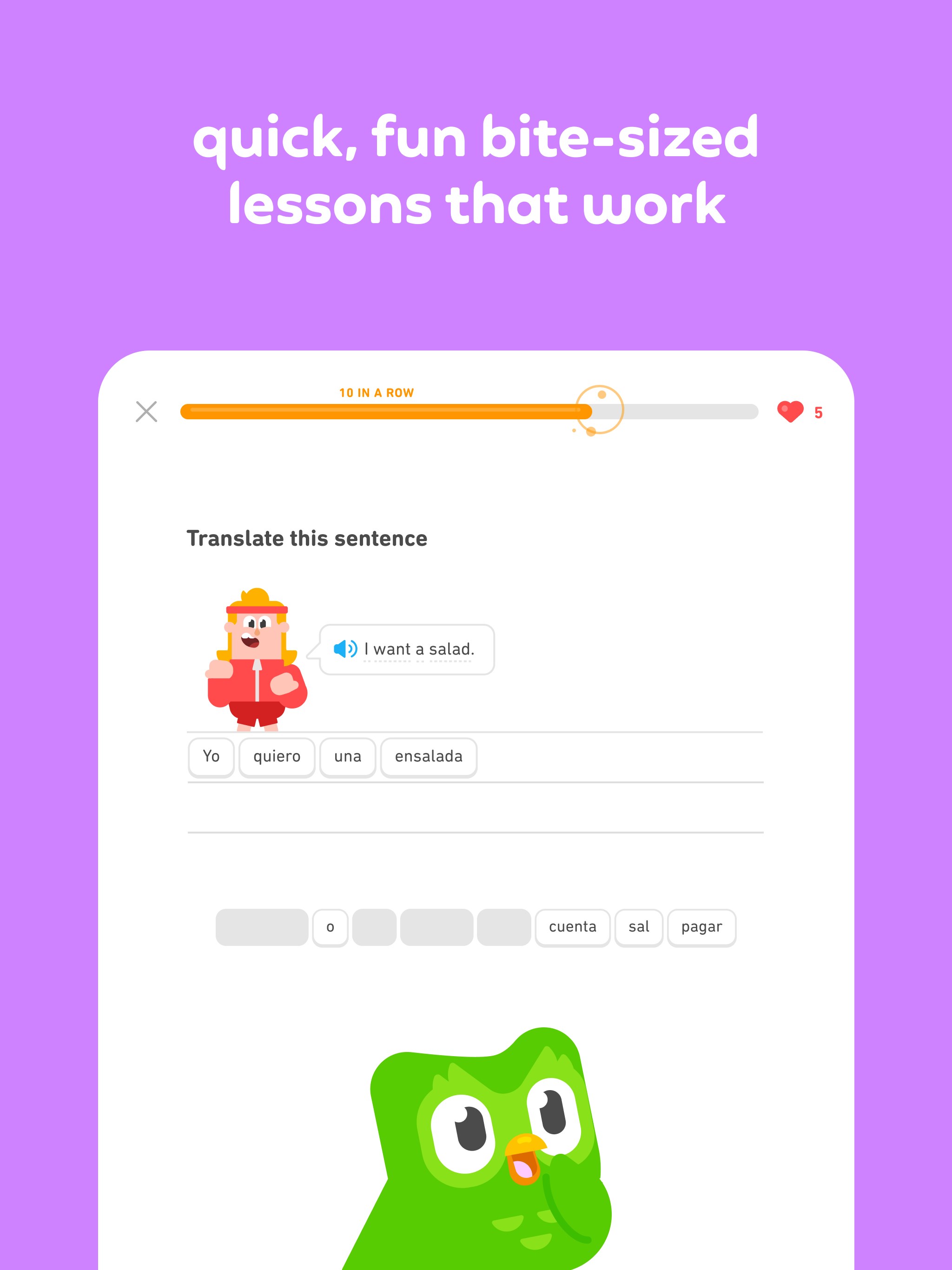
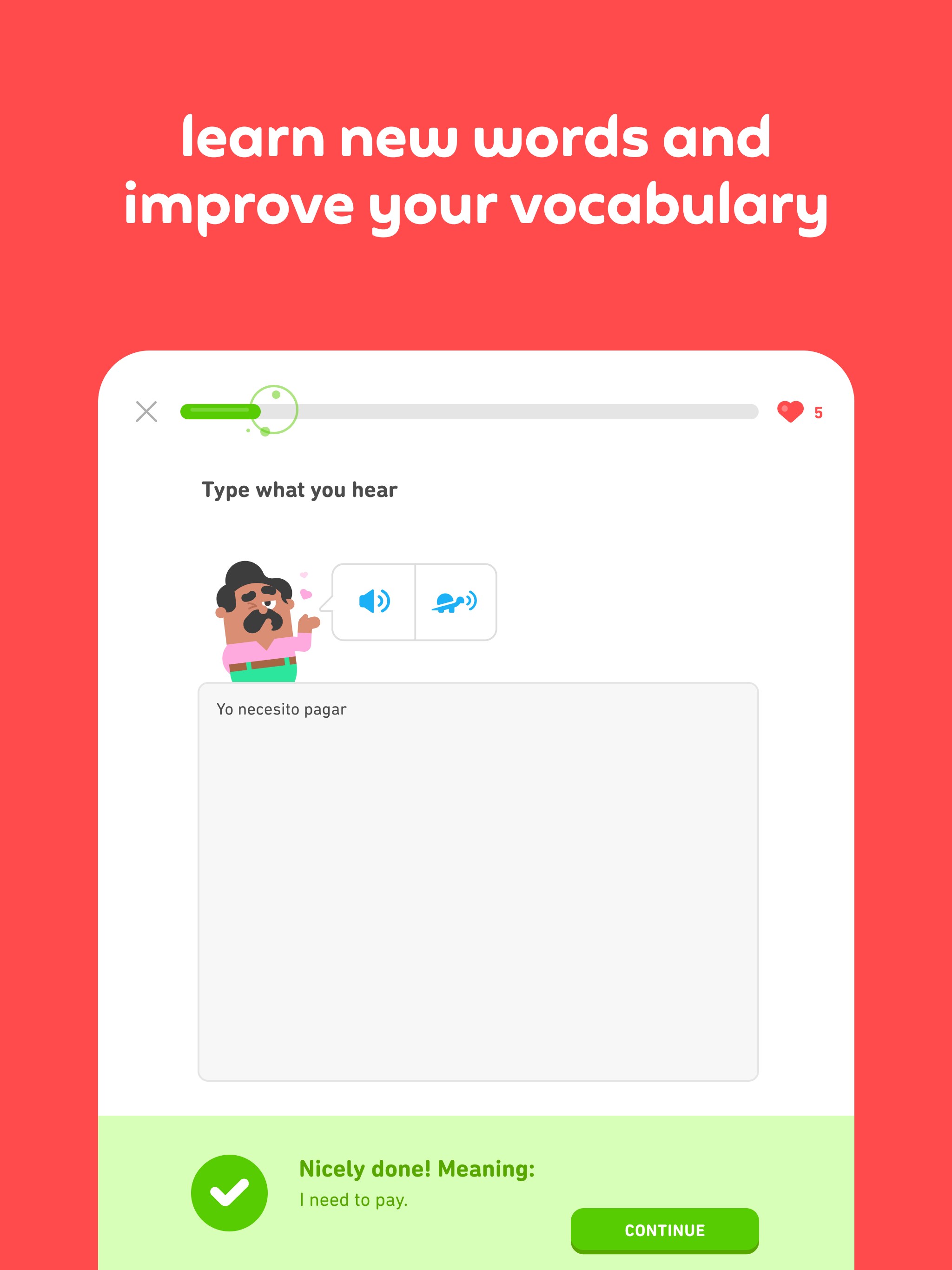
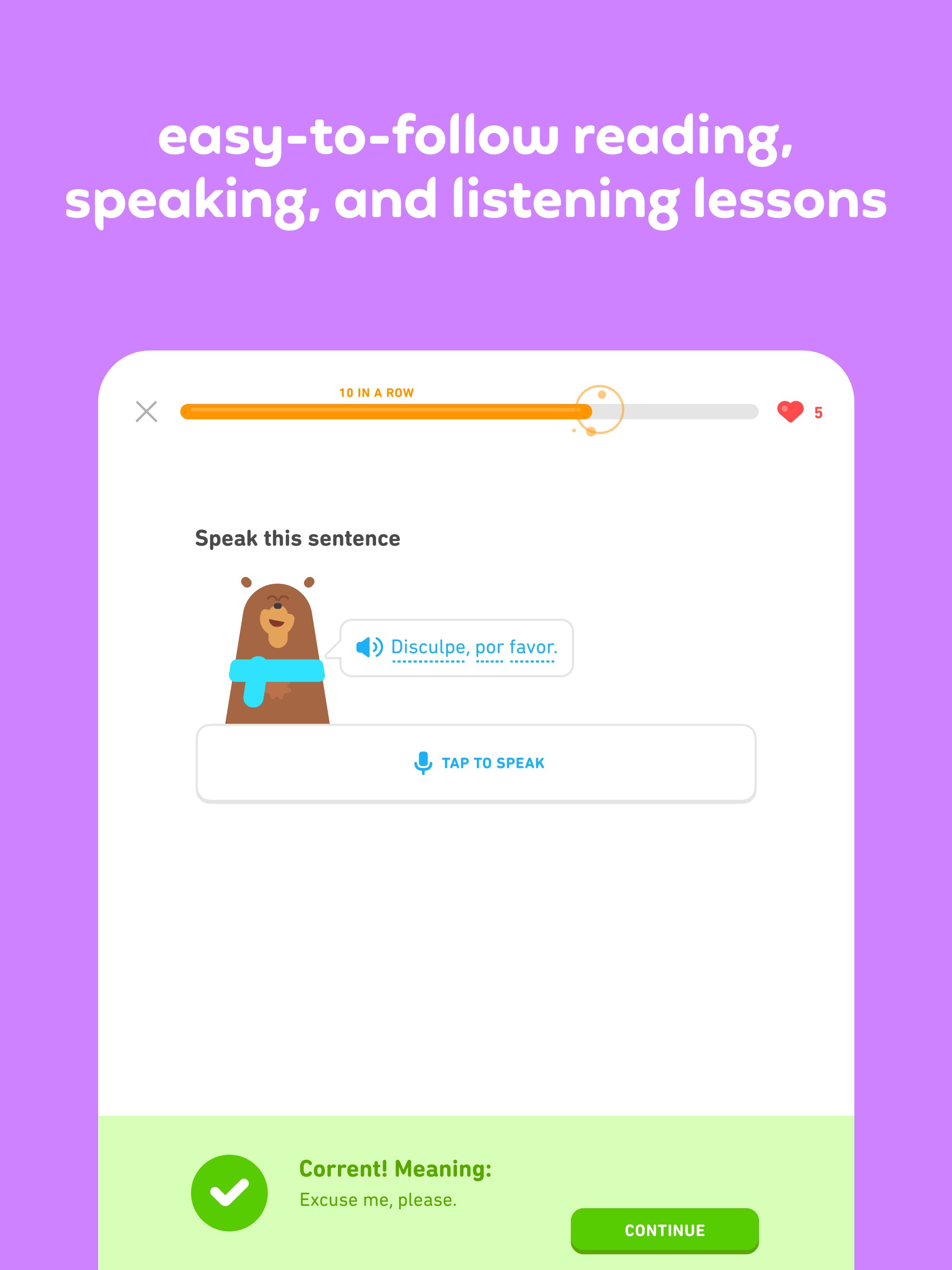
Learning feels less like a chore and more like playing a game with Duolingo's engaging, bite-sized exercises. The app employs compelling visuals, audio cues, and instant feedback to keep motivation high, transforming language study into an enjoyable daily routine. Completing lessons earns you points, badges, and streaks—adding a dash of friendly competition to your learning process.
Rich Content Accuracy & Authority
Built by a reputable team, the app provides content that emphasizes accuracy and cultural relevance, ensuring a trustworthy learning experience. Unlike some apps with generic phrases, Duolingo's lessons are grounded in real-world usage, and frequently updated to reflect current language trends, making your learning both practical and authoritative.
Sleek User Interface and Seamless Experience
The app boasts a clean, modern interface that resembles a well-organized classroom—colors are inviting, icons intuitive, and navigation smooth as a glide. Transitioning between lessons feels fluid, with responsive controls that don't hinder your flow. From launch to mastery, the minimalistic design minimizes distractions, allowing you to focus purely on language acquisition.
Learning curve is gentle; even newcomers find the layout straightforward and approachable. The app's design encourages consistency—it's easy to pick up where you left off, making it conducive for daily practice. The synchronization with other platforms further enhances usability, so whether you switch from desktop to mobile, your progress stays intact.
Unique Aspects Compared to Other Education Apps
While many language apps offer assorted vocabulary and grammar drills, Duolingo stands out with its highly adaptive learning system and the ability to personalize your curriculum. Its algorithms analyze your performance in real-time, shaping lessons that resonate with your individual needs—like a tailor fitting every stitch perfectly. This personalization not only boosts retention but also accelerates progress, making it suitable for learners of all levels.
Additionally, the emphasis on content authority ensures that learners receive reliable, culturally relevant material, distinguishing it from less curated platforms. The gamification elements foster a habit-forming experience, transforming diligent study into a playful challenge rather than a chore.
Final Recommendations and Usage Tips
If you're seeking a user-friendly, engaging, and highly personalized language learning tool, Duolingo for Windows is definitely worth trying. Its unique adaptive pathways combined with entertainment-driven exercises make it suitable for casual learners and committed polyglots alike.
For best results, set aside a consistent daily time slot—perhaps over a morning coffee or during commuting—and leverage the app's notifications to stay motivated. While it excels in building foundational skills, supplement your learning with real conversations and cultural immersion for full mastery. Overall, I recommend giving it a dedicated shot—it's a flexible companion on your language learning adventure.
Pros
- User-friendly interface
- Gamified learning approach
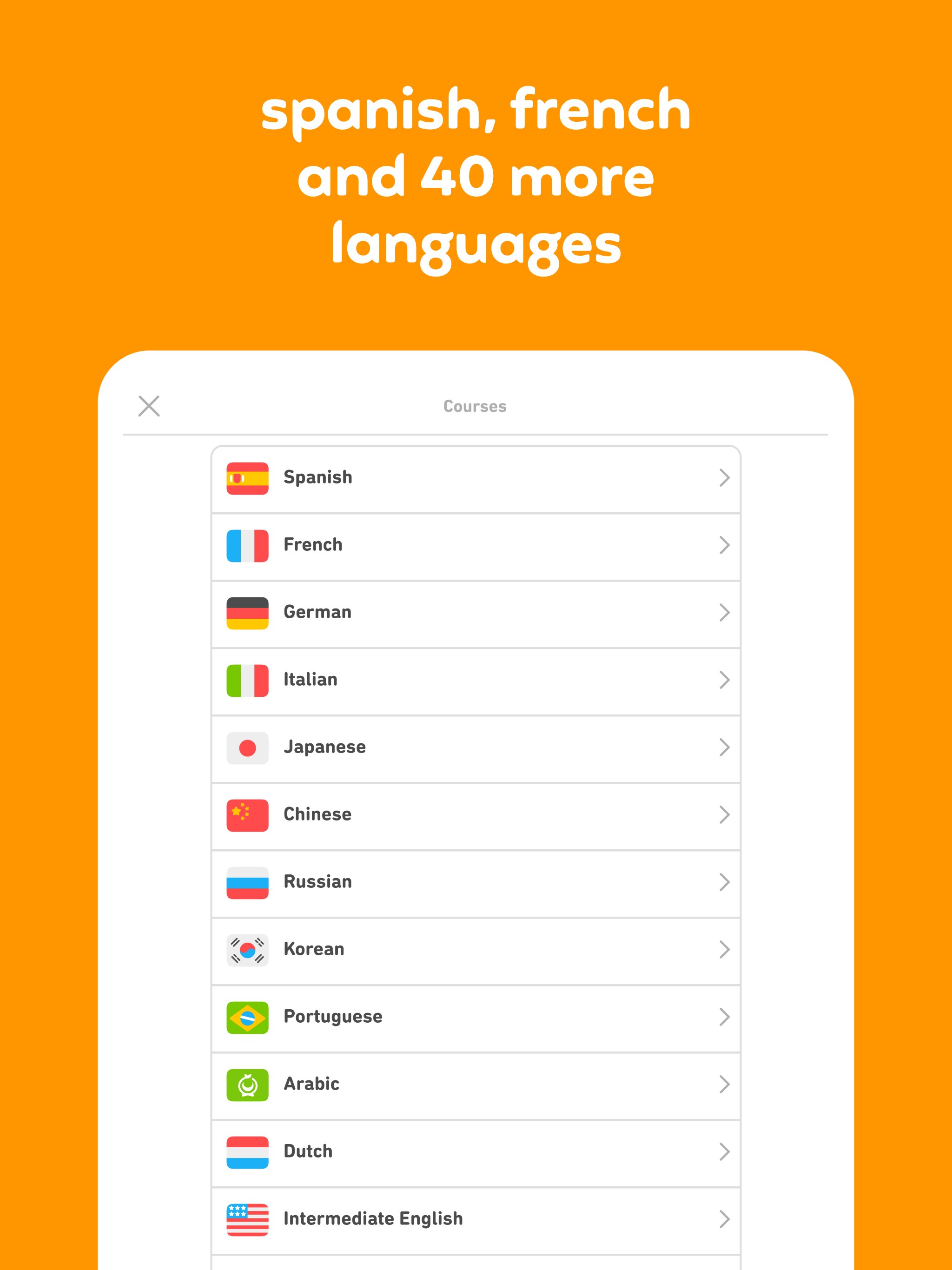
- Wide range of languages
- Progress tracking features
- Offline access available
Cons
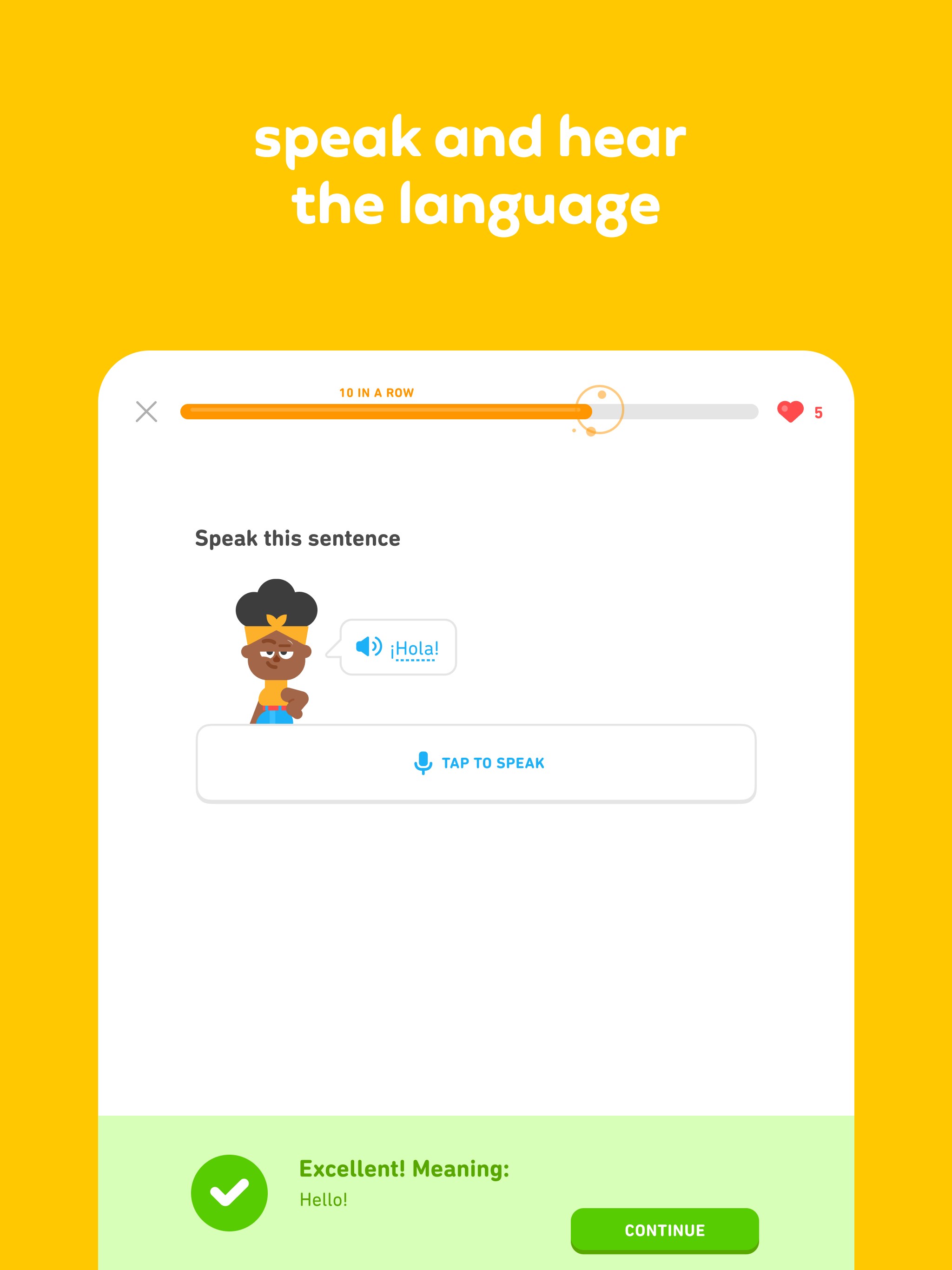
- Limited speaking practice with real users
- Requires constant internet for some features
- Some advanced lessons could be more comprehensive
- Ads in free version may interrupt learning
- Limited customization in lesson difficulty