- Name Kids Toddler & Preschool Games
- Category Educational
- Developer RV AppStudios
- Available on PC
- OS Windows 10 version 10240.0 or higher
- DirectX Version 10
- languages English (United States), German, Marathi, Russian, Spanish, Turkish
Introducing Kids Toddler & Preschool Games for Windows
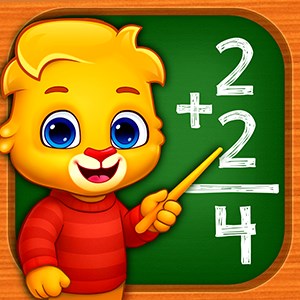
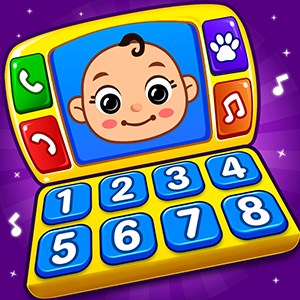
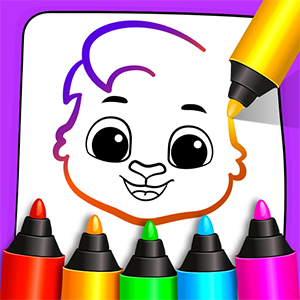
This colorful and engaging application is designed to foster learning and brain development in young children through a variety of fun mini-games, making education playful and accessible right on your Windows device.
About the Developer and Core Features
Developed and published by RV AppStudios, a team known for creating intuitive and child-friendly educational apps, Kids Toddler & Preschool Games offers a vibrant digital playground for early learners. Key highlights include:
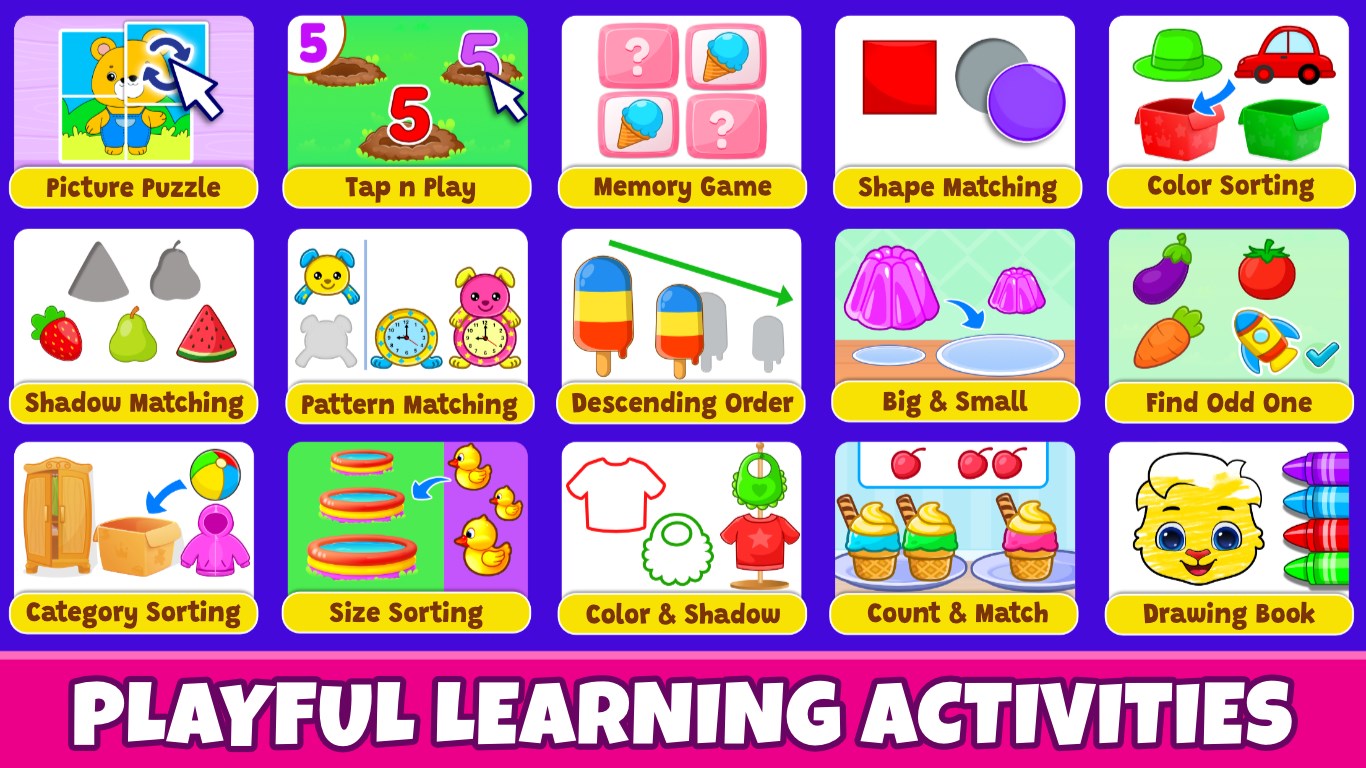
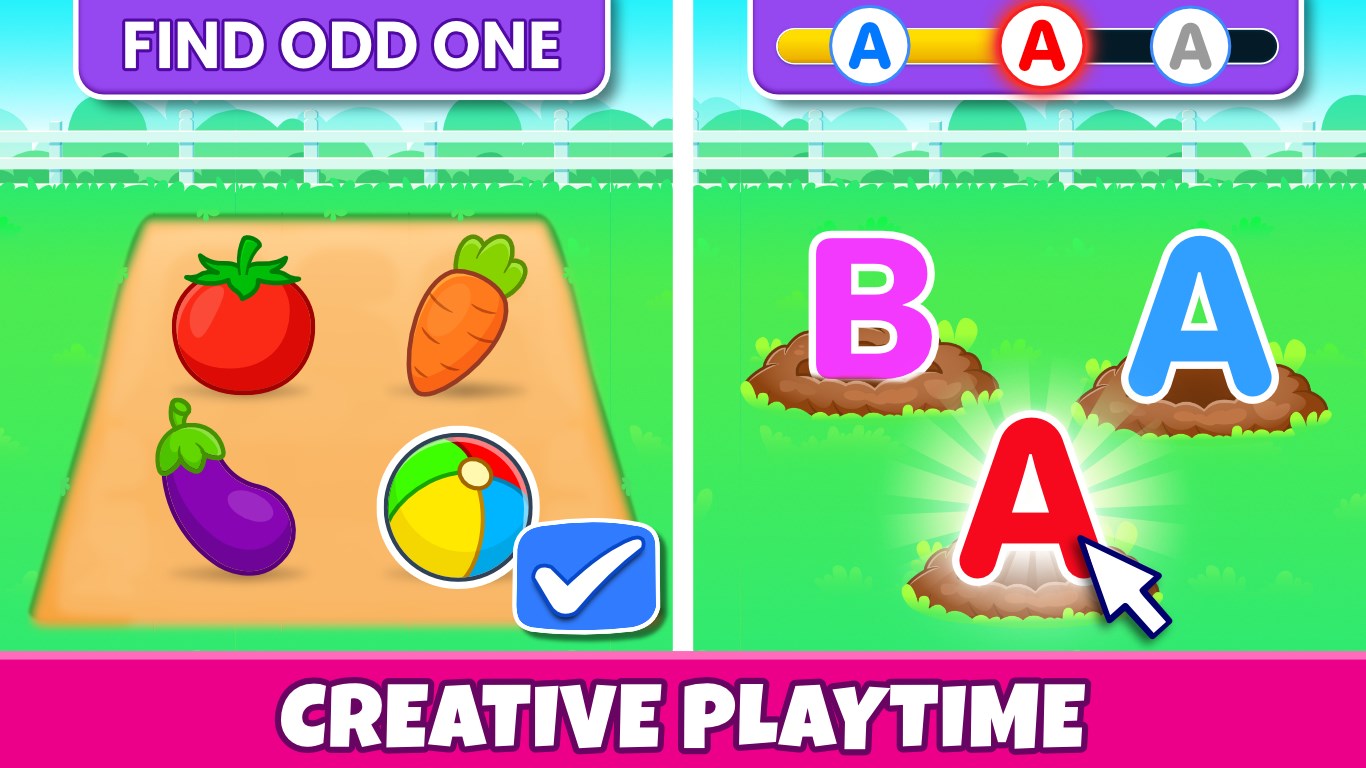
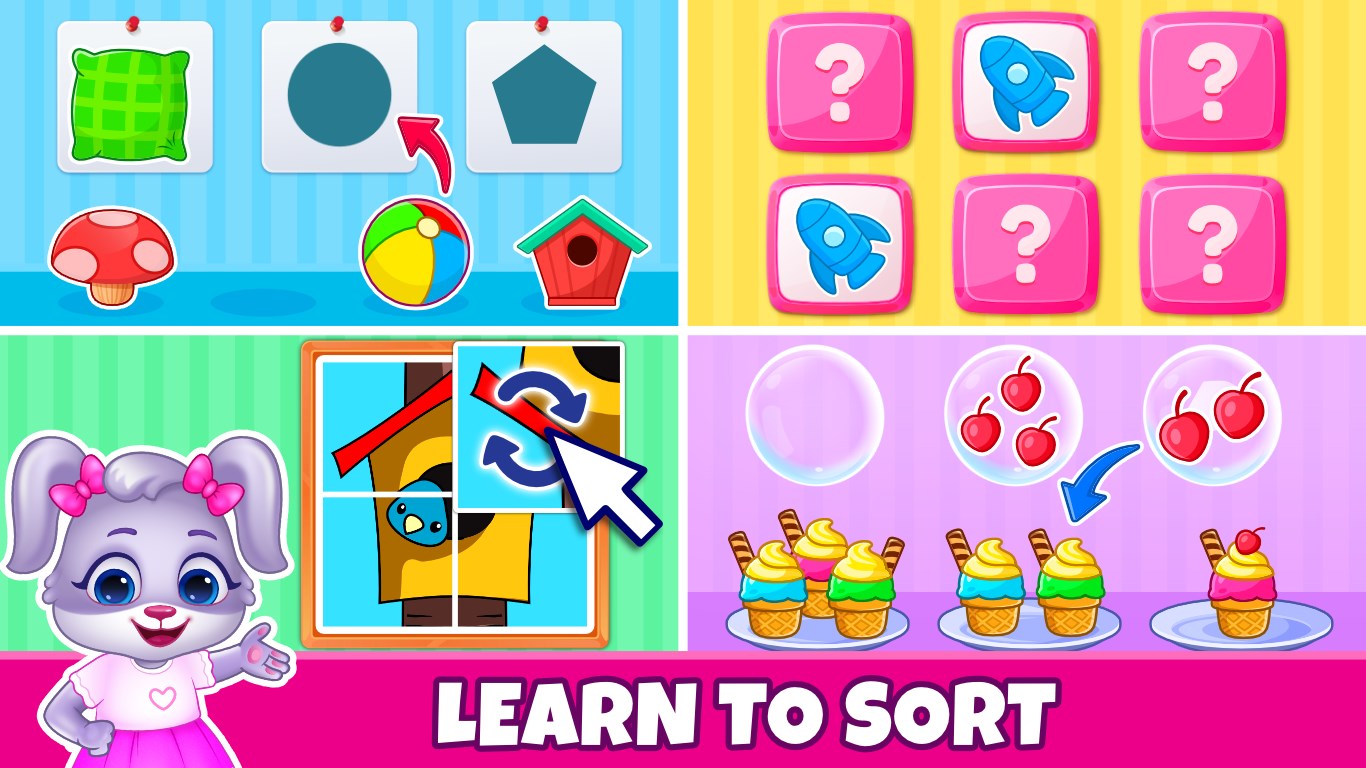
- Variety of Themed Mini-Games: Multiple game types covering literacy, numeracy, memory, and motor skills, ensuring holistic development.
- Progress Tracking & Rewards: Kid-friendly badge systems and progress indicators motivate continual engagement and a sense of achievement.
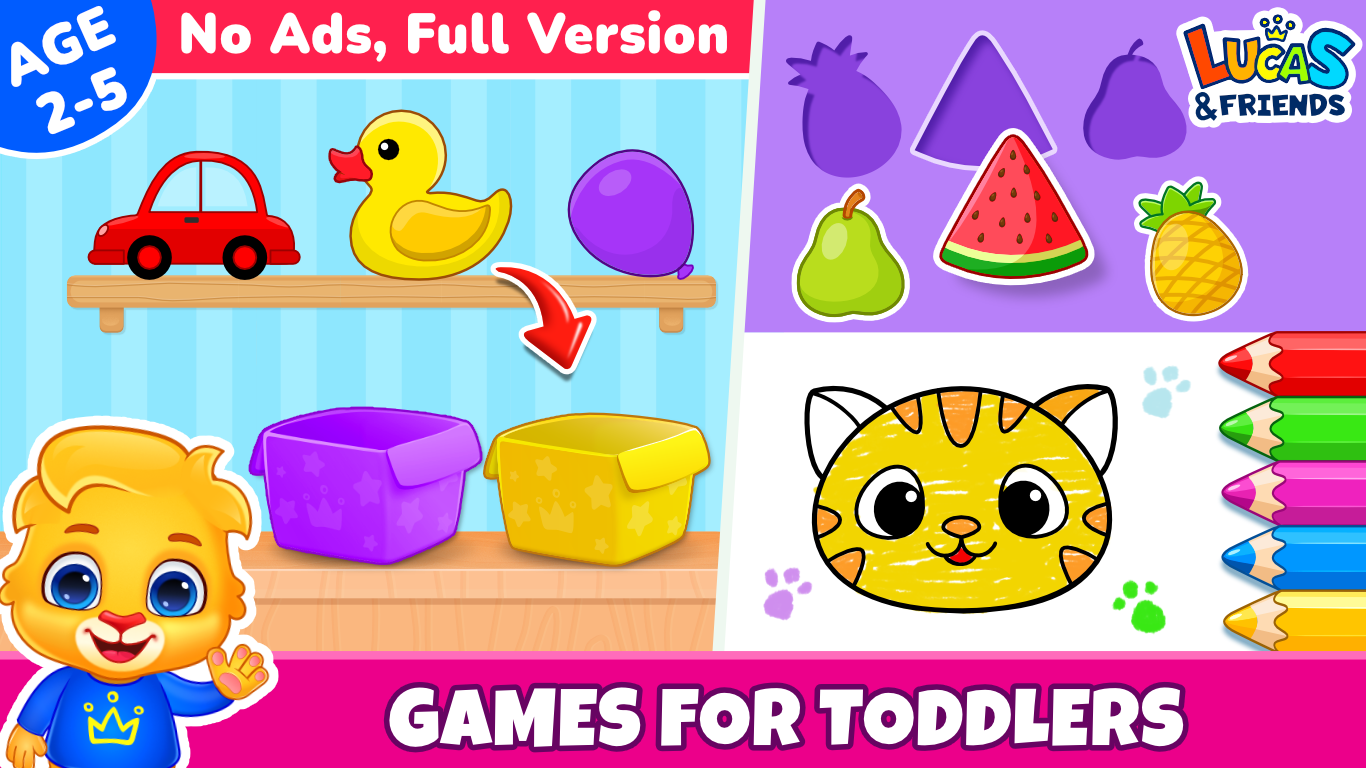
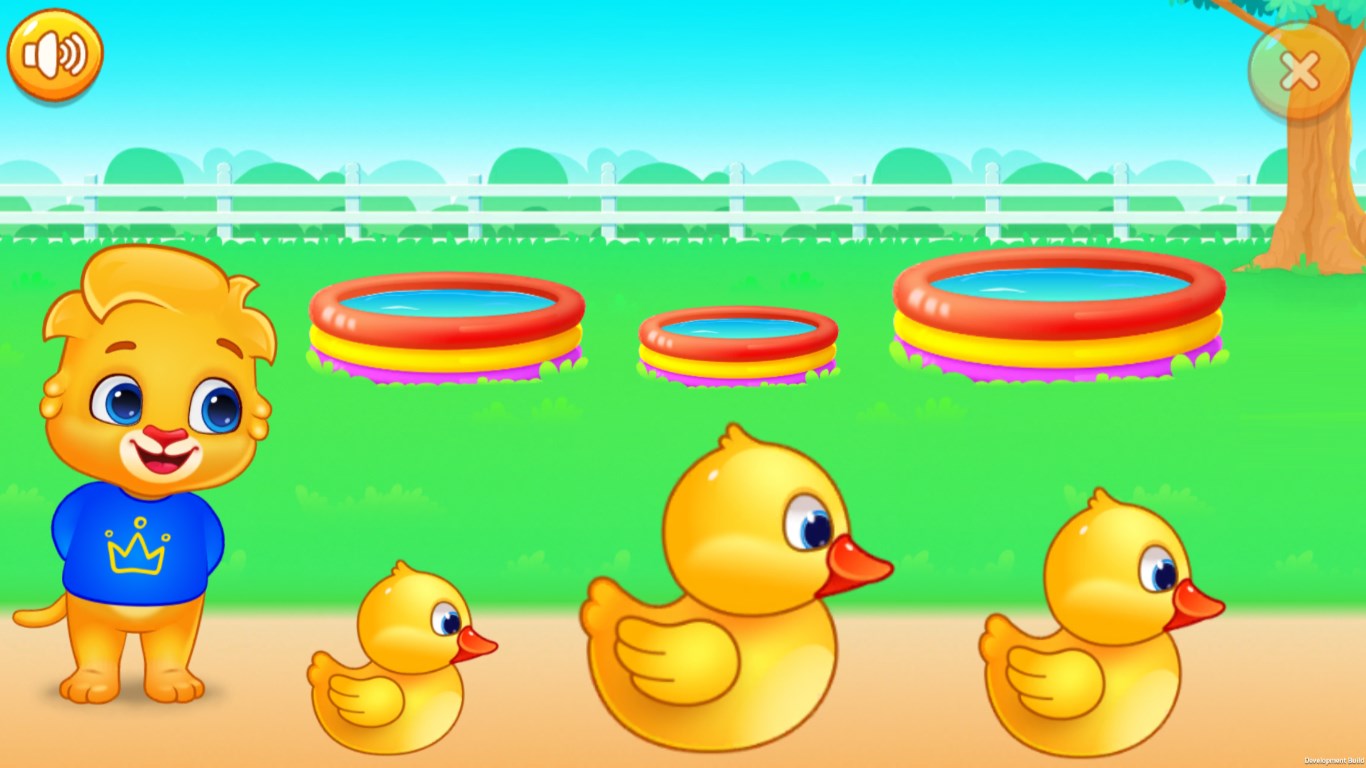
- User-Friendly Interface: Bright graphics and simple navigation designed specifically for preschool-aged children, ensuring ease of use without frustration.
- Multiple Educational Goals: Balances learning objectives with engaging gameplay to enhance retention and spark curiosity.
Engaging Introductory Experience
Imagine stepping into a lively virtual playground where every step sparks curiosity—this is what Kids Toddler & Preschool Games offers. Its bright colors and cheerful animations create an inviting environment, making children eager to explore. As a parent or educator, you'll appreciate how smoothly kids can navigate through this digital wonderland, turning screen time into a meaningful learning adventure.
Deep Dive into Core Learning Modules
Interactive Educational Games
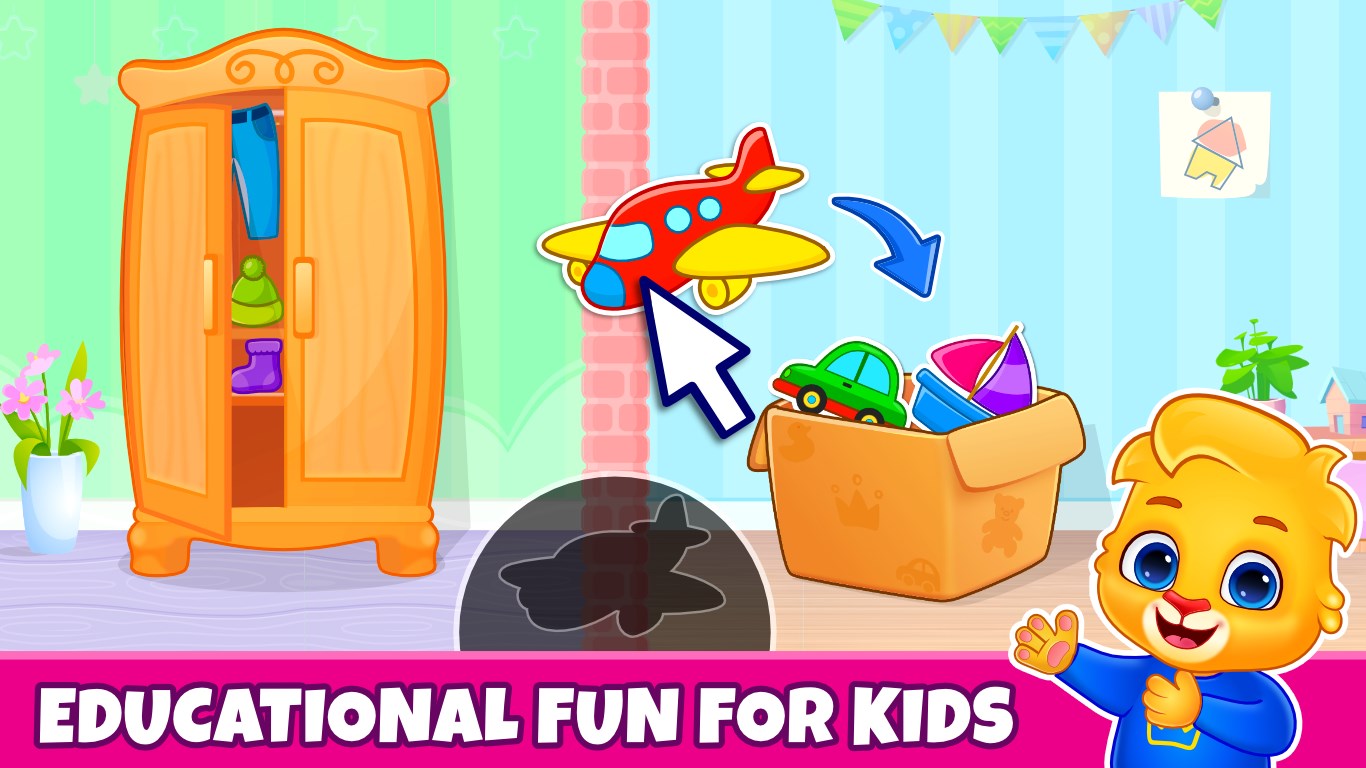
The heart of this app lies in its diverse mini-games that target key developmental skills. For example, memory-matching games with colorful animal cards boost cognitive recall, while puzzles develop spatial awareness. Each game is thoughtfully crafted to be intuitive, with simple prompts and touch-friendly controls so little fingers can easily tap away, feeling accomplished with each correct answer. These activities aren't just fun—they're strategically aligned with early childhood curricula, helping kids build foundational knowledge while enjoying the process.
Progress and Rewards System
Children love to see their efforts celebrated, and this app encourages that with its reward system. As young learners complete games and achieve milestones, they earn badges and unlock new levels, transforming learning into an exciting quest. This gamified approach not only sustains engagement but also provides tangible metrics for parents to monitor progress. The reward mechanism strikes a fine balance—motivating without overwhelming—making your little one eager to return and master new challenges every day.
User Experience and Differentiation
The interface of Kids Toddler & Preschool Games is reminiscent of a friendly, animated storybook—bright, colorful, and uncluttered, allowing children to focus on play without distractions. Navigation is simplified to large, easily recognizable icons, minimizing confusion and promoting independent exploration. The loading times are swift, and transitions between different game modules are seamless, ensuring a fluid experience that feels more like flipping through a lively picture book than navigating a complex app.
Compared to other educational apps, this one stands out by striking a harmonious balance between learning and engagement. While many apps focus heavily on rote memorization or overly gamified content, Kids Toddler & Preschool Games emphasizes measured knowledge reinforcement with engaging gameplay. Its built-in metrics for knowledge retention—such as tracking completed games and earned badges—provide an insightful window into your child's progress, making it easier to nurture specific skills effectively.
Recommendations and Usage Tips
This app is highly recommended for parents and educators seeking a trustworthy, well-designed educational tool for children aged 2-5. Its intuitive interface and engaging content make it suitable for both supervised and independent use. For optimal results, incorporate it as part of a balanced educational routine—pairing screen time with hands-on activities and outdoor play. Regularly explore different game modules to target various skills, and use the progress tracking features to celebrate your child's achievements. Overall, this app offers a sturdy, enjoyable springboard for early childhood learning, making it a worthwhile addition to your digital toolbox.
Pros
- Wide selection of educational games
- Child-friendly interface
- Offline access available
- Parental controls included
- Regular content updates
Cons
- Limited customization options
- Ads can be intrusive in free version
- Some games have simple graphics
- In-app purchases are present
- Limited language options