
- Name VitalSource Bookshelf
- Category Education
- Developer VitalSource Technologies, LLC
- Available on PC
- OS Windows 10 version 19041.0 or higher
- DirectX Version 10
- languages Arabic, Bulgarian, Catalan, Chinese (Simplified), Chinese (Traditional), Czech, Danish, Dutch, English (United Kingdom), English (United States), Finnish, French, French (Canada), German, Greek, Hebrew, Hindi, Hungarian, Icelandic, Irish, Italian, Japanese, Korean , Norwegian (Bokmål), Polish , Portuguese (Brazil), Portuguese (Portugal), Romanian, Russian, Spanish (Mexico), Spanish (Spain), Swedish, Thai, Turkish, Vietnamese, Welsh
VitalSource Bookshelf for Windows: Your Digital Textbook Companion
VitalSource Bookshelf for Windows is a comprehensive e-textbook reader designed to streamline academic and professional learning through a robust digital platform. Developed by VitalSource Technologies, LLC, it offers an immersive reading experience tailored for students, educators, and lifelong learners seeking reliable, interactive access to digital textbooks.
About the Developer and Core Features
Created by VitalSource Technologies, LLC—an industry leader in digital content delivery—the application excels in providing seamless access to a vast library of academic resources. Its key features include synchronized highlight and note-taking capabilities, personalized reading paths, and integrated interactive tools that enhance comprehension. The interface is optimized for Windows environments, ensuring a familiar yet powerful experience for users across devices. The target audience primarily consists of students and educators who require reliable, flexible, and authoritative digital textbooks for coursework and research.
Engaging and Intuitive User Experience
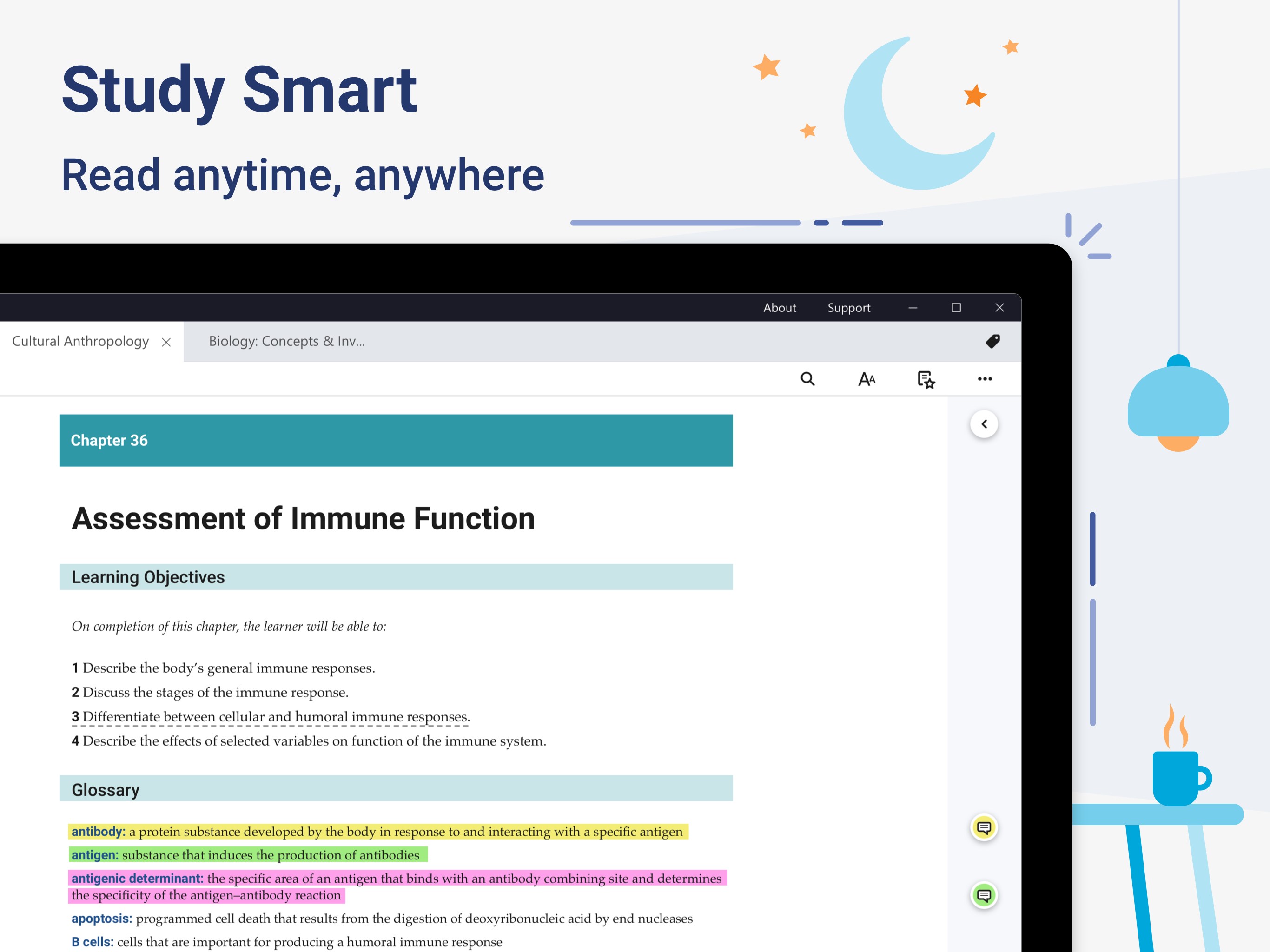
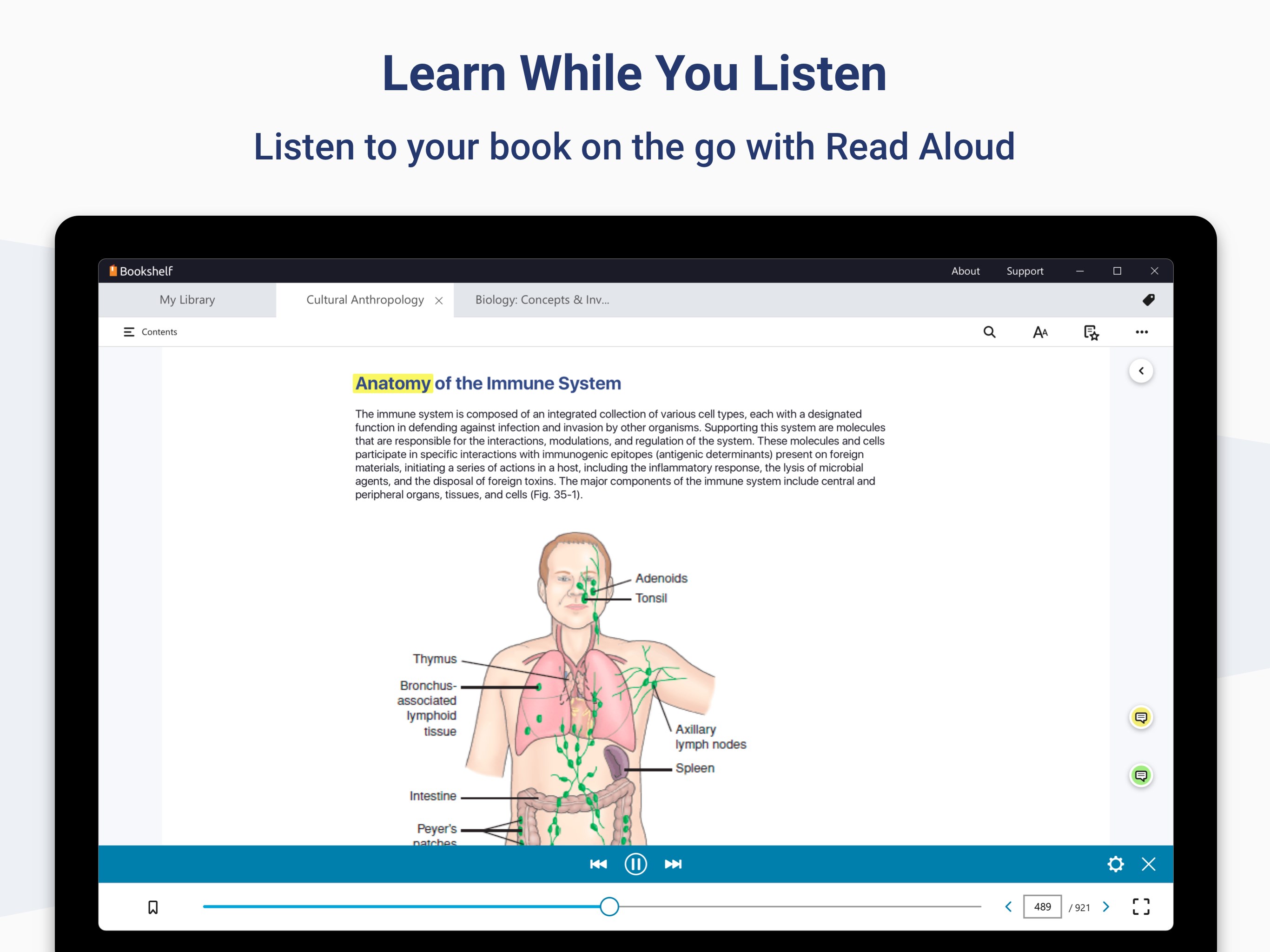
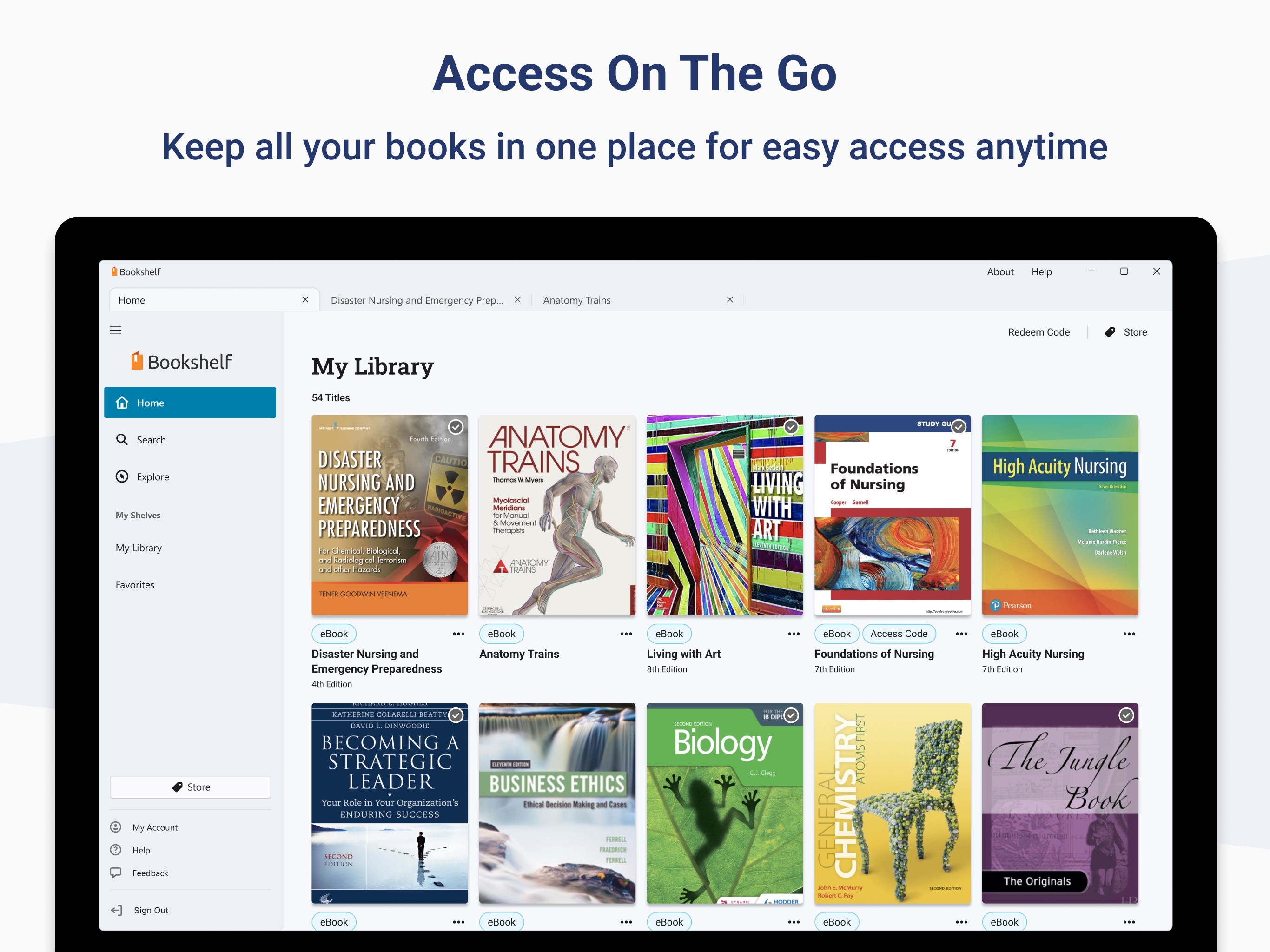
Opening the app feels akin to unlocking a well-organized library at your fingertips. Its interface design is clean, modern, and intuitively navigable, making it straightforward for users to find and access their learning materials without frustration. The responsiveness of the app lends itself to smooth scrolling, quick page turns, and seamless syncing of notes—providing a fluid reading environment that modestly mimics flipping through physical pages. Even newcomers to digital textbooks will find the learning curve gentle, thanks to straightforward icons and helpful tutorials that guide you through features step by step.
Enhanced Reading and Personalization Features
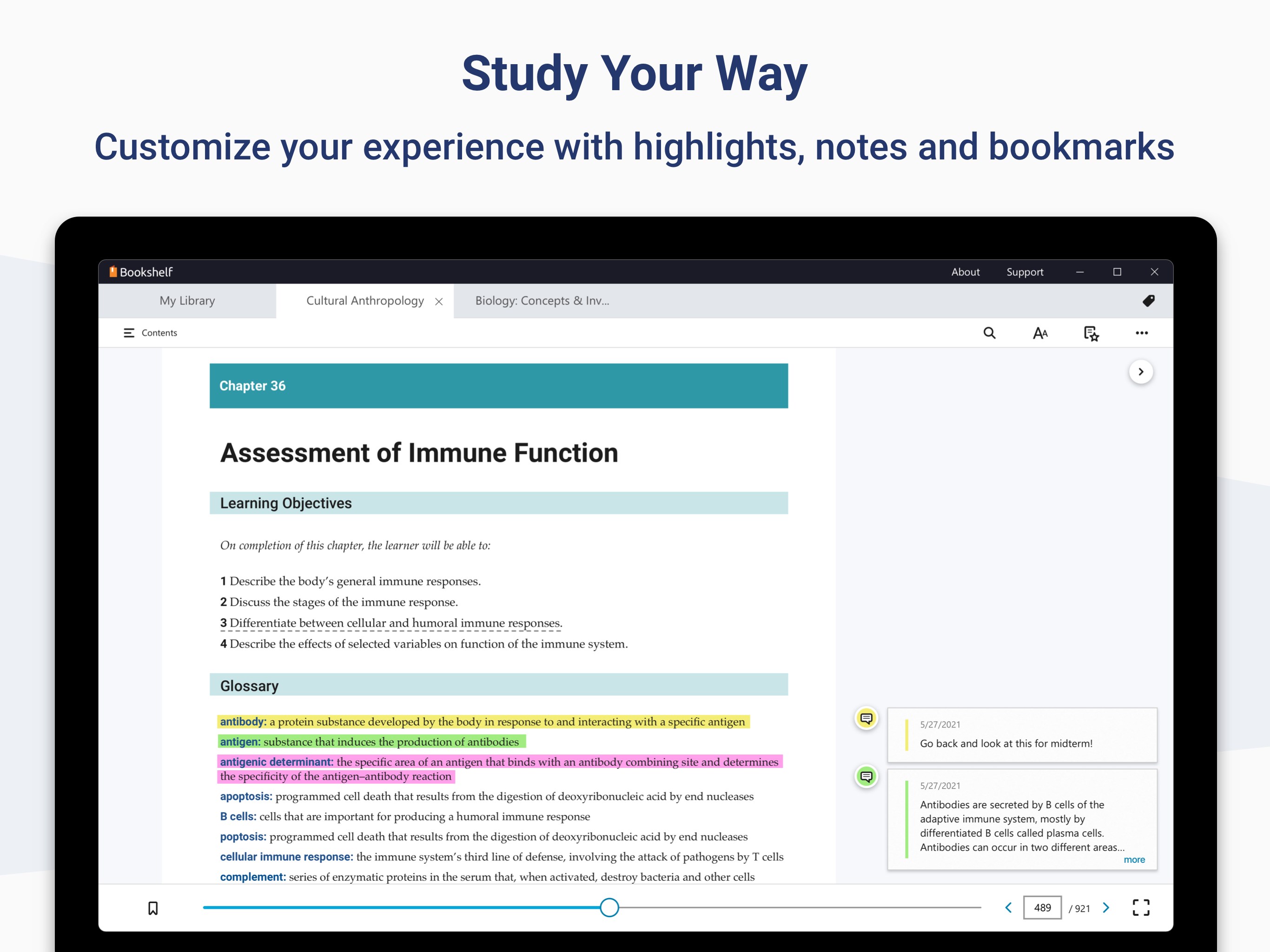
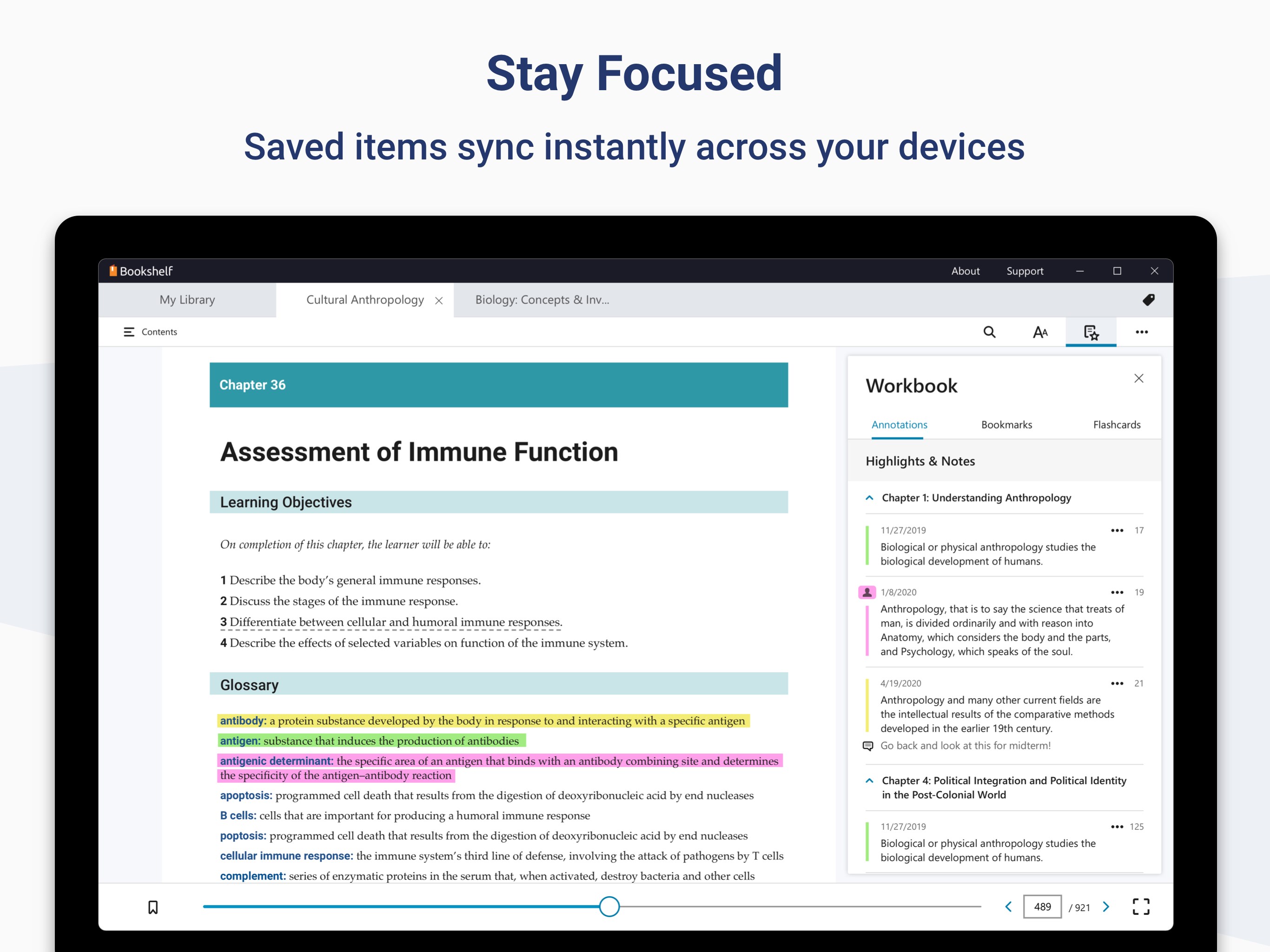
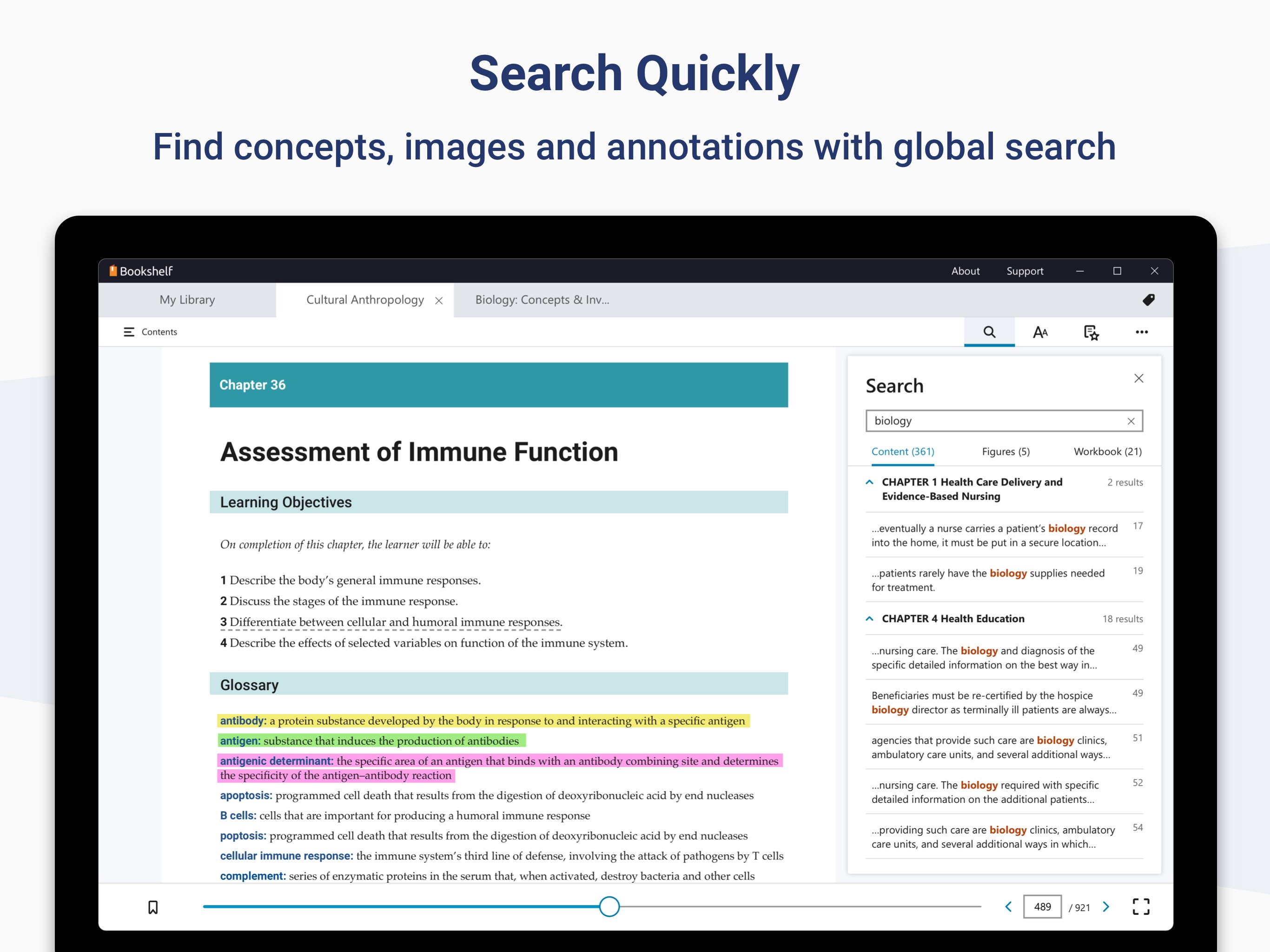
One of Bookshelf's standout functions is its ability to let users highlight passages, add notes, and then organize these annotations for future review—all synchronized across devices. This feature not only makes review sessions more efficient but also creates a personalized study ecosystem tailored to individual needs. Unlike many competitors, VitalSource emphasizes content authority and accuracy, ensuring that users engage with trustworthy material. The platform also supports 'Personalized Learning Paths,' which allow educators and learners to customize the progression through content, fostering a more targeted, efficient study process. Whether you're an autodidact working through complex subjects or a student preparing for exams, this tailored approach significantly differentiates Bookshelf from other educational apps which often lack such refined customization capabilities.
Final Recommendations and Usage Tips
If you value a reliable, user-friendly digital textbook experience with a focus on accuracy and personalization, VitalSource Bookshelf for Windows is highly recommended. It excels in providing an authoritative platform that bridges the gap between traditional textbook use and modern learning needs. For best results, combine the app with a dedicated study schedule—use its tagging and note-taking features to organize your learning journey efficiently. While it doesn't have as many multimedia interactive elements as some other apps, its strength lies in content integrity and customizable learning paths, making it ideal for learners who prefer a focused, annotation-rich reading environment.
In summary, VitalSource Bookshelf for Windows is a thoughtfully crafted digital textbook platform that offers an authoritative, personalized, and user-centric experience. For students and educators who demand reliable content and easy access to their learning resources, it is a tool well worth exploring—delivering a digital reading experience that feels both familiar and innovative without unnecessary embellishments.
Pros
- User-friendly interface
- Extensive eBook library
- Offline reading capability
- Note-taking and highlighting features
- Cross-platform support
Cons
- Occasional sync issues
- Limited customization options
- High data usage during downloads
- Occasional slow performance with large files
- Limited annotation sharing features