
- Name ABC Kids - Tracing and Phonics
- Category Educational
- Developer RV AppStudios LLC
- Available on PC
- OS Windows 10 version 10240.0 or higher
- DirectX Version 10
- languages Afrikaans, Bangla, English (United States), Finnish, French, German, Greek, Gujarati, Hindi, Hungarian, Indonesian, Italian, Kannada, Malay, Malayalam, Marathi, Nepali, Polish, Punjabi, Romanian, Russian, Spanish, Telugu, Turkish, Ukrainian, Vietnamese
Introducing ABC Kids - Tracing and Phonics for Windows: A Child-Friendly Educational Tool
ABC Kids - Tracing and Phonics for Windows is an engaging educational application designed to help young learners master the fundamentals of reading through interactive tracing and phonics exercises. Its intuitive interface and targeted activities aim to make early literacy fun and accessible for children just beginning their language journey.
About the Developer and Core Features
Developed and published by RV AppStudios LLC, the app combines expertise in educational content with child-friendly design principles. The main features that stand out include:
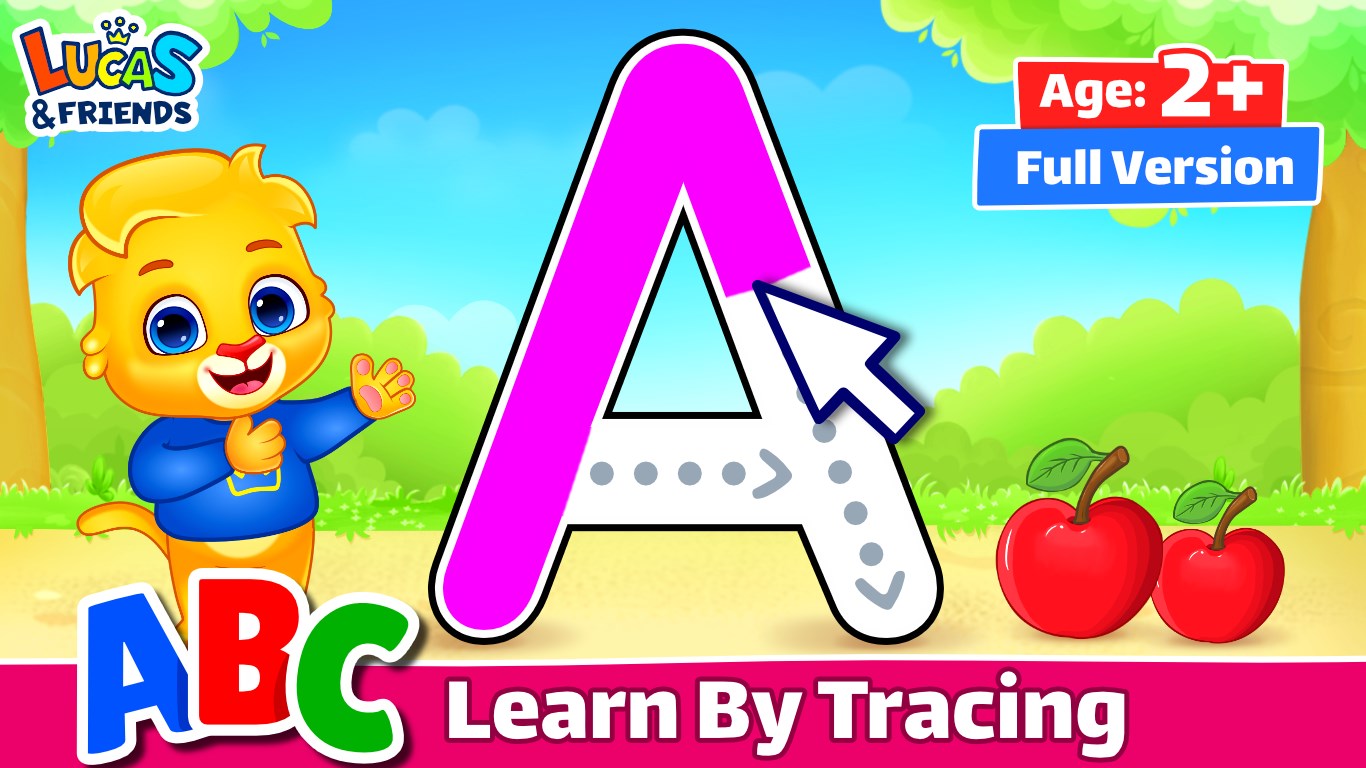
- Interactive Tracing Activities: Brightly colored alphabet and number tracing exercises allow children to develop fine motor skills while familiarizing themselves with letter shapes and sounds.
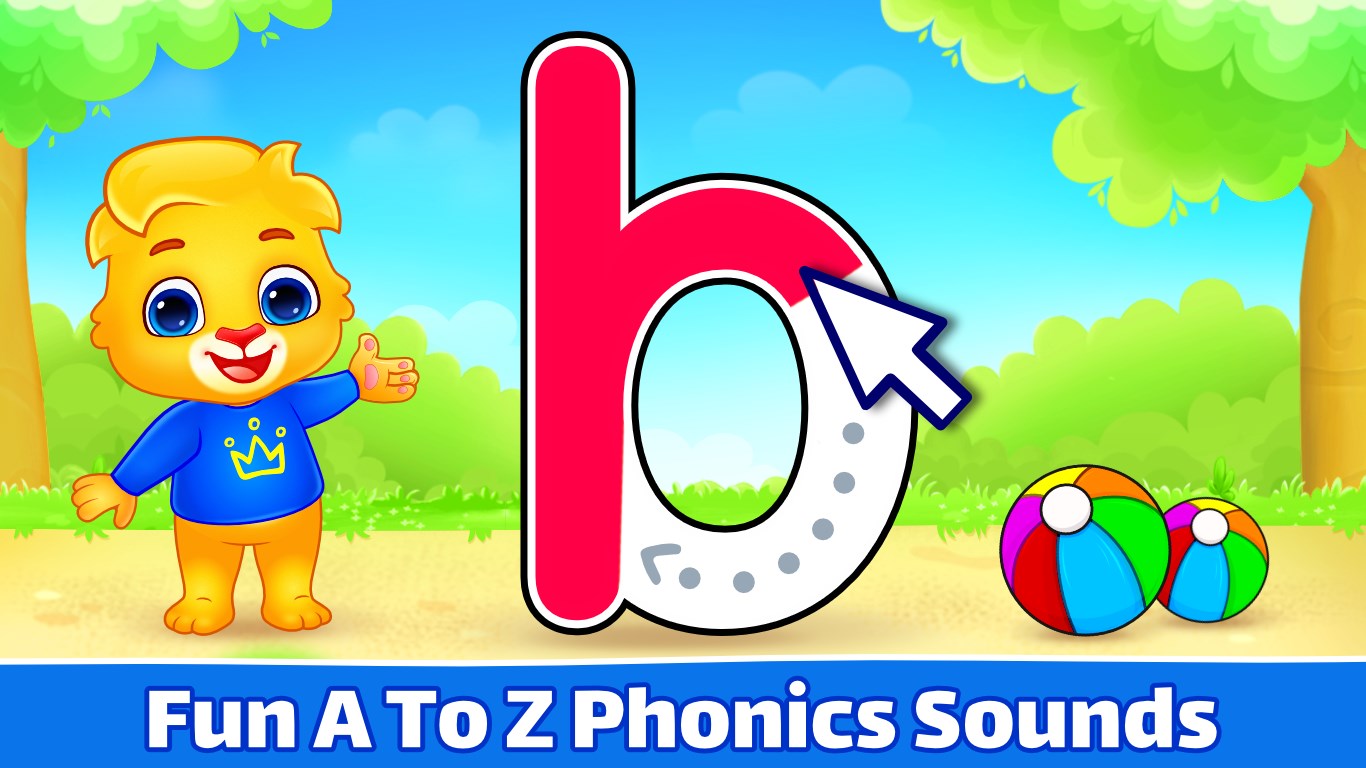
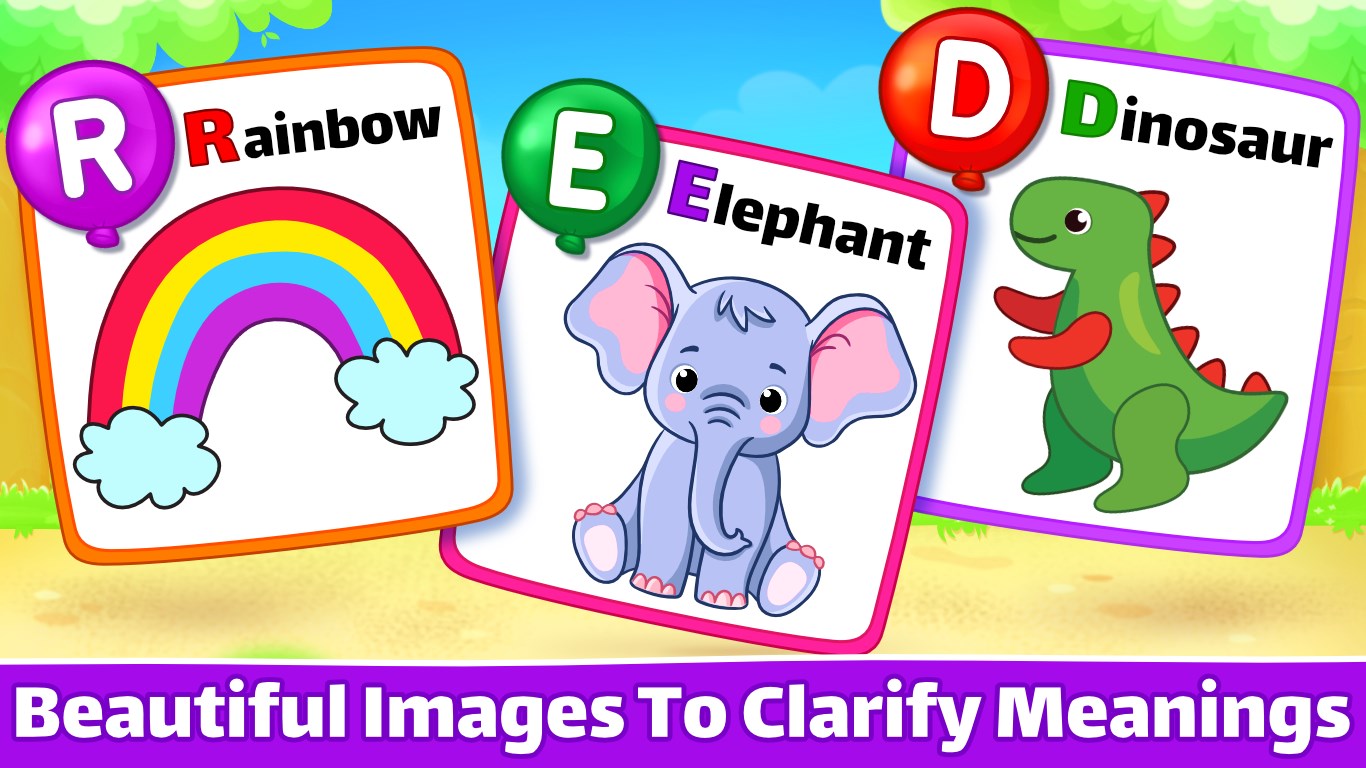
- Phonics and Sound Recognition: Integrated audio cues and visual aids help children associate letter symbols with their corresponding sounds, reinforcing phonemic awareness.
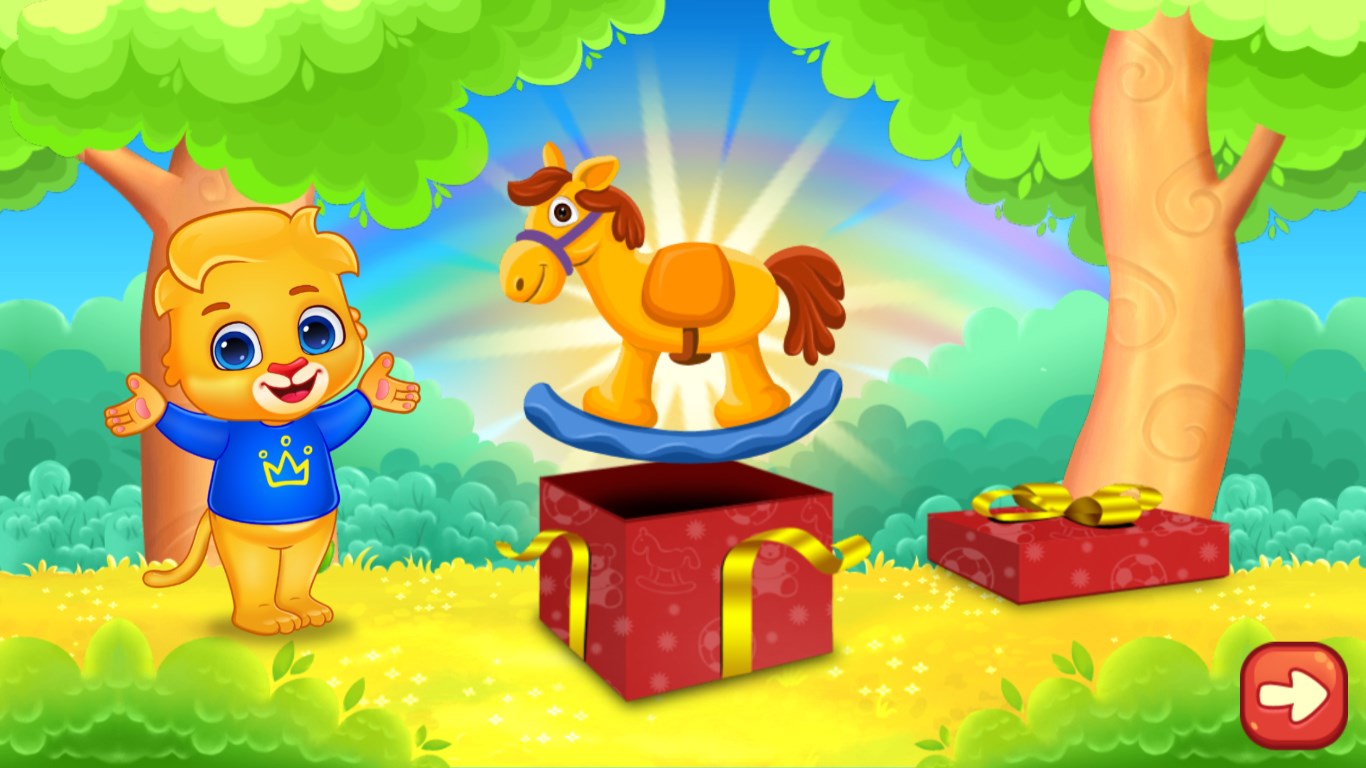
- Progress Tracking and Rewards: The app provides measurable feedback through progress indicators and fun surprises, encouraging continued learning and effort.
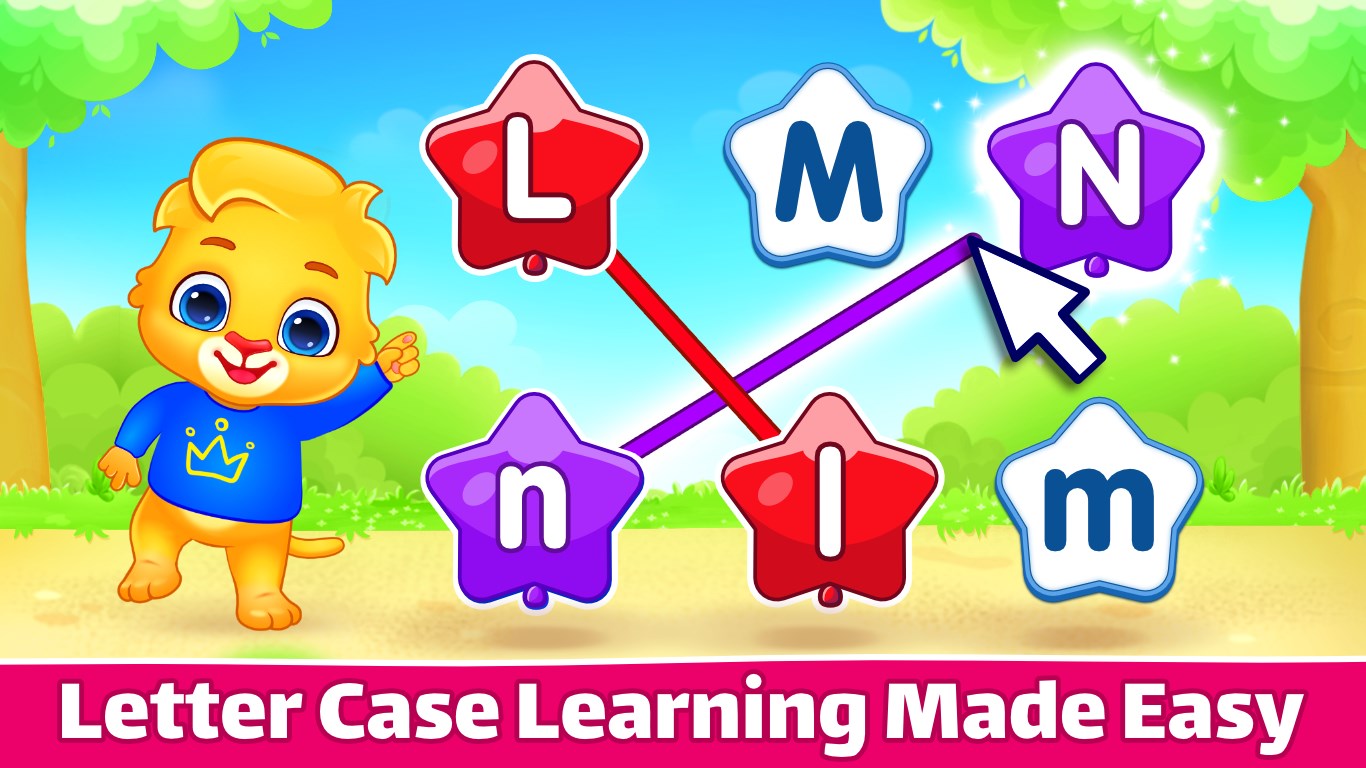
- Customizable Practice Modes: Options to tailor exercises to individual learning paces make the app adaptable for different skill levels.
Designed primarily for preschool and early elementary children, the app is perfect for parents and educators aiming to bolster foundational literacy skills in an enjoyable manner.
Vivid Review of User Experience and Core Functionalities
Imagine a vibrant virtual playground where each letter is a playful character eager to be traced and learned—this is the kind of engaging environment ABC Kids creates. The app's interface is cheerful yet uncluttered, featuring large buttons, clear icons, and colorful animations that easily catch the attention of young learners. Navigating through activities feels smooth, akin to gliding over a slide without any annoying hiccups—responsiveness is prompt, making the experience seamless and frustration-free. The learning curve is gentle; even children as young as four can independently explore the activities with minimal guidance, thanks to well-designed tutorials and intuitive controls.
Core Functionality 1: Tracing with Purpose
The tracing feature is the star of the show. Each letter and number is beautifully illustrated with fun designs, inviting children to trace over them with their fingers or a stylus. This tactile interaction not only improves handwriting skills but also reinforces letter recognition—a crucial step in learning to read. Unlike some apps that merely show tracing outlines, ABC Kids emphasizes gradual difficulty, starting with bold, simple shapes and advancing to more complex forms, thereby accommodating different learning paces. The app's audio guidance and visual cues significantly enhance engagement, transforming a simple tracing task into an animated adventure.
Core Functionality 2: Phonics & Sound Play
The phonics module stands out for its multi-sensory approach: children see the letter, hear its sound, and then practice pronunciation through interactive activities. The app cleverly uses friendly characters and contextual scenarios to ingrain the link between symbols and sounds, which is especially beneficial for auditory learners. Moreover, the measurement of knowledge retention is subtly built-in—correct responses and repetition prompts help reinforce learning and assess progress over time. This focus on active sound association turns passive listening into an interactive discovery process, making phonics less of a chore and more of an exciting game.
Highlighting the App's Unique Strengths
What makes ABC Kids truly commendable compared to similar apps is its balanced focus on objectives and engagement. While many apps prioritize either entertainment or education, this one strikes a harmonious chord—incorporating engaging visuals and rewards without compromising educational rigor. The adaptive practice modes ensure that children are neither overwhelmed nor under-challenged, supporting long-term retention of alphabetic and phonetic knowledge. This thoughtful design means children are not just completing tasks—they are actively internalizing fundamental reading skills, which could translate into improved literacy outcomes over time.
Final Thoughts and Recommendations
Given its intuitive design, engaging content, and educational depth, ABC Kids - Tracing and Phonics for Windows deserves a solid recommendation for parents and educators seeking a constructive way to introduce early reading skills. Its particular strengths lie in its tactile tracing exercises fused with effective phonics teaching—making learning both meaningful and enjoyable. For optimal results, I suggest integrating this app into a broader literacy routine, supplementing screen time with hands-on reading and writing exercises. Overall, this app is a valuable tool to kickstart a child's journey into reading with confidence and joy.
Pros
- Engaging and colorful interface
- Effective tracing activities for early handwriting skills
- Interactive phonics lessons
- Progress tracking feature
- User-friendly design
Cons
- Limited variety of activities
- Lack of personalized learning paths
- No offline mode
- Limited accessibility options
- Occasional minor bugs or crashes