- Name Kids Games: For Toddlers 3-5
- Category Educational
- Developer RV AppStudios
- Available on PC
- OS Windows 10 version 10240.0 or higher
- DirectX Version 10
- languages Afrikaans, Albanian, Arabic, Bangla, Basque, Bulgarian, Catalan, Chinese (Simplified), Chinese (Traditional Chinese), Croatian, Czech, Danish, Dutch, English (United States), Estonian, Filipino, Finnish, French, German, Greek, Gujarati, Hindi, Hungarian, Indonesian, Italian, Japanese, Kannada, Kazakh, Kiswahili, Korean, Latvian, Lithuanian, Malay, Malayalam, Marathi, Nepali, Norwegian, Persian/Farsi, Polish, Portuguese, Punjabi, Romanian, Russian, Serbian (Cyrillic), Sinhala, Slovak, Slovenian, Spanish, Swedish, Tamil, Telugu, Thai, Turkish, Ukrainian, Urdu, Vietnamese
Introduction: A Colorful Playground for Young Minds
Kids Games: For Toddlers 3-5 on Windows offers a delightful digital playground designed to engage preschoolers in fun, educational activities. Created by RV AppStudios, this app aims to balance learning objectives with engaging gameplay, making it a handy tool for parents seeking constructive entertainment for their little ones. Whether it's learning shapes, colors, or early problem-solving, this app promises an enriching experience wrapped in vibrant visuals and intuitive design.
Bright and Friendly Interface: Easy Navigation for Tiny Hands
The app's interface feels like walking into a cheerful classroom, bursting with colors and friendly characters that guide children effortlessly through the activities. Designed specifically for toddlers aged 3 to 5, the layout features large icons, straightforward menus, and minimal clutter—perfect for little fingers making their first touchscreen adventures. The app's loading speed and transitions are smooth, ensuring that children remain captivated without frustration, allowing them to explore freely while parents can monitor progress easily.
Core Learning Adventures: Fun Meets Educational Goals
Engaging Learning Activities
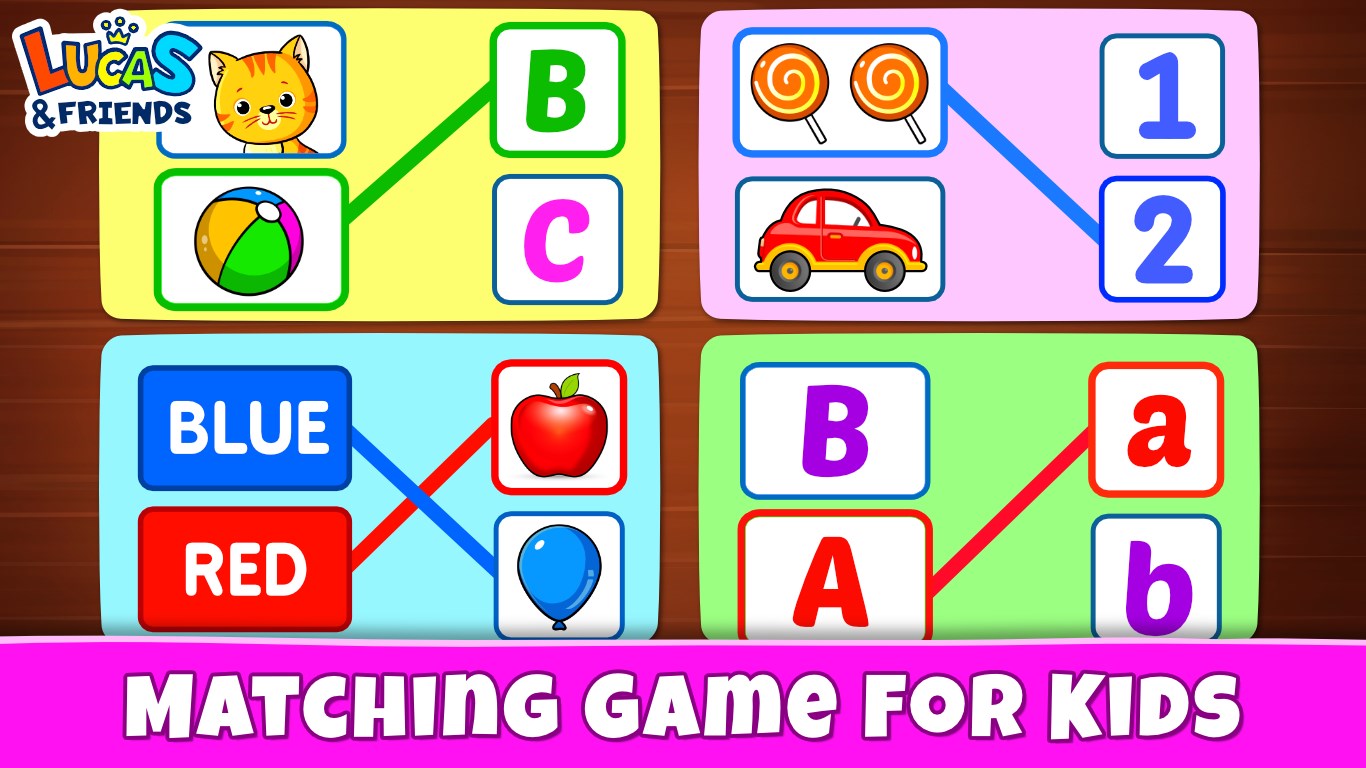
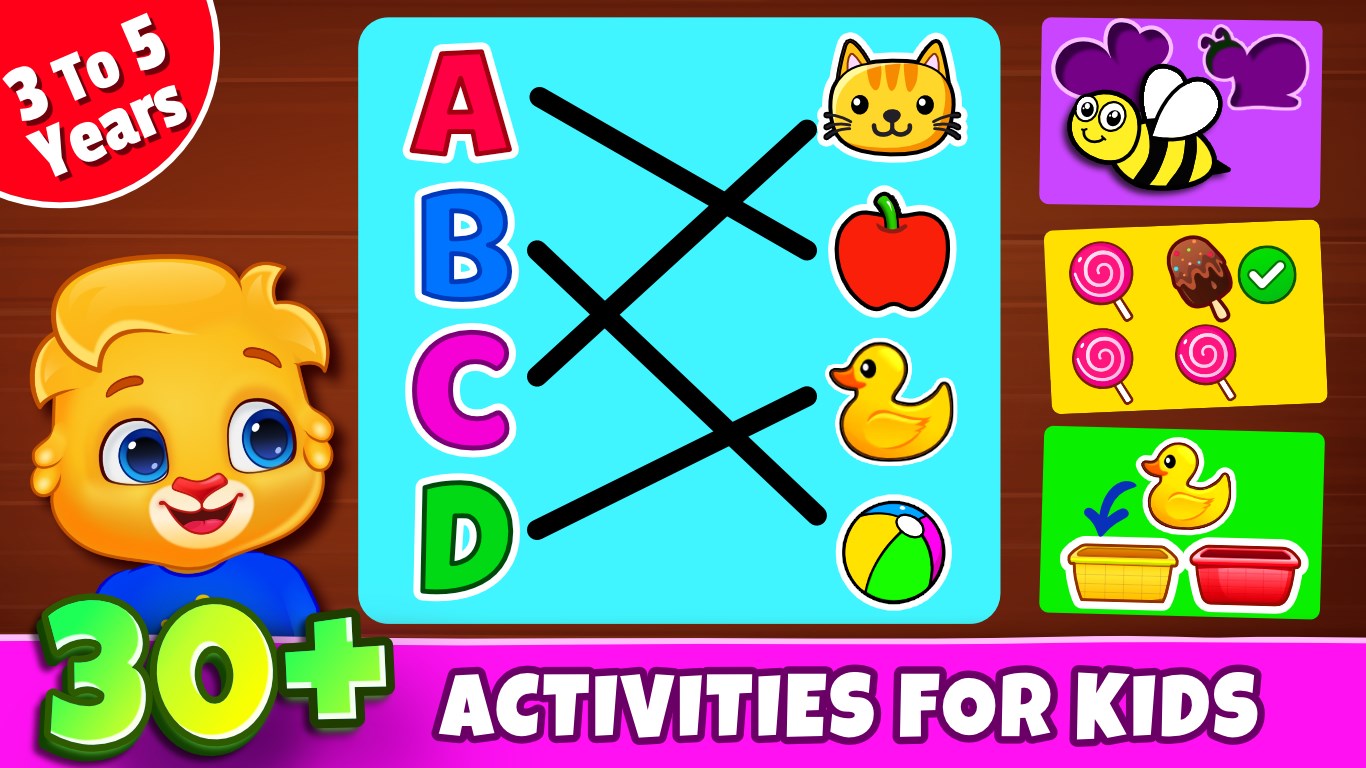
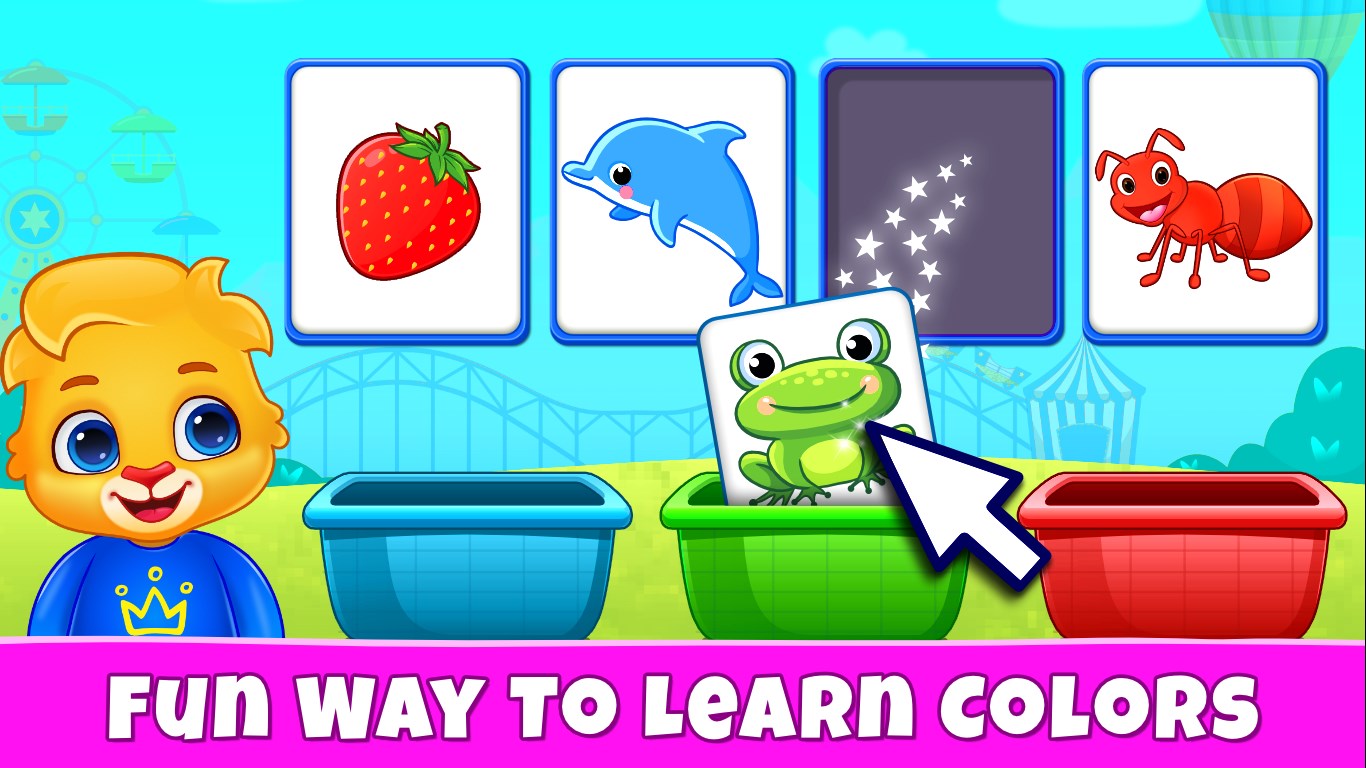
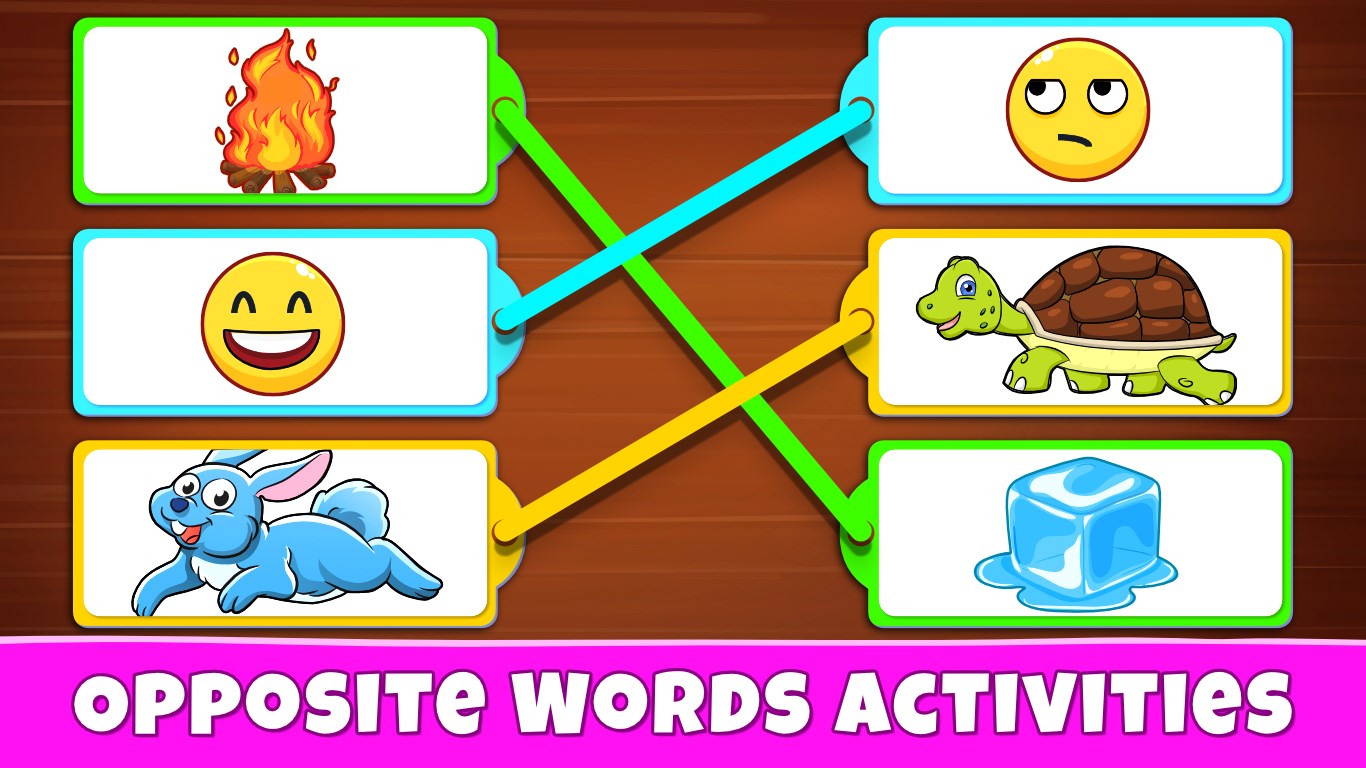
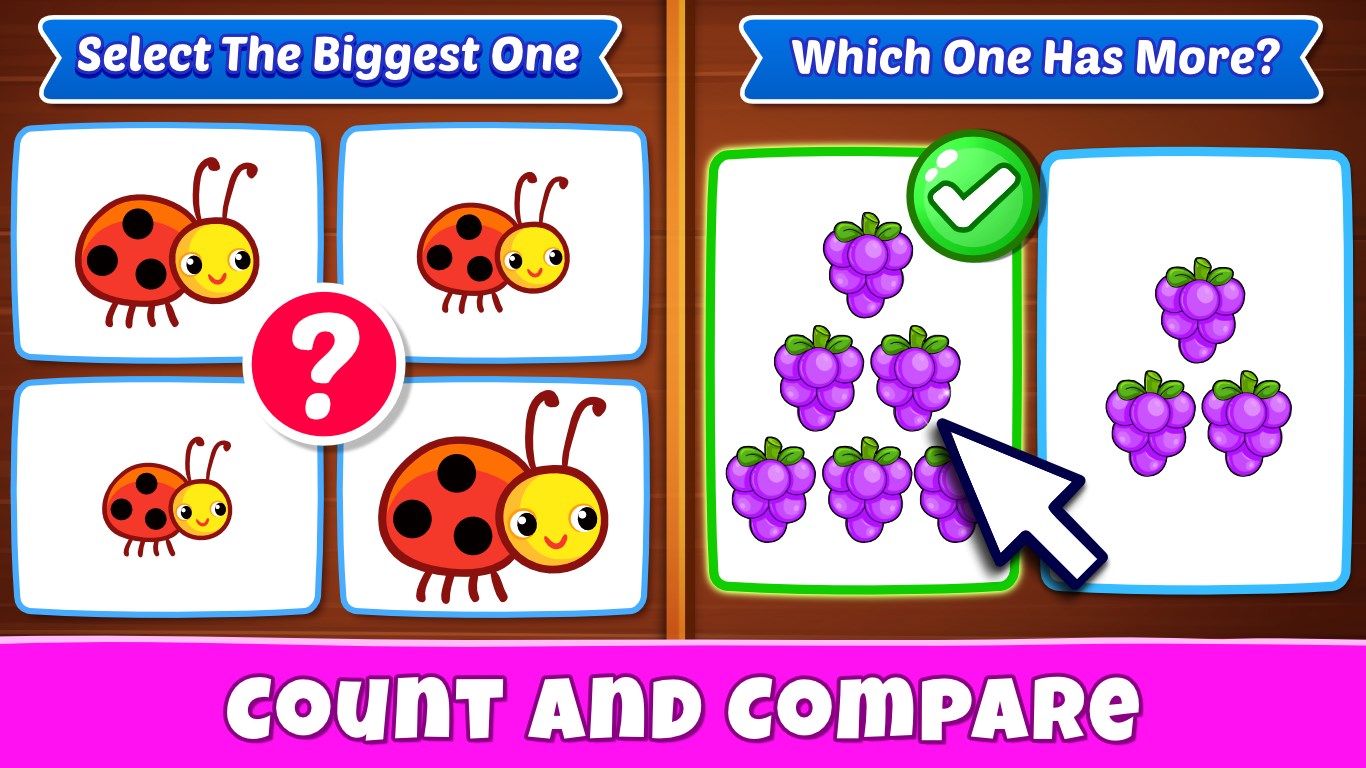
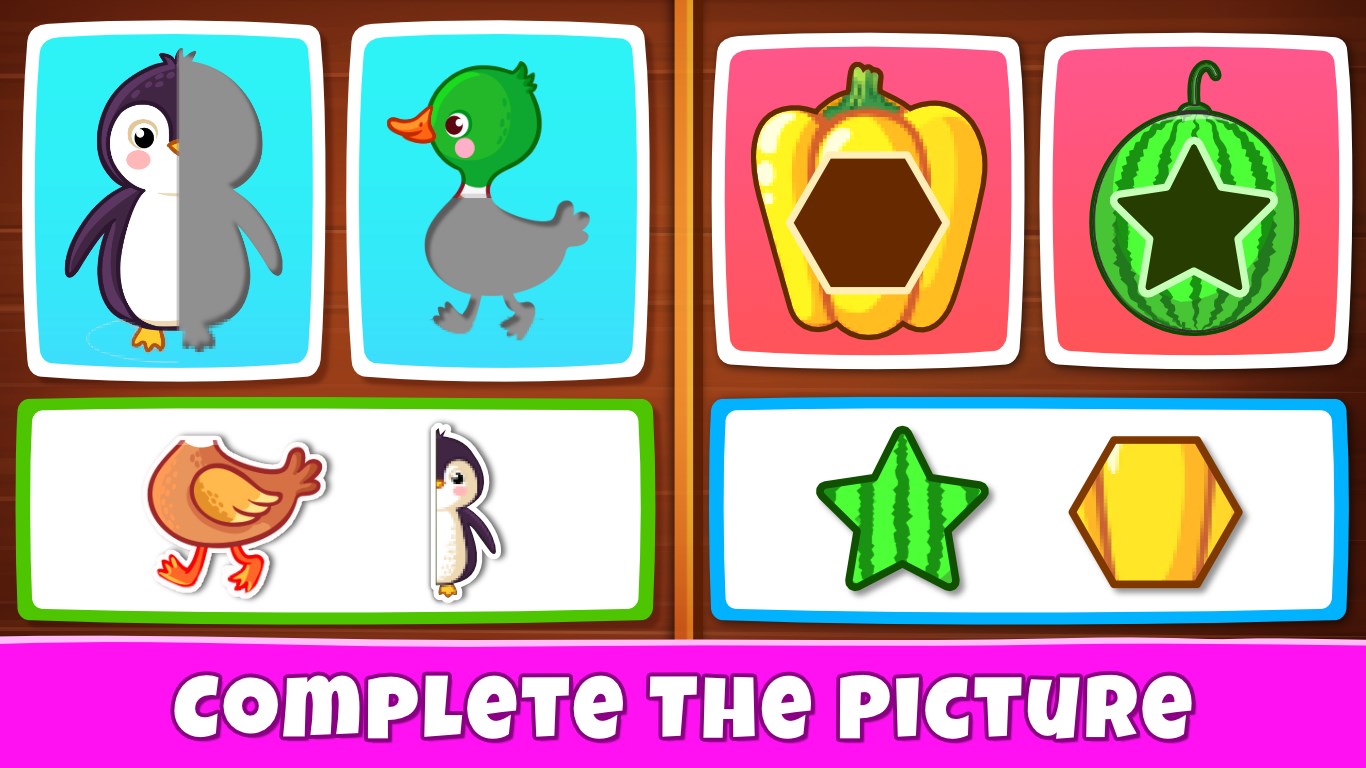
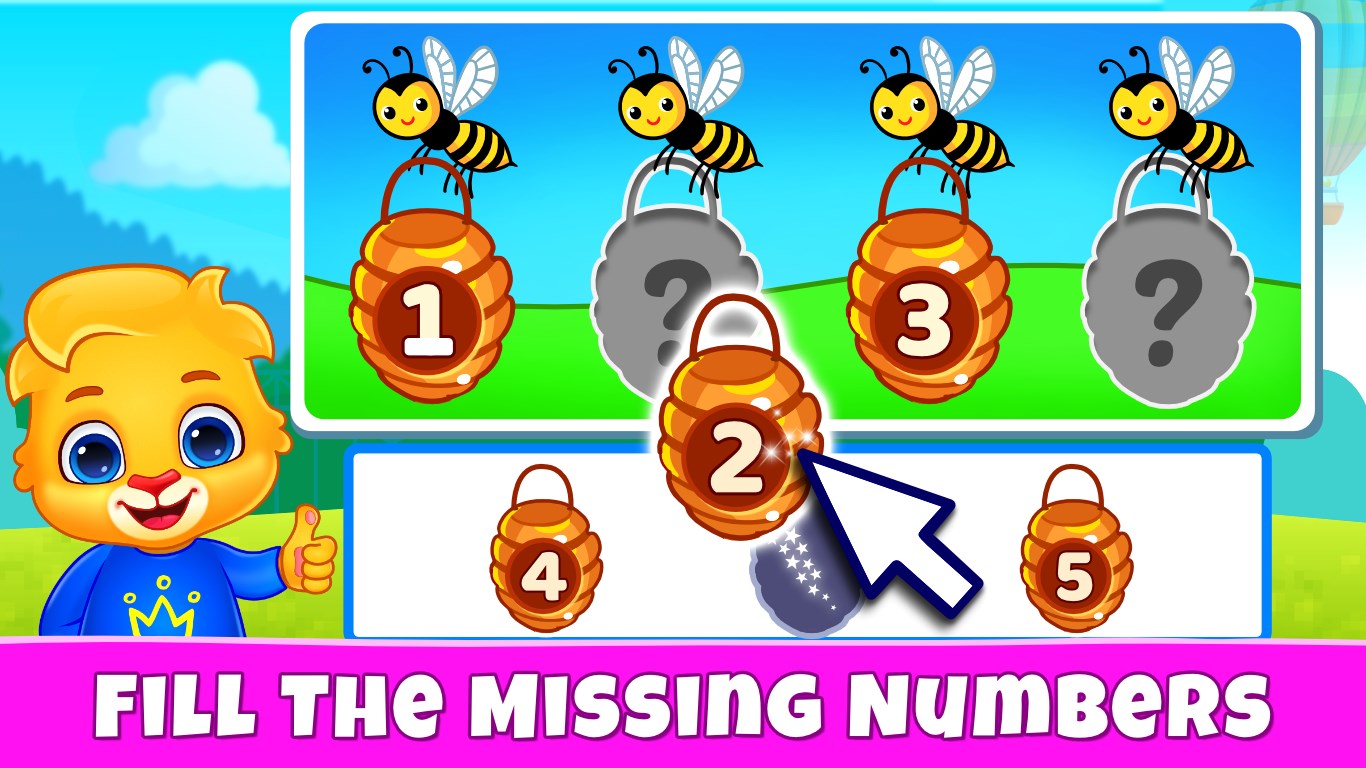
The core of Kids Games revolves around a series of interactive exercises targeting fundamental skills such as shape recognition, color matching, and basic counting. Each activity is crafted like a mini-game—think colorful puzzle pieces fitting into shaped outlines or matching bubbles that pop with positive sounds—making learning feel like a playful quest rather than a chore. Unique to this app is its adaptive difficulty system, subtly adjusting challenge levels to match each child's progress, keeping them neither bored nor overwhelmed.
Innovative Tracking and Feedback
One of the app's standout features is its integrated progress tracking system. It quietly records which activities are completed, how well, and how quickly, providing parents with easy-to-understand summaries. This functionality makes it easier for caregivers to measure knowledge retention and identify areas where the child might need extra practice. Unlike many educational apps that focus solely on engagement, Kids Games gives importance to understanding learning outcomes, giving it an analytical edge that helps balance entertainment with educational efficacy.
Vivid Graphics and Delightful Soundscapes
The app's visual and auditory design is charming and lively, akin to stepping into a cartoon storybook. Bright colors, playful animations, and cheerful sound effects create an inviting environment that sustains a child's curiosity. These elements are not only entertaining but also serve to reinforce learning by associating colors, sounds, and shapes with fun experiences. The seamless integration of these features ensures that children remain immersed, enhancing the overall educational value.
Assessment and Recommendations
Overall, Kids Games: For Toddlers 3-5 stands out in the crowded field of educational apps for its thoughtful blend of fun, learning, and measurable progress. Its most distinctive feature—an adaptive difficulty system combined with detailed tracking—sets it apart from typical entertainment-focused apps. The interface is straightforward and child-friendly, making it accessible even for those with limited experience with digital devices.
For parents and educators seeking an app that not only entertains but also thoughtfully nurtures early developmental skills, Kids Games is a solid choice. I recommend it for daily use as a supplementary educational activity, especially in situations where a balance between learning and engagement is desired. While no app can replace personalized interaction, this one offers a compelling, user-friendly platform that delivers both learning and fun in equal measure.
Pros
- User-friendly interface
- Educational content
- Parental controls
- Variety of game types
- Offline accessibility
Cons
- Limited depth of gameplay
- Lack of personalized progress tracking
- Some advertisements appear in free version
- Limited language options
- Graphics could be more appealing