- Name Math Games: Math for Kids
- Category Educational
- Developer RV AppStudios LLC
- Available on PC
- OS Windows 10 version 10240.0 or higher
- DirectX Version 10
- languages Afrikaans, Albanian, Arabic, Bangla, Basque, Bulgarian, Catalan, Chinese (Simplified), Chinese (Traditional Chinese), Croatian, Czech, Danish, Dutch, English (United States), Estonian, Filipino, Finnish, French, German, Greek, Gujarati, Hindi, Hungarian, Indonesian, Italian, Japanese, Kannada, Kazakh, Kiswahili, Korean, Latvian, Lithuanian, Malay, Malayalam, Marathi, Nepali, Norwegian, Persian/Farsi, Polish, Portuguese, Punjabi, Romanian, Russian, Serbian (Cyrillic), Sinhala, Slovak, Slovenian, Spanish, Swedish, Telugu, Thai, Turkish, Ukrainian, Vietnamese
Introducing Math Games: Math for Kids for Windows
Math Games: Math for Kids is an engaging educational application designed to make math learning both fun and effective for children, seamlessly blending entertainment with foundational skill development.
Developed by RV AppStudios LLC
Crafted by RV AppStudios LLC, a team dedicated to creating interactive educational tools, this app aims to foster a love for mathematics while reinforcing essential concepts through interactive gameplay.
Key Features That Stand Out
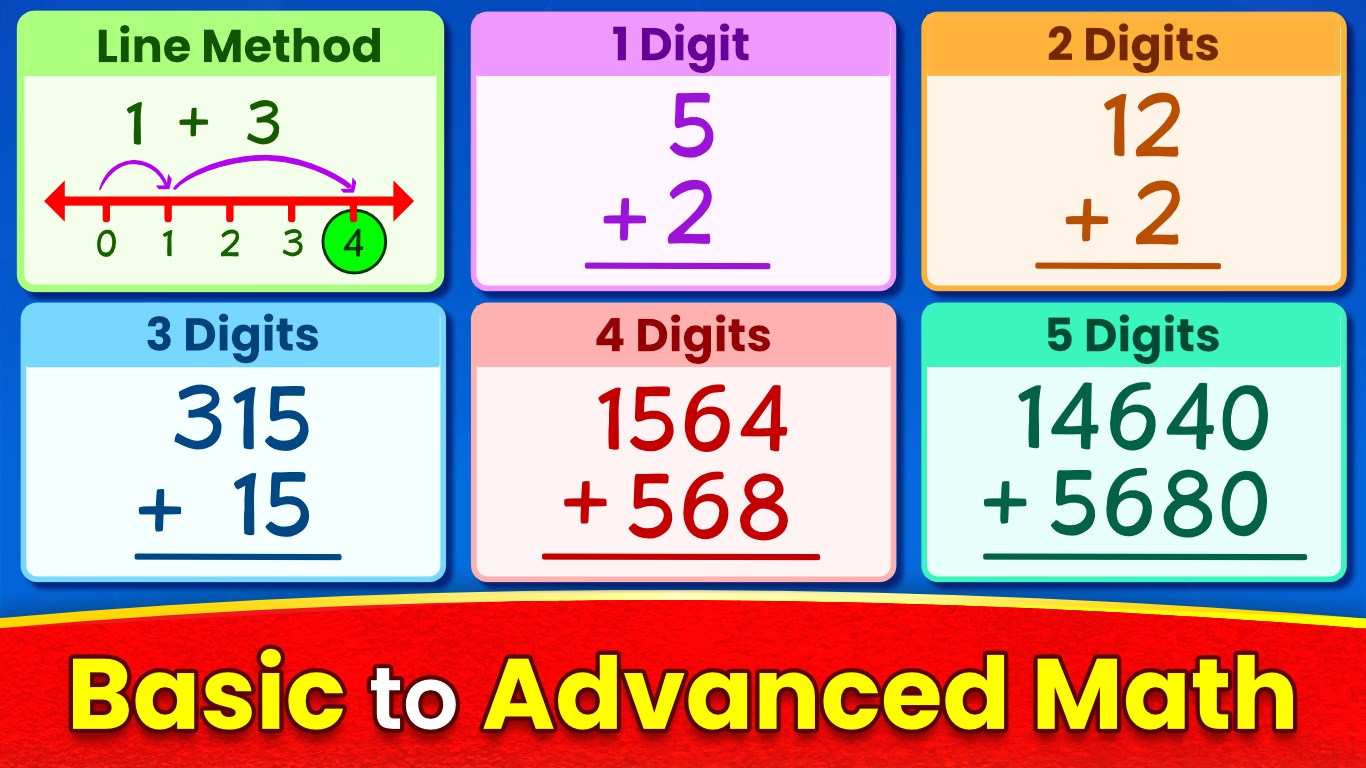
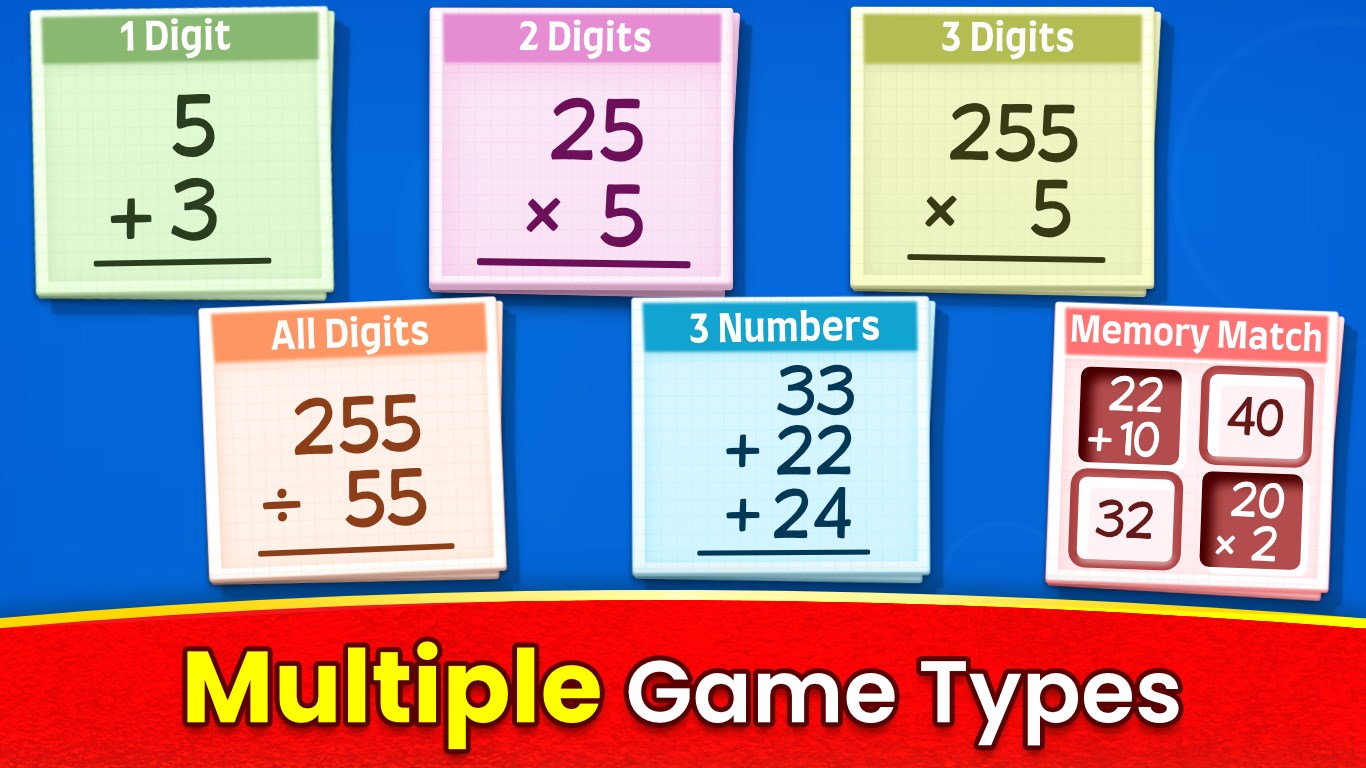
- Interactive and Adaptive Exercises: The app offers a wide variety of game modes that adapt to a child's skill level, ensuring neither boredom nor frustration.
- Progress Tracking and Feedback: Parents and educators can monitor learning progress through detailed metrics, allowing tailored support.
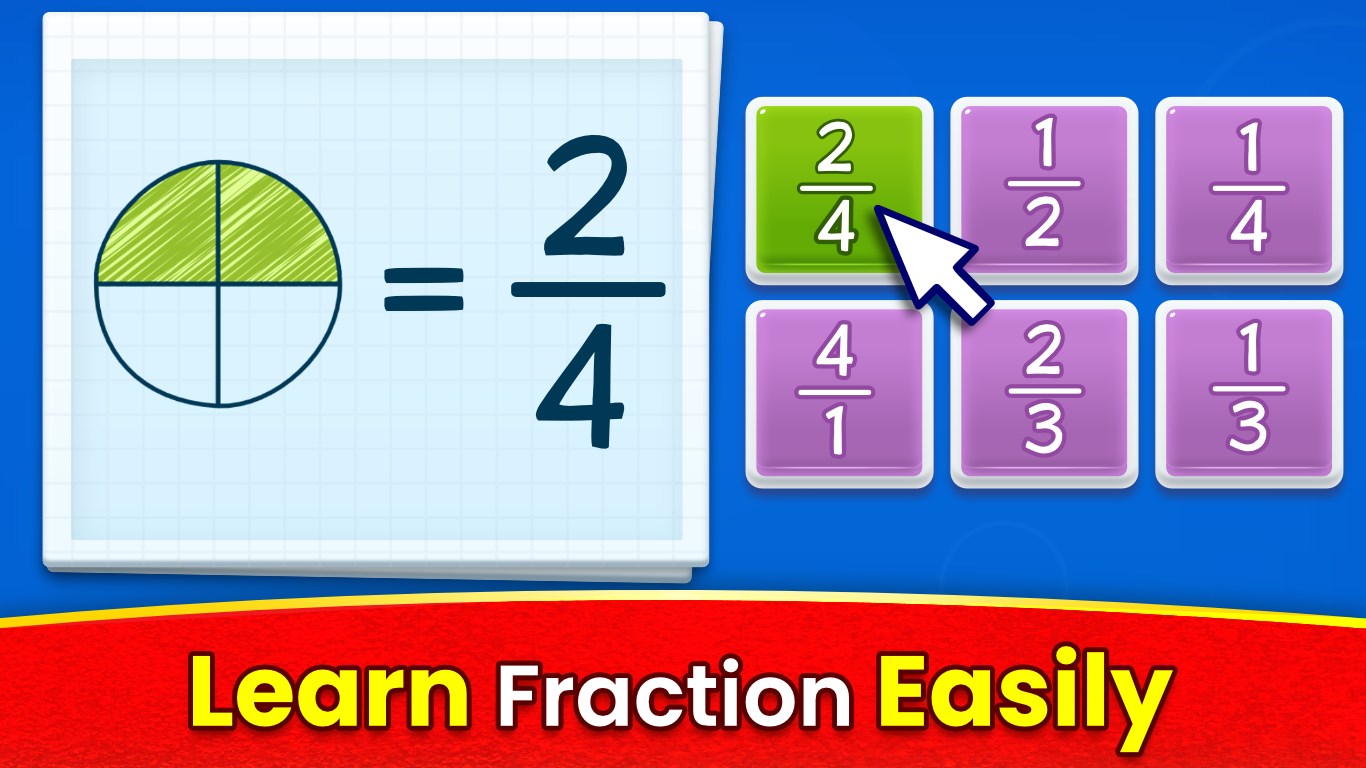
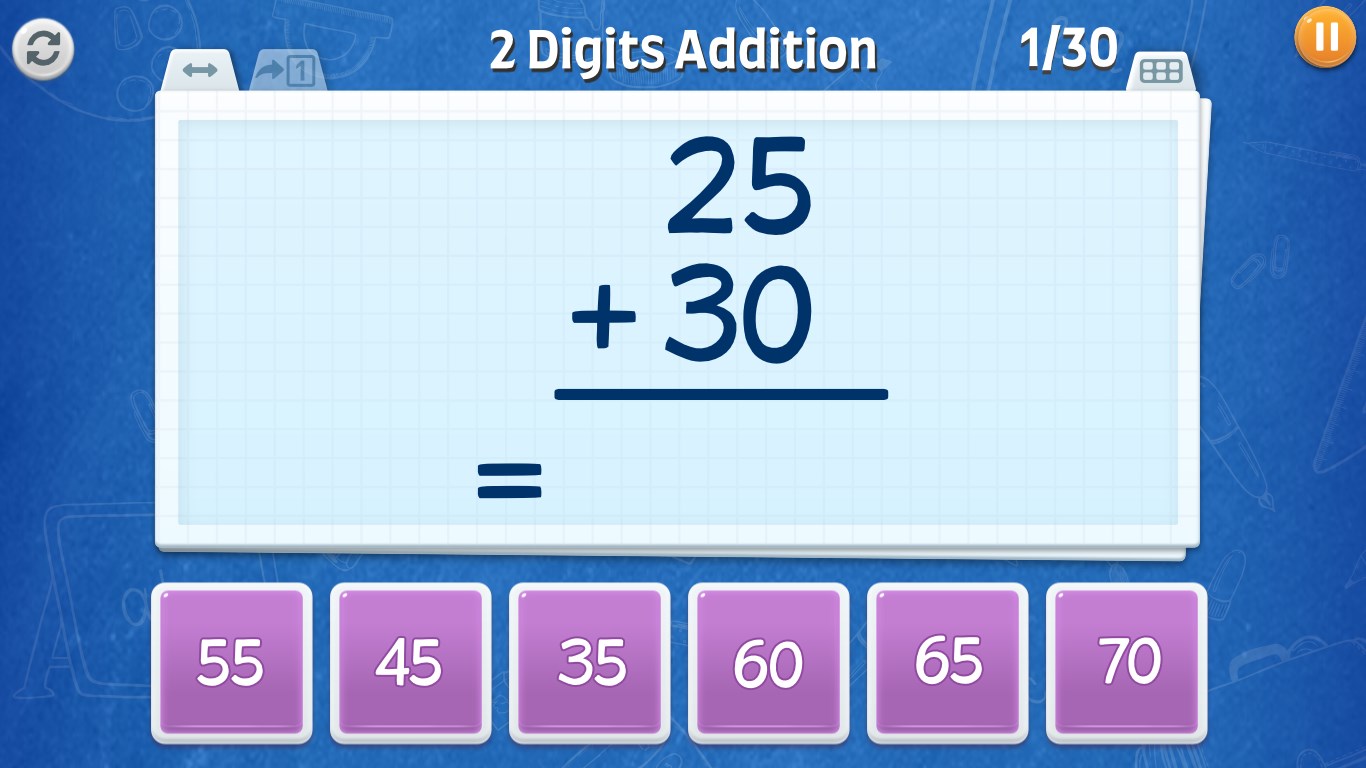
- Engaging Visuals and Gamified Learning: Bright, colorful graphics and game mechanics motivate children to keep practicing without feeling they're studying.
- Curriculum-Aligned Content: The activities are designed to align with common educational standards, making it a useful supplement for school learning.
A Fresh Take on Math Learning: Making Math Count Fun
Imagine walking into a vibrant, lively arcade where every game challenges your problem-solving skills—this is what Math Games: Math for Kids feels like in digital form. With its playful design and intuitive structure, the app transforms traditional math exercises into a captivating adventure, turning what might seem like chores into thrilling quests. It's a perfect companion for parents and teachers eager to nurture young mathematicians without the battles of traditional drills.
Core Functionalities that Keep Kids Engaged
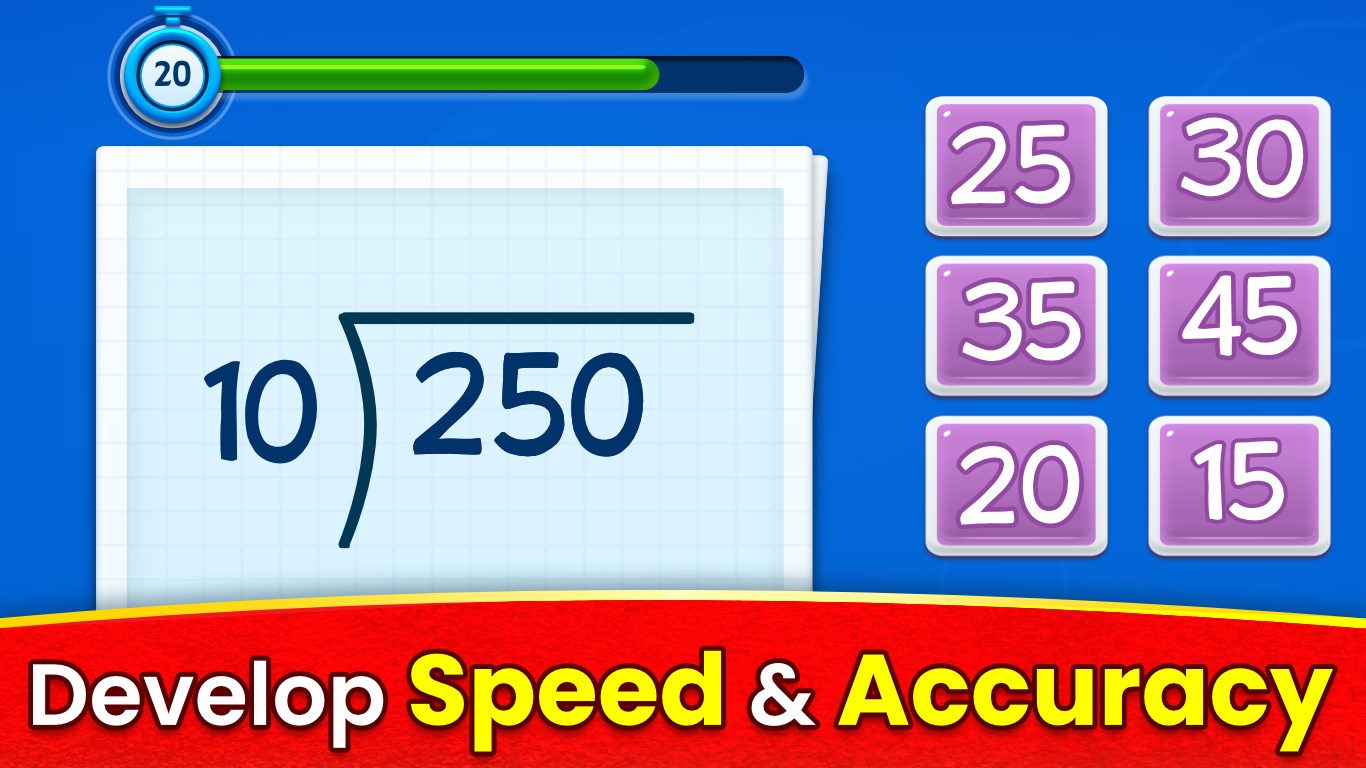
First, the adaptive exercises are akin to a personalized fitness trainer for young minds. When a child answers quickly and correctly, the game dynamically introduces slightly more challenging problems, steadily pushing their boundaries without overwhelming them. This incremental scoring helps maintain a perfect balance between challenge and success, much like climbing a gentle hill rather than tackling a steep mountain.
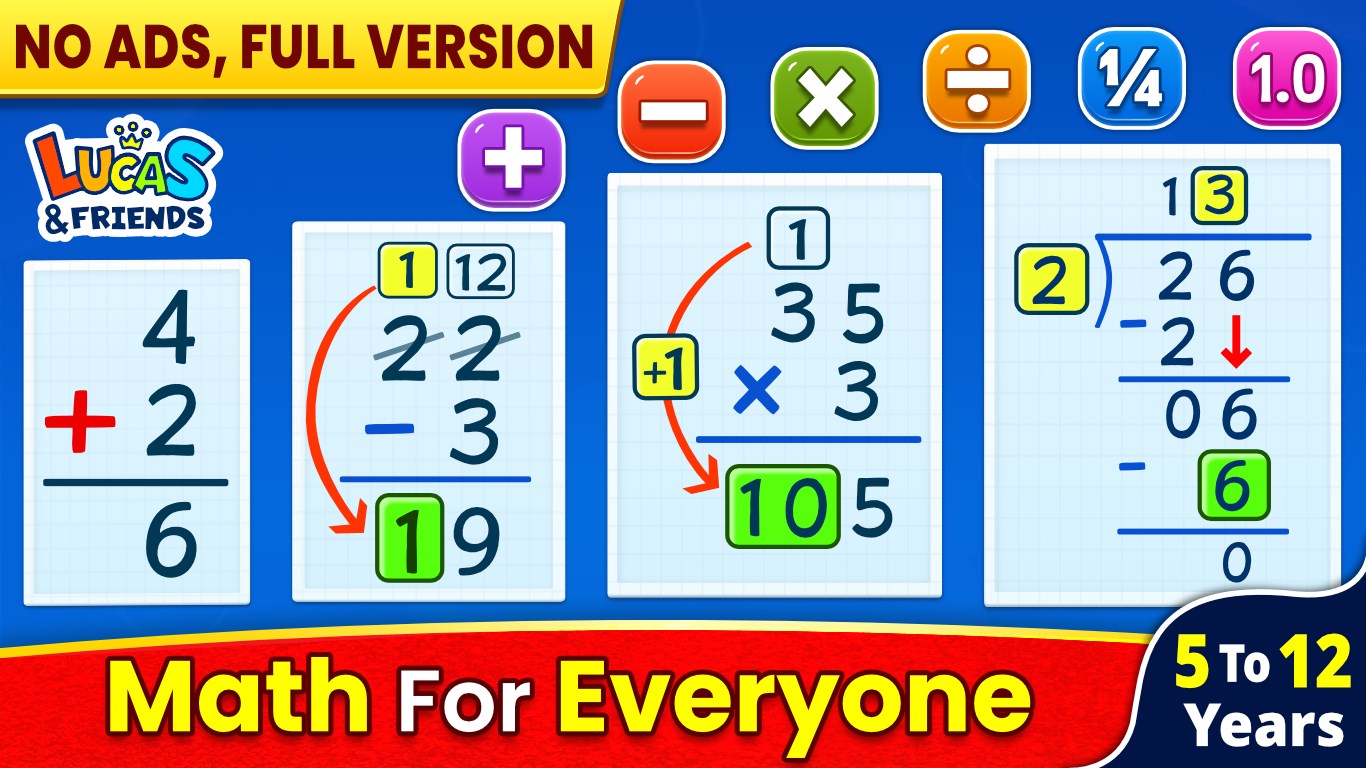
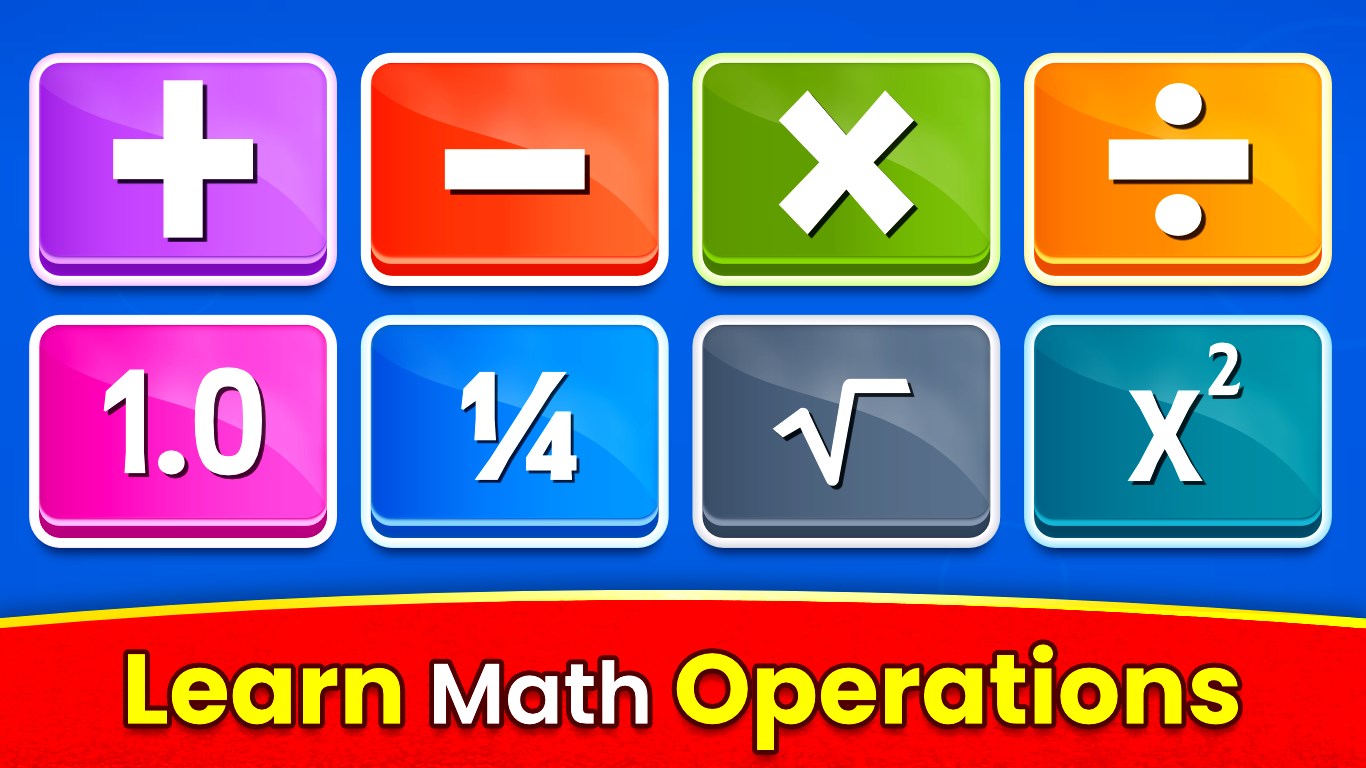
Secondly, the progress tracking system functions like a friendly GPS map—showing parents and kids where they started, how far they've come, and what the next steps are. Detailed insights on assessed skills such as addition, subtraction, multiplication, and division empower guardians to recognize strengths and identify areas needing reinforcement, ensuring each child's learning journey is tailored and effective.
Design, User Experience, and Educational Balance
The user interface resembles a colorful playground—bright, inviting, and simple enough that children can navigate it like pros within minutes. Buttons are large and intuitive, and animations are lively yet not distracting, fostering an environment where kids feel comfortable exploring at their own pace. The app's responsiveness is smooth, with minimal lag, making gameplay feel seamless as children jump from puzzle to challenge.
Regarding learning curve, it strikes a good balance—beginners get straightforward instructions and supportive prompts, while more advanced players encounter increasingly complex tasks that encourage deeper thinking. The gamification element, including badges and rewards, sustains engagement without overshadowing educational objectives.
Unique Qualities and Differentiators
What sets Math Games: Math for Kids apart from other educational apps is its meticulous integration of learning objectives with child-centric engagement strategies. Unlike apps that prioritize flashy animations over learning, this application measures knowledge retention through progress metrics and tailored feedback, making the learning process more quantifiable and targeted. Its adaptive difficulty ensures every child, whether a beginner or more confident, remains challenged appropriately, which is crucial for long-term retention.
Final Recommendations and Usage Suggestions
This app is highly recommended for children aged 5-10 who are beginning to explore or deepen their understanding of math concepts. It works well as a supplementary tool alongside classroom instruction or as a core component of homeschooling routines. For optimal results, parents and teachers should encourage regular play sessions, review progress reports, and discuss the puzzles and challenges with their children to reinforce learning.
In summary, Math Games: Math for Kids offers a thoughtful blend of educational content and engaging gameplay, ensuring children develop essential math skills while having fun. Its adaptive challenges and comprehensive progress metrics make it a standout choice among educational apps, particularly for those seeking an experience that balances learning objectives with genuine enjoyment. As a professional reviewer, I believe this app is a valuable resource worth exploring for any parent aiming to make math both accessible and entertaining for their kids.
Pros
- Engaging and colorful interface
- Variety of math activities
- Progress tracking features
- Child-friendly design
- Affordable pricing with free demo
Cons
- Limited difficulty levels
- Lack of voice instructions
- Some animations may be distracting
- Offline functionality is limited
- Limited content updates