
- Name Coloring Games: Coloring Book & Painting
- Category Educational
- Developer RV AppStudios
- Available on PC
- OS Windows 10 version 10240.0 or higher
- DirectX Version 10
- languages Afrikaans, Bulgarian, Catalan, Chinese (Simplified), Chinese (Traditional Chinese), Croatian, Czech, Danish, Dutch, English (United States), Filipino, Finnish, French, German, Greek, Hungarian, Indonesian, Italian, Japanese, Korean, Lithuanian, Malay, Nepali, Norwegian, Polish, Portuguese, Romanian, Russian, Slovak, Spanish, Swedish, Thai, Turkish, Ukrainian, Vietnamese
A Fun and Creative Coloring Experience for Windows Users
Coloring Games: Coloring Book & Painting for Windows, developed by RV AppStudios, offers a vibrant virtual coloring environment that invites users of all ages to unleash their artistic spirits. Whether you're seeking a relaxing pastime or a way to foster creativity in children, this app provides a colorful canvas designed to entertain and inspire.
Meet the Creators: RV AppStudios' Vision for Artistic Play
Developed and published by RV AppStudios, this application is part of their portfolio of engaging entertainment and educational tools. With a team focused on creating intuitive and accessible experiences, RV AppStudios aims to combine artistic expression with user-friendly technology. Their focus on simple navigation and thoughtful design makes this app stand out in the crowded space of coloring apps.
Key Features That Make Coloring Games a Standout
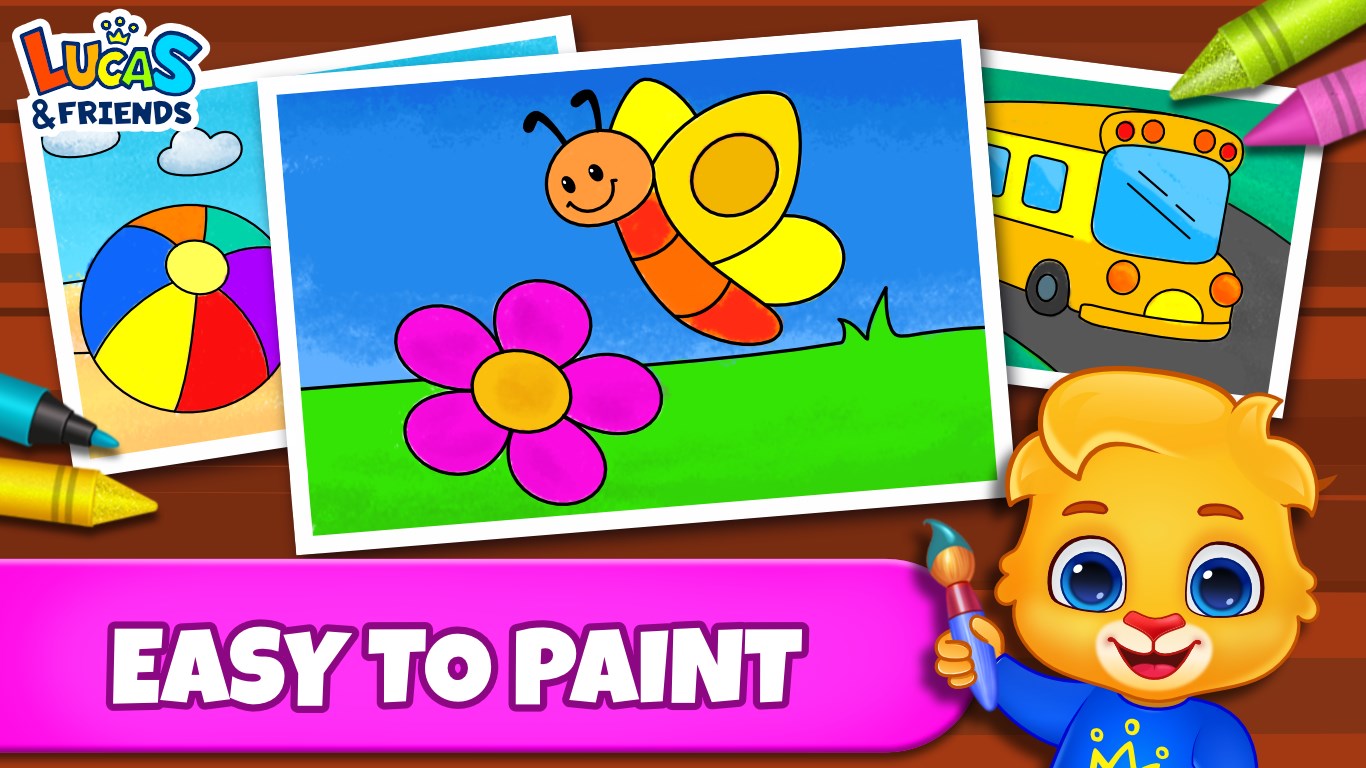
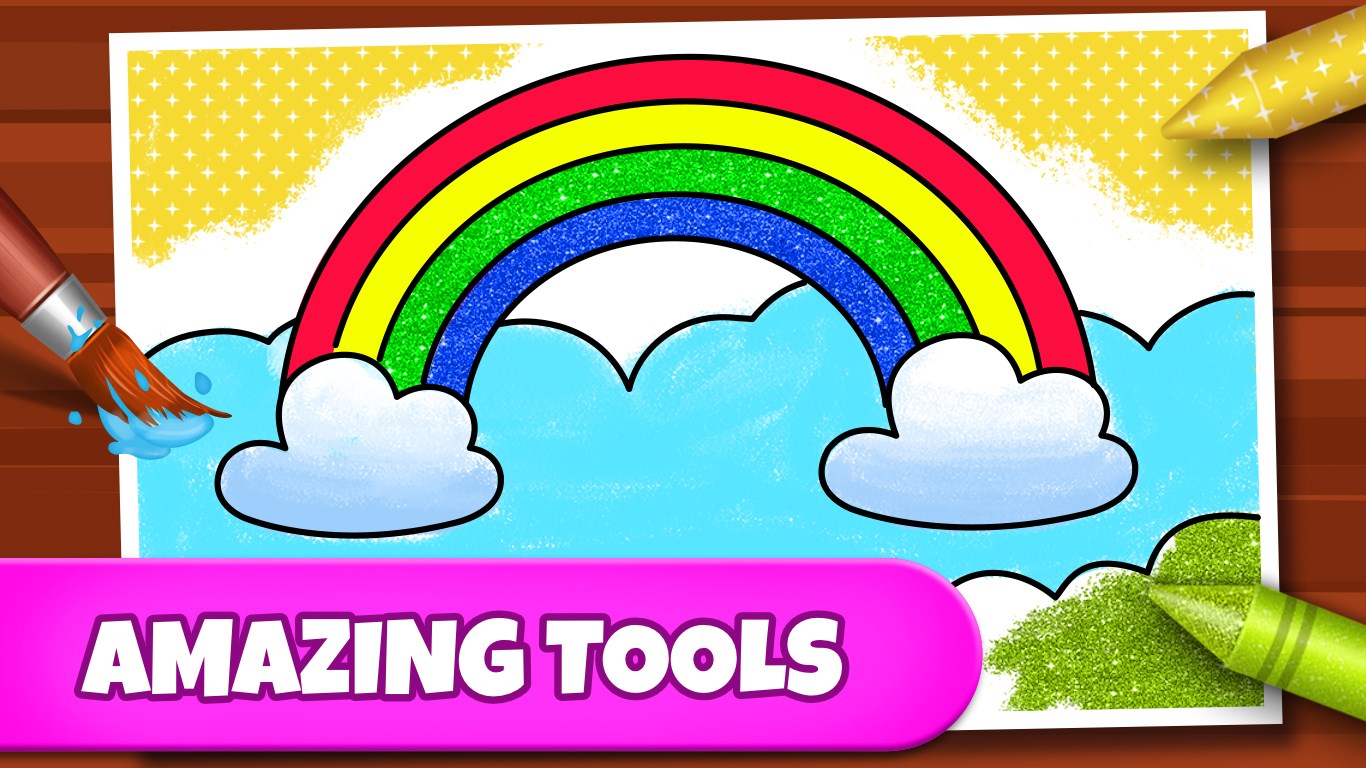
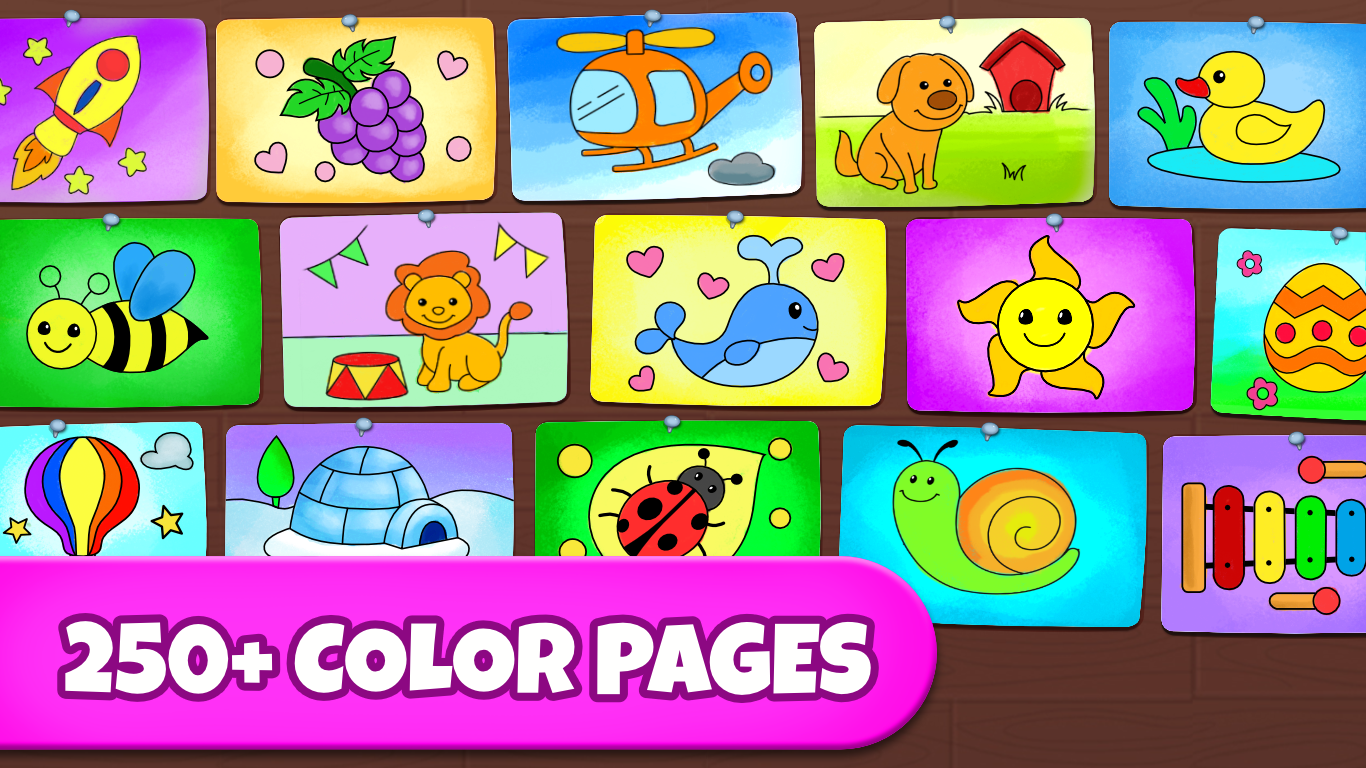
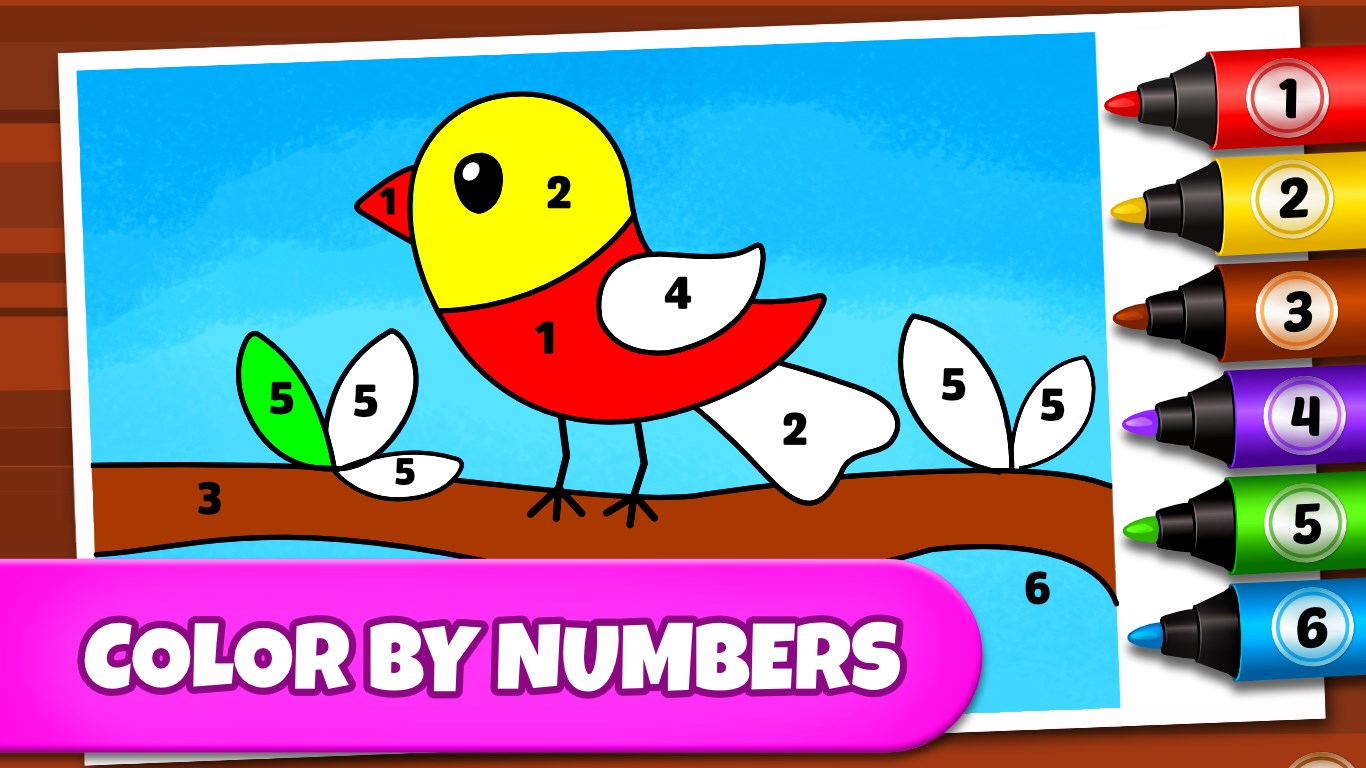
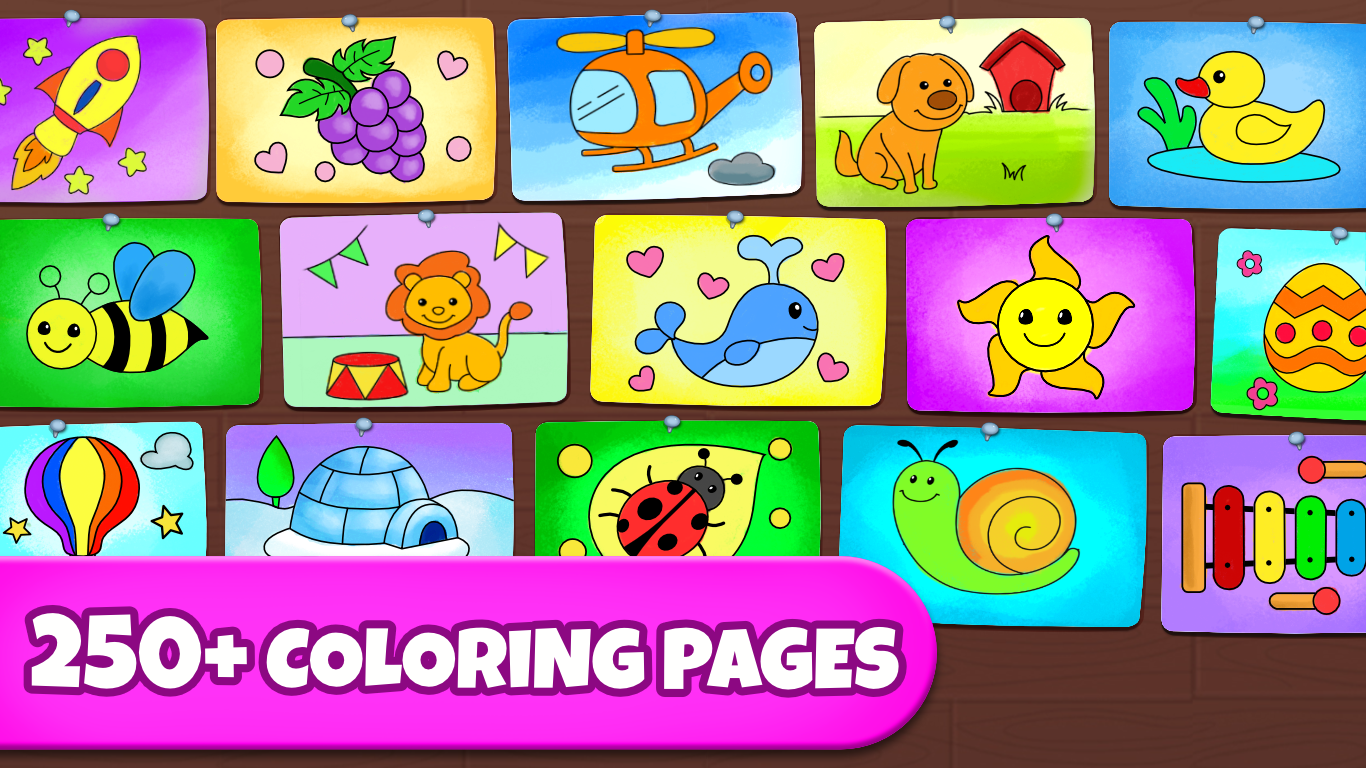
One of the app's most compelling features is its extensive library of coloring pages, ranging from simple designs suitable for children to more intricate artworks that challenge adult colorists. The app also supports painting with various brushes and colors, allowing for personalized artwork creation. Additionally, the inclusion of artistic tools such as fill options, undo/redo capabilities, and background images enriches the user experience, making each coloring session flexible and fun. Moreover, the app emphasizes user engagement through a clean, organized interface that encourages exploration without overwhelming novices.
Intuitive Interface and Seamless User Experience
From the moment you open the app, you're greeted with a bright, inviting interface that feels like walking into a colorful studio. The layout is clean, with clearly labeled sections for choosing images, editing tools, and saved artwork. Navigating through the app is smooth, thanks to responsive touch controls, whether you're selecting a new coloring page or applying different paint effects. The learning curve is gentle—new users can pick up the tools quickly, making it suitable for children and adults alike. The overall experience resembles working with a digital sketchpad, with minimal lag and excellent rendering of brush strokes and color fills.
Unique Strengths: Balance of Education and Engagement
What truly sets Coloring Games apart from other educational coloring apps is its ability to strike a balance between learning objectives and playful engagement. Unlike basic coloring applications, this app subtly encourages users to experiment with color palettes and composition, nurturing aesthetic judgment and artistic confidence. The app doesn't just let you color; it enables you to understand color blending and shading principles by offering adjustable brush sizes and transparency settings. Additionally, its organized gallery and easy sharing options motivate users to save and showcase their creations, fostering a sense of achievement and retention of artistic skills. These features make it far more than a simple coloring app—they are tools that support continued creative growth.
Final Thoughts and Recommendations
Overall, Coloring Games: Coloring Book & Painting for Windows offers a thoughtful, accessible, and engaging digital coloring environment. It's particularly recommended for parents seeking a safe and educational platform for children, as well as adult hobbyists looking for a relaxing creative outlet. Its user-friendly design and depth of features—especially the ability to experiment with artistic tools—give it an edge over more basic coloring apps. I suggest trying it out if you want a balanced blend of leisure and subtle skill-building in a colorful, intuitive package. Whether for some calming downtime or a fun artistic project, this app is a solid choice that won't disappoint.
Pros
- User-Friendly Interface
- Variety of Coloring Pages
- Multiple Coloring Tools
- Offline Accessibility
- Regular Content Updates
Cons
- Limited Customization Options
- Occasional Slower Load Times
- In-App Purchases for Additional Content
- Limited Undo/Redo Functions
- Simple Animation Effects are Absent