

- Name Wondershare Filmora - AI Video Editor
- Category Photo & video
- Developer Wondershare
- Available on PC
- OS Windows 10 version 0.0 or higher
- Keyboard Integrated Keyboard
- Mouse Integrated Mouse
- Memory 1 GB
- languages Arabic, Chinese (Traditional) (Hong Kong), Chinese (Traditional) (Taiwan), Dutch, English, French, German, Indonesian, Italian, Japanese, Korean, Korean , Polish, Portuguese, Romanian, Russian, Spanish, Swedish, Japanese, Thai
Wondershare Filmora - AI Video Editor for Windows: An Innovative Blend of User-Friendliness and Powerful Editing
Wondershare Filmora's latest AI-powered edition for Windows offers a compelling toolkit for both amateur videographers and seasoned editors, promising a seamless editing experience grounded in cutting-edge technology.
Basic Information and Target Audience
Positioned as an accessible yet robust video editing solution, Wondershare Filmora - AI Video Editor for Windows combines advanced AI features with an intuitive interface. Developed by Wondershare, a well-known name in multimedia software, this application boasts multiple highlights such as automatic scene detection, AI-driven effects, and intelligent audio editing. Its primary goal is to empower content creators, educators, and small business owners needing quick yet professional results, without demanding steep learning curves.
An Inviting Entrance into the World of Editing
Imagine opening a versatile studio where your creative ideas commence with just a few clicks—imagine seamless transitions and dynamic effects instantly adapting to your footage. Wondershare Filmora's AI Video Editor feels like having a creative assistant that understands your vision, transforming raw clips into polished movies in record time. Its fusion of advanced AI and user-friendly design makes even complex editing tasks feel approachable, almost like painting with digital tools that suggest what to do next.
Core Features That Make a Difference
Intelligent Scene Detection and Auto-Editing
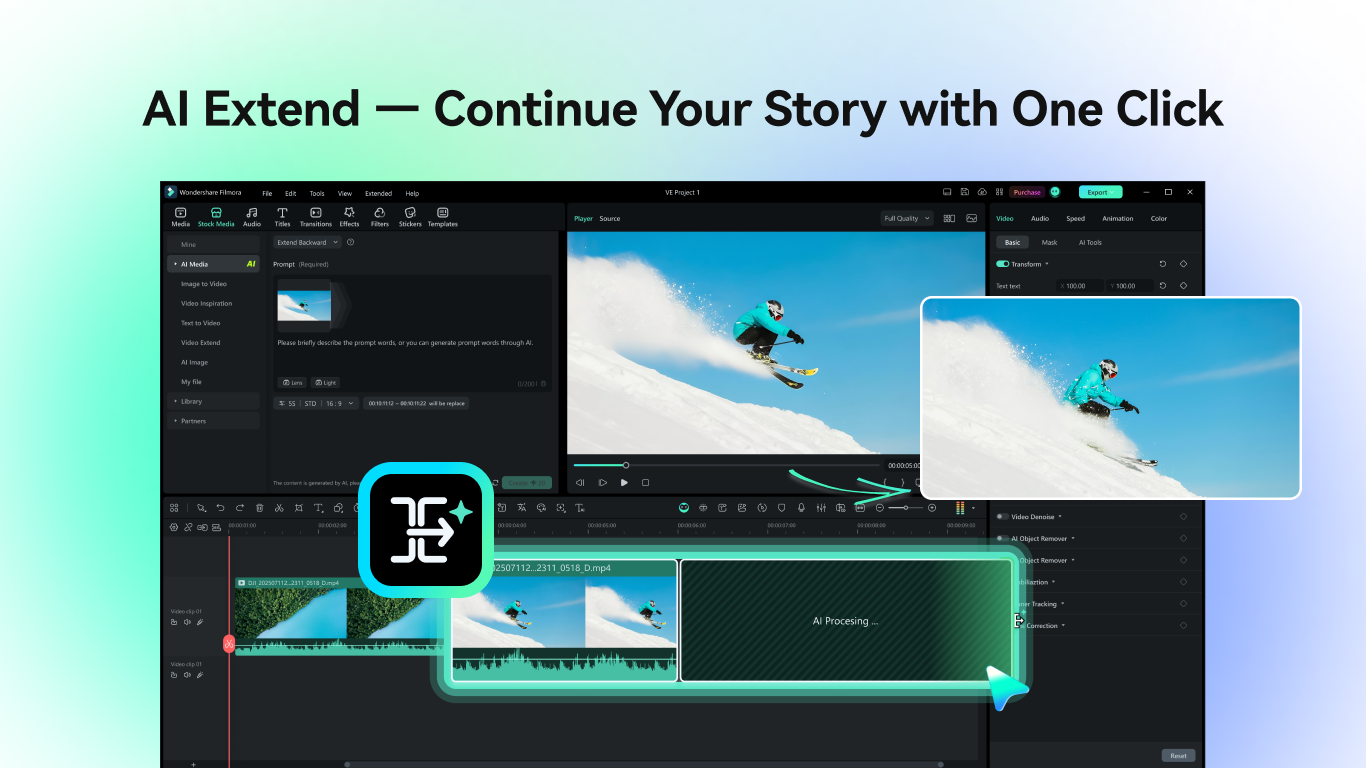
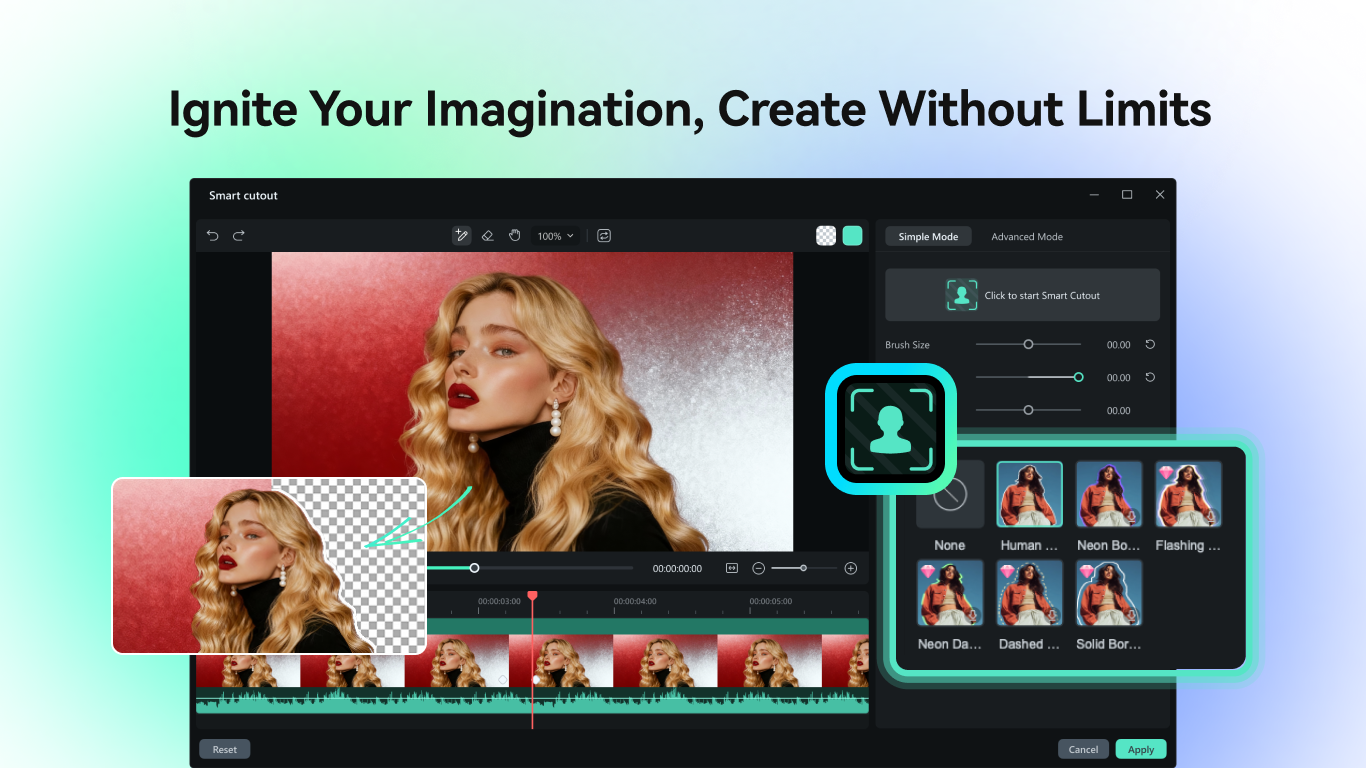
The standout feature in this application is its AI-powered scene detection. Picture feeding a pile of raw footage into a smart database that can automatically organize clips by scenes and segments. Filmora leverages AI to analyze your videos, splitting lengthy recordings into edit-ready sections. This dramatically reduces manual trimming time and provides a helpful starting point for further customization. The auto-editing function then offers smart suggestions—adding transitions, cropping scenes, or adjusting brightness—saving countless hours in post-production.
AI-Enhanced Effects and Voiceovers
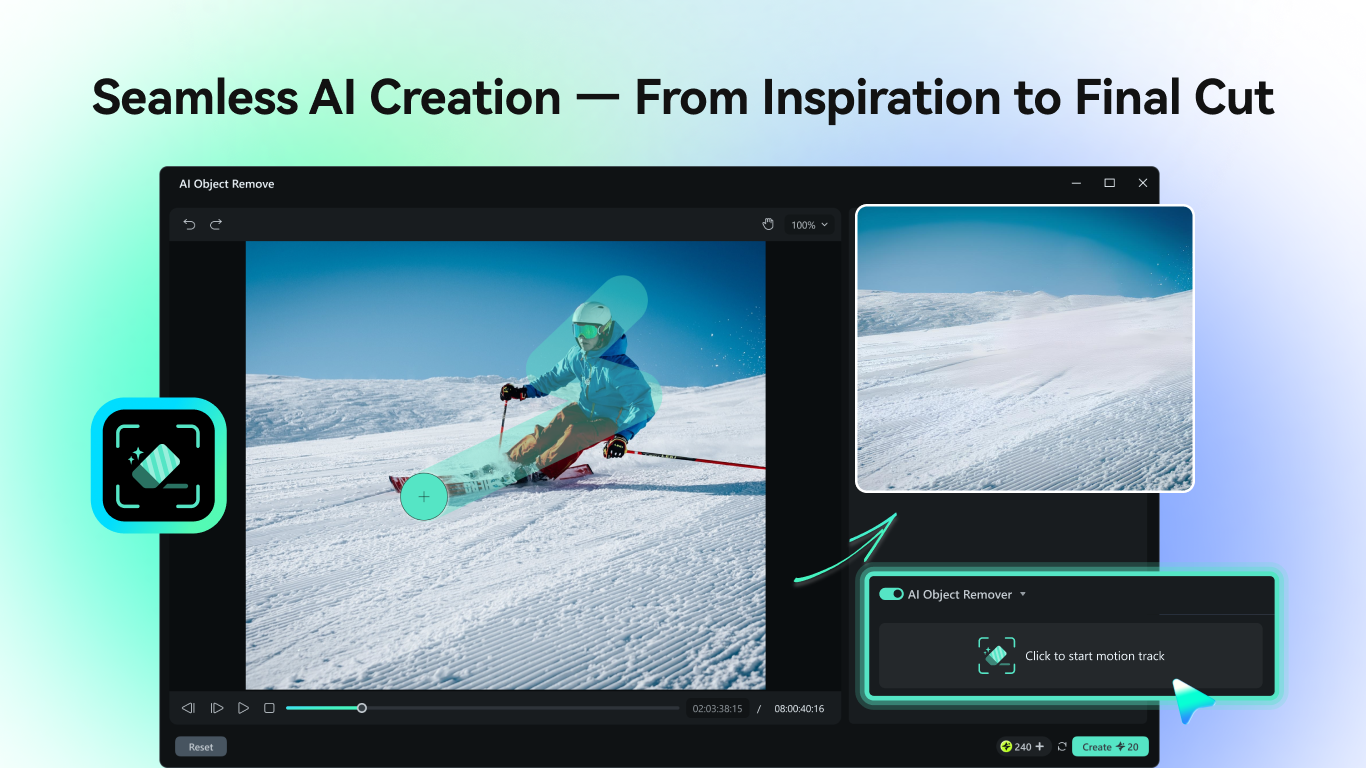
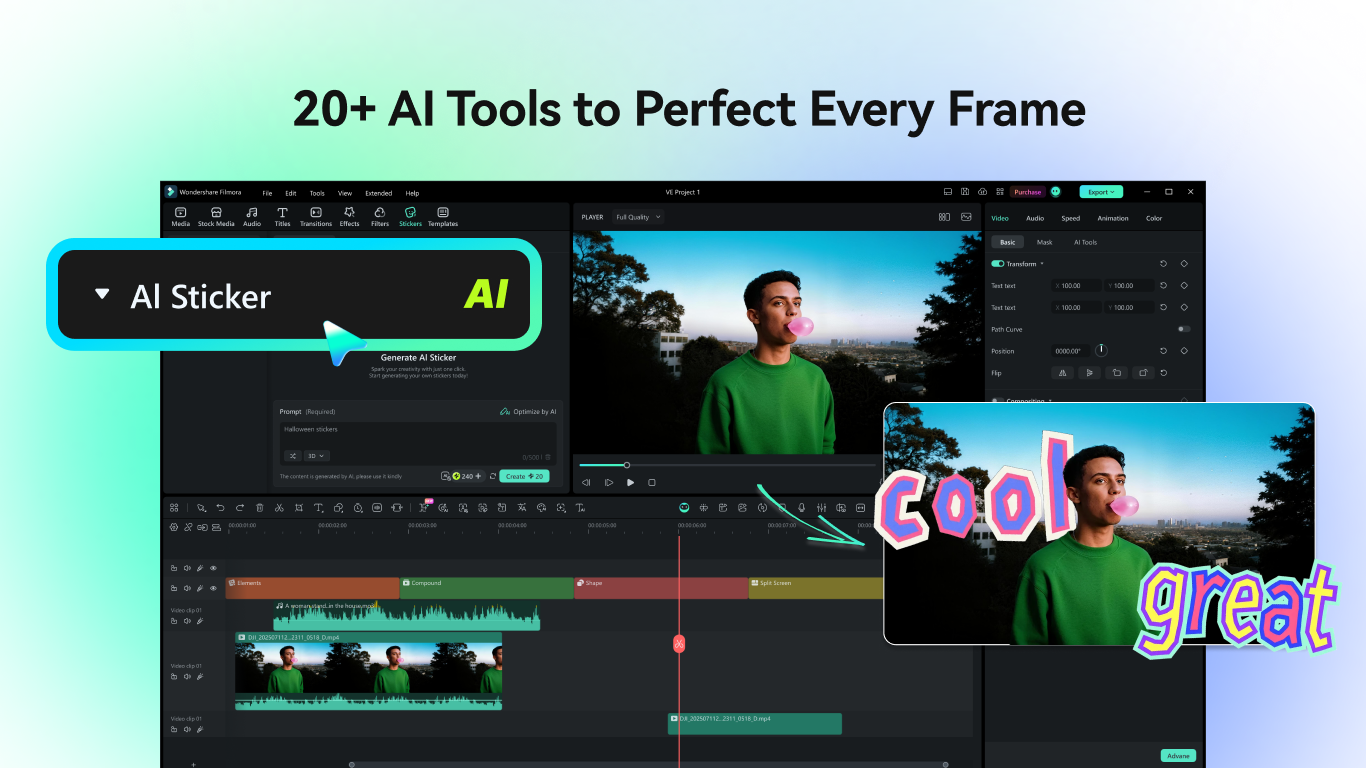
Another highlight is its ability to generate and apply AI-driven effects effortlessly. From stylized filters reminiscent of famous art pieces to dynamic transitions that sync with your video's rhythm, these tools elevate your content with minimal effort. Moreover, its AI voiceover feature can transcribe speech accurately and help you generate professional narration from text, making it particularly useful for educational videos or marketing material. This aspect sets Filmora apart, reducing the need for external audio editing tools.
User Experience: Design, Flow, and Learning Curve
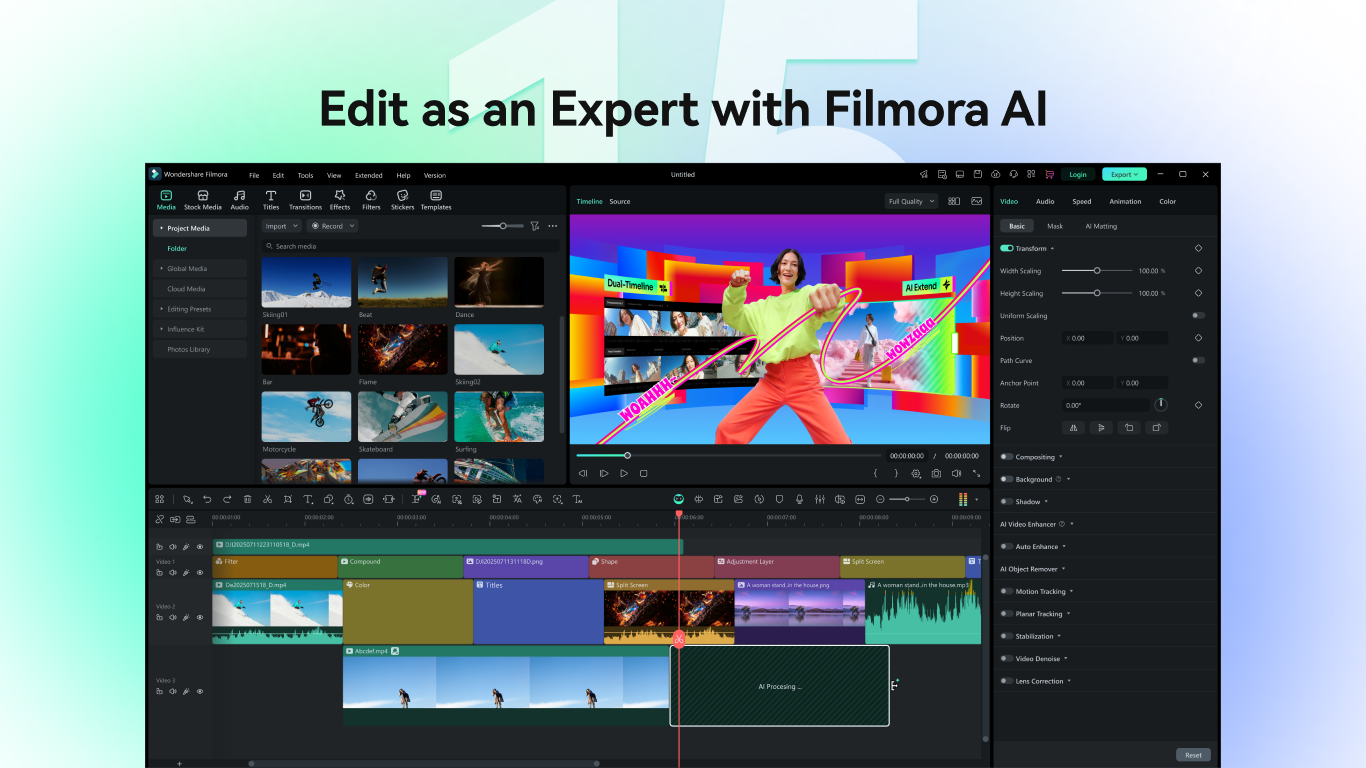
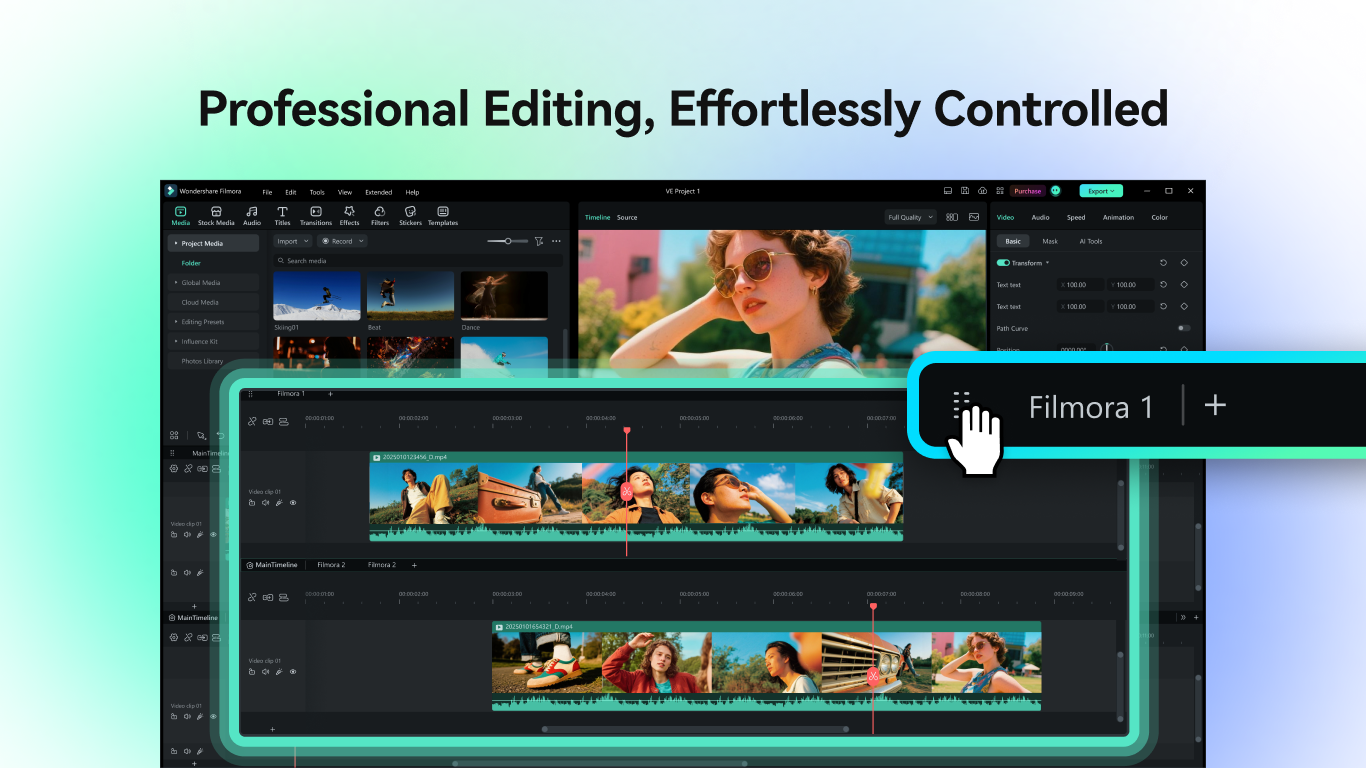
Wondershare Filmora offers an interface reminiscent of a sleek, well-organized digital workspace—colorful icons, drag-and-drop functionality, and accessible menus make navigation intuitive. The operation flows smoothly, even when handling high-resolution 4K footage, thanks to optimized performance. For new users, the learning curve is gentle; onboarding tutorials and contextual tips lighten the path, allowing beginners to produce decent results quickly. Experienced editors can appreciate the more advanced features and customization options that don't burden the interface with complexity.
What Sets It Apart? Unique Selling Points
Compared to many similar video editors, Wondershare Filmora's key differentiator lies in its seamless integration of AI features—specifically, scene detection combined with intelligent effects—which streamline the editing pipeline. While other apps may offer filters or transitions, Filmora's AI-driven scene segmentation and automatic suggestions create a more intelligent, hands-off experience. This makes it ideal for users who want professional-looking videos but lack extensive editing skills or time.
Would I Recommend It?
Absolutely. Wondershare Filmora - AI Video Editor strikes a commendable balance between ease of use and powerful functionality. Its AI-driven capabilities are most suitable for content creators who seek efficiency without sacrificing quality. I recommend it for YouTubers, educators, or small business owners aiming to produce engaging videos rapidly. For professional film editors requiring intricate control, it might lack some advanced tools, but for most casual and semi-professional users, it's a true ally in the creative process.
Pros
- Intuitive AI-based editing tools
- Wide range of pre-set effects and transitions
- User-friendly interface
- Fast rendering and export speeds
- Regular updates with new features
Cons
- Occasional AI misidentification
- Limited free features
- Higher system requirements for smooth operation
- Export options lack some advanced formats
- Occasional stability issues with large projects











