

- Name WinDbg
- Category Developer tools
- Available on PC
- OS Windows 10 version 17763.0 or higher
- Keyboard Integrated Keyboard
- Mouse Integrated Mouse
- languages English (United States)
Unlocking Windows Mysteries: An In-Depth Look at WinDbg for Windows
If you've ever trembled at the thought of debugging complex Windows crashes or analyzing tricky bugs, WinDbg for Windows offers a powerful yet approachable toolkit designed to demystify the inner workings of your system. This Microsoft Store application is a must-have for developers, IT professionals, and anyone interested in peering under the hood of Windows diagnostics.
Who's Behind the Curtain?
Developed by Microsoft Corporation, WinDbg for Windows is a part of Microsoft's premier debugging tools ecosystem. Its development team is dedicated to providing robust, reliable tools aligned with Windows OS to serve both professional developers and advanced users.
Key Highlights: Why You'll Love It
- Comprehensive Debugging Capabilities: Supports both kernel-mode and user-mode debugging, enabling in-depth analysis of crashes, memory leaks, and other technical issues.
- User-Friendly Interface: Designed with a modern, intuitive layout that simplifies complex debugging workflows and reduces steep learning curves.
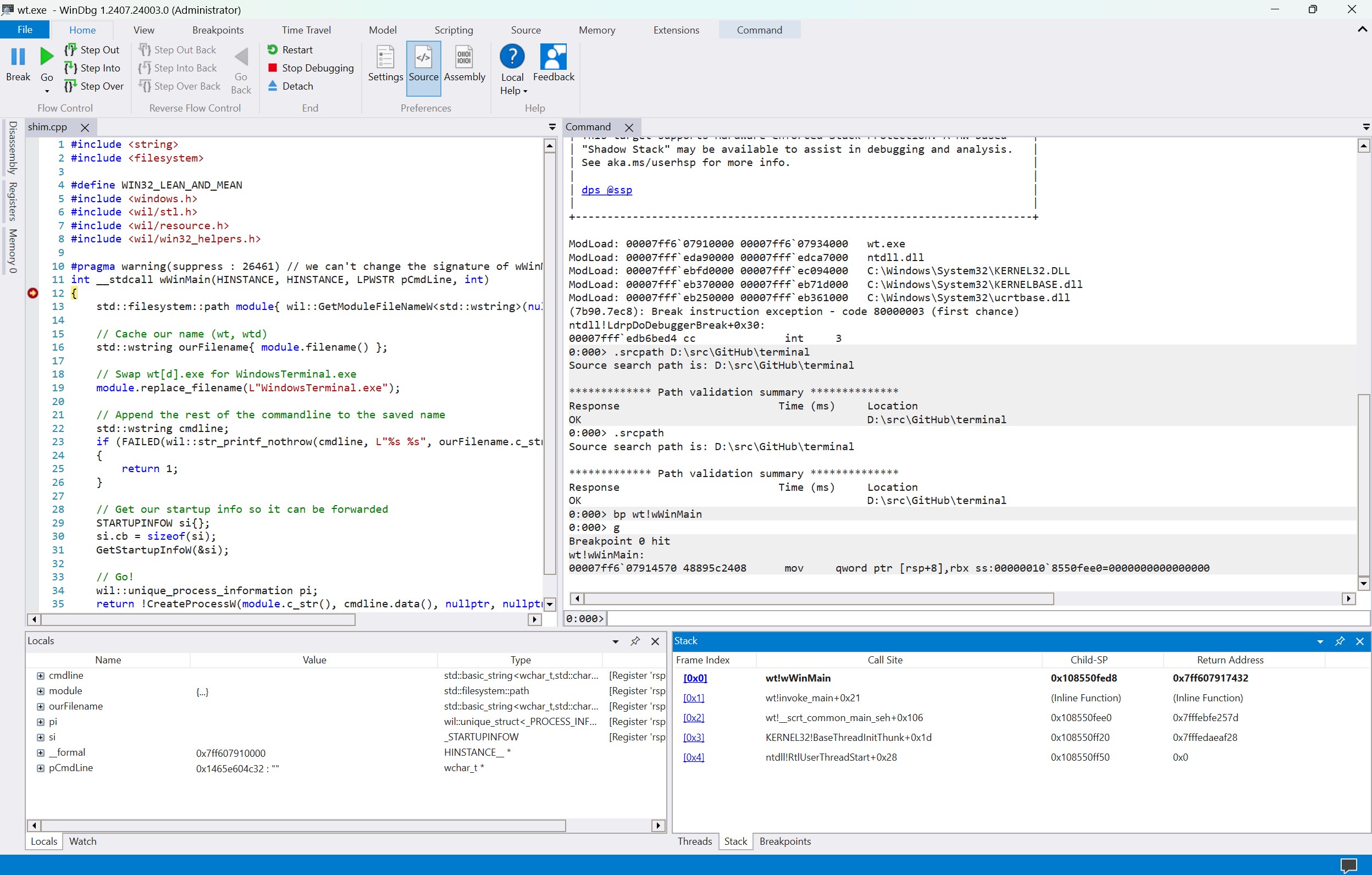
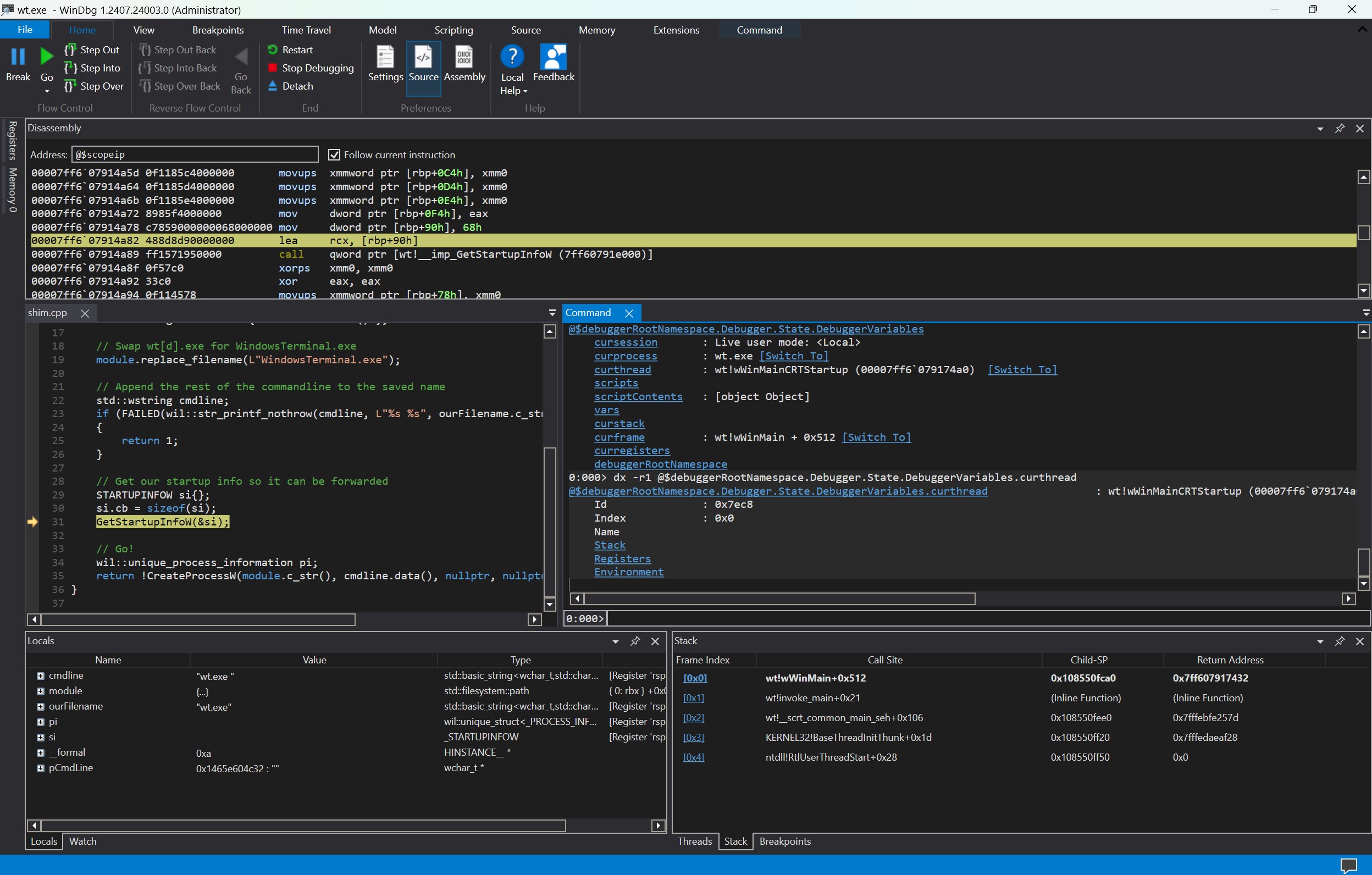
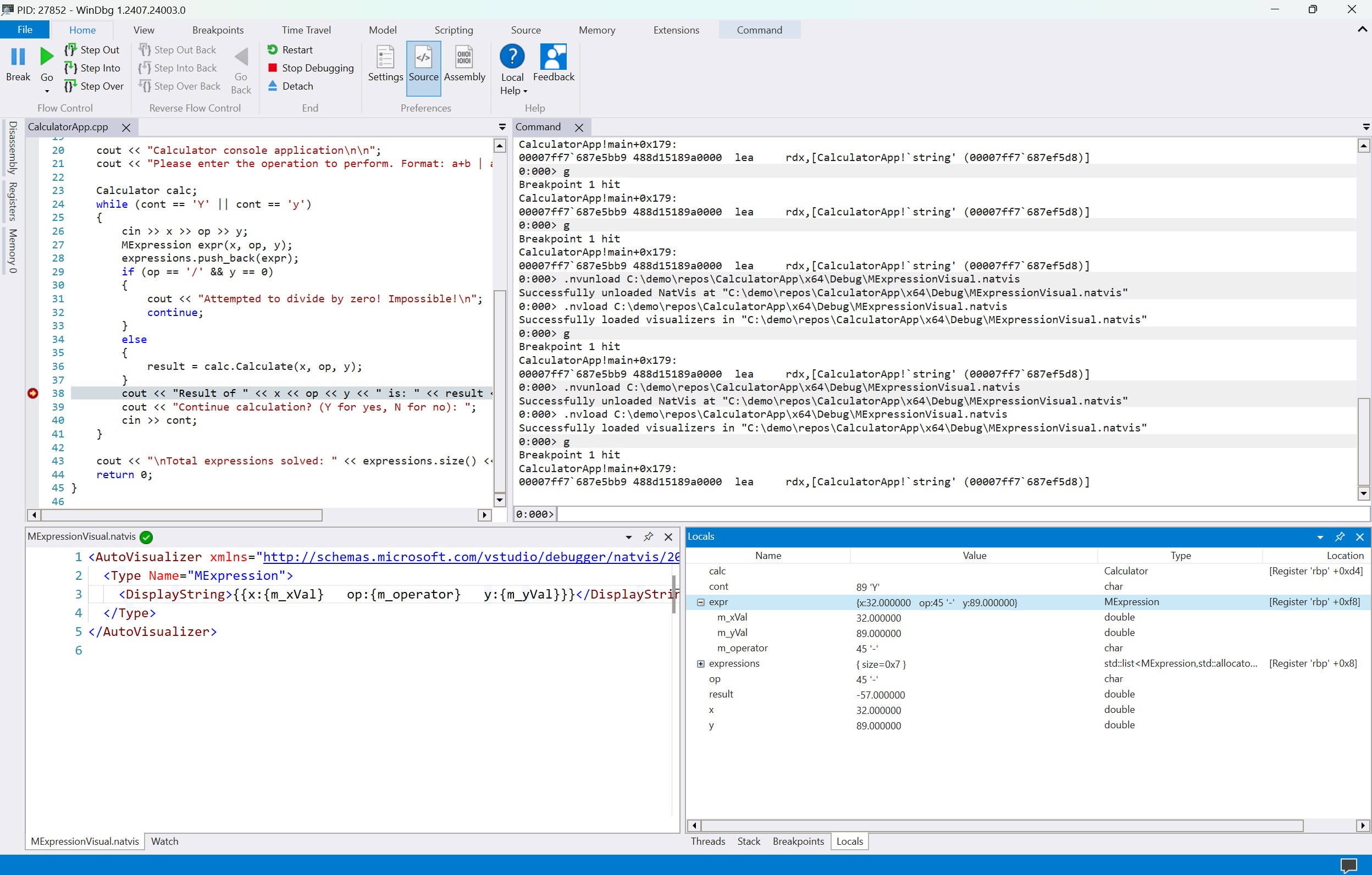
- Powerful Visualization & Analysis Tools: Includes advanced features like symbol loading, call stacks, and memory analysis, presented through clear, accessible visuals.
- Seamless Integration: Compatible with existing Windows debugging environments, making it easy to incorporate into your workflow.
Embarking on the Debugging Journey: An Engaging Dive
Imagine diving into the depths of a ship's engine room, armed with just enough tools and knowledge to understand every valve and pipe—WinDbg is just that for your Windows system. Whether you're a developer hunting down elusive bugs or an IT pro troubleshooting system failures, this app becomes your trusted underwater flashlight, illuminating hidden issues with precision and clarity.
Powerful Debugging Features at Your Fingertips
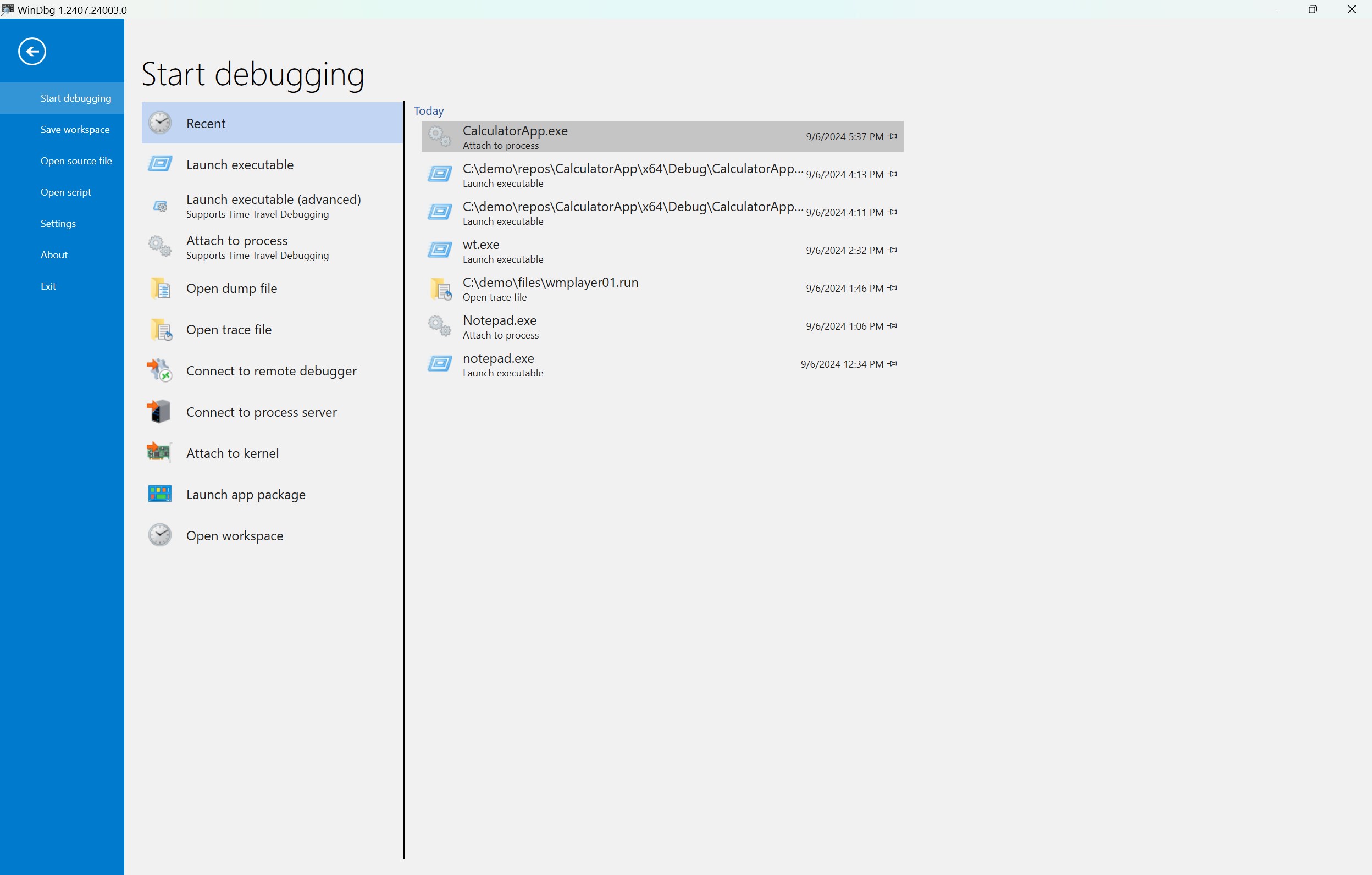
The crown jewel of WinDbg for Windows is undoubtedly its comprehensive debugging capabilities. It allows users to attach to running processes, analyze crash dumps, and perform complex memory inspections seamlessly. Its support for both kernel and user-mode debugging makes it versatile—think of it as having a Swiss Army knife for all levels of troubleshooting. The robust symbol loading and source code navigation features enable developers to pinpoint the root cause of issues swiftly, saving hours of frustration.
Intuitive Interface and Workflow
The application's design balances complexity with accessibility. The interface resembles a sleek command center, with panels organized neatly to provide real-time insights. While debugging can often feel like trying to read hieroglyphics, WinDbg for Windows presents data in a clear, structured manner that reduces cognitive overload. The learning curve, although present, is mitigated by helpful tooltips and integrated documentation, making it approachable for newcomers while still catering to seasoned professionals.
What Sets It Apart?
Unlike some traditional debugging tools that can feel overwhelming, WinDbg for Windows offers a unique combination of depth and usability. Its seamless integration with Windows debugging symbols and support for remote debugging are particularly noteworthy. Moreover, the app's real-time analysis features and visualization tools facilitate a more intuitive understanding of complex issues—think of it as upgrading from a flashlight to a high-powered spotlight in your troubleshooting toolkit.
Final Thoughts: To Debug or Not to Debug?
Overall, I would recommend WinDbg for Windows to any intermediate to advanced user involved in Windows development or system administration. Its particular strength lies in its comprehensive debugging features paired with a thoughtfully designed user interface that balances power with approachability. While it may not replace more user-friendly, simplified tools for casual users, it stands out as a reliable, professional-grade solution that can significantly streamline the debugging process.
Use it as your diagnostic companion—especially when faced with stubborn system crashes or tricky bugs—and you'll appreciate the depth of insight it offers. Just remember, mastering WinDbg is akin to learning a new language; patience and practice will turn you into a fluent troubleshooting expert.
Pros
- Powerful debugging capabilities
- Supports kernel and user-mode debugging
- Extensive scripting and automation support
- Rich visualization tools
- Integration with Windows driver development
Cons
- Steep learning curve
- Requires substantial system resources
- Limited user-friendly interface
- Complex setup process for remote debugging
- Occasional stability issues with extensions











