

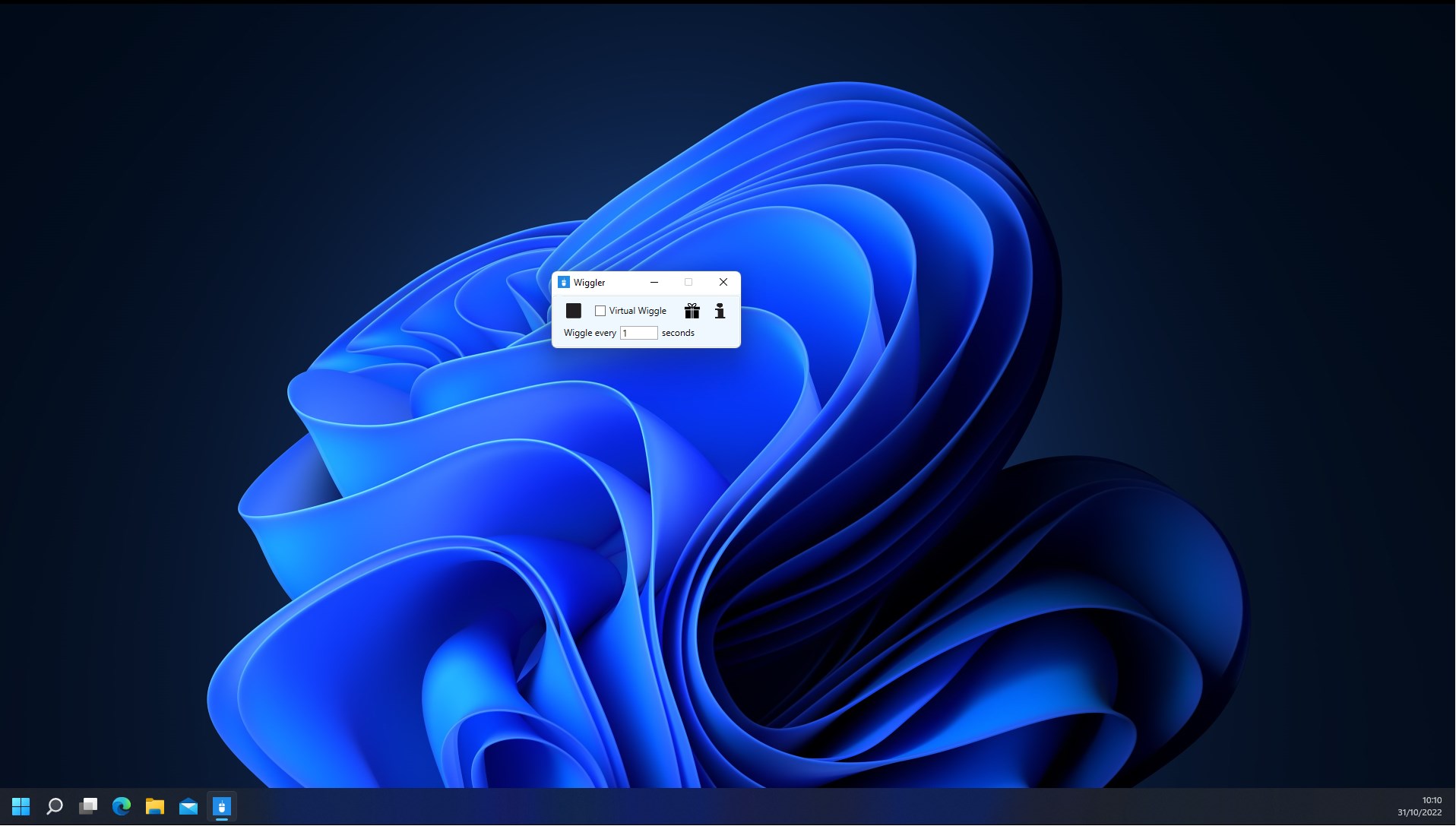
- Name Wiggler - Pro
- Category Developer tools
- Developer SoftwareGoodiebag
- Available on PC
- OS Windows 10 version 17134.0 or higher
- Keyboard Integrated Keyboard
- Mouse Integrated Mouse
- languages English (United States)
Wiggler - Pro for Windows: A Versatile Windows Utility with a Creative Flair
Wiggler - Pro for Windows, developed by SoftwareGoodiebag, emerges as a multifunctional tool designed to enhance user interaction and customization within the Windows environment. It offers a suite of features aimed at creating dynamic visual effects and improving productivity through innovative interface manipulations, all wrapped in a user-friendly package.
What is Wiggler - Pro? An Overview
Positioned as an interactive utility for Windows users, Wiggler - Pro provides tools to animate, modify, and customize your desktop and application windows in ways that blend practicality with a dash of creativity. From subtle motion effects to more eye-catching animations, it serves users looking to personalize their workspace or streamline their workflow through visual cues.
Developed by SoftwareGoodiebag, a team committed to creating practical yet engaging software solutions, Wiggler - Pro boasts a range of features that cater to both casual users and tech enthusiasts. Its core functionalities include customizable window wiggle effects, gentle interface animations, and easy-to-use controls that require minimal learning curve.
Primarily targeting Windows power users, digital artists, and productivity enthusiasts who seek to inject a bit of personality into their digital environment, this application stands out by combining ease of use with a surprising amount of creative flexibility.
Wiggler - Pro in Action: An Engaging Experience
Imagine working away on your desktop, and suddenly your window begins to dance subtly with a gentle wiggle, turning a mundane task into a whimsical experience. Wiggler - Pro transforms your workspace from static to lively, making routine interactions more engaging. Its intuitive design makes it feel like having a digital puppet master at your fingertips—controlling the bounce, sway, and pulse of your application windows with just a few clicks.
Creativity Unleashed: Customizable Motion Effects
The standout feature of Wiggler - Pro is undoubtedly its ability to animate windows with customizable wiggle effects. Unlike typical utility tools that merely fix windows or alter their appearance, this app allows you to create a variety of motion styles—oscillations, drifts, or even rhythmic flickers. Whether you want a subtle shimmer to draw attention or a playful jiggle to entertain, Wiggler - Pro gives you full control. The interface for adjusting these effects is straightforward, with sliders and presets that make experimentation effortless.
Smooth and Seamless User Experience
Proceeding beyond styling, Wiggler - Pro boasts a polished interface that's both sleek and accessible. The design follows a minimalistic aesthetic, focusing your attention on the controls without overwhelming clutter. Responsiveness is impressive—animations are smooth, without lag or stutter, even when multiple effects are active. The learning curve is gentle; most features can be grasped within minutes. Users can toggle effects on or off with a simple switch, allowing quick customization depending on mood or task.
Compared to similar tools, Wiggler - Pro excels in its balancing act—being highly customizable without sacrificing performance or usability. Its lightweight nature ensures it works seamlessly alongside other productivity apps, making it feel like a natural extension of your Windows environment.
Standing Out in the Crowd
While many Windows utilities focus solely on window management or system tweaks, Wiggler - Pro introduces a playful layer that acts as both a productivity aid and an entertainment enhancer. Its unique selling point is the ability to animate windows in a way that's not just visually pleasing but also functional—for example, accentuating important windows during meetings or highlighting active tasks through gentle motion cues. This feature sets it apart from typical static customization tools, making Wiggler - Pro a creative companion rather than just a utility.
My Verdict: Is Wiggler - Pro Worth It?
Considering its blend of ease of use, elegant design, and the playful yet practical "wiggle" effects, I'd recommend Wiggler - Pro for users who want to add a touch of personality to their Windows interface without sacrificing performance. It's especially suitable for digital artists, streamers, or those who find traditional window management dull and seek a bit of amusement or visual feedback during their workflow.
While it may not replace more comprehensive window management tools, its niche lies in creative customization and subtle animation that can enhance user engagement. As my friendly recommendation: give it a try if you're curious about experimenting with your desktop environment—it might just put a spring in your step every time you see your windows dance.
Pros
- Intuitive interface
- Wide variety of vibrations
- High device compatibility
- Customizable settings
- Regular updates
Cons
- Limited free features
- Occasional connectivity issues
- Lack of detailed tutorials
- Battery consumption
- Limited language options











