

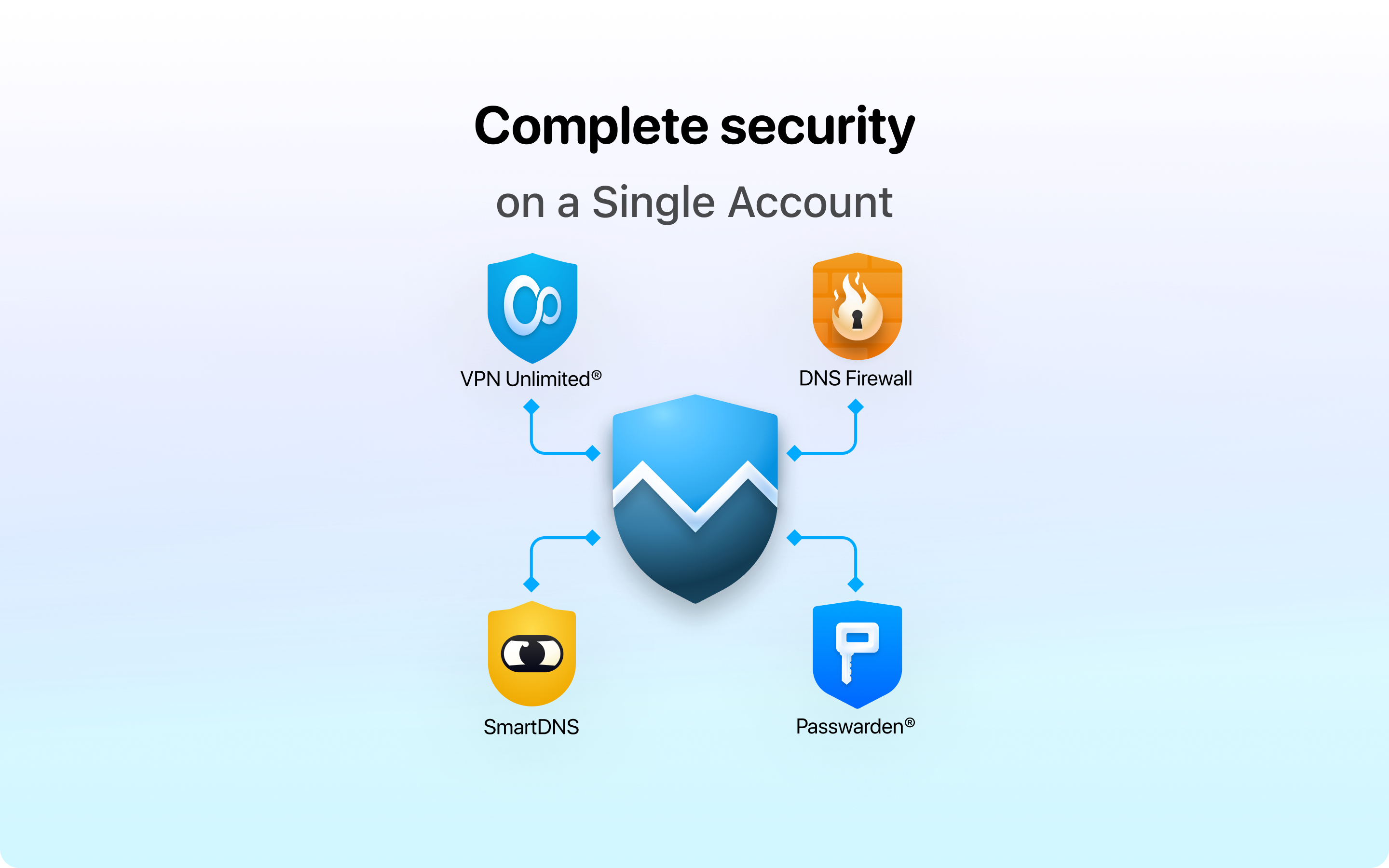
- Name VPN Unlimited®
- Category Security
- Developer KeepSolid Inc.
- Available on PC, Mobile, Surface Hub, HoloLens
- OS Windows 10 version 17763.0 or higher
- Keyboard Not specified
- Mouse Not specified
- languages Arabic, Chinese (Simplified), English (United States), German, Italian, Japanese, Korean , Persian/Farsi, Portuguese (Brazil), Russian, Spanish (Spain), Turkish, Ukrainian
A Reliable VPN Companion for Windows: An In-Depth Look at VPN Unlimited®
If you're navigating the digital world and seeking a trustworthy tool that keeps your online journey private and smooth, VPN Unlimited® for Windows might just be what you need. Think of it as having a private tunnel in the bustling city of the internet—secure, unobstructed, and accessible at your fingertips.
Who Are KeepSolid Inc.? A Brief Introduction
KeepSolid Inc. is a well-established developer dedicated to creating software solutions that enhance online security and privacy. Known for their focus on user-friendly yet powerful tools, they've crafted VPN Unlimited® to cater to both casual browsers and security-conscious users alike.
The application's main strengths lie in its versatile server network, robust security features, and seamless user experience—allowing users to surf, stream, and work with peace of mind, regardless of their location.
Designed primarily for individuals seeking online privacy, international travelers needing secure connections, and remote workers requiring reliable VPN access, VPN Unlimited® targets a broad spectrum of users who value security without sacrificing usability.
Vivid Impressions: A Friendly Dive into VPN Unlimited®
Imagine slipping behind an invisible shield on your Windows device—VPN Unlimited® is like that gentle cloak of invisibility, wrapping your online activities in a cloak of confidentiality. Whether you're unwinding with a favorite streaming service abroad or safeguarding sensitive work documents, this app promises a straightforward and undisturbed experience.
But how does it achieve this magic? Let's explore its core features to see where it truly shines—and where it might still have room to grow.
Core Features in Detail
Global Server Network and Easy Connectivity
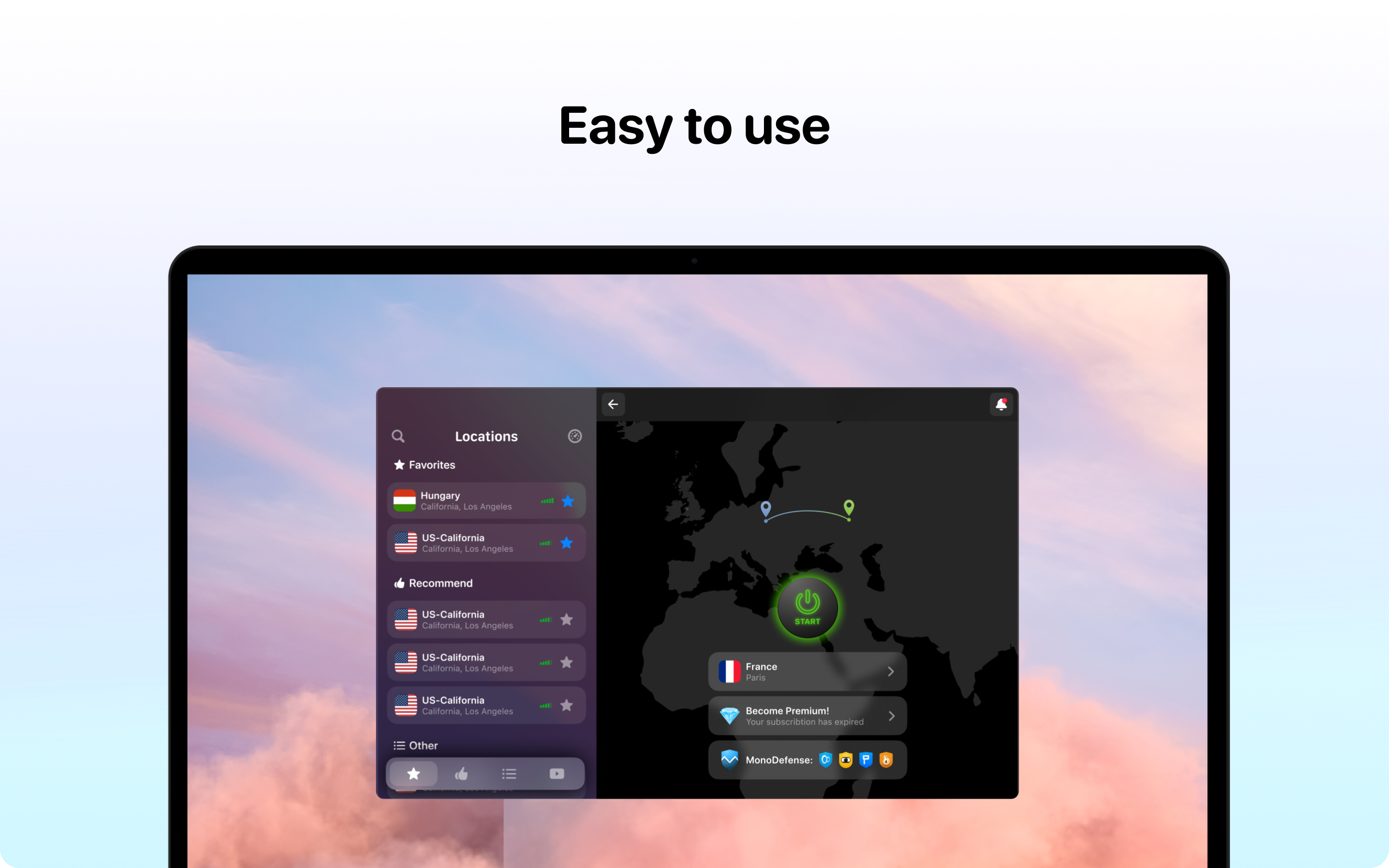
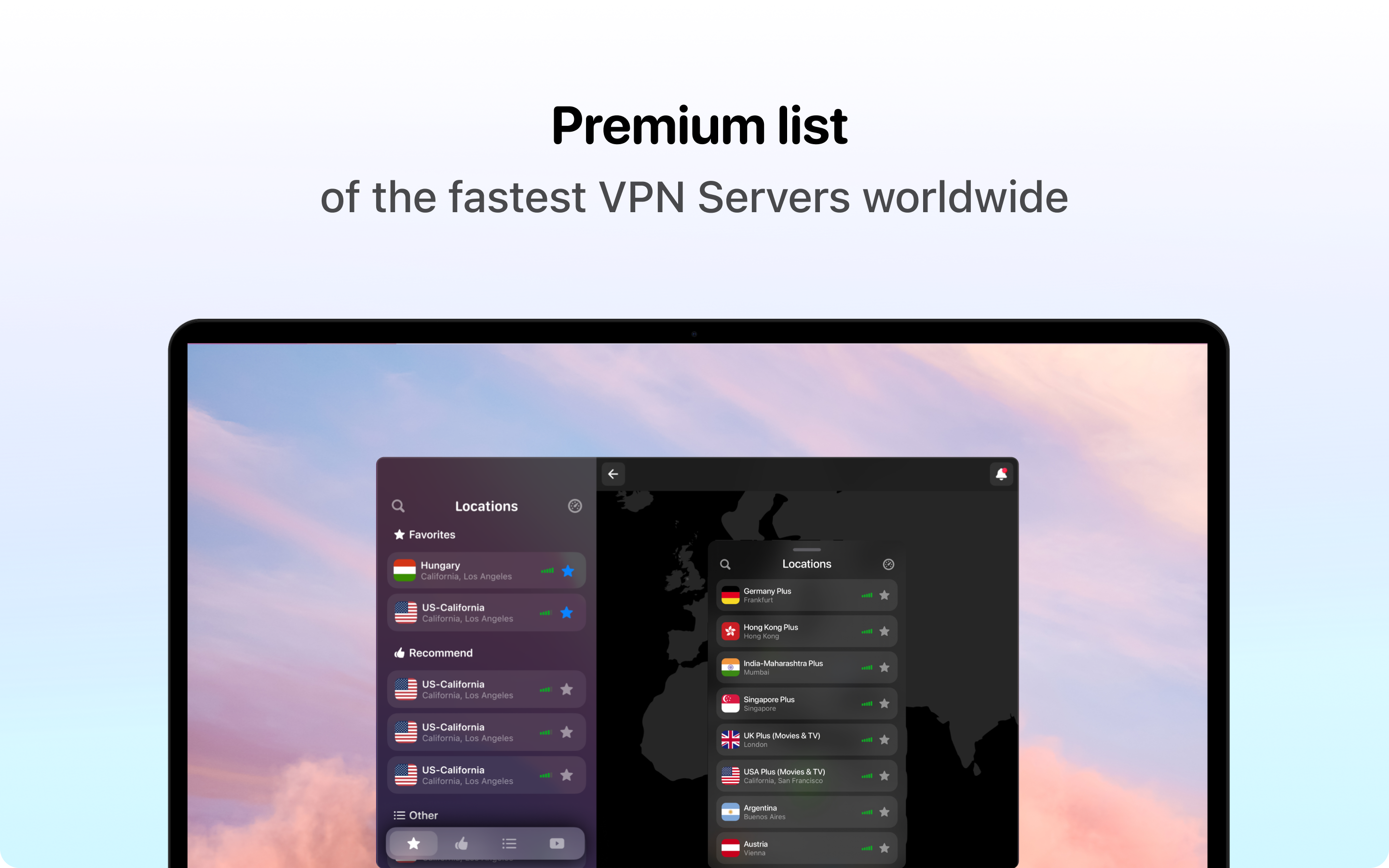
VPN Unlimited® boasts an extensive network of servers across dozens of countries, akin to having a vast map of private expressways connecting you to the internet's most coveted destinations. Connecting is remarkably intuitive—just a few clicks select your preferred location, and you're virtually transported. This broad coverage not only aids in bypassing geo-restrictions but also helps maintain fast, stable connections by choosing the nearest or least congested servers.
Security and Privacy Protocols: The Fortress for Your Data
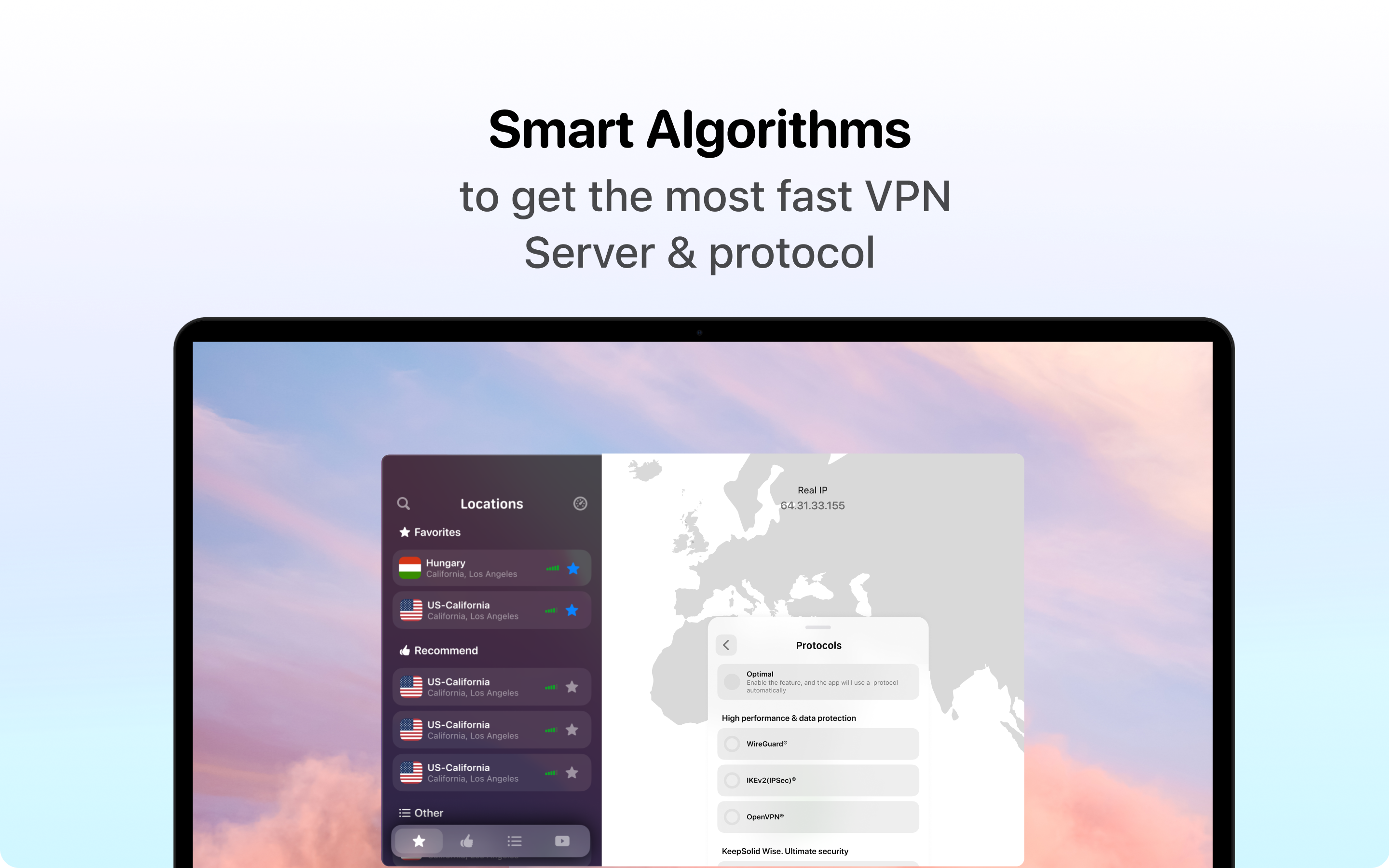
Security is at the heart of any credible VPN, and VPN Unlimited® excels with its multiple secure protocols, including IKEv2, WireGuard, and OpenVPN. Think of these as different types of armor—each designed to suit various needs, whether prioritizing speed or maximum encryption. The app also features automatic kill switch and DNS leak protection, which act like your digital bodyguards, ensuring that your real IP address and sensitive data stay private even if the connection drops unexpectedly.
User Interface and User Experience: Simplicity Meets Elegance
The app sports a sleek, clean interface that feels welcoming rather than intimidating—a bit like entering a well-organized control room. The design is intuitive, with clear toggle buttons and minimal clutter, making it accessible even to VPN newcomers. The connection process is swift, and the app tends to respond promptly, contributing to a fluid experience. The learning curve is gentle; with a few minutes exploring the dashboard, most users will feel comfortable switching servers and adjusting settings.
What Sets VPN Unlimited® Apart?
While many VPNs cater to the same core needs, VPN Unlimited® distinguishes itself with its comprehensive security suite and flexible protocol options, catering to varied user priorities. Its unique advantage lies in offering a balanced mix of speed, security, and ease of use—almost like having a Swiss Army knife for your online privacy. Particularly, the inclusion of WireGuard, a newer protocol known for high speed and strong security, positions it as a forward-thinking choice.
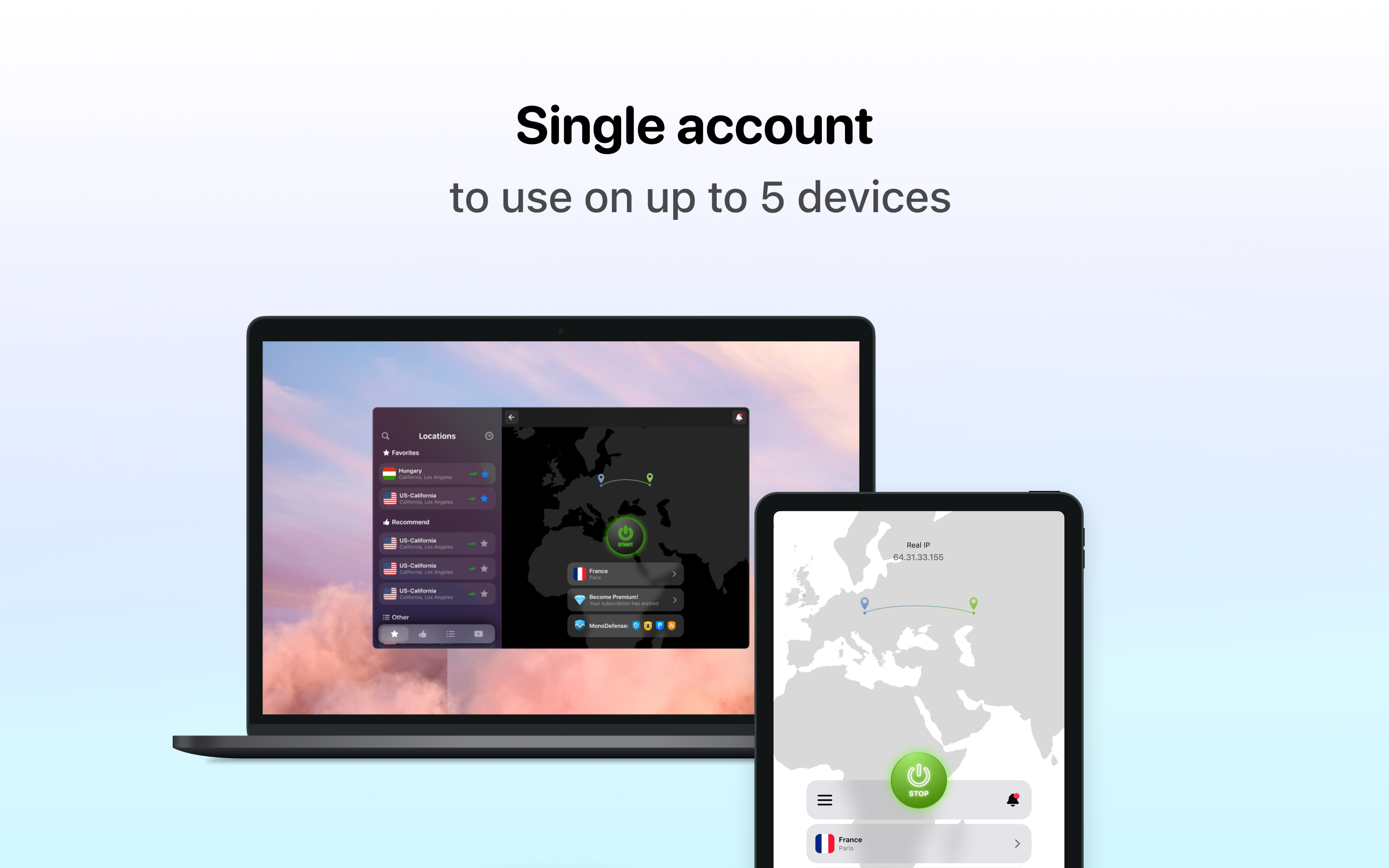
Compared to other security applications, VPN Unlimited® emphasizes user control without overwhelming complexity. It also supports simultaneous device connections across different platforms, making it an excellent all-in-one solution for families or small teams.
Verdict and Recommendations
Overall, VPN Unlimited® for Windows earns a solid recommendation for users seeking an approachable yet secure VPN solution. Its straightforward interface, extensive server network, and robust security tools make it suitable for everyday privacy needs and bypassing geo-restrictions.
For casual users and those new to VPNs, it offers an inviting entry point. Power users and tech-savvy individuals will appreciate the protocol choices and granular settings. However, users with highly specific or advanced privacy demands might want to check if the app's features fully align with those needs.
In conclusion, if privacy, speed, and ease of use are your priorities, VPN Unlimited® stands out as a versatile and trustworthy option—much like having a reliable digital companion on every online adventure.
Pros
- Strong encryption protocols
- Wide server network
- User-friendly interface
- High-speed connections
- Multiple device support
Cons
- Occasional connection drops
- Limited free trial options
- Pricing may be relatively high
- Some servers may be crowded
- Limited P2P support on some servers











