

- Name Trend Micro Antivirus Plus Security
- Category Security
- Available on PC
- OS Windows 10 version 0.0 or higher
- Memory 4 GB
- languages English, Chinese (Traditional Chinese), Spanish, Russian, Thai, Dutch, Danish, Korean, Norwegian, Portuguese, French, German, Turkish, Vietnamese, Swedish, Indonesian, Italian
Trend Micro Antivirus Plus Security for Windows: A Trustworthy Defender in Your Digital Space
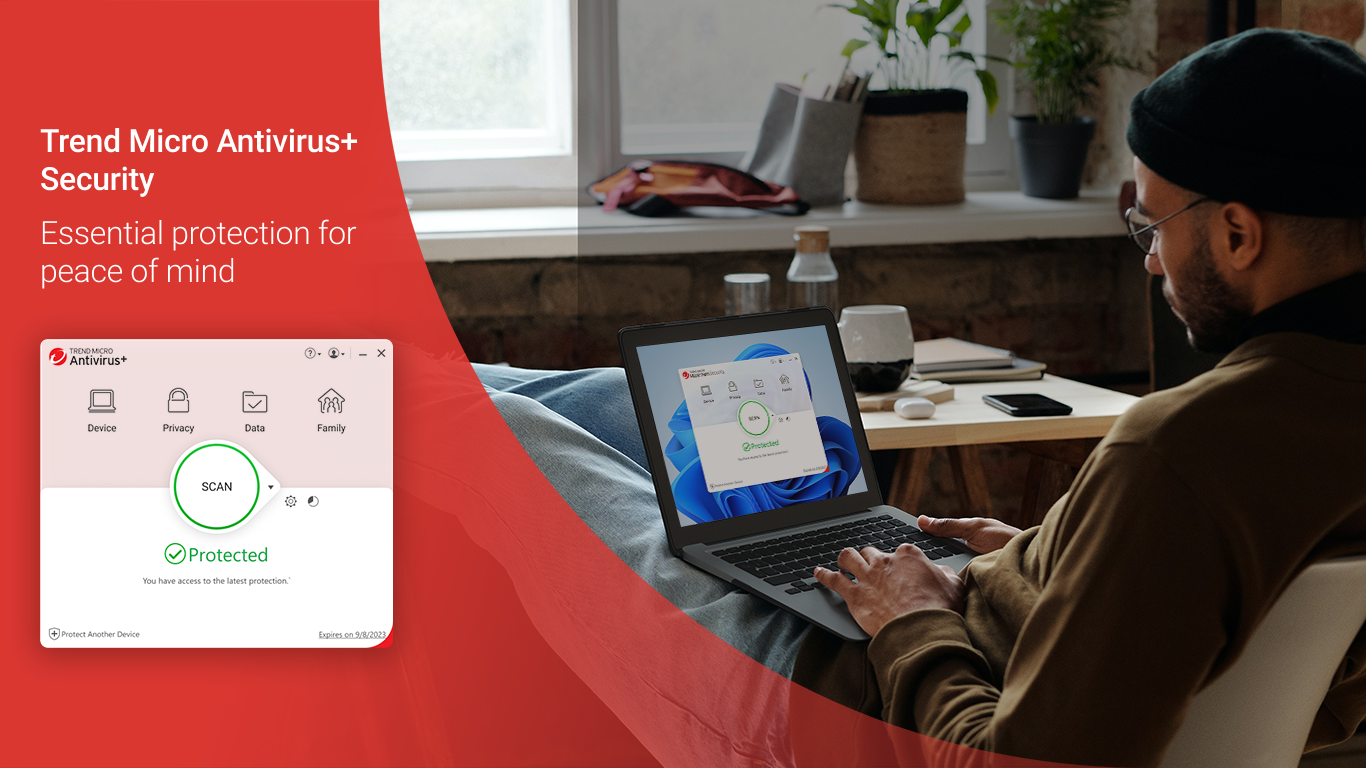
Offering a solid shield against online threats, Trend Micro Antivirus Plus Security for Windows is designed to keep your digital life safe and smooth, all while maintaining ease of use for everyday users.
Reliable and User-Friendly: Basic Information at a Glance
Trend Micro Inc., a well-established leader in cybersecurity, develops this antivirus solution, combining years of industry expertise with modern technology. The application boasts a clean, intuitive interface, making security accessible even for those less tech-savvy. Its key features include real-time malware detection, ransomware protection, and privacy protection through web filtering. Geared toward individual users, small businesses, and anyone seeking a dependable security layer, it aims to strike a balance between robust protection and user convenience.
A Fun and Practical Introduction: Why You'll Enjoy Protecting Your Digital World
Imagine your computer is a bustling city, and every day, cyber threats are like mischievous intruders trying to sneak in. Trend Micro Antivirus Plus Security acts as a vigilant security guard, smoothly patrolling your digital streets. Its smart technology identifies dangers before they can cause trouble, allowing you to browse, shop, and work without constantly looking over your shoulder. With this app, cybersecurity feels less like a chore and more like having a reliable friend watching out for you.
Core Feature One: Smart Malware and Ransomware Defense
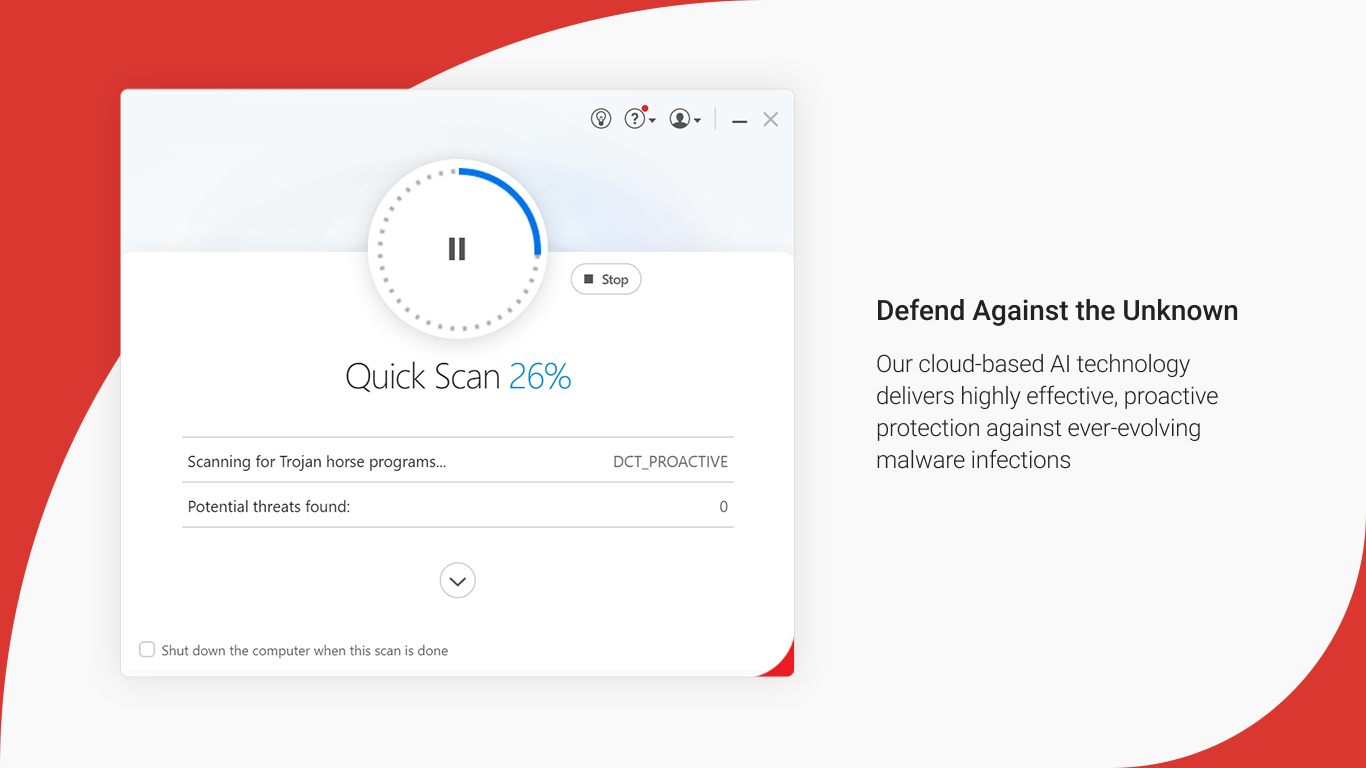
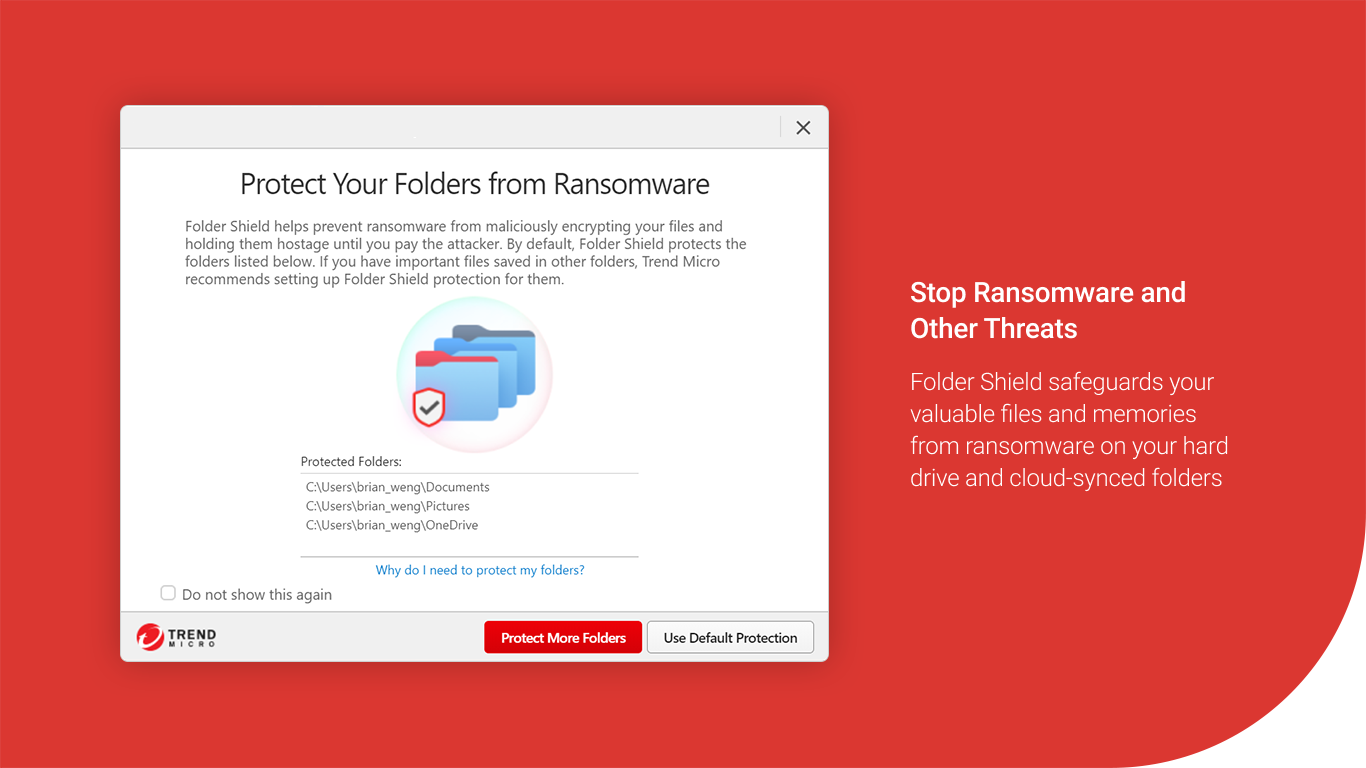
At the heart of Trend Micro's protection lies its threat detection engine that actively scans your system and incoming files for malicious code. What makes it stand out? Its advanced machine learning algorithms constantly evolve, recognizing new threats with surprising agility. The real-time scanning ensures that malware or ransomware is caught before it can lock your files or hijack your browser. This feature's most remarkable aspect is its “behavior monitoring”—it doesn't just rely on known virus signatures; it observes suspicious activities and intervenes, acting as a vigilant sentinel rather than a passive scanner.
Core Feature Two: Web and Privacy Protection
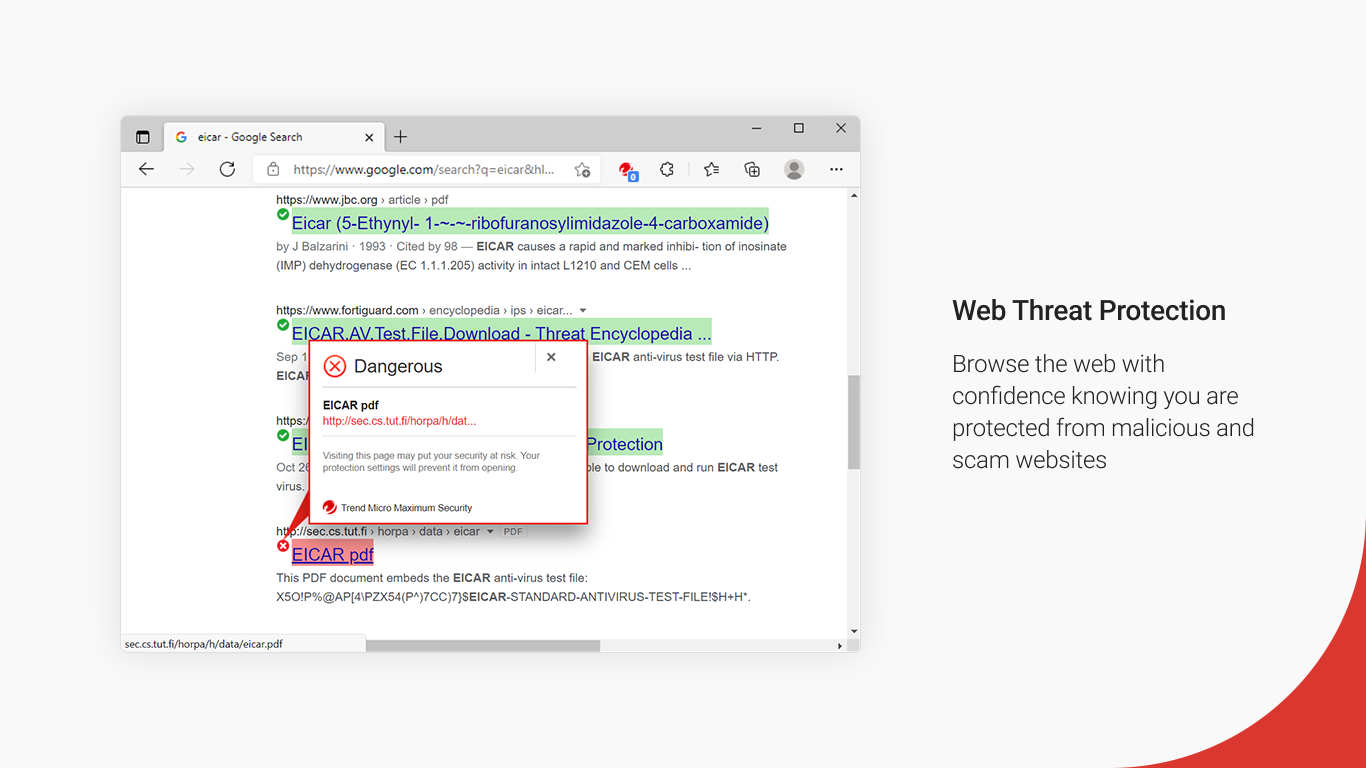
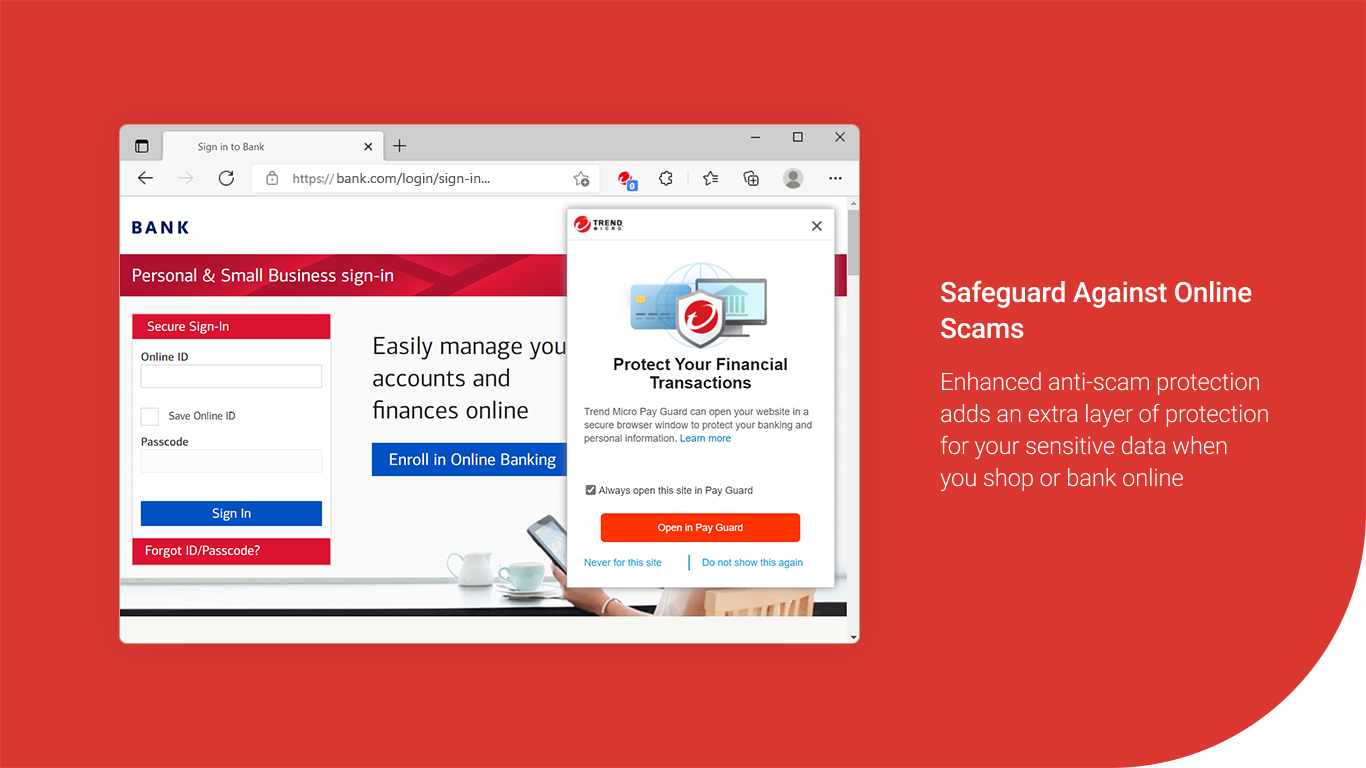
Browsing online should feel safe, and this app ensures it is. Its web filtering system acts like an invisible gatekeeper, blocking phishing sites and malicious links before they reach your screen. Moreover, it offers privacy features such as robust anti-tracking and webcam protection, safeguarding your personal information from prying eyes. Think of it as having a security guard watching over your digital storefront, making sure only trusted visitors get through and your sensitive valuables stay hidden.
Experience and Differentiation: How It Feels to Use Trend Micro
The interface of Trend Micro Antivirus Plus Security is akin to a well-organized control panel—clutter-free, colorful, and easy to navigate. Setting up the program takes just minutes, with clear prompts guiding you along. During daily use, the application runs silently in the background, with minimal impact on system performance—much like a diligent but unobtrusive companion. Its learning curve is gentle; even novices will find the initial setup straightforward, while experienced users can dig into advanced settings if desired.
Compared to other security suites, Trend Micro's standout feature is its proactive threat detection powered by machine learning, which often outperforms signature-based systems in blocking zero-day attacks. Its emphasis on privacy protection, especially web filtering and webcam security, offers users a comprehensive shield—not just against malware but also online privacy invasions. This holistic approach sets it apart from many competitors that focus primarily on virus scanning alone.
Final Verdict: A Recommendable Companion for Everyday Cybersecurity
Considering its robust protection, user-friendly design, and unique privacy features, Trend Micro Antivirus Plus Security emerges as a dependable choice for those who want a straightforward yet effective security solution. I'd recommend it for home users, students, and small offices seeking peace of mind without complicated setups. For tech enthusiasts craving deep customization, it might feel somewhat limited, but for typical users, it hits the sweet spot of security and simplicity.
In short, if you're looking for an antivirus that combines intelligent threat detection with privacy safeguards and an intuitive experience, Trend Micro Antivirus Plus Security is worth considering. It's like having a vigilant friend who's always on patrol—quiet when everything's fine, but ready to step in at the first sign of trouble.
Pros
- Strong malware detection
- Real-time protection features
- User-friendly interface
- Additional privacy tools
- Regular updates and support
Cons
- Occasional false positives
- High system resource usage during scans
- Limited free version features
- Prompt update notifications can be intrusive
- Occasional false alarms with safe software










