




- Name ExpressVPN
- Category Security
- Developer ExpressVPN
- Available on PC
- OS Windows 10 version 0.0 or higher
- Keyboard Integrated Keyboard
- Mouse Integrated Mouse
- languages Danish, Dutch, Finnish, French, German, Italian, Japanese, Korean, Norwegian, Polish, Portuguese, Russian, Spanish, Swedish, Thai, Turkish, English
ExpressVPN for Windows: A Reliable Gateway to a Safer and Faster Internet
As digital landscapes grow increasingly complex and interconnected, having a trusted VPN at your fingertips is essential. ExpressVPN for Windows stands out as a robust choice, promising security, privacy, and seamless browsing — all wrapped in an intuitive interface. Whether you're a casual streamer or a frequent remote worker, this app aims to enhance your online experience with professionalism and ease.
About the App and Its Core Strengths
Developed by Expressco Services, LLC, ExpressVPN for Windows is designed to provide users with private, unrestricted internet access across the globe. Its main features include high-speed server connections, a strict no-logs policy, user-friendly multi-platform compatibility, and innovative security protocols.
- Fast and stable connections: Ensures smooth streaming and browsing experiences.
- Robust encryption and security features: Protects your data from unwanted snoopers.
- Easy-to-use interface: Simplifies VPN management for both tech-savvy users and novices.
- Global server network: Connects you to over 3000 servers across numerous countries.
The target audience spans privacy-conscious individuals, remote workers, travelers, and anyone who values unrestricted access and digital security.
An Engaging Dive Into the User Experience
Imagine sitting at your desk, preparing to explore the vast corners of the internet — yet feeling a subtle, persistent worry about privacy breaches. Enter ExpressVPN for Windows: a digital passport that shields your identity while unlocking the internet's treasures. From the moment you launch the app, its sleek, minimalistic interface feels more like a trusted companion than a complicated tool, inviting you in with its straightforward design.
Speed and Connectivity: Fast Lane on the Digital Highway
One of the app's standout features is its lightning-fast connection speed. Thanks to its proprietary Lightway protocol, ExpressVPN offers remarkable stability and minimal latency, making it ideal for streaming 4K videos, gaming, or large file downloads. The app intelligently selects the optimal server based on your location, reducing buffering and lag. Unlike some competitors that bog down your bandwidth, ExpressVPN maintains a smooth experience, almost like having a private highway that bypasses traffic jams.
Security Protocols: Fortress in the Digital Realm
This application's second crown jewel lies in its security features. Built on advanced 256-bit AES encryption, it functions as a digital fortress around your data. The app's kill switch ensures your information never leaks if the connection drops unexpectedly, acting as your digital bodyguard. Moreover, the integration of trusted protocols such as Lightway and OpenVPN guarantees both speed and security, setting it apart from typical VPNs that often sacrifice one for the other.
User Interface and Ease of Use: A Friendly Digital Guide
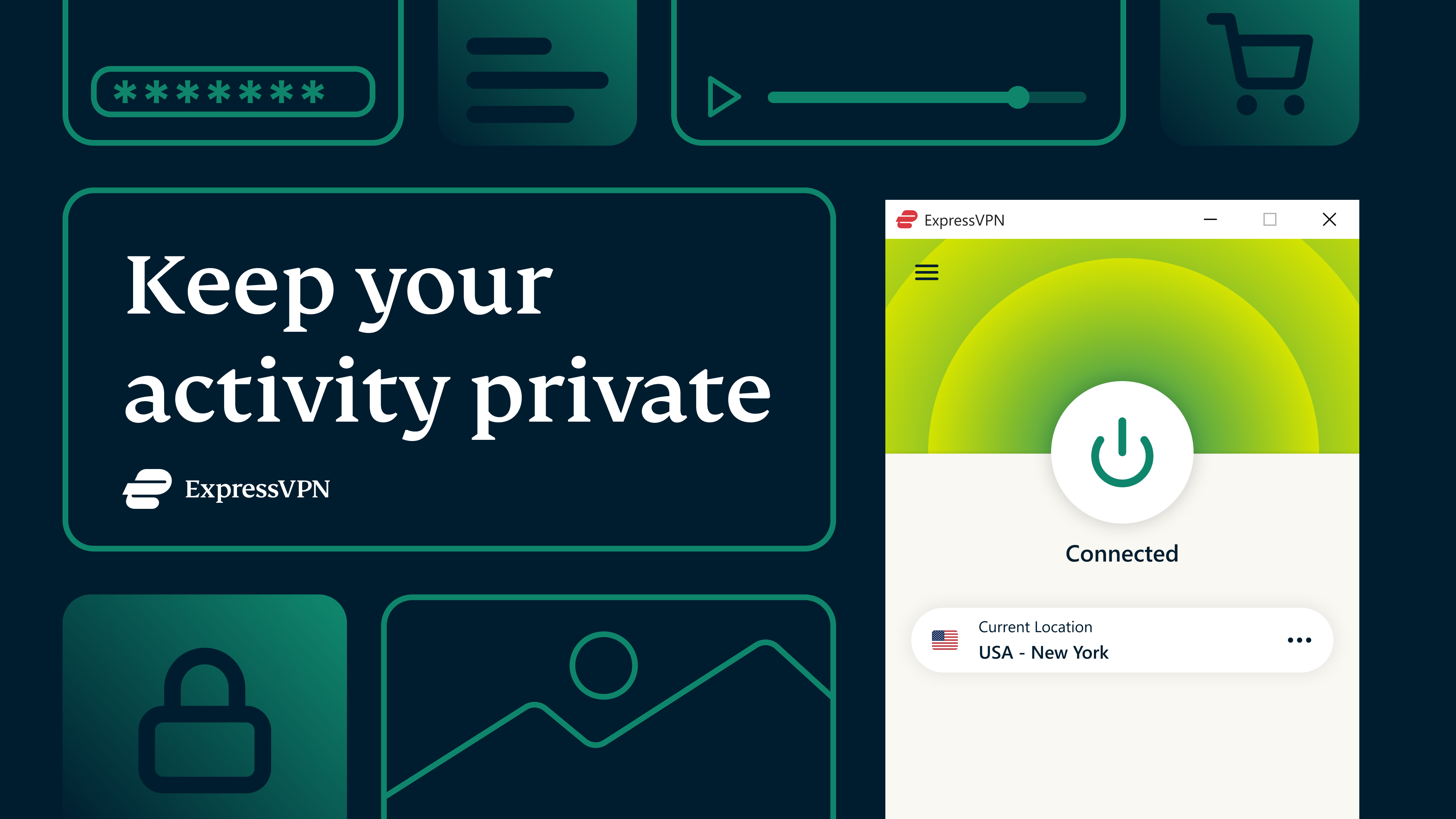
Getting started with ExpressVPN on Windows feels like having a seasoned navigator by your side. The interface is uncluttered, with a big “Connect” button front and center. Selecting a server is as easy as choosing your destination on a map, enhancing the user experience for beginners without sacrificing controls for power users. The app's learning curve is gentle, allowing quick setup and hassle-free operation, making it more like a helpful friend guiding you through secure browsing rather than a complex tech puzzle.
What Sets ExpressVPN Apart?
While many security applications focus solely on protection, ExpressVPN's uniqueness arises from its blend of speed, security, and user experience. Its Lightway protocol is a game-changer, providing faster connections without draining resources — a vital advantage in today's data-intensive environment. Additionally, the app's ability to unblock geo-restricted content while maintaining high-speed performance is especially valuable for users who seek both freedom and efficiency online. Its strict no-logs policy and audited transparency further give users confidence that their privacy is genuinely prioritized.
Final Recommendations
In conclusion, if you're searching for a reliable, easy-to-use VPN that excels in maintaining speed and security, ExpressVPN for Windows is a commendable choice. It's particularly recommended for users who need quick setup and don't want to compromise on streaming quality or privacy. While it may come at a slightly higher price point compared to some competitors, the balance it strikes between performance and protection justifies the investment.
For those who value a straightforward, effective solution that supports overall online freedom and safety, this app is worth considering as your digital shield. Just remember, no tool can replace good security habits, but ExpressVPN certainly provides a strong foundation to explore the internet fearlessly.
Pros
- Strong Security Features
- Wide Server Network
- High-Speed Performance
- User-Friendly Interface
- Multi-Device Compatibility
Cons
- Limited Customization Options
- Occasional Connection Drops
- Higher Subscription Cost
- Limited Free Trial
- App Compatibility Issues on Certain Devices










