

- Name Microsoft PC Manager
- Category Security
- Available on PC
- OS Windows 10 version 19042.0 or higher
- languages Chinese (Simplified), Chinese (Traditional), English (United States), Hindi, Japanese, Korean
Introducing Microsoft PC Manager for Windows: A Windows Optimization Companion
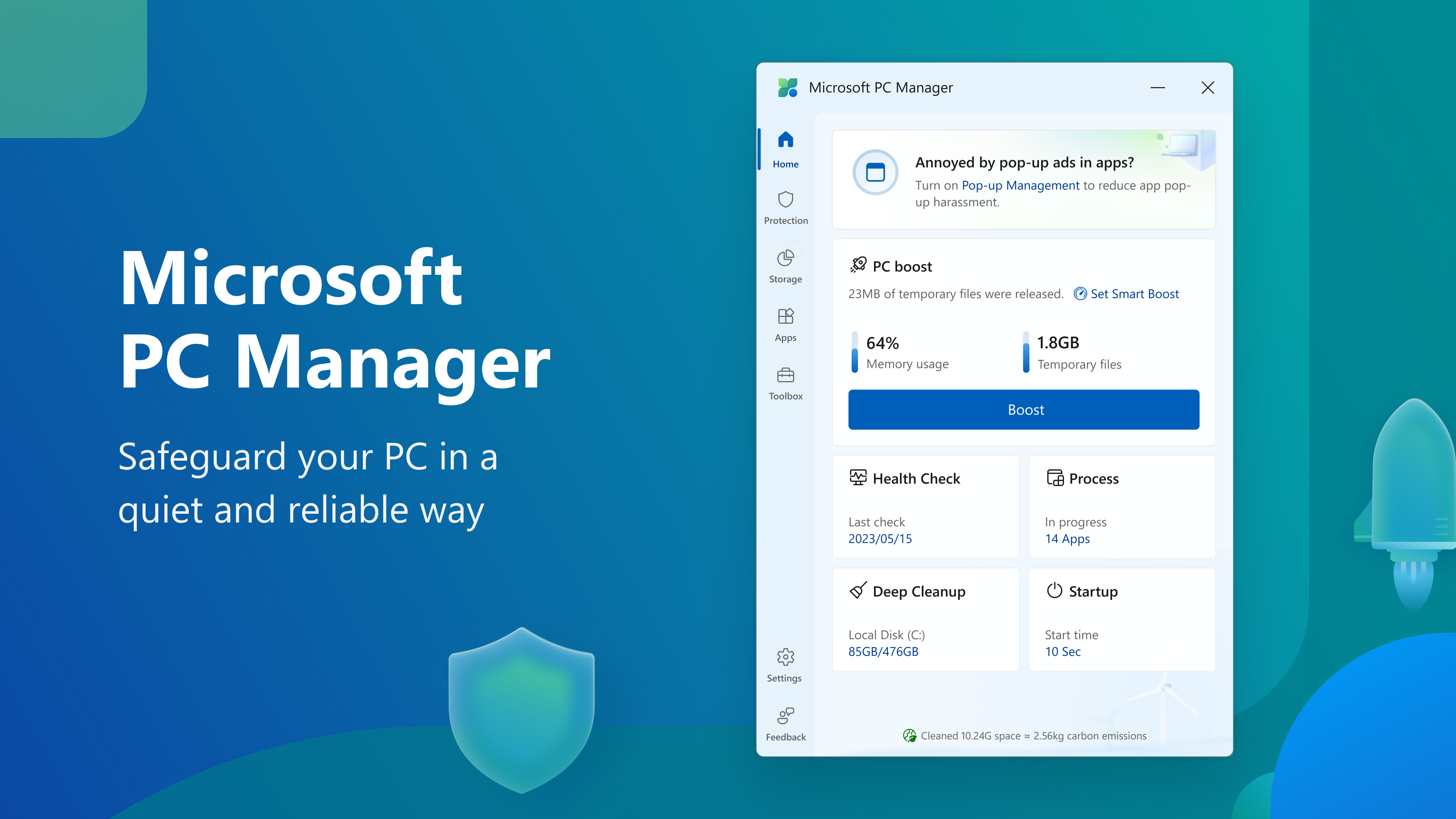
Microsoft PC Manager for Windows is a comprehensive utility aimed at streamlining system maintenance, boosting performance, and enhancing user security—an all-in-one solution designed by the trusted Microsoft ecosystem.
About this App: What You Need to Know
Developed by Microsoft Corporation, this application serves as a centralized hub for managing and optimizing your Windows PC. Its primary highlights include quick system cleanup, real-time security assessments, and intelligent resource management, all tailored to improve your device's speed and security without complicated setups. Targeted at everyday users, students, and professionals seeking a hassle-free way to keep their PC running smoothly, Microsoft PC Manager is intended for those who prefer a safe, integrated, and straightforward tool to handle routine maintenance tasks.
A Fresh Perspective: The Journey into Microsoft PC Manager
Imagine your PC as a busy city—over time, clutter accumulates, traffic congestion slows down daily life, and security threats lurk around every corner. Microsoft PC Manager acts like a diligent city planner and security patrol combined—cleaning up the clutter, optimizing routes, and keeping everything secure, so your digital experience remains swift and safe. Navigating this app feels intuitive; it's like having a friendly tech assistant guiding you through the maze of maintenance tasks, all with minimal effort and maximum clarity.
Core Functionality 1: Intelligent System Cleanup and Optimization
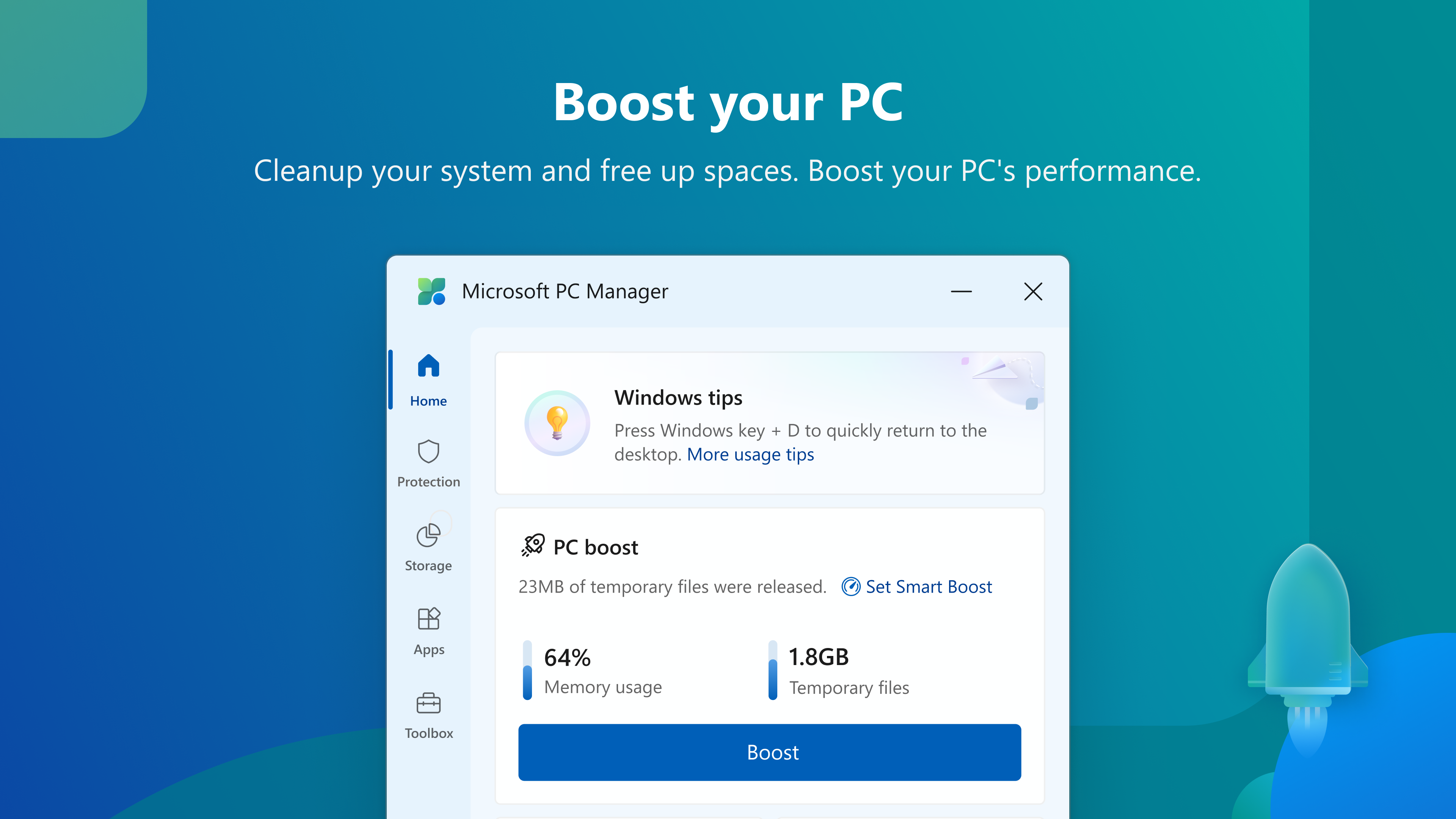
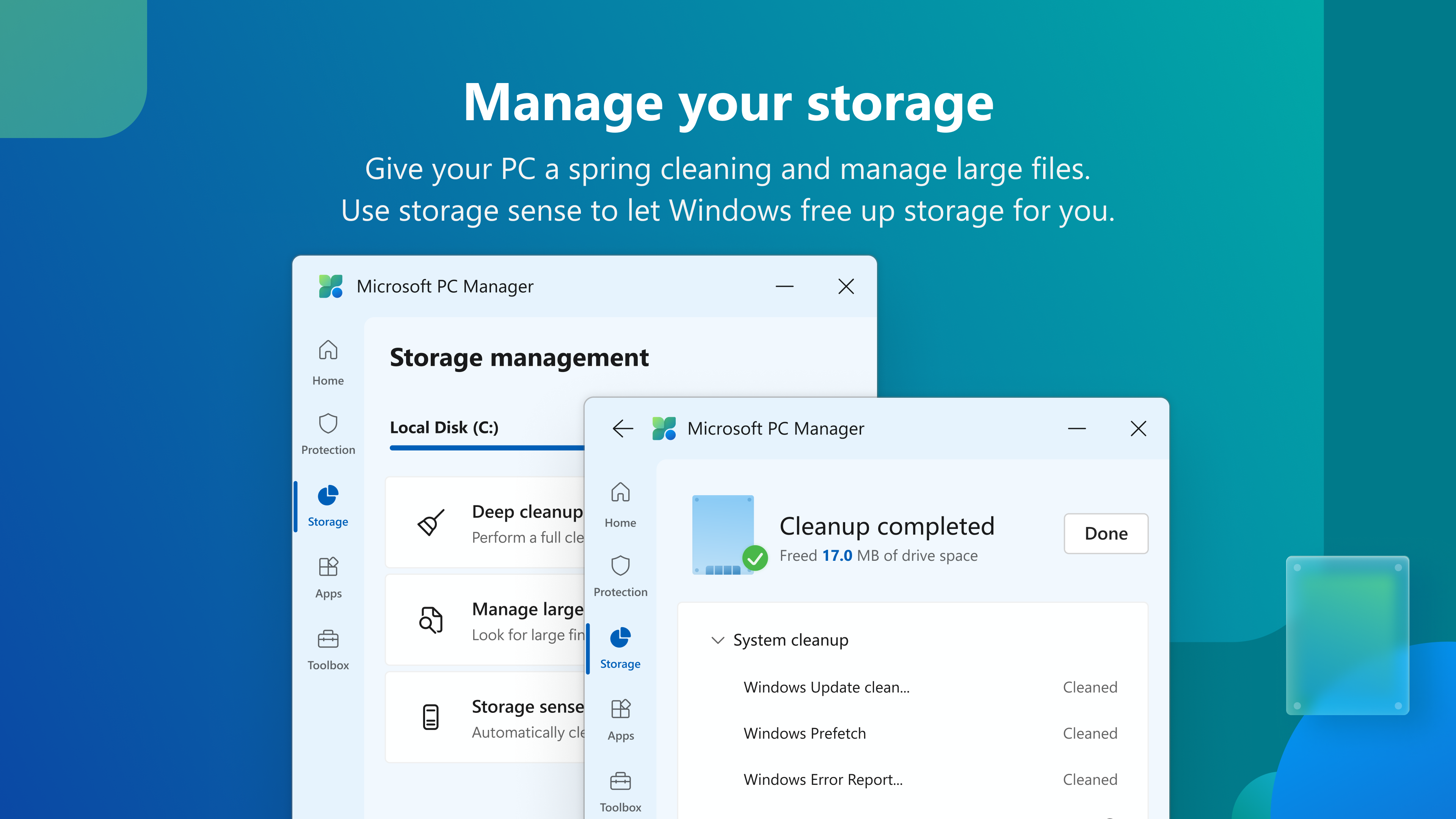
One of the app's shining features is its ability to perform quick, thorough system cleanup. With a simple click, it scans for junk files, temporary data, and residual caches that silently hoard space and slow down performance. Unlike some traditional cleaners that may require manual setup or complex configurations, Microsoft PC Manager offers a streamlined process that feels like a gentle spring cleaning—refreshing your PC silently in the background. The app's optimization tools go a step further by managing startup items and background processes, promoting faster boot times and smoother operation.
Core Functionality 2: Real-Time Security and Threat Monitoring
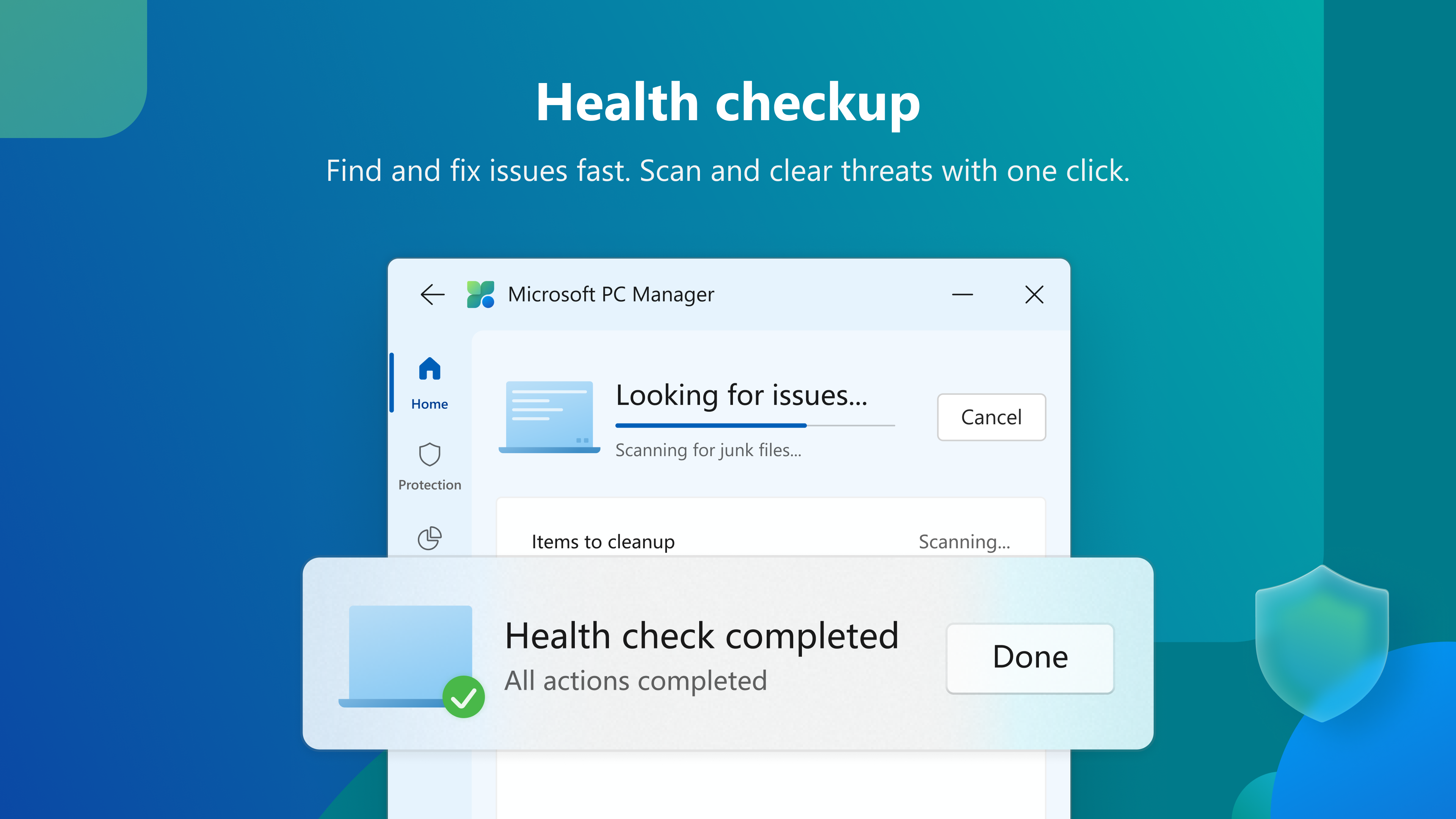
Security is seamlessly integrated into the user experience. The app monitors your system for malware, vulnerabilities, and other threats, providing real-time alerts and suggestions. Its vulnerability scanner can detect Windows security weaknesses and propose actionable solutions, functioning like an ever-vigilant security guard—quietly watching over your digital realm. This proactive approach distinguishes it from many standalone antivirus tools by combining security monitoring with maintenance, all within a unified interface.
Core Functionality 3: Resource Management and Performance Boost
The app also excels in resource management, allowing users to identify and close unnecessary background processes that hog CPU, memory, or disk usage. Its user-friendly dashboard visualizes resource consumption, making it easy to understand where your PC's bottlenecks are. Whether you're an everyday user or a power user trying to eke out maximum performance, this feature offers a clear view of system health, encouraging smarter management without needing technical expertise.
Design, Usability, and Unique Selling Points
Microsoft PC Manager sports a clean, modern interface that's akin to a well-organized workspace—simple, informative, and inviting. Navigation is smooth, with logical flow between different modules, making it accessible for users of all tech levels. Operation feels swift; the app doesn't bog down your system, and its intelligent automation reduces the learning curve to almost none. For first-time users, discovering how to optimize your PC feels natural, like having a friendly guide showing you the ropes.
What sets Microsoft PC Manager apart from other security and optimization tools is its deep integration with Windows—leveraging Microsoft's vast ecosystem to provide tailored solutions that other third-party tools may lack. Its ability to combine security, cleanup, and resource management under one roof, along with proactive vulnerability monitoring, offers a holistic approach that's both efficient and trustworthy. Instead of juggling multiple apps, you get a comprehensive suite that understands Windows intimately.
Final Verdict: A Solid Choice for Everyday PC Care
Overall, Microsoft PC Manager provides a balanced mix of essential maintenance features wrapped in a user-friendly package. It's particularly suitable for users who prefer a native Microsoft solution that seamlessly integrates with Windows, offering peace of mind without the fuss. While it may not replace more specialized security suites for advanced threats, its core functions are robust enough for daily use and general system health maintenance.
We recommend giving Microsoft PC Manager a try if you're looking for a straightforward, reliable tool to keep your Windows PC tidy, secure, and performing at its best. For those who value simplicity, integration, and effective system oversight, this app is worth adding to your toolbox, like a trusty sidekick ready to streamline your digital life.
Pros
- Easy-to-Use Interface
- One-Click Optimization
- Secure Privacy Features
- Real-Time System Monitoring
- Automatic Updates
Cons
- Limited Deep Cleaning Capabilities
- Performances Vary Across Devices
- Occasional False Positives
- Limited Customization Options
- Dependence on Microsoft Ecosystem










