

- Name ESET HOME Security Essential
- Category Security
- Developer ESET, spol. s r.o.
- Available on PC
- OS Windows 10 version 0.0 or higher
- Keyboard Integrated Keyboard
- Mouse Integrated Mouse
- Memory 300 MB
- languages Arabic, Bulgarian, Chinese (Simplified), Chinese (Traditional Chinese), Croatian, Czech, Danish, Dutch, English, English (United States), Estonian, Finnish, French (Canada), French, German, Greek, Hebrew, Hungarian, Indonesian, Italian, Japanese, Kazakh, Korean, Lithuanian, Norwegian, Polish, Portuguese, Portuguese (Brazil), Romanian, Russian, Serbian (Latin), Slovak, Slovenian, Spanish, Spanish (Latin America), Swedish, Thai, Turkish, Ukrainian, Vietnamese
Introducing ESET HOME Security Essential for Windows: Your Reliable Digital Guardian
ESET HOME Security Essential for Windows is a streamlined yet powerful antivirus solution designed to safeguard your computer with ease and efficiency. It aims to provide essential security features without overwhelming users with complexity, making it a solid choice for both rookies and seasoned tech enthusiasts alike.
A Glimpse Behind the Curtain: About the Developer and Core Features
Who's Behind It?
Developed by ESET, spol. s r.o., a well-established cybersecurity company renowned worldwide for its robust anti-malware solutions and innovation in digital protection.
Key Features that Stand Out
- Real-time malware protection: Constantly monitors and defends your system against viruses, ransomware, spyware, and other threats.
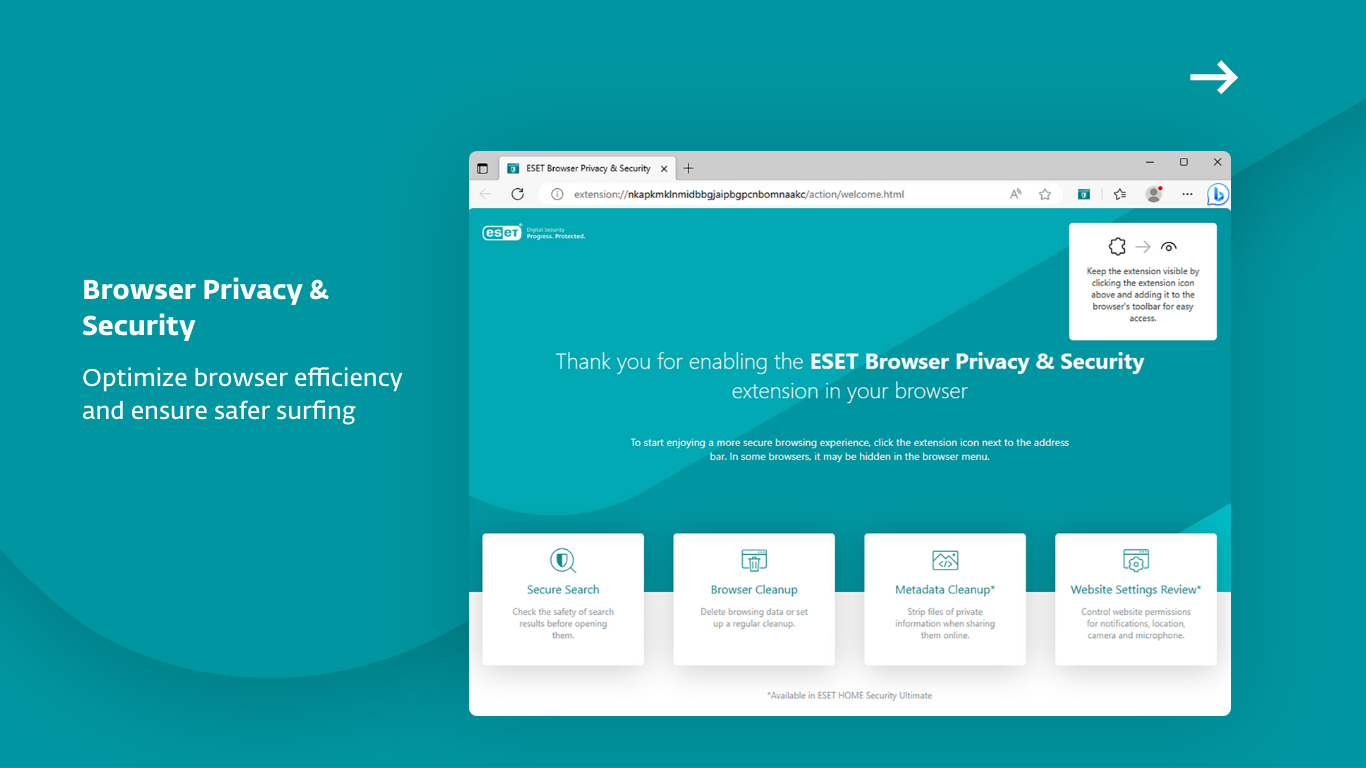
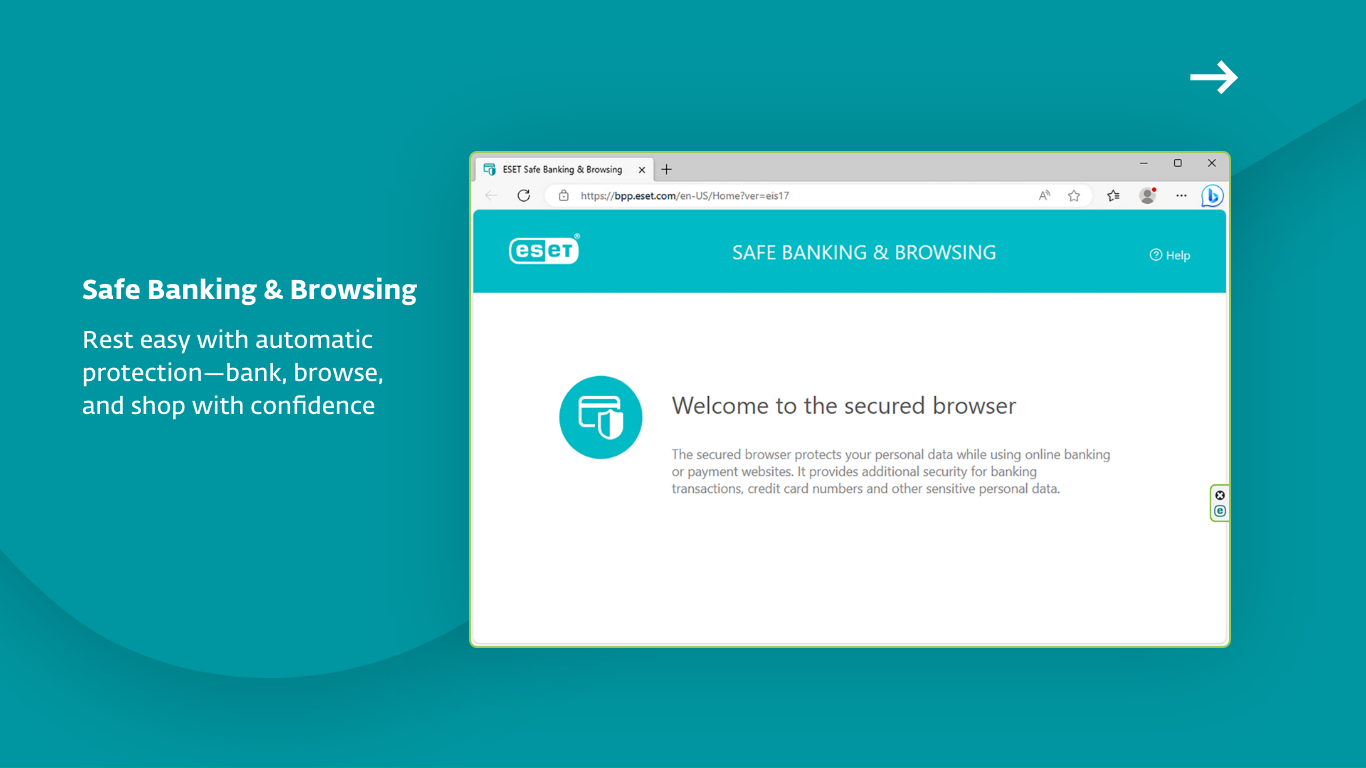
- Web and email filtering: Shields you from malicious websites and phishing attempts, ensuring safe browsing and email experiences.
- System performance optimization: Runs quietly in the background without slowing down your PC, offering a seamless user experience.
- Easy device management: Allows users to remotely monitor and control their security settings via the intuitive interface of the ESET Home platform.
A Fast-Paced Deployment: Making Security Feel Effortless
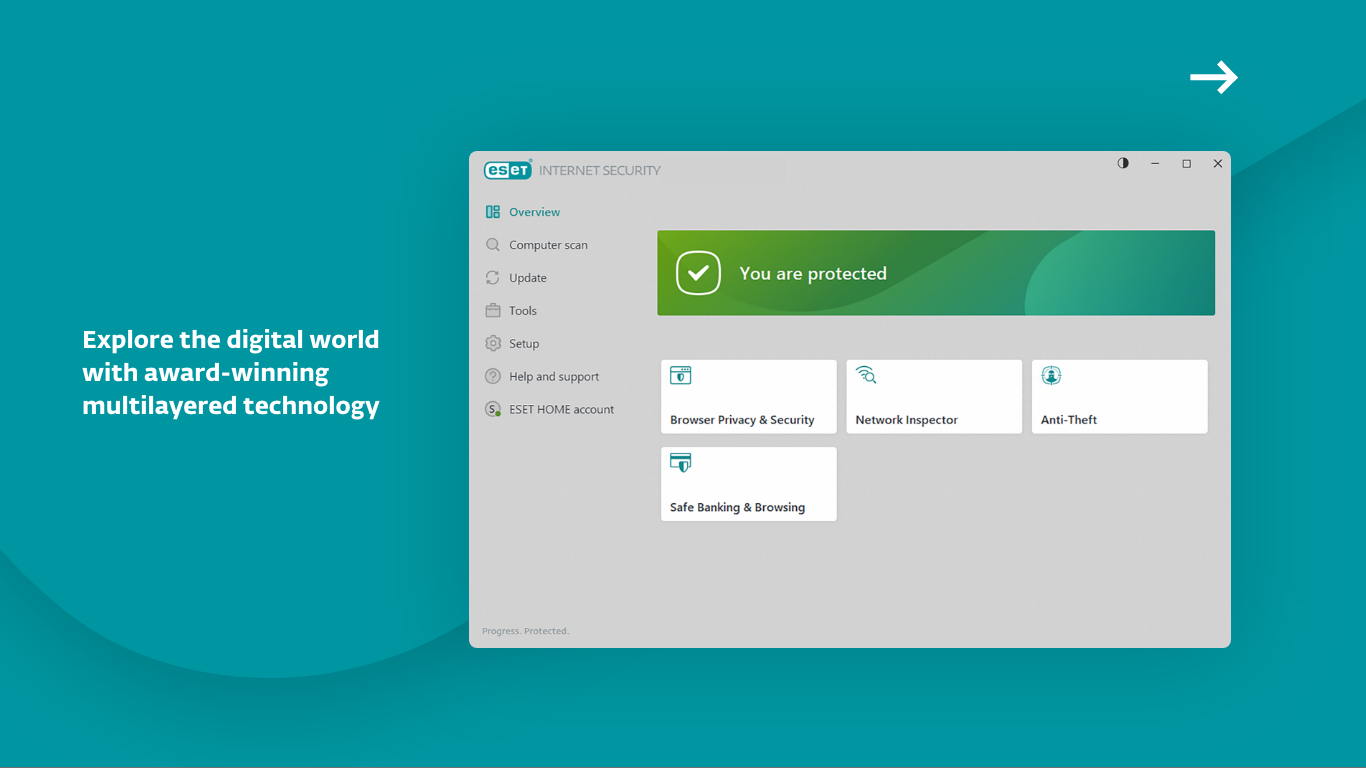
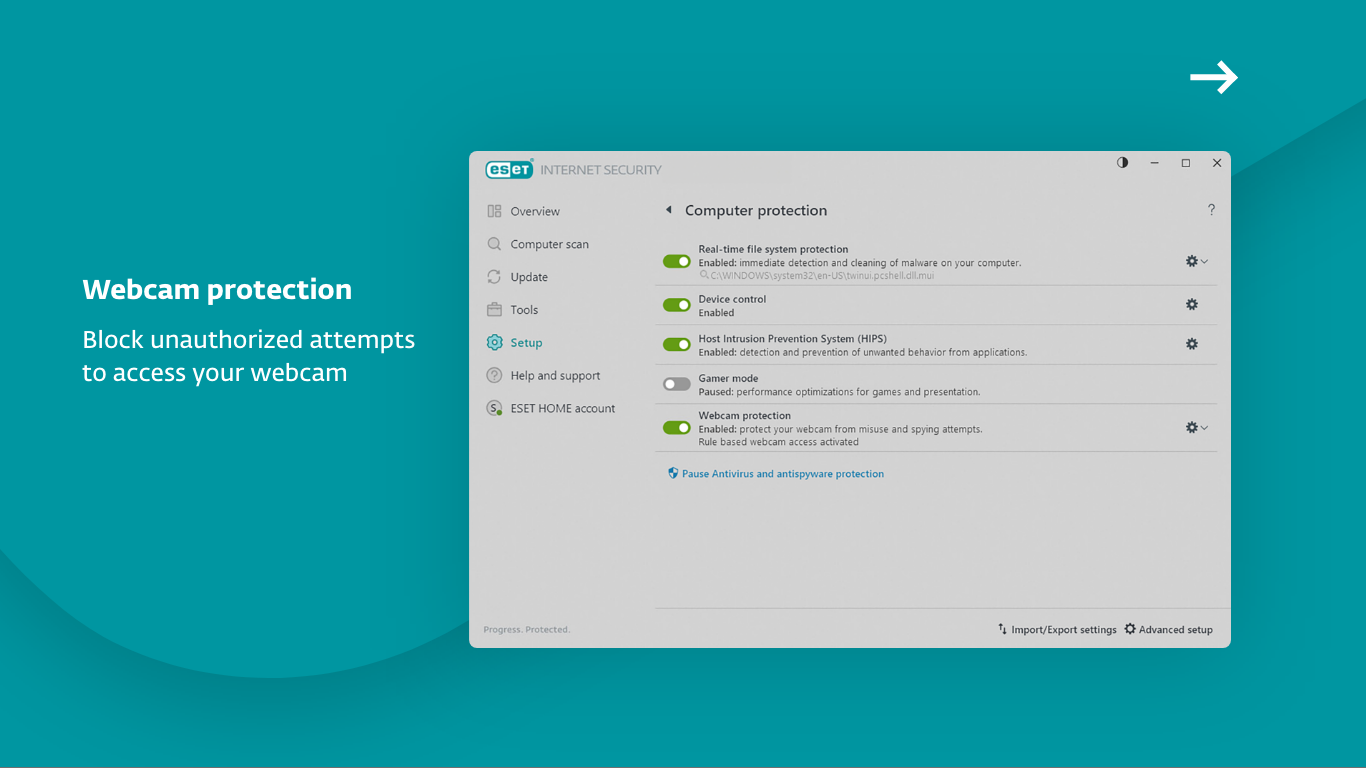
Imagine stepping into your digital world — just like walking into a cozy home where everything is in order. ESET HOME Security Essential wraps its protective arms around your Windows PC with minimal fuss, inviting you in without the intimidating technical jargon. Its setup process is straightforward; a few clicks, and you're shielded. The introductory interface boasts a clean, modern design, with intuitive icons guiding even the most casual users. The responsiveness is impressive — navigating menus feels snappy, and live scans run in the background without causing noticeable lags, akin to a well-tuned engine purring smoothly beneath the hood.
Highlights That Make It Shine: Key Functional Sections
Protection at Your Fingertips
The core of ESET HOME Security Essential is its malware detection prowess. Through advanced heuristic analysis and signature-based detection, it keeps pace with the ever-evolving threat landscape. The web filtering feature acts like a vigilant door keeper, warning you before you step onto dangerous sites or open suspicious links in emails. It's like having a guardian whispering, “Careful now,” whenever danger lurks nearby.
Device Management & User Experience
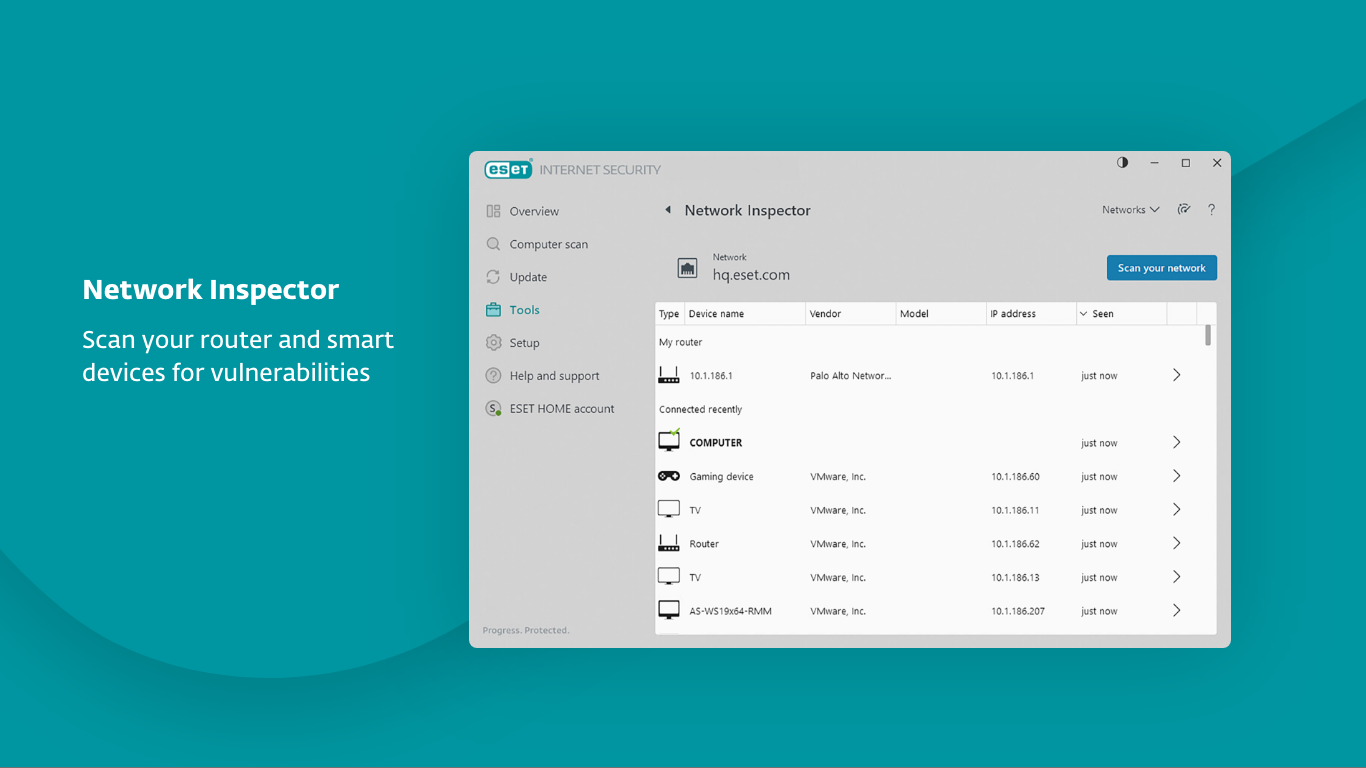
The tool shines in its Remote Management capabilities. From the user dashboard on your PC or even via the mobile app, you gain complete control over security settings. It's akin to managing a fleet of guard dogs from a central command station. The interface is quite user-friendly; even tech novices can navigate through settings, schedule scans, or review security logs without breaking a sweat. The learning curve is gentle, supported by clear labels and helpful tips, making security feel less like a burden and more like a routine.
Performance & Compatibility
Unlike some security suites that compromise system performance, ESET HOME Security Essential works quietly in the background, like a dedicated bodyguard who only intervenes when necessary. It seamlessly integrates with Windows 10 and 11, respecting your system resources while staying vigilant. The lightweight design ensures that your productivity remains unhindered, making it suitable for everyday users who want peace of mind without sacrificing speed.
What Sets It Apart? Unique Selling Points
What distinguishes ESET HOME Security Essential from competitors is its unified management platform — ESET Home — which consolidates your device controls into a single, accessible portal. This feature is particularly appealing for users with multiple devices, such as desktops, laptops, and even mobile phones, providing a comprehensive security overview. Furthermore, its unobtrusive operation combined with reliable malware detection creates a balanced security environment that doesn't feel like an overbearing fortress but rather a trustworthy shield.
Final Verdict: Is It Worth Your Time?
Given its blend of robust core functionalities, user-friendly design, and intelligent device management, ESET HOME Security Essential is a commendable security companion for Windows users. It's especially suitable for those who prefer a straightforward solution that quietly does its job without hogging resources or cluttering the interface. I would recommend it to personal users, small business owners, or anyone seeking a dependable yet unobtrusive security tool. As a friend who's seen many security products come and go, I can attest that ESET's approach strikes a comfortable balance between simplicity and strength, making it a reliable choice in today's digital landscape.
Pros
- Effective malware protection
- Low system impact
- Easy to use interface
- Frequent security updates
- Lightweight footprint
Cons
- Limited advanced features
- Occasional false positives
- Lack of integrated firewall
- No free customer support options
- Limited customization options










